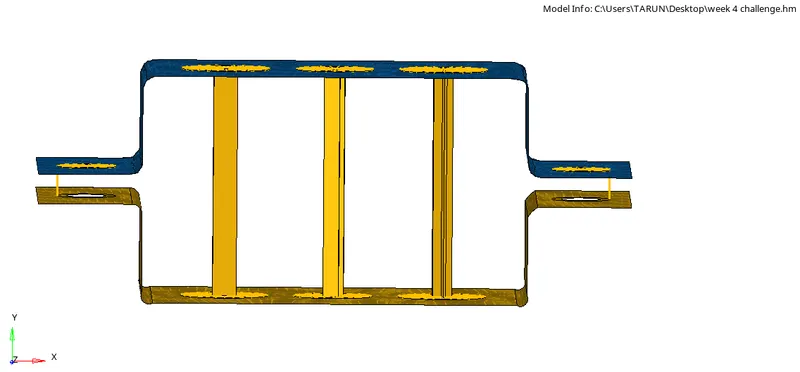
Week 4- Challenge
1.Ans.
Objective:To mesh the given component with the size of 5mm and to create 1D elements of the component with given cross section and Degrees of freedom(DOF).
Procedure:
- Firstly import the model from the system files.
- The model we imported will be in wire frame model.So, convert it into shaded view.
- Then Create a mid surface for the given model using mid surface icon in geometry.
- Select the component to create the mid surface.
- Create seperate mid surfaces for the different components.
- Delete the solid part of the brackets.
- Create brackets for the components.
- Move the mid surface to the bracket by using 'Organise' option in tools by selecting the surface.
- Create and assign the material to the components as 'Steel'.
- Select required card images for the particular model.
- Then Assign property to the material and select the card image for the material as P-shell as it is a mid-surface.
- Then Assign the properties and materials to the components and as well as thickness.
- And assign the given materials to the properties.
The image will be as follows:
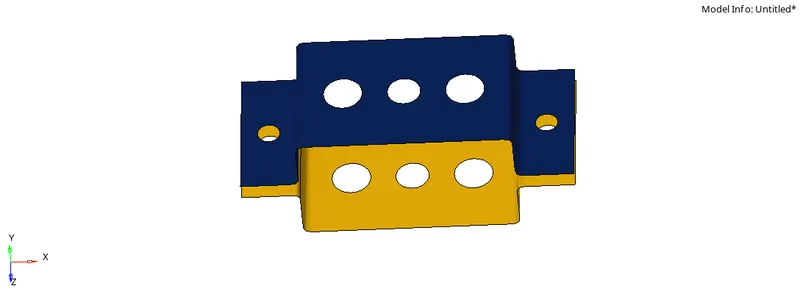
- Before meshing add the washer split to the holes in the component to get a perfect mesh with nodes.
- Mesh the whole component using auto-mesh tool.
- Then select mixed mesh type to get the perfect mesh and select the size of the element to mesh.
- After meshing adjust the nodes for better quality and perfect mesh.
- Create Rbe2 elements for the rod element (a) with translational Degrees of freedom(DOF).
- Create Rbe3 elements for the beam element (b) with all Degrees of freedom(DOF).
- Create Rbe3 elements for the bar element (c) with X and Y Degrees of freedom(DOF).
The image will be as follows:
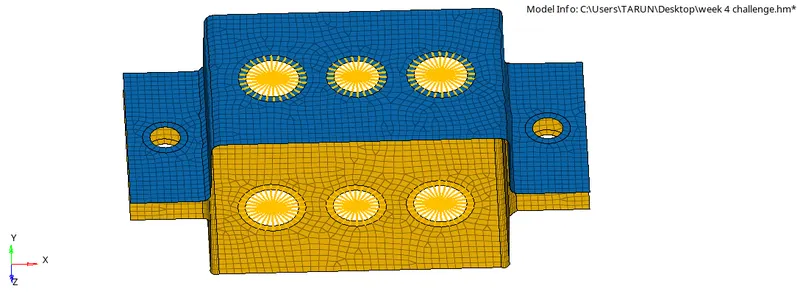
- And then select Hyper Beam section in that to create required sections.
- For the rod element create a BOX section with the given dimensions and thickness.
- And for the beam element create I section with given dimensions and thickness.
- And for the bar element create X section with given dimension and thickness.
- Create a rod element at point (a) with their element types.
- Create a beam eleemnt at point (b) with their element types.
- Create a bar elemnet at point (c) with their element types.
The image will be as follows:
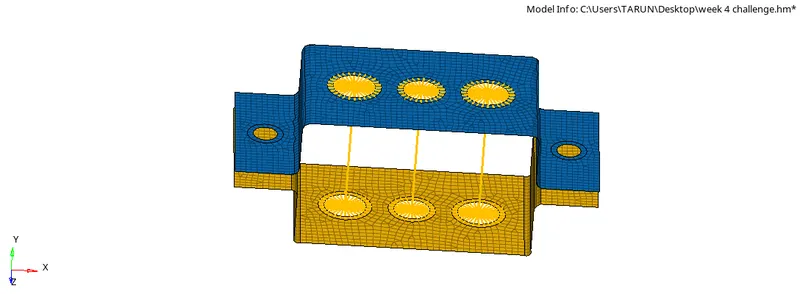
- And then create three properties as bar,rod and beam to assign them the cross-sections.
- And for Rod,bar and beam properties assign the required card images and beam sections.
- And update the properties for the bar,rod and beam elements with direction of vector and element types.
- To get the clear 1D view of the elements(Rod,bar and beam) select '1D detailed element representation'.
- And at points (d) and (e) create Rbe2 link with the mass of magnitude as 10.
- And point (f) join the components with the spring elements with the spring option in 1D.
The Final model image will be as follows: