Week 6-Meshing of Hood Challenge
Meshing of Hood challenge:
Objective:
To mesh the hood by extracting mid-surface for each components and assign them the thickness from the mentioned quality criteria.
CAD Model Image:
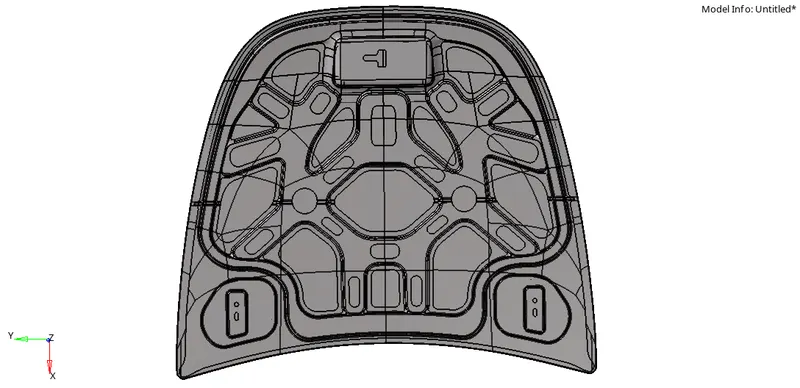
Procedure:
- Firstly import the model from the system files.
- Then delete the solid part of the components.
- Make sure that the component needs to be meshed must be in view mode.
- Hide or delete other components which are nor required.
- There are four components in this hood that are to be meshed separately.
- Inner extarct
- Outer extract
- Hinge reinforcment
- Latch reinforcment.
- Generate the mid-surface of the inner extract component.
- After that use auto-cleanup option to find errors on the surfaces and as well as at the edges.
- Then in the 'Geometry' quick edit panel we have an option called 'washer split' in which it is used at the holes or splits which are present on the model image to generate a good mesh quality.
- Toggle all the split lines which are less than the minimum length.
- For Toggle use 'Toggle edge' option in the geometry in 'quick edit' option.
- After that select 'Automesh' option in the 2D panel with a target length of 5 which is to be meshed on the inner extract.
- Adjust then node number for attaining good mesh.
- After meshing use 'Quality index' option in the 2D panel to check no of failures present in the mesh.
- Use Cleanup tools such as place node,Element optimize,drag tria elements and other tools to get rid of failed elements.
- And then in the preferences option select 'Criteria file settings' where we have to assign all the mentioned quality criteria.
- After that check all the criteria on the 'Tools option in the 'Check elements to attain a good mesh.
- For getting rid of the failed elements in the mesh use the cleanup tools such as 'Element optimize,place nodes and combine or drag tria elements' option.
- And use 'Smooth' to get rid of failed elements.
- Check all the tools option whether we attained a good mesh or not without failed elements.
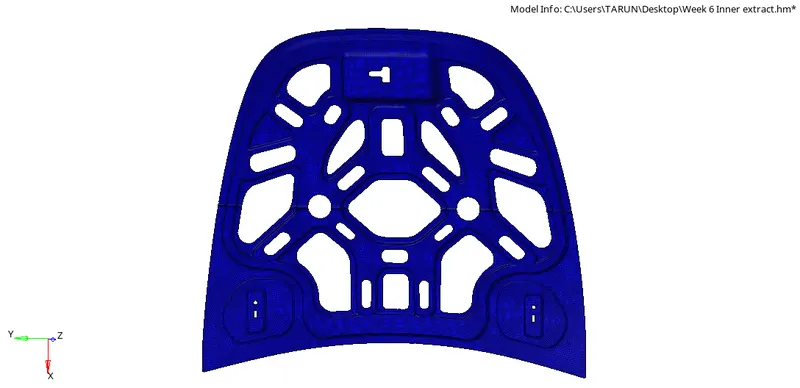
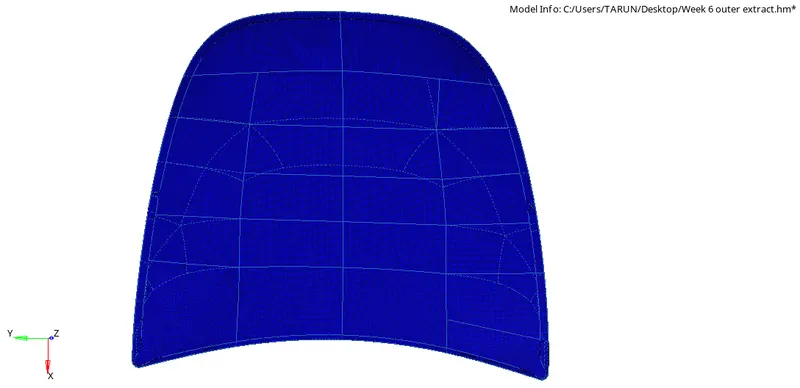
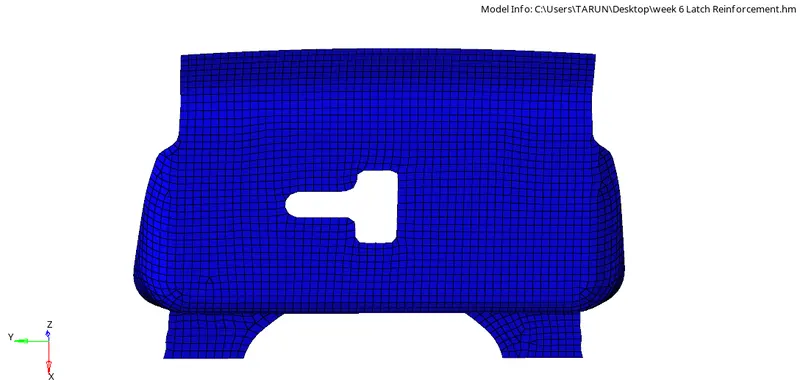
The mesh generated components images are as follows:
Inner extarct:
Outer Extract:
Latch Reinforcment:
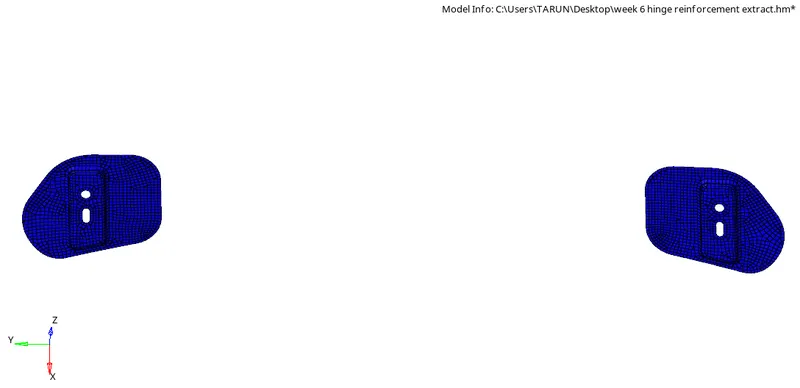
Hinge Reinforcment:
Conclusion:
For the given hood panel mid-surface is extracted and mesh is generated with the given quality criteria.