Week- 5 - Solid meshing
Aim :- For the given Rear view mirror component, check for the geometrical errors and mesh the Surfaces with the given 2D element Quality criterias given below.
|
S.No |
Quality Criteria |
Value |
|
1 |
Target/Average length |
1 |
|
2 |
Minimum Length |
0.5 |
|
3 |
Maximum Length |
2 |
Use tetra elements to mesh the Volumes defined in the model and check for the below quality after Volume meshing.
|
S.No |
Quality Criteria |
Value |
|
1 |
Tet collapse |
0.2 |
Procedure :-
Step 1 :- Import the model.
File - open -selelct the iges file -open.
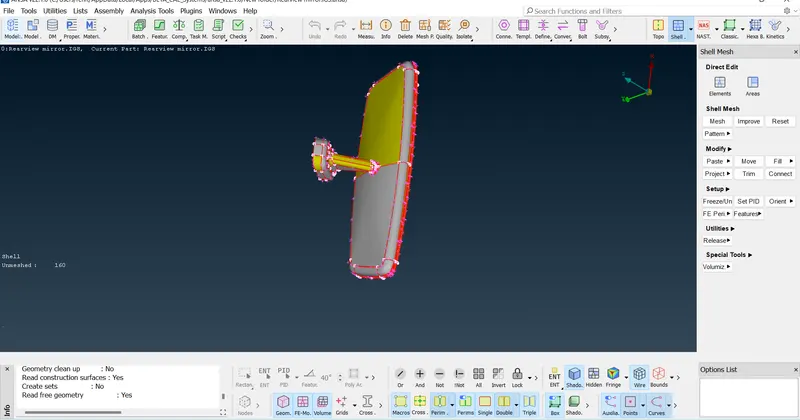
Step 2 :- Topo the given model and orinetation also .
Topo - Faces - topo -selelct the model -topo
Topo - Faces - orient - select all.
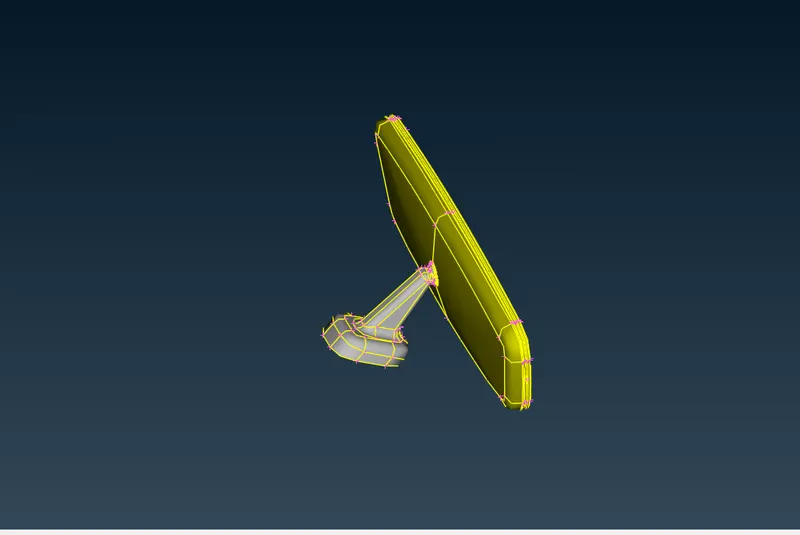
Step 3 :- Check for geometry clean up.
Check - geometry - execute .
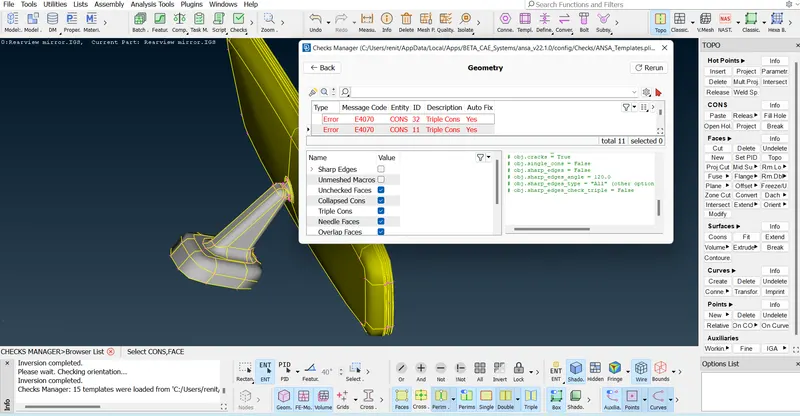
To fix the eroors
Select the all erros - rigt click - fix.
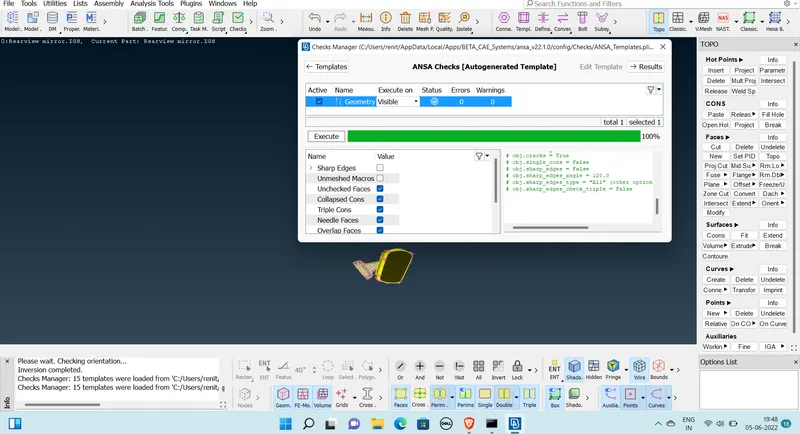
Step 4 :- Toggle the line (to passes the minimum quality)
Topo - faces - join -select the line want to supperess.
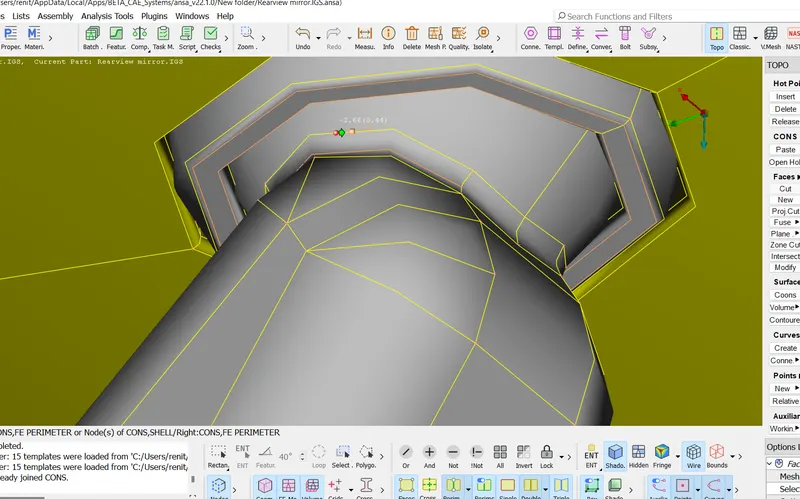
after cleanup the geometry .
Step 5 :- Assign the quality parameters.
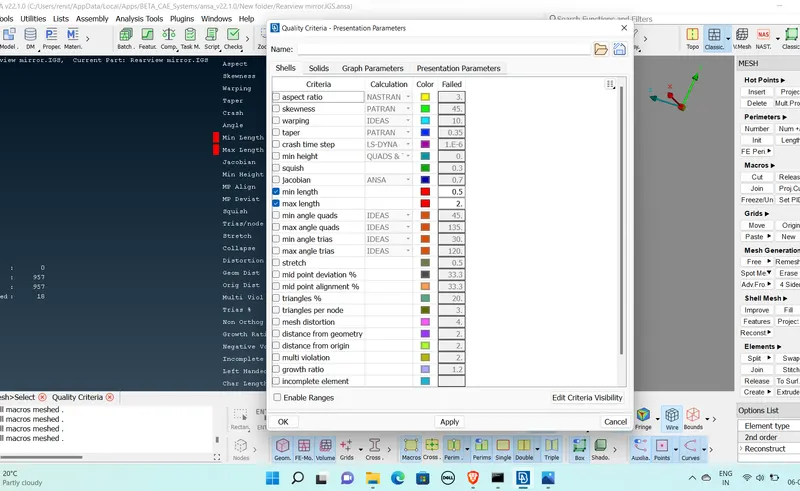
Step 6 :- Assign mesh parameters.
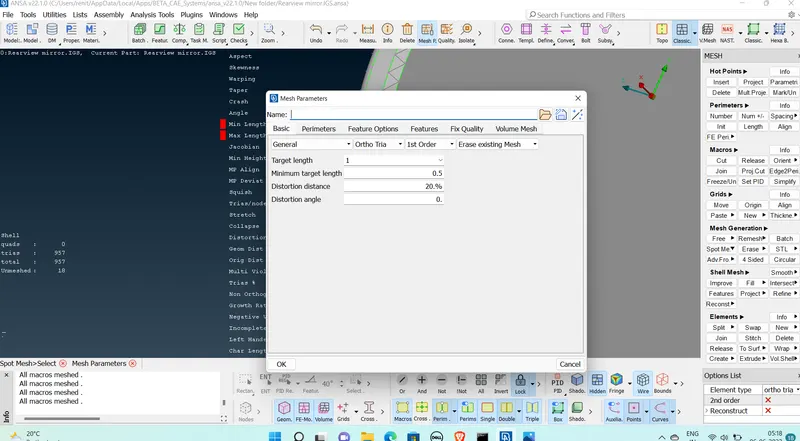
Step 7 :-Generating tria mesh
Mesh - mesh generation - spot mesh-select the surface - mesh.
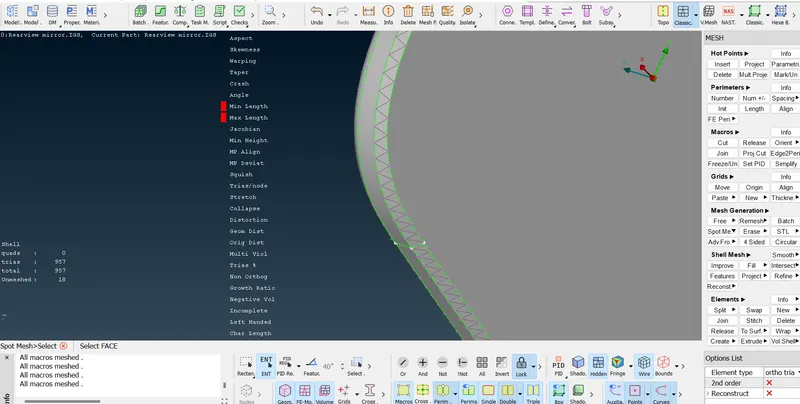
Changing the mesh type for flat surfacse as tria.
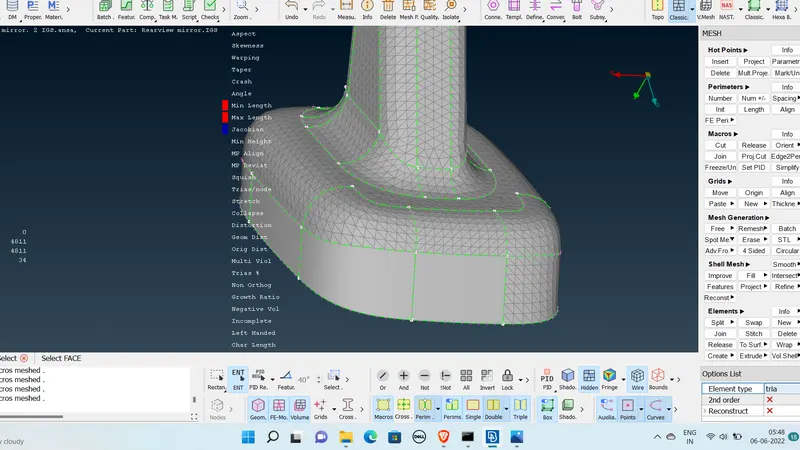
After completion of meshing .
Step 8 :- Generating volume mesh.
volume mesh - define - detect on visible - ok.
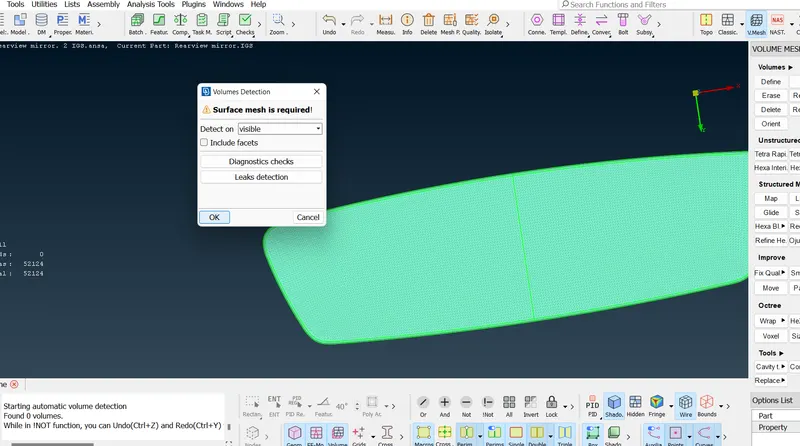
After defined volume - select the model - generate tetra FEM .
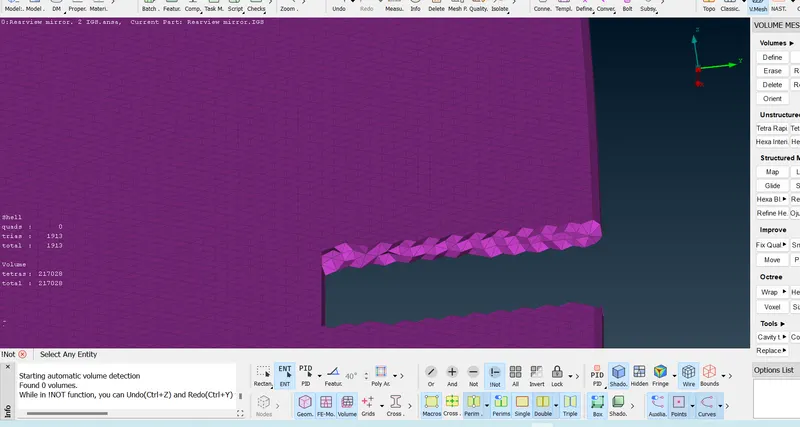
Step 9- assigning tet collapse in Quality .
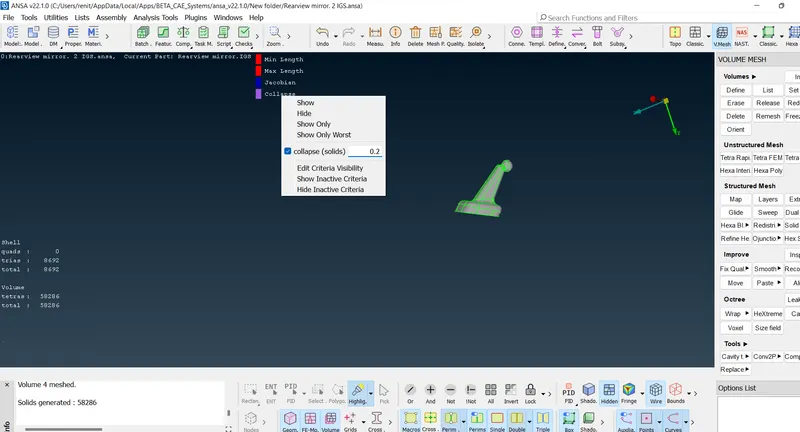
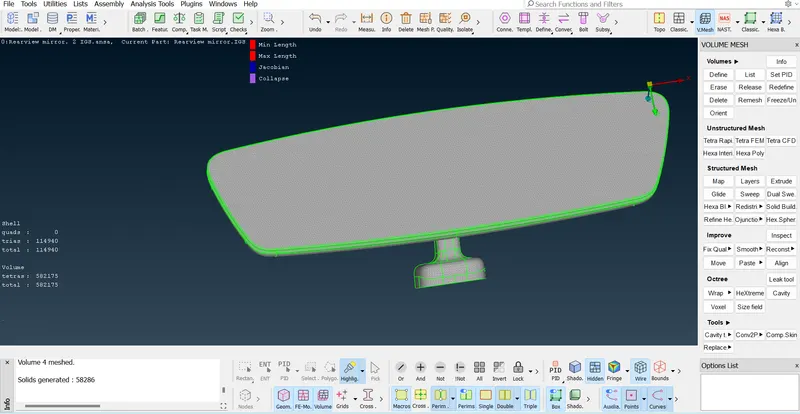
Final Model :
Passes all quality parameters.
Learning Outcomes :-
*Learned about topo the surfaces and learened about the fix the geometry errors.
*Learned about generating trias mesh in epend surfaces .
*Learned About generating volume tetra mesh.
Got a knowledge tp passed the quality criteria.
Thanks
Renith Balachandran M