Week 5
Aim:To produce a tetra mesh for the rear mirror and check for the assigned quality criteria.
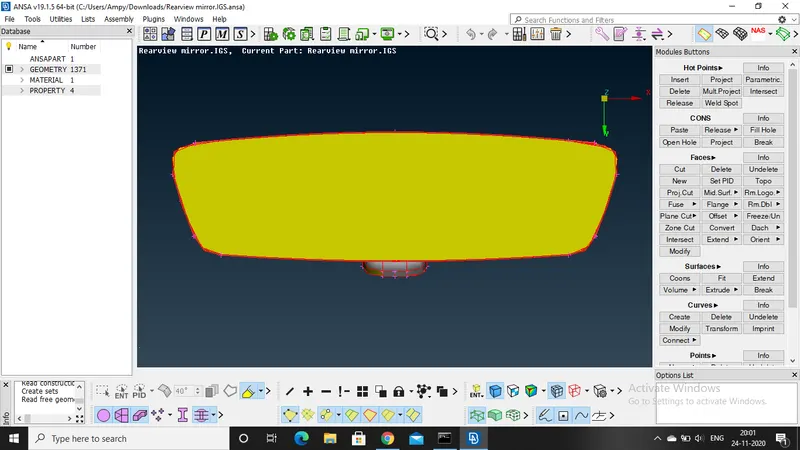
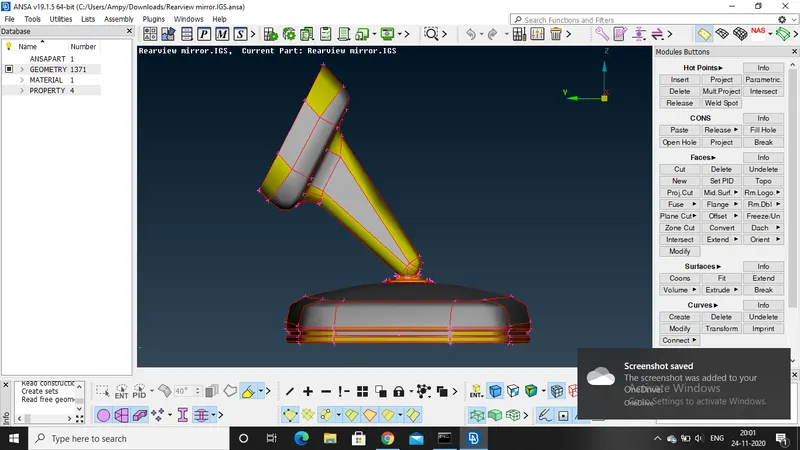
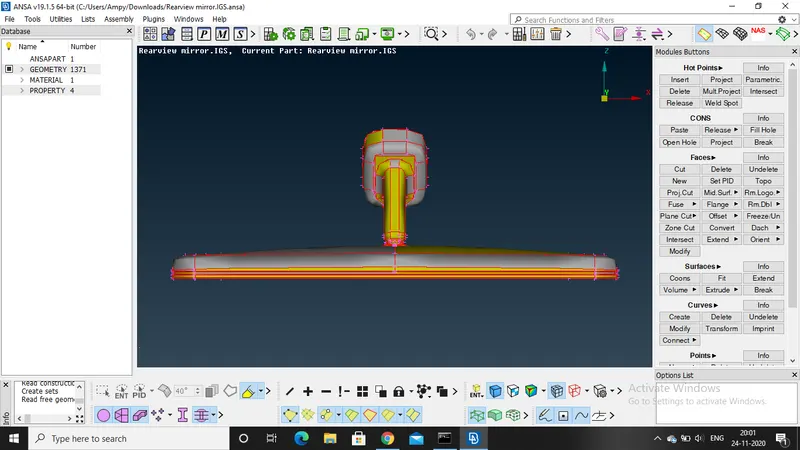
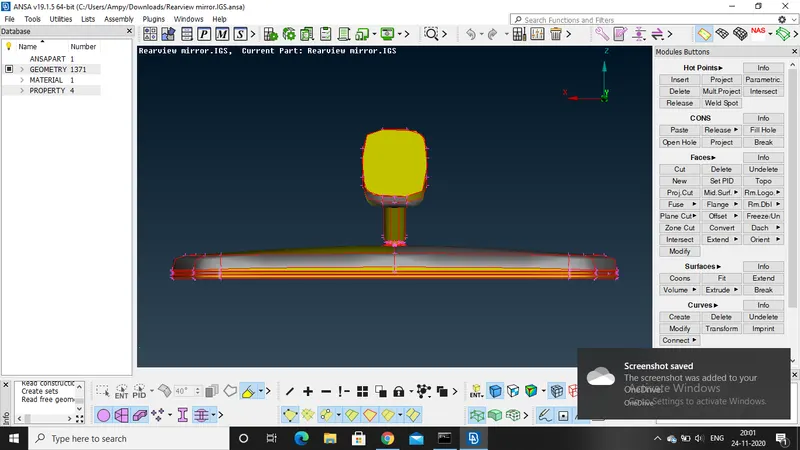
CAD model:
Procedure:
Initally import the model to the software as it is an igs file
Check the target element length and the give the perimeter size as 1 and even for the macros as 1
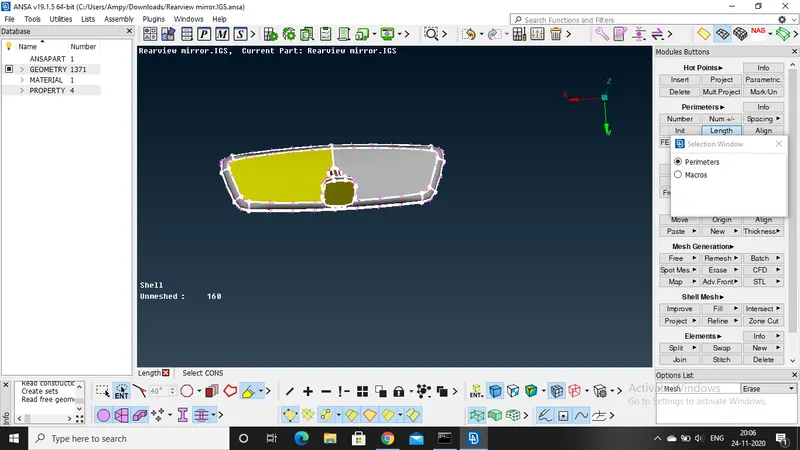
Then give a topo clean up and then save the file
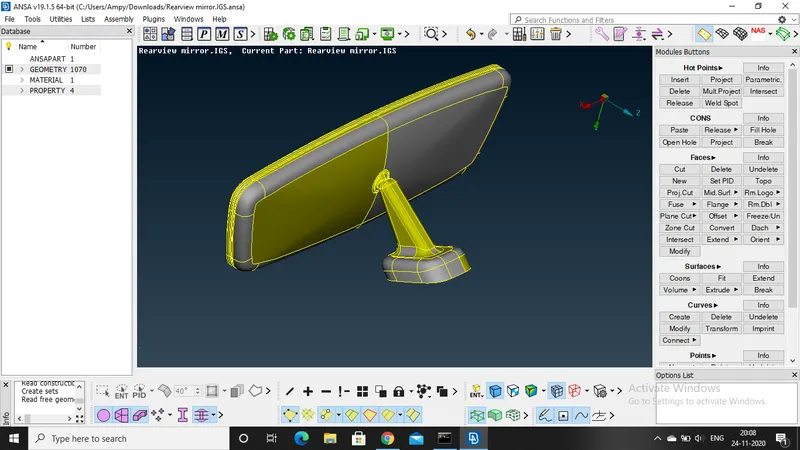
Check for the goemetry and then clear all the issues.
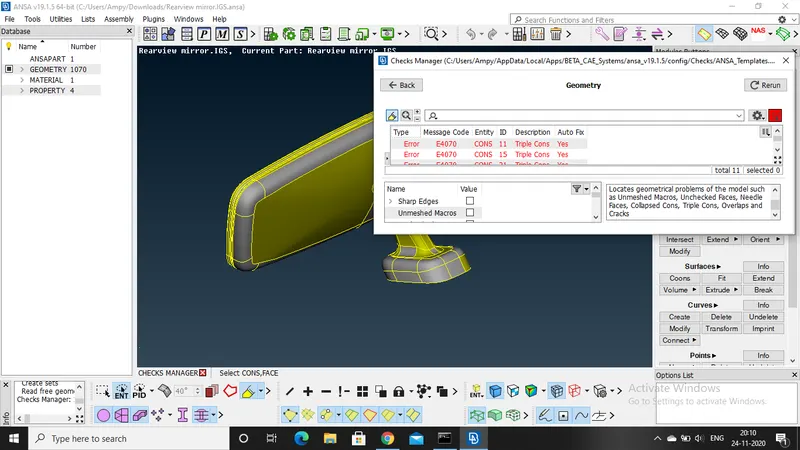
According to the quality criteria do a proper topo clean up and then save it.
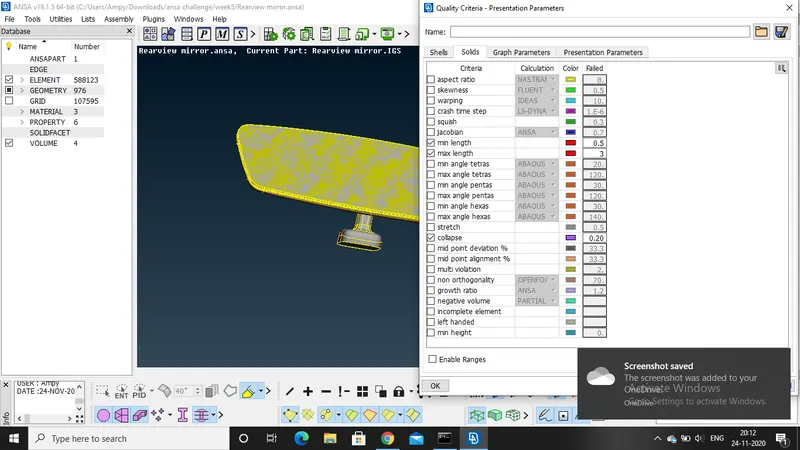
Check the different PIDS assigned to the model.
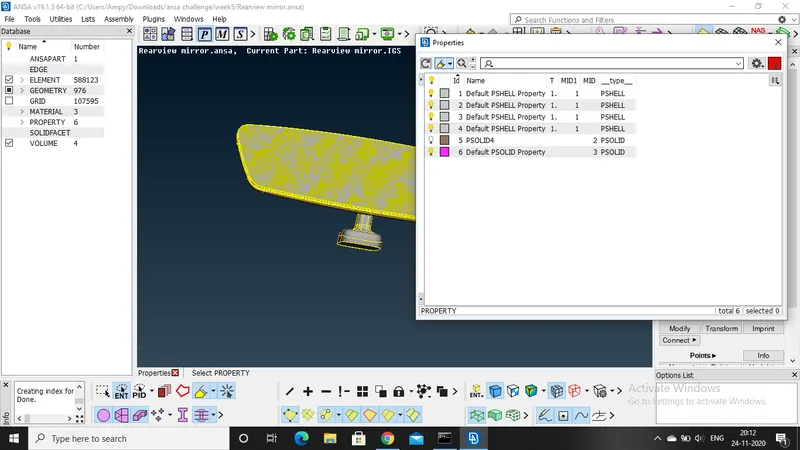
Work on each pid seperately.
Set the quality criteria and then apply it
Select the PID and then go to mesh option and mesh the component
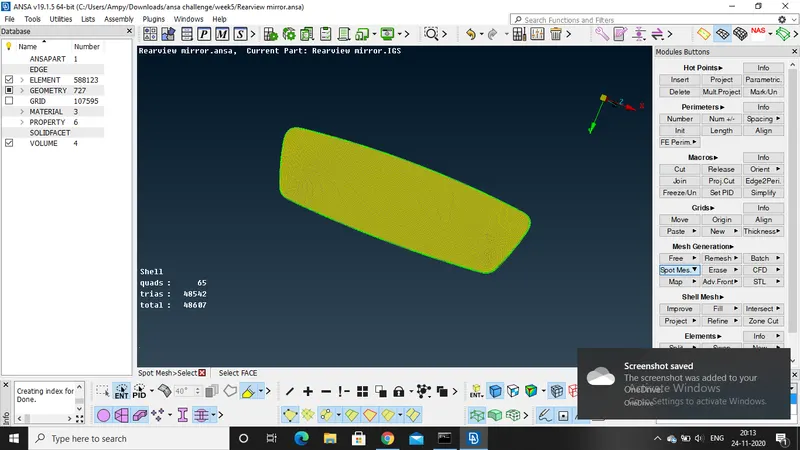
Select the spot mesh and select the curved parts and work on the curves path first
Use ortho tria for curved shapes and tria for the plane surfaces.
After the meshing part check for the quality and fix the issues
Now go to volume mesh, select the model manually and then create a new PID
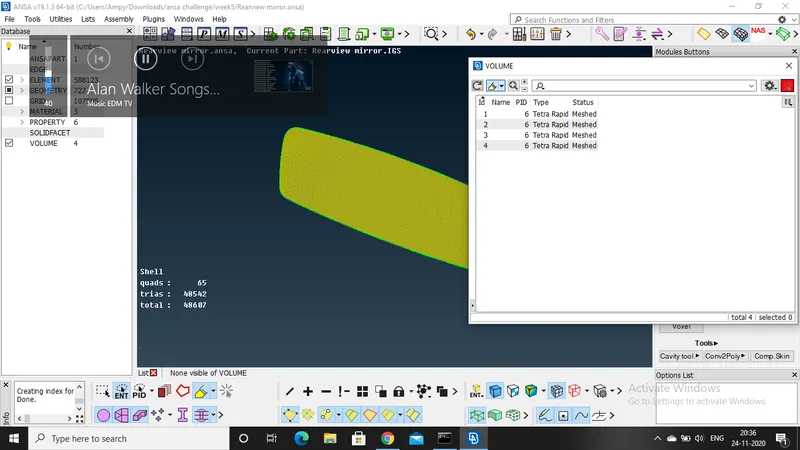
Go to list- PID select the PID and then remesh the model
The volume mesh is performed on the model and then save it
Now check for the test collpase qaulity and sort out the error manually one by one
Now once more check the model and the save it
Follow the same steps for all the PIDS and then save the model.
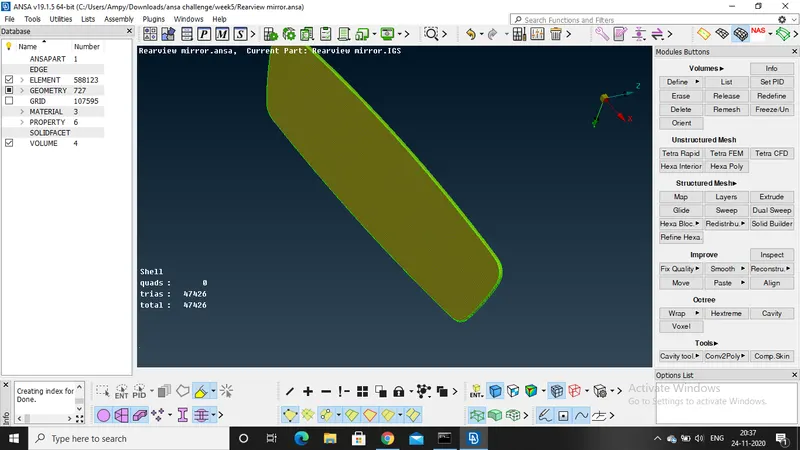
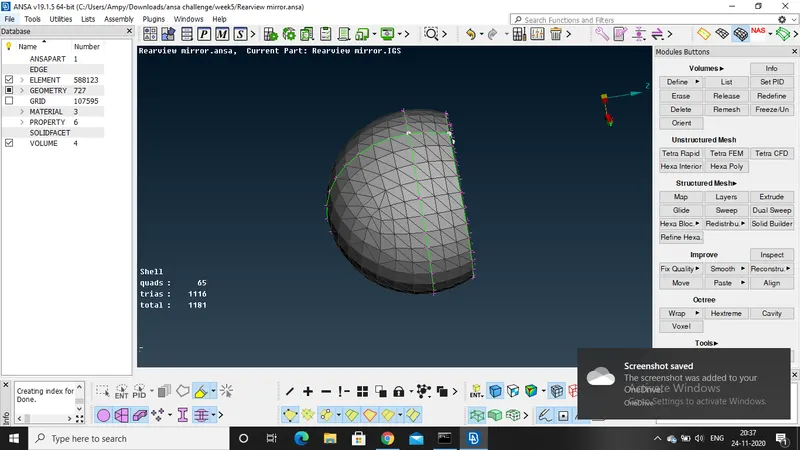
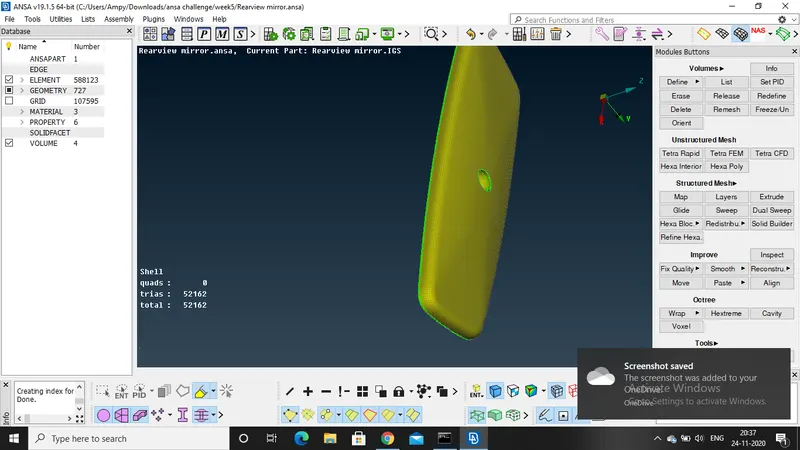
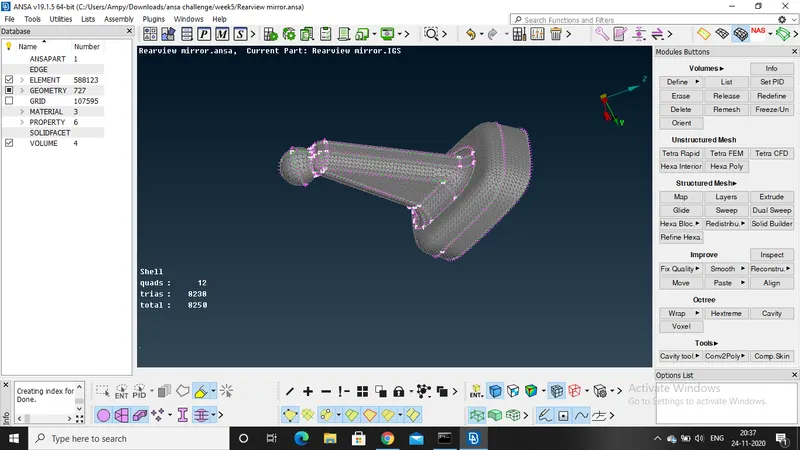
Final image of the model:
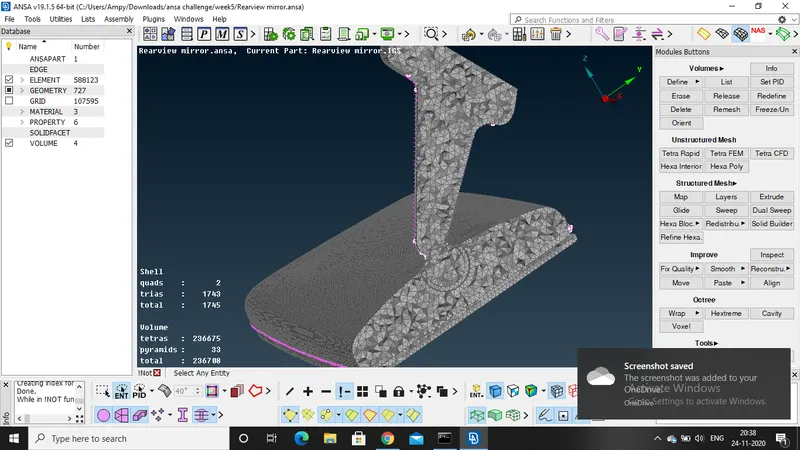
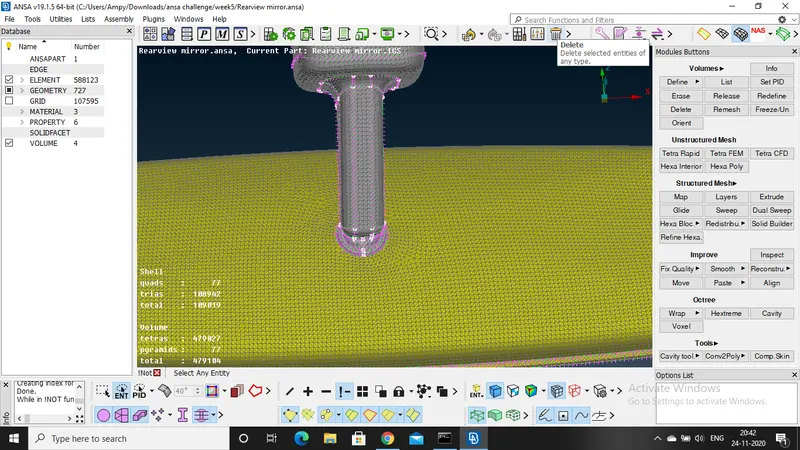
Result:
Good tera mesh is been produced for the component and the it clears all the quality criteria