Week 6
Aim: To produce a proper connection to the rear door of a car as per the given design.
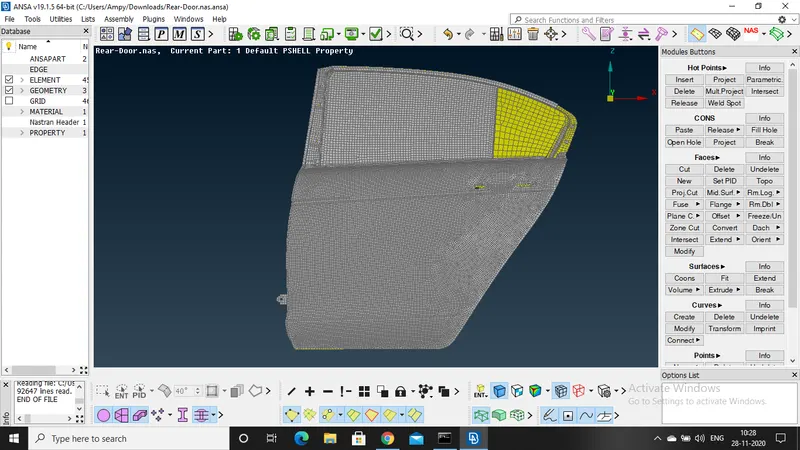
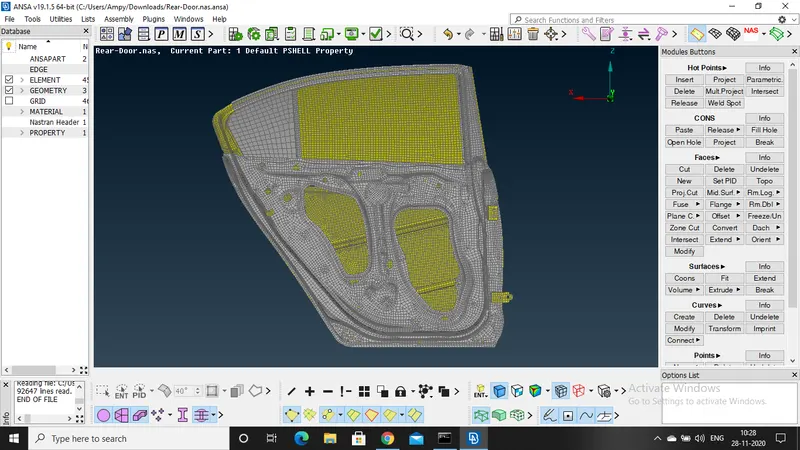
CAD model:
Procedure:
import the cad model to the ansa software
check for the geometry and all other parameter and do the proper clean up
hide the neccassary componets and check where the nut bolt connections are to be assigned
go to nastran deck- RBE2 many nodes- select the area where the connection is to be implemented and then ok and finish
follow the same procedure for all the nut bolt connection.
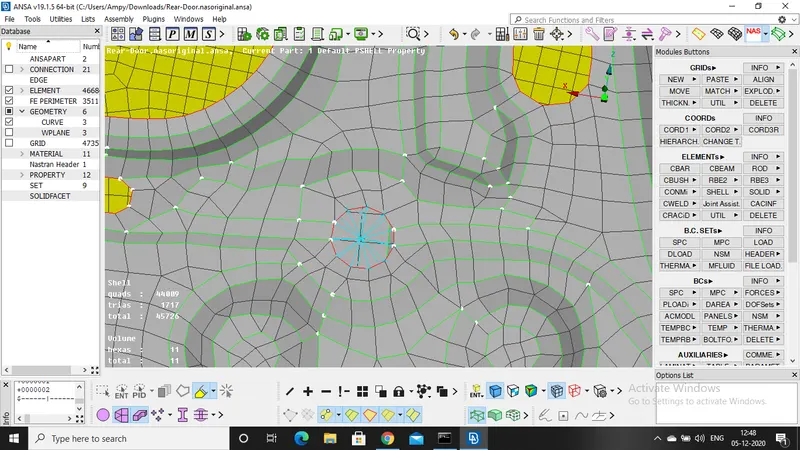
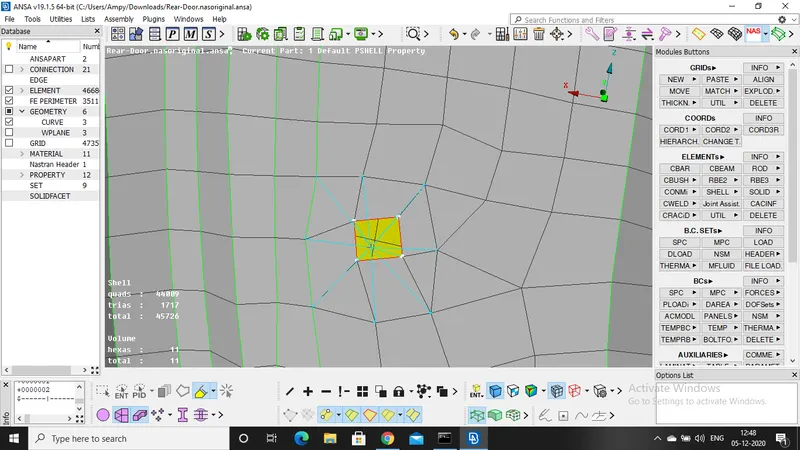
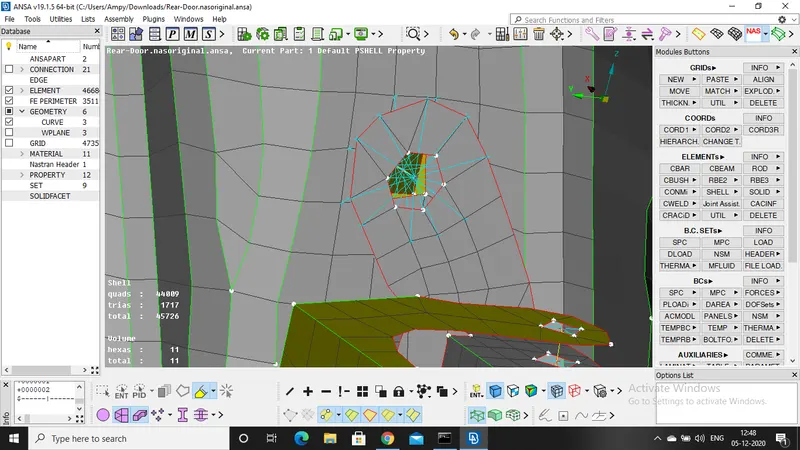
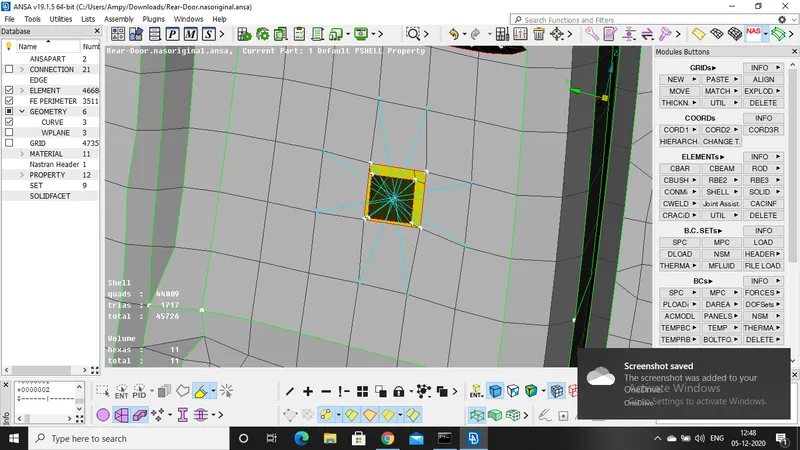
By using RBE2 we will get the rigid elemts connecting the two figures
For spolt weld connections, go to topo deck COG and select the element where the weld is to be done and then give the DOF 123456 and then apply and relaize. spot weld is formed between the two parts.
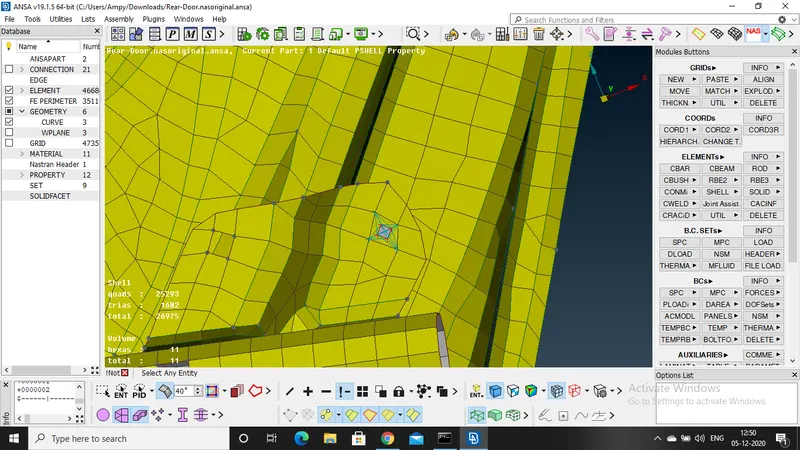
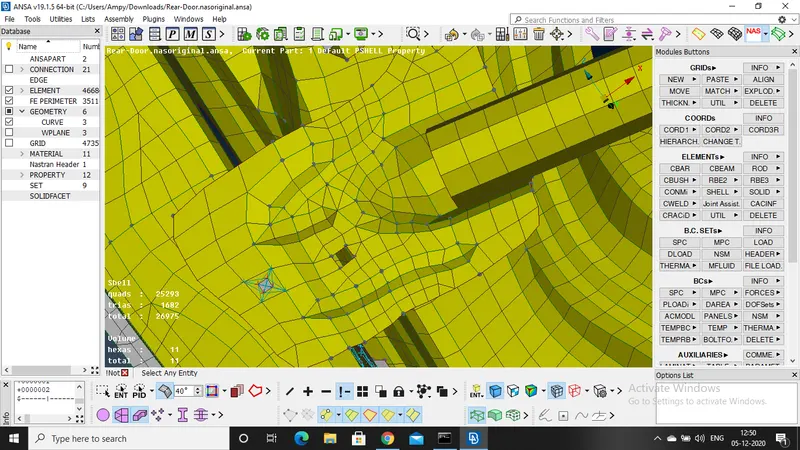
Follow the same procedure for all the parts where the weld is needed to be deployed.
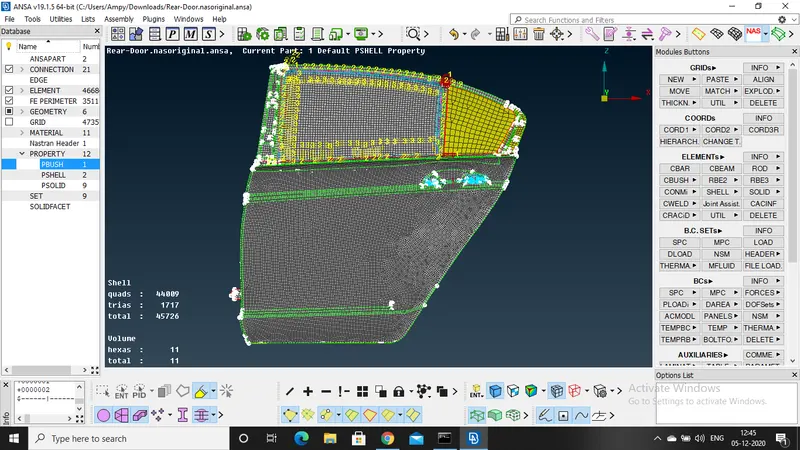
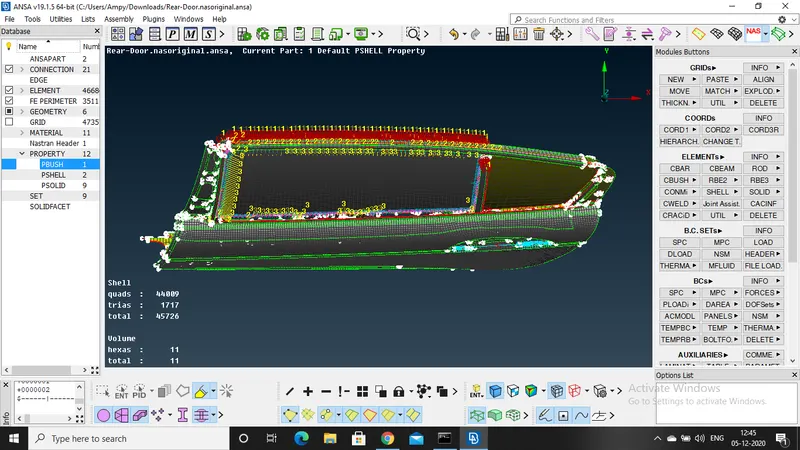
Now for the glass connection to the door with the help of adhesive use RBE3 C bush.
Go to feature2curve and then select the curve where the connetion is to be given and then click ok
now convert the curve to the spot weld one by one and then save it
now go to connection manager and select the curve and then give P1,P2 S(space)=10,and then mention Pbush ID and then create the weld .
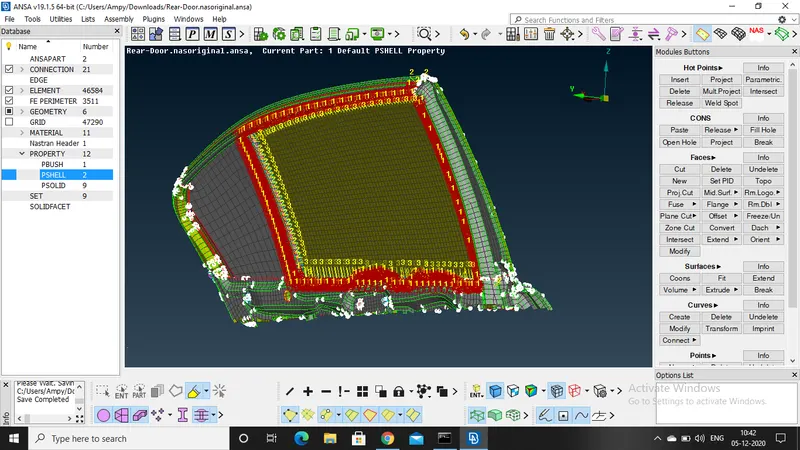
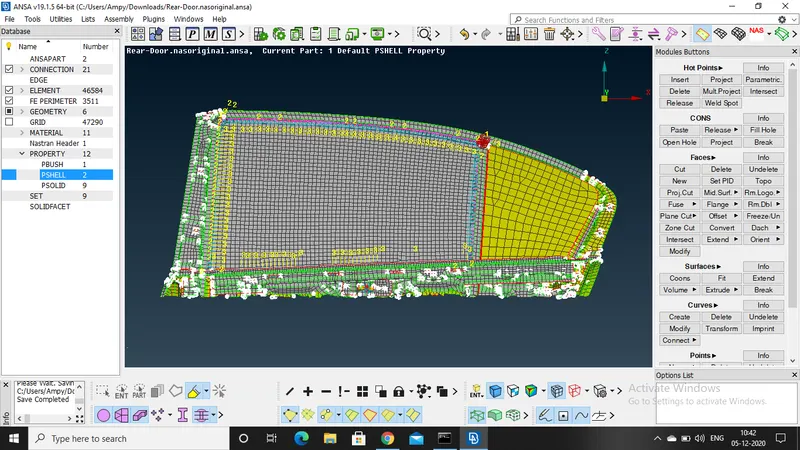
follow the same procedure for all the curves where the adhesive connection is to be given .
once the connection is given change the orientation to global by selecting the PBUSH in connection and then change orient-with chord and CID-0 then apply
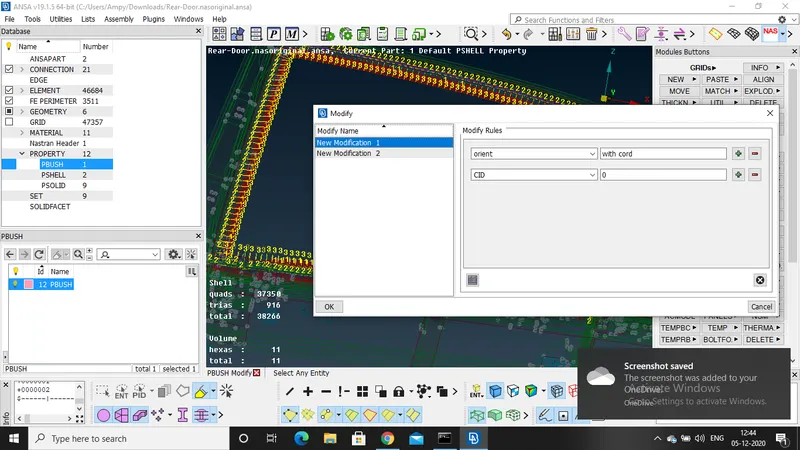
Check whethter all the nesaccary connection are given and then save the model
door handle:
The connection for handle is given by RBE2 nodes and then both the elements are selected with the help RBE2 many and the load is applied to the handle.
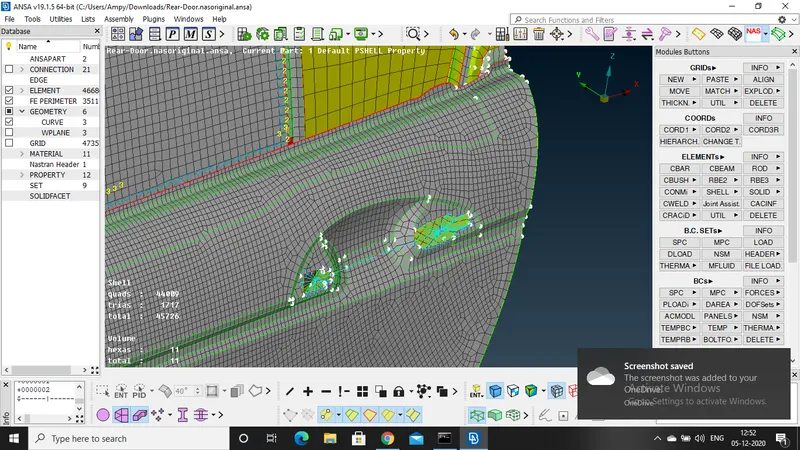
Result: Proper connections are deployed properly and the model is ready for the stimulation.
final image fo the model: