Week 4- Rolling operation
Aim: To simulate the rolling operation on a workpiece made of copper.
Procedure:
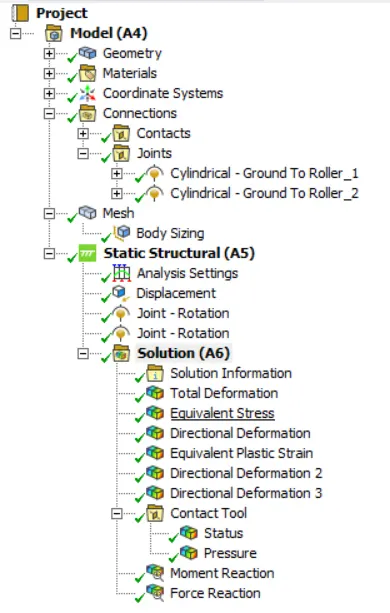
- Initially add the 'Static structural' to the interface.
- Then add the 'copper' material to the engineering data.
- Next, import the CAD model to the geometry and open the SpaceClaim to edit the model.
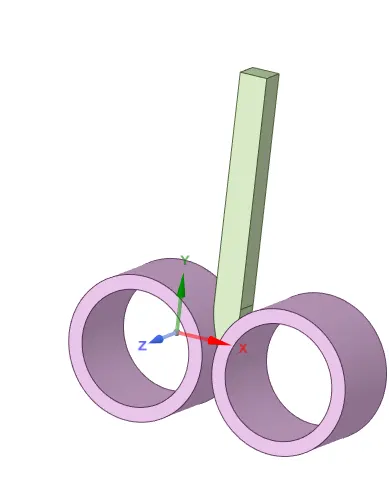
- Then load the mechanical model to set up the solution.
- Then add the material 'copper' to the workpiece.
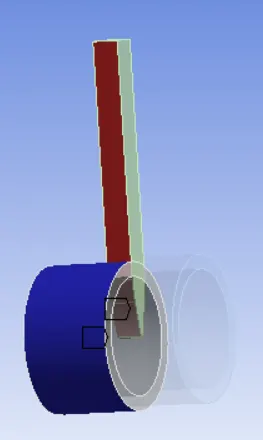
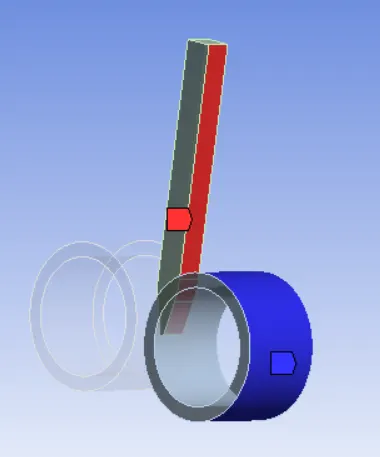
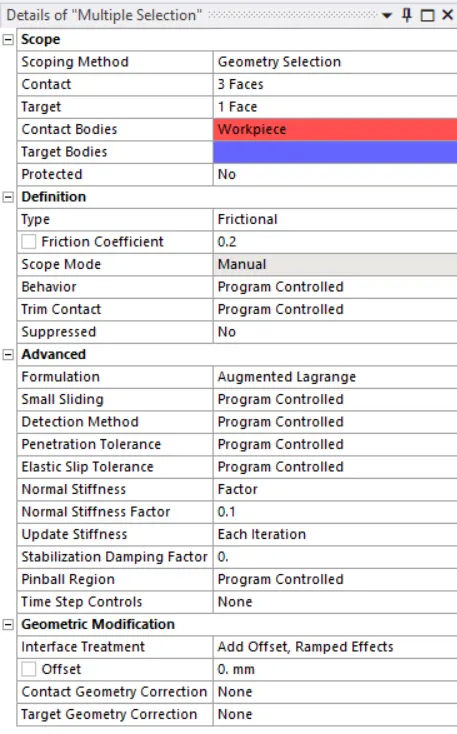
- Then define the 'Frictional contacts' with the coefficient of friction as 0.2 as follows,
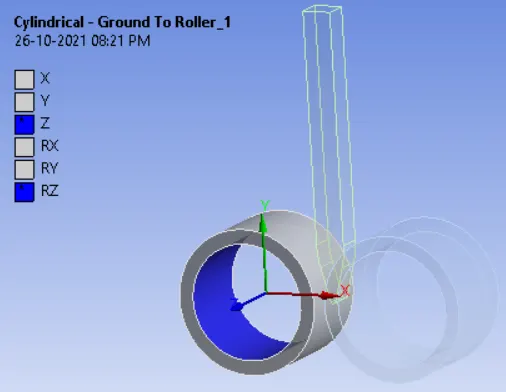
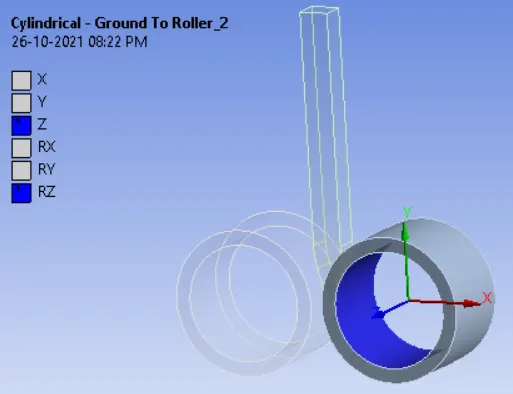
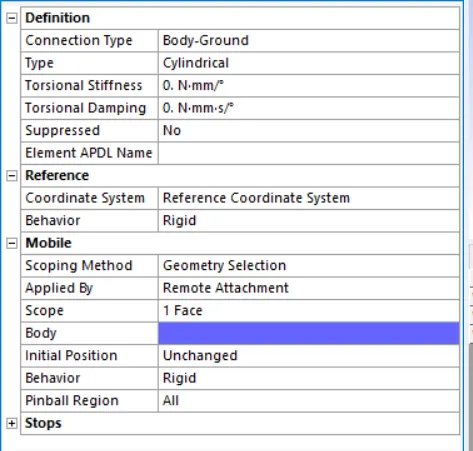
- Then, apply the 'Body Ground' cylindrical joints to the rollers
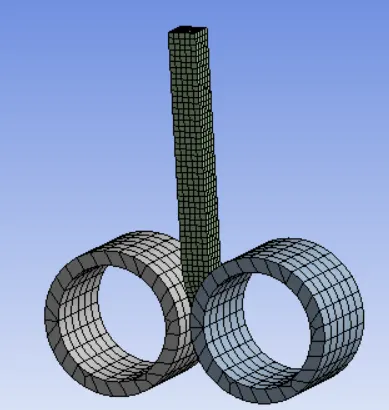
- Next, mesh the model with an element size of 2 mm.
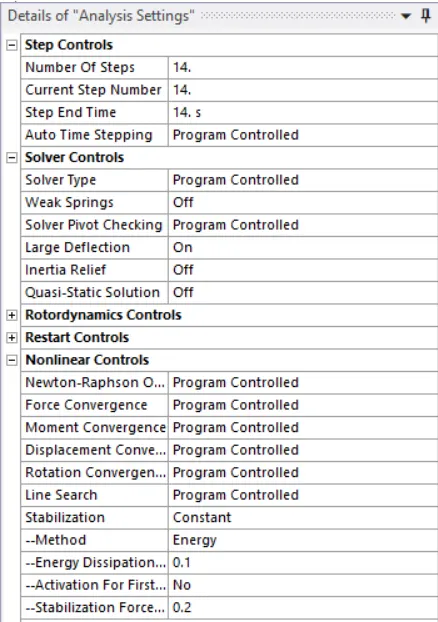
- Next, set up the analysis settings for 14 steps to run the simulation as follows,
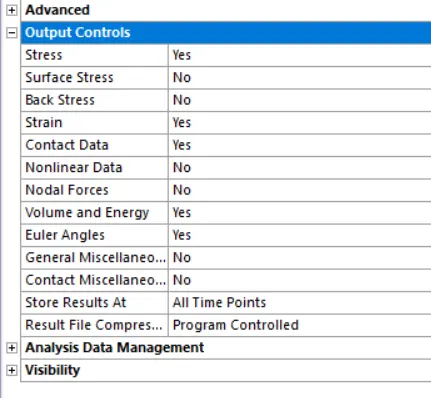
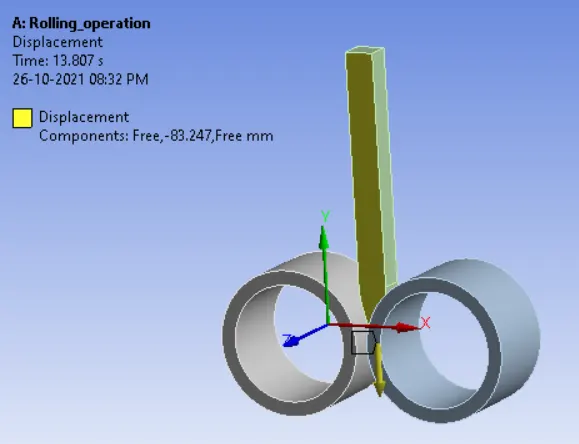
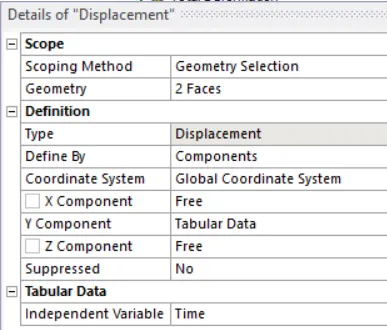
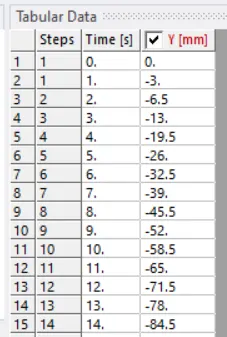
- Then, add the displacement to the workpiece such that it should be rolling in between two rollers in a negative Y direction.
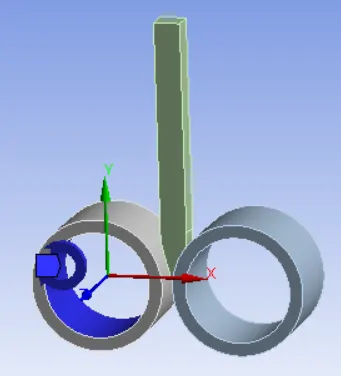
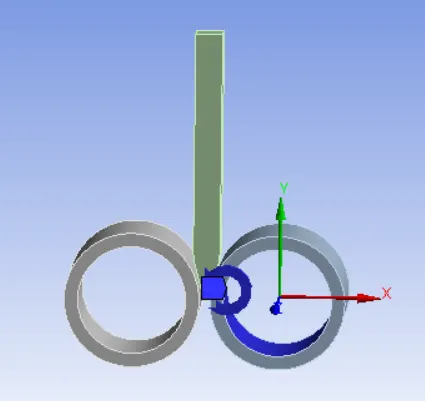
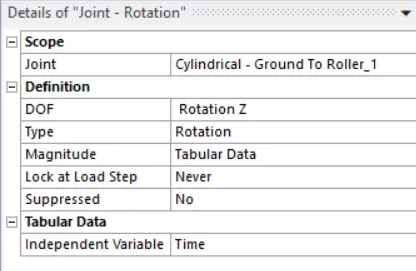
- Then, define the joint load to both the rollers as follows,
- Then add the Equivalent stress and Total deformation to the solution and run the simulation.
Results:
- Equivalent stress:
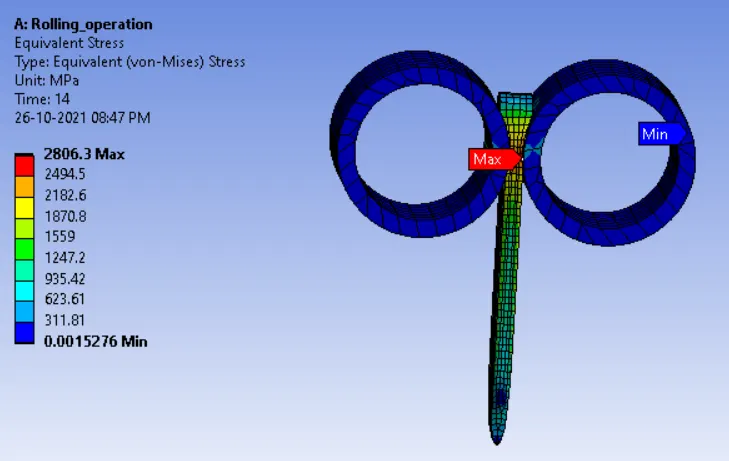
- Maximum stress developed on the workpiece is 2806.3 MPa
- Total deformation
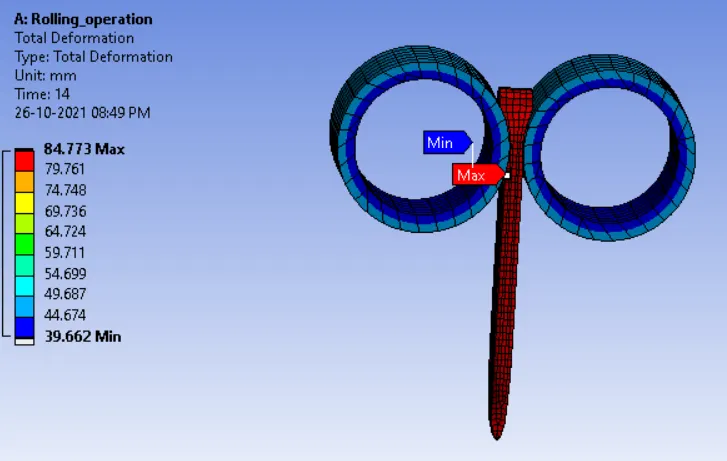
- The maximum deformation is 84.773 mm.
- Directional deformation:
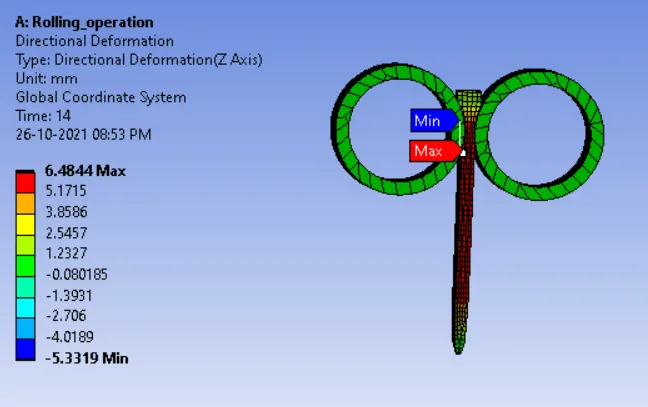
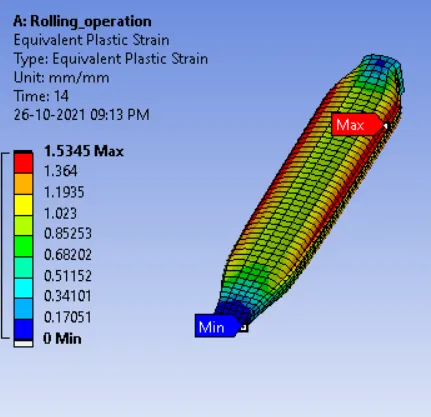
- Plastic Deformation of a workpiece:
Conclusion:
- Hence the simulation of copper rolling is done successfully.