Week 4 Challenge : CFD Meshing for BMW car
Aim: To do th esurfacce nmeshig of a BMW car and make wind tunnel and surface mesh the wind tunnel.
Procedure :
- Import the BMW geometry
- check the dimensions and for any geometrical irregullarities.
- complete topo cleanup
- check for geometrical error
- do the surface meshing of the car
- create wind tunnel
- surface mesh the wind tunnel
since the geometry is asymmetrical delete the half part of the car and do the topology and geometrical corrections on the side.
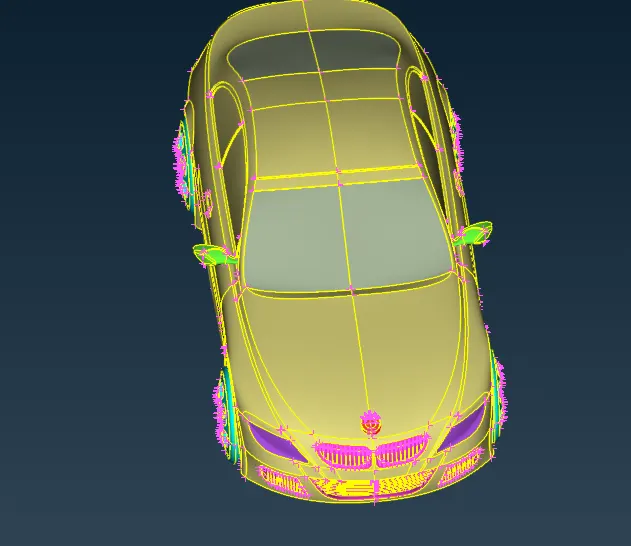
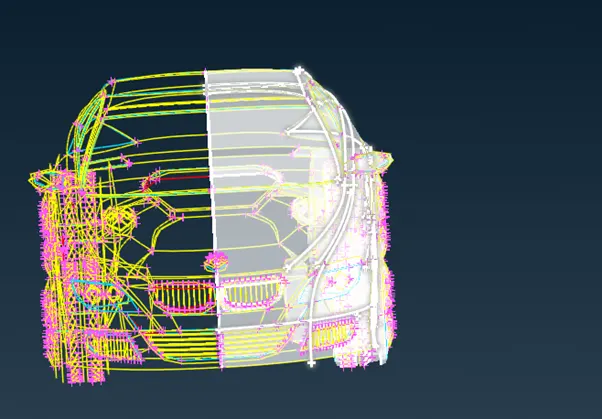
heck the geometrical error and change the perimeter lenght to 1mm for clear geometry
mesh > length> perimeter> select geometry > set lenght to 1mm> confirm
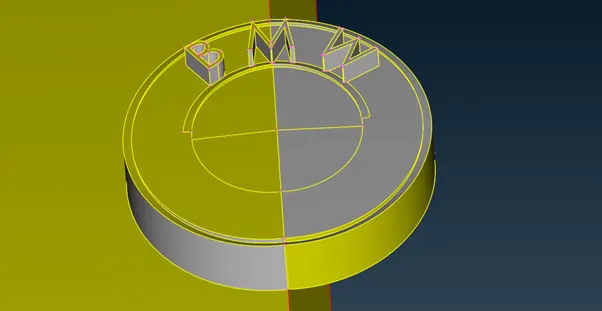
isolate parts and do toplgy clean up for surface mesh
not function> select unwanted faces. lock the face.
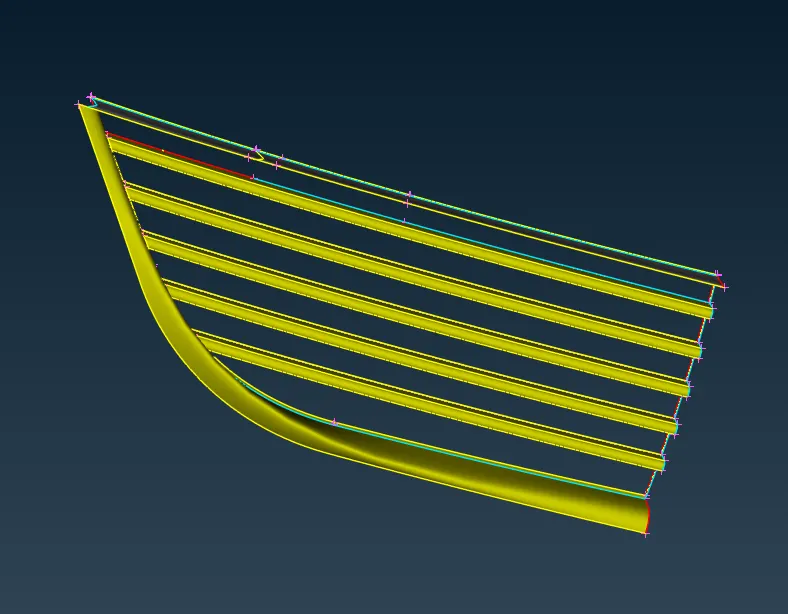
remove inner surfaces to make it as one volume and do geometry check
cons > project
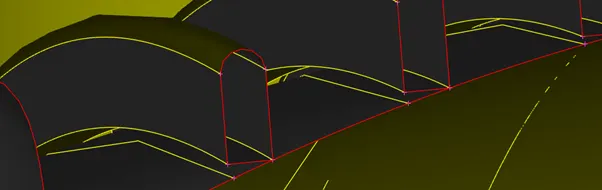
Faces> delete
Face > new > coons
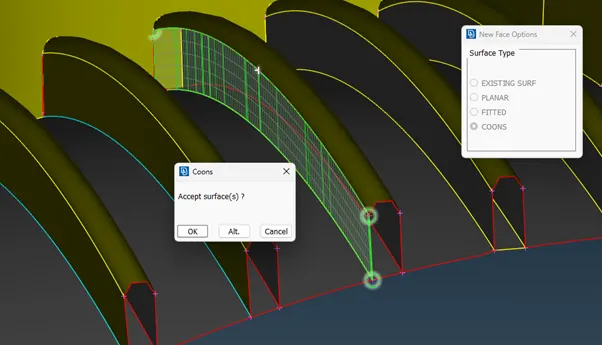
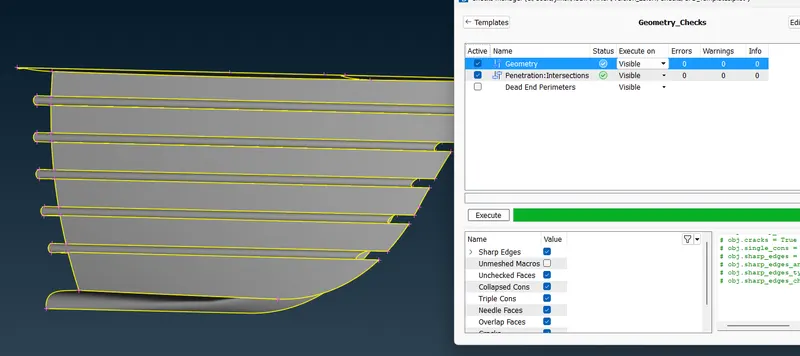
isolat next part
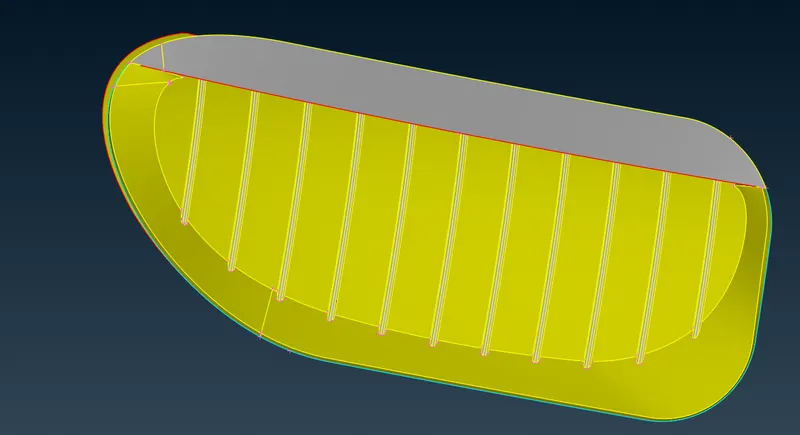
check for visible triple coons and remove overlapping surfaces.
insert hot poin. Hot points>insert
make plane cut. Cons > plane cut> select nodes> confirm
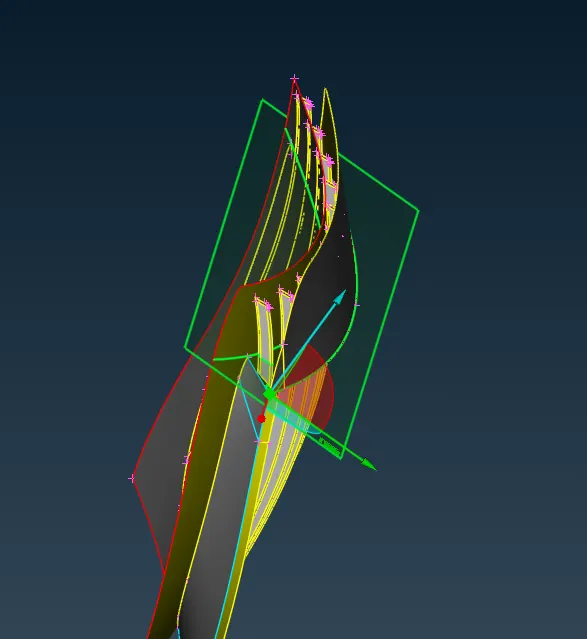
align grills by removing unwanted section of face
make cut and delete unwanted face
Cons> cut > slect nodes.
cons > delete > select face.
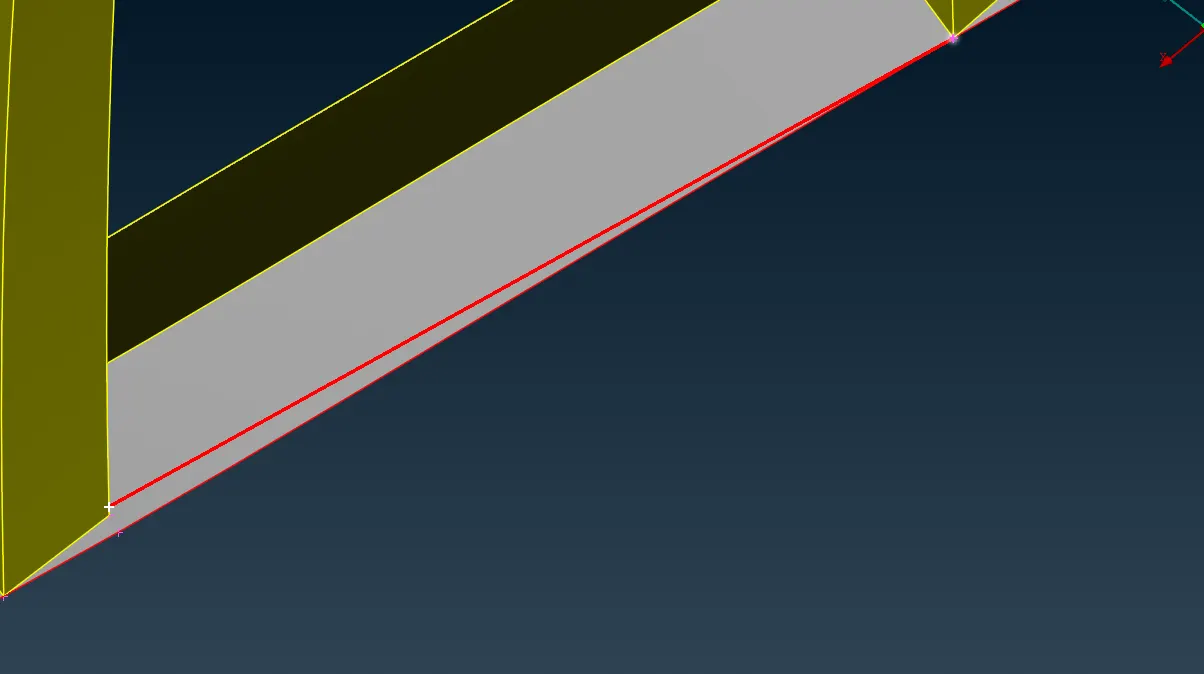
remove unwanted faces and close the openings to make it as a singl volume.
cons > new > select cons >confirm
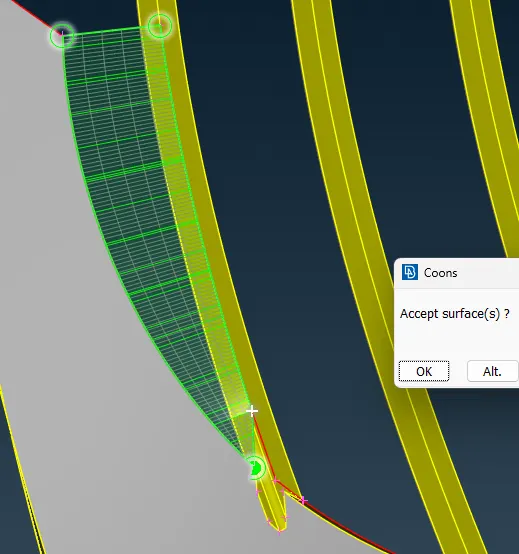
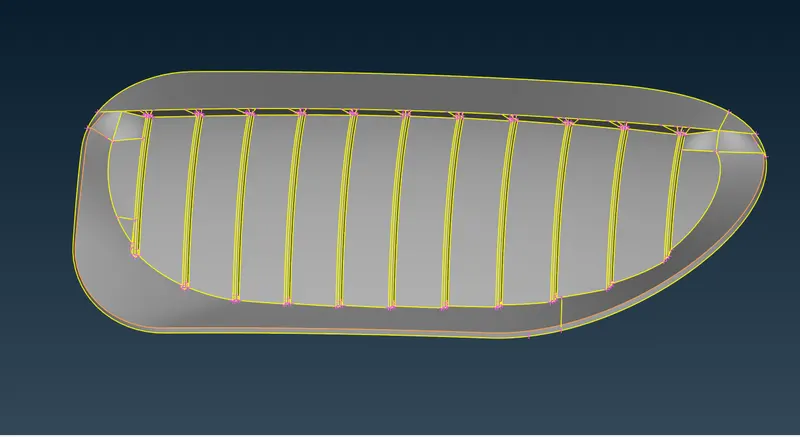
after completion of clean up go for the next part
make hotpoints at a small distance. Hot points> Parametrical> slectect required cons and cofirm direction of hot point creation
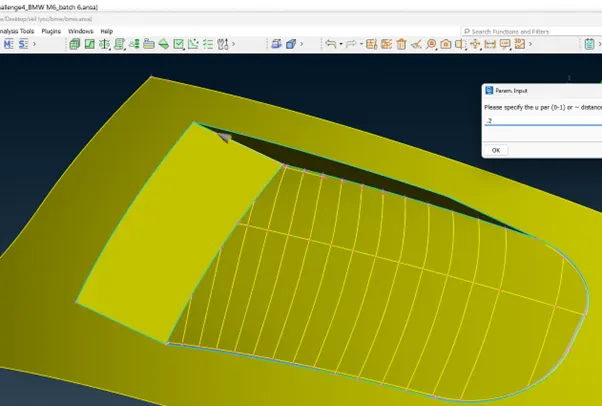
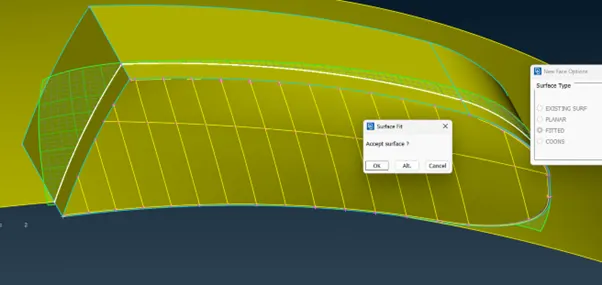
Faces > new > fitted > select the nodes > confirm
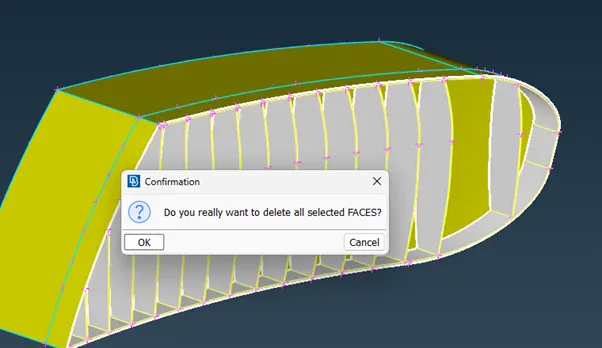
delete unwanted faces.
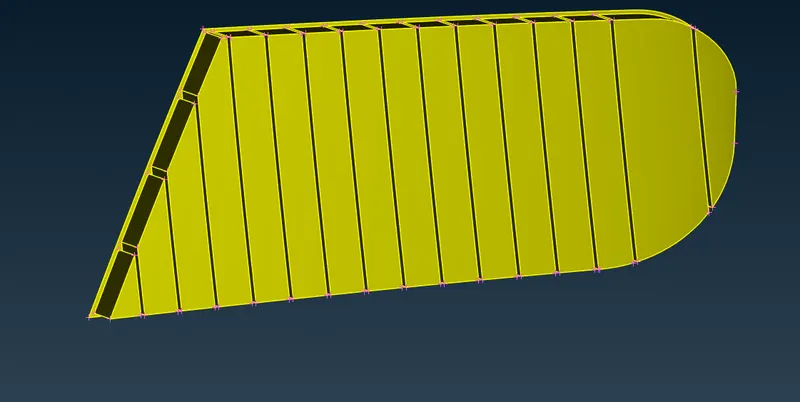
check for geometrical and penetration errror and proceed to next part.
check for triple coons and delete inner unwanted surface.
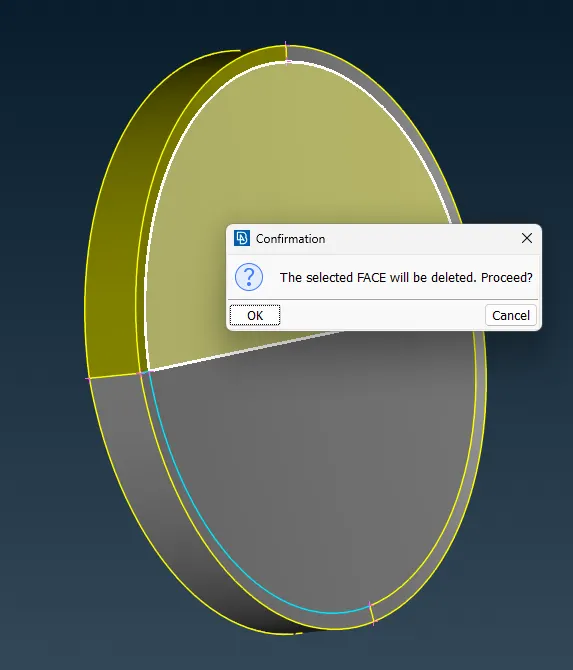
check for single coons and solve the single coons error
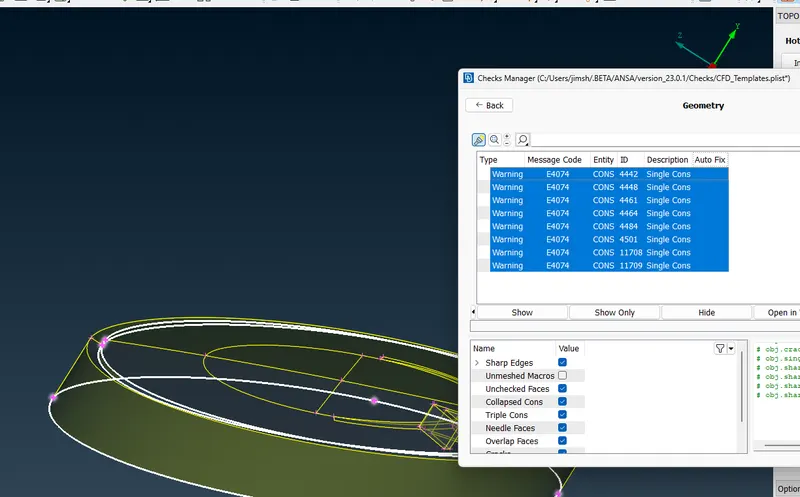
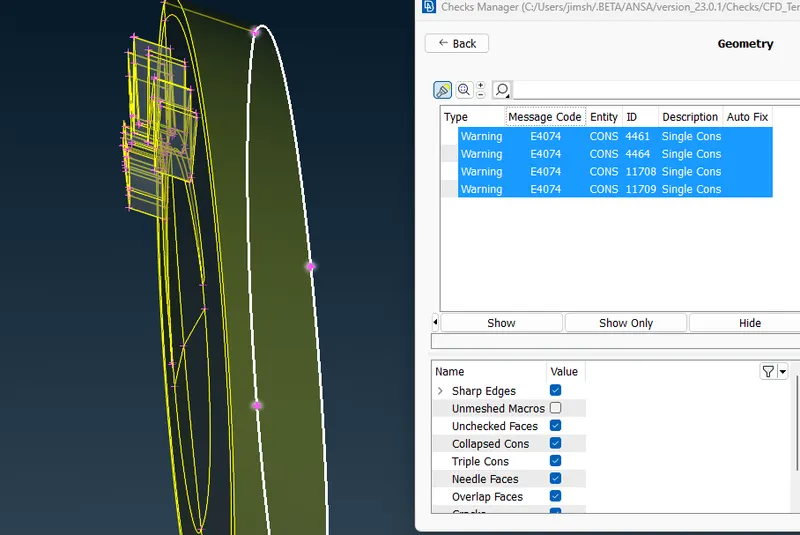
check the head light for geometrical and intersection errrors
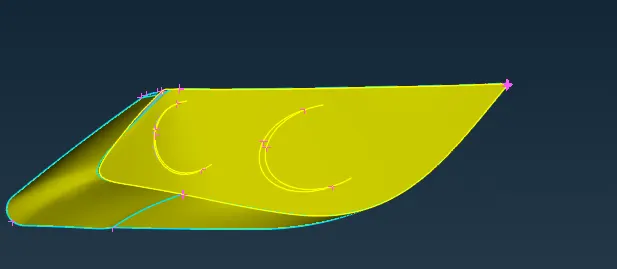
check for errors
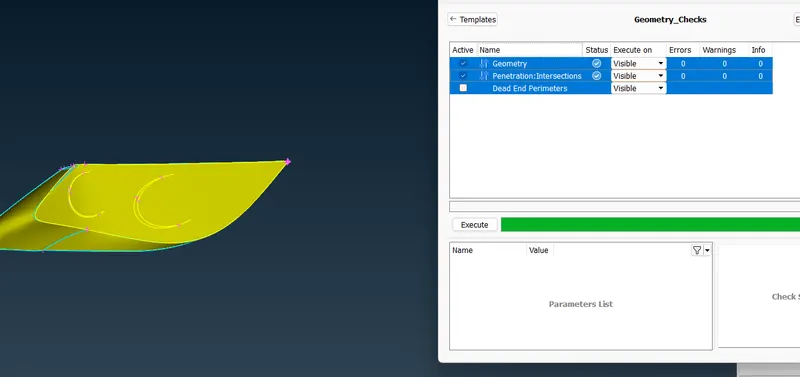
remove unwanted faces to resolve triple coons error
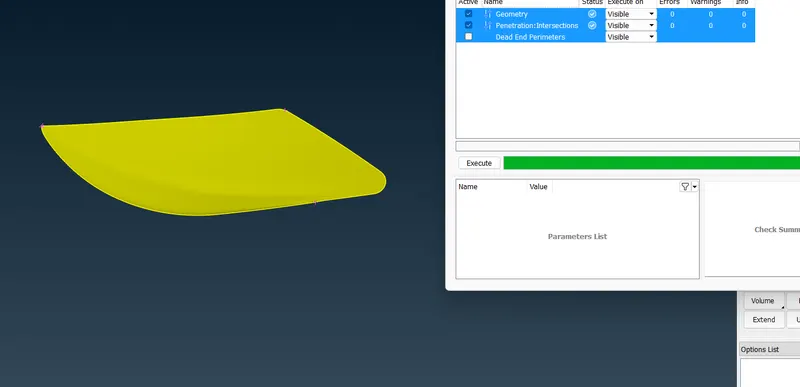
resolve the errors on the wind shield
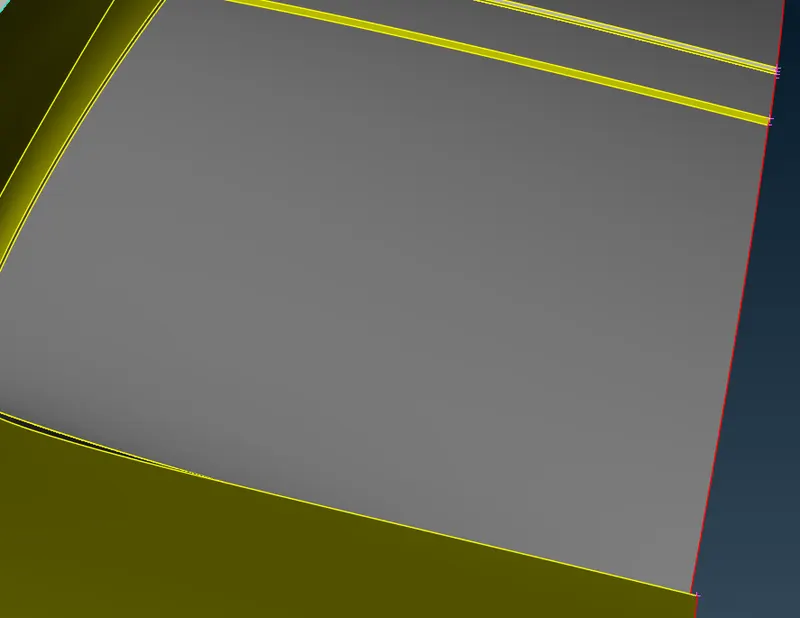
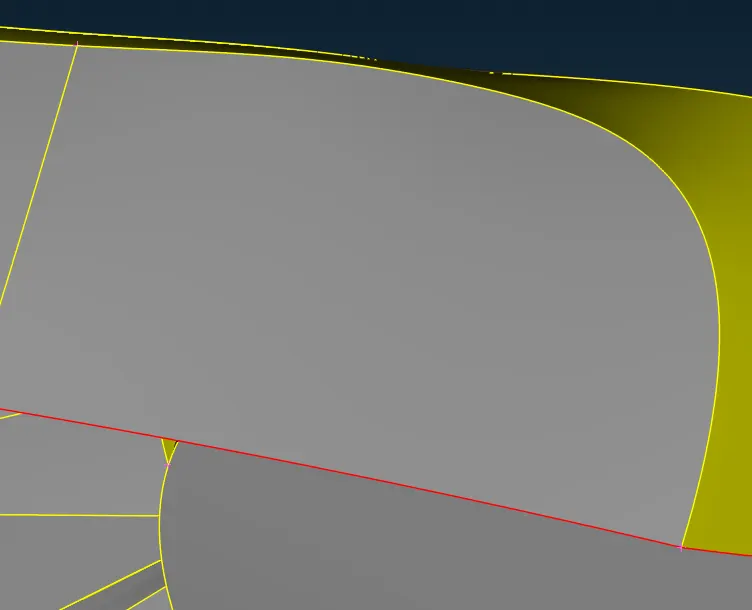
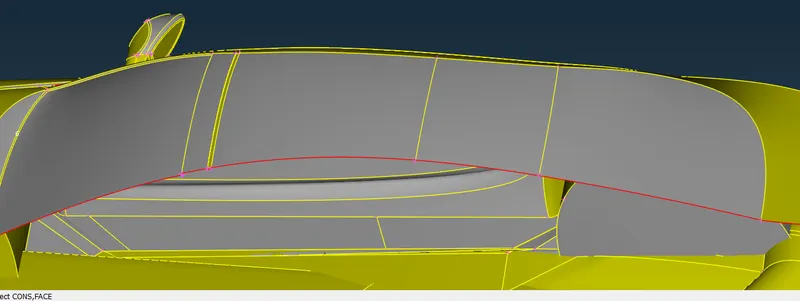
check the errors on the mirror. delet unwanted faces and make the mirror as a single volume with the body by removing the inner surface of the mirror
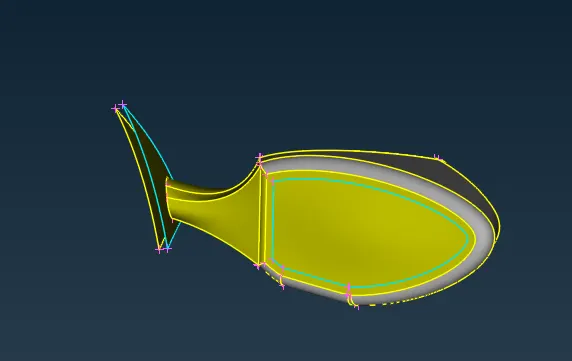
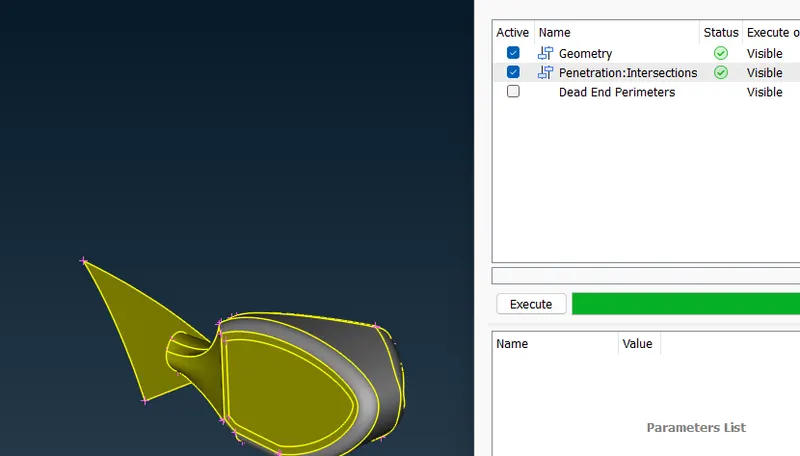
check back glass for errors
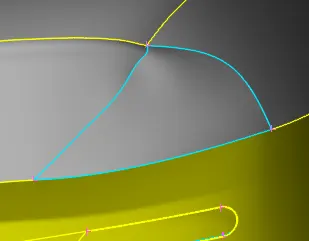
clear the triple cone errors.
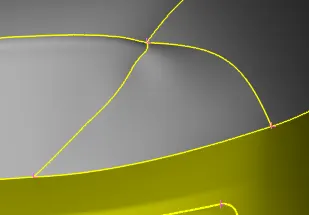
check the ineternal part for triple coons and single coons
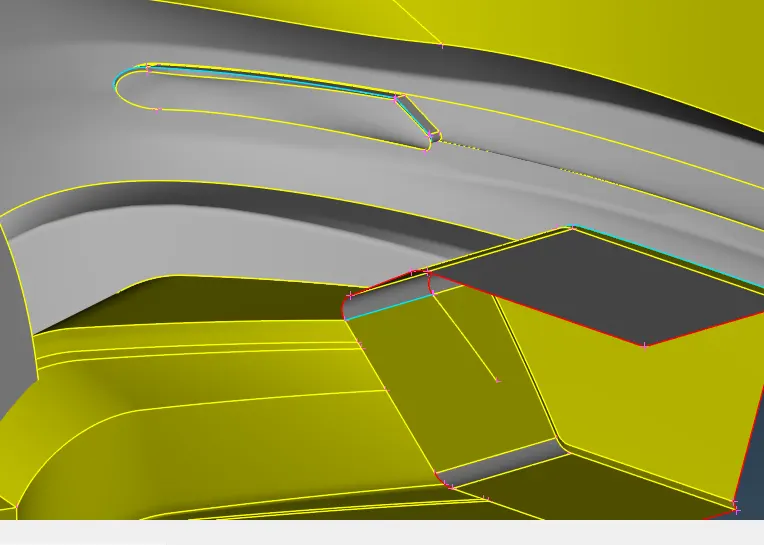
remove unwantd faces.
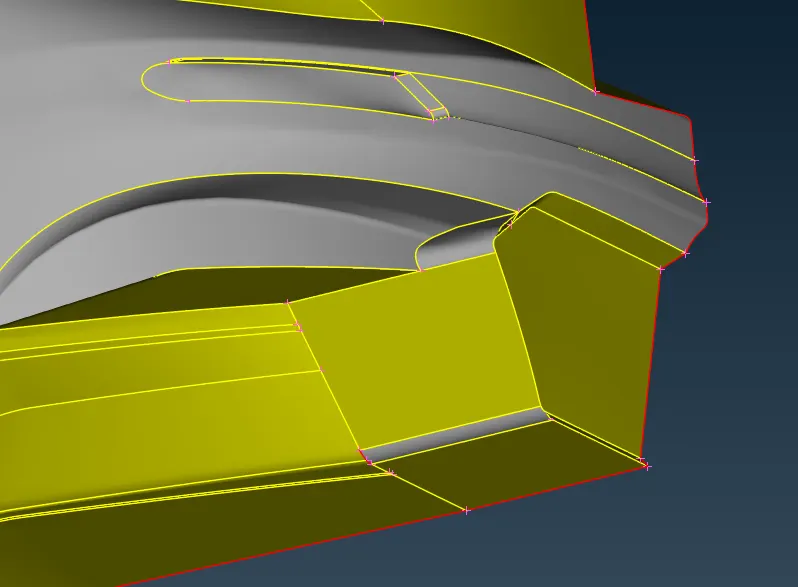
check for errors. remove unwanted errros and close the surface.
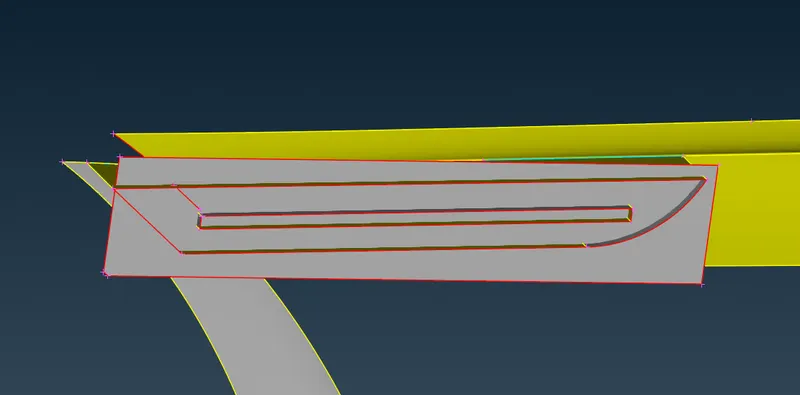
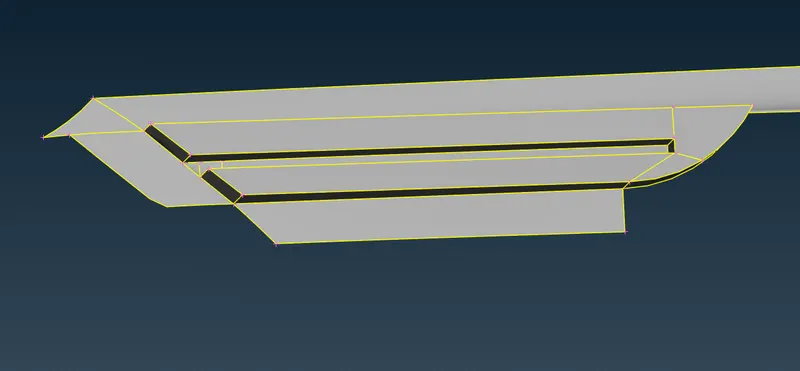
check the tyres.
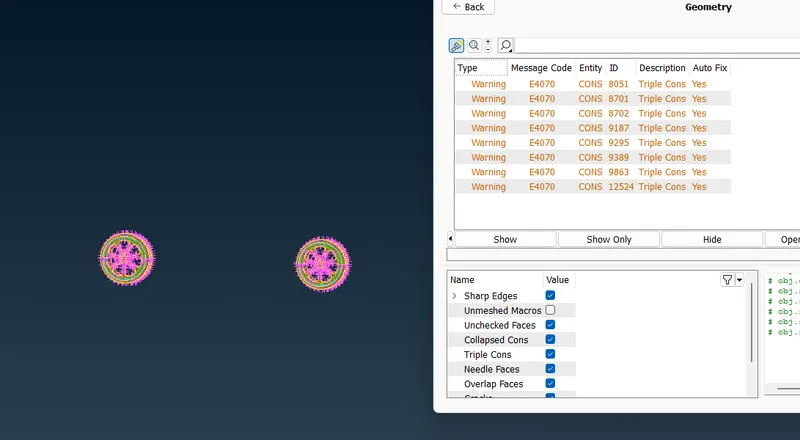
solve the intersectiona and single coons errors by deleting unwanted faces and clsoing gaps to solve single coons
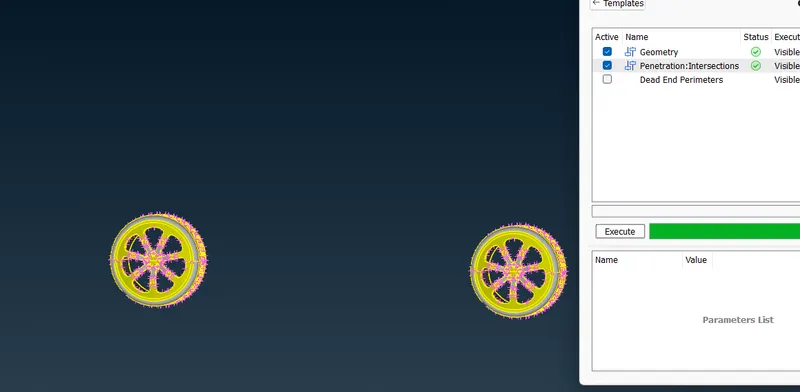
use coons to curves to create base curve for the floor
Curves > coons to curves > select coons > confirm
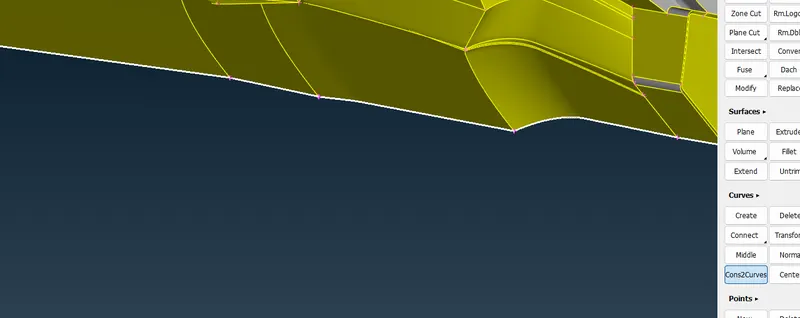
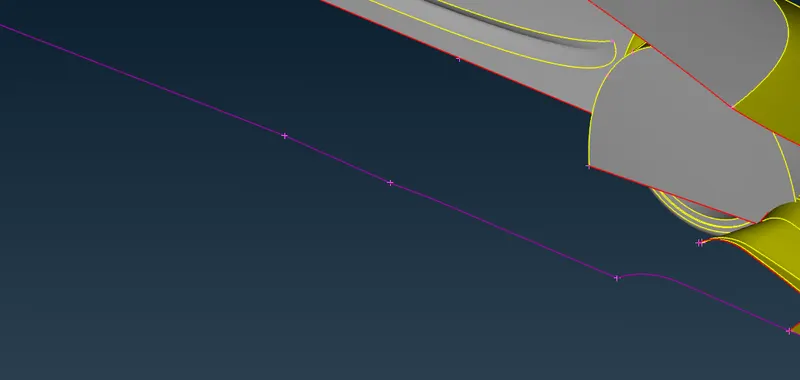
creeate new floor and delete teh curve
Curves > delete > select curve > confirm
after completion check for geometry and penetration errors
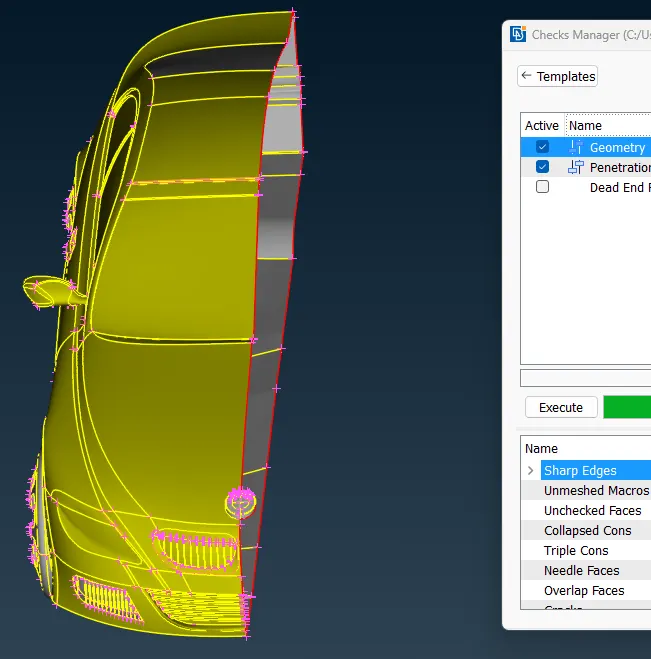
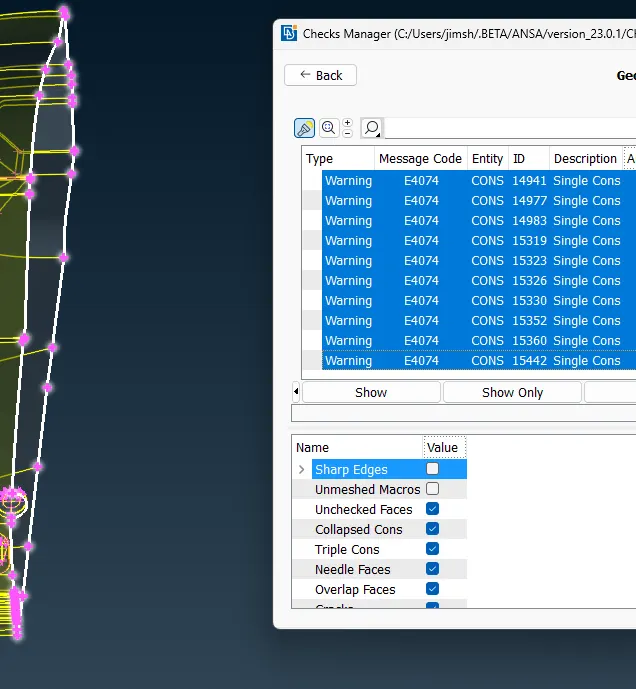
only single coons errros on the middle cut is there. proceed to assigning PIDs
Properties > NEW > shellproperty > name of PID confirm > right click on PID > apply > select entities > confirm
use compress option to remove unassugned PIds
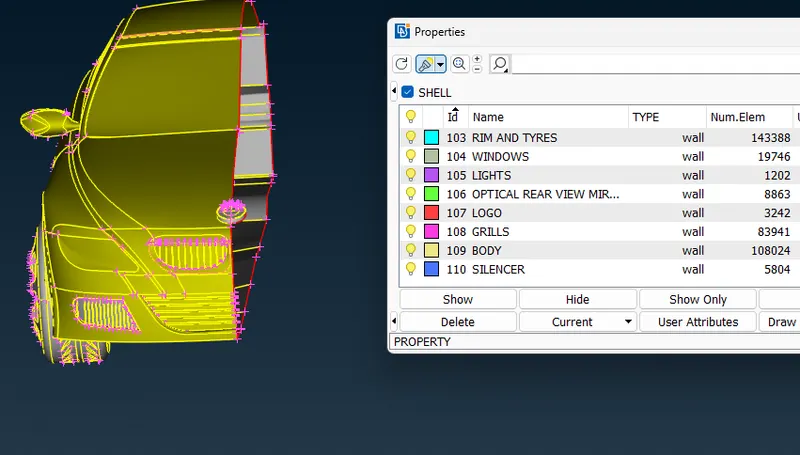
start meshing
set quality criteria
quality criteria> minimum length 0.3 and maximum length 7mm. > skewness > 0.5> deselet all other criterias and apply
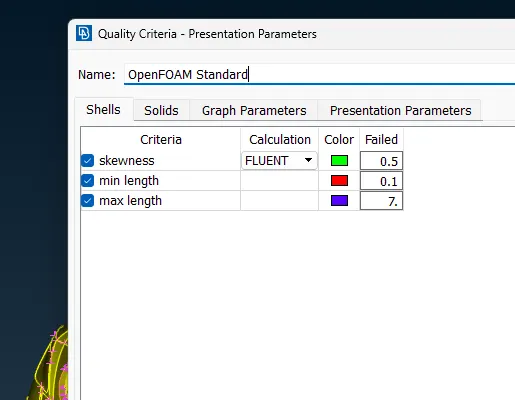
start meshing using given target length.
mesh> spacing > auto cfd > select PID > set minimum and maxium target lenght for perimeter and macros
mesh generation > CFD > Visible
check for off elements
right click on off elemnts> improve > reconstruct > confirm
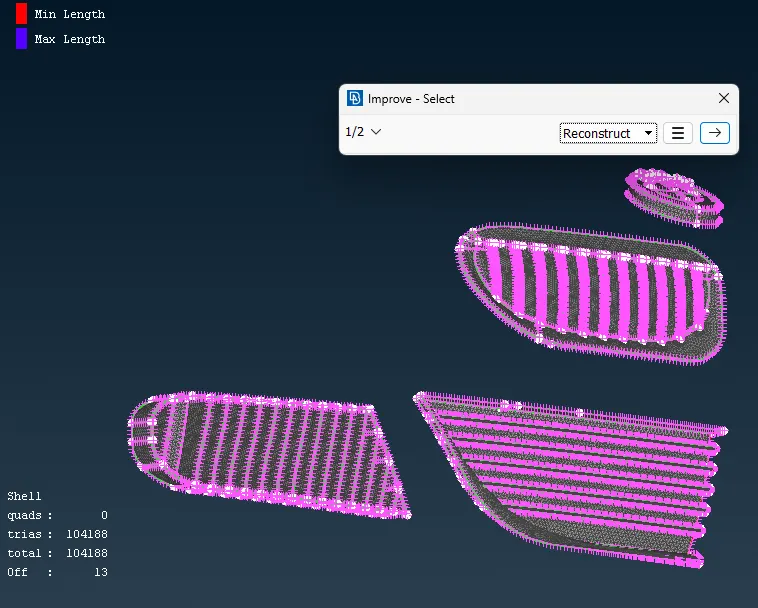
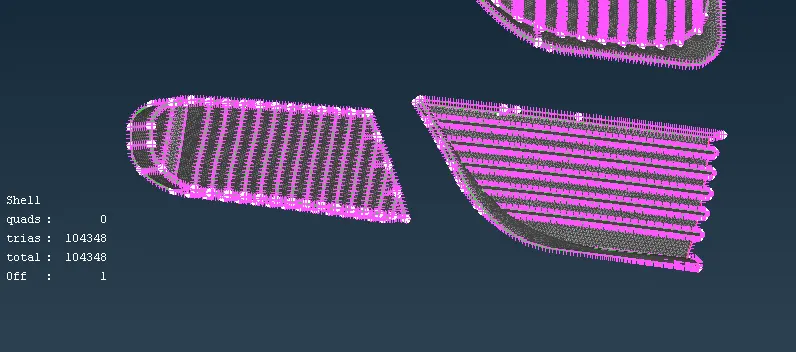
off > show only
Grids > move > selet node > move node to avoid off elements and confirm
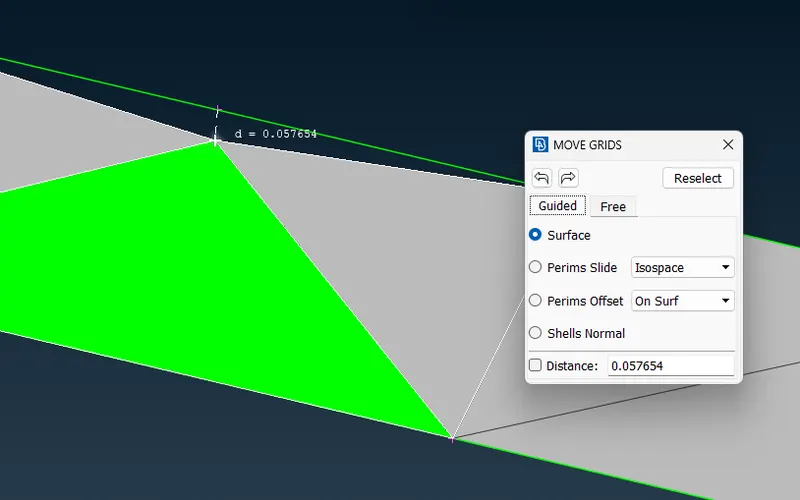
freeze the part
after complete meshing annd claring all off elements create the asymmetrical half of the car using transform
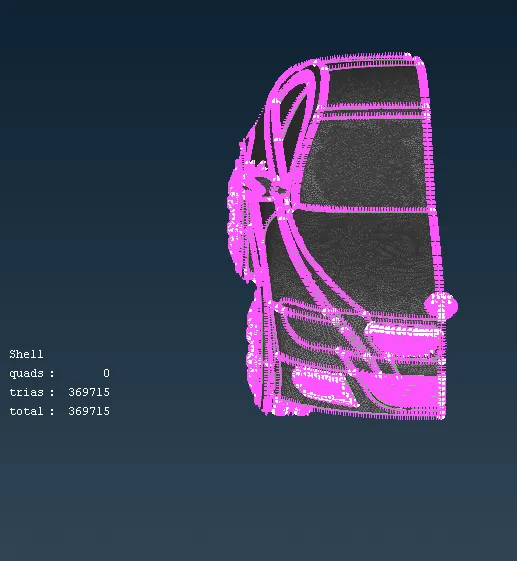
hide the logo and then transform
transform > copy > entities > slect car> confirm > symmetry > mirror 3 point planne > select nodes > confirm > finish
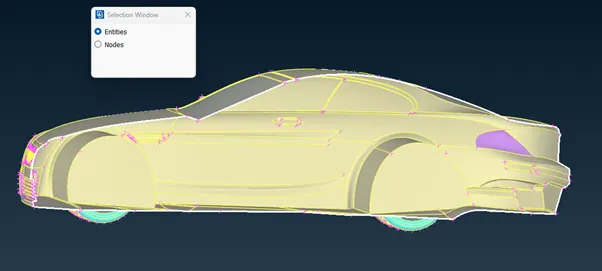
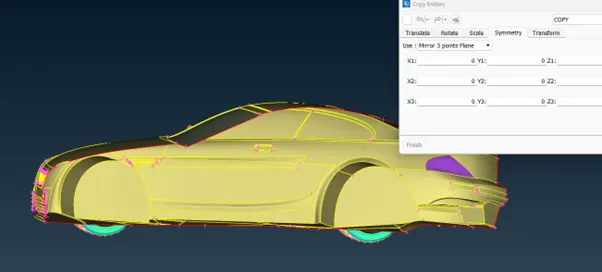
check for errors
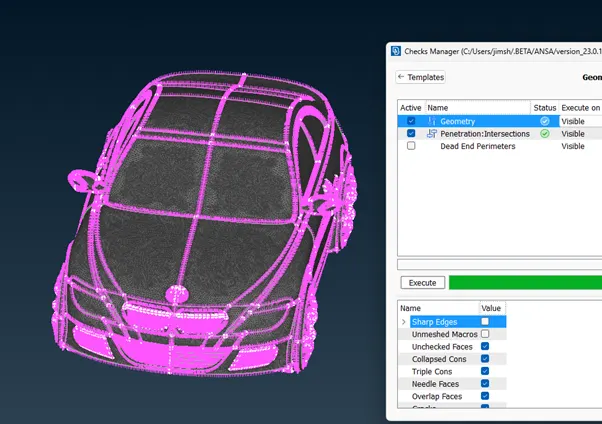
Create wind tunnel
create a point at some distance from the bottom of the car
topo > points > relative > nodes > select middl node of the car > select axis and direction of point > enter distance and confirm
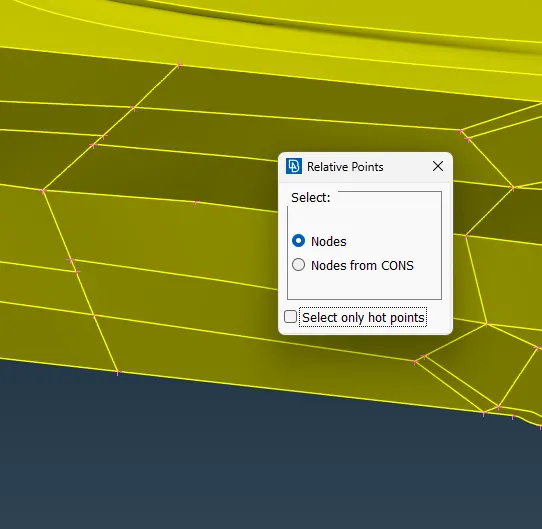
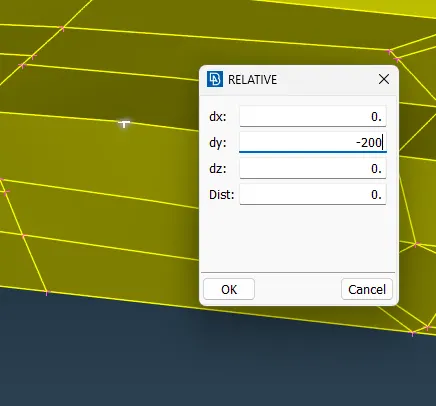
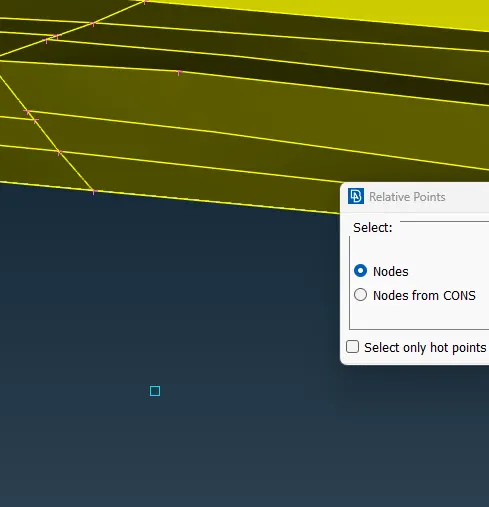
measure distance of car and distance of car from the point to the front of car
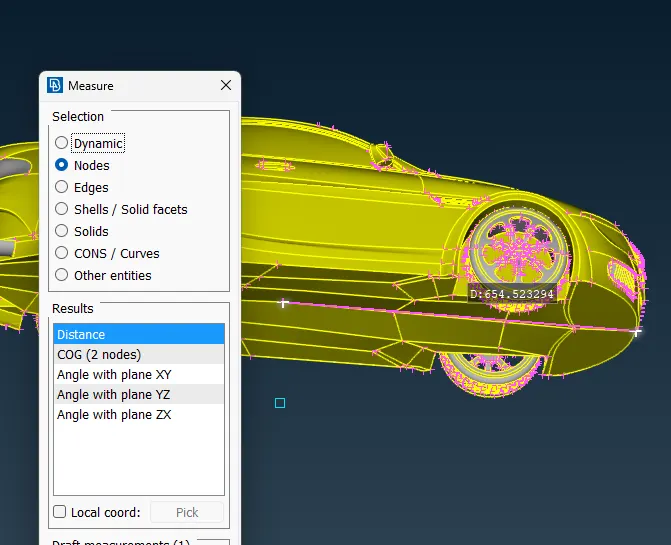
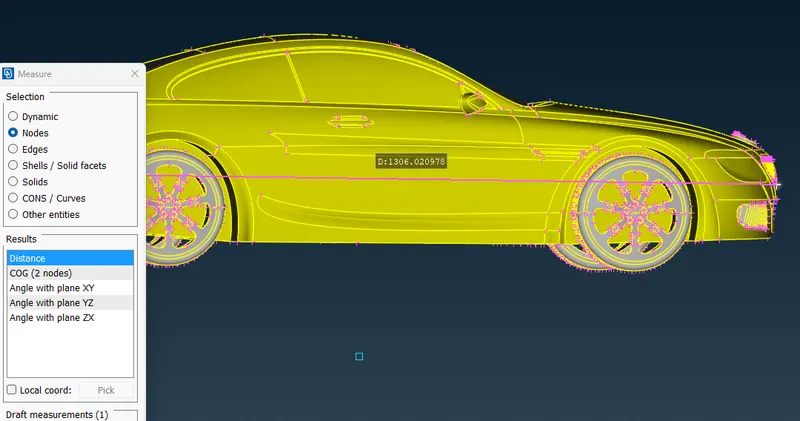
create a point at a distance of 4x length of car+distace from point to the front of car in the forward direction
create a point at a distance of 6x length of car+distace from point to the back of car in the back direction
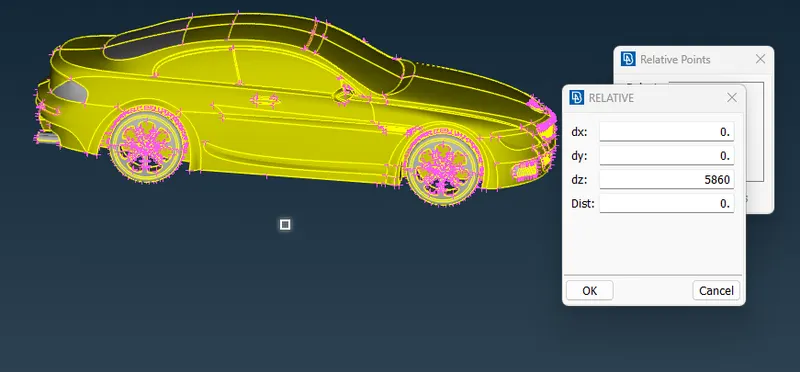
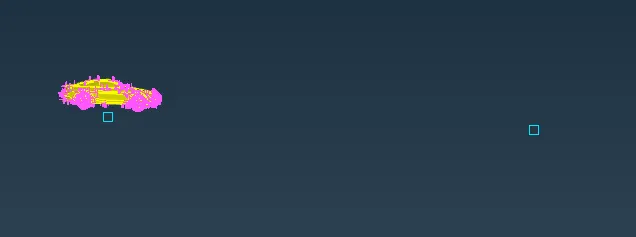
after creating points in the front and back use relative pints option ot create points on the sides at cars lenght+distance from middle point ot the side of the car
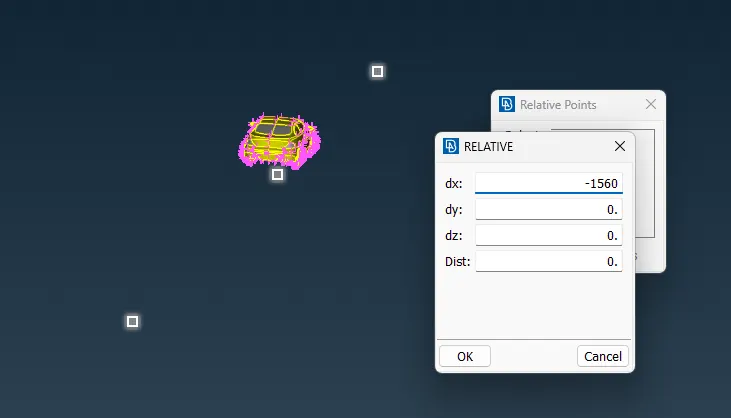
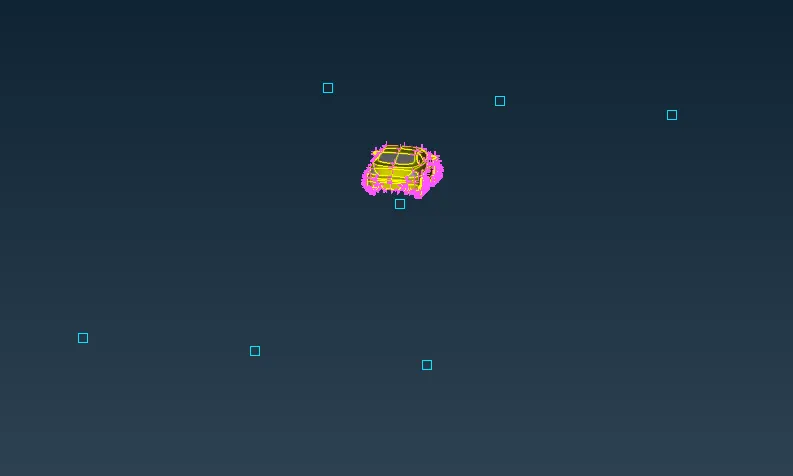 .
.
create a base fro winf tunnel using the points
curves > create > line > select nodes > confirm
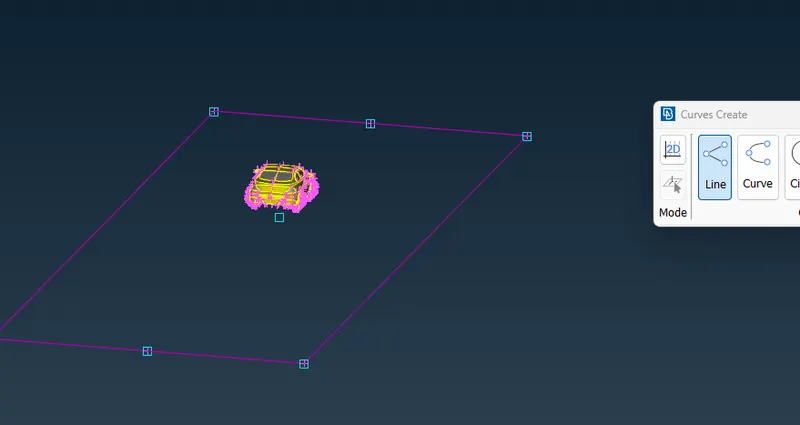
create new face using the curves
faces > new > coons >slect curves > confirm
delete the points and curves
Points > delete > select points > confirm
Curves > delete > select curves > confirm
make the top surface of the wind tunnel at a distance of (3xlength of car) from the top of car usig offset function
Faces > offset > enter distance > confirm
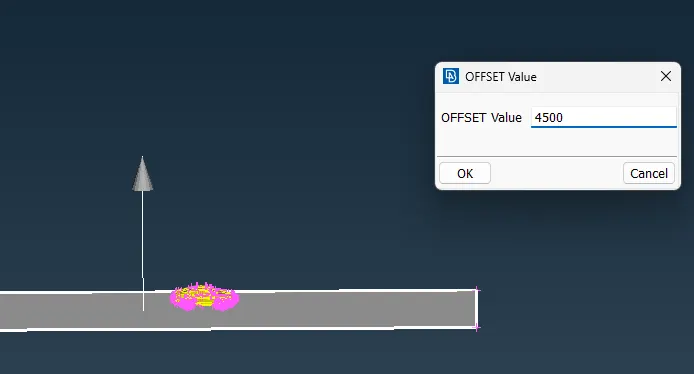
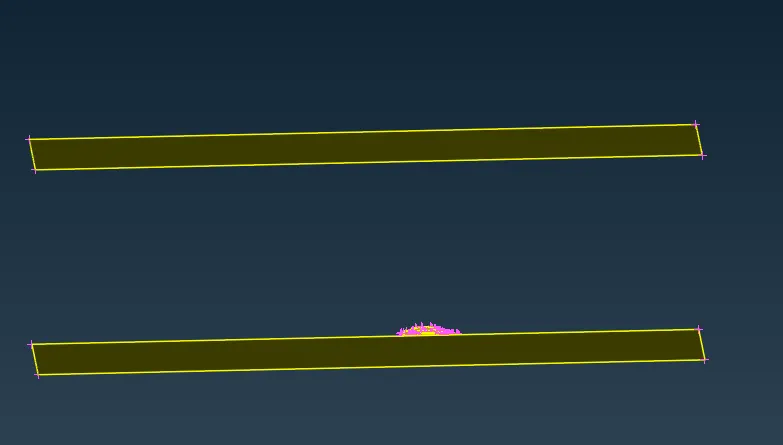
create sides of the wind tunnel
Faces > new > coons > select entities > confirm
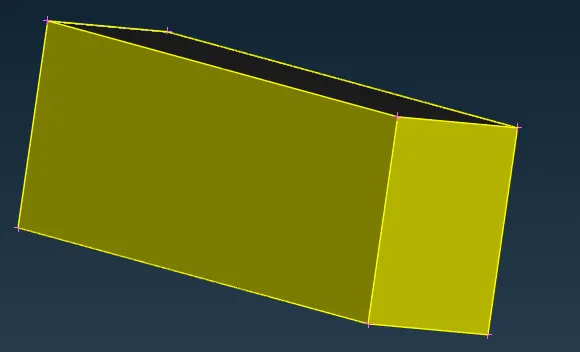
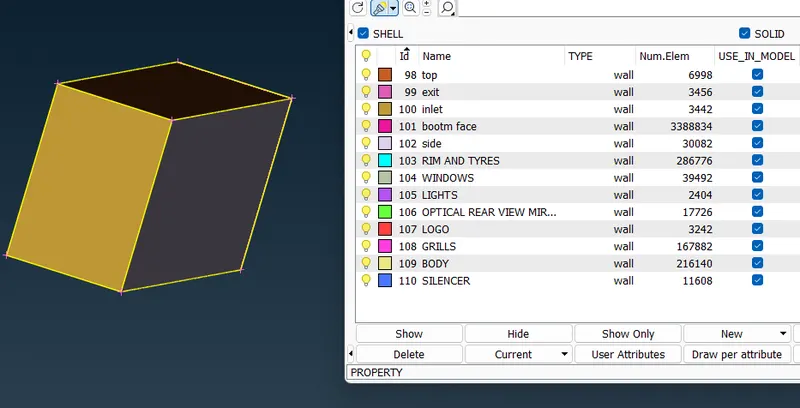
assign PIDs for theh wind Tunnel top face, bottom face ad side walls, inlet and exit .