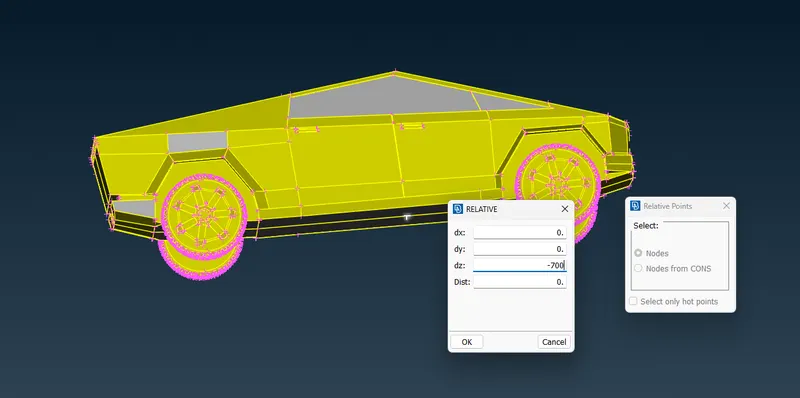
Project 1 : CFD Meshing for Tesla Cyber Truck
Aim : CFD meshing for a Tesla cyber truck.
Procedure :
- Import the Cyber truck geometry
- check the dimensions and for any geometrical irregullarities.
- complete topo cleanup
- check for geometrical error
- do the surface meshing of the cyber truck
- create wind tunnel
- surface mesh the wind tunnel
check for geometry and resolution
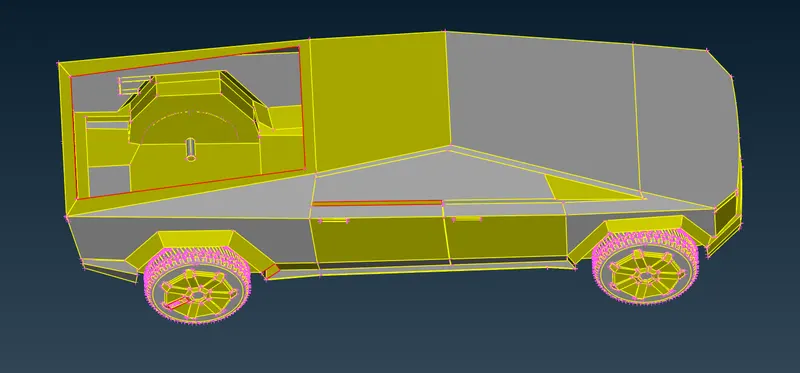
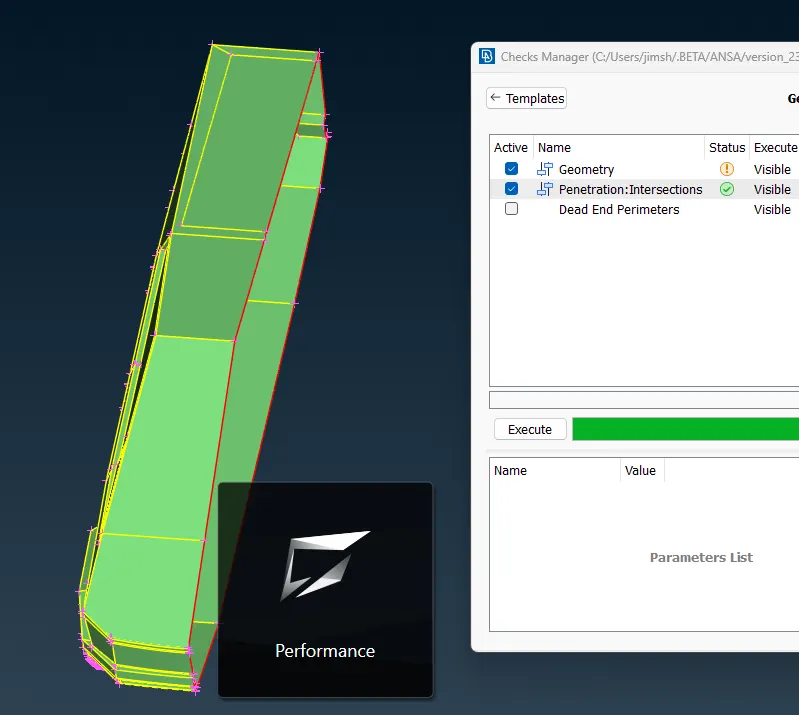
check geometry and penetration errors using checks manager
Checks > checks manager > select geometry and intersection/penetratiokn errors. > execute
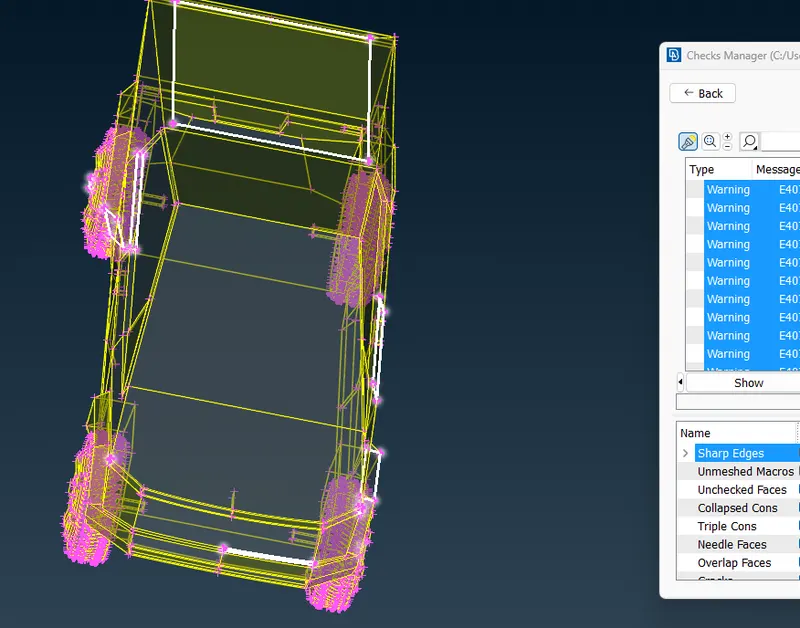
since the geometry is asymmetrical we can cut the mode in half and correct the errors on one side and replicate the complete section.
cut the geometry using plane cut
plane cut> single > select nodes > confirm
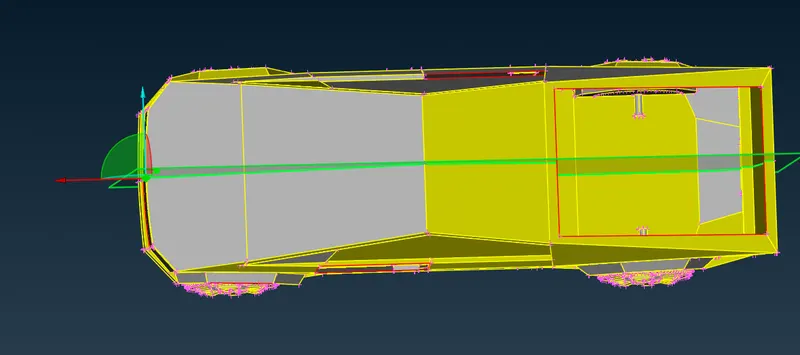
check for geometry and penetrarion errors and resolve the issues
create faces using Faces > new > coons select cons using entity option or by loop option > confirm
delete face usig Facs > delete > select face > confirm
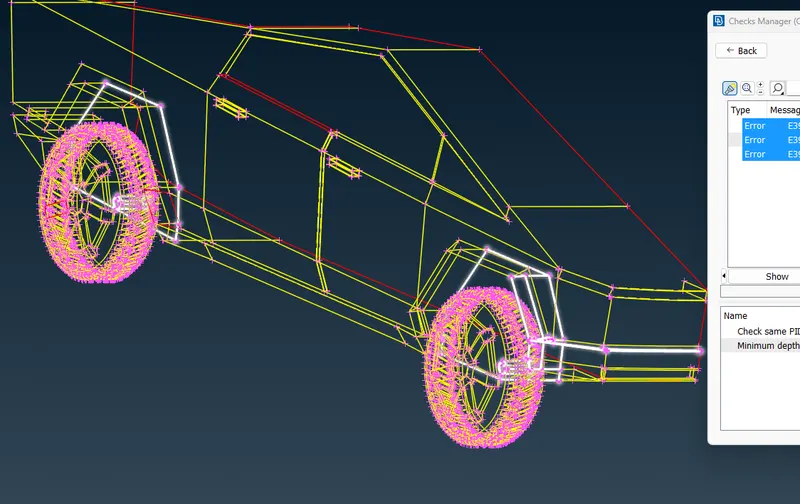
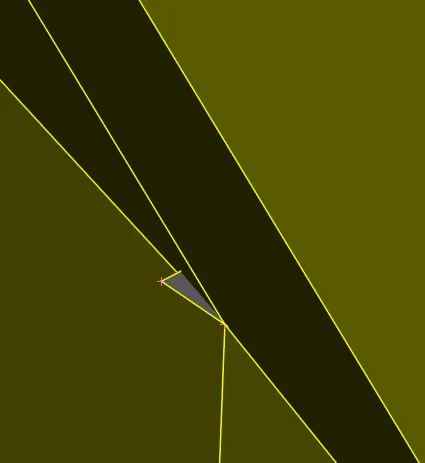
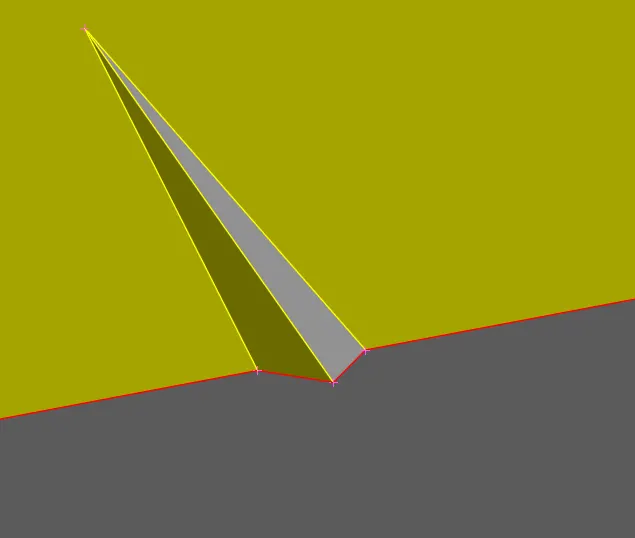
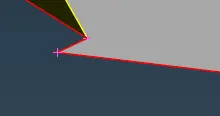
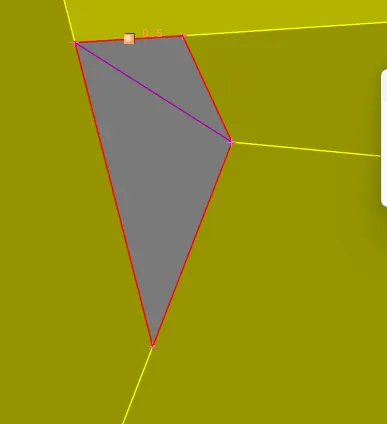
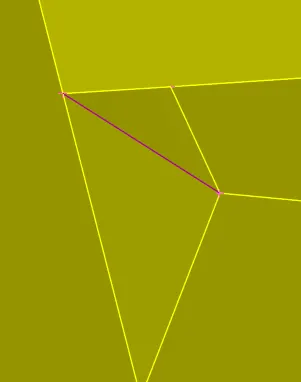
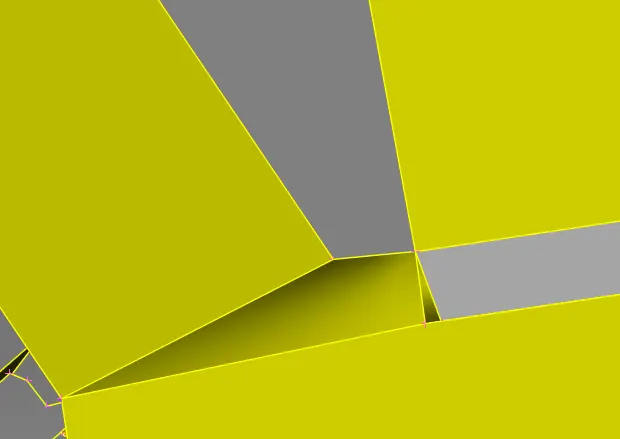
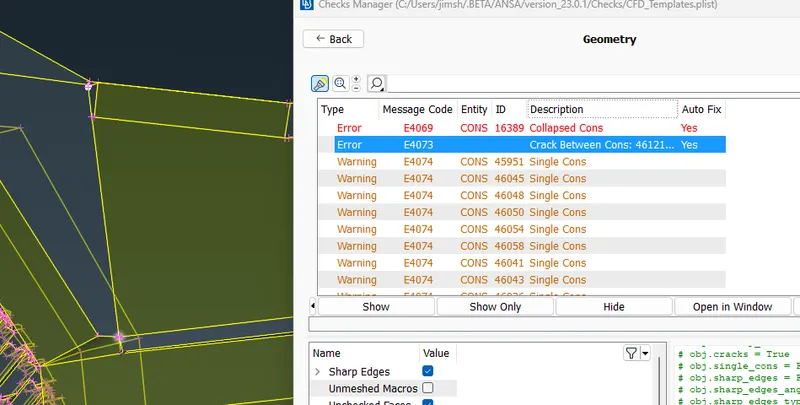
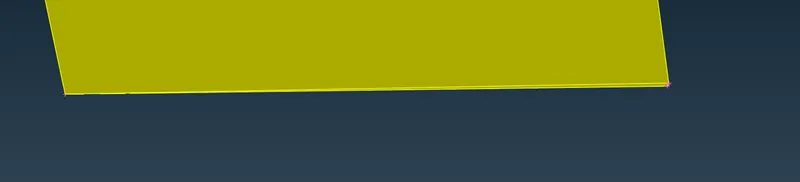
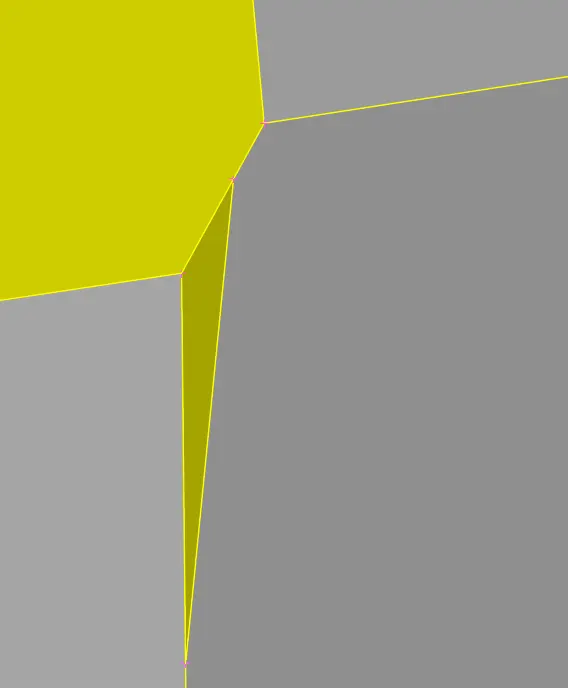
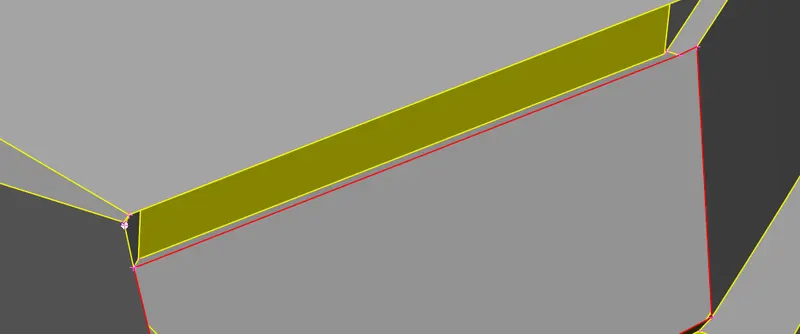
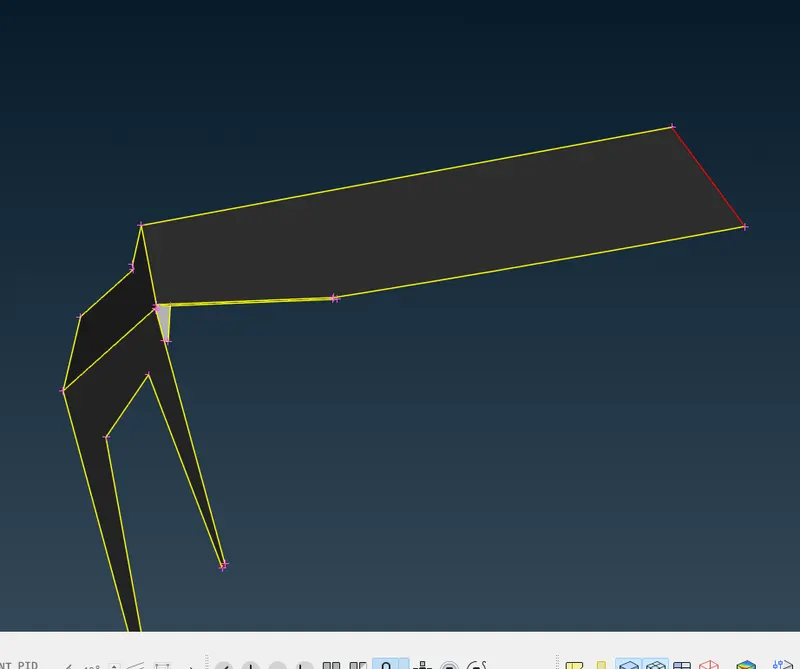
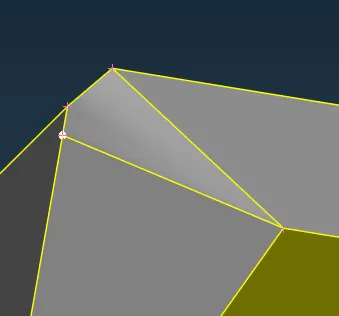
penetration errors
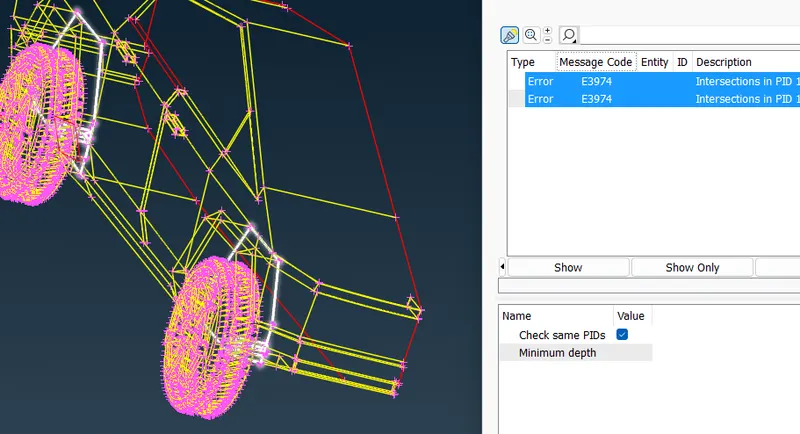
clesr over lspped surfsce by deleting the unwanted faces. use not function or Inot option ot isolate faces.
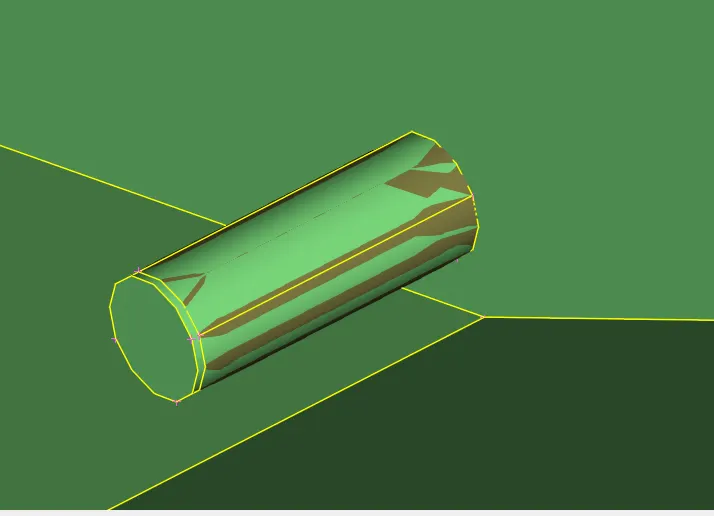
use fill hole option to close unwanted holes Cons > fill hole > select hole > confirm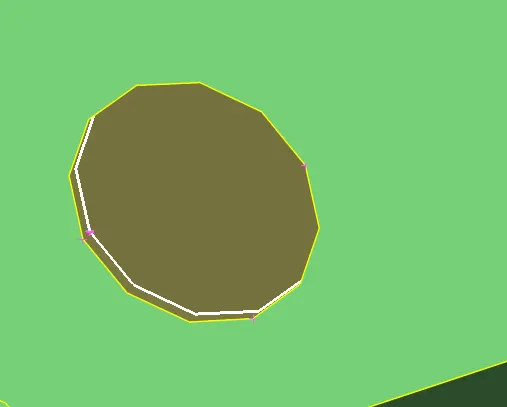
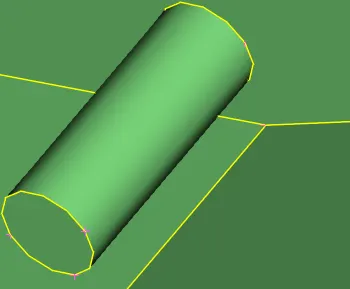
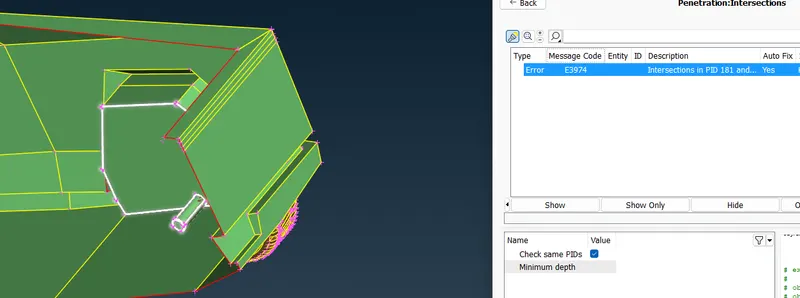
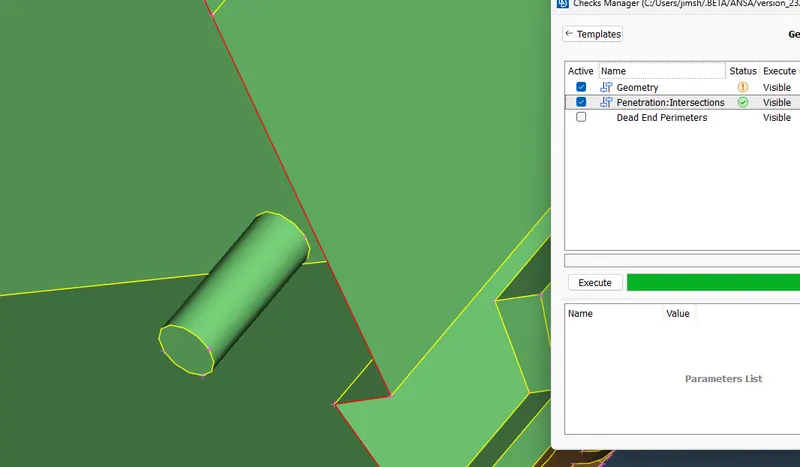
create new faces on single cons to solve single cons errors.
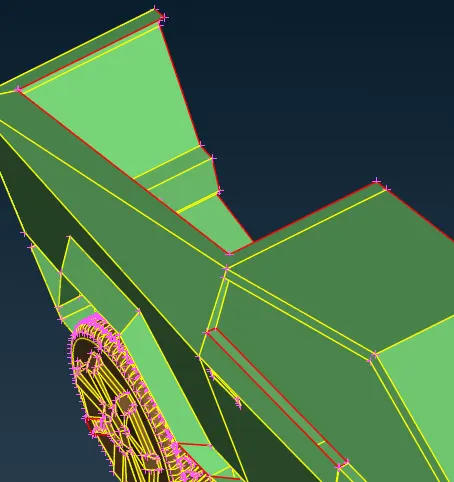
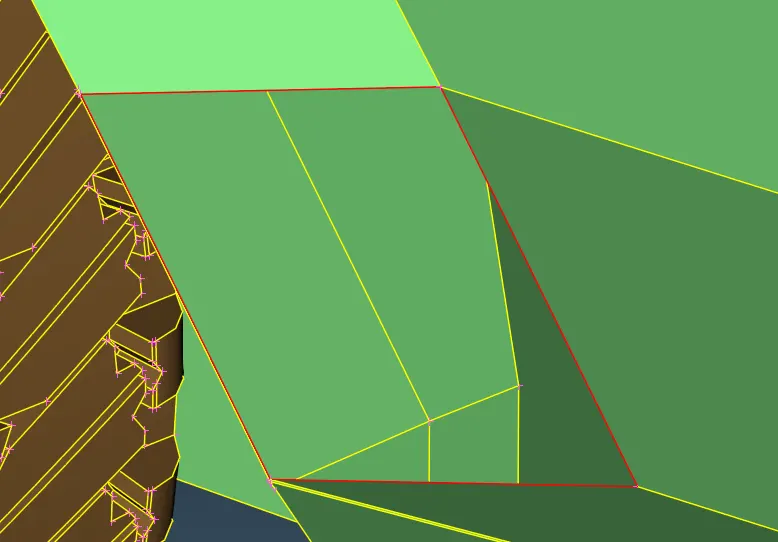
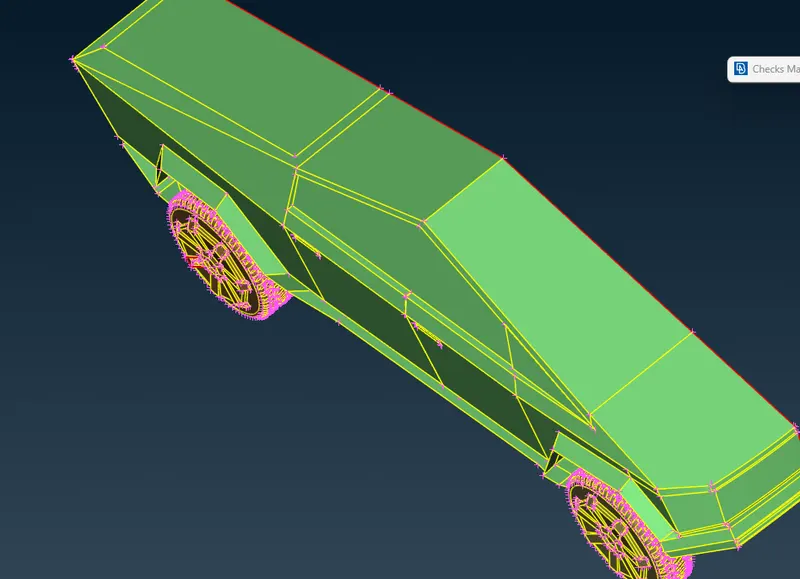
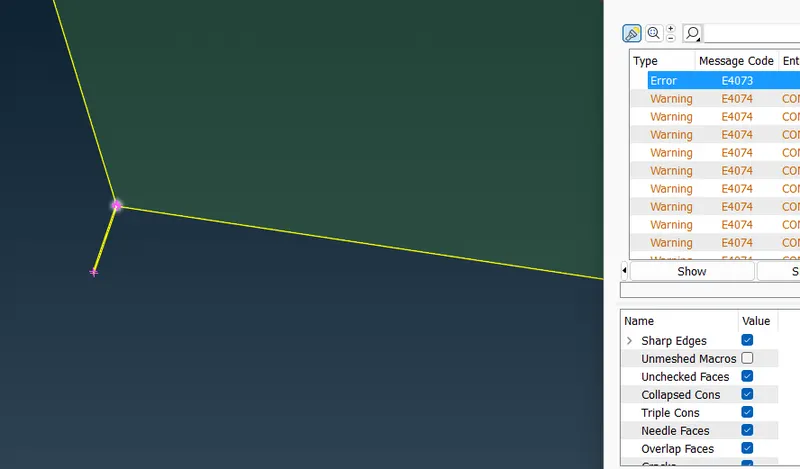
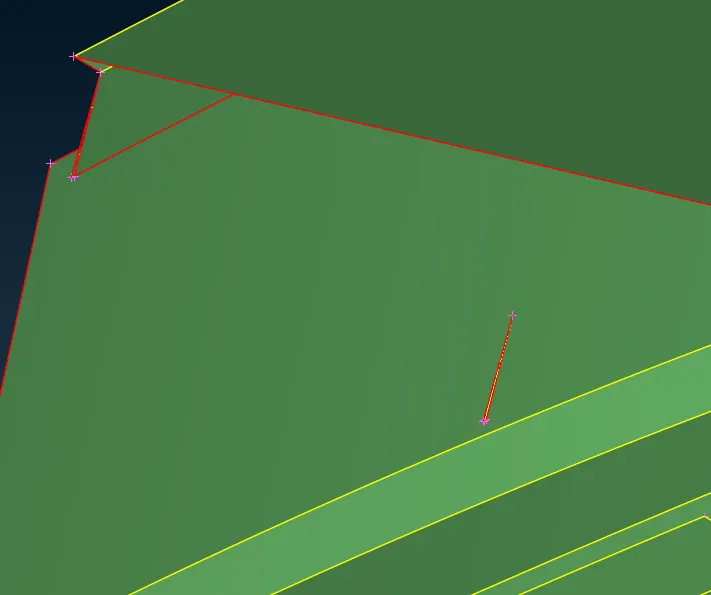
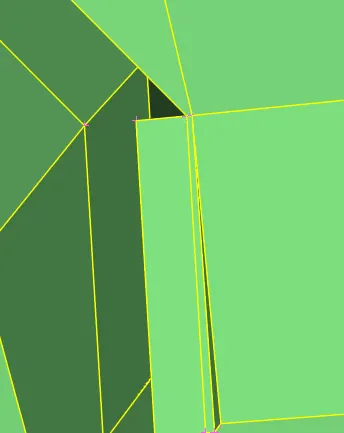

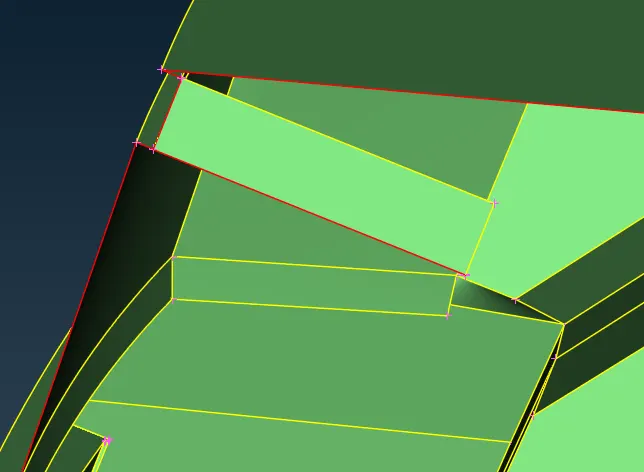
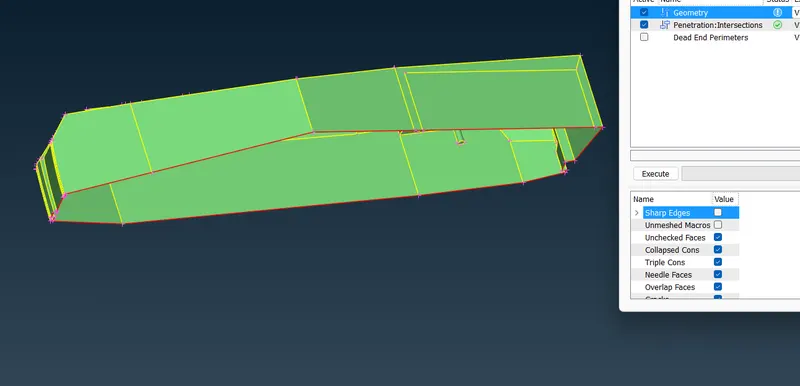
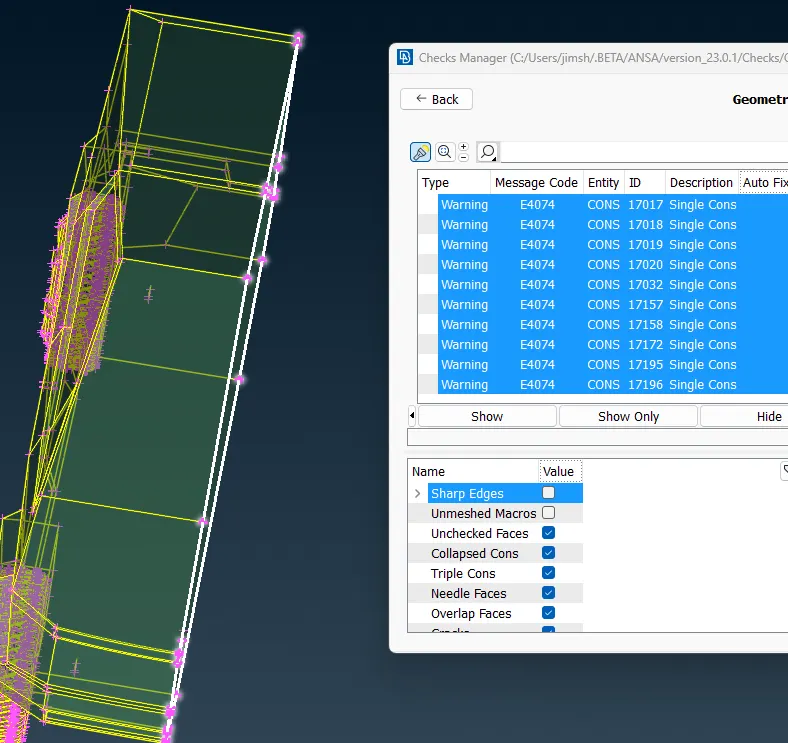
when only the ingle cons errors on the middle cut are left and all other geometry and intersection errors are cleared assig the PIDs
Properties > new > shell property > name the part > ok > right click on the name > apply > select entities > confirm
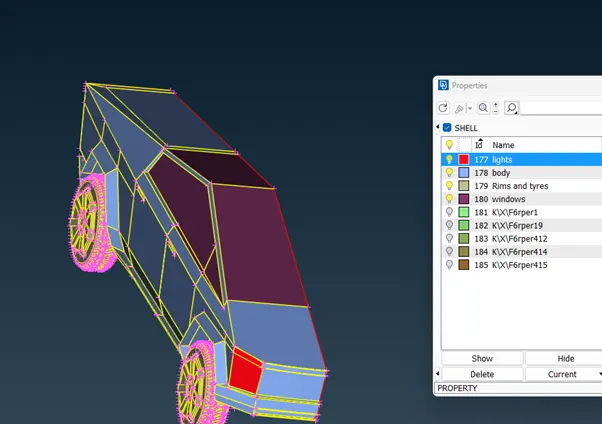
use compression option to remove unwanted PIDs
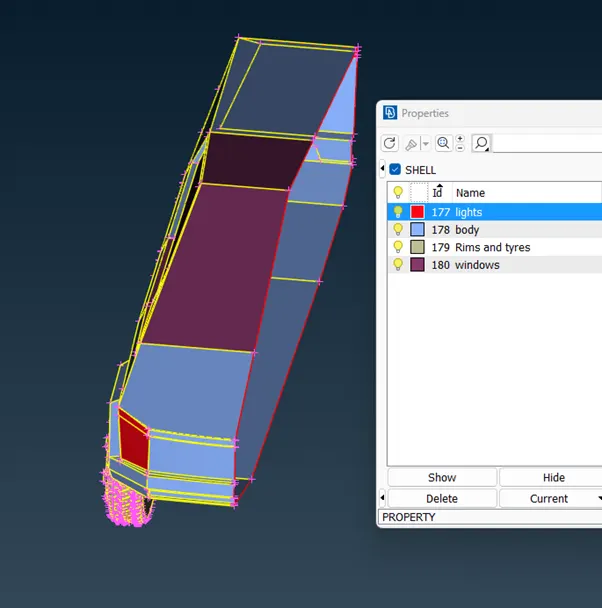
after assigning PIDs assign mesh elements quality criteria.
assign maximum and minimum lenght for quality criteria and skewness of elements.
minimum length as 0.1 and maximum lenght as 9mm fro quality criteria
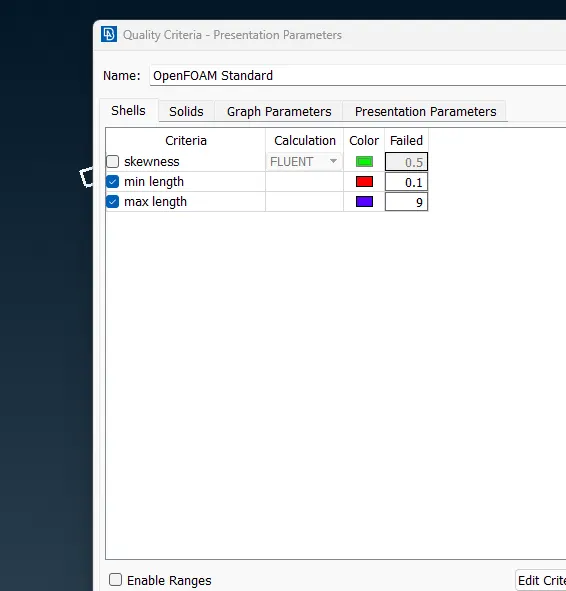
start meshing of each PIDs
isolate PID using PID manager or by not function.
go to mesh
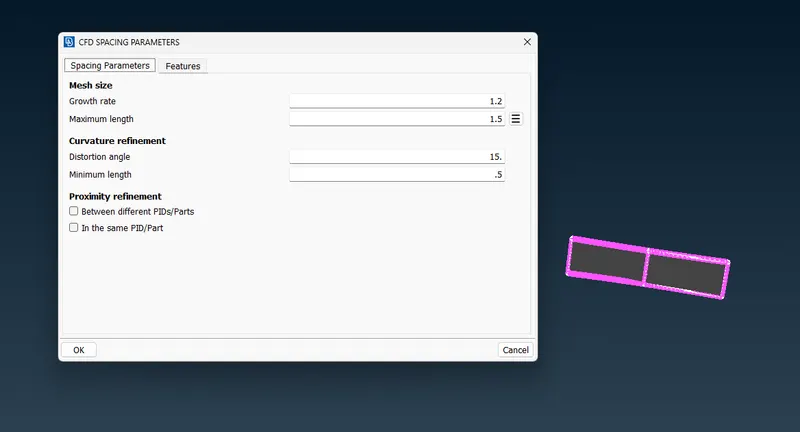
set target lenght for the PID in MESH
Perimeters > spacing > auto CFD > select entities > set maximum and minimum lenght > confirm
set maximum and minimum target lenght
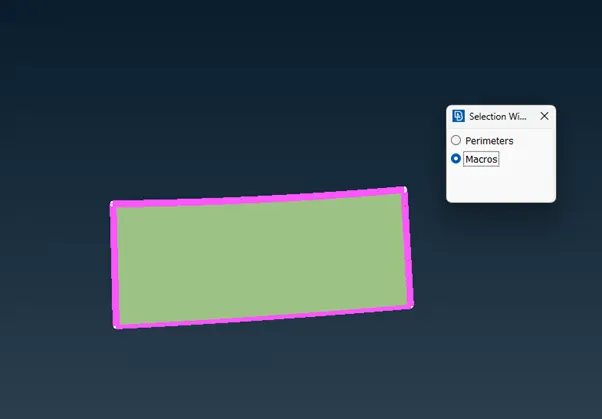
set macros
perimeters > spacing > auto CFD > select entities > set maximum and minimum lenght > confirm
mesh the faces
mesh generation > CFD > visible
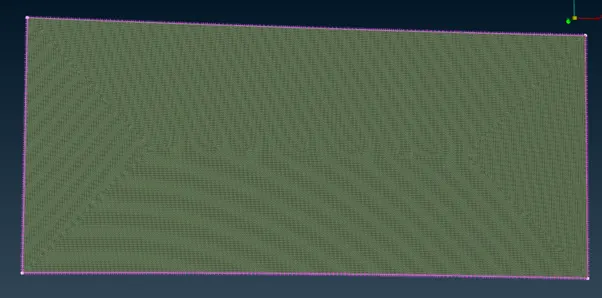
clear off elements suing reconstruct or reshape
off > improve > reconstruct/ reshape > confirm
off > show only worst > Grids move > select nodes > confrim node positon when okay.
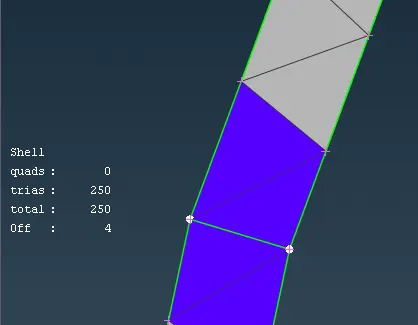
after clrearing off elements freeze te mesh
macros > freeze > select the faces > confirm
mesh the remaining PIDs
after completong the meshing, create the symmetrical copy of the cyber truck using transform option
Transform > copy > select entities > confirm > symmetry > mirror 3 points plane > select nodes > confirm
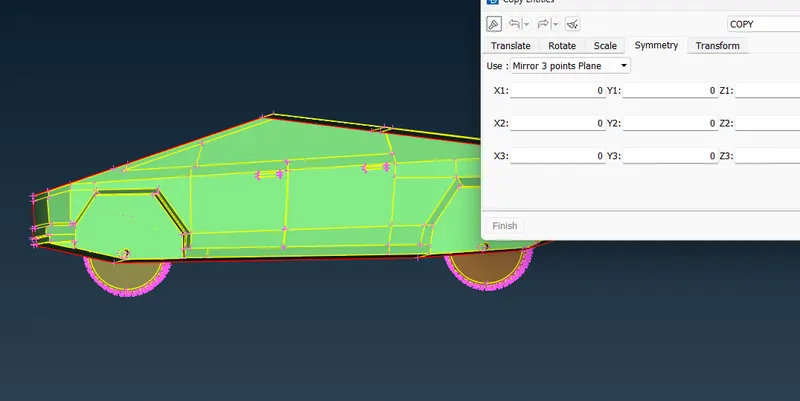
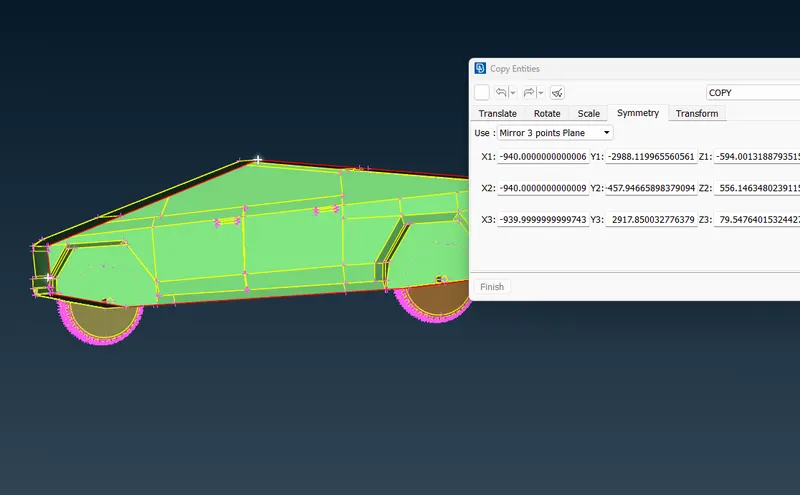
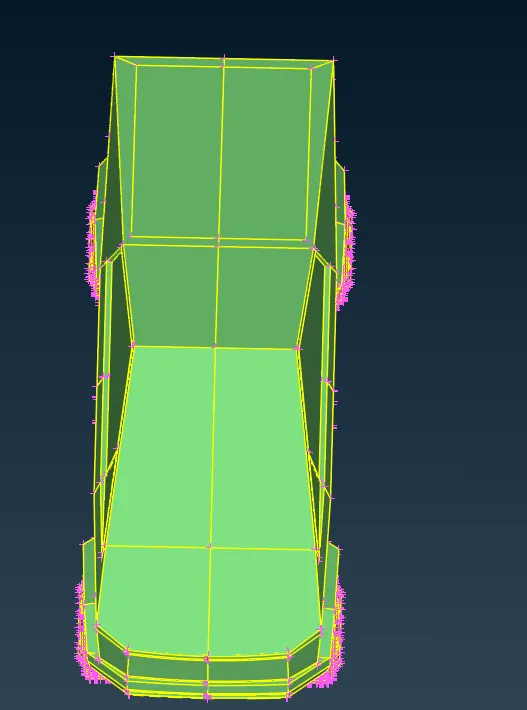
cheeck for geometrical and penetration errors
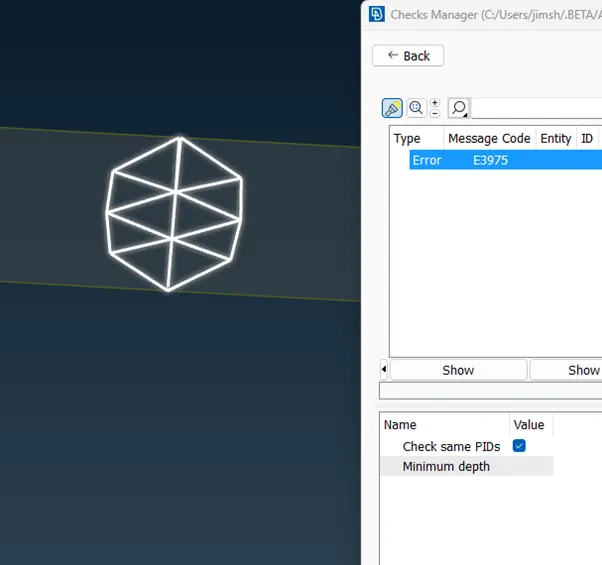
clear the errors.
create wing tunnel
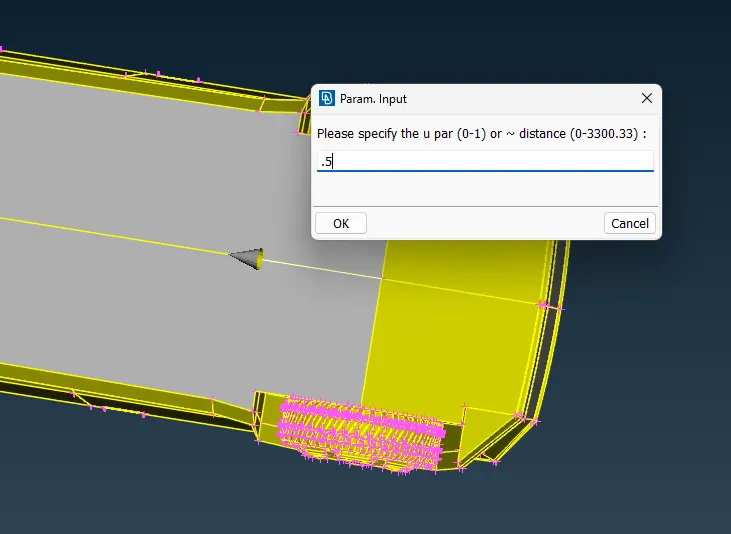
create a hot point at the middle of base of the truck using parametrical
Hot points > parametrical > select cons > enter distance 0.5 > confirm
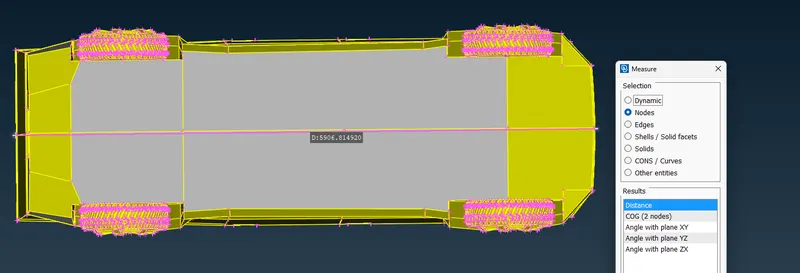
measure lenght of truck , distance from the point to the front of the truck, back of the truck and to the sides.
measure > nodes > select nodes
Make a point to in the downward directon of the car using relative option
Topo > points > relative > select node > confirm > enter distance in the relative direction > confirm