Week - 4 - 2D meshing for Plastic components
Aim:
To check the geometrical errors for the given bottle cap component.
To extract all the mid surfaces of the given component with a suitable method.
To mesh all components in the model with the given element quality criteria. After Meshing the component assigned thickness to the model.
Objective:
To write a detailed report on the meshing process & also mention which method we used to extract the mid surface.
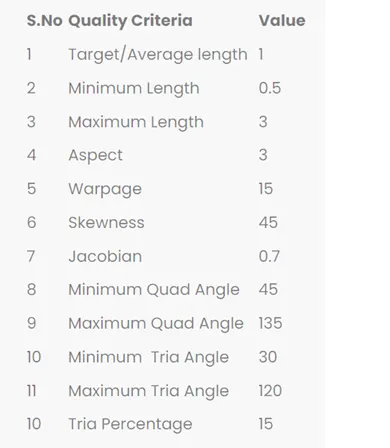
The list of below quality criteria to be maintained.
Procedure:
Step-1:
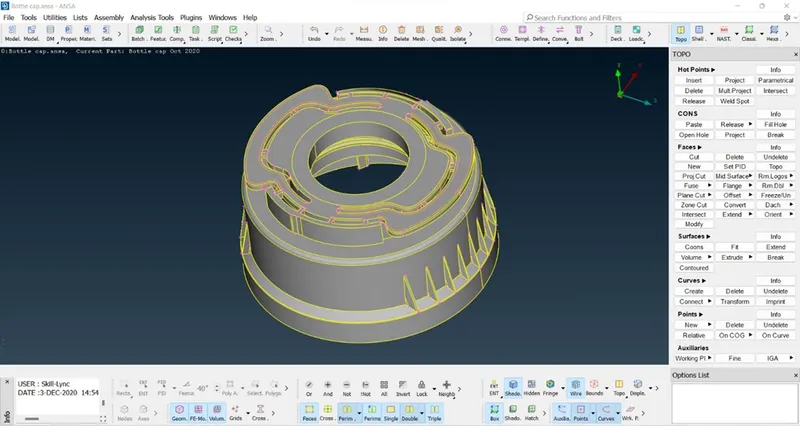
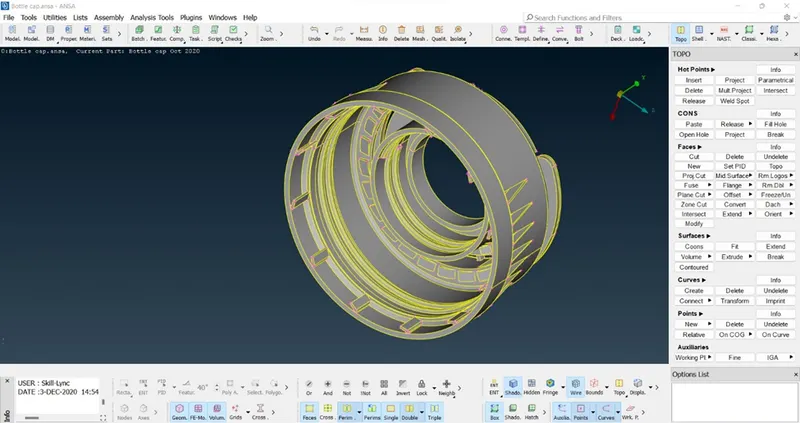
Open the CAD model by using the File à open option & select “Bottlecap.ansa” file. It will be appeared on the screen.
Step-2:
Then go to the checksà geometry option to check the geometric errors.
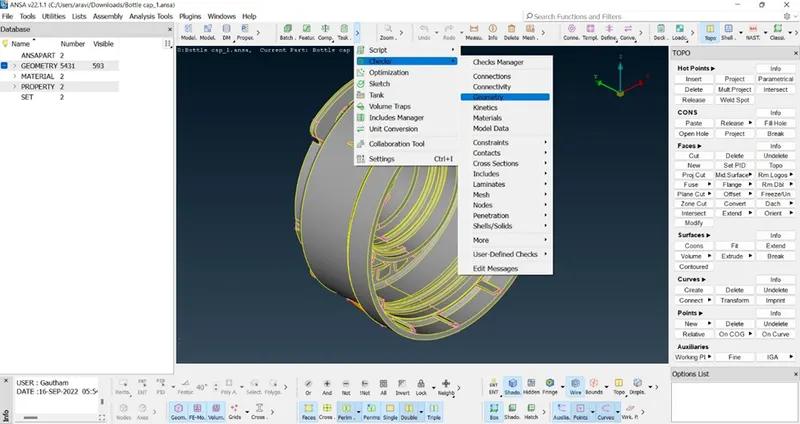
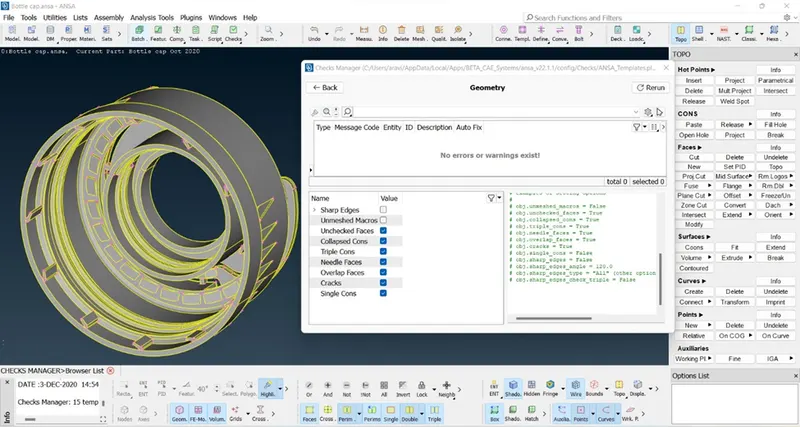
Geometric errors were checked & no errors were found.
Step-3:
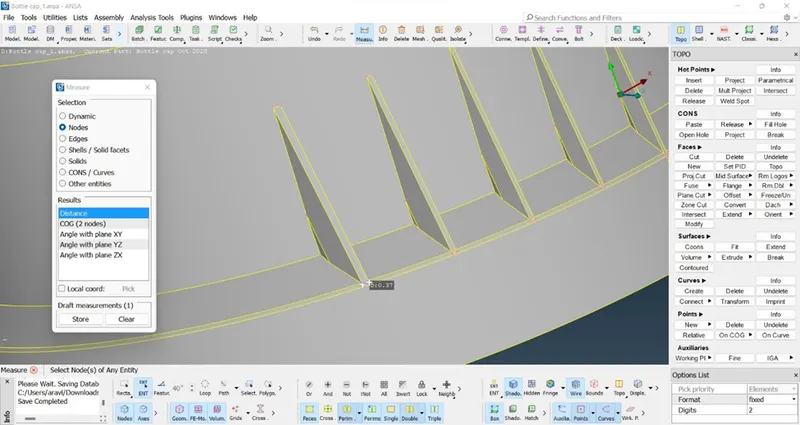
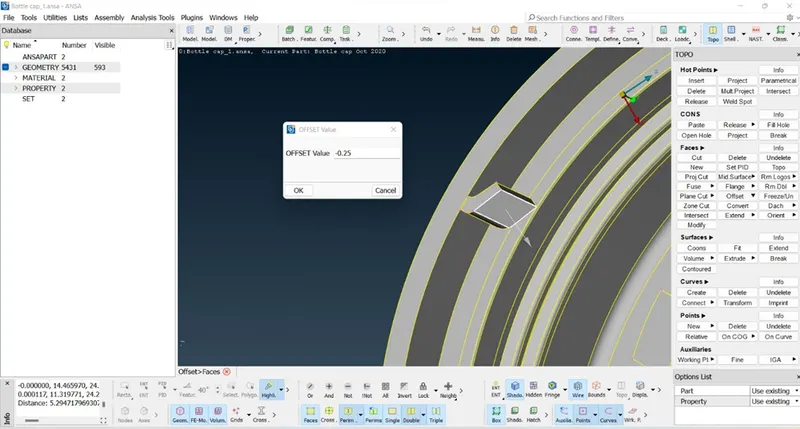
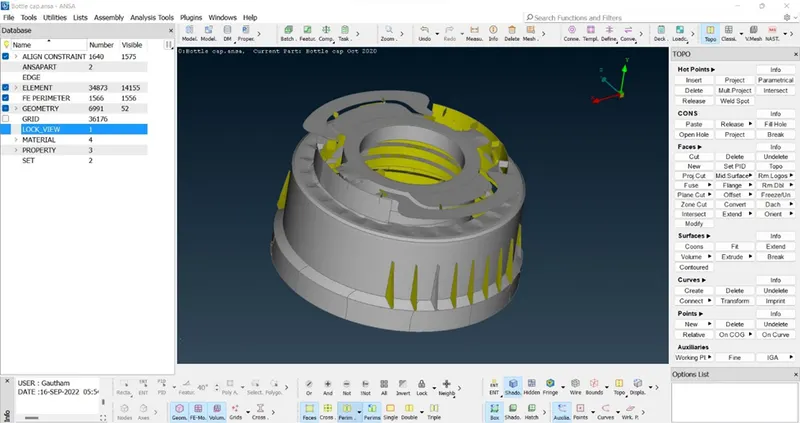
Next, by using the Topoàfacesàoffset option we can take the manual mid-surface for all regions with measured thickness.
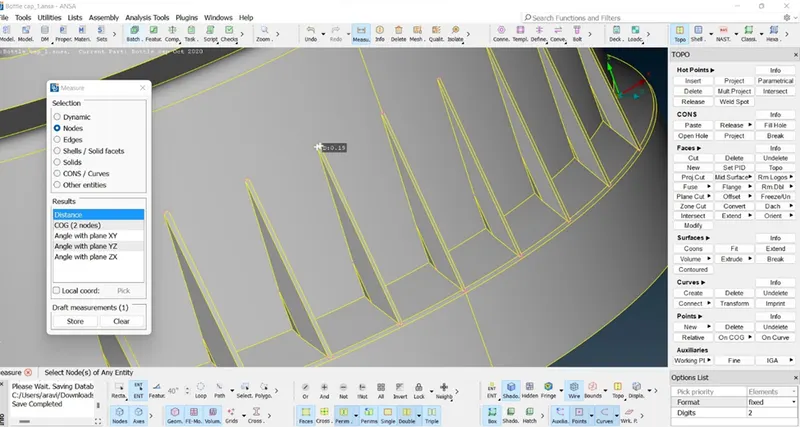
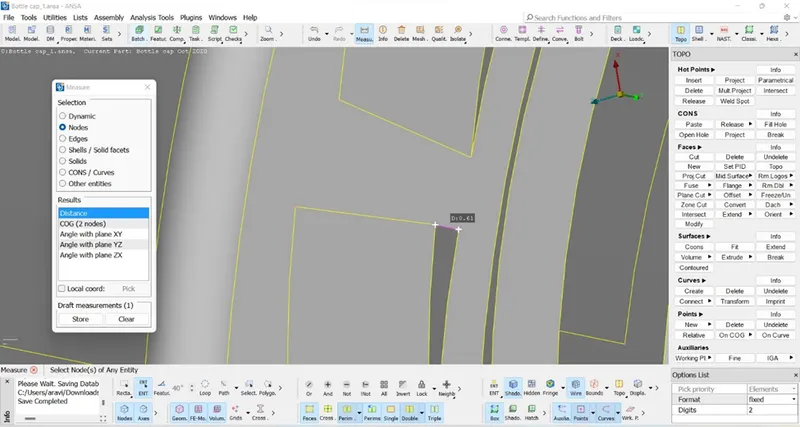
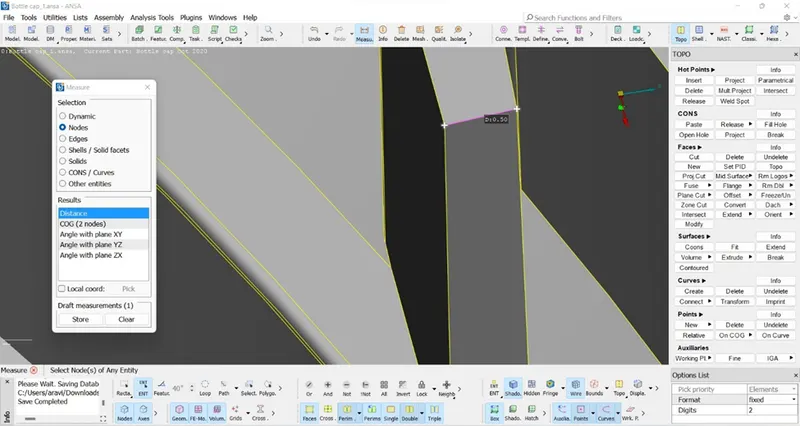
Enter the offset value (half of the thickness).
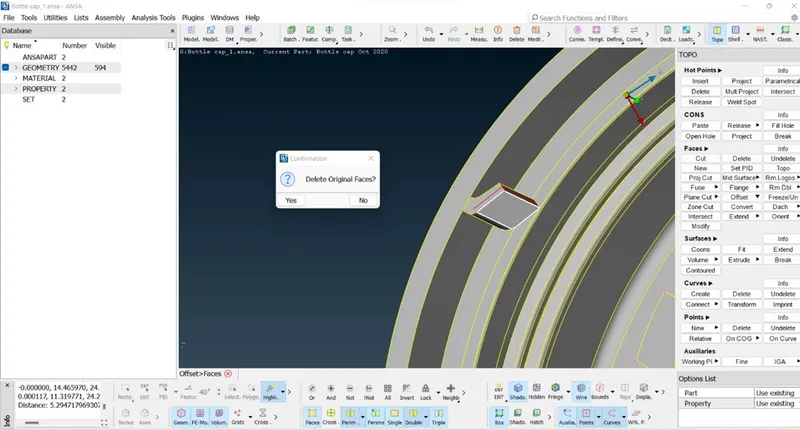
To keep the original surface, select “No”. Original surface will be retained.
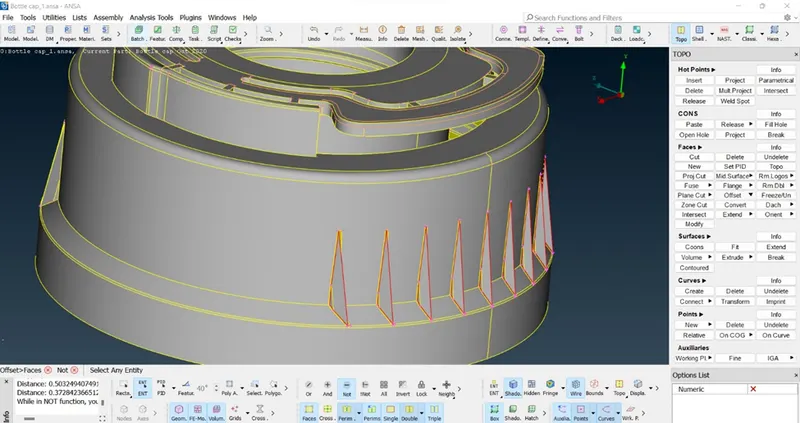
After using the various methods, the Mid-Surface of this model is obtained and they are shown below,
Step-4:
In the meshing, we will be considering only the above mid surfaced parts. we will be meshing it with mixed elements that include both quad & tria elements according to the quality criteria given in the challenge. There are some critical parameters required for meshing the component that is given in the quality criteria.
Go to Utility tabàmesh parametersàquality criteria (or press F11) & enter the quality criteria parameters as given in the challenge.
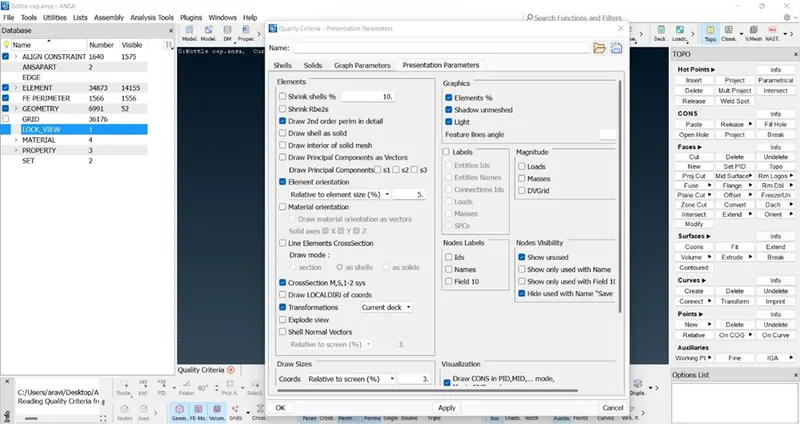
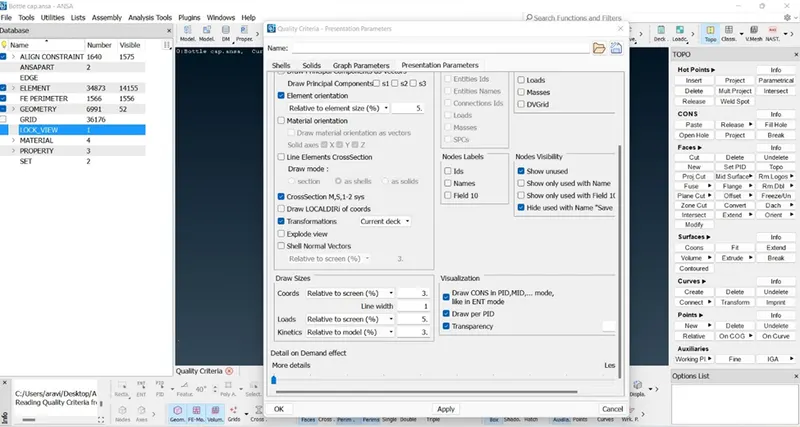
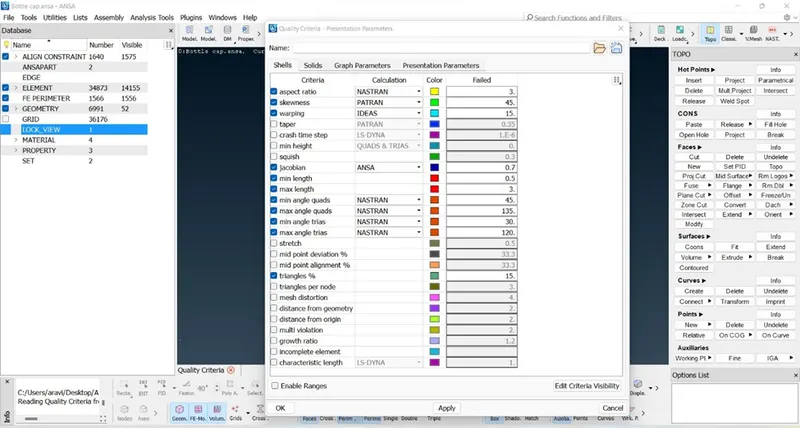
Then click OK to apply all the quality criteria parameters.
Step-5:
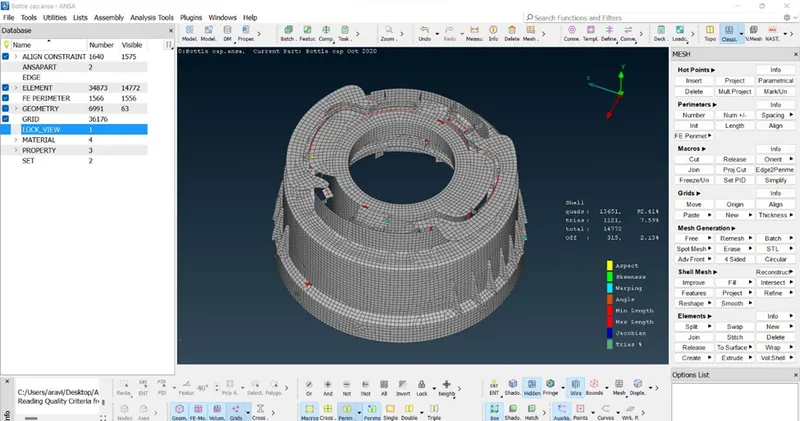
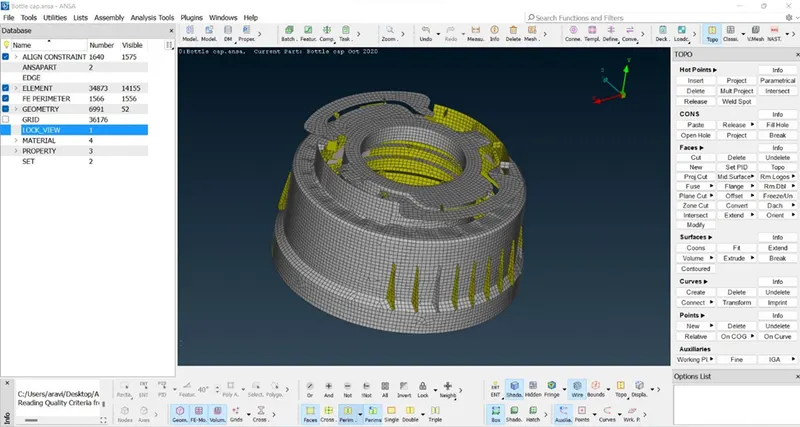
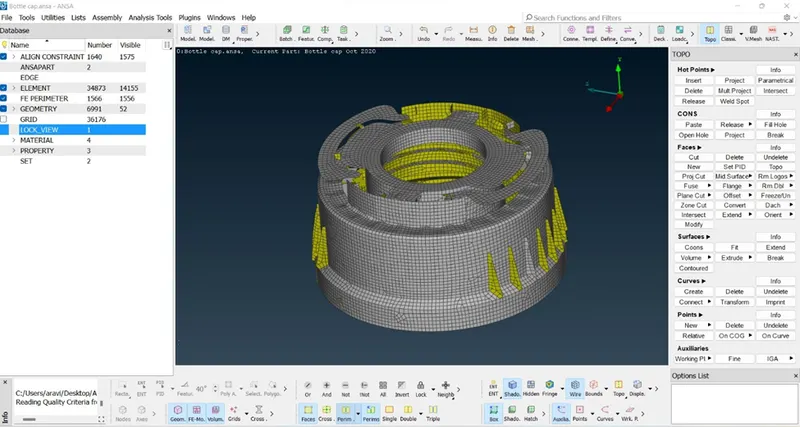
Now we want to mesh the component region by region and clear all the off elements using the best, split, reconstruct, smooth & swap commands in the mesh module. Finally, we obtain a good quality mesh as shown in the image below.
Learning Outcomes:
- Learning about how to mesh the cast & model components in ANSA.
- Creating mid surface for complex components using new options like curve middle & middle options.
- Reducing the errors that occurred during the meshing process.
Conclusion:
- We were able to check all the geometry errors & correct them.
- We had taken mid-surface for all the regions in the components.
- Finally we meshed the component and applied thickness to the meshed component with the best results.