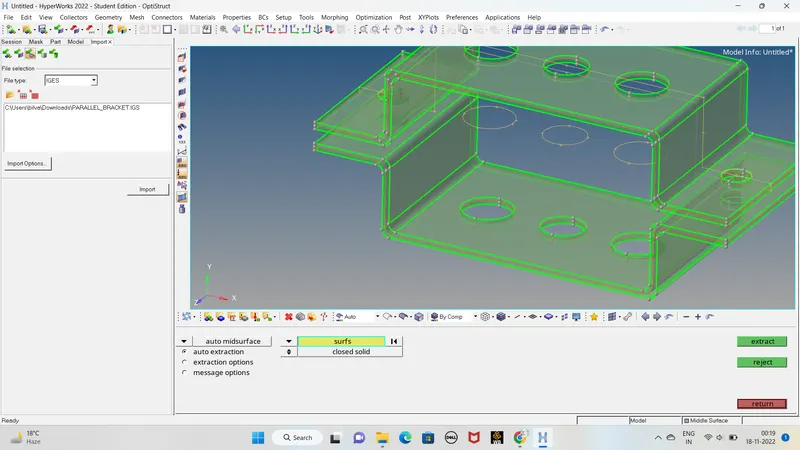
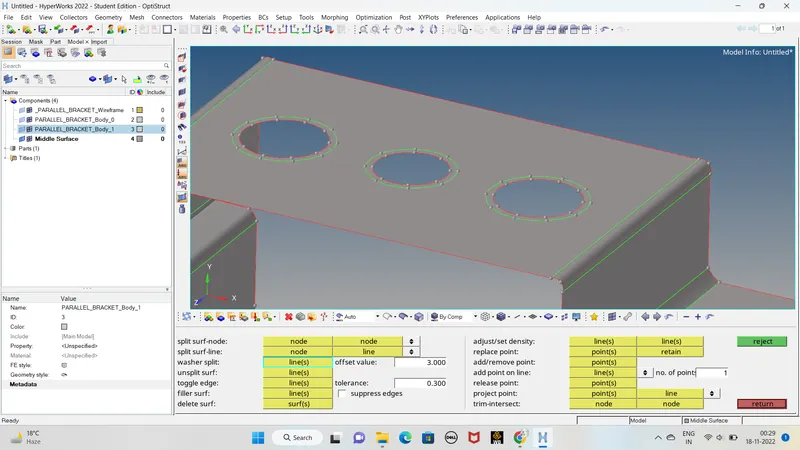
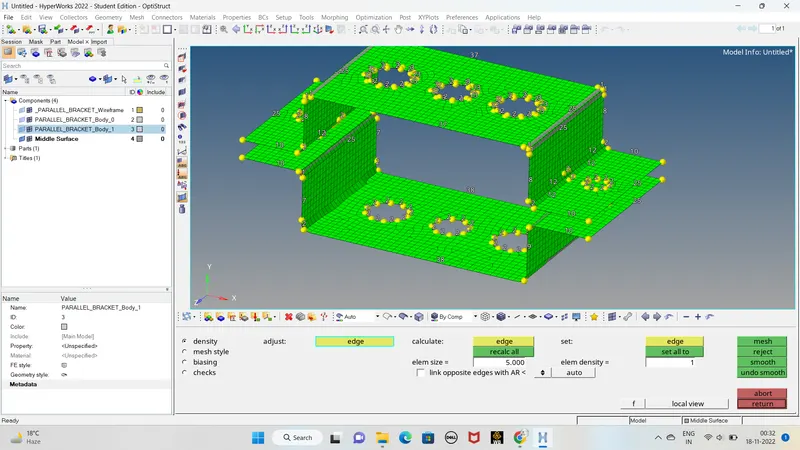
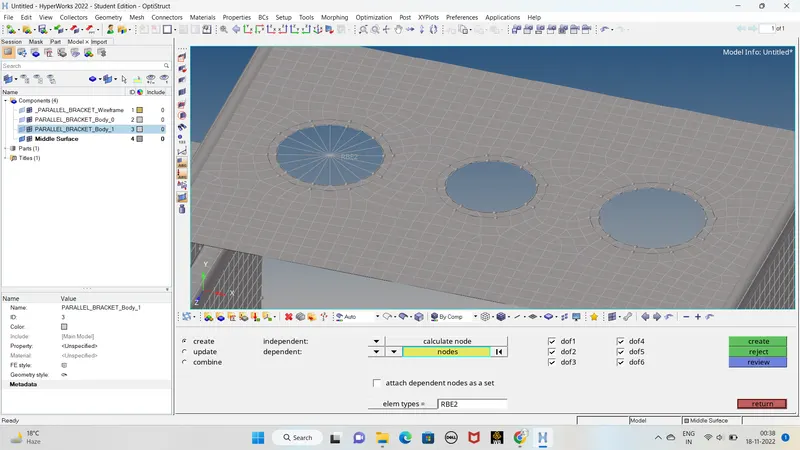
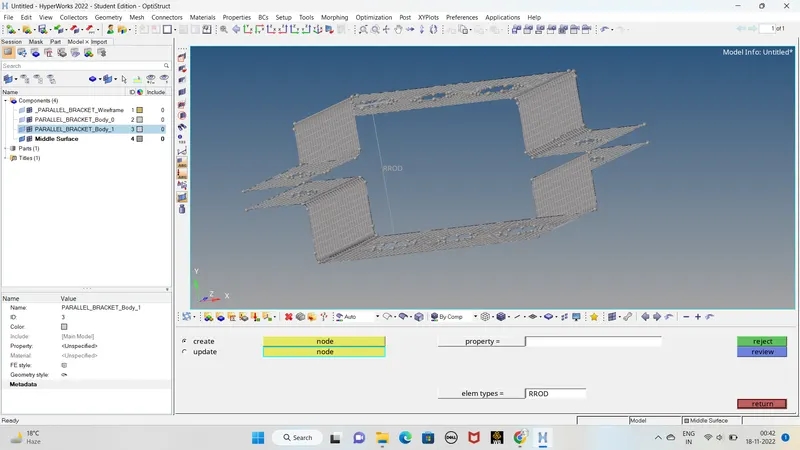
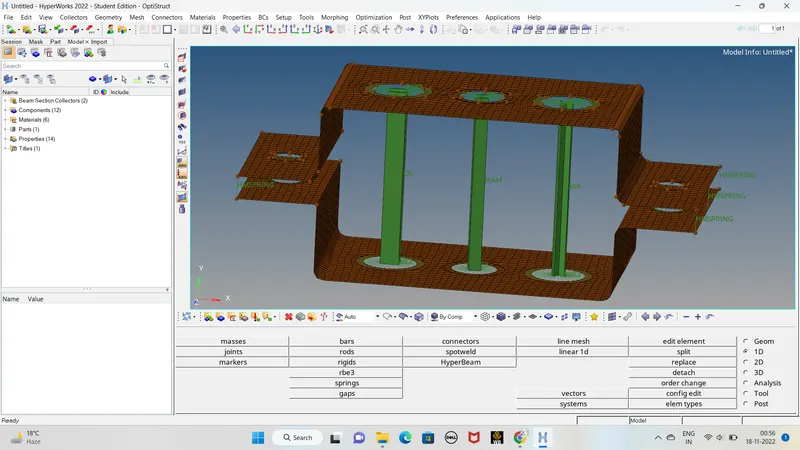
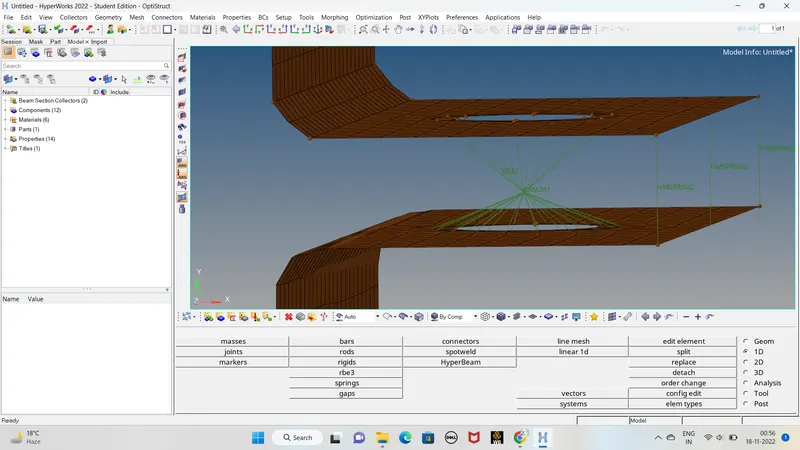
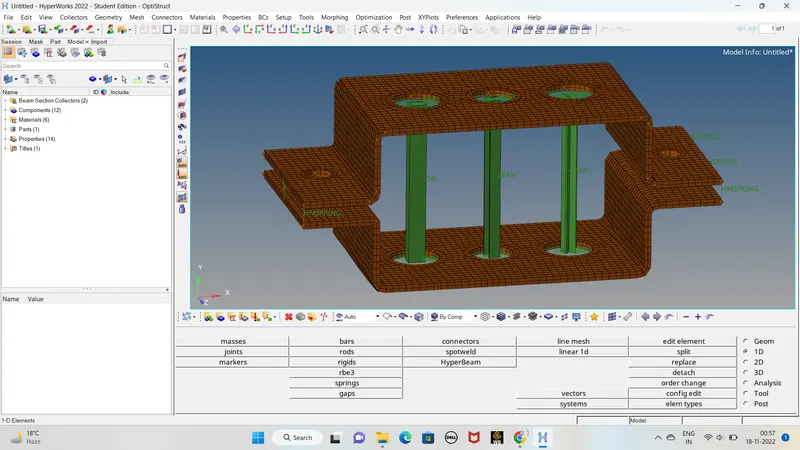
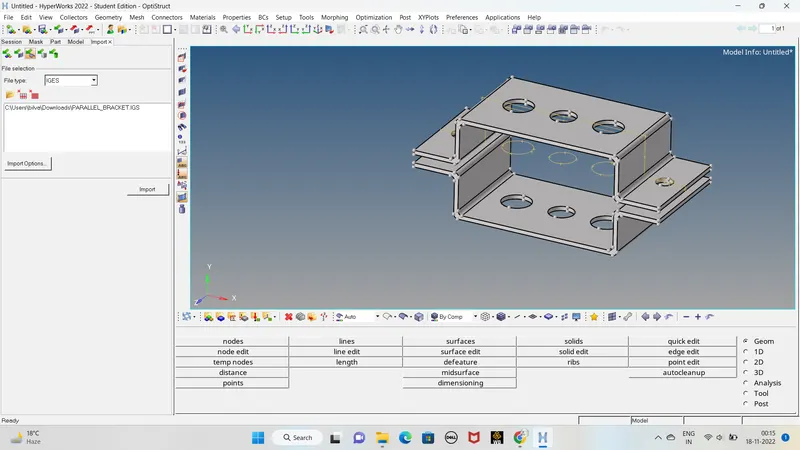
AIM: For Given component create mesh with the Size of 5 Units and Create 1D element component with given cross-section and DOF. model: PROCEDURE: 1.Imort the model using import geometry which is in .iges format.click on import 2. creating the midsurfae using auto midsurf. Geometry>midsurface>automid>select…
Harish Chukkala
updated on 17 Nov 2022
Project Details
Leave a comment
Thanks for choosing to leave a comment. Please keep in mind that all the comments are moderated as per our comment policy, and your email will not be published for privacy reasons. Please leave a personal & meaningful conversation.
Other comments...
Read more Projects by Harish Chukkala (14)
Project-2-Meshing of Door Inner Panel Challenge
Aim:Generating the midsurface and geometry clean up on the given component and creating the mesh with low tria concentration and proper mesh flow . PROCEDURE: Download the model from the project assignment. Check the format of the model given. And import the model by selecting the proper format. Check the model if any…
13 Jun 2023 06:28 PM IST
Project 1-Meshing of Rear Wheel Holder challenge
Aim:Generating midsurface and geometry clean up on the given component and proper mesh flow wuth low tria concentration. PROCEDURE: Download the model from the project assignment. Check the format of the model given. And import the model by selecting the proper format. Check the model if any other component present in…
13 Jun 2023 08:54 AM IST
Week 8-3D Tetra Meshing Challenge
PROCEDURE: MODEL 1: Download the model from the assignment and check the model format. It is in the format of .step Import the model in the Hypermesh by selecting the .step format. Delete the solid part in the model. Go for geometry clean-up, check any red lines are present in geometry by opening the wireframe. Mesh the…
21 Jan 2023 07:13 AM IST
Week 9-Creation of 1D Connectors Challenge
PROCEDURE: Download the model from the assessment. Import that file in the hyper mesh. The given file is mid surface so, we directly go for the meshing for the all components. Go to 2D > AUTO MESH > SELECT THE SURFACE > GIVEN ELEMENT SIZE AS = 5 > MESH. Press f10 and check any element is failing with quality…
07 Jan 2023 08:21 PM IST
Week 6-Meshing of Hood Challenge
AIM: Take the mid surface and mesh the hood component with given quality criteria. S.N. Quality Criteria Value 1.Aspect Ratio 5 2.Skewness …
05 Dec 2022 04:03 PM IST
Week 4-1D Element Creation Challenge
AIM: For Given component create mesh with the Size of 5 Units and Create 1D element component with given cross-section and DOF. model: PROCEDURE: 1.Imort the model using import geometry which is in .iges format.click on import 2. creating the midsurfae using auto midsurf. Geometry>midsurface>automid>select…
17 Nov 2022 07:43 PM IST
Week - 8 - Morphing
AIM: To perform the morphing for model 2 given the assignment and increase the hight of the Dog houses and ribs. PROCEDURE: Download the model and check given model is in the format of .step Go for geometrical errors from geometry check tab. If any errors are present solve those errors. we can directly go for the morphing…
06 Nov 2022 07:39 AM IST
Week 6 - Creating connection for Rear door
AIM; For the given Rear door FE model, Create and Apply different PIDs for different components. By using the same technique and the elements as shown in the video, Perform suitable connections. PROCEDURE: Download the model from the challenge. In the given we find all component in same PID. So For simple connections and…
26 Oct 2022 03:46 PM IST
Tool Test-2
For the given intake Mindfold component,check for the geometrical errors and mesh the surfaces with the given 2D elements quality criteria given below. Quality Criteria values target/ average length …
20 Oct 2022 04:23 PM IST
Tool Test 1
This tool test carries two models (i.e. Plastic model, Sheet metal model). For both the models, Mid surface should be taken and meshed as per below quality criteria. Thickness should be assigned to both the models. (Refer “Model Requirements” in “Grading Policy” to know what to be done in the model) Quality Criteria: …
07 Oct 2022 03:11 AM IST
Tool Test 1
This tool test carries two models (i.e. Plastic model, Sheet metal model). For both the models, Mid surface should be taken and meshed as per below quality criteria. Thickness should be assigned to both the models. (Refer “Model Requirements” in “Grading Policy” to know what to…
06 Oct 2022 12:18 PM IST
Week - 4 - 2D meshing for Plastic components
AIM-For the given Plastic Bottle Cap model, check for the geometrical errors and take the mid surface by suitable mid surfacing techniques. PID and Thickness assignment has to be done for all the mid surfaces. Mesh the given model with given element Quality criteria. Download the given model and check the format…
29 Sep 2022 06:40 PM IST
Week 3 - 2D meshing for sheet metal
AIM: Meshing the mid surface with the given element quality criteria for the given hood model by taking the mid surface for all the components after checking the geometrical errors. AIM: 1. Meshing the mid surface with the…
25 Aug 2022 03:50 PM IST