Week 9-Creation of 1D Connectors Challenge
PROCEDURE:
- Download the model from the assessment.
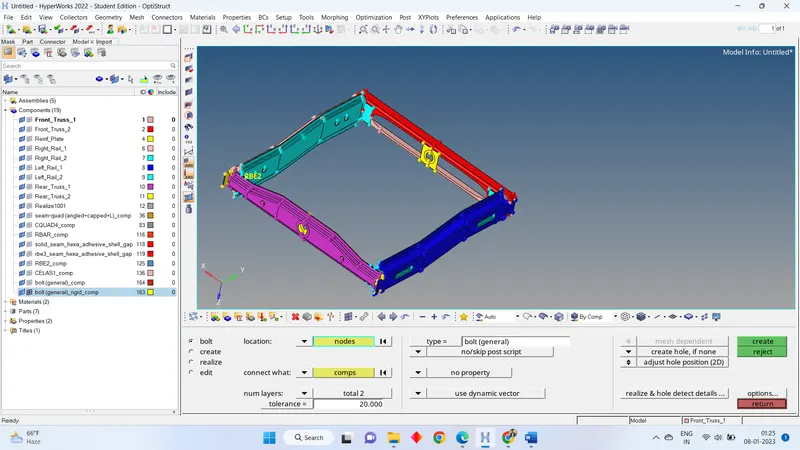
- Import that file in the hyper mesh.
- The given file is mid surface so, we directly go for the meshing for the all components.
- Go to 2D > AUTO MESH > SELECT THE SURFACE > GIVEN ELEMENT SIZE AS = 5 > MESH.
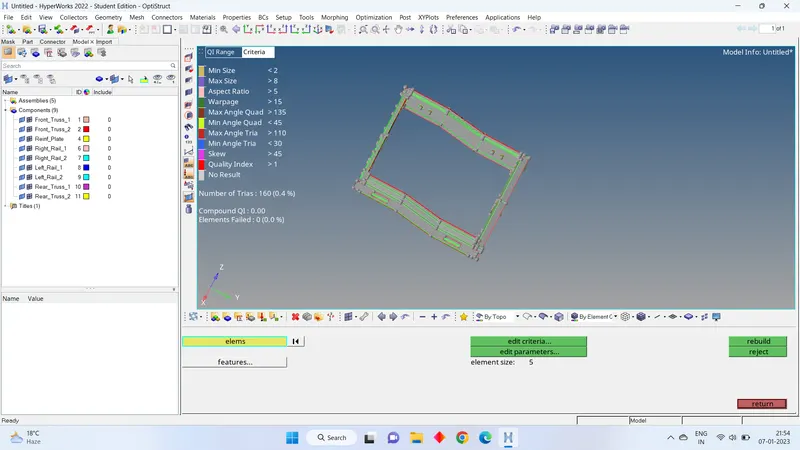
- Press f10 and check any element is failing with quality parameter. If failing correct the element quality.
- It is time for connection. As mentioned in the question give the proper connection for particular parts.
CONECTIONS
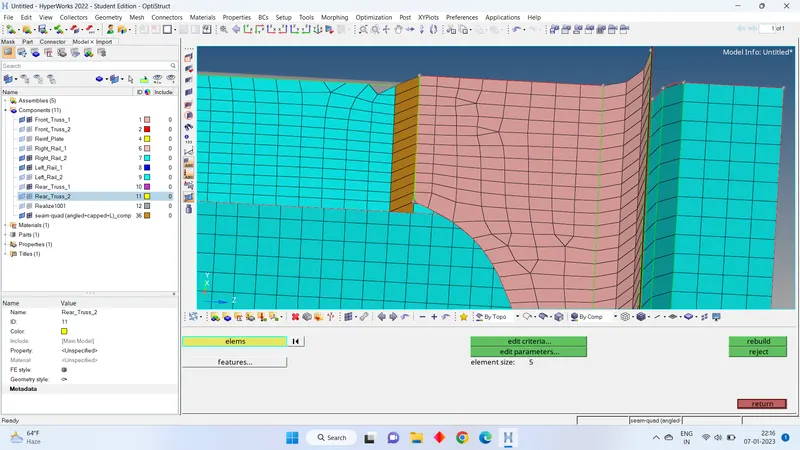
SEAM- QUAD (angled+capped+L)
- We have view on mesh part the RIGHT_RAIL_2 & FRONT_TRUSS_1
- Now go to the 2d > connector > seam > location= node path > type = angled+capped+L > SPACING= 5 > SELECT THE COMPONENTS > TOLERANCE= 20 > CREATE.
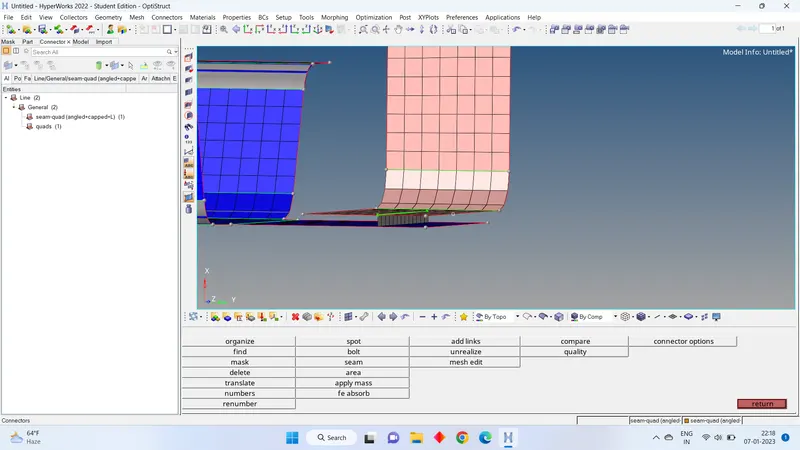
- QUAD ELEMENTS
1.We have view on mesh part the RIGHT_RAIL_2 & FRONT_TRUSS_1
2. Now go to the 2d > connector > seam > location= node path > type = quads > SPACING= 5 > SELECT THE COMPONENTS > TOLERANCE= 20 > CREATE.
- SPOT WELD with 2 LAYER and 5 mm diameter
1.We have view on mesh part the RIGHT_RAIL_1 & FRONT_TRUSS_2 & FRONT_TRUSS_1
2.Now go to the 2d > connector > SPOT > location= node path > type = WELD > DIAMETER = 5 > SELECT THE COMPONENTS > TOLERANCE= 30 > CREATE.
- HEXA ADHESIVE
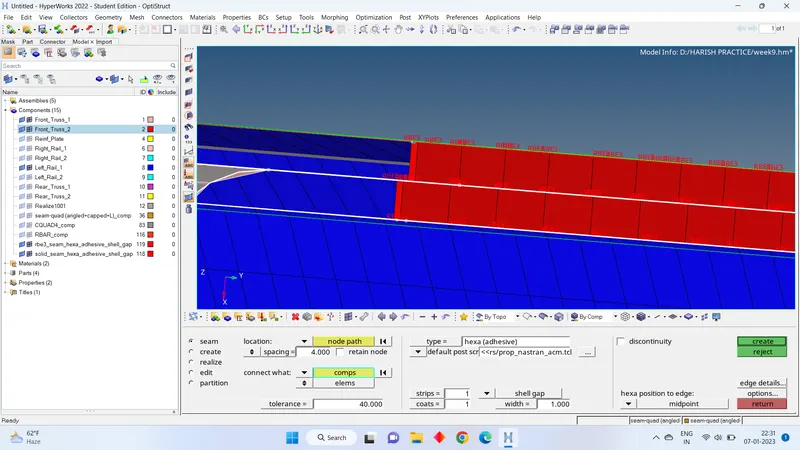
1We have view on mesh part the LEFT_RAIL_1 & FRONT_TRUSS_2 & FRONT_TRUSS_1 - 2.Now go to the 3d > connector > AREA > location= node path > type = adhesive > SELECT THE COMPONENTS > TOLERANCE= 30 > CREATE.
5 & 6. BOLT CONNECTOR
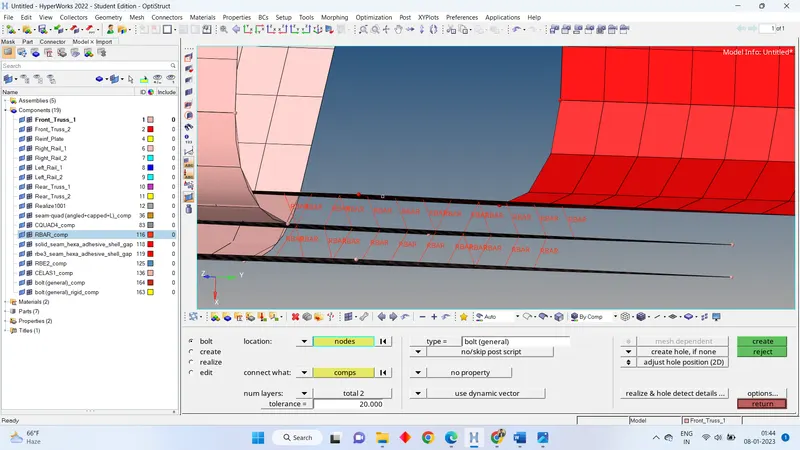
- We have view on mesh part the RIGHT_RAIL_1 & REAR_TRUSS_2.
- Now go to the 2d > connector > BOLT > location= node path > SELECT THE COMPONENTS > TYPE=BOLT(GENERAL) > TOLERANCE= 30 > consider existing holes only= use hole of available > CREATE.
- now we have other part to repeat the bolt connection for that. Go to components and on mesh of REAR_TRUSS_2 & LEFT_RAIL_2.
- Now go to the 2d > connector > BOLT > location= node path > SELECT THE COMPONENTS > TYPE=BOLT(CBAR) > TOLERANCE= 30 > consider existing holes only= use hole of available > CREATE.
- SPOT WELD with RIGID ELEMENTS
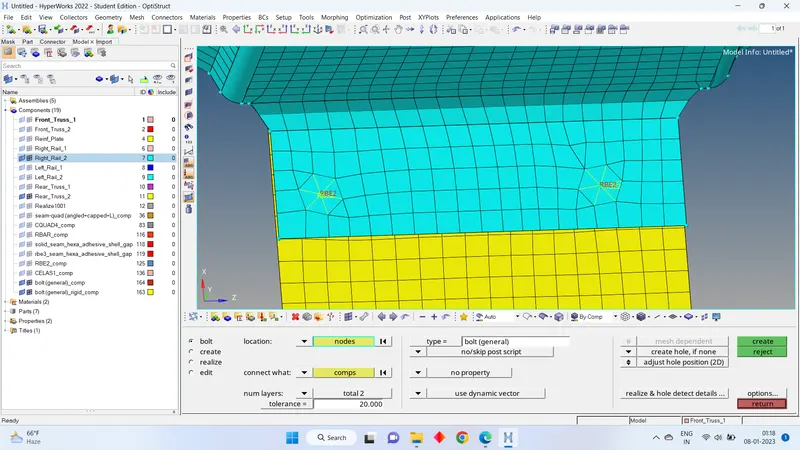
1.We have view on mesh part the RIGHT_RAIL_1 & REAR_RAIL_2.
2. Now go to the 2d > connector > SPOT > location= node path > type = RIGID > SELECT THE COMPONENTS > TOLERANCE= 30 > CREATE.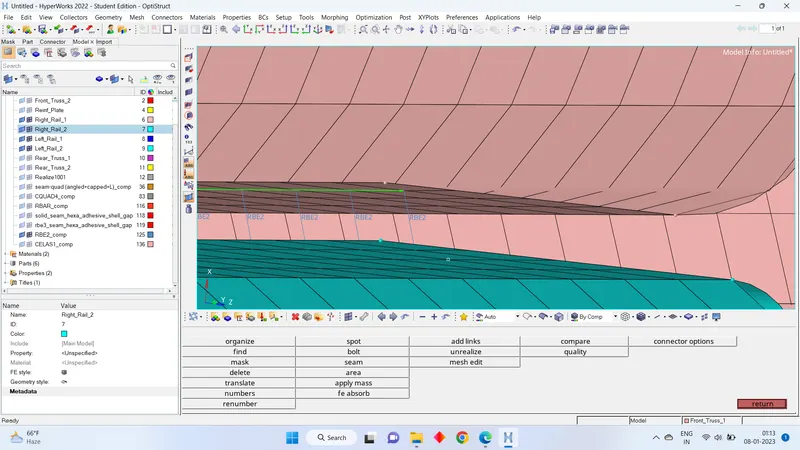
- SPOT WELD with SPRING ELEMENT.
1.We have view on mesh part the RIGHT_RAIL_1 & REAR_RAIL_2.
2.Now go to the 2d > connector > SPOT > location= node path > type = SPRING > SELECT THE COMPONENTS > TOLERANCE= 30 > CREATE.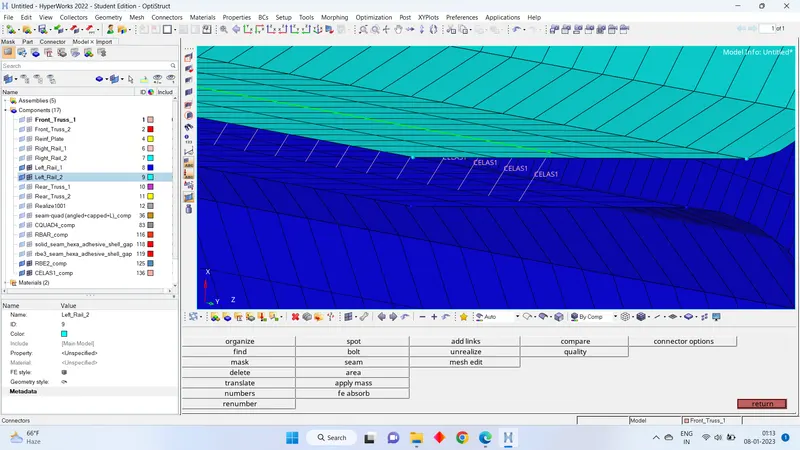
Learning outcomes:
- how to make different types of connections.