Week - 8 - Morphing
AIM:
To perform the morphing for model 2 given the assignment and increase the hight of the Dog houses and ribs.
PROCEDURE:
- Download the model and check given model is in the format of .step
- Go for geometrical errors from geometry check tab. If any errors are present solve those errors.
- we can directly go for the morphing page because no need to do the mid-surfacing and meshing.
- Go MORPHING MODULE > BOXES > NEW > ORTHO > SELECT THE ENTITY NEED TO BE MODIFIED.
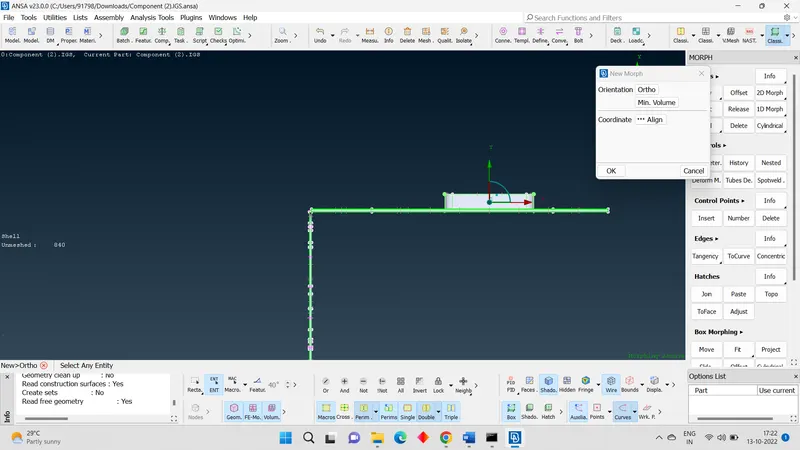
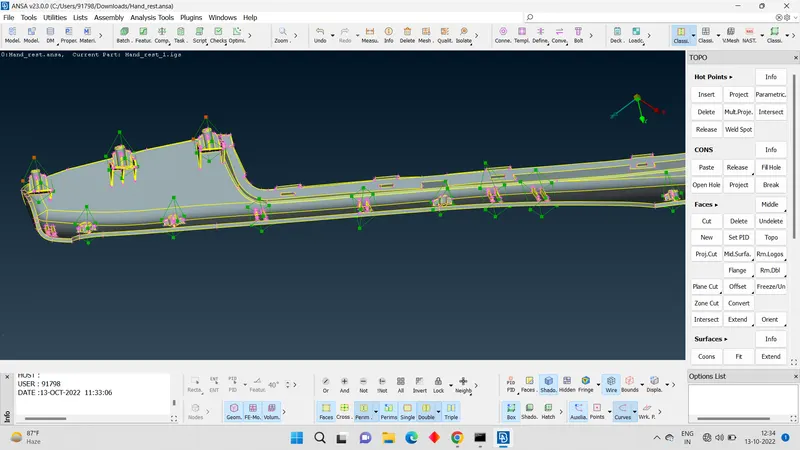
- On confirmation, we can see morphing box around the selected entity.
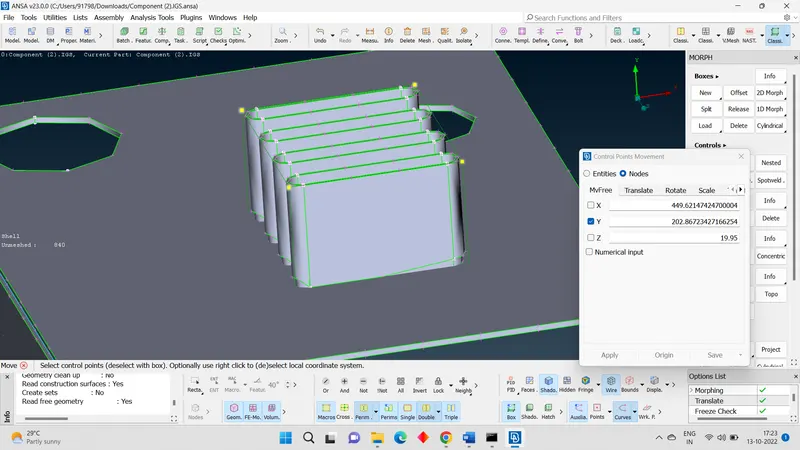
- To do change the direction of entity we have select the move option.
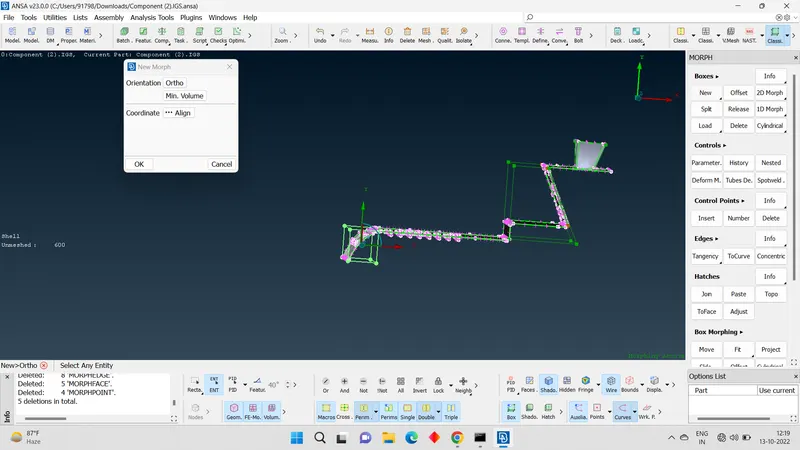
- For that MORPHING MODULE > BOX MORPHING > MOVE.
- Now we have to select the nodes of the box. It will change to yellow colour. Now press mouse middle button. We can drag that node to change its shape.
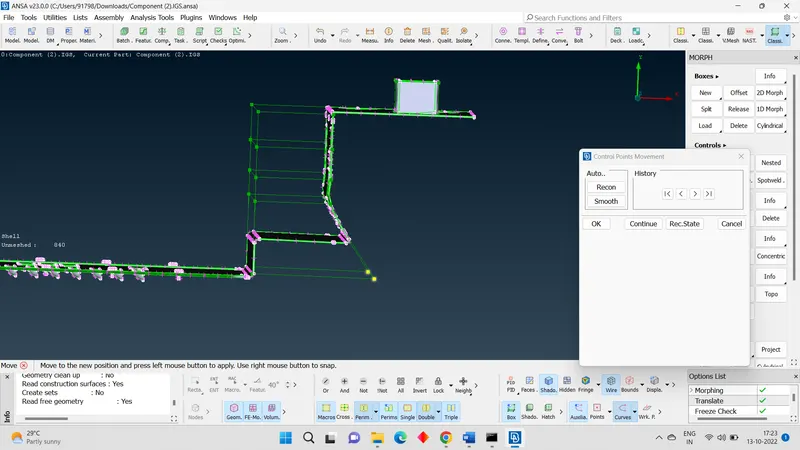
- We can also split the box. To increase the morphing option.
APPLICATIONS:
- Aviation industry:
- Automobile industry
CONCLUSION:
Using this method or technique we can alter the design of any component. Its application is many in automobile industry and aviation industry. It involves many trails and error to come new design with morphing.