Week 8-3D Tetra Meshing Challenge
PROCEDURE:
MODEL 1:
- Download the model from the assignment and check the model format.
- It is in the format of .step
- Import the model in the Hypermesh by selecting the .step format.
- Delete the solid part in the model.
- Go for geometry clean-up, check any red lines are present in geometry by opening the wireframe.
- Mesh the given geometry with 2d tria element on surface. For that go to 2D > AUTO MESH > CHANGE THE ELEMENT LENGTH OF 5 > MESH TYPE=TRIA > SELECT THE SURFACE > MESH.
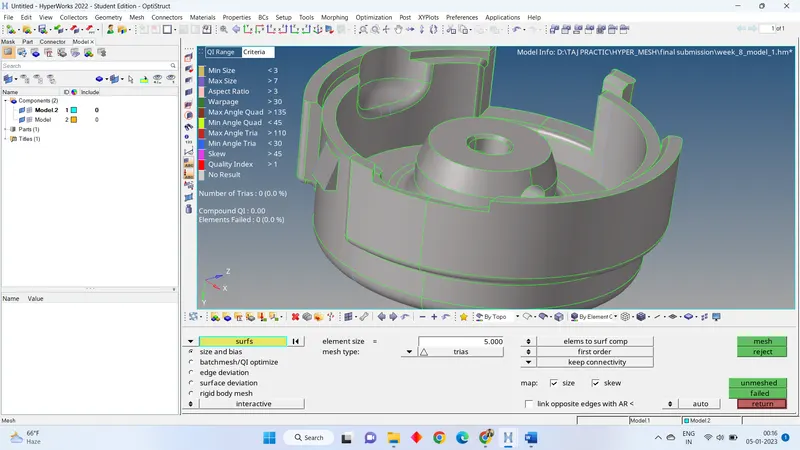
- Now open the quality parameter check any element is failing or not. I have found some failing element in meshing.
- I have used rebuild mesh and quality clean-up tools to fix quality parameter errors.
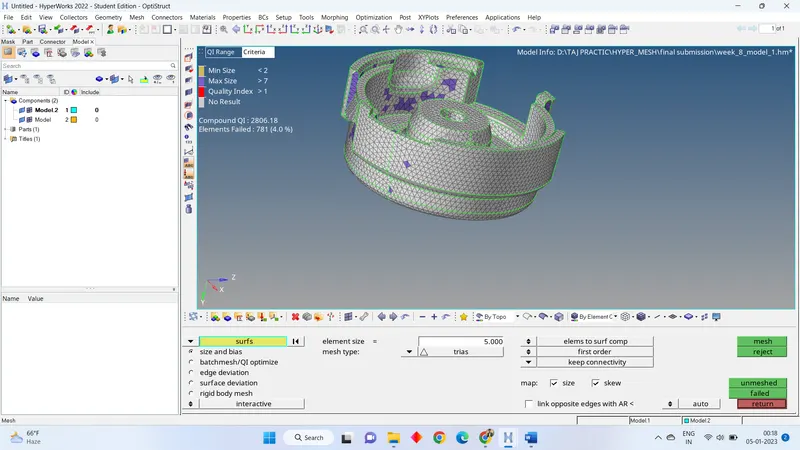
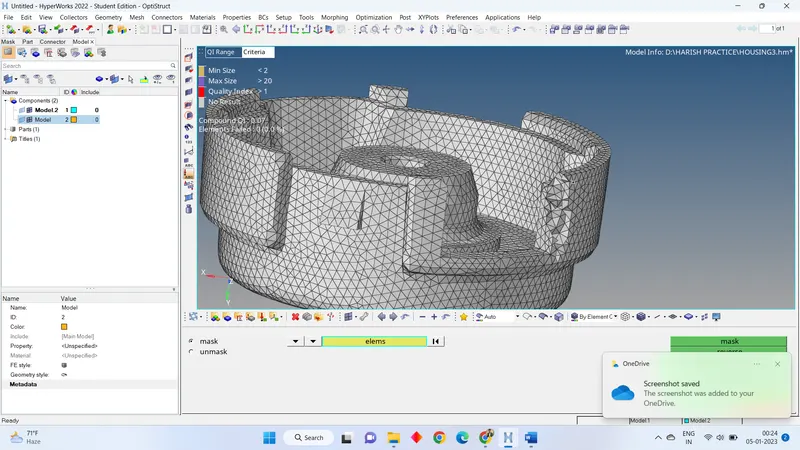
- To create 3d tetra meshing go to 3D > TETRA MESH > COMP = ELEM > SELECT THE ELEMENTS > MESH.
- Now check 3d element failing element tetra collapse by pressing
- fix the tetra collapse quality parameter by changing the length of node. For that go to F4 > TWO NODES > SELECT THE TWO NODES > GIVE THE DISTANCE.
- Fix all error manually, if possible, to understand the elements quality.
Model 2:
- Download the model from the assignment and check the model format.
- It is in the format of .IGES
- Import the model in the Hypermesh by selecting the .IGES format.
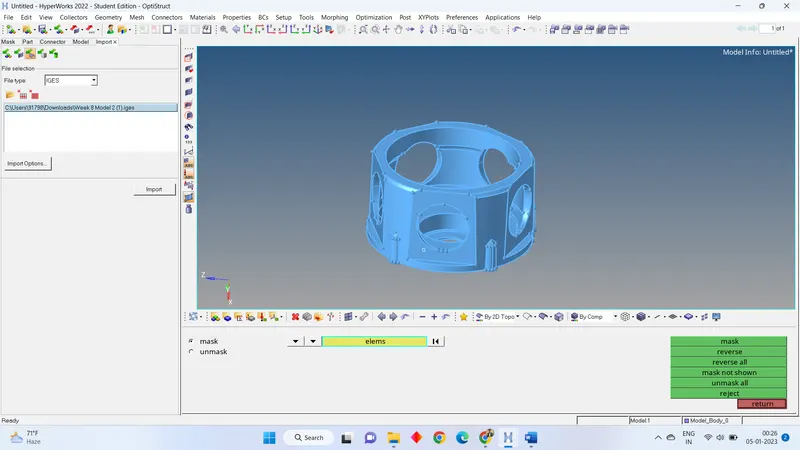
- Go for geometry clean-up, check any red lines are present in geometry by opening the wireframe.
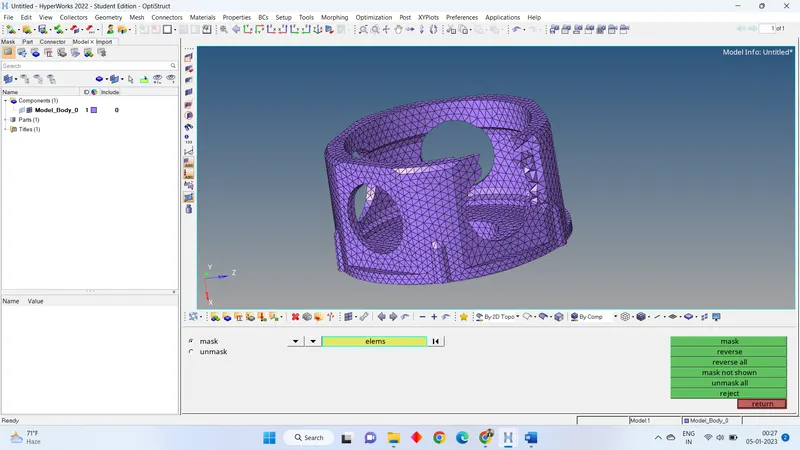
- Now go to 3D > TETRA MESH> TETRA MESH PARAMETER = 0.15 > VOLUME MESH > ELEMENT SIZE = 3 > SELECT THE GEOMETRY > MESH.
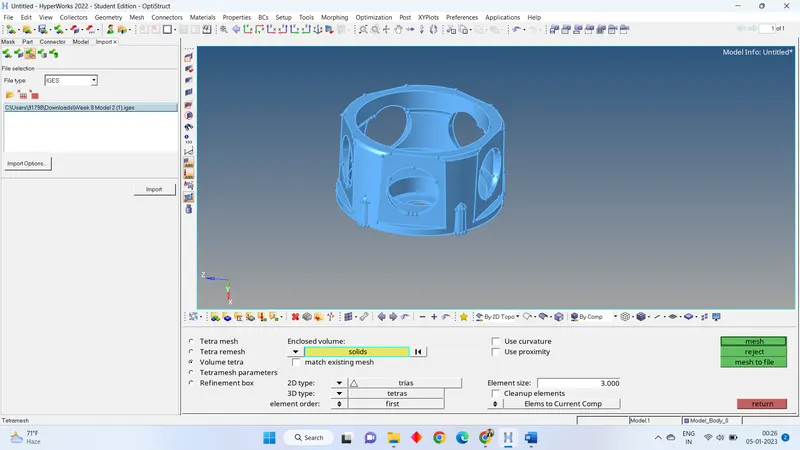
- Now check 3d element failing element tetra collapse by pressing
- fix the tetra collapse quality parameter by changing the length of node. For that go to F4 > TWO NODES > SELECT THE TWO NODES > GIVE THE DISTANCE.
- save the file.
Model 3:
- Download the model from the assignment and check the model format.
- Open that model in the hyper mesh.
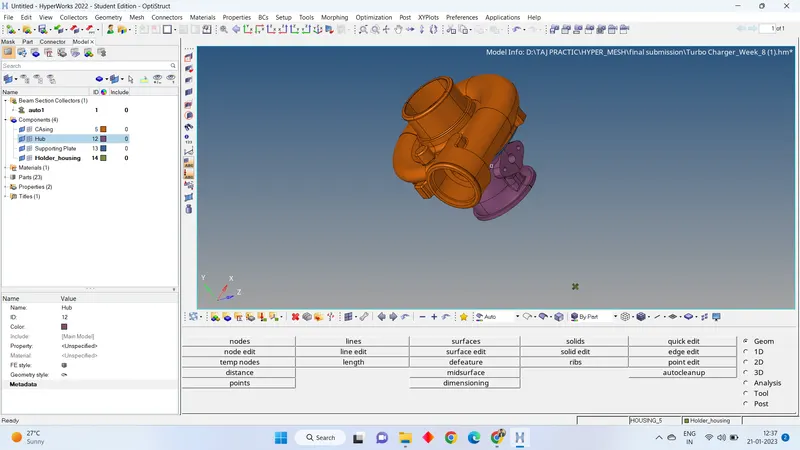
- Check the number of components. It has 4 components.
- I have decided to do two components tetra meshing and two components hexa meshing.
on based on proctor suggestion i try both tetra and hexa mesh on given model.
FOR TETRA MESHING:
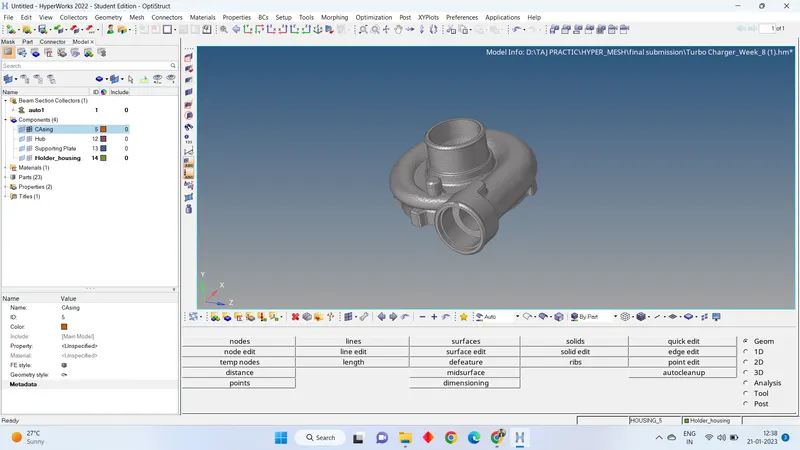
- Go for geometry clean-up, check any red lines are present in geometry by opening the wireframe.
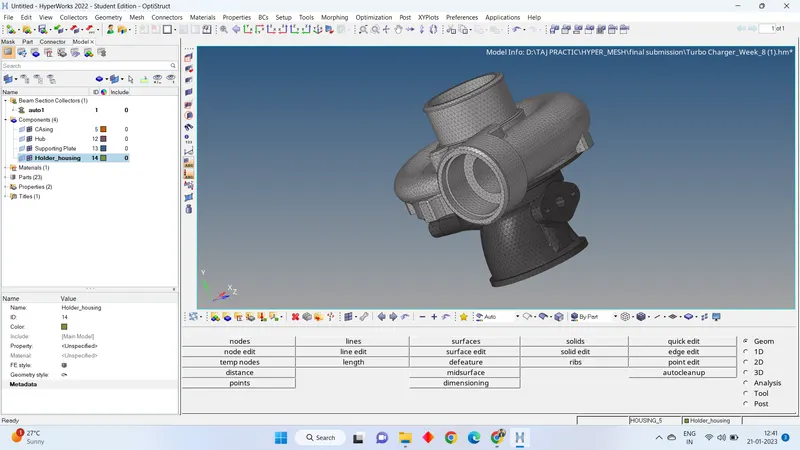
- Now go to 3D > TETRA MESH> TETRA MESH PARAMETER = 0.15 > VOLUME MESH > ELEMENT SIZE = 3 > SELECT THE GEOMETRY > MESH.
- Now check 3d element failing element tetra collapse by pressing
- fix the tetra collapse quality parameter by changing the length of node. For that go to F4 > TWO NODES > SELECT THE TWO NODES > GIVE THE DISTANCE.
FOR HEXA MESHING:
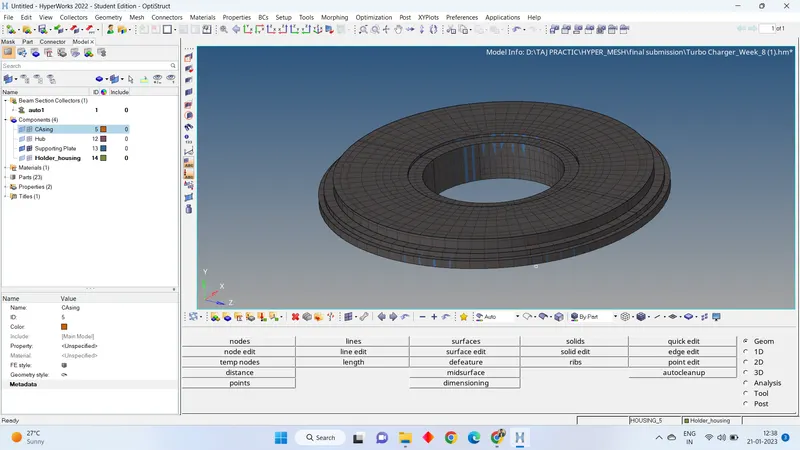
- Go for geometry clean-up, check any red lines are present in geometry by opening the wireframe.
- Now go to 2D > AUTO MESH > CHANGE THE ELEMENT LENGTH OF 4 > MESH TYPE= QURDS > SELECT THE SURFACE > MESH.
- Now we use line drag option to use for creating hexa meshing. For 3D > LINE DRAG > DRAG ELEMENT > SELECT THE ELEMENTS > SELECT THE LINE > ON DRAG = 4 > DRAG.
- Repeat it for total geometry.
LEARNING OUTCOMES:
- Making of tetra meshing and hexa meshing.
- Different methods to make tetra meshing.