Week 3 - 2D meshing for sheet metal
Aim:
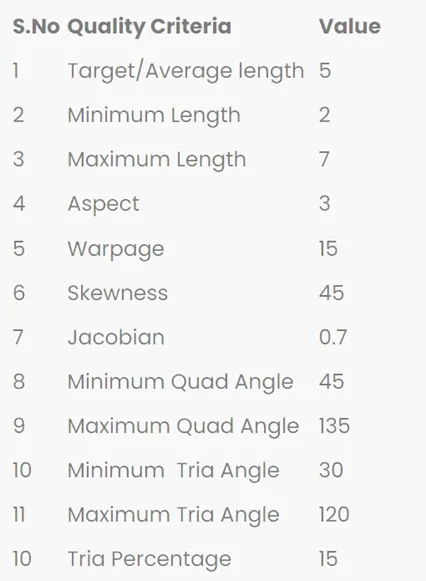
To perform the mid-surface generations, geometry check-ups & execute the meshing operation of the given part in line with the given quality criteria parameters.
The below values are given from the quality criteria parameters.
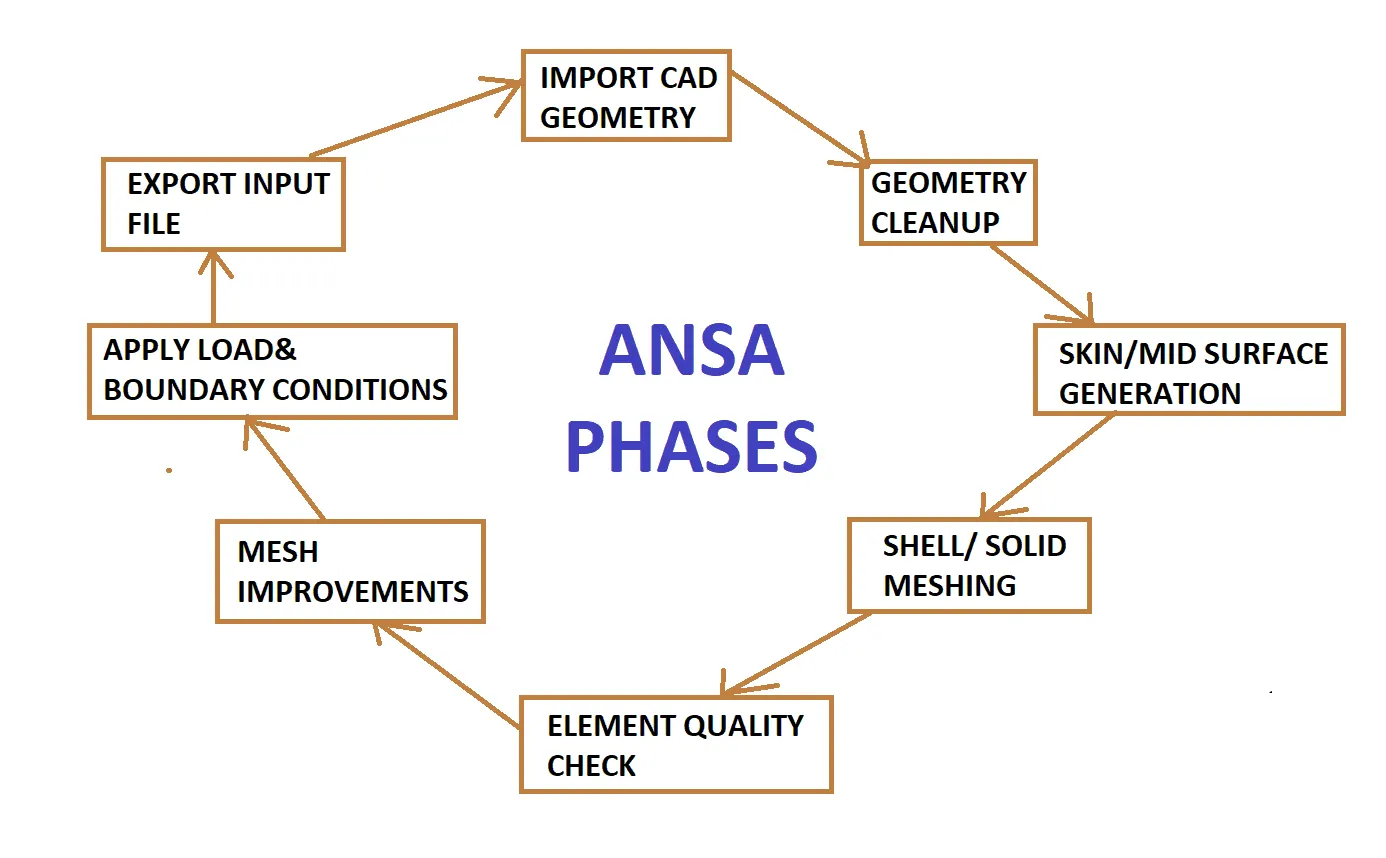
ANSA Phases:
Procedure:
Step-1:
Importing the model:
Open the given file named as “Hood model_1.stp” in ANSA platform.
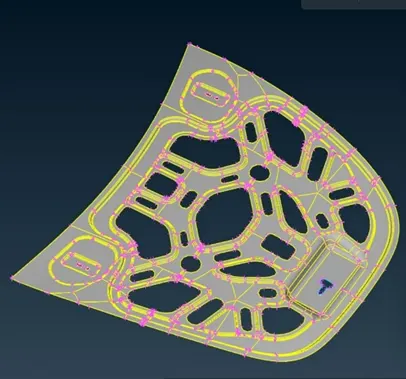
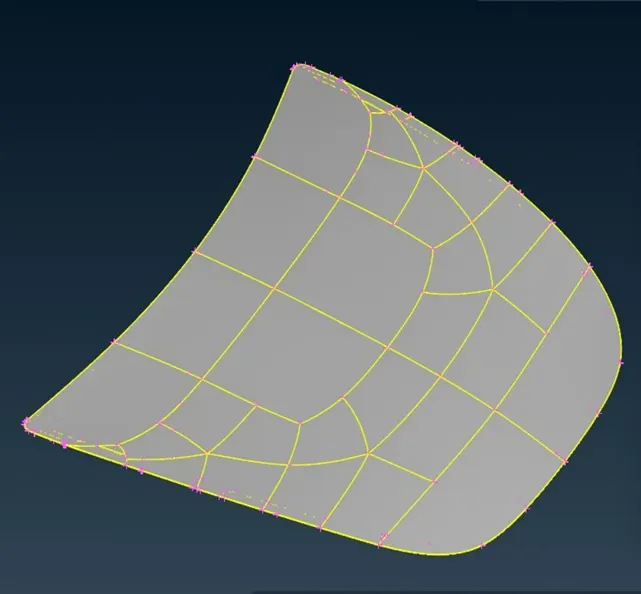
It consists of 5 parts (Part1, Part2, Part3, Part4 & Part5).
PART1:
PART2:
PART3:
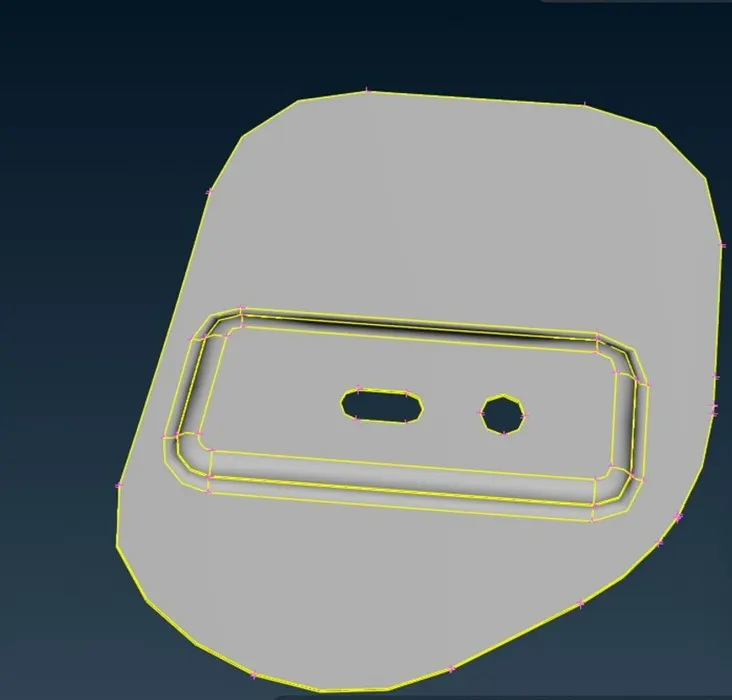
PART4:
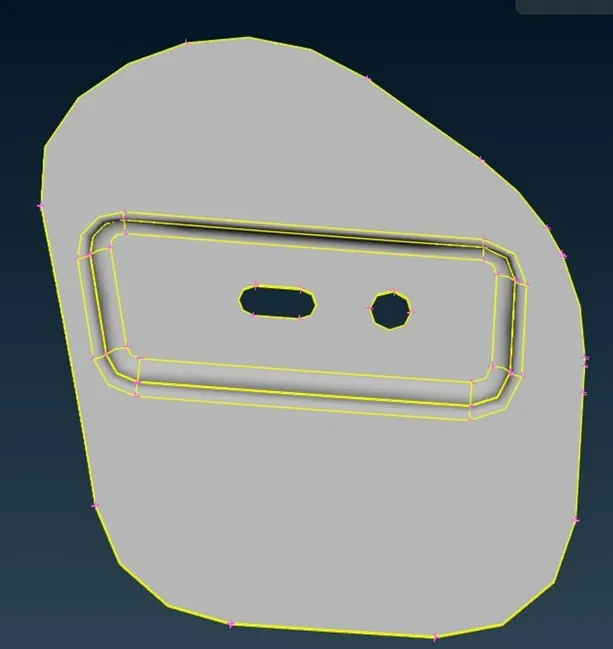
PART5:
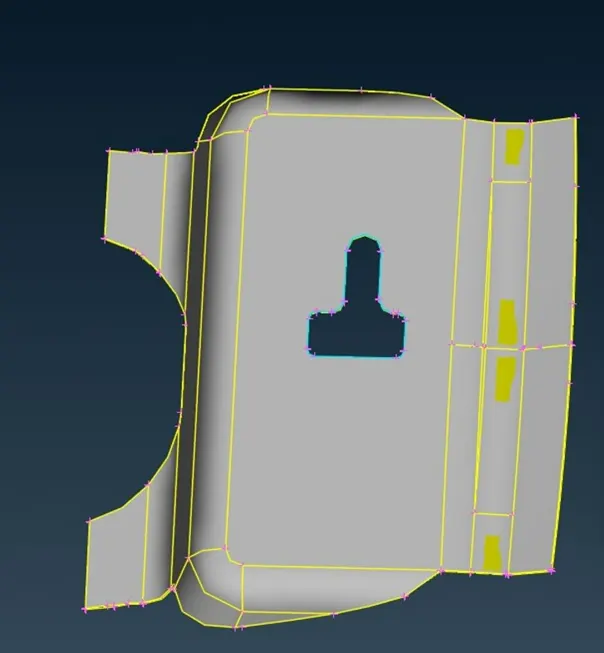
Step-2:
Geometry cleanup:
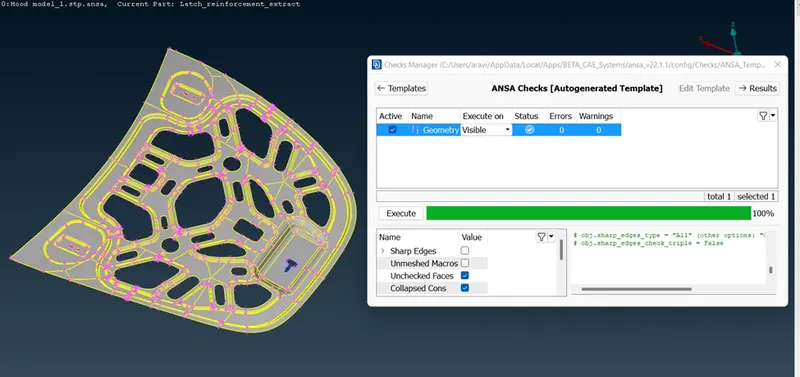
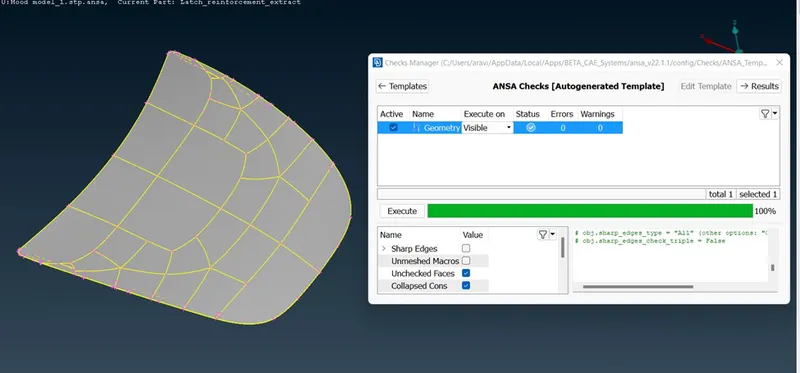
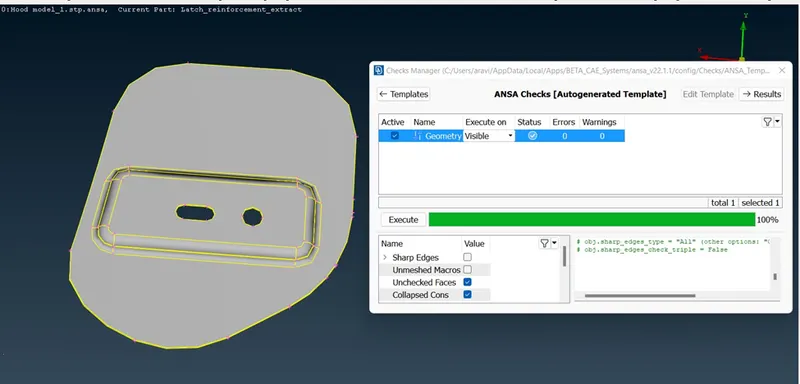
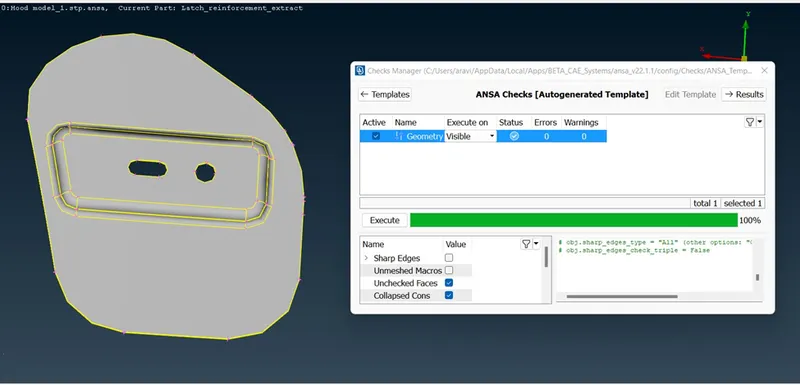
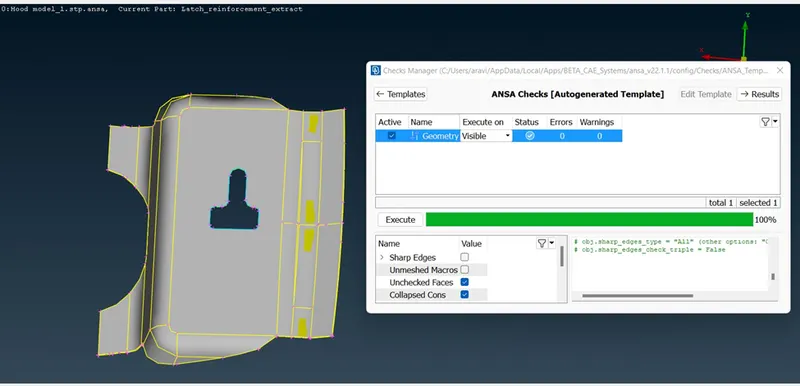
The above parts are checked for geometry cleanup.
Tools-->Checks-->Geometry
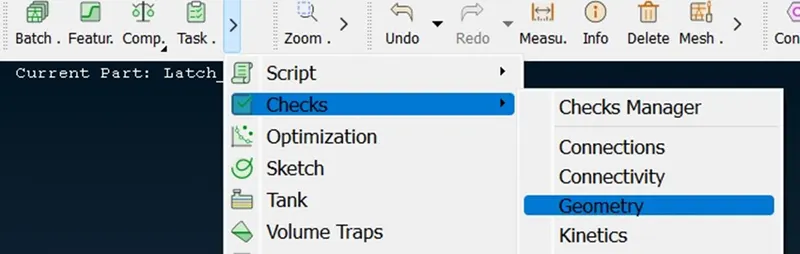
Then clean up the errors from all the parts by auto fix option & topo tools option like a new face, delete & topo to eliminate all errors.
Step-3:
Mid surface Generation:
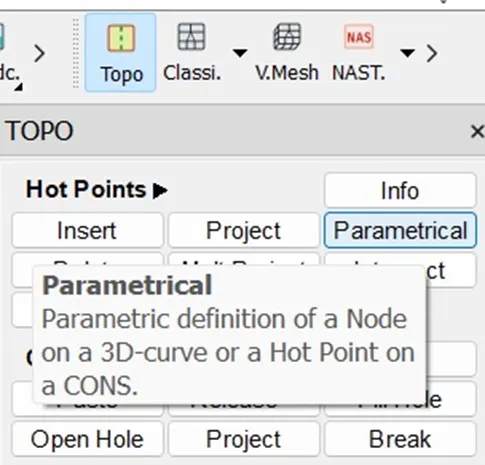
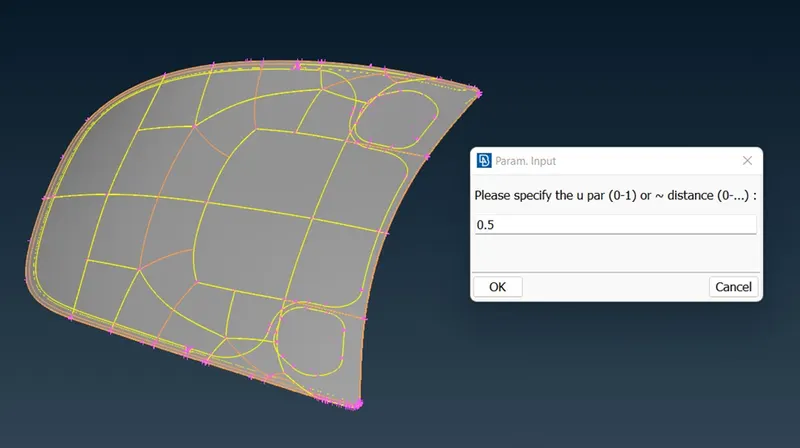
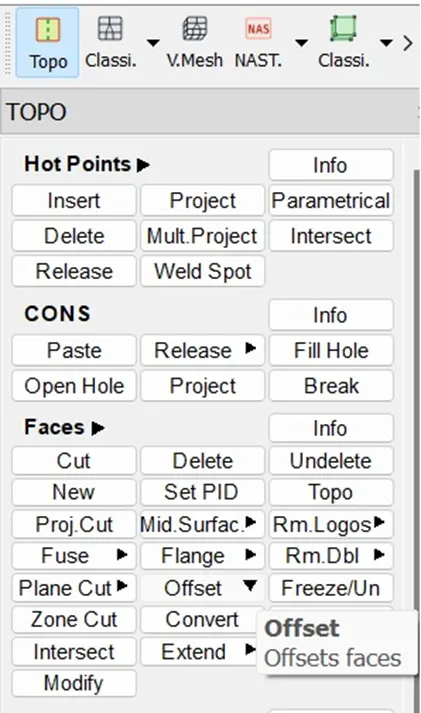
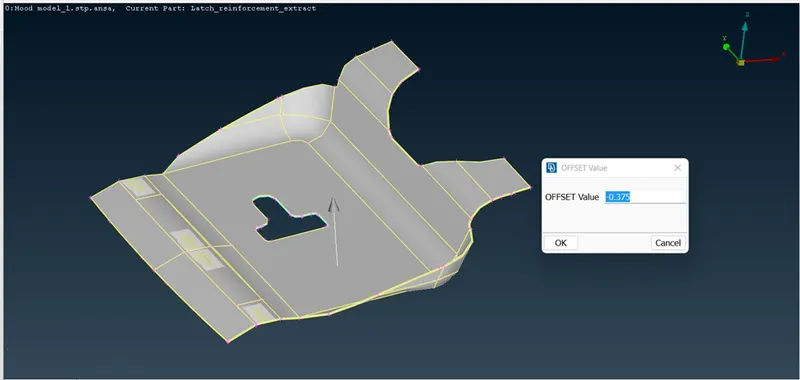
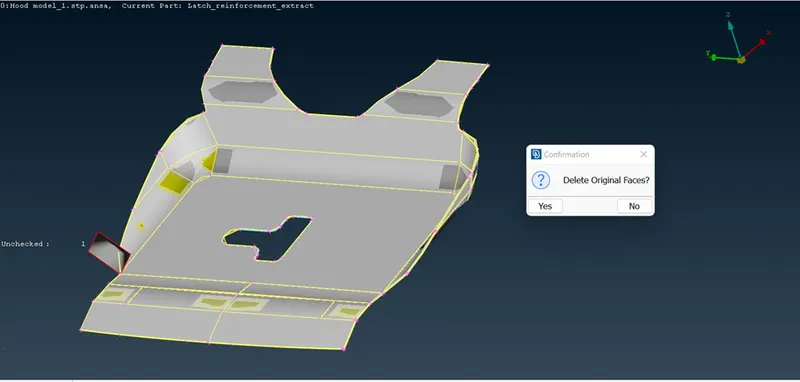
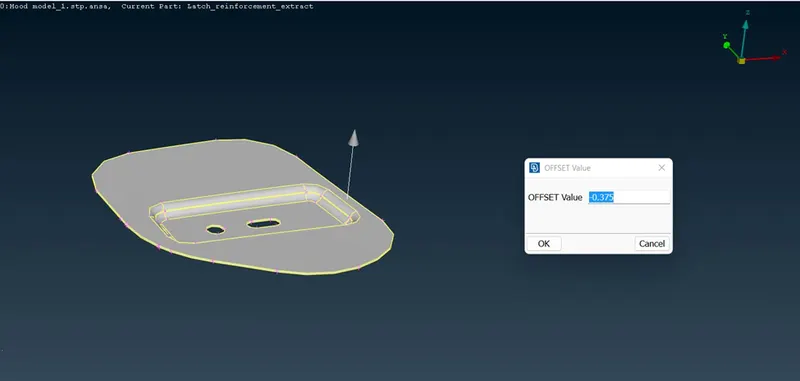
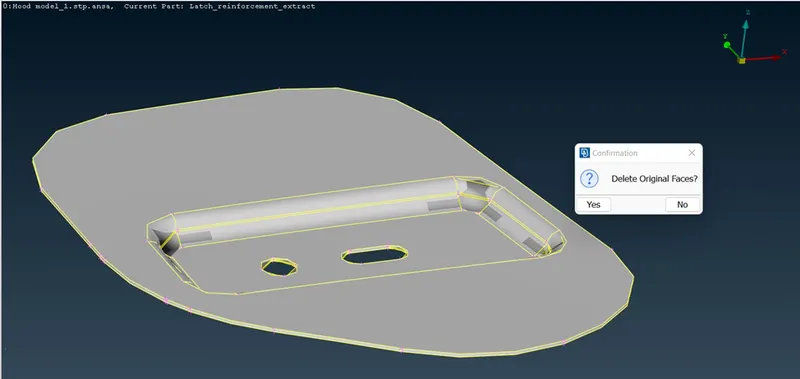
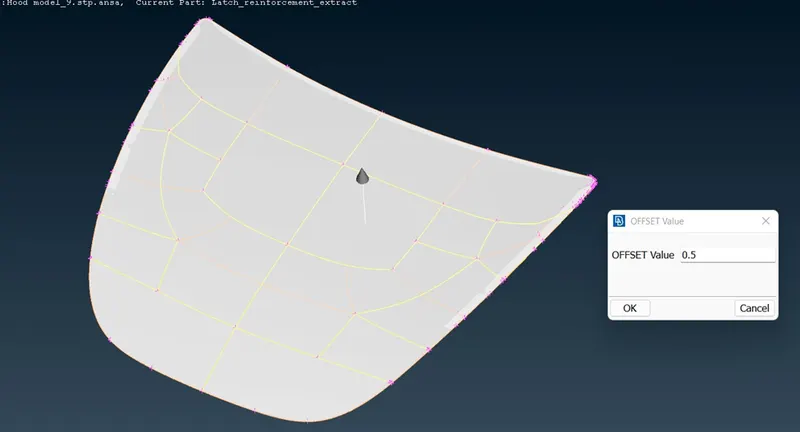
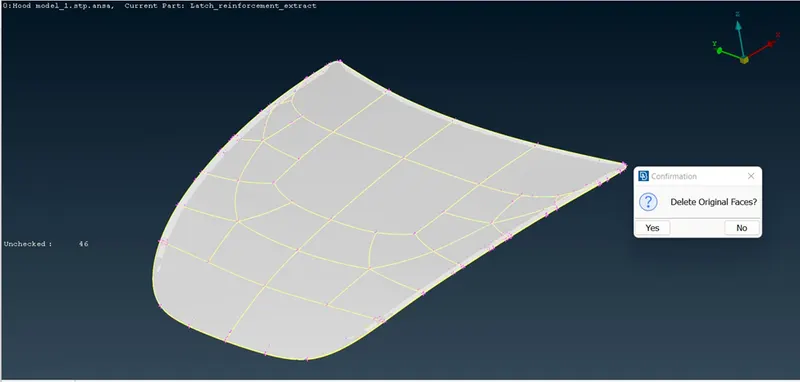
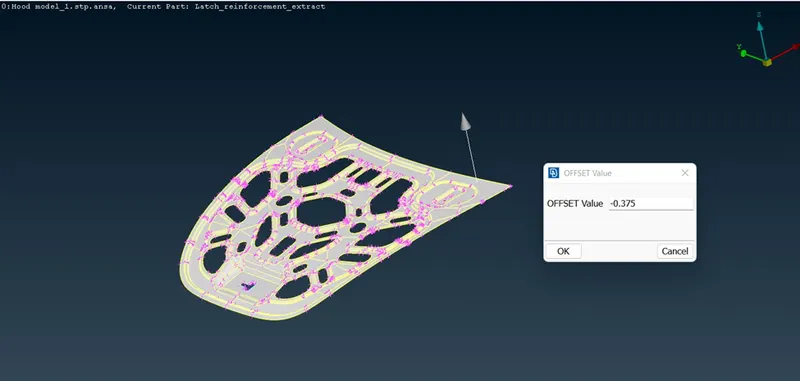
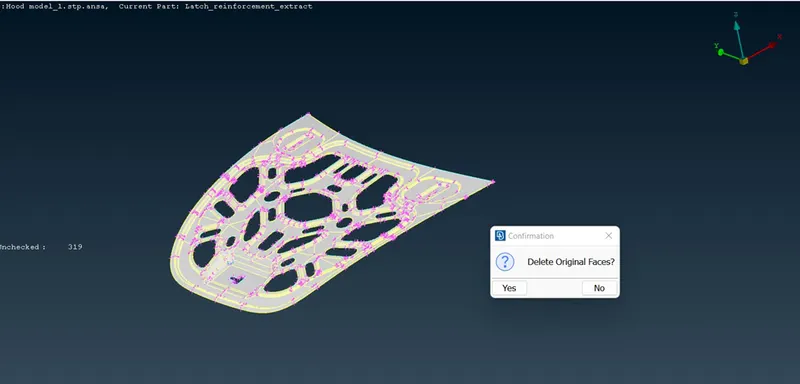
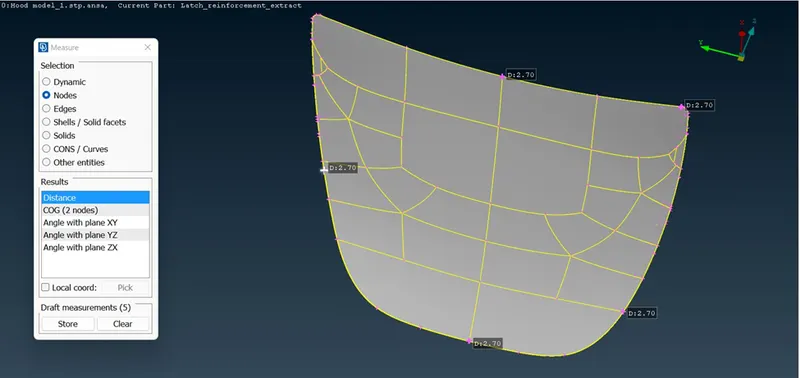
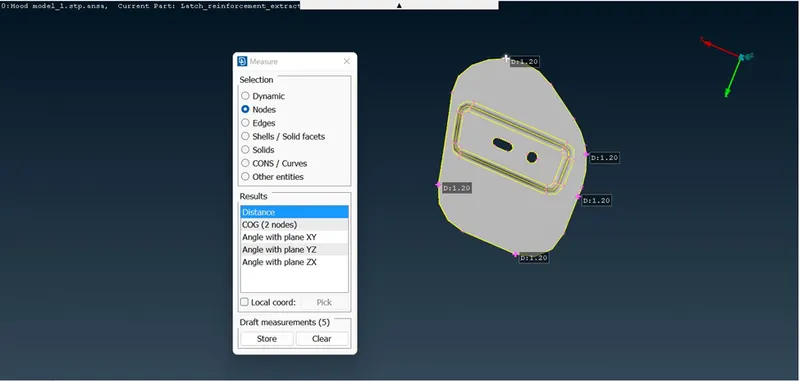
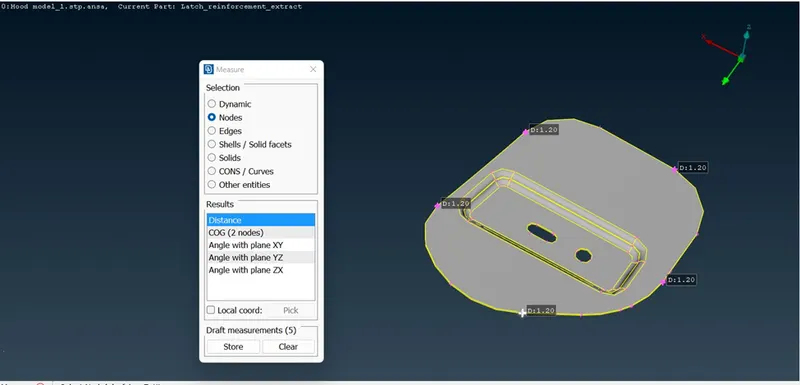
Manual mid surfaces are generated by selecting the faces of parts by offset option by half the distance of the thickness.
After the mid-surface generation & again check for errors.
Step-4:
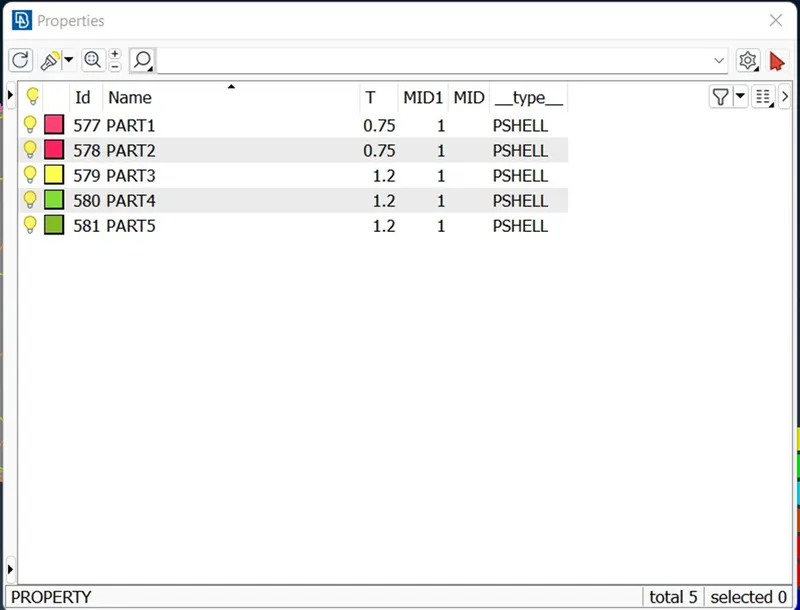
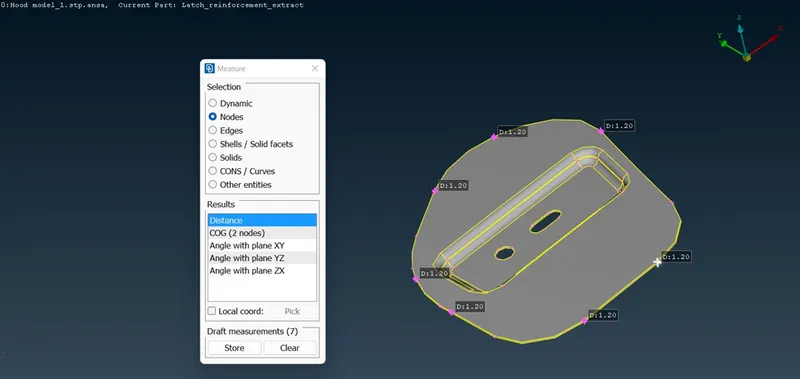
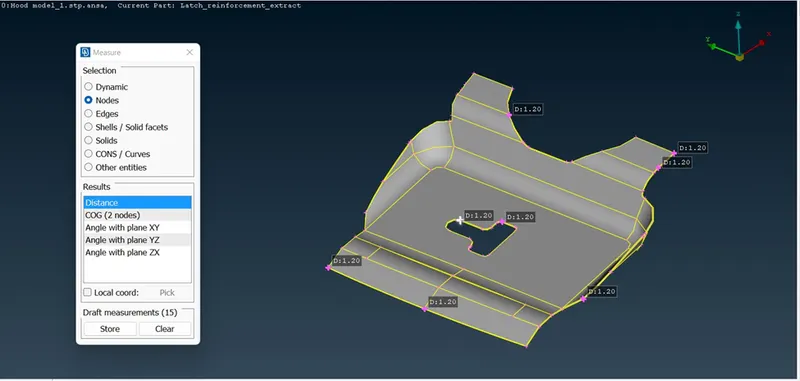
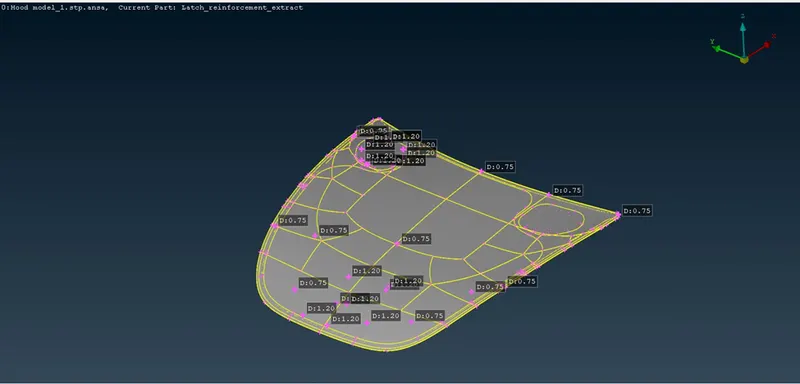
Assigning properties & thickness in properties:
PART1 – thickness=0.75mm
PART2 – thickness=0.75mm
PART3 – thickness=1.2mm
PART4 – thickness=1.2mm
PART5 – thickness=1.2mm
Step-5
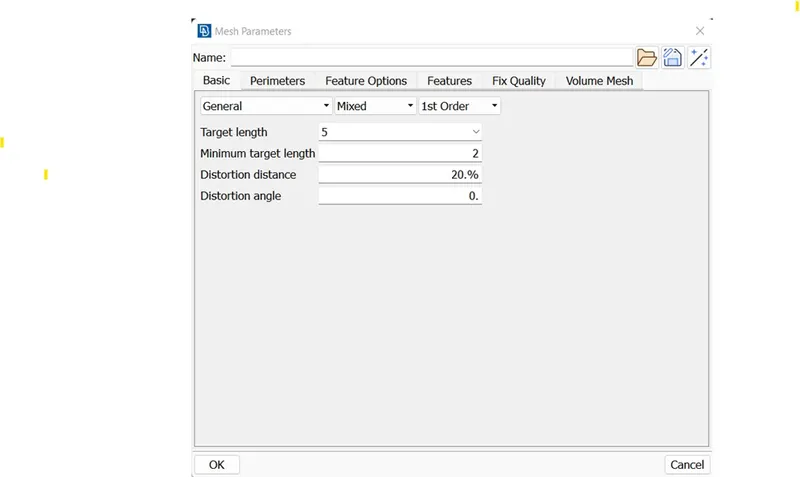
Meshing:
Enter the target length & minimum target length values in the mesh properties window.
Quality Check:
Enter the quality criteria parameters in the quality criteria window.
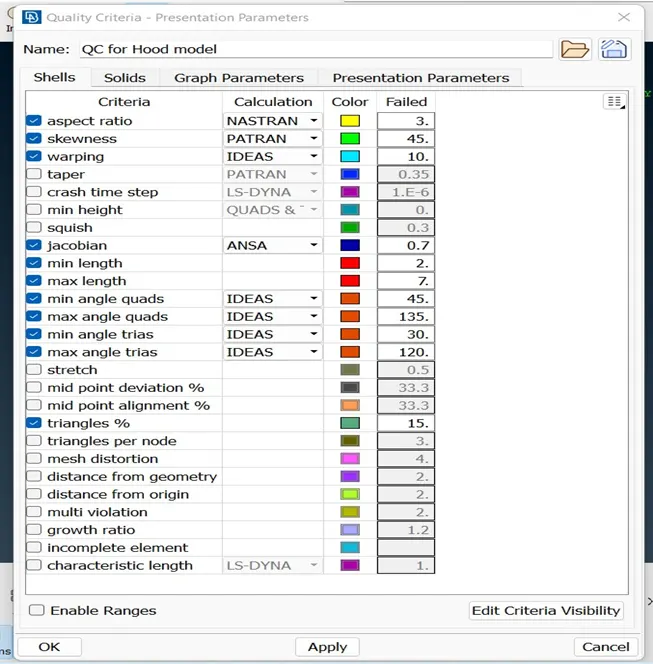
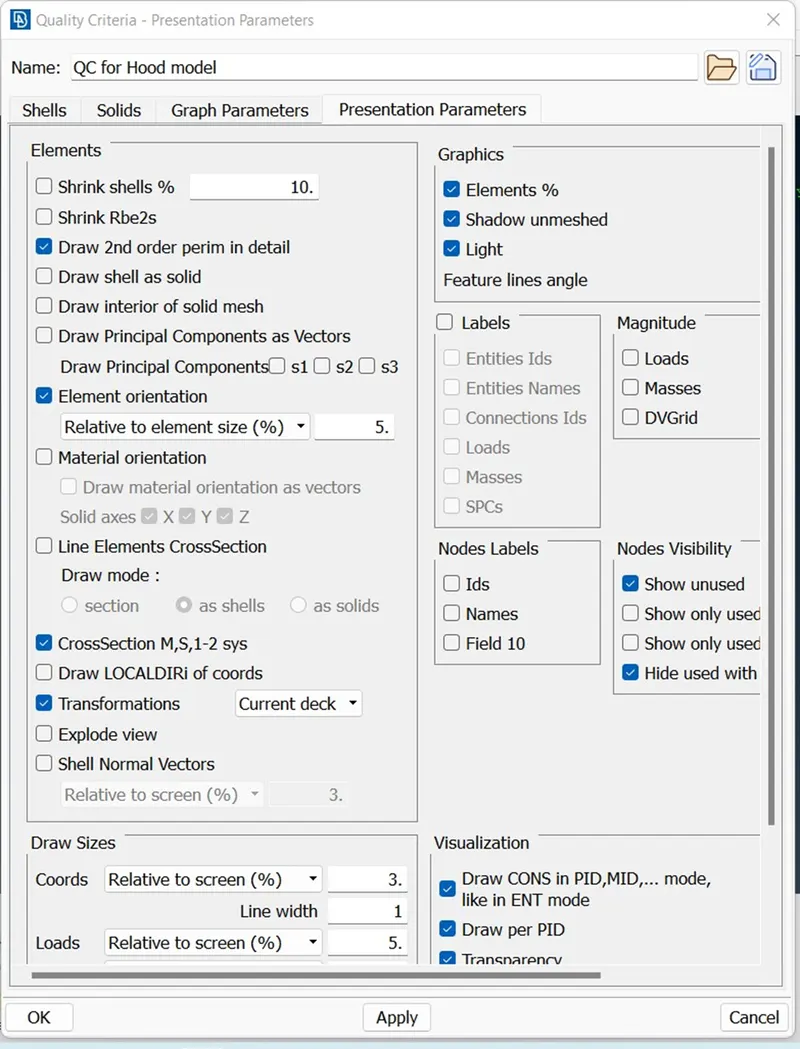
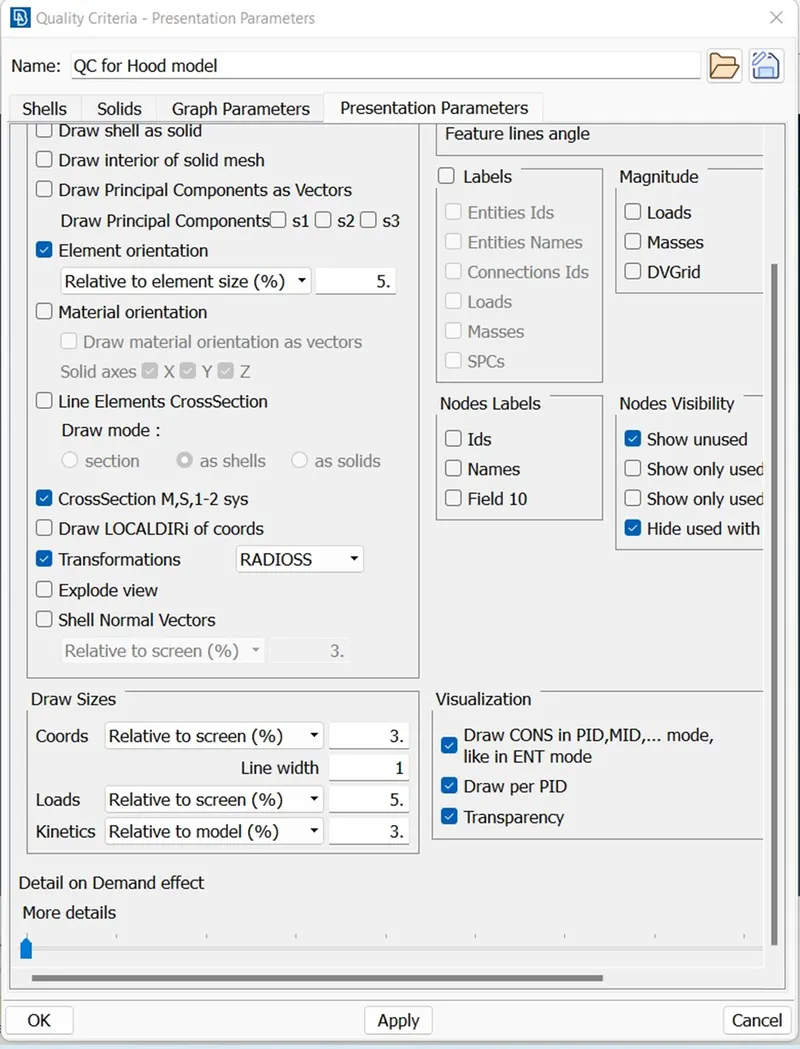
Click OK
Then follow the below steps to get the best meshing output.
- Modules-->Classic Mesh-->Mesh generation-->best algorithm for keeping the best mesh quality.
- Modules-->Classic Mesh -->shell mesh-->improve for improving the existing mesh quality.
- Modules-->Classic Mesh -->shell mesh-->Reconstruction for reconstructing the mesh on FEM & Macro areas.
- Modules-->Classic Mesh -->shell mesh-->Smooth for smoothing the mesh on selected FEM & Macro areas.
- Modules-->Classic Mesh -->Elements-->Split for splitting the shell & solid elements into smaller by selecting the edges/nodes to remove failed elements & trias.
- Modules-->Classic Mesh -->Elements-->Split for splitting the shell & solid elements into smaller by selecting the edges/nodes to remove failed elements & for changing trias position.
- Modules-->Classic Mesh -->Grid-->paste to remove failed elements & for changing trias position.
After mesh generation completion:
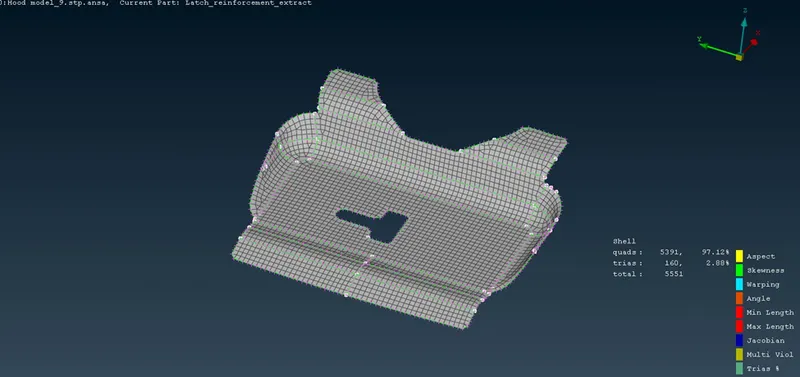
Part-1:
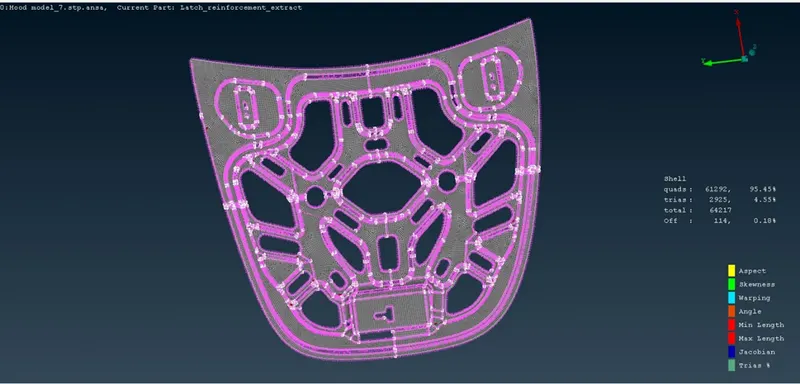
Part-2:
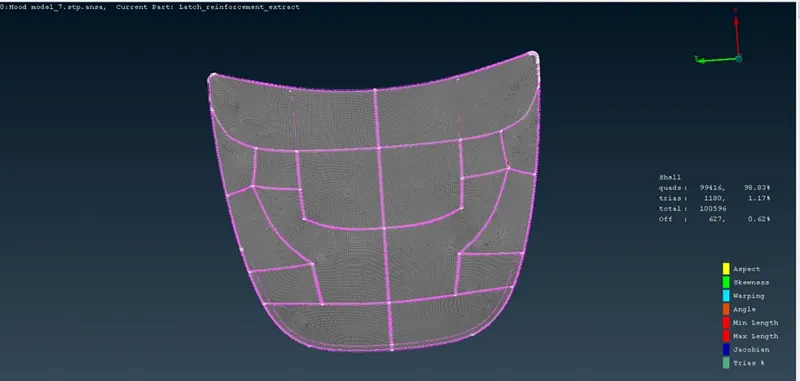
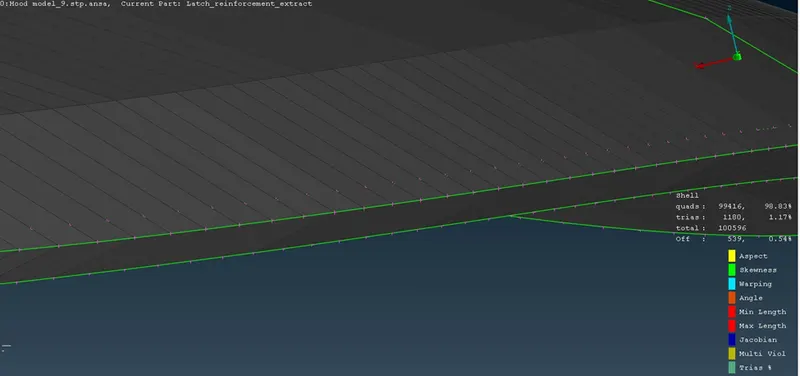
Defeaturing option done in Hemming region:
Part-3:
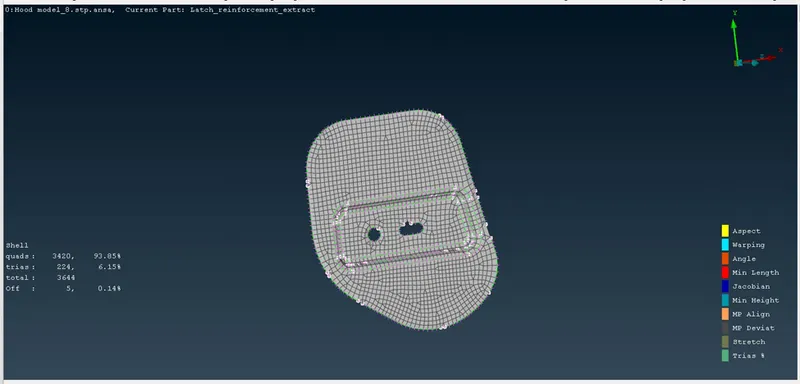
Part-4:
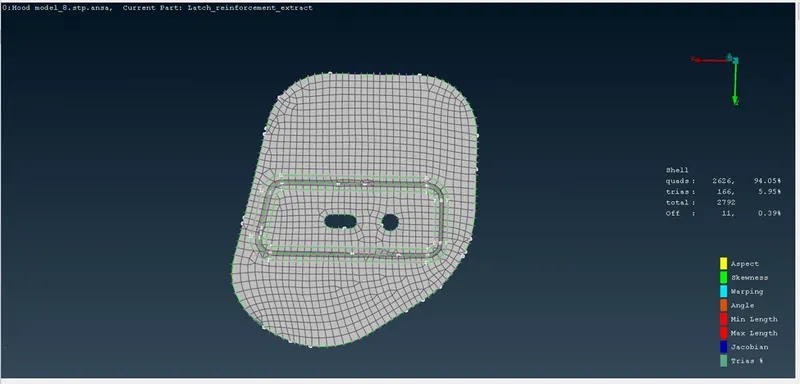
Part-5:
Learning Outcomes:
- Learned multiple features available in ANSA platform
- Importance of Geometry cleanup, Quality criteria parameters & PID options.
- Gained Knowledge from Mesh generations by using multi algorithms & various mesh refining/improving tools.
Conclusion:
The meshing of “Hood_model.stp” has been successfully completed with the given quality criteria parameters.