Week 3 - 2D meshing for sheet metal
Aim :-For the given Hood model, Take the mid surface for all the components after checking the geometrical errors and mesh the mid surface with the given element Quality criteria. (Refer the table Below for the Quality criteria)
|
S.No |
Quality Criteria |
Value |
|
1 |
Target/Average length |
5 |
|
2 |
Minimum Length |
2 |
|
3 |
Maximum Length |
7 |
|
4 |
Aspect |
3 |
|
5 |
Warpage |
15 |
|
6 |
Skewness |
45 |
|
7 |
Jacobian |
0.7 |
|
8 |
Minimum Quad Angle |
45 |
|
9 |
Maximum Quad Angle |
135 |
|
10 |
Minimum Tria Angle |
30 |
|
11 |
Maximum Tria Angle |
120 |
|
10 |
Tria Percentage |
15 |
Procedure :-
Step 1 :- Import the model .
File - open - select the file - open .
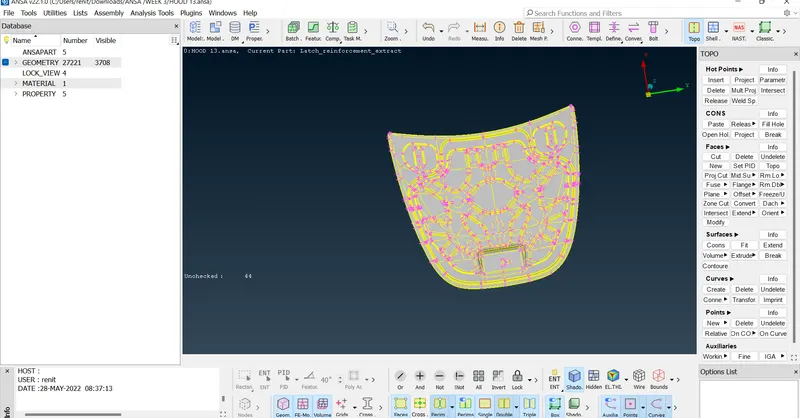
Step 2 :- Geometrical clean up.
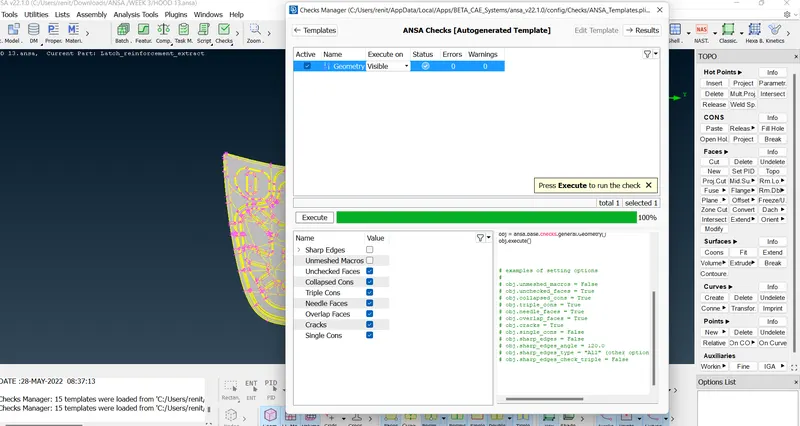
Checking for geometry:-
checks - geometry - exicute on -visible - execute.
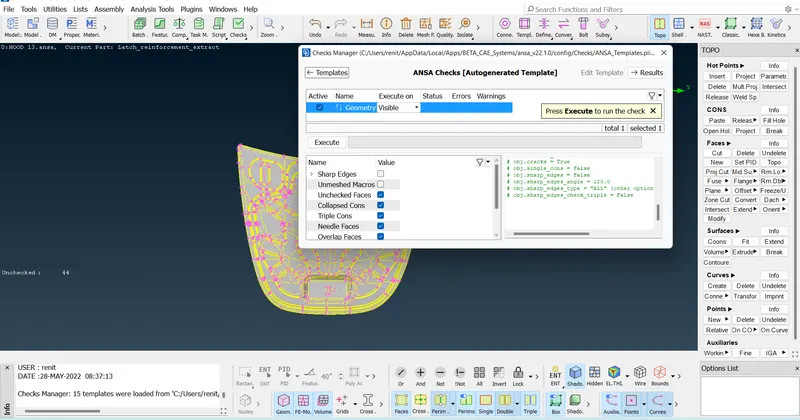
Got erros
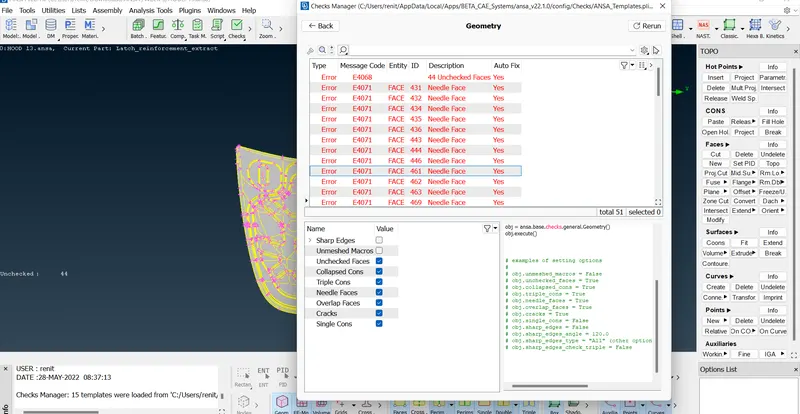
TO fix the errors .
select all erroes - right click -fix.
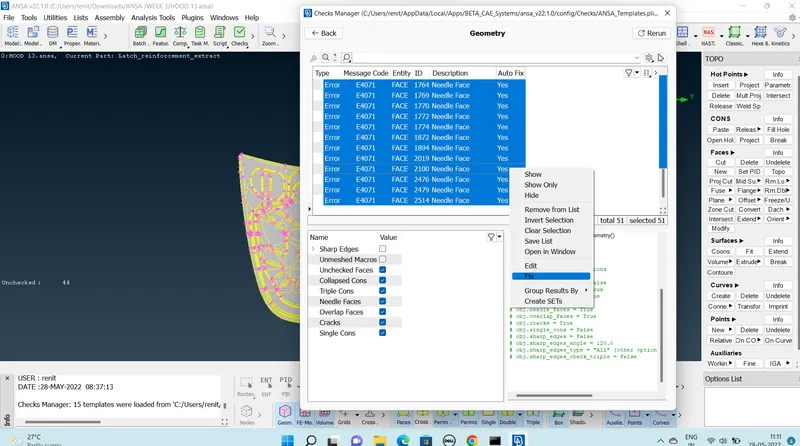
Geometry clean up completed.
Step 3:- Generating Manual mid surface.
Taking a component using turn on the property
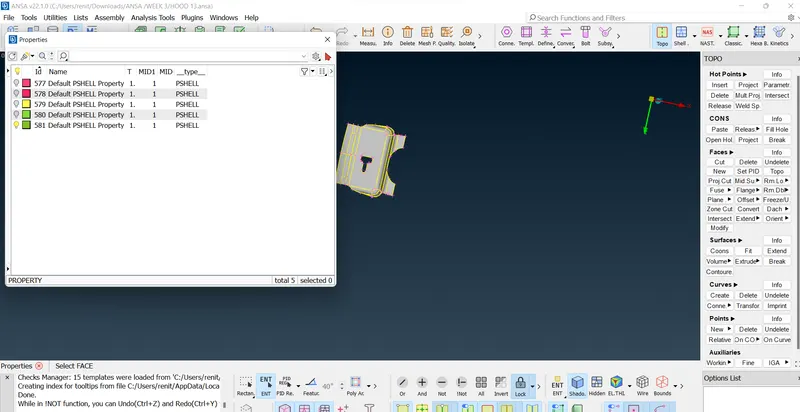
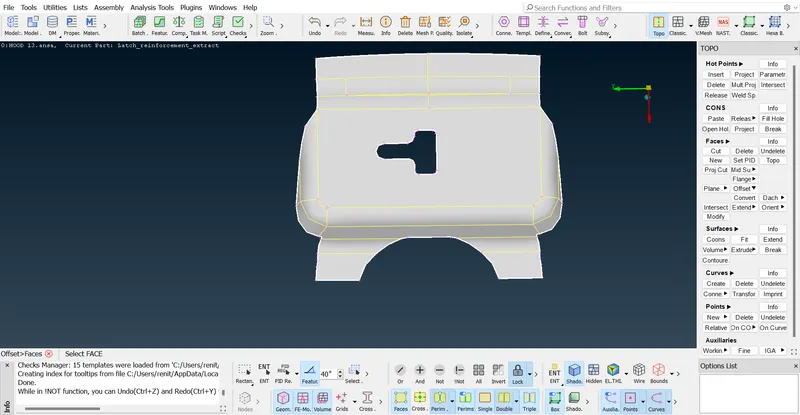
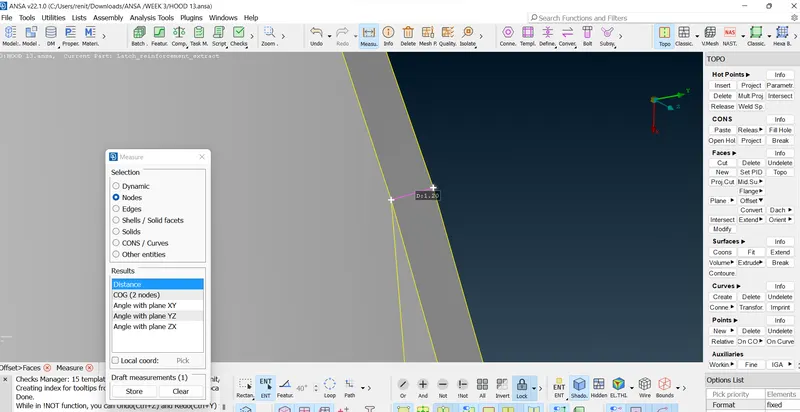
Measuring distance.
Measure - Nodes -select two nodes.
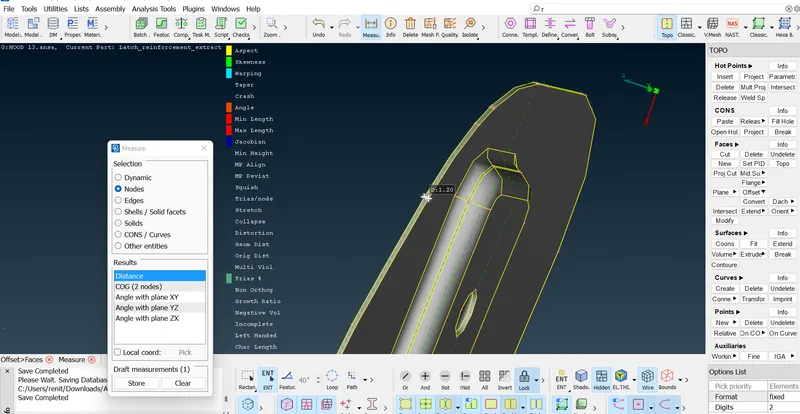
Offset the surfaces
Topo - Faces -offset - select the feature angle 40 - select face - give offset value - offset.
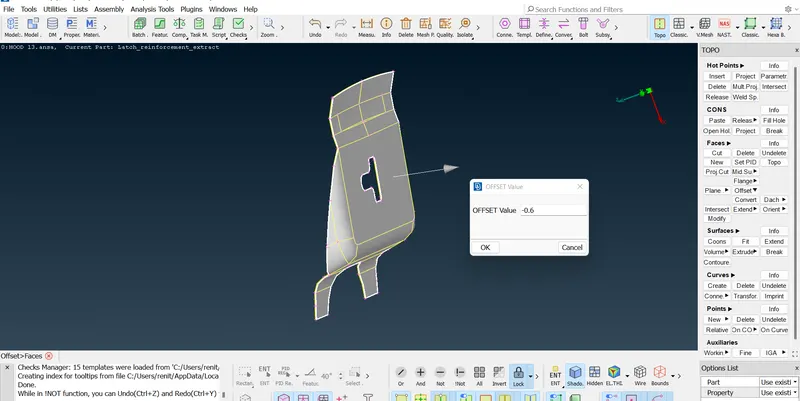
surface offsetted.
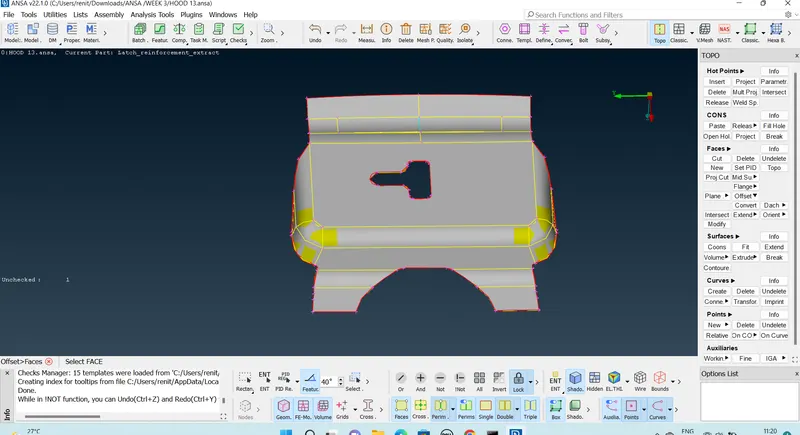
Mid surface of inner component .
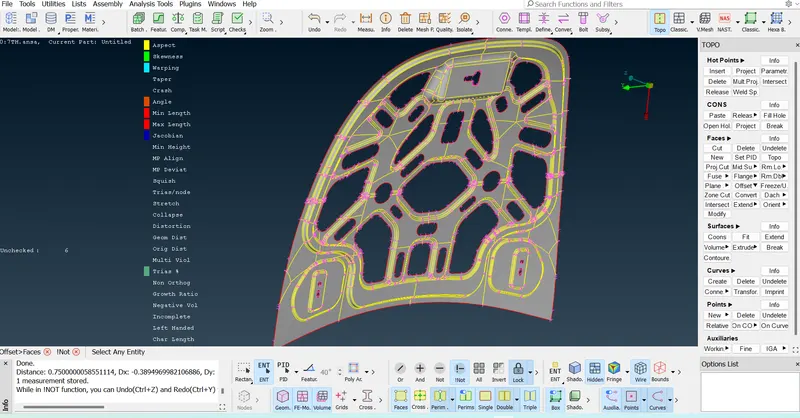
Deleting the surfaces .
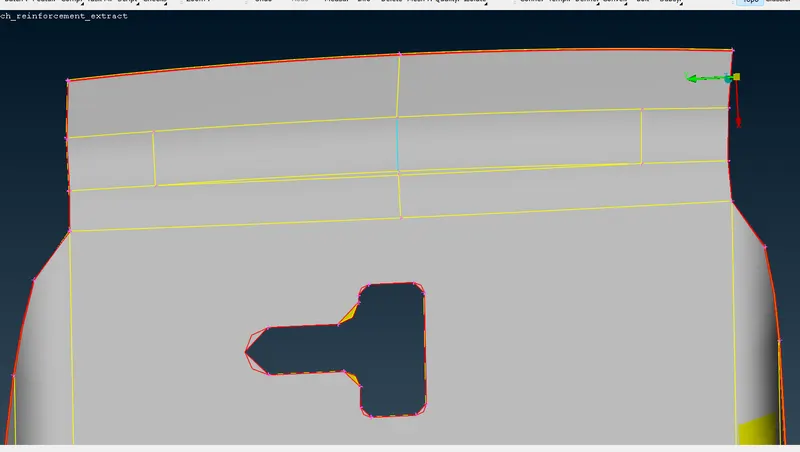
Topo-faces-delete - select the line -delete.
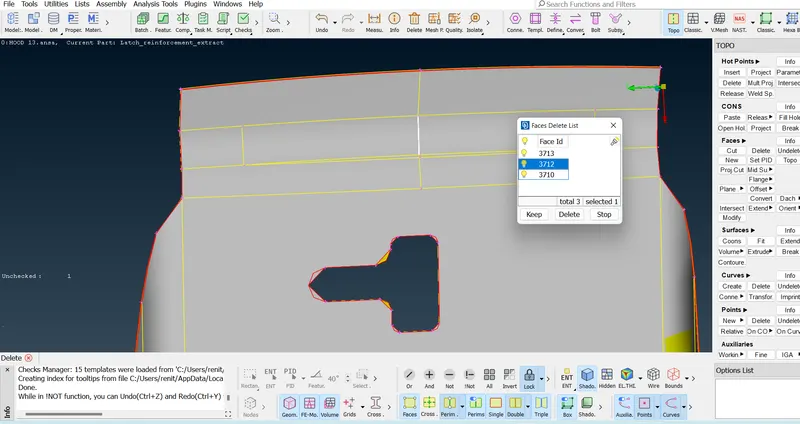
Toggling the lines :-
Macros -join -select the line to join the surfaces.
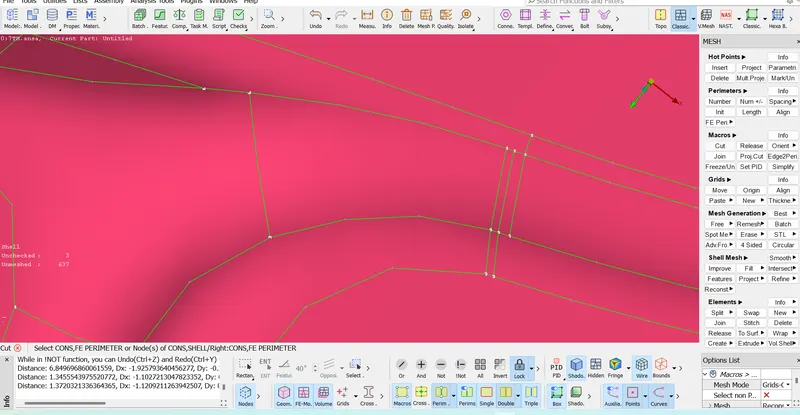
Removing hot points .
Mesh - hotpoints - delete .
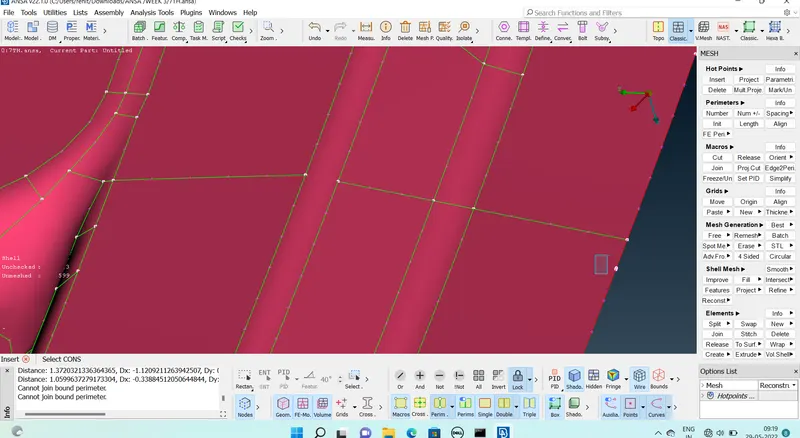
after clean up
Step 4 :- Assigning quality criteria.
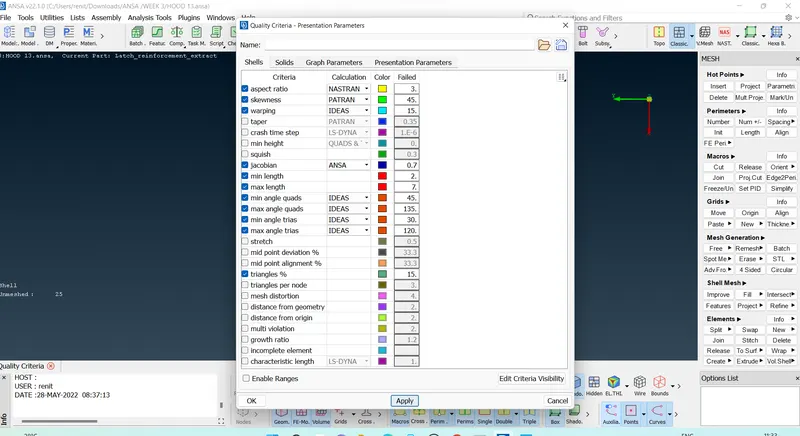
Giving mesh parameters.
mesh parameters - target lenght =5 , minimum target length = 2 -mixed - 1st order -ok
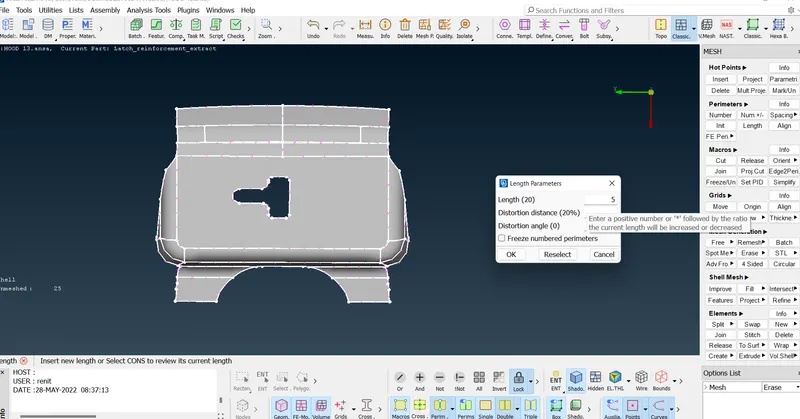
Giving perimeters
Perimeter -lenght -select the lines -give lenght as 5
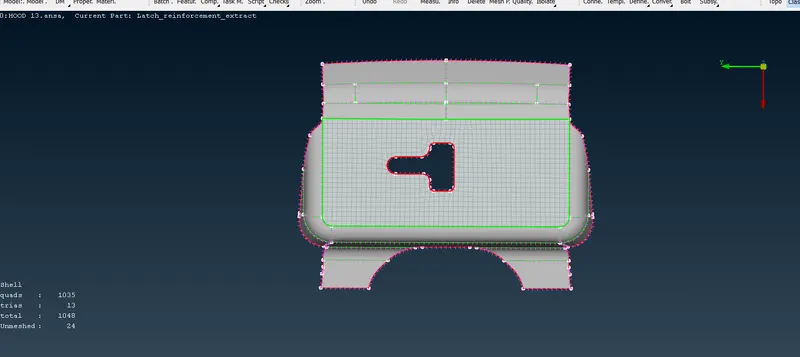
Step 5 :- Generating mesh.
Mesh generating - best - selelct the surface -ok
Smoothing .
mesh - shell mesh - smooth
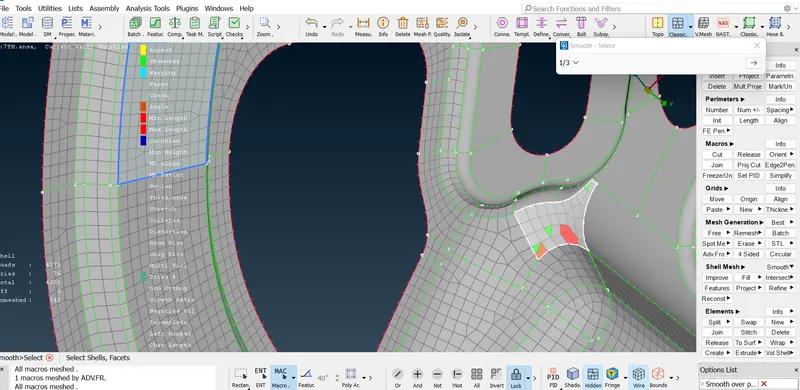
Spliting quads/moving trias .
Mesh-split.
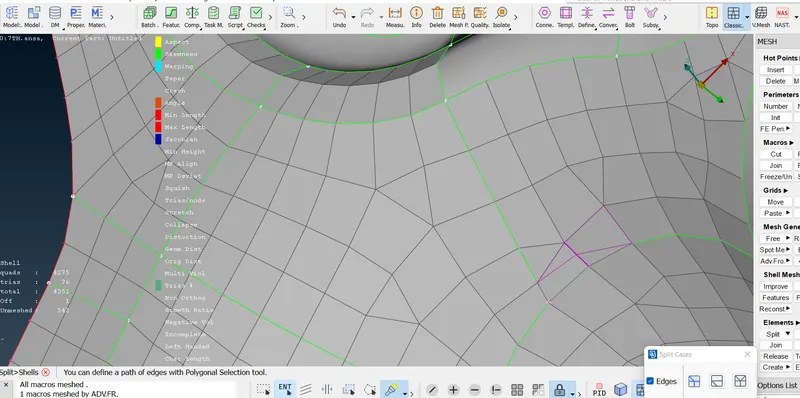
Reconstruction.
mesh -shell mesh -reconstruct.
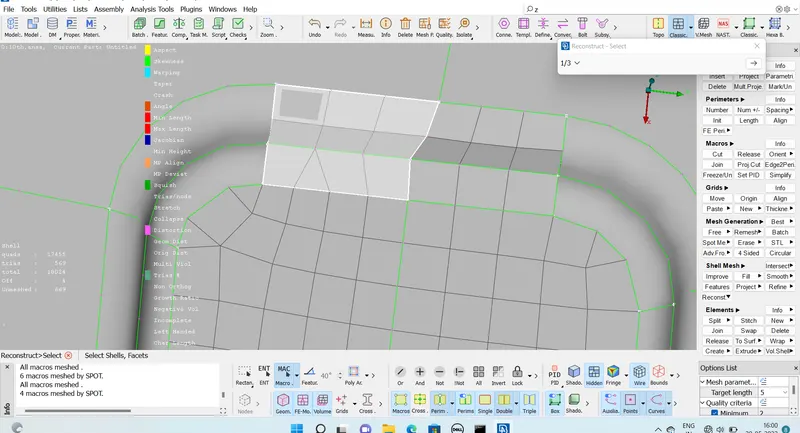
After passes all qual;ity criteria.
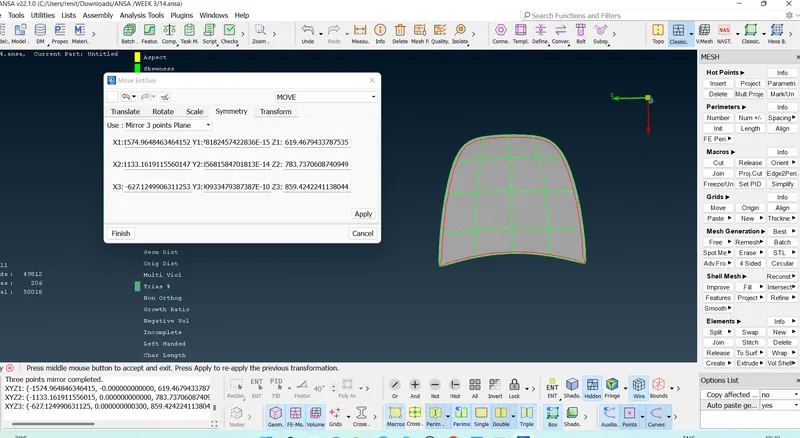
Step 6 :- Refelcting
Delete one half of the surface.
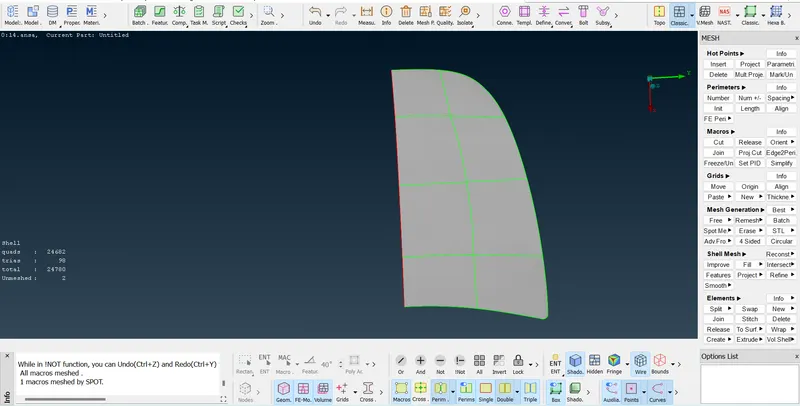
Tranform - copy - select the elements - ok -symmetry - mirror 3 points 3 plae - select 3 base points -apply
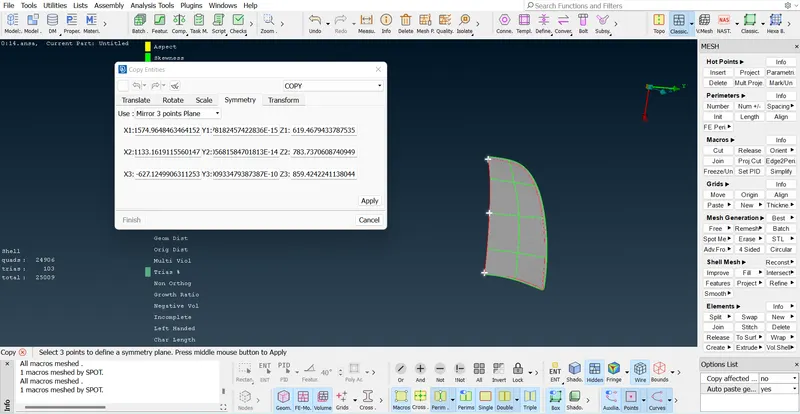
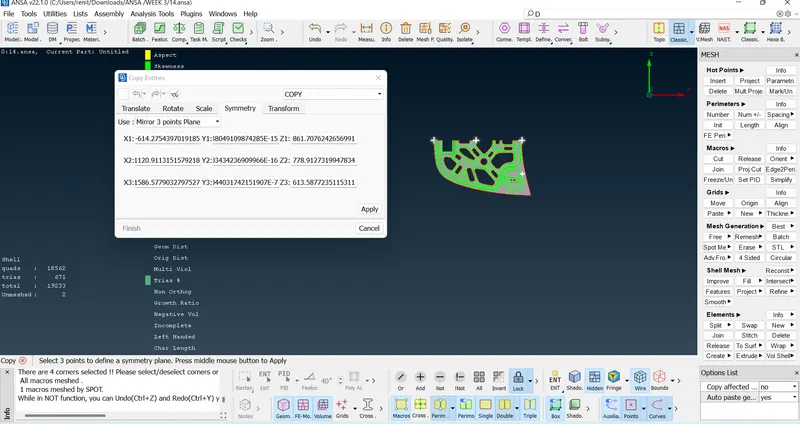
Reflected
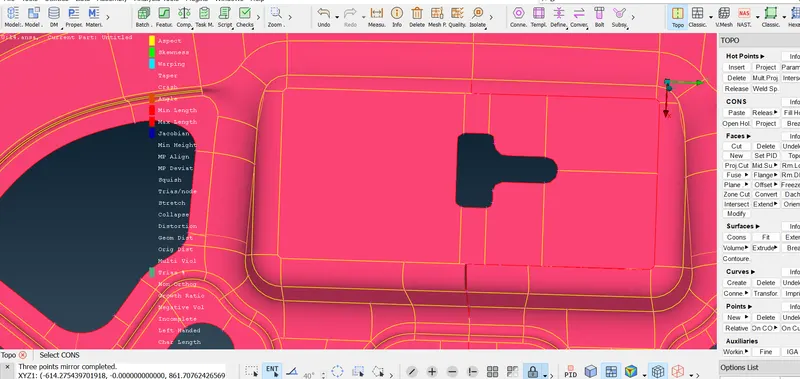
Topo the line .
Topo - faces - topo
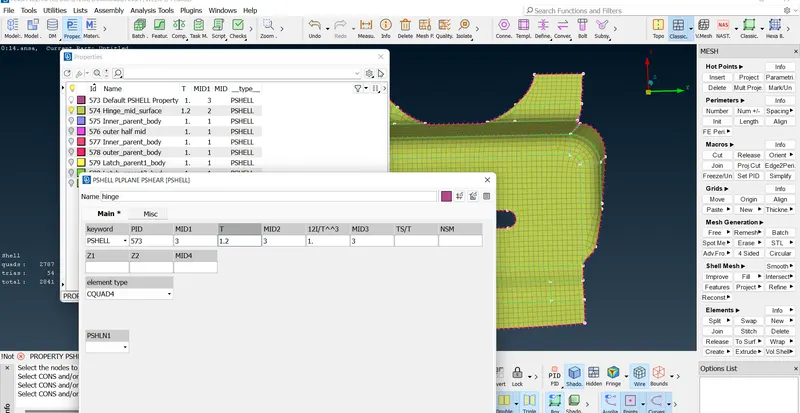
Step 7 :- Assigning property and thickness to the component.
Mesh -set PID - Select elements - create new - name - give thickness - apply
Step 8 :- shell to solid
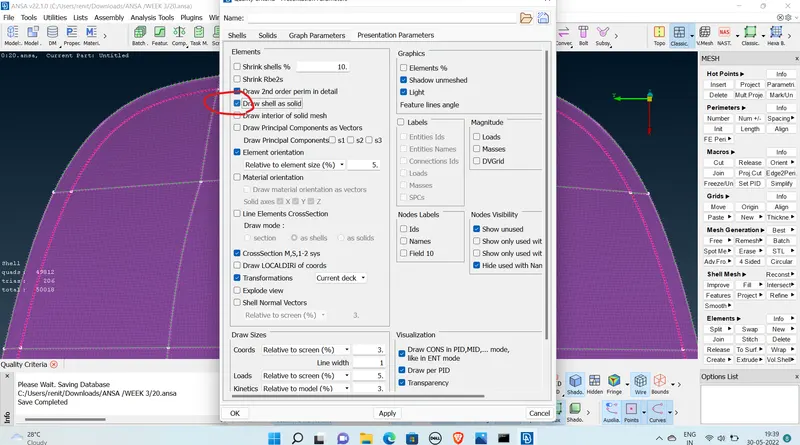
thickness
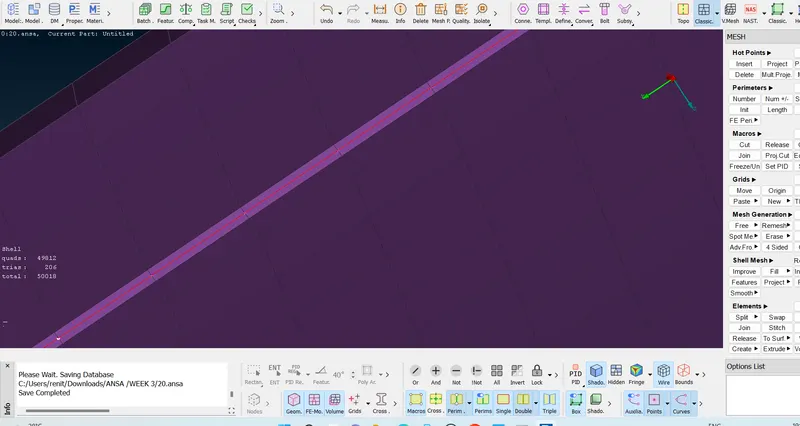
Final inner meshed component
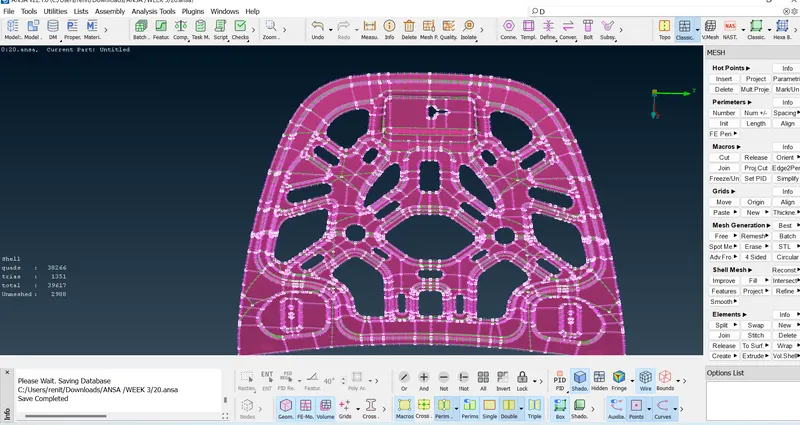
Final Outer meshed component
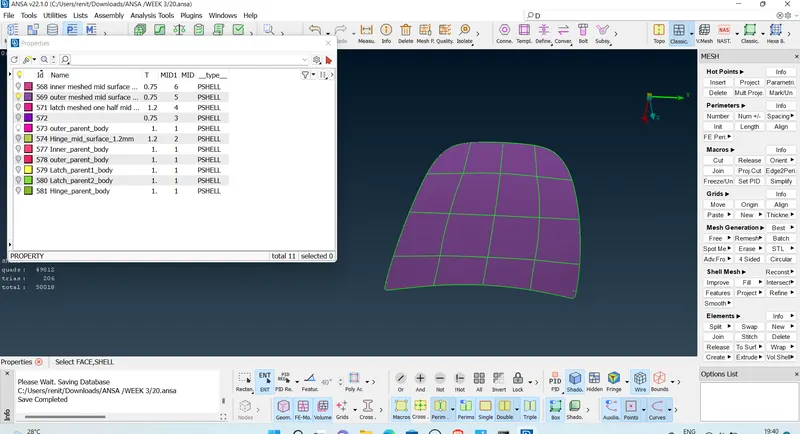
Final latch meshed component
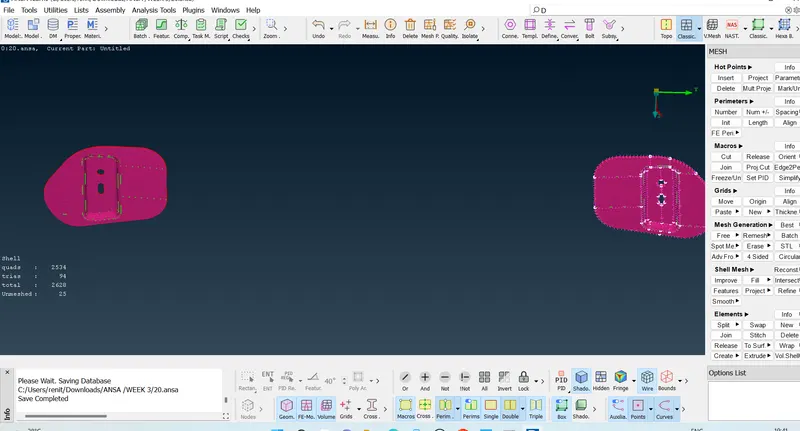
Final hinge meshed component
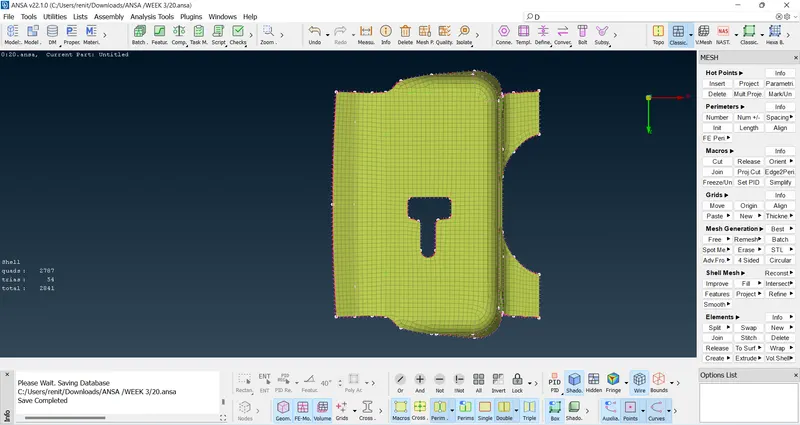
Final Model
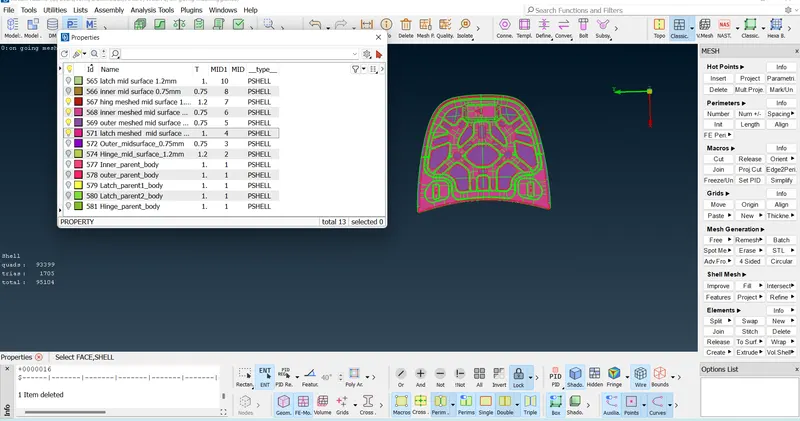
Result :- Given componnt is meshed with given quality criteria and assigned thickness and property to the component.
Learning Outcomes :-
*learned about geometrical erros and how to fix it .
*learned about generating mid surface tools .
*learned about geometrical clean up and measuring thickness.
*Got a knowledge to generating mid surface and the quality failures and learnd about to resolve the Quality failure , measuring the thickness .
*Leared about the different types of reflecting .
*Learned abot the tools uses for assigning property and thickness to the component.
Thanks
Renith balachandran M