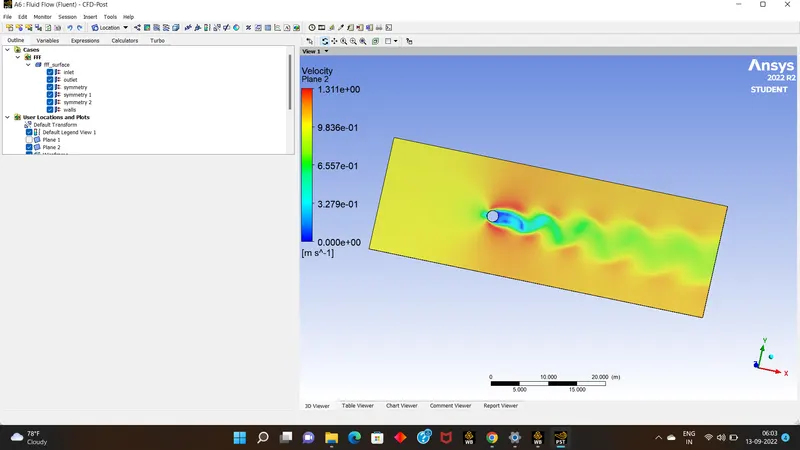
Week 2 - Flow over a Cylinder.
- AIM : To simulate the flow over a cyclinder & explain the karman vortex street or shading.
PART-I
- Simulate the flow with the steady and unsteady case and calculate the Strouhal Number for Re= 100.
PART-II
- Calculate the coefficient of drag and lift over a cylinder by setting the Reynolds number to 10,100,1000,10000 & 100000. (Run with steady solver)
- Discuss the effect of Reynolds number on the coefficient of drag.
- INTRODUCTION/THEORY : The simulation over a surface where heat transfer of an cyclinder is simulated.It helps us to understand the behaviour of heat flow over a surface around a cyclinder. It can be calculated using varying reylond's number,target length of meshing over surface,its very helpfull in pratical applications by predicting the heat flow over a surface without doing experimental over a model or surface.
- SOLVING & MODELING APPROACH:
- First we have to create a geometry,than go for meshing the geometry which is called as pre-processing
- Than go for solver update it with all required given inputs & go for initilazation,Run Calculation.
- Finally go for last part of simulation for results.
- Pre-processing and solver setting:
- In pre-processing part it involes the creating of geometry, meshing
- first we go with preparing geometry using required sketch tools,before that change the units as meters.
- create a geometery using tools circle,construction lines,lines ,rectangle etc.
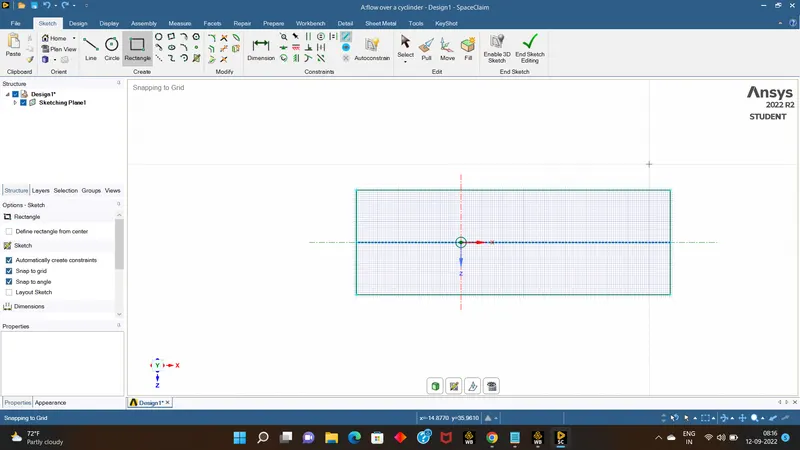
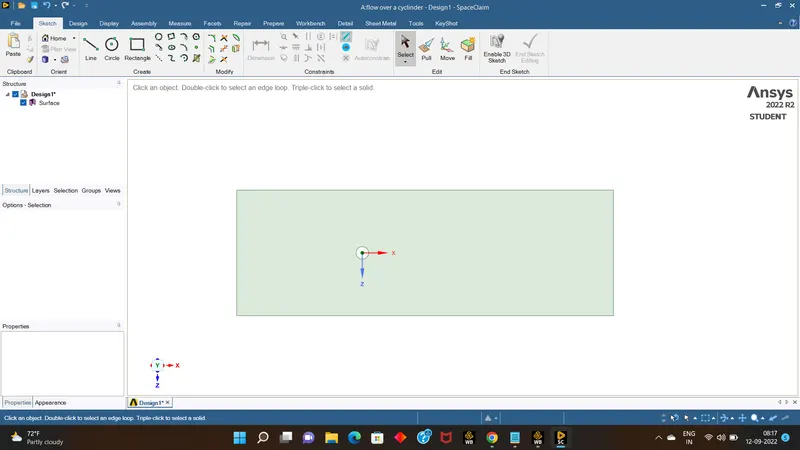
- create it for the given measurments and using select /pull tool make the geometry as surface and delete all the projected lines of the geometry.
- close the application.
- than open the mesh application to mesh the surface.
- assign the name for particular selection using edges tool & name them as inlet,outlet,walls,symmetry.
- deploy the mesh by clicking right click button on mesh & generate mesh, we can see qudratic shape meshing.
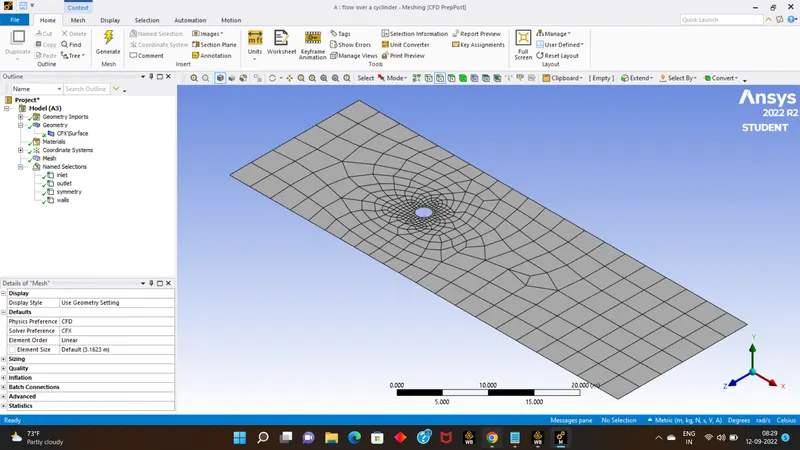
- by changing the options we need to change the meshing into triangle ,it can be done by right clicking on mesh option , choose insert than click on methods.
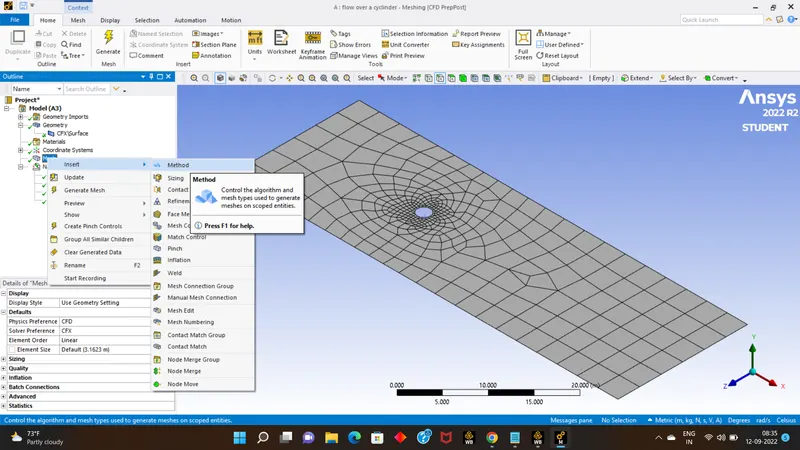
- A new dialouge box appears by selecting surface on the geometry & than clicking on method choose triangle,& update the mesh again.
- Than even using same procedure change the edge sizing with the number of edges to 36 which give proper surface finish &update the mesh
- than go to inflation tool change the layers to 6 around the surrounding the cyclinder surface & update the mesh.
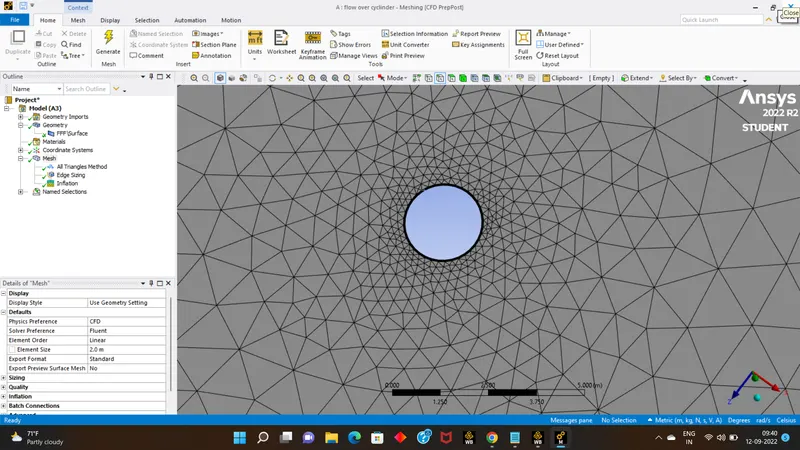
- close the application & Update it. .
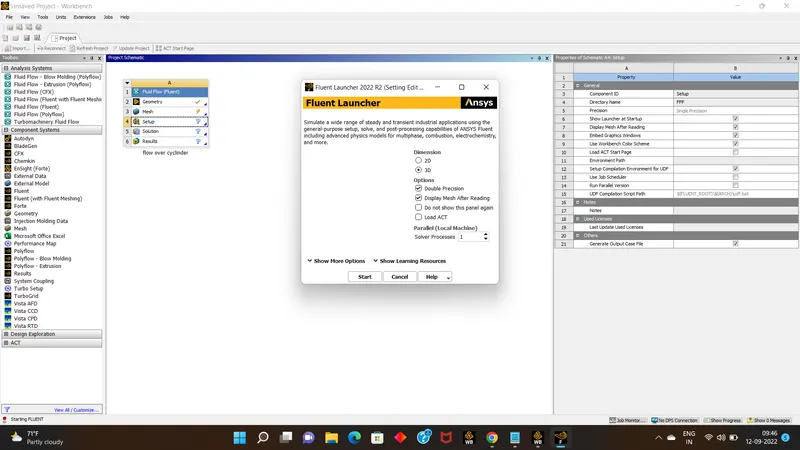
- Next open the setup application enable for double precession & 4 processors in a prallel,click ok.
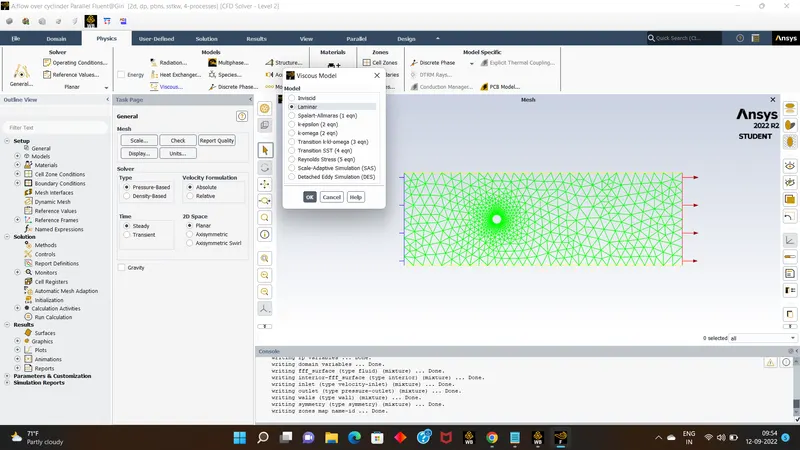
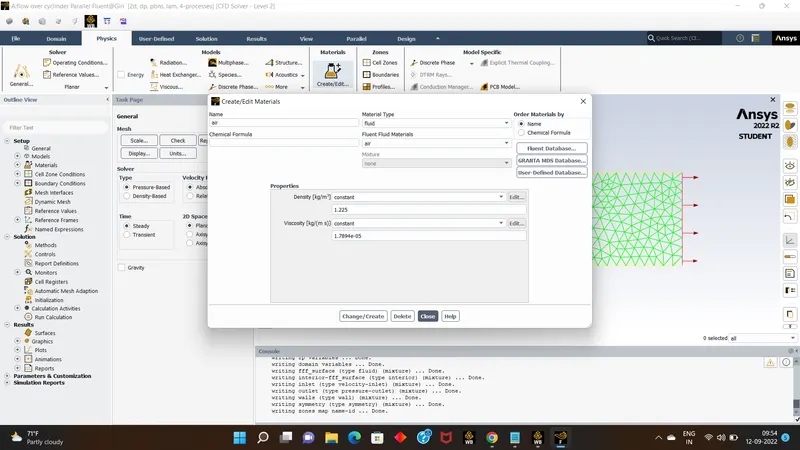
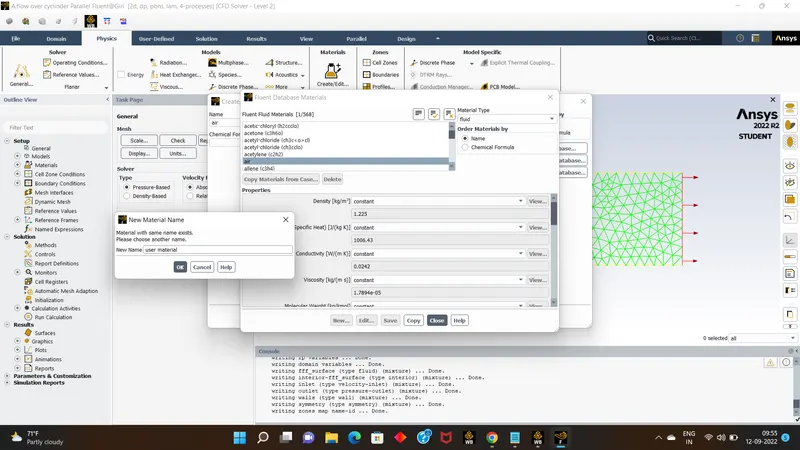
- Than go for physics slot & assign all the required options,viscous select option as laminar, than go for add material, choose air and rename it as user-material & delete tht air.
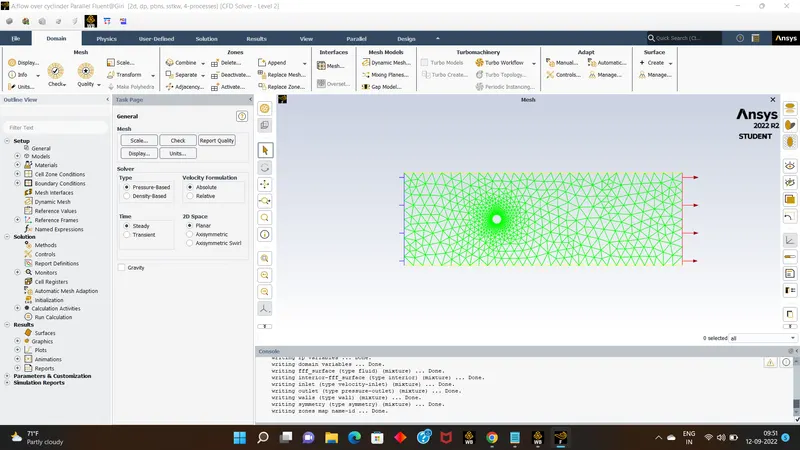
- next move to solution slot,befor proceeding with this we need to create a monitor point on the surface at x distance of 10,in results slot.
- by using tool create > points> give the required distance & click on ok.
- Than come back to solutions parts >in definations assign the vertex average to the monitor point.
- than by selecting the hybrid initalize it.
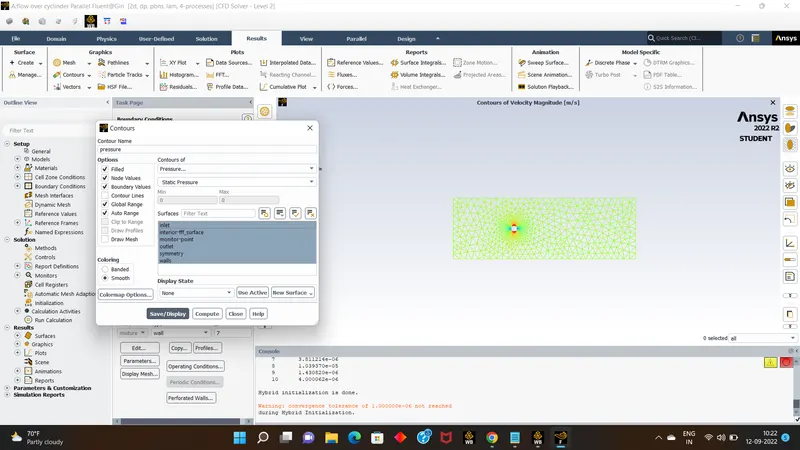
- than go to results and assign countours for both velocity as well as pressure.
- than cme to residuals and disable the converging limits over there and click on ok
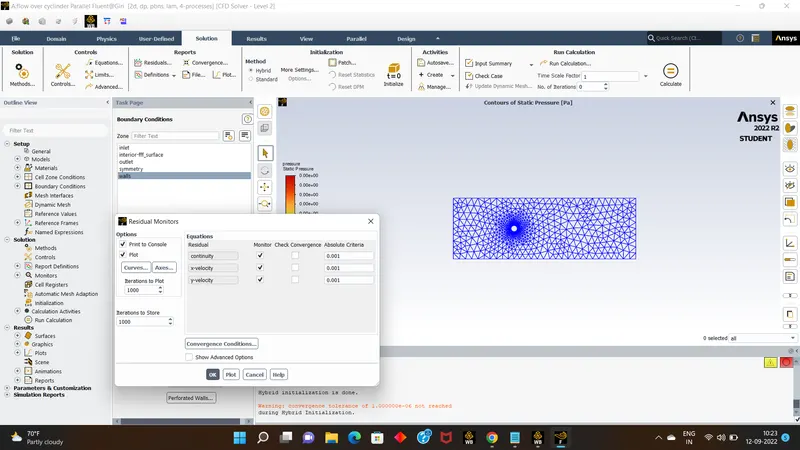
- And by giving number of itrations as 350 run the calculation.
- now by seeing the obtained graphs ploted and countours of pressure & velocity we can conclude that there is no vortex shading over the surface.
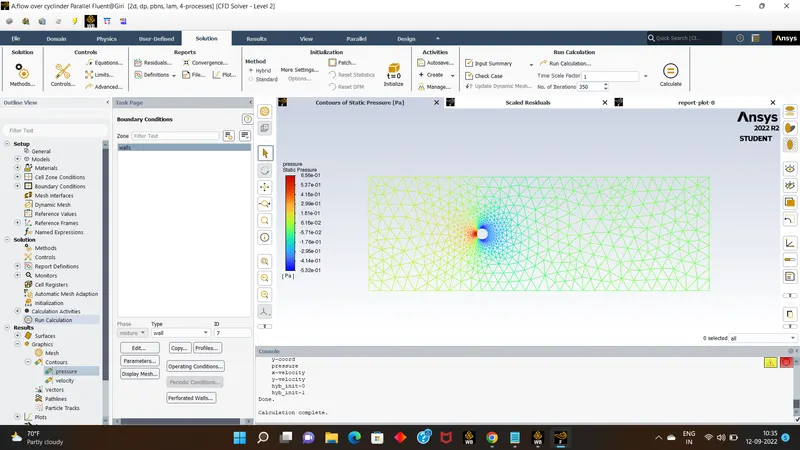
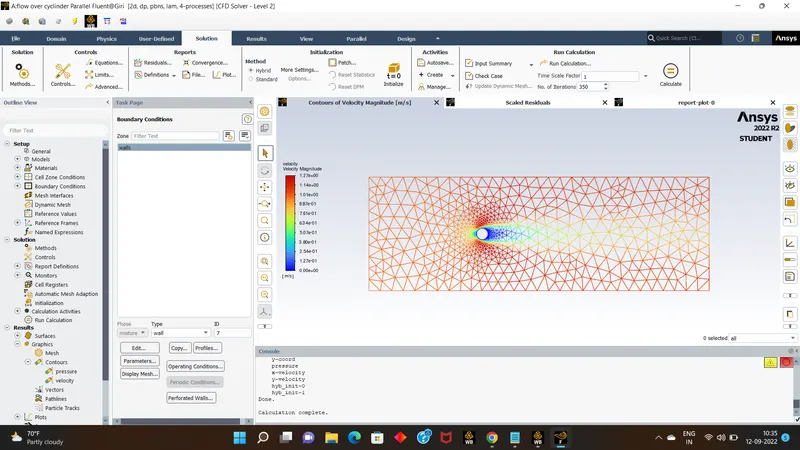
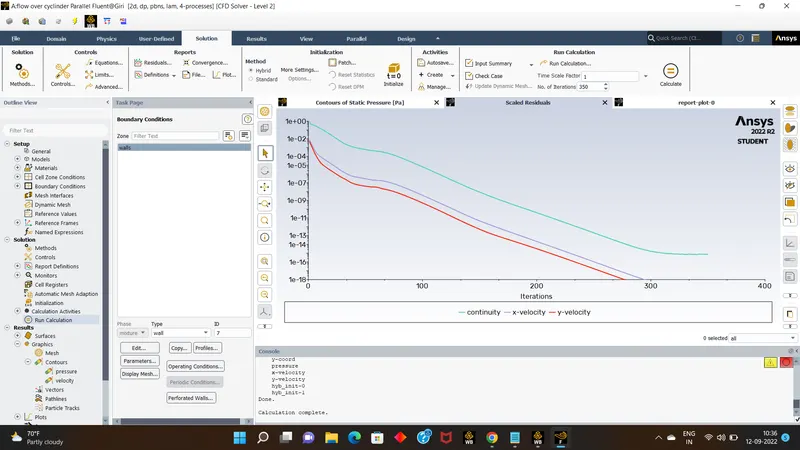
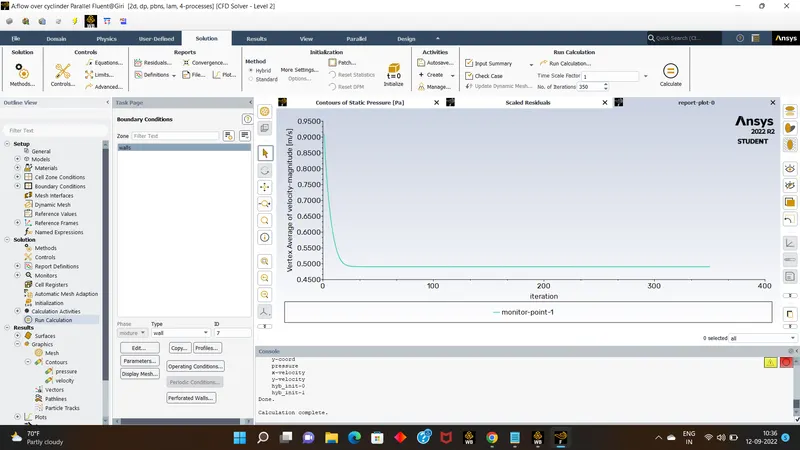
- after seeing these results,we can aslo create an annimation for simulation for countour results for velocity so click on activities> create>solution annimations.and create the annimation for velocity.
- now bye changing the meshlength over the surface or by changing the reylonds number get the results for required conditions.
- Results :
- as we checked for reylond's no 40 there was not so good result found.so we will try to make the changes with given reylonds number & get the vortex shadding.
- As a part II first we will check with Re=10,here we obtained a good results,for ittration of 500,but still the vortex velocity is not stable.
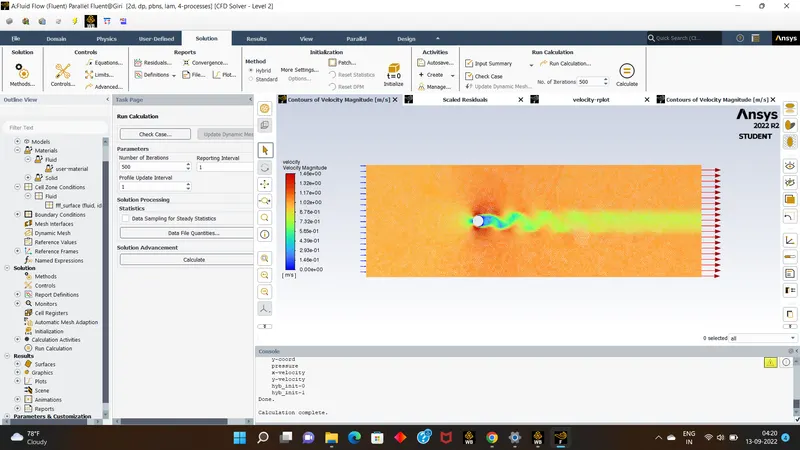
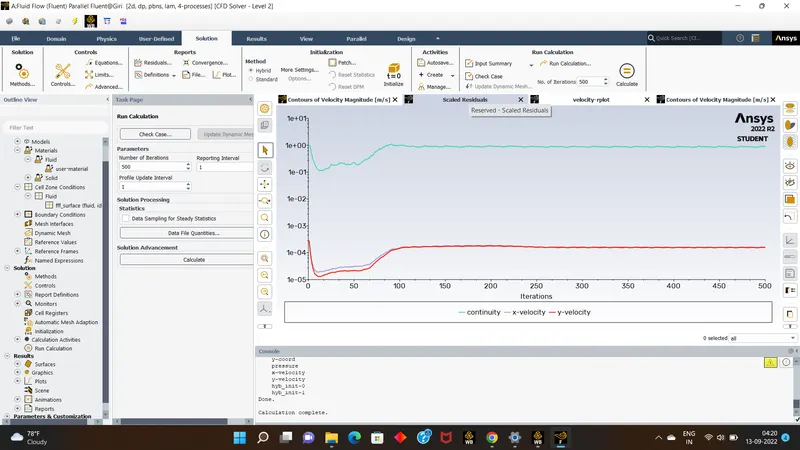
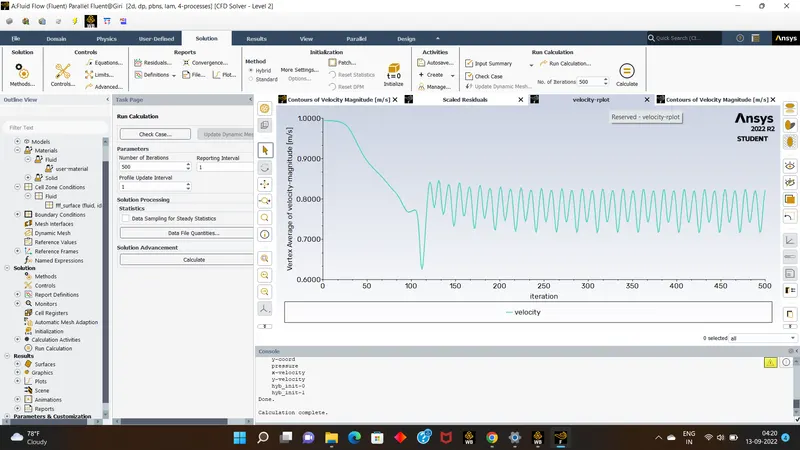
- so we can still check by varying different Reylond's number.
- now lets see the results of reylond number 100.& mesh targetlength will be 0.25m.& it will also for partI condition.
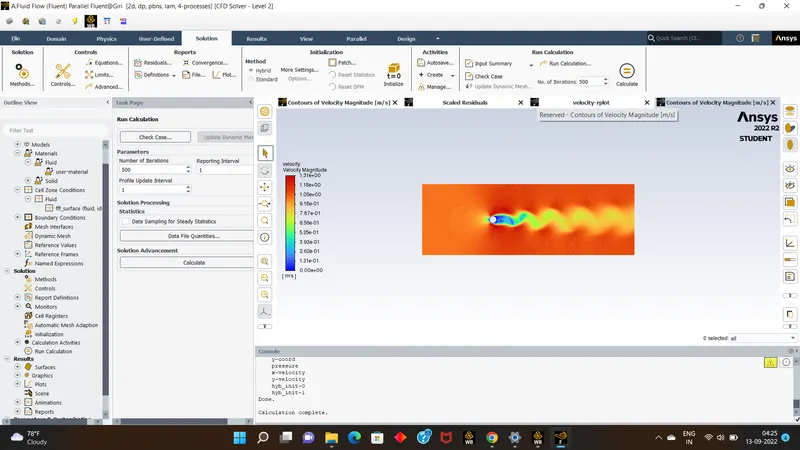
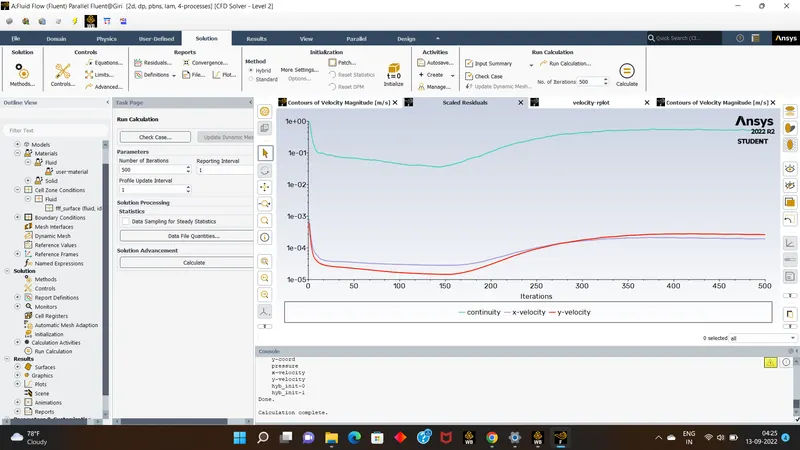
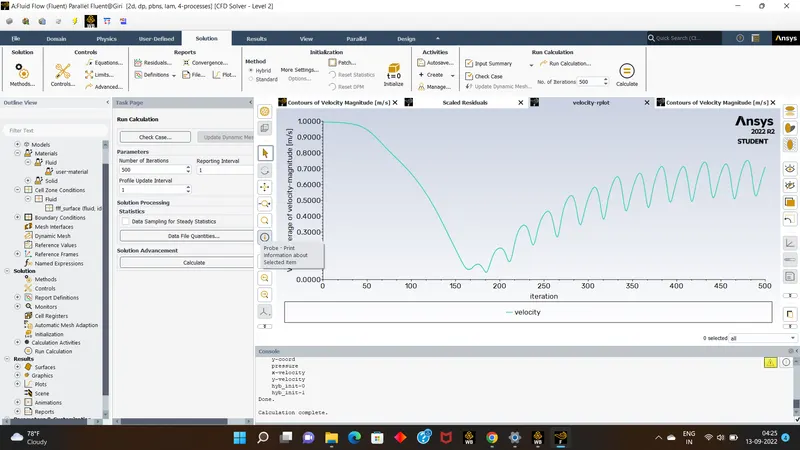
- here also see the good results of vortex shadding for Reylond's number 100.
- Now we go with reynold's number 1000.
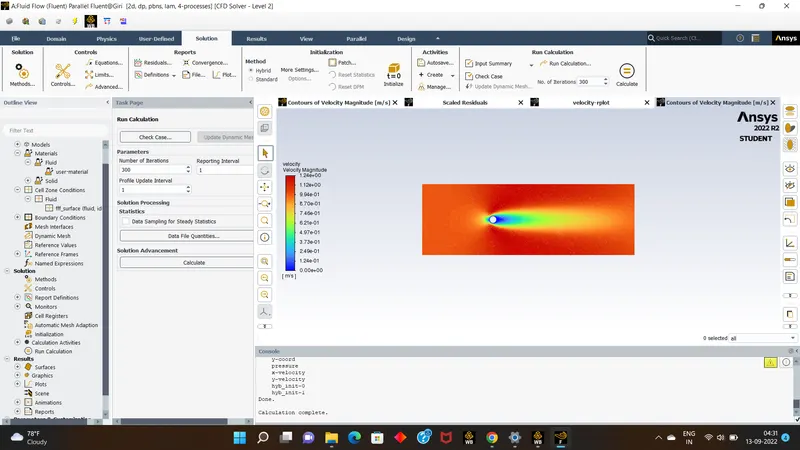
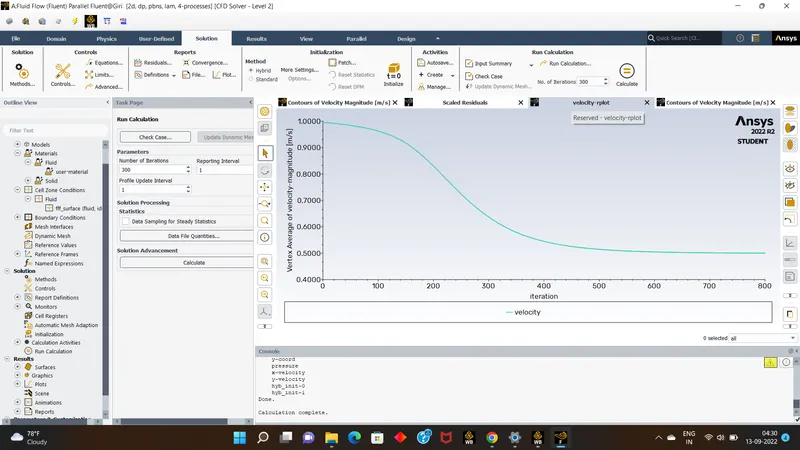
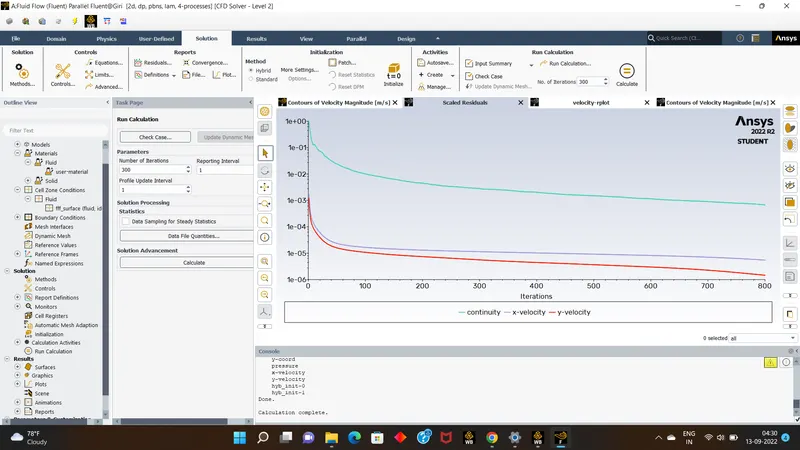
- it was bad result with Reylond's number 1000, so lets check for 10000,hope now the up coming results will not be giving vortex shadding.
- now for Reylond's number 10000
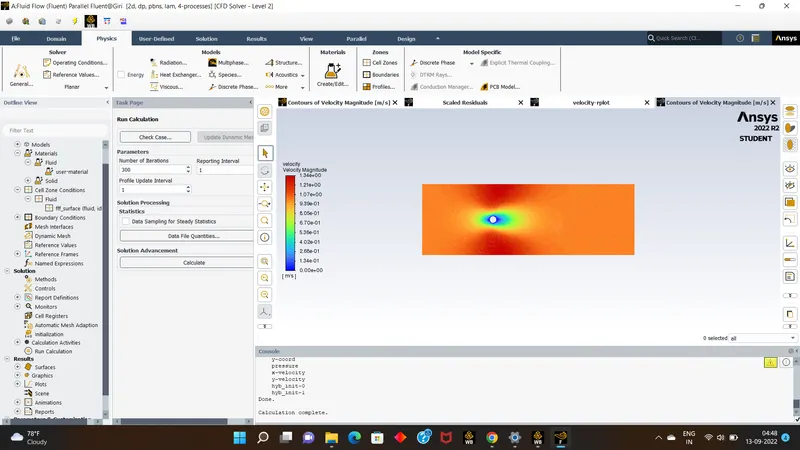
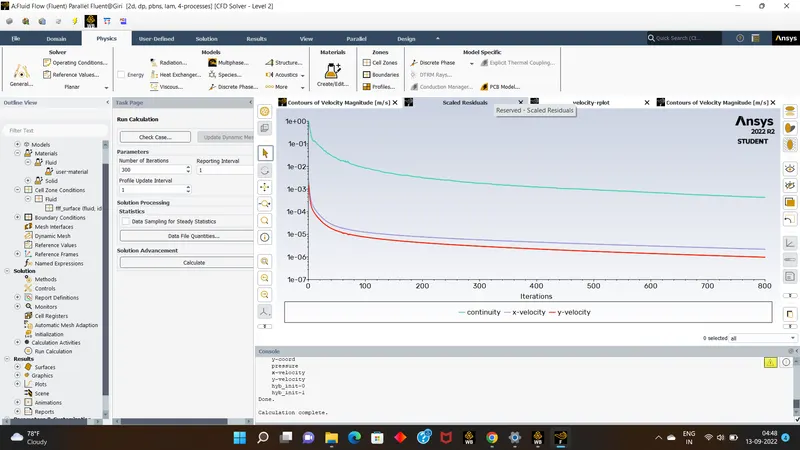
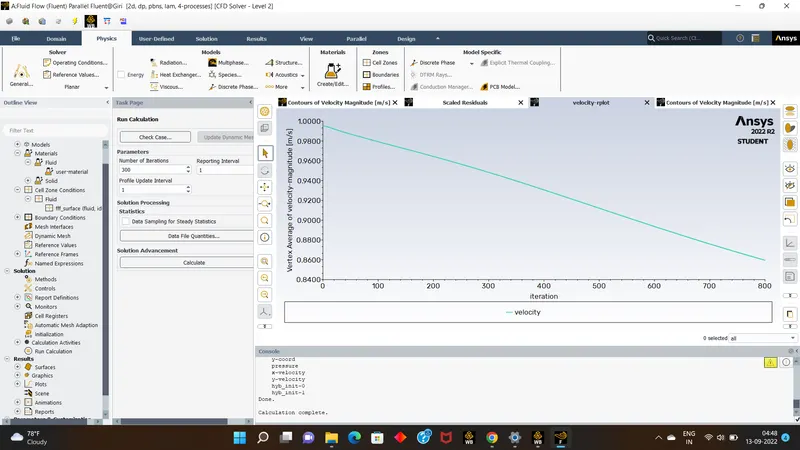
- ended up with unsatisfied results.
- now for Reylond's number 100000
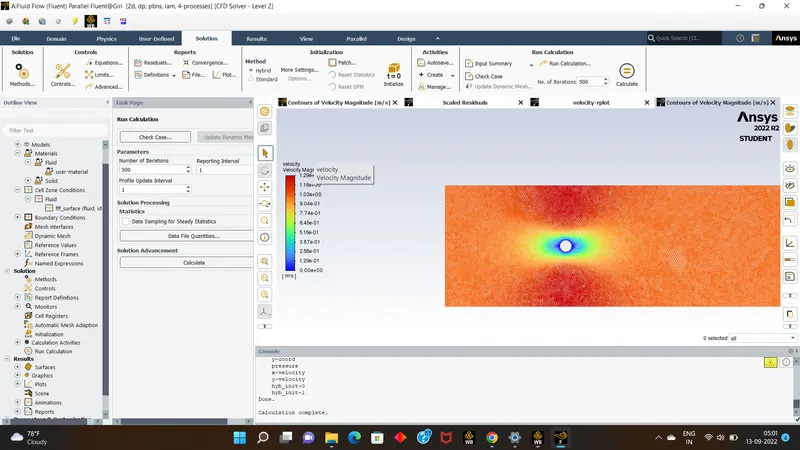
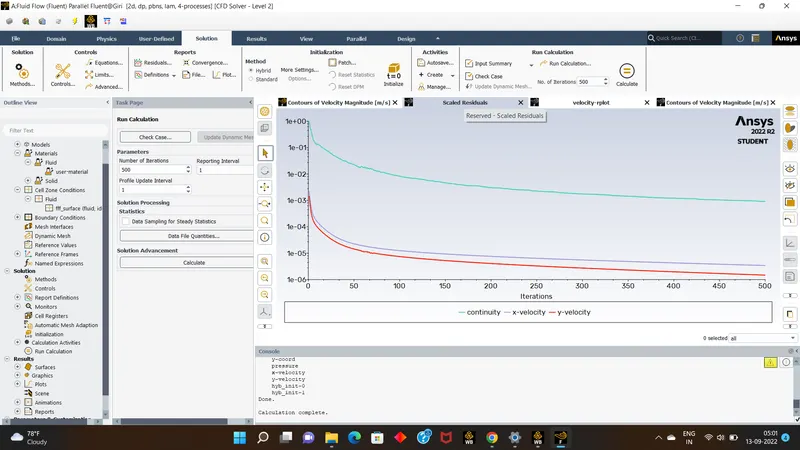
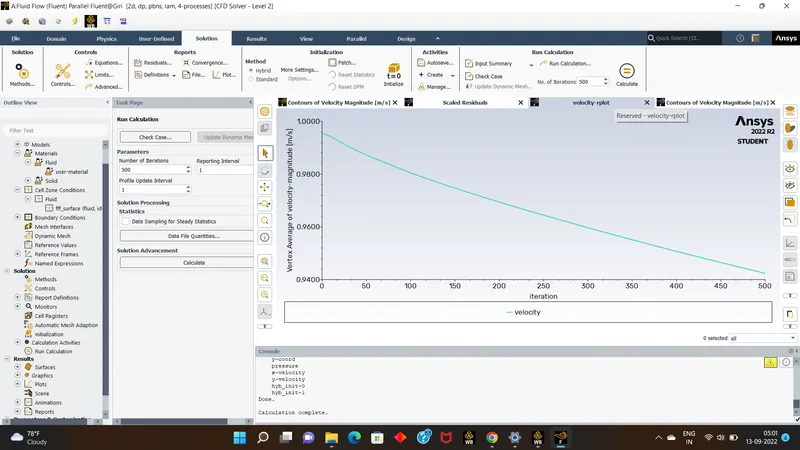
- her also we ended up with bad result.
- now we will check for transisent mode which will be calculated based on time dependent,it also showed the good results with vortex shadding.
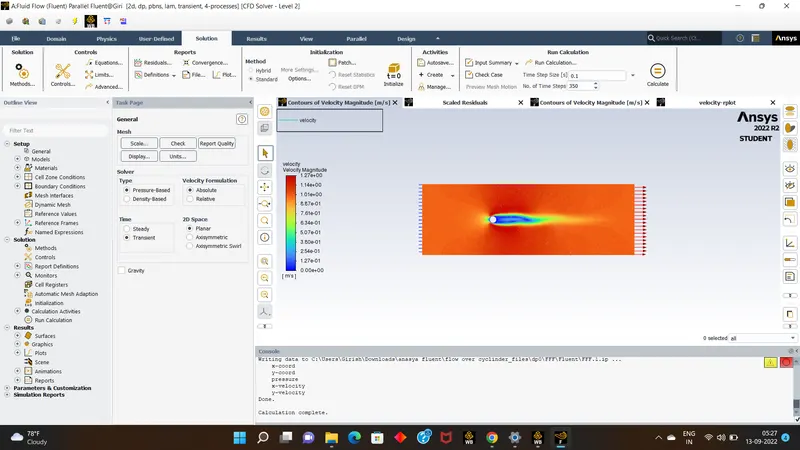
- conclusion:
- Based on the above results we can conclude that the vortex shadding can be stimulated for finer mesh elements & many more factors.
- and for smaller Reylond's number the vortex shadding will be finner as the type of flow will be laminer,as compared to high renyold's number hence it also has turbelent type of flow
- so we can conclude that for vortex shadding meshing should be finer & Reylond's number should be less.