Week 2 Challenge
Q1>
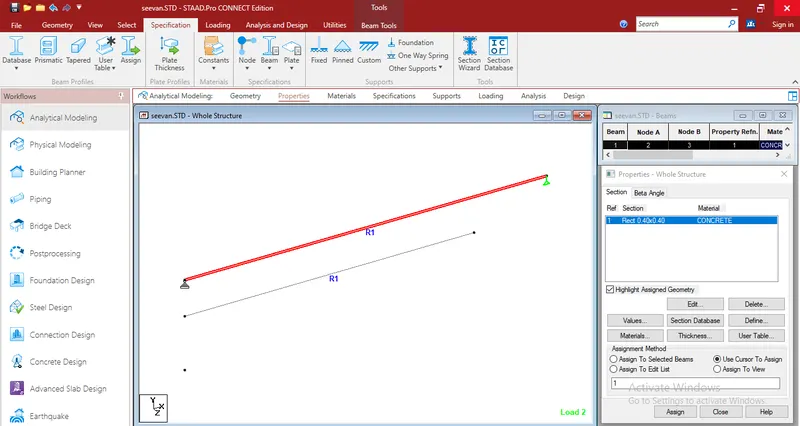
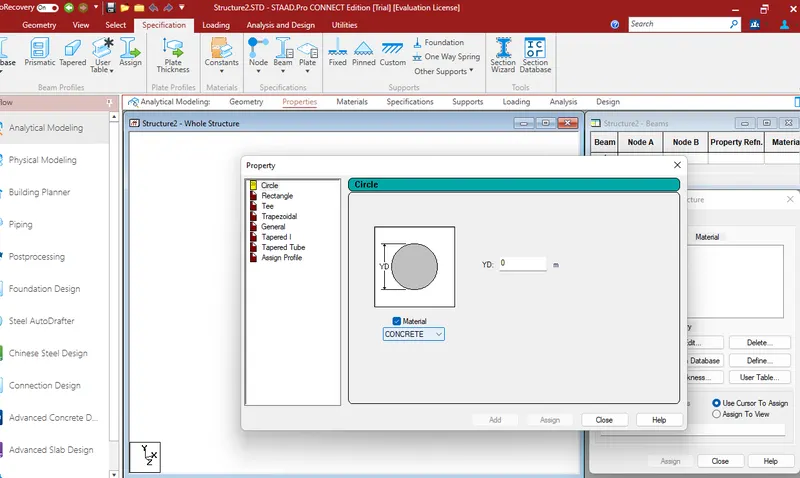
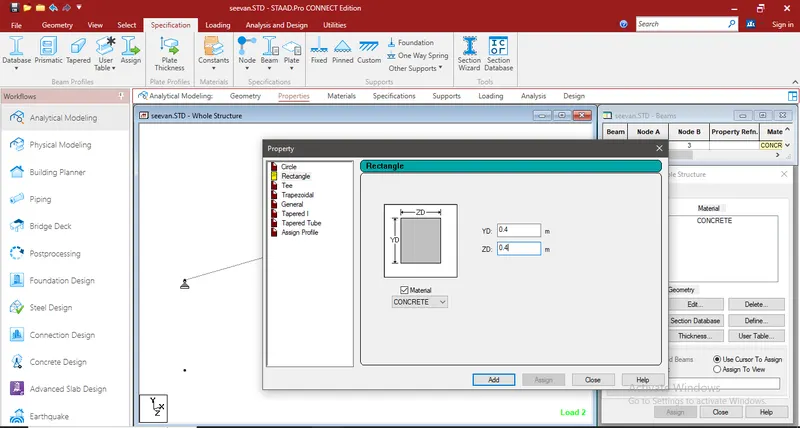
1- go to properties --> then define a Section --> choose circuler sections -->Add Section ---> Assign to the member
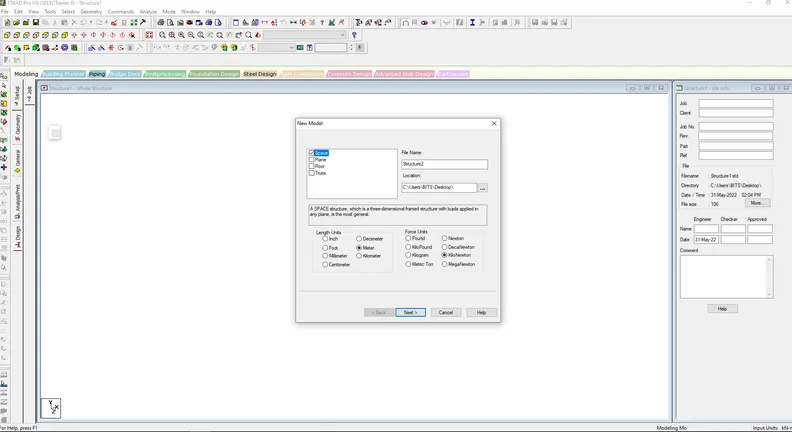
2-before create a workplace you can do it in option then configure choose unite to metric
And the second way by which we can change the units system is while working on a model. So in order to change the unit system while working just go to the option File and then there will be an option called settings just click on that option then there will be an option to change the Units.
3-
- Length of the frame.
- Width of the frame.
- Height of the frame.
- Number of bays along length.
- Number of bays along width.
- Number of bays along height.
4-
- Euro Codes.
- American Codes.
- ACI Codes.
- IS codes.
- BS Codes.
- ASCE Codes.
- CAN/CSA Codes.
5- while preess on the design botton there is an option called add parameter --> add FC Compresive Force to the lis t ---> Choose the Grade that you want
Q2-
1. State the “Input” steps involved in RCC design.
- geometry : heres you can draw the member column , beams , Truss , Frames By line and nodes that you will put
- Properties : there you will define the section , Cross section , recanguler , square , Circle ....
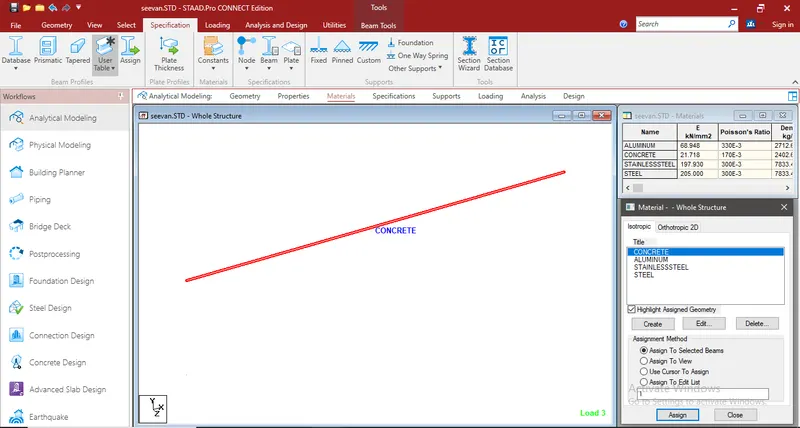
- MATERIALS : As the name suggest, we assigned different materials to the model using the material panel.
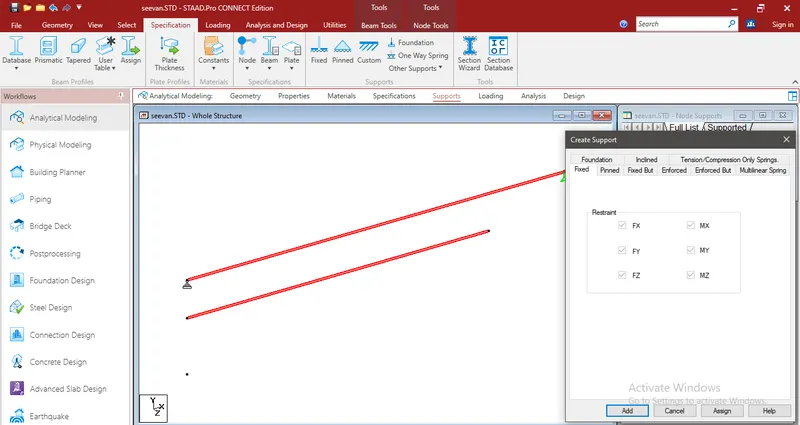
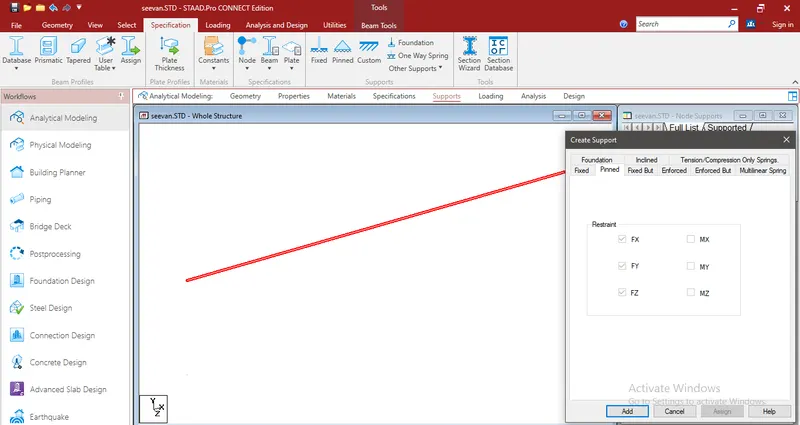
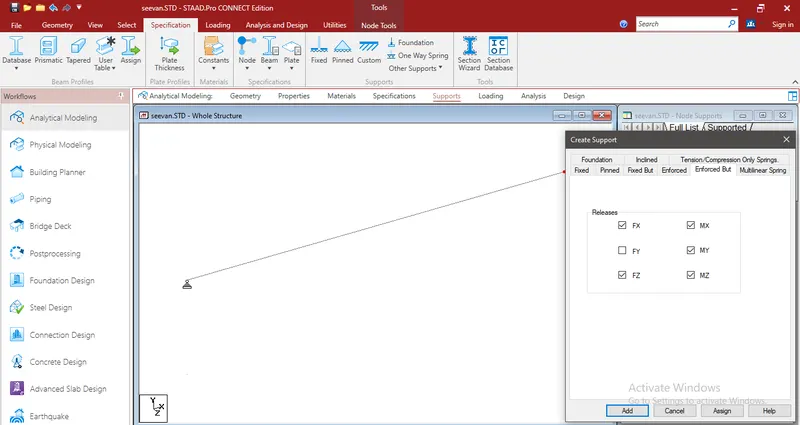
- Support : Assign Support for Members like Fixed PInned or Roller As required .
- Loading : heres you can Assign Live LOad or dead load , wind load , seismic Load
- Analysis : Analyse the Steps that we did and check if Loading and Supports Are ok, with Finding Shear and moment digram VMD
- Design: there is four Type of Structure Steel, Concrete , Timber , Composite you can design a Member as a plate or Column , beam as Required
2. Explain the difference between Fixed and Enforced support condition in STAADPro.
Fixed support are restrained in all six degrees of freedom.It does not contain spring constant.
Enforced support are also restrained in all six degrees of freedom. When enforced force are defined, the software considers these as springs of high stiffness to oppose the fixed support.It contains spring constant. It is only essential to define enforce support only when we are working for the models with plates or solids.
Q3-
1. Explain the steps involved in analysis of a model using STAAD Pro sequentially.
AFTER drawing the member and put supports define the section and material assign the loads---> there is some thingsCalled analysis ---> Define command Select the data for the anlysis of the model by perform analysis P delta analysis , Non linear analysis.It depends upon the support condition.
2-Explain the two ways in which a structural framework/model can be created in STAAD Pro software.
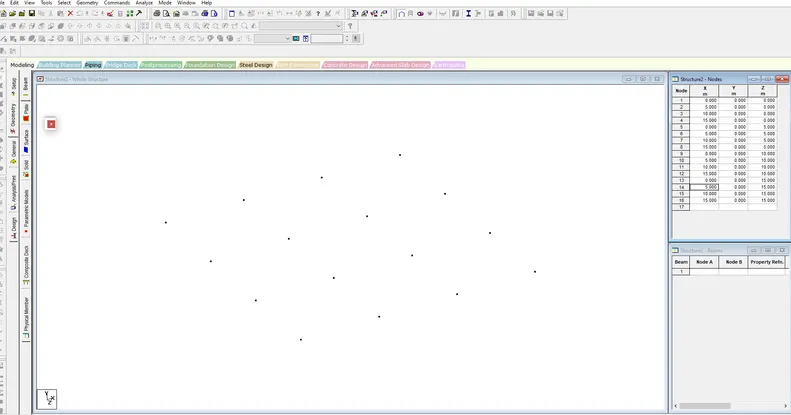
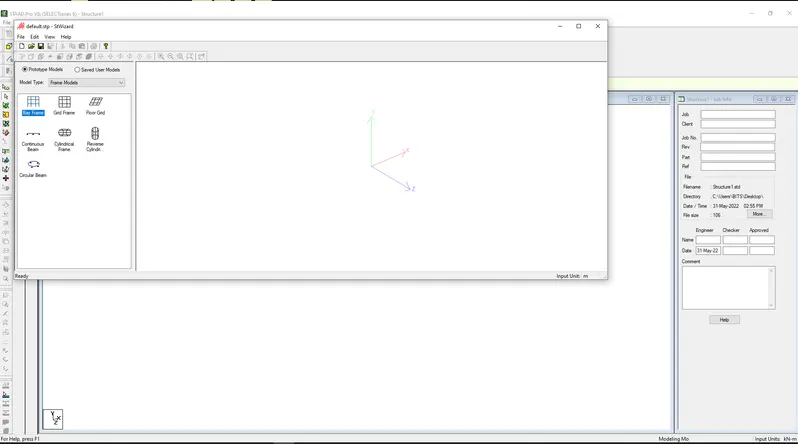
The two ways to model the structural frame work,
- Creating model by node by node,
- Creating model by Bay Frame work.
3- Elaborate the different support conditions in STAAD Pro.
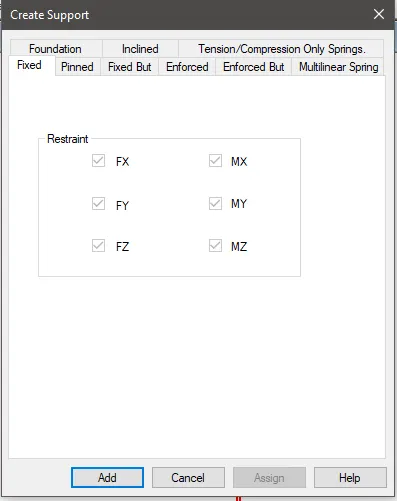
we have
*Fixed which does not have any dgree of freedome
*Pinned which its restraint in X -Y-Z direction but its free rotate member on it .
*Fixed But you can free anfree dgree of freedome from All of the resist forcesan rotations Fx-Fy-Fz-Mx-My-Mz
4-How will you extract the stress distribution for a staircase slab?
- Design of stair case slab is done by Node palcement
- The creation of plate is used in stair case
- by use generate mesh
- The stress distribution for the staircase slab is done by viewing colour in the slab of the design.
5-Explain the different ways to view SFD & BMD in STAAD Pro
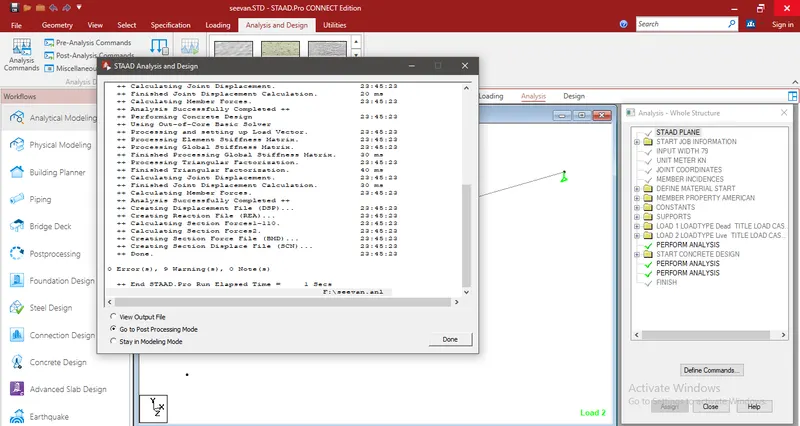
- After competion of the design the Staad Pro will automatically provide the BMD &SFD
- By entering the post processing process , click ok
- By click on the beam results deflection command,
- Reaction click the beam deflection.
Q4-
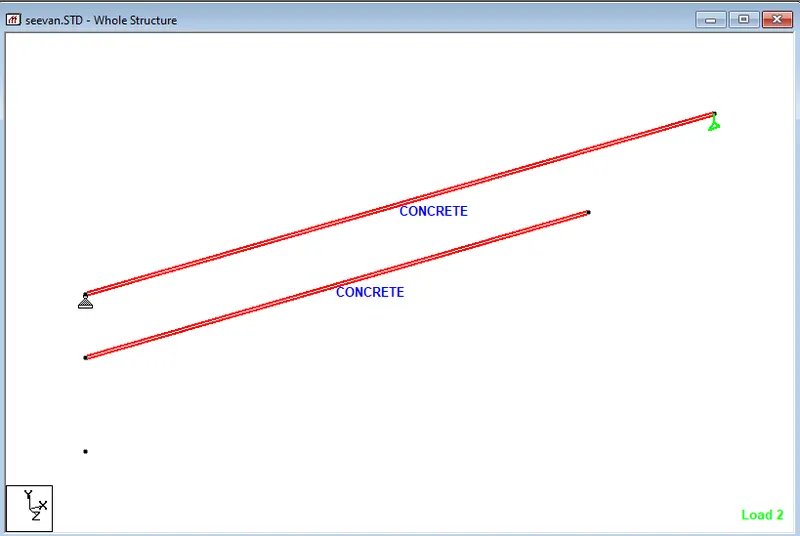
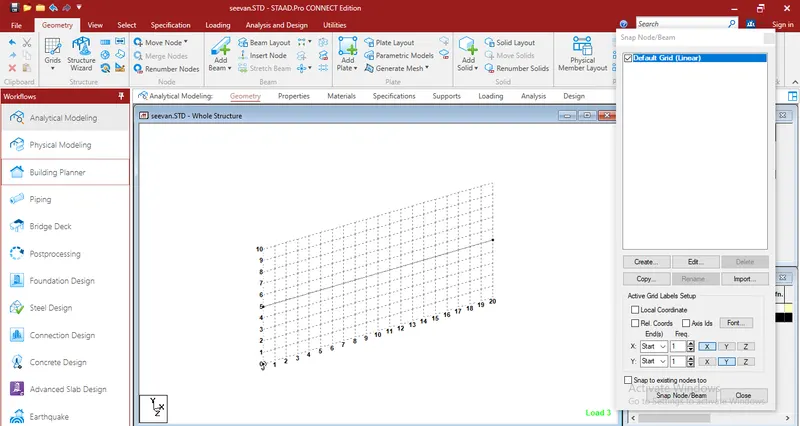
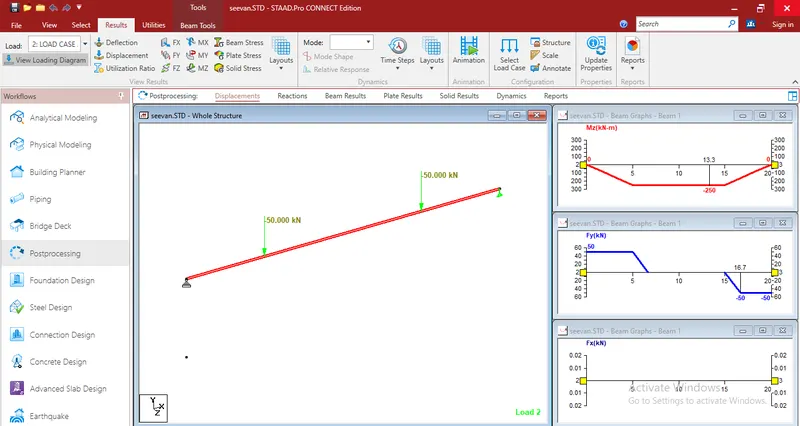
1-Simply Supported Beam
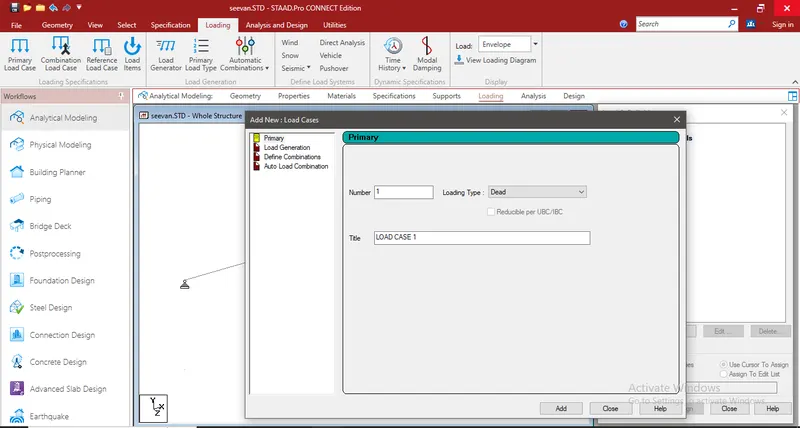
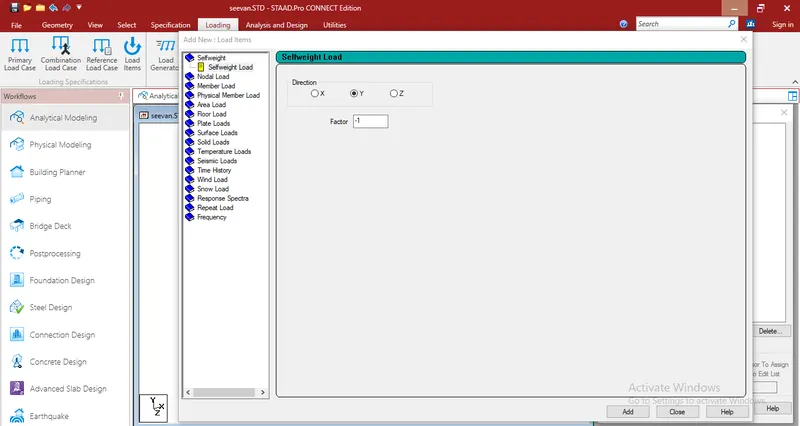
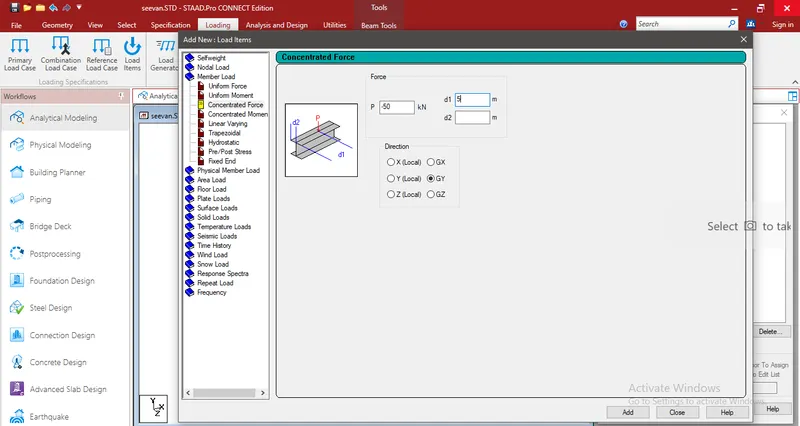
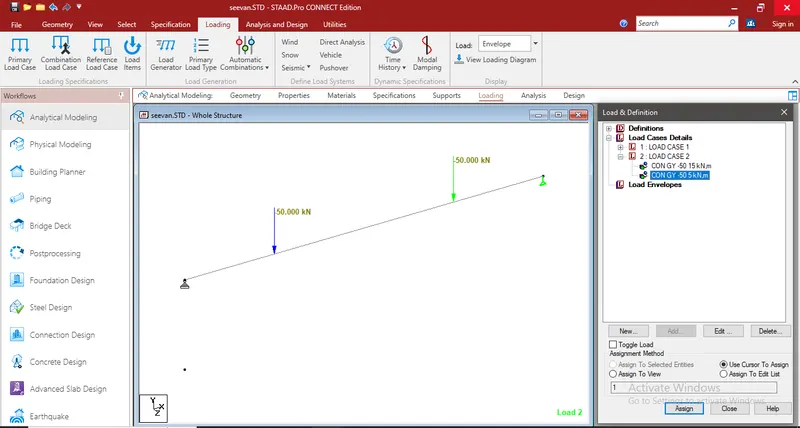
a. A Simply supported beam with two point loads symmetrically placed
b. Span L = 20m
c. Load P = 50kN each
d. Both P located at 5m from each support
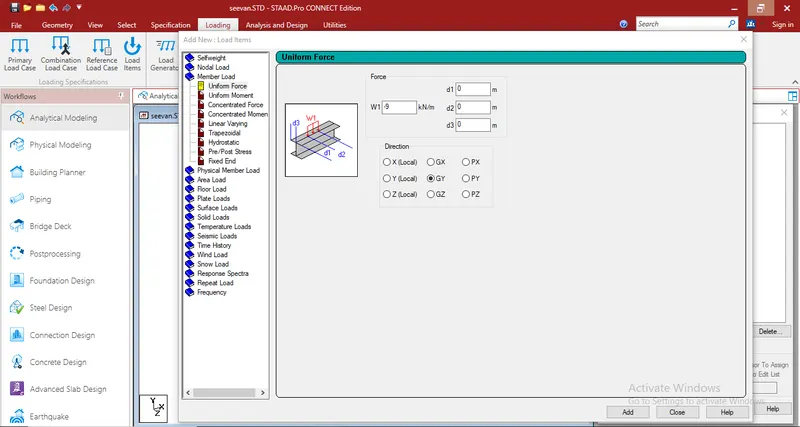
B.Fixed Beam
a. Span L = 16m
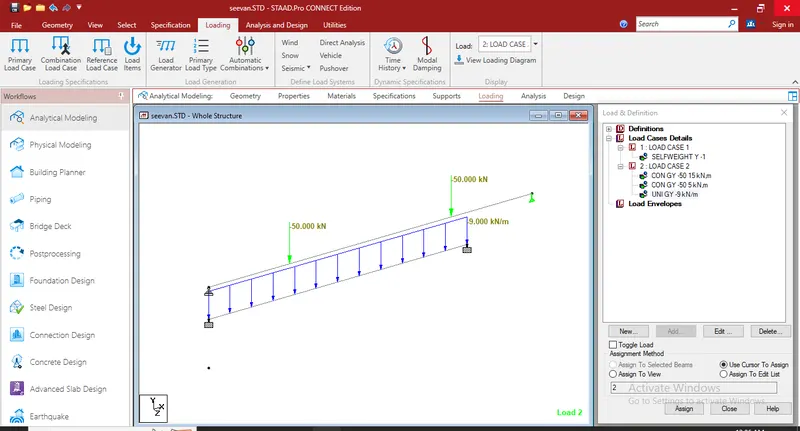
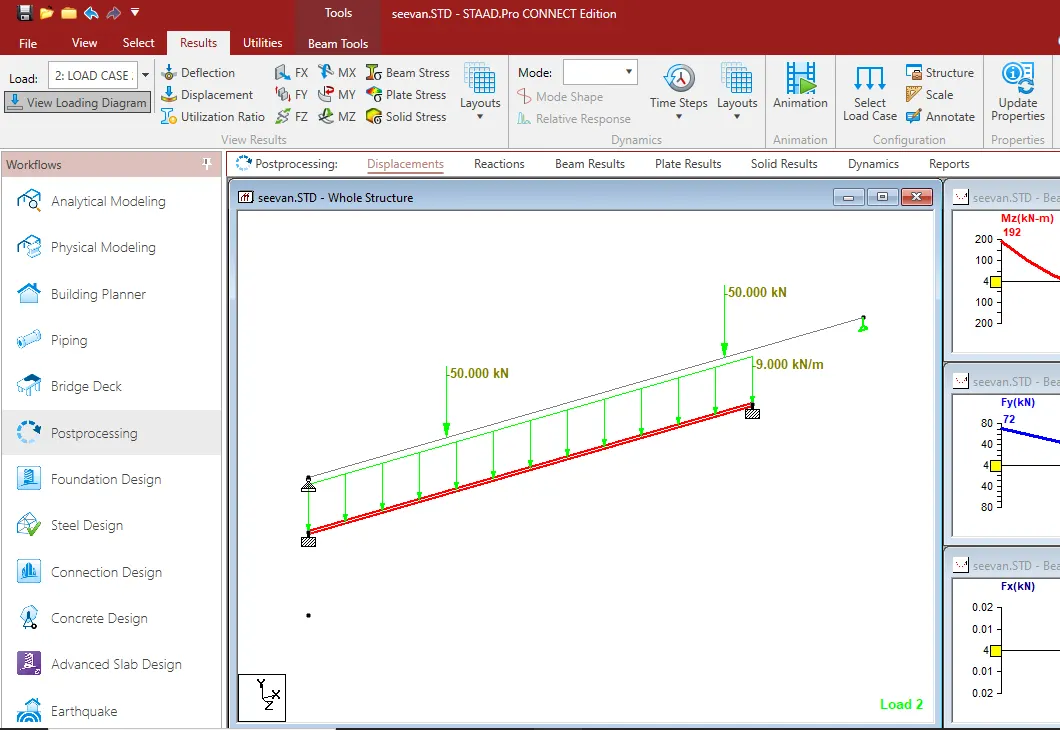
b. Uniformly Distributed Load w=9kN/m