Week 2 Challenge
1. 1. How will you assign Circular section to column?
ans:
what we did in the rectangular section as the same we going to did in this cirrcular section we gonna click define to create the circular section instead of rectangular section under properties tab
2. How will you assign Unit system to a .std model file?
ans :
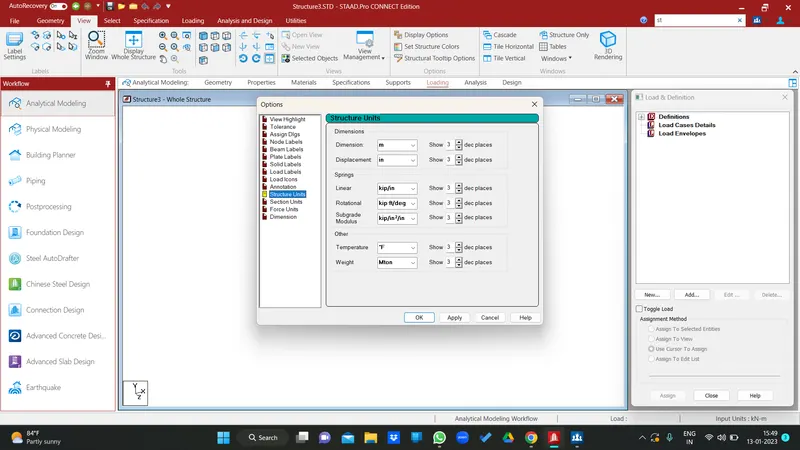
we can select this unists in display option under view tab
3. What are the parameters to be specified while using “Bay Frame” option?
ans :
bay frame option is one of the another option to create the framed models and instead of create the manual we could use this to create the model it ask some parameter to create the model before we do so the parameters are length, height, width,and no of bay along length, width, height these all are done in under structure wizard
4. Name few codal standards incorporated in STAAD Pro software.
as far as i know , is 456 for concreate
is 800 for steel
sp 34 for detailing
is 1893 for seismic
sp 16
5. How will you specify the design compressive strength for a RCC section?
while clicking concrete under analysis and design tab we have the selecting code so we just necessary to select the while clicking concrete we have to define the parametres to click the fc to make the comp strength and add out before we analyse it will ask us kn/ m2 so we have to give 30000 kn/m2 if it was a m30 concrete
2. 1. State the “Input” steps involved in RCC design.
first we have to make the geomentry
assign properties
materials
add the supports to it
assign the load for that
add analyse option whether it is a static or other else
and analyse the structure to get some result
2. Explain the difference between Fixed and Enforced support condition in STAADPro.
fixed condition is like it will restrain all the degree of freedom it will restain both forces and moment
it is mostly used in rcc design
enforced but
3. 1. Explain the steps involved in analysis of a model using STAAD Pro sequentially.
ans :
read the drawing < thinking
place the appropriate node to create the skeleton or create the bay frame
assign the propertes
choose material
incorporate the supports
add the load (combination of load)
add the anlyse opt
assign some parameter for the each element
analyse the model
go to post processing mode to know how the behaviour was
and we have to do the ast
go to the rcdc opt to get the bbs , reinforceent check etc..
atlast we have to do the report (DBR)
2. Explain the two ways in which a structural framework/model can be created in STAAD Pro software.
translation al repeat to create and node or structure wizard to create
3. Elaborate the different support conditions in STAAD Pro.
fixed
fixed but
enforced but
enforced
foundation
tension and compression spring only
inclined
4. How will you extract the stress distribution for a staircase slab?
after completing of the anlyse of stair sinc we use this post processing mode to know the performance of the building so we go to the plate to know the stress distribution of stair
5. Explain the different ways to view SFD & BMD in STAAD Pro.
since we have the post processing so we can use this opt to know the bmd and sfd
Practical
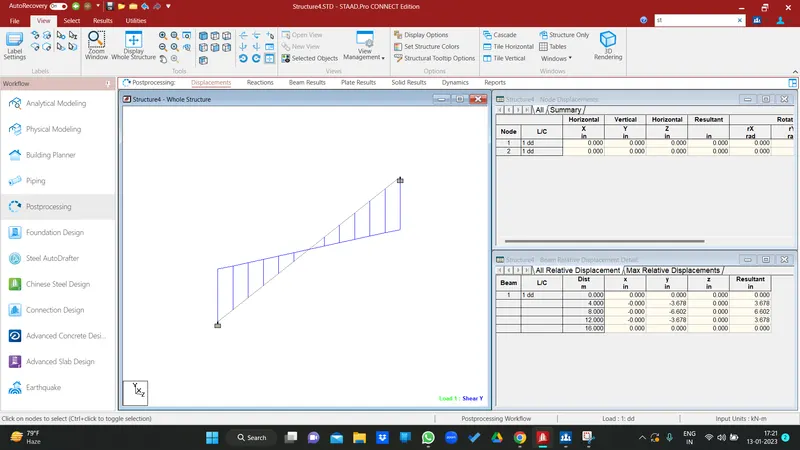
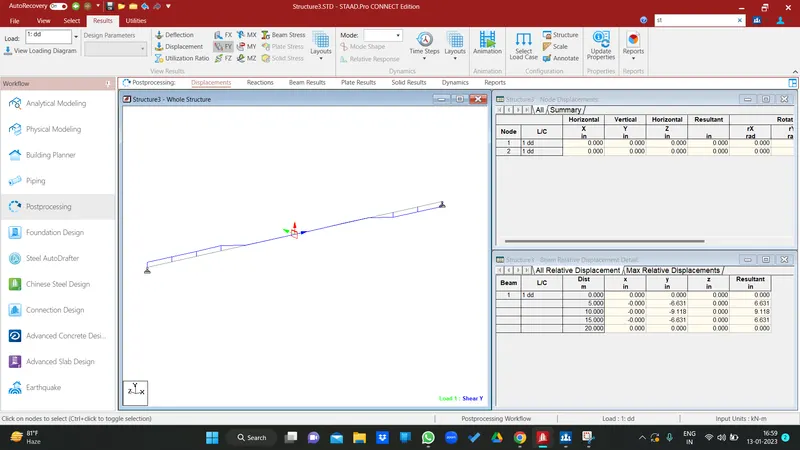
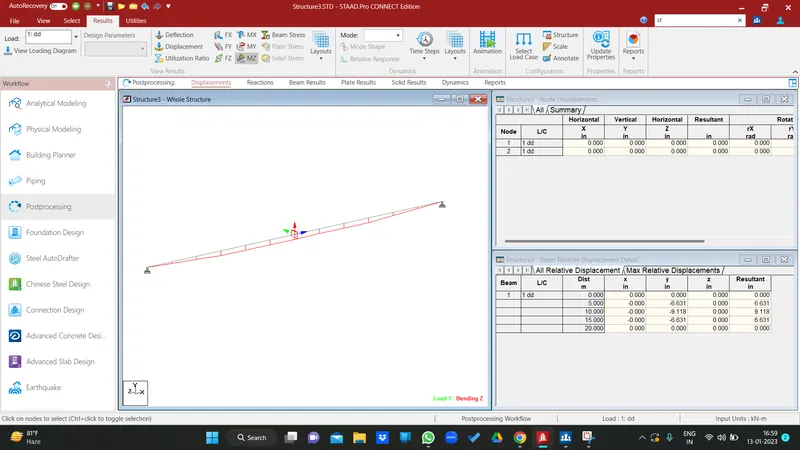
1. Analyze the following structural elements and validate the results
A. Simply Supported Beam
a. A Simply supported beam with two point loads symmetrically placed
b. Span L = 20m
c. Load P = 50kN each
d. Both P located at 5m from each support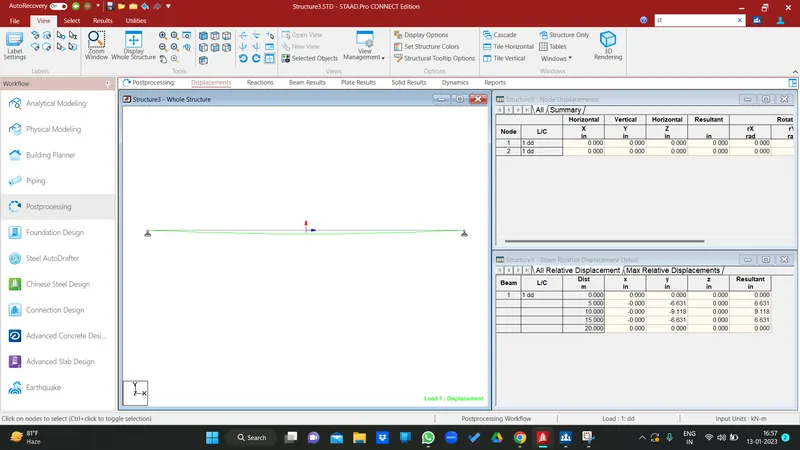
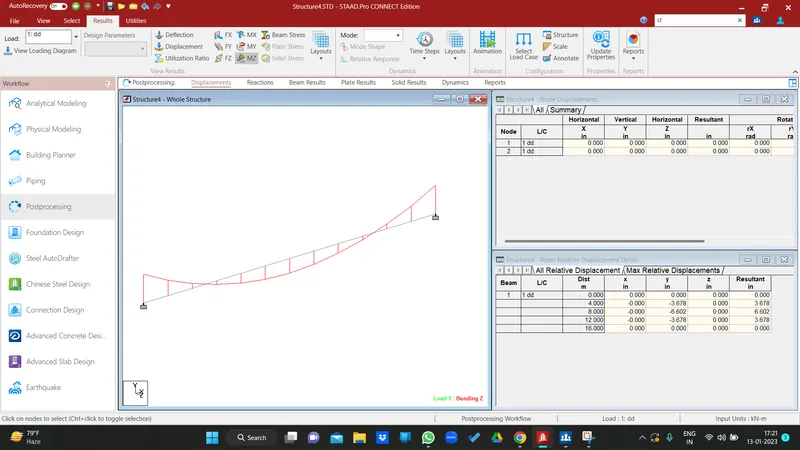
B.Fixed Beam
a. Span L = 16m
b. Uniformly Distributed Load w=9kN/m