Week 2 Bevel Gear Challenge
Objective: To Perform a grid dependency test for Bevel Gear simulation for msh size 4mm.
Process:
1. Drop Static Structural from Analysis Systems.
2. Rename it as Bevel Gear
3. Import the geometry and then edit the geometry in Space Claim
4. Draw the the Circle and pull out the extra geometry
5. Close the space claim and edit the model
6. Select the units in mm
7. Rename the Geometry
8. Go to connections and right click on contact region and select rename based on Definition
9. In the contact region select all the faces of Contact and Target.
Select : Type - Frictional
Behaviour - Symmetric
Formulation - Augmented Lagrange
Interface Treatment - Adjust to Touch
10. Right Click on connections and select Revolute joints
11. Switch on the Large deflection in Analysis settings
MESH:
1. Right Click on Mesh and insert sizing
2. Select the area between teeth
3. Select Geometry and Click on Apply, select all 40 faces.
4. Update the element size to 4mm.
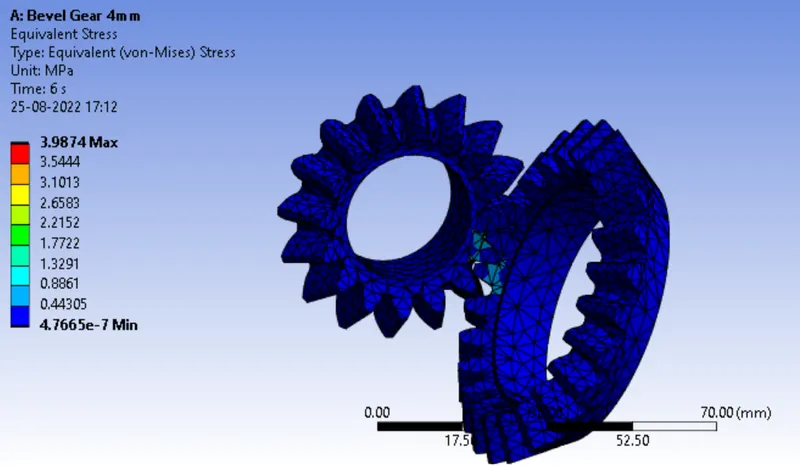
Case 1: 4mm
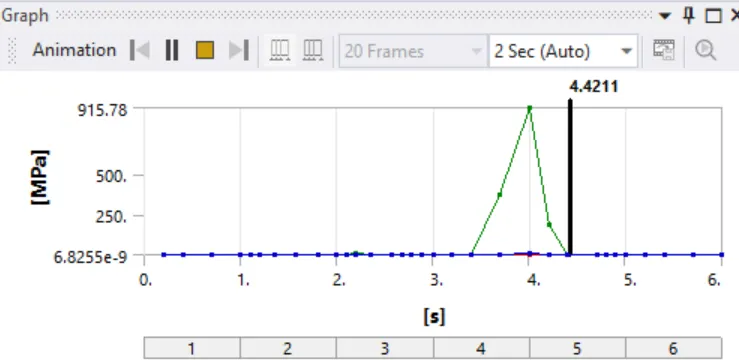
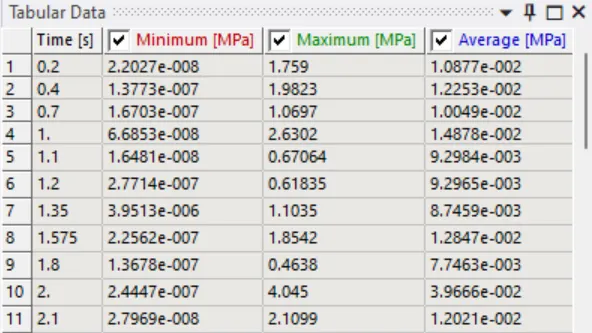
Equivalent Stress
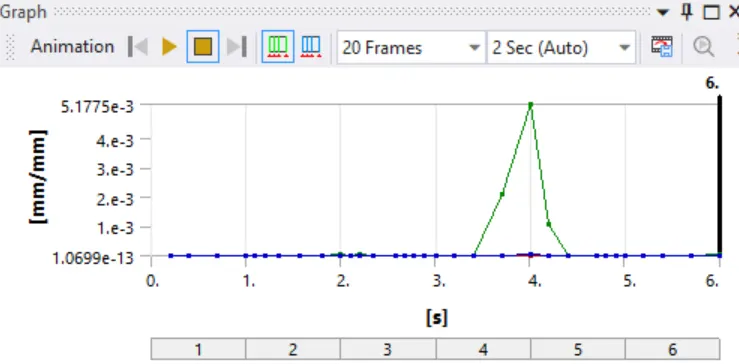
Equivalent Elastic Strain:
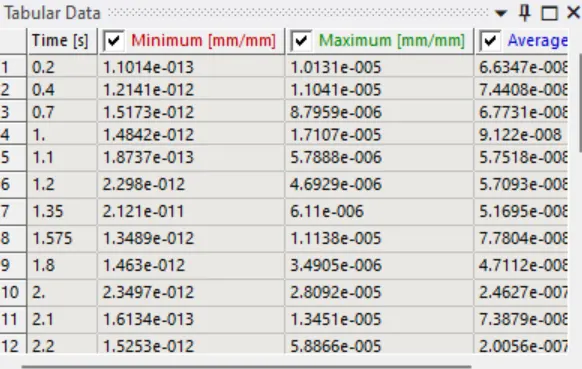
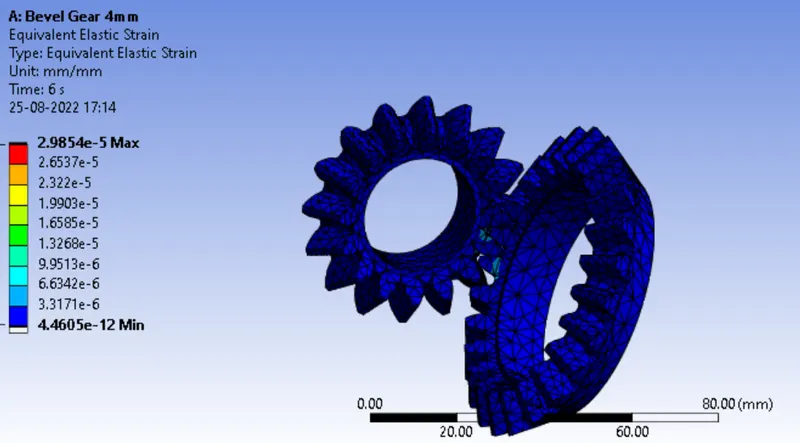
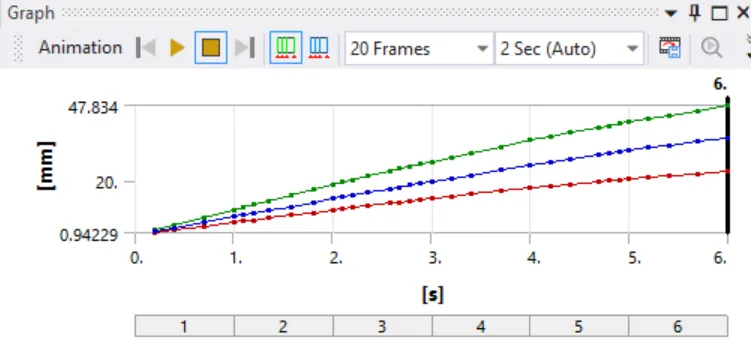
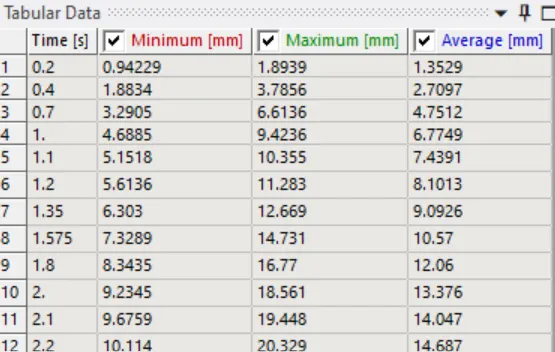
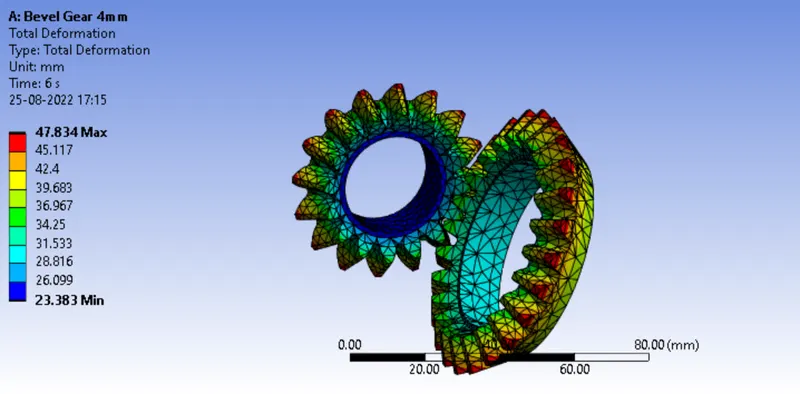
Total Deformation:
Case 2: 6mm
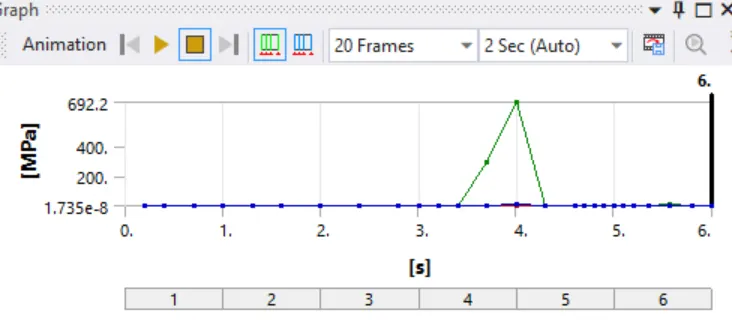
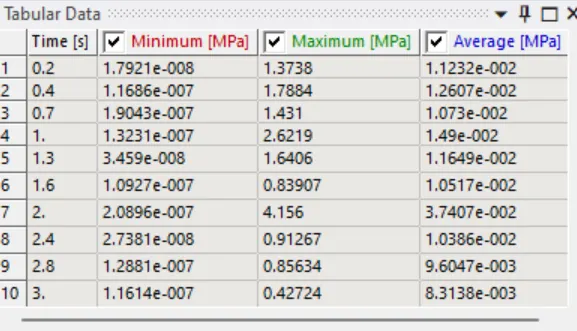
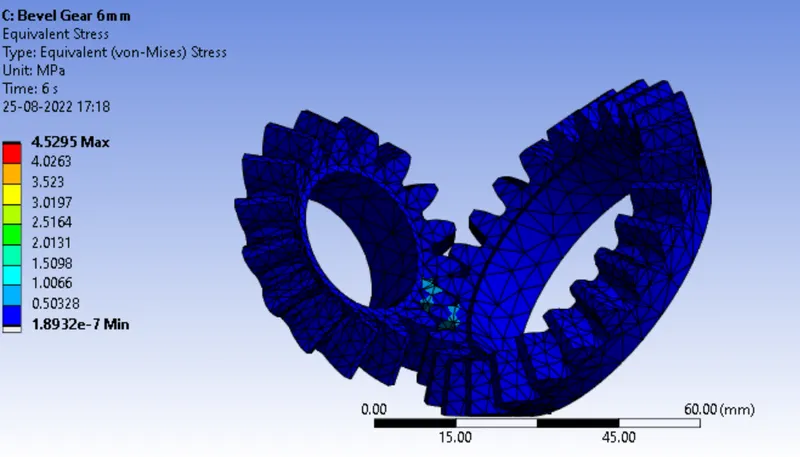
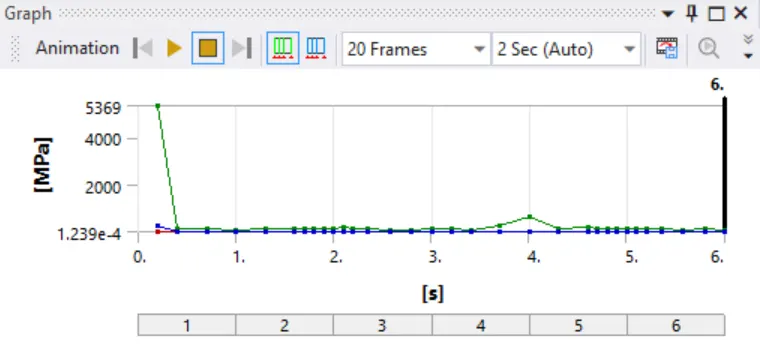
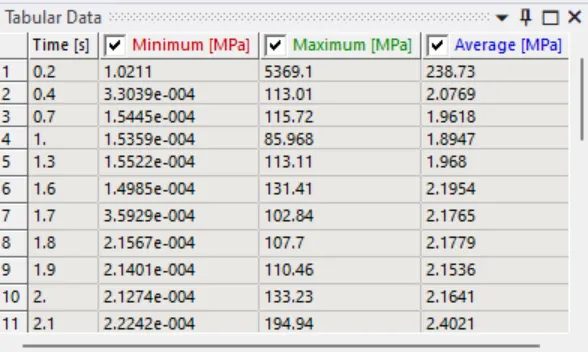
Equivalent Stress
Equivalent Elastic Strain
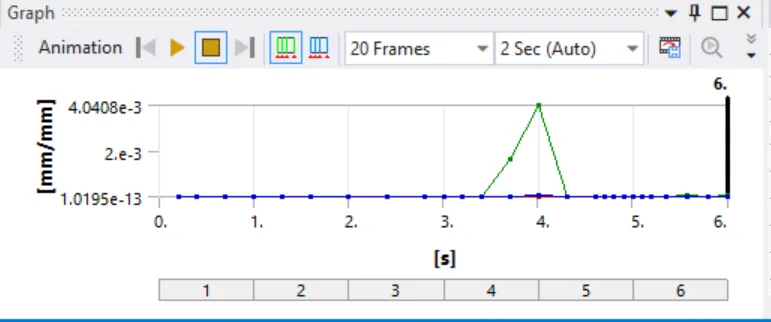
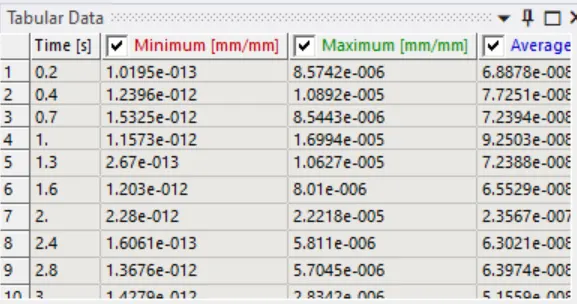
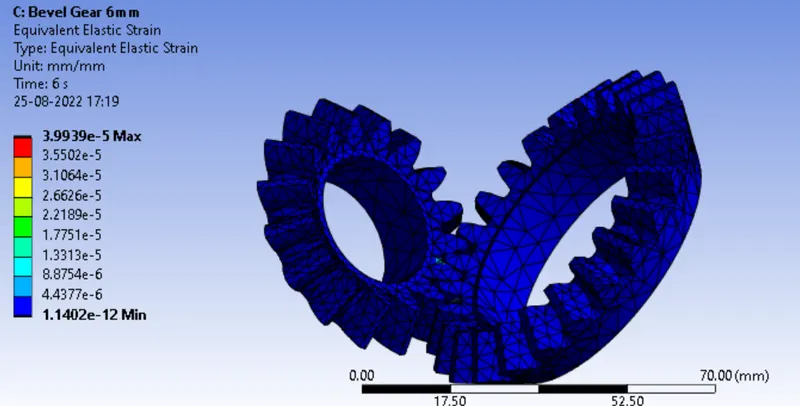
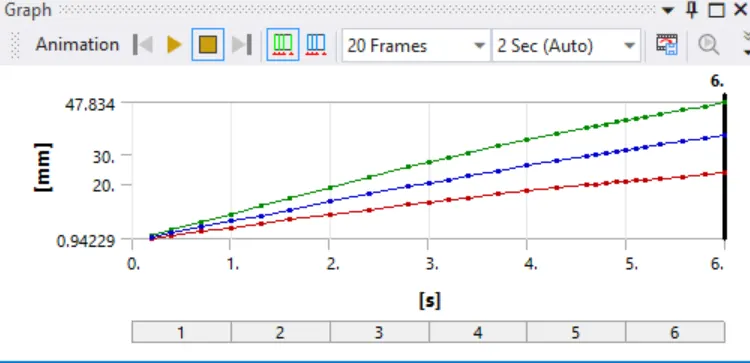
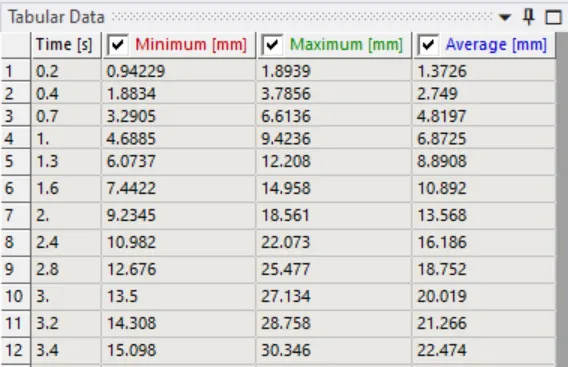
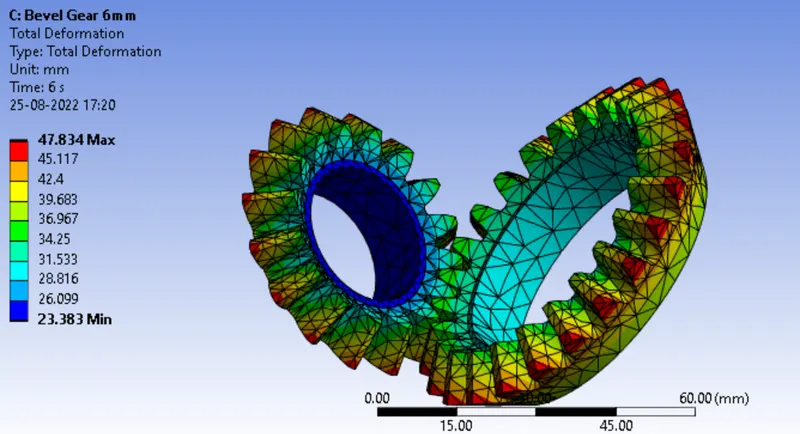
Total Deformation:
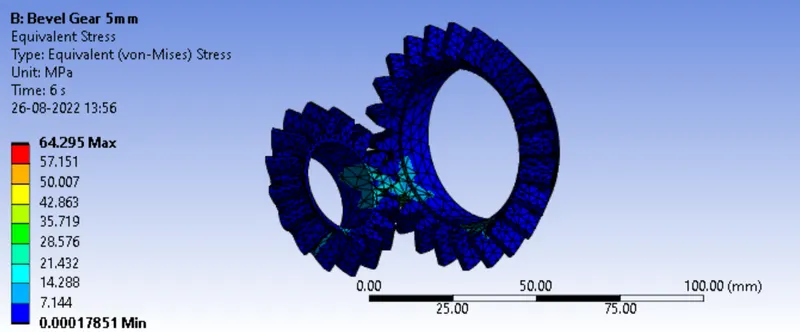
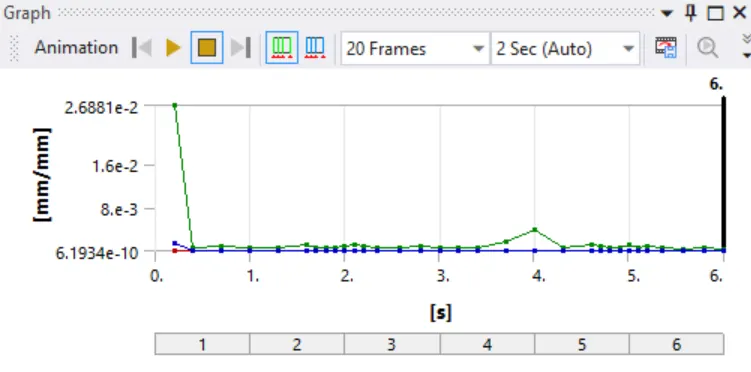
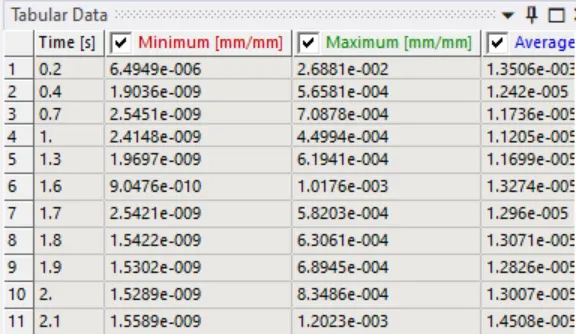
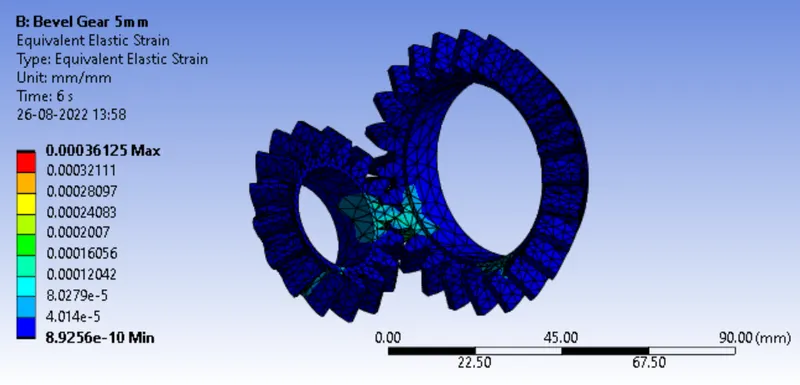
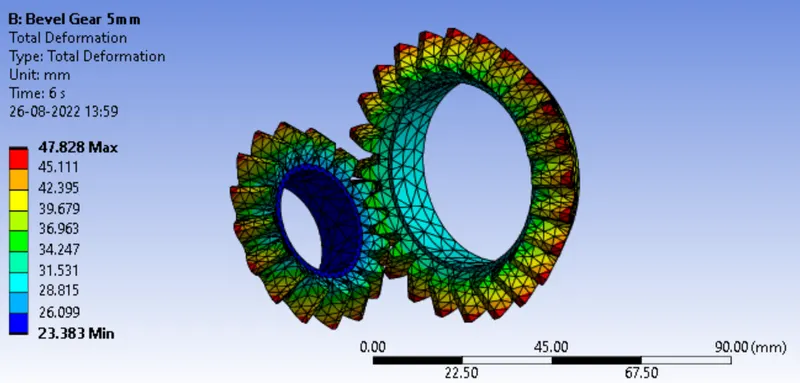
Case 3 : 5mm
Equivalent Stress:
Equivalent Elastic Strain:
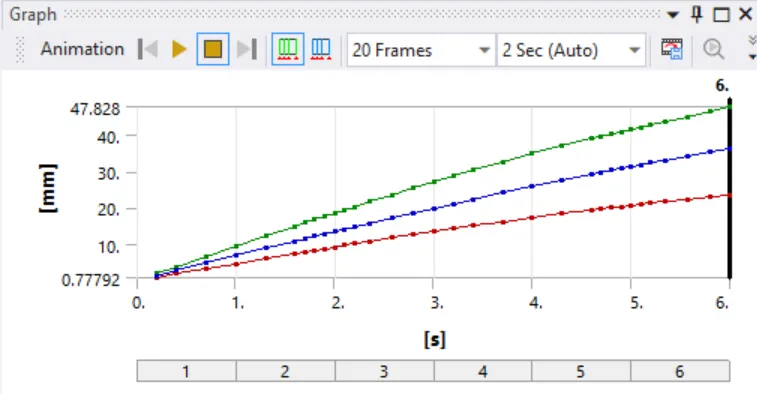
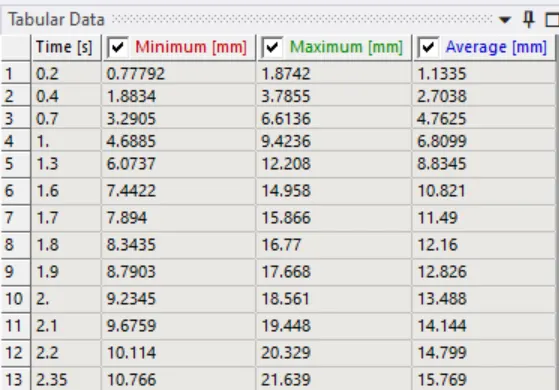
Total Deformation:
| S. No. | Mesh Size |
Equivalent Stress (MPa) |
Equivalent Elastic Strain (mm/mm) |
Total Deformation (mm) |
| 1 | 4mm | 3.9874 | 2.9854e-5 | 47.834 |
| 2 | 5mm | 64.295 | 0.00036125 | 47.828 |
| 3 | 6mm | 4.5295 | 3.9939e-5 | 47.834 |
Grid Dependency Test: The output of Coarser mesh cannot be similar to that of a Finer Mesh. So upto what extent we may vary the size of mesh to get the accepted level of stress, can be found out from Grid Independence test. This can be done by varying the mesh size from Coarse to Fine.