Week 2- 2R Robotic Arm Challenge
% FORWARD KINEMATICS 2R ROBOTIC ARM ANNIMATION VIDEO
% REPORT ON CODE EXPLAINATION FILE
%Forward kinematics 2R Robotic Arm
2R Robotic arm two links with rotion (360 degrees)
If l1 and l2 are the length of robotic arm.
theta1 and theta2 are angles made certain we need .
If coordinates are (x0,y0) initially at arm l1 (x0=0,y0=0) ,then arm link l1 and l2 between coordinates are (x1,y1) ,arm two is with coordinates (x2,y2).
theta=linspace () is using angles are taken multiple , how many angles we need ,users to easy certain given at a time reguired angles ,no need users again and again angle given.
'for' loop statment is using, it will take angles we given length angles.
'Theta' is the variable .
plotting axises is xlabel and ylabel.
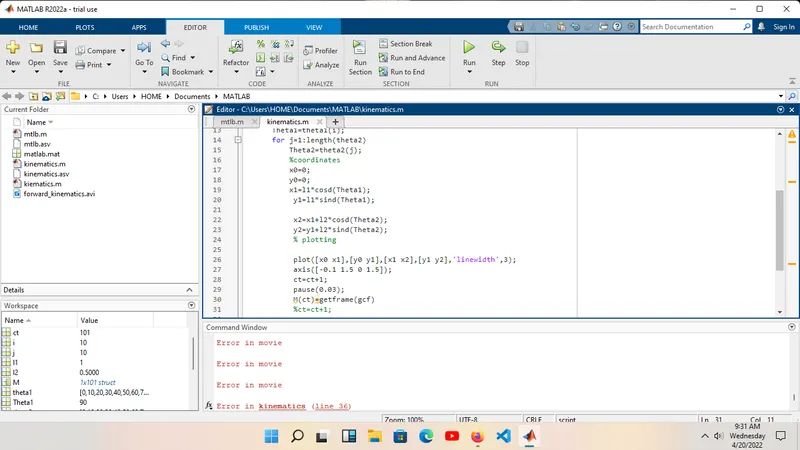
If the plot File and movie make with current program "M(ct)=getframe(gcf)" using some commands,it is create a File and movie .
'pause' is a using ,robotic Arm angle changes certain period timer.
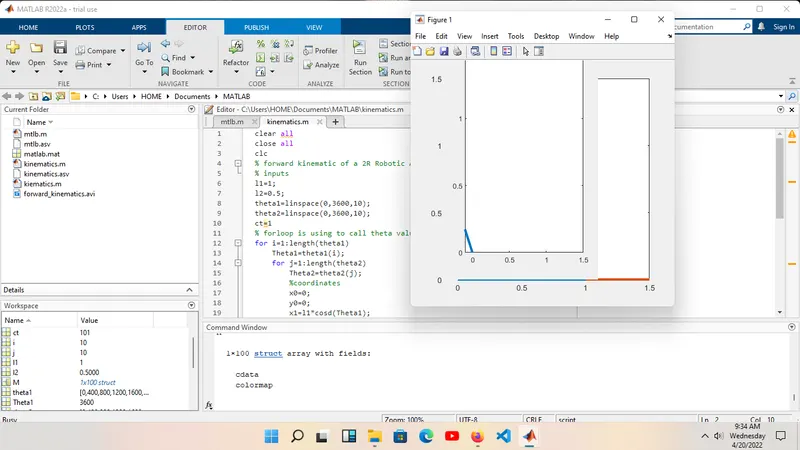
% ERROR IS FACED IN A PROGRAM
% ERRORS IS OVERCOME STEPS ALSO
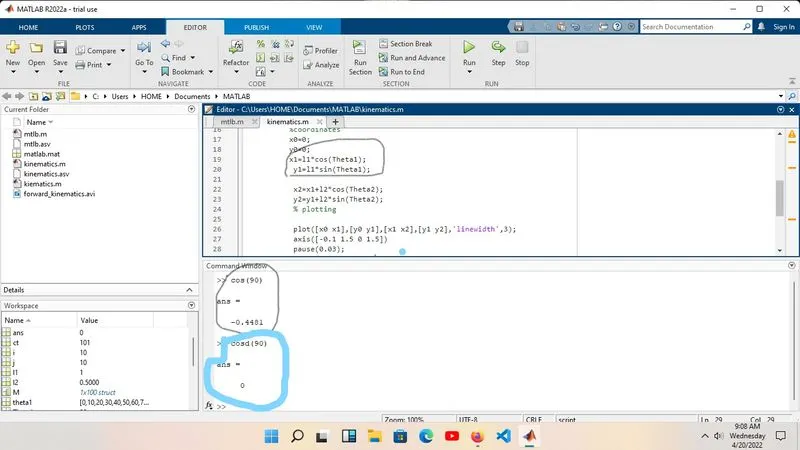
1. x1=l1*cos(Theta1);
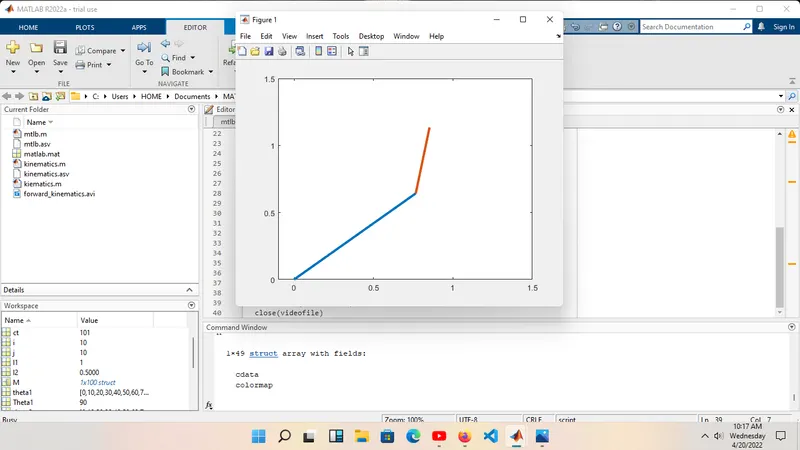
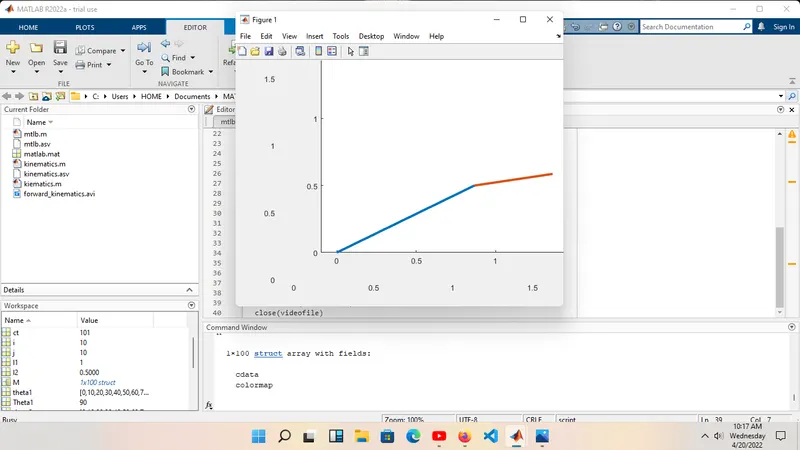
It will run program but 'cos' will consider as Radians,If "cosd" will changes as degree ,we need Robotic Arm in degrees,plot will be changes .
x1=l1*cosd(Theta1);
The above one line will be perfect plot .
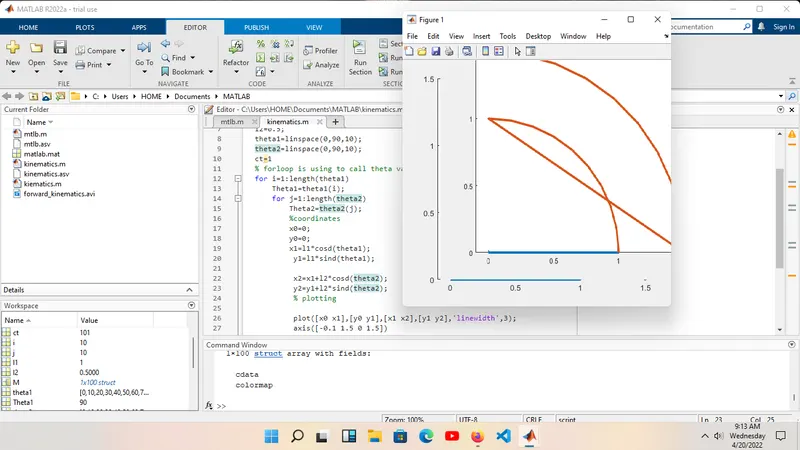
2. x1=l1*cosd(theta1);
It will run program but ,plot will be changes " I will shown in screenshots".
x1=l1*cosd(Theta1);
The above one will show the plot is perfectly.
"Theta" is variable.
clear all
close all
clc
% forward kinematic of a 2R Robotic Arm manipulator
% inputs
l1=1;
l2=0.5;
theta1=linspace(0,90,10);
theta2=linspace(0,90,10);
ct=1
% forloop is using to call theta values multiple times
for i=1:length(theta1)
    Theta1=theta1(i);
    for j=1:length(theta2)
        Theta2=theta2(j);
        %coordinates
        x0=0;
        y0=0;
        x1=l1*cosd(Theta1);
         y1=l1*sind(Theta1);

         x2=x1+l2*cosd(Theta2);
         y2=y1+l2*sind(Theta2);
         % plotting

         plot([x0 x1],[y0 y1],[x1 x2],[y1 y2],'linewidth',3);
         axis([-0.1 1.5 0 1.5]);
         pause(0.03);
         M(ct)=getframe(gcf)
         ct=ct+1;

    end
end
% movie frame
movie (M)
videofile = VideoWriter('forward_kinematics.avi','uncompressed AVI');
open(videofile)
writeVideo(videofile,M)
close(videofile)