Week 12 Challenge
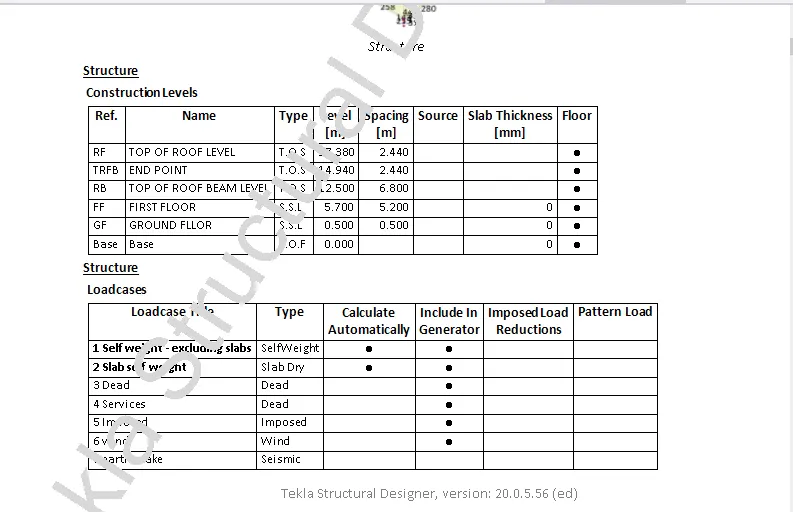
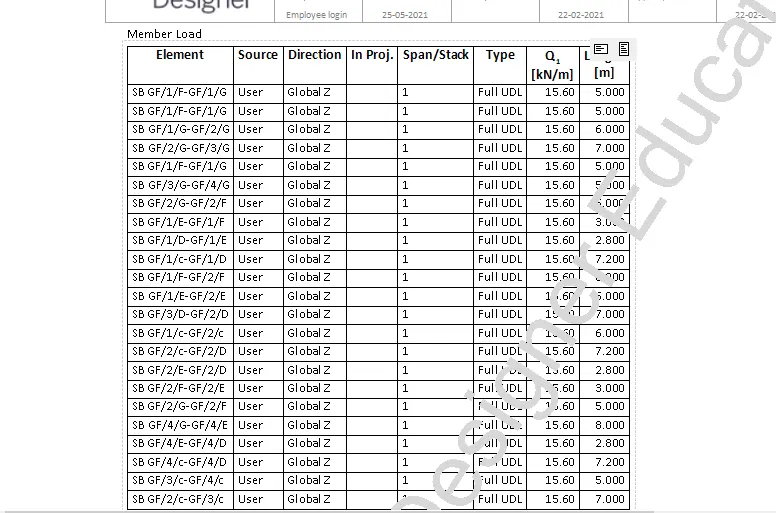
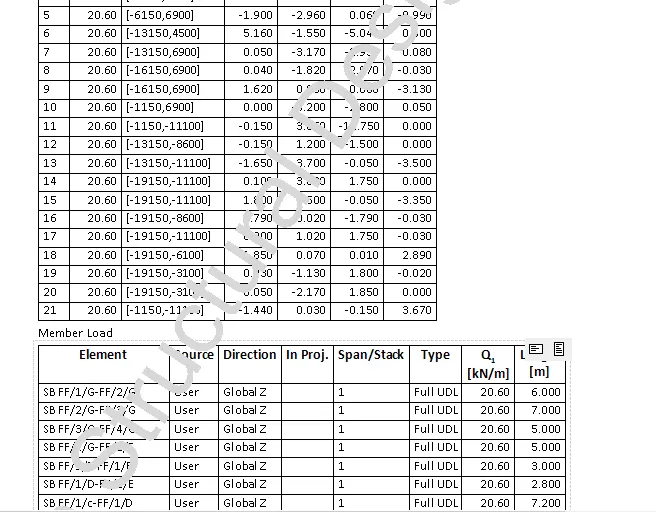
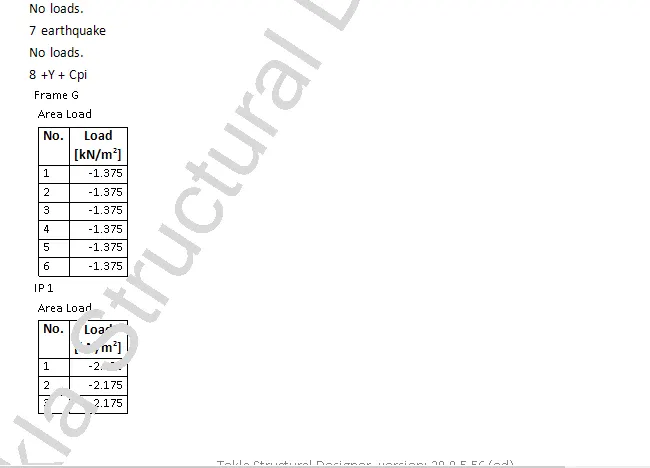
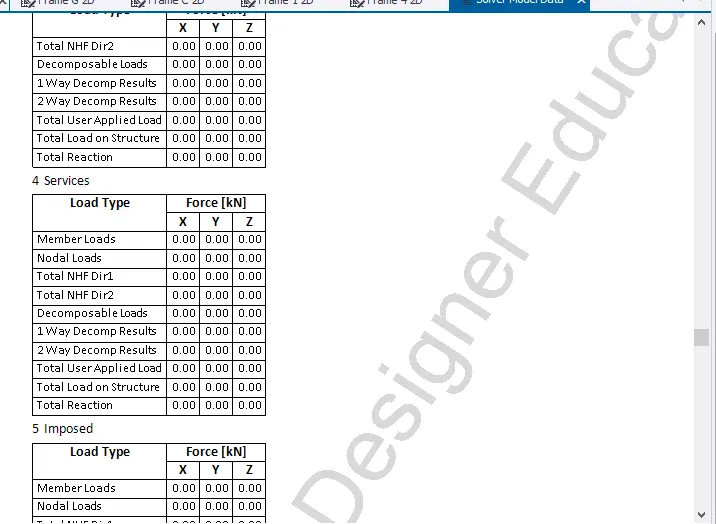
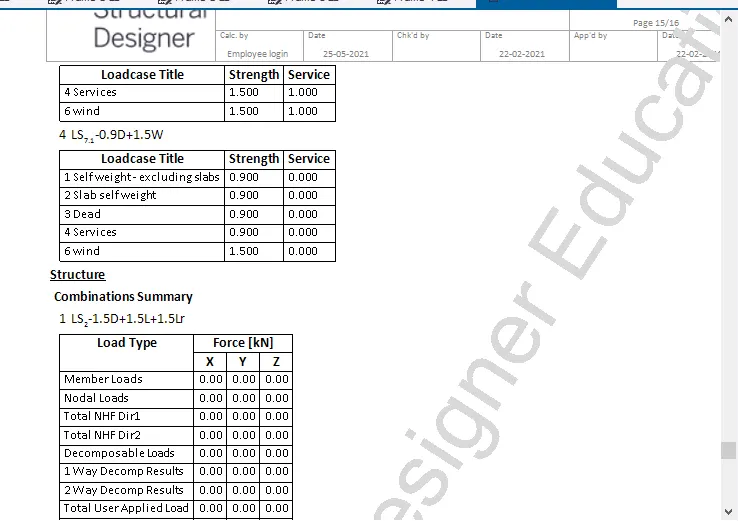
1) Generate report for the steel building design from challenges 1 – 6 along with the loading summary
Aim:
To Generate report for the steel building design from challenges 1 – 6 along with the loading summary using Tekla Software
Step 1:
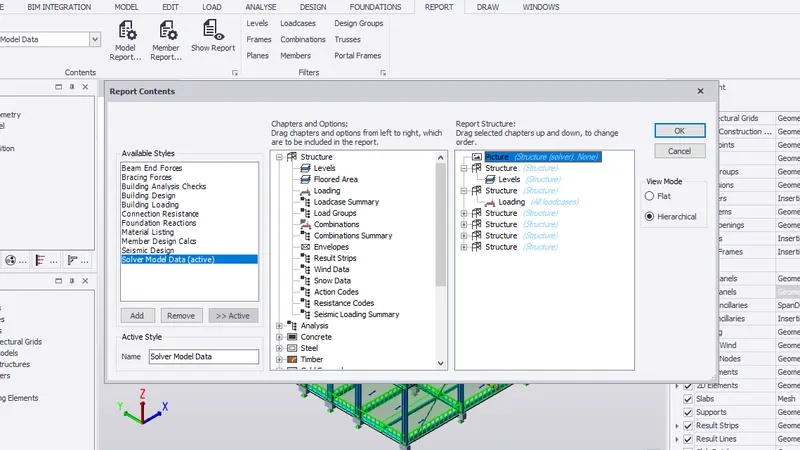
1) Go to report tab
2) Select the levels, load, loadcase and combination
3) Click ok
Step 2:
1) Click Show Report
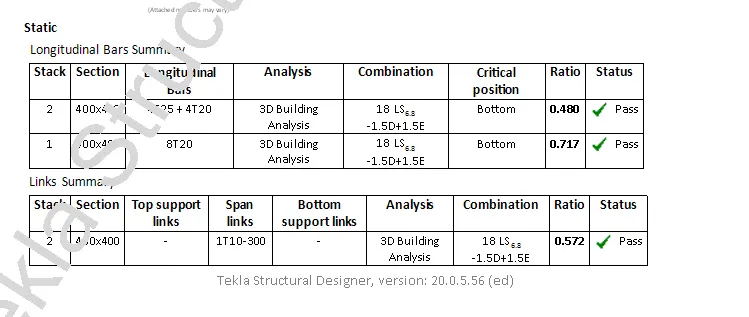
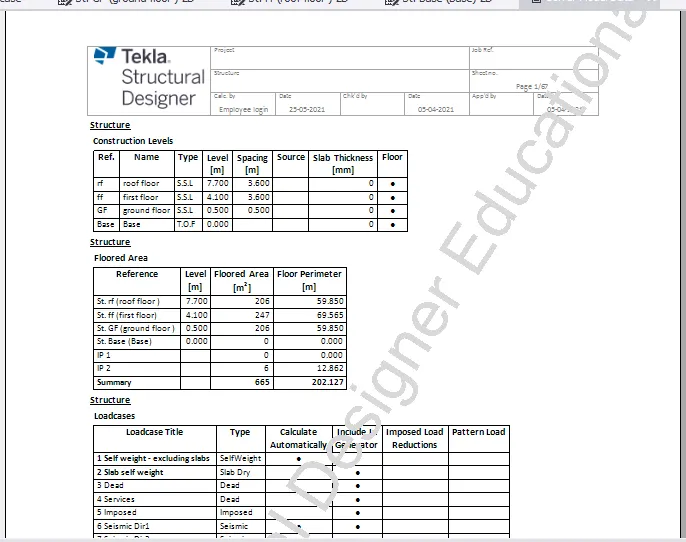
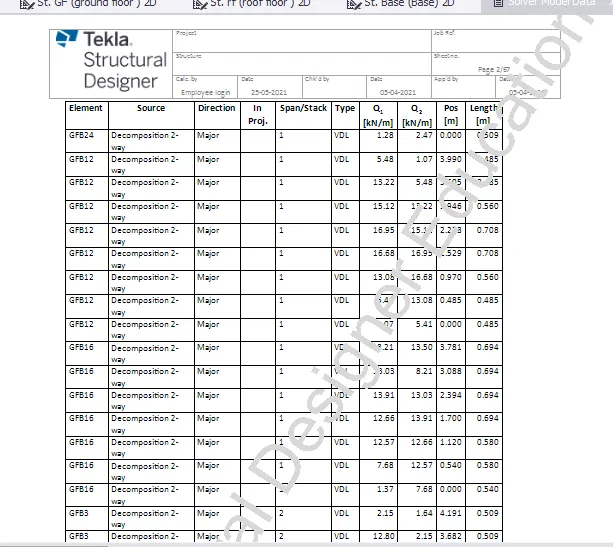
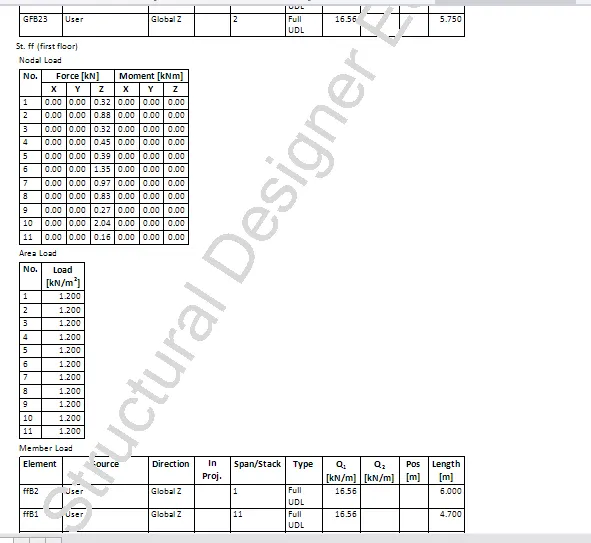
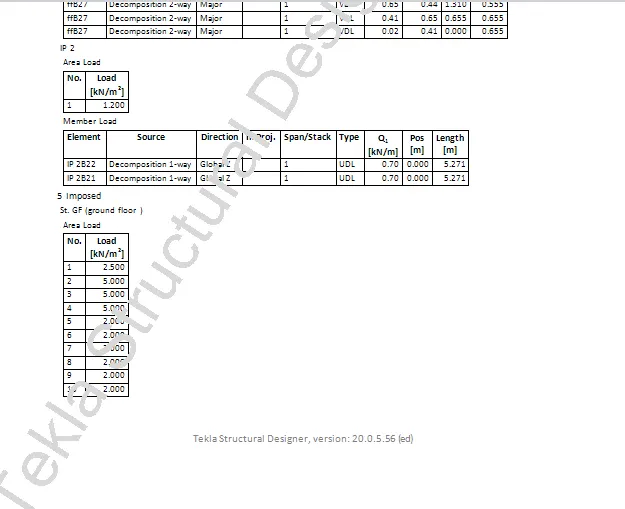
2) Generate report for RC structure along with the loading summary
Aim:
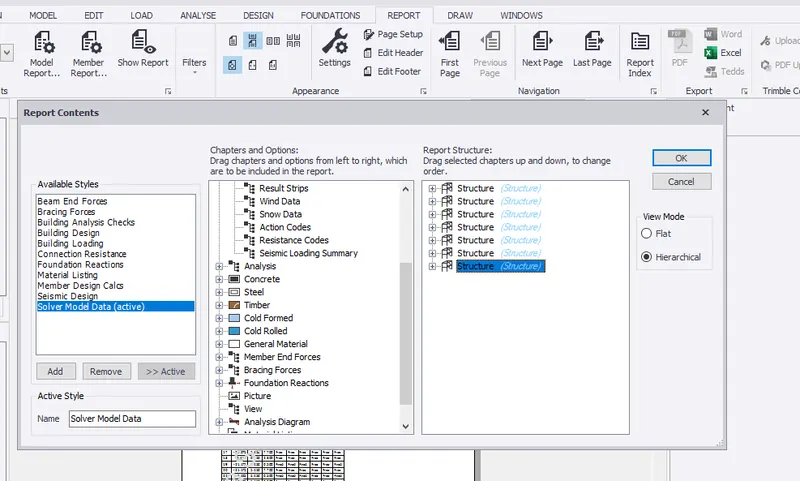
To generate the report for RC Structure along wih loading summary using Tekla Software.
Procedure:
Step 1:
1) Go to report tab
2) Select the levels, load, loadcase and combination
3) Click ok
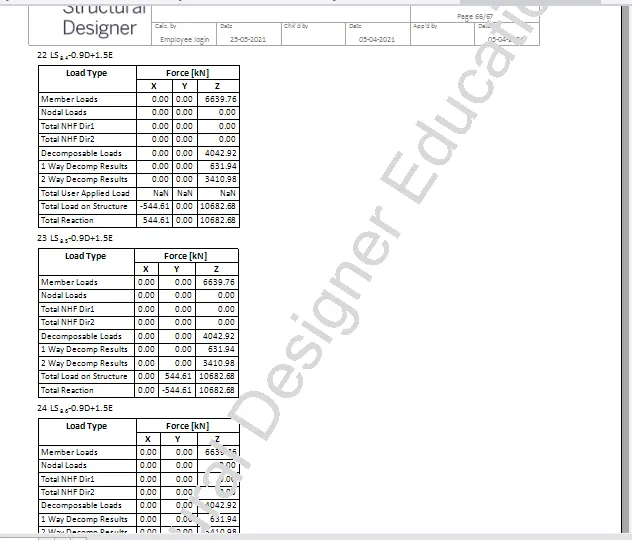
Step 2:
1) Click Show Report
3) Update the layers settings in the model and generate plan drawings and details from the model
Step 1:
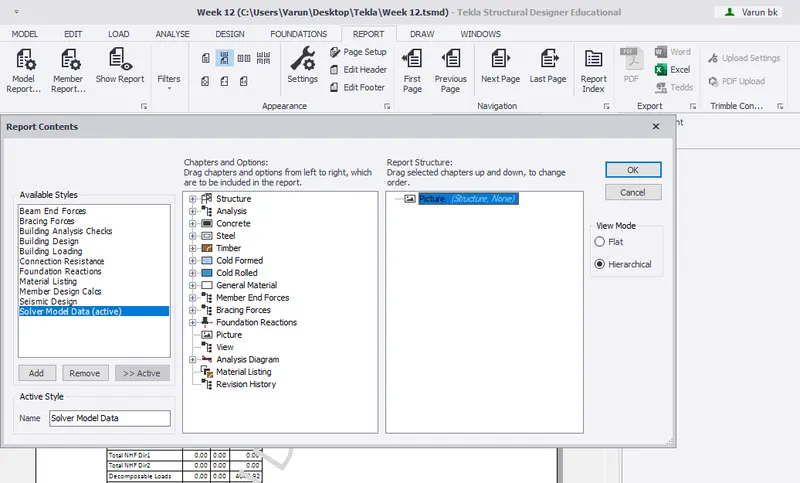
1) Go to report tab
2) Select the Picture
3) Click ok
Step 2:
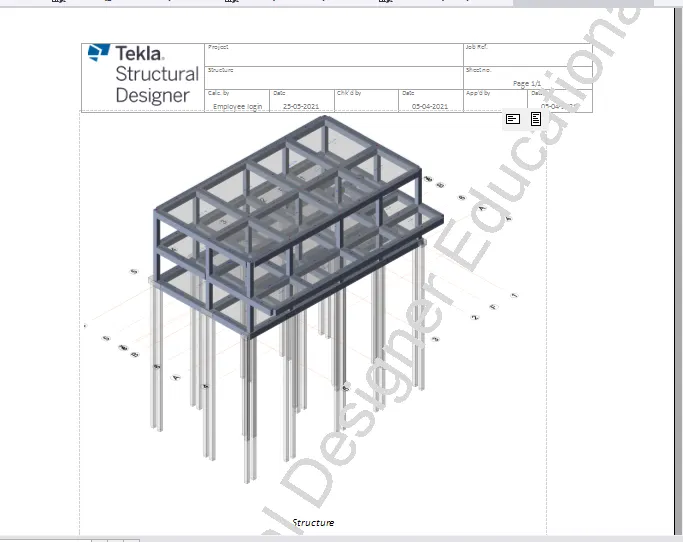
1) Click Show Report
Step 3:
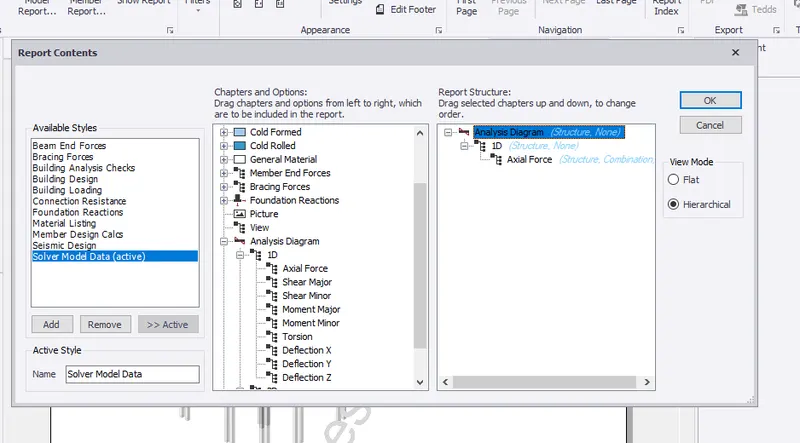
1) Go to report tab
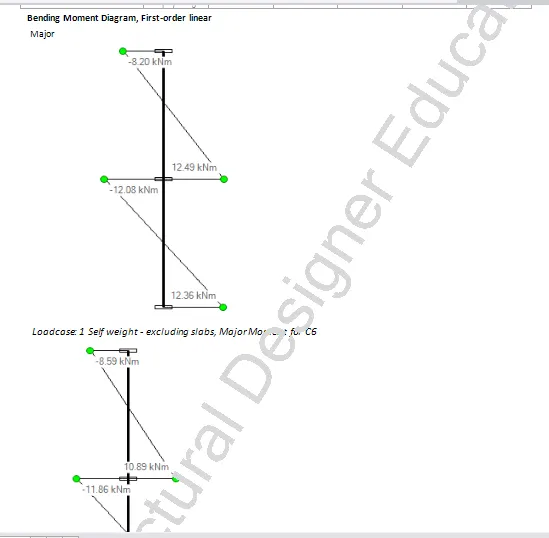
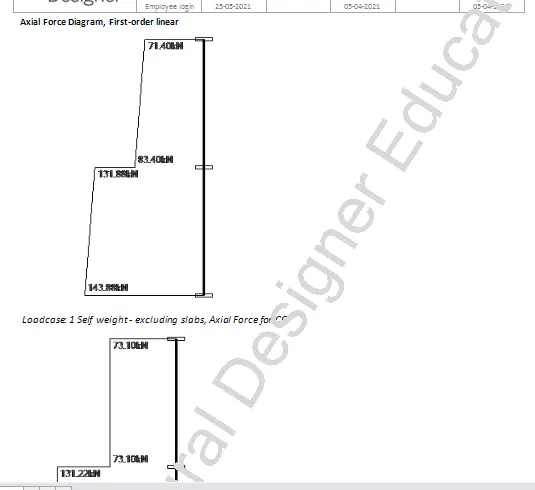
2) Select the Analysis diagram and choose shear force
3) Click ok
Step 4:
1) Click Show Report
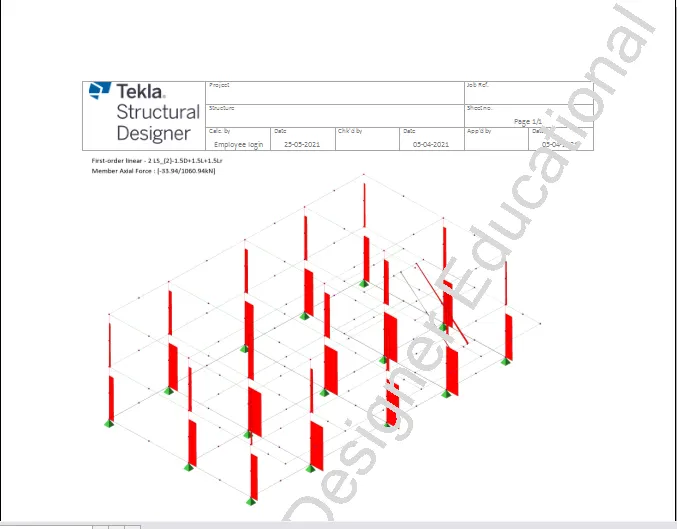
Step 5:
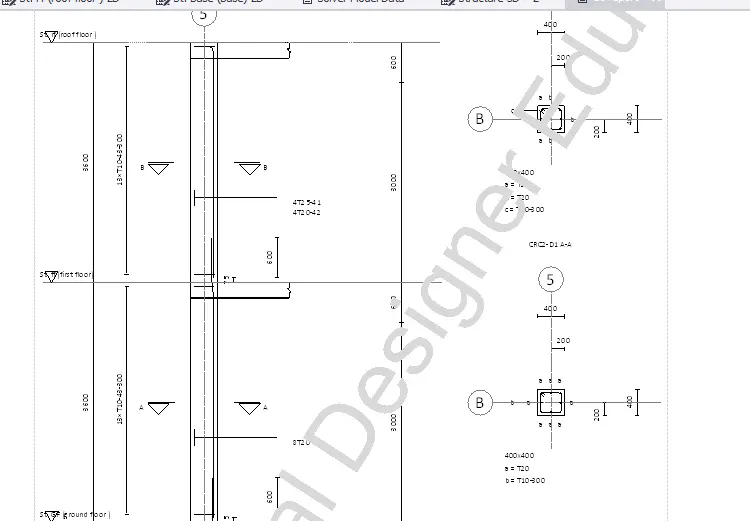
1) Click Show member report and select concrete column
2) Select drawing and shear for the particular member
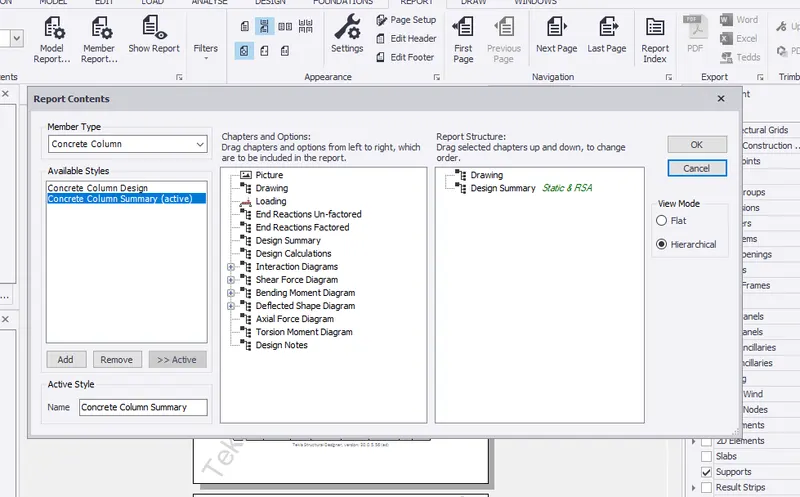
Step 6:
1) Click show report