Week 11 - Project - A pillar Design with Master Section
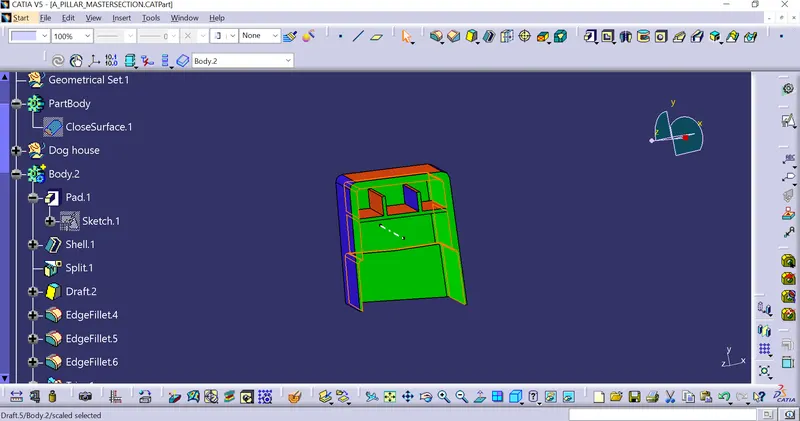
Aim: Need to create the Dog House with respect to the given Master Section.
Master Sections: These are guides for the design requirements which shape the component after creating a Class-A surface styling.
Procedure:
- Need to check whether the given class-A surface good or not. If it is not good need to modify it.
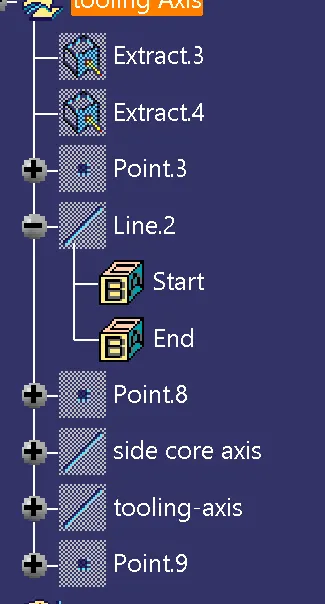
- After that need to create a proper tooling Axis for the given class-A and need to do a draft analysis.
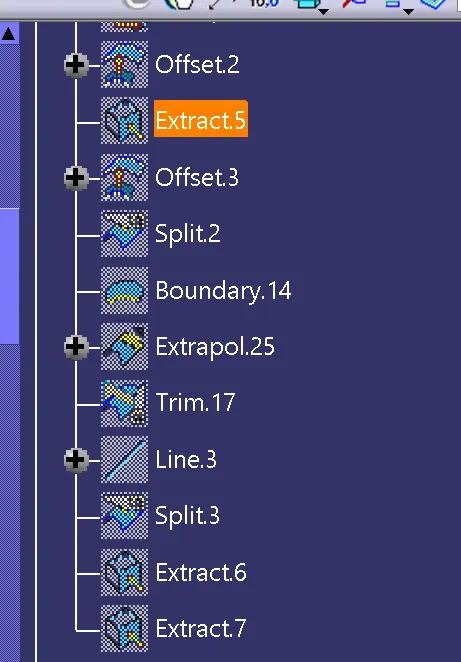
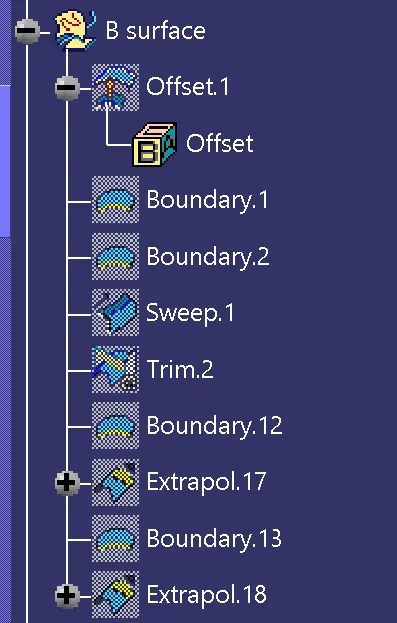
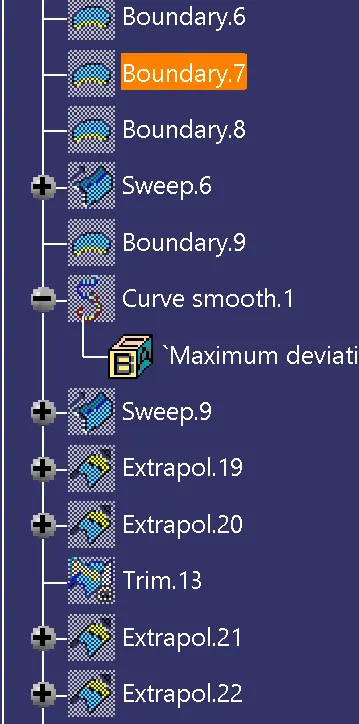
- Creating class B: Need to offset class-A with 2.5 mm engineering features will be placed on the top of the class B. Here master section was given so we need to check the thickness for the master section accordingly need to give the thickness for the component. In this component, I learned new methods to complete class B. Here I used the sweep command to complete it.
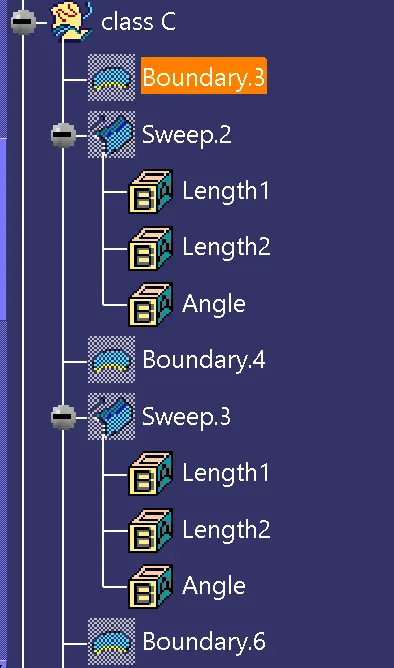
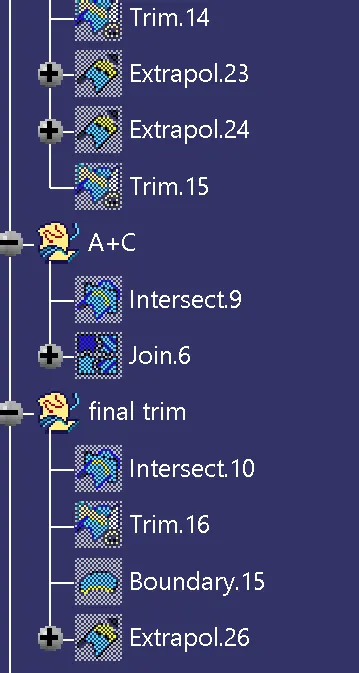
- Creating Class C: After creating Class B, need to create C with respect to Class A and need to join all Class C surfaces.
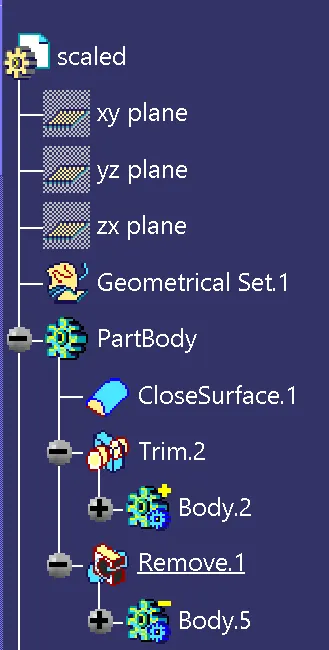
- After creating the class C need to join with class A and finally need to join/ trim with class B, then need to convert it into a close body.
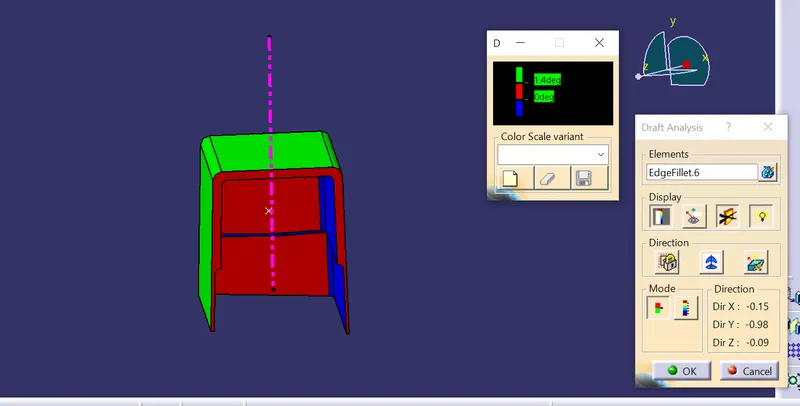
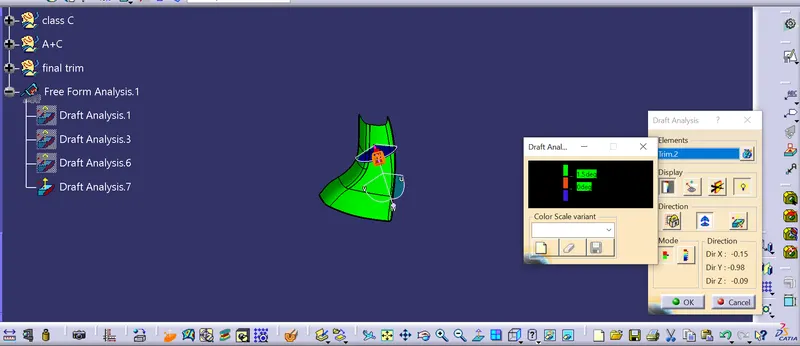
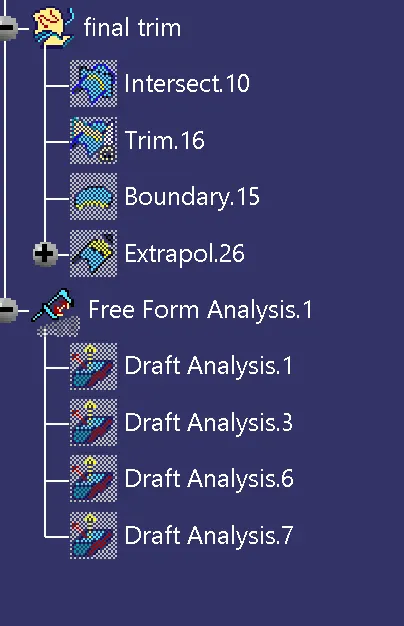
- After creating the close body need to do a draft analysis with respect to the tooling axis, the draft angle is 3deg.
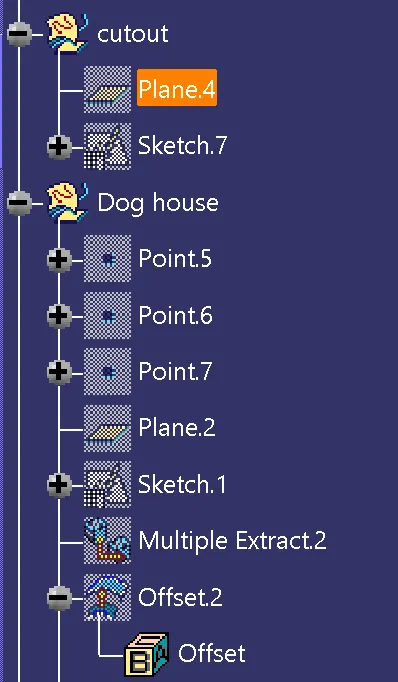
- Need to create a Dog house based on the given master section. After creating a dog house need to draft based on the main tooling axis and side core axis.
- Finally based on the boolean operation need to join the dog house with the based body.
Images:
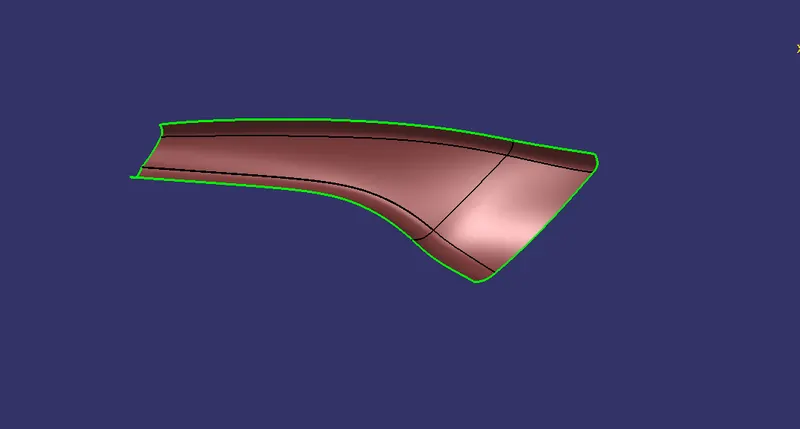
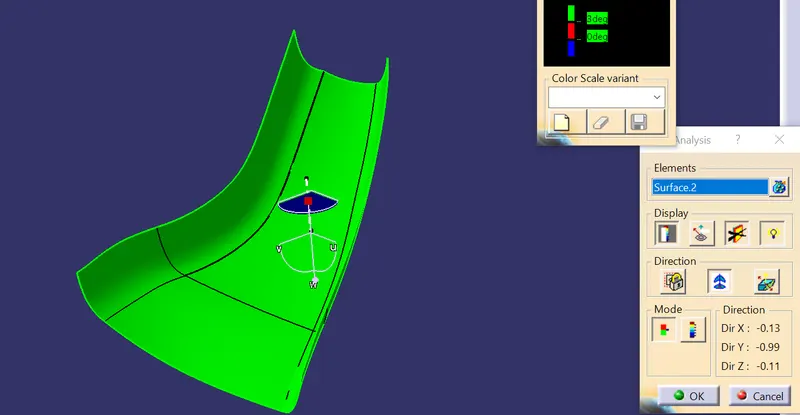
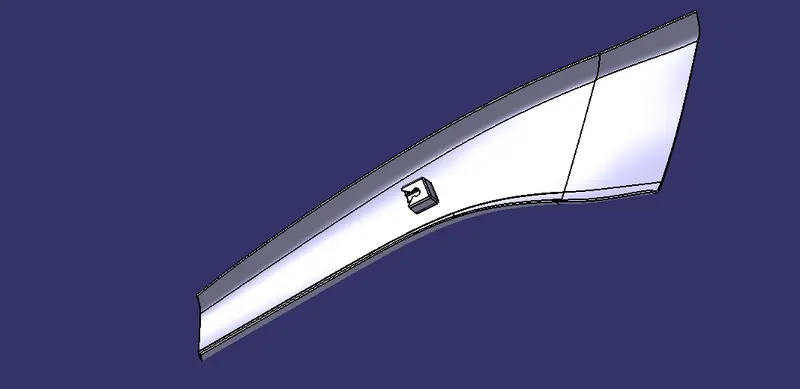
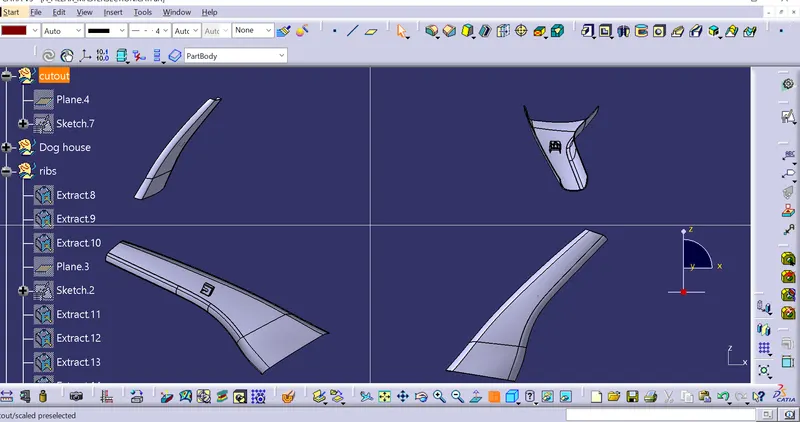
Given class A and Draft analysis to the surface.
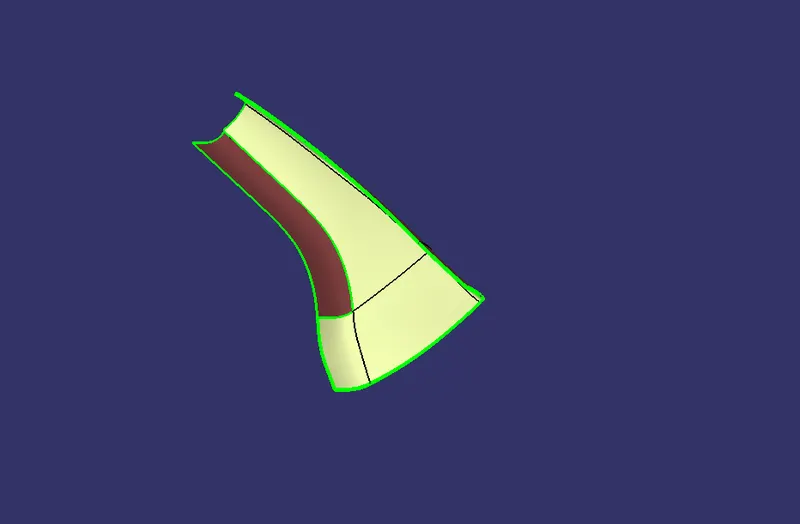
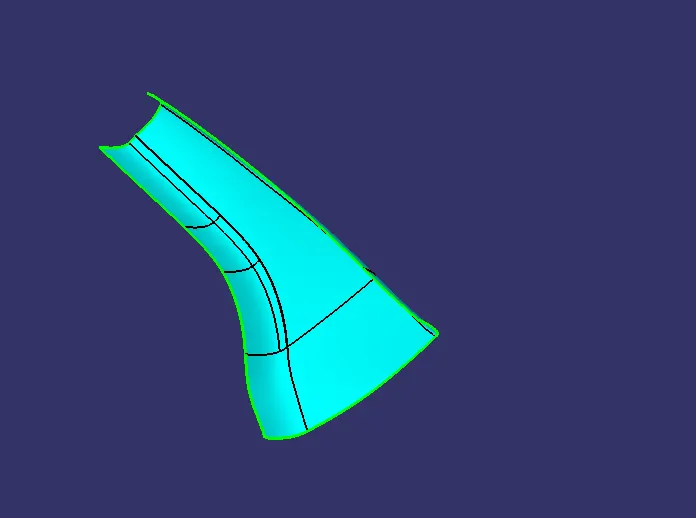
Class B after offsetting and final class B surface
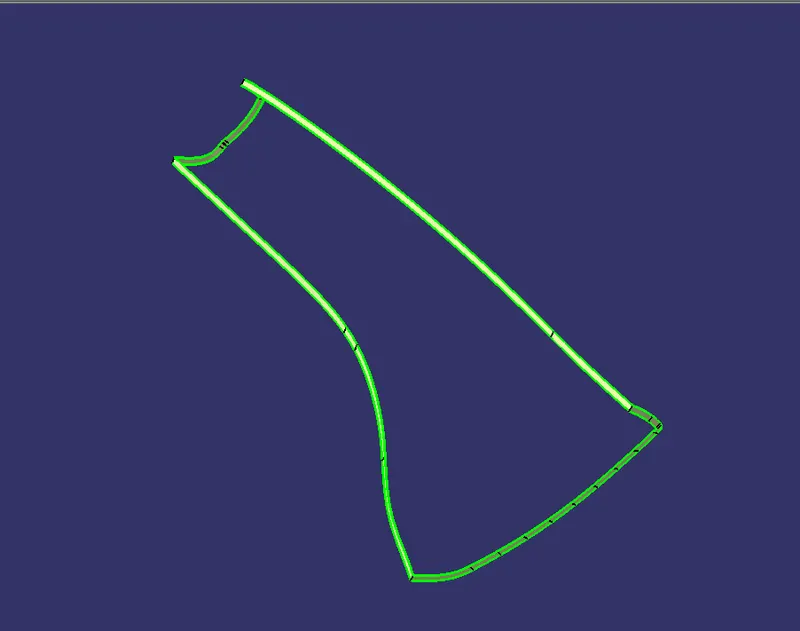
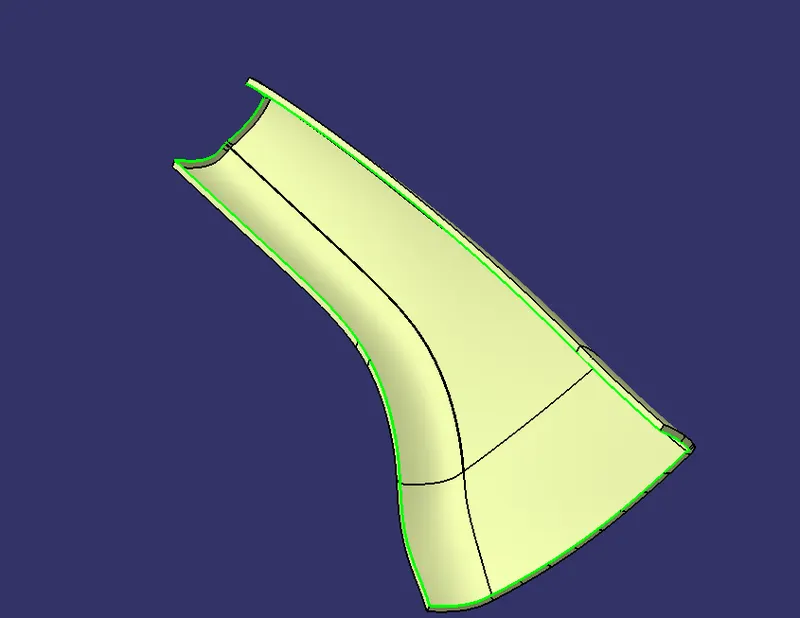
Class-c and Combination of class A+C
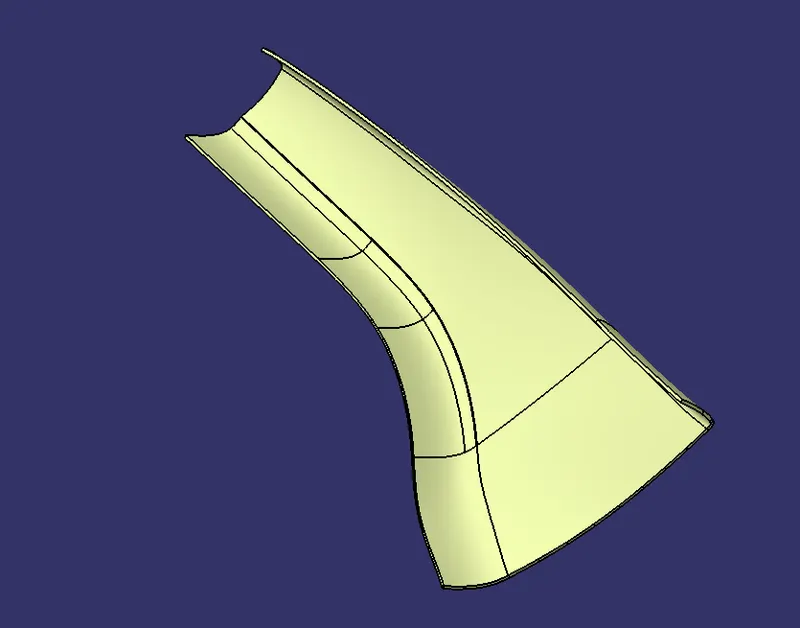
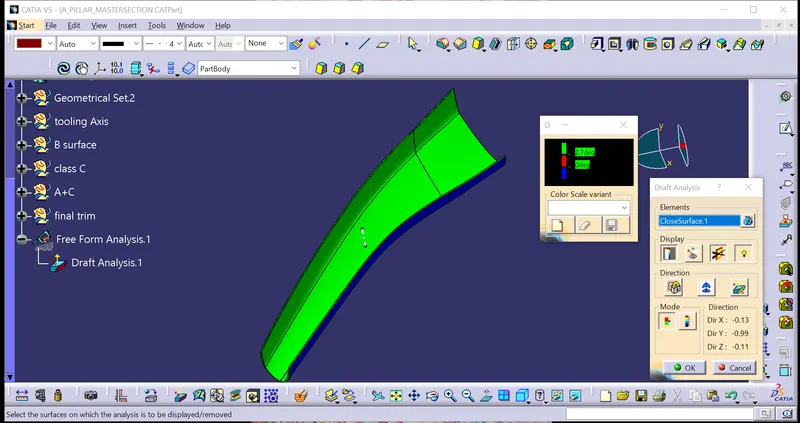
Class A+C with class B and Draft analysis for the final component