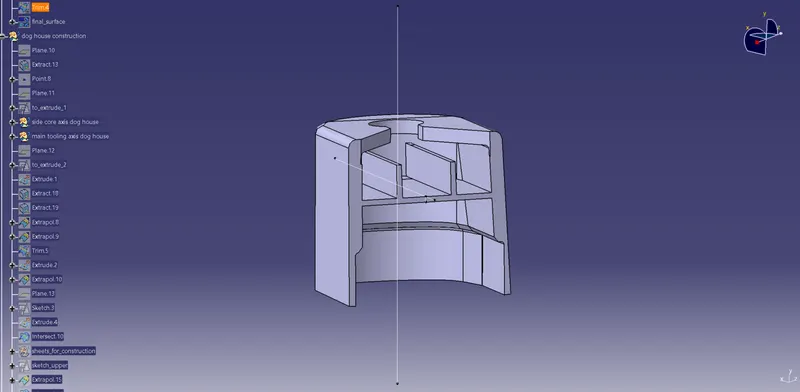
Week 11 - Project - A pillar Design with Master Section
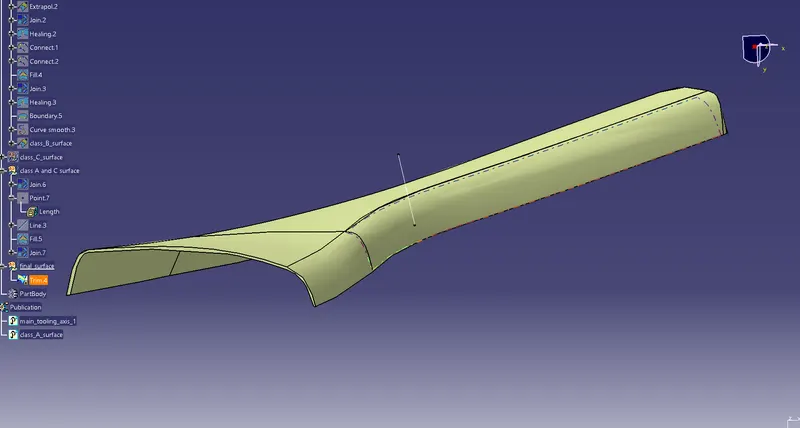
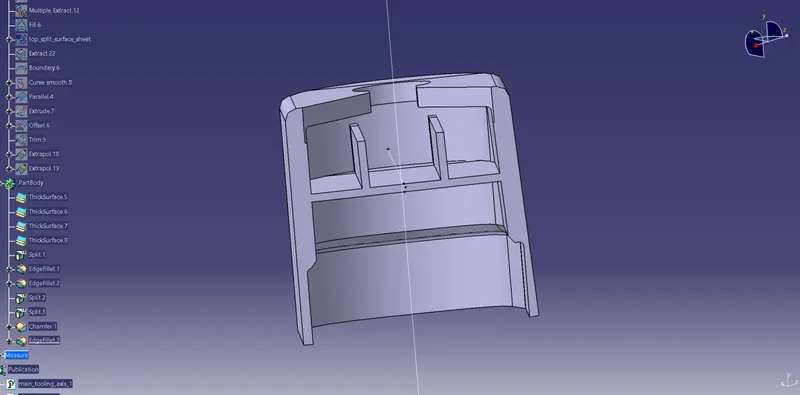
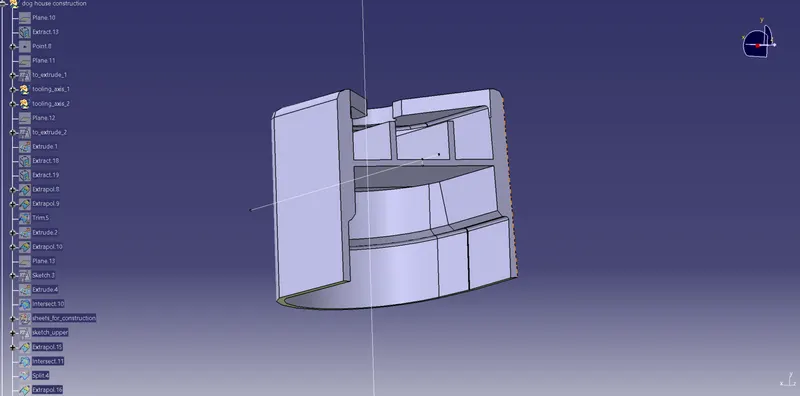
1. closed body command aws used to create the solids.
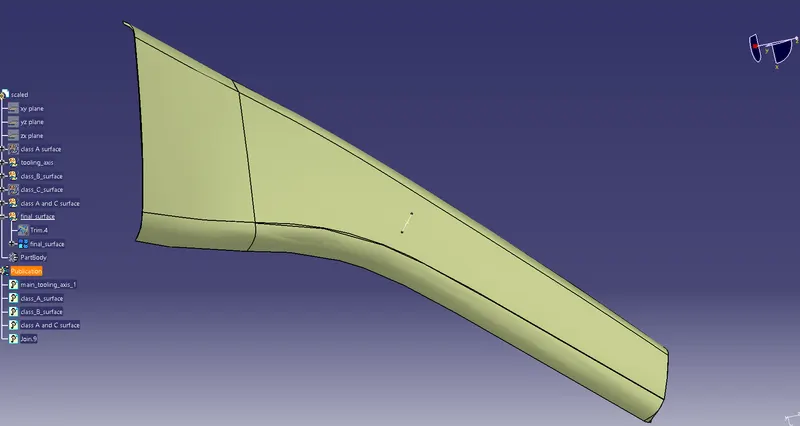
2. the geometrical sets are named properly.
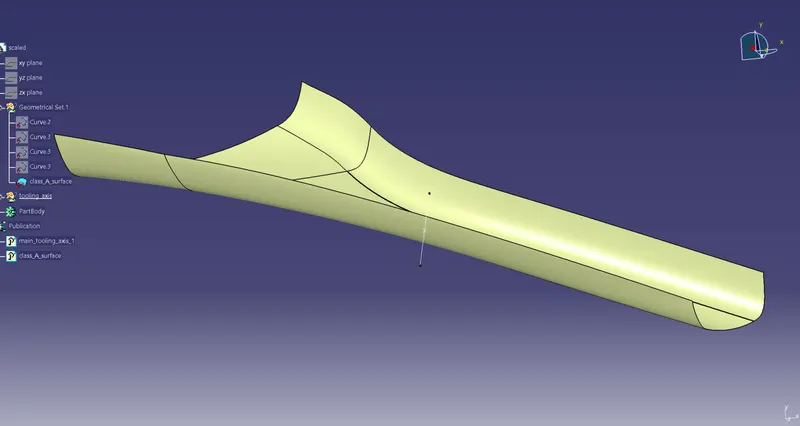
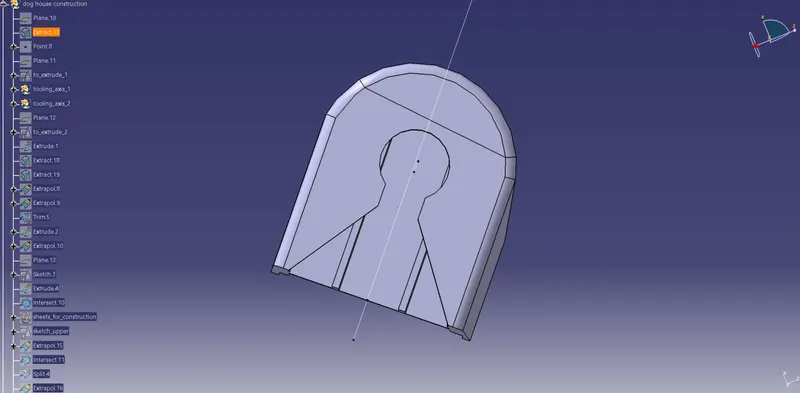
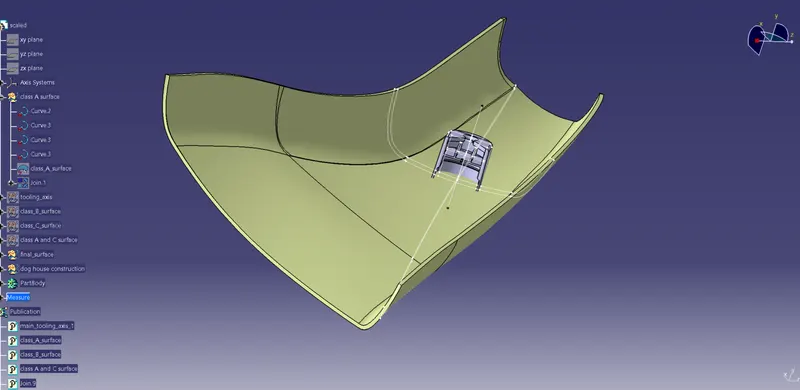
tooling axis creation:
1. fromt the 3 axes: x, y and z; an axis was chosen such that most of the part is visible.
2. then section was taken so that two dummy axes can be formed.
3. then mid line of these two dummy axes was chosen to be the final tooling axis. It was published then.
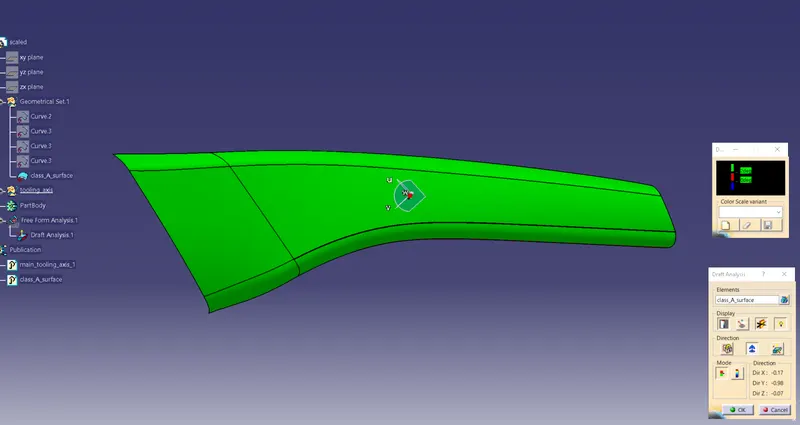
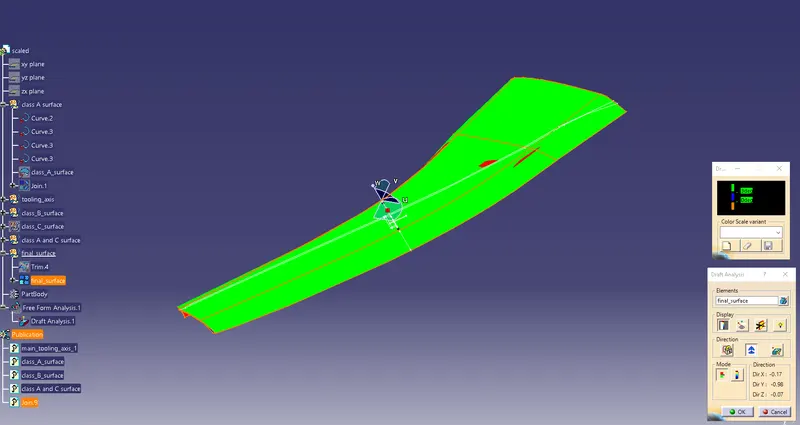
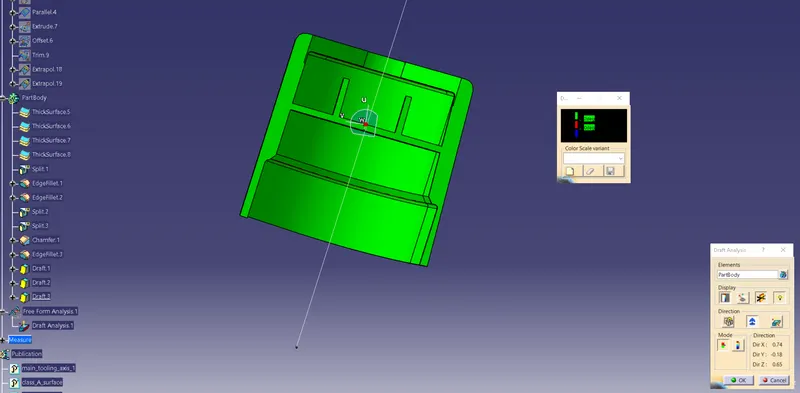
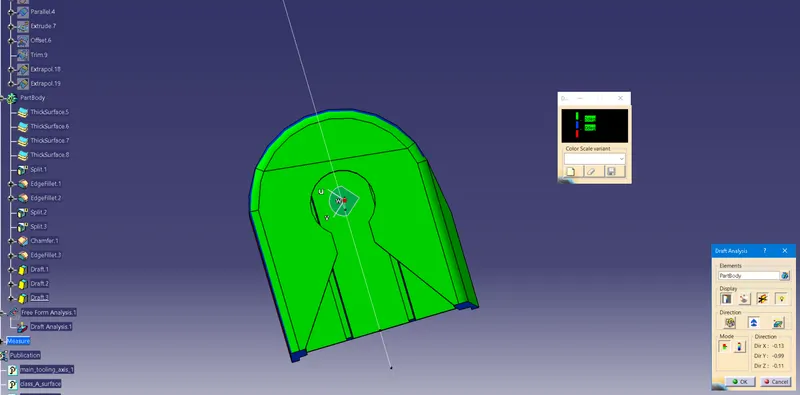
draft analysis:
1. it was carried out by selecting the material in customize view.
2. green areas are which depict a proper drafting of the material.
3. most of the green surfaces should be there in the part, having max of 3 degrees of draft angle if not 2 degrees. Here 1.45 degrees was chosen.
4. after selecting the material part, we drop the axis on the tooling axis to establish the colors, mostly green.
5. this means that the part can be manufactured properly.
- The thickness of the Plastic used was 2.5 mm