Week 11 Challenge
1.Design the slab and foundation of the model. Outline the thought process for designing of the elements (column, beam, slab and foundations)
Ans)
Aim: To design the slab and foundation of the model. Outline the thought process for designing of the elements (column, beam, slab and foundations).
Tools Required:
->Tekla model
->Slab
->Foundations
->Check panel
->Catalogue
->Design pile cap foundation
->Validate
->Design
->Settings
->Properties
Procedure:
- Firstly open the model that is created previously.
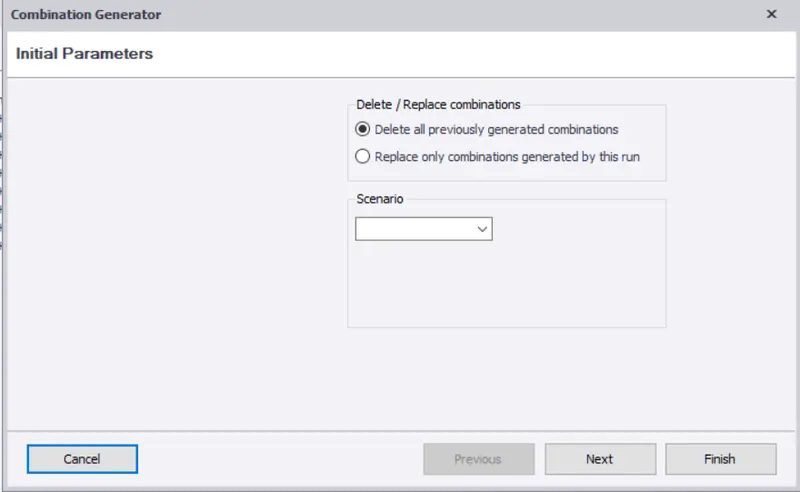
- Now select a Slab and give a right click then you can notice a dialogue box.
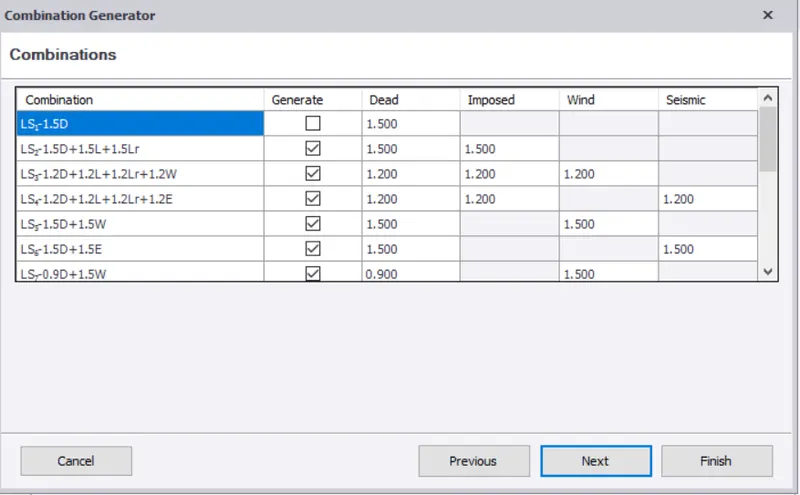
- Now in that dialogue box select the check panel.
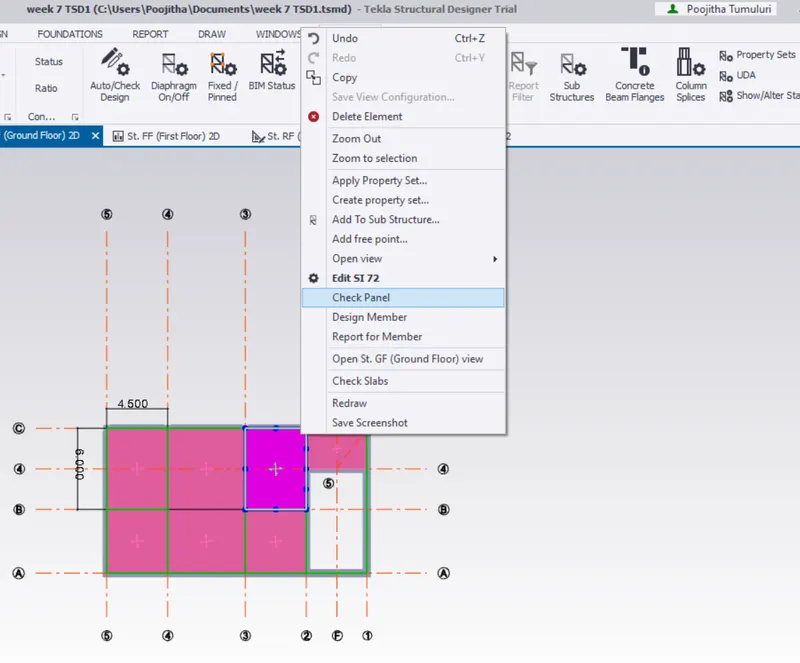
- Now a new dialogue box appears about the properties of the Slab that you select.
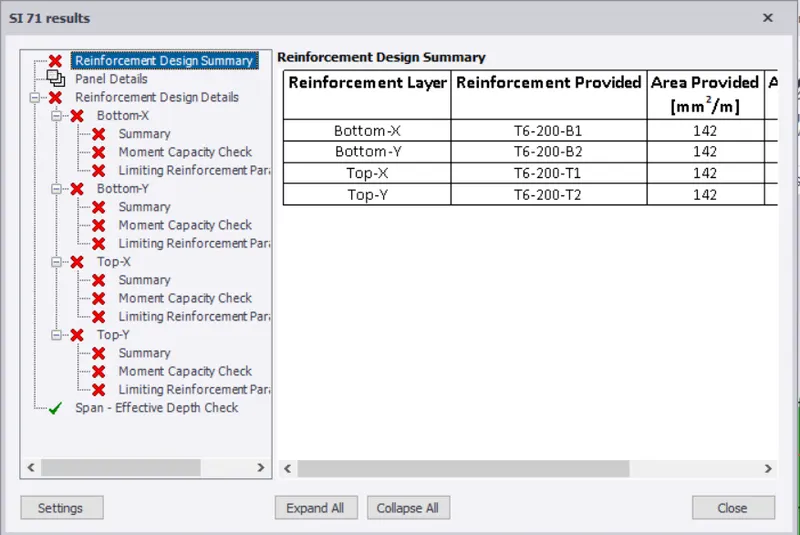
- There it will be showing you few errors.
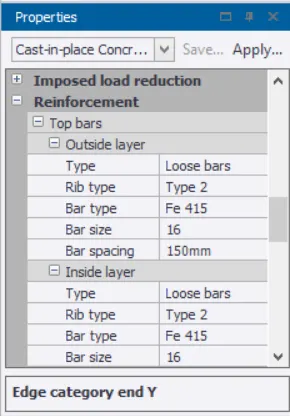
- We can correct the errors by changing the properties under the property tab.
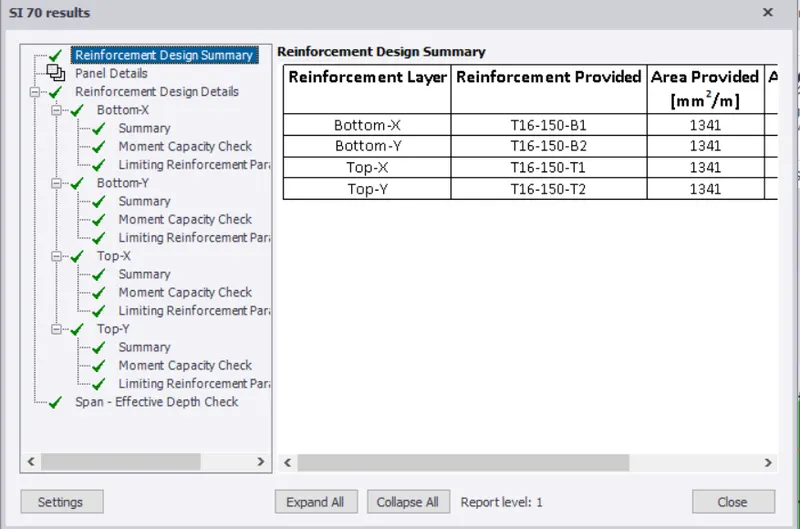
- Once that is done follow the same procedure to design all the slabs.
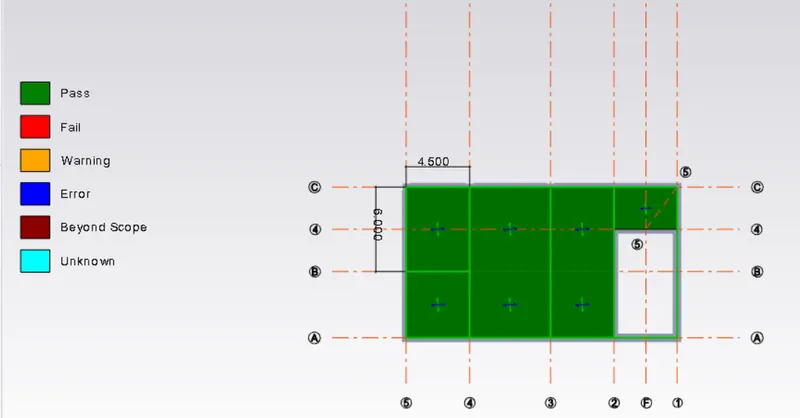
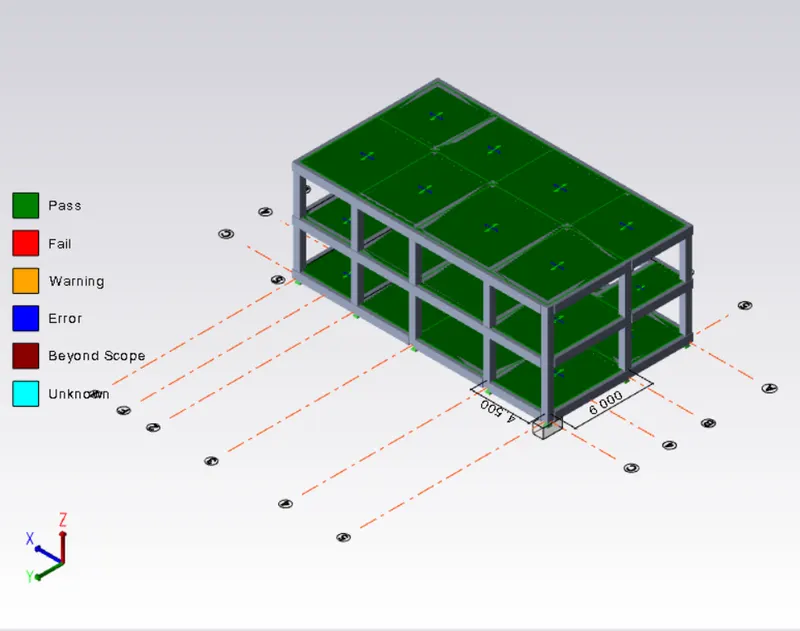
- Now for the foundations select the foundation icon.
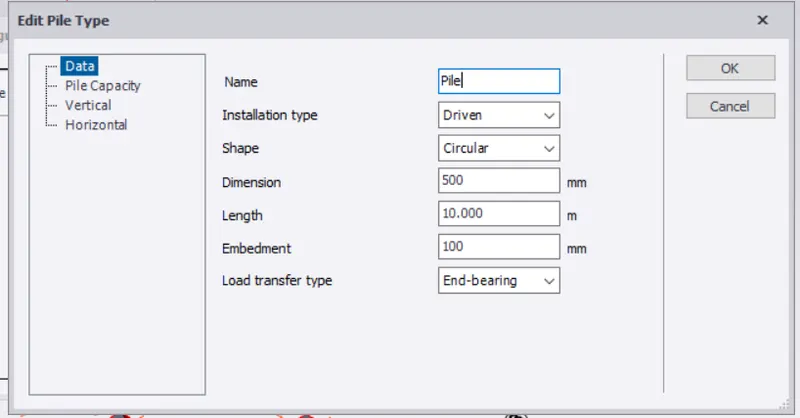
- Now you need to select the catalogue option and add desire foundation.
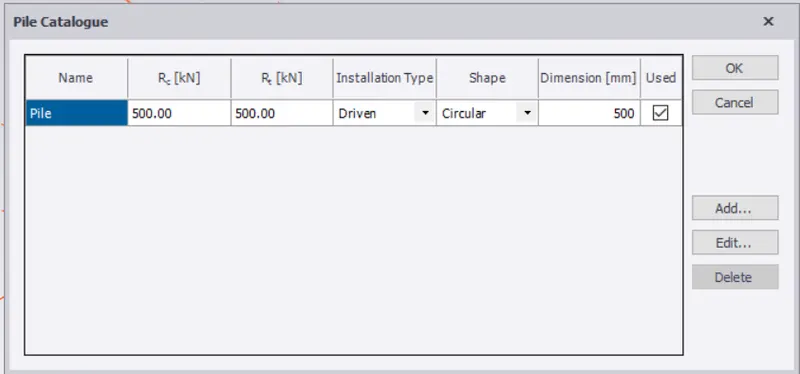
- Now you can select the pile cap column foundation option.
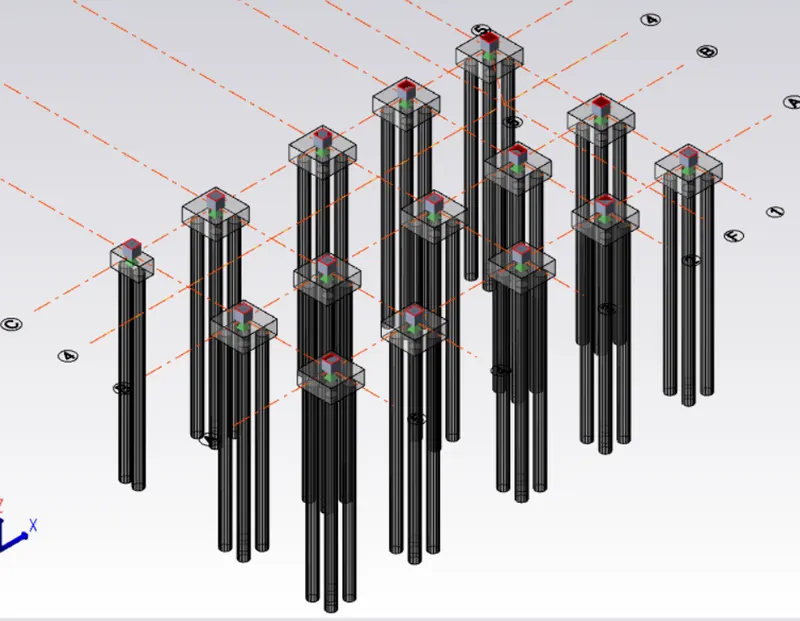
- Assign foundations for the structure.
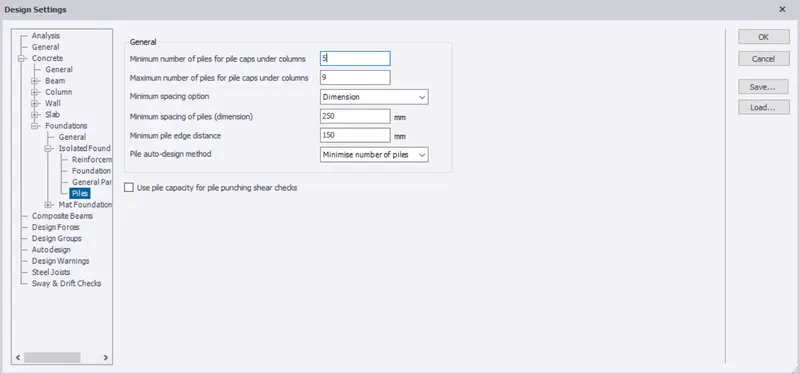
- Now design the foundation with the help of design pile cap option under the design isolated.
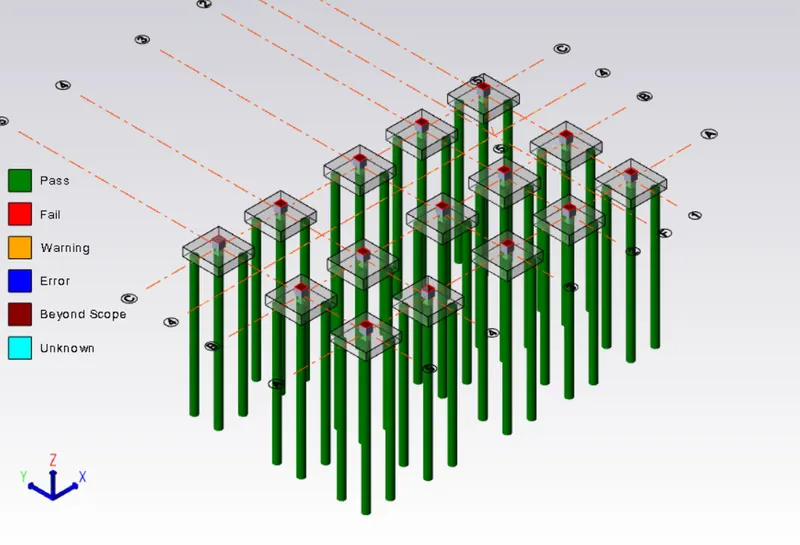
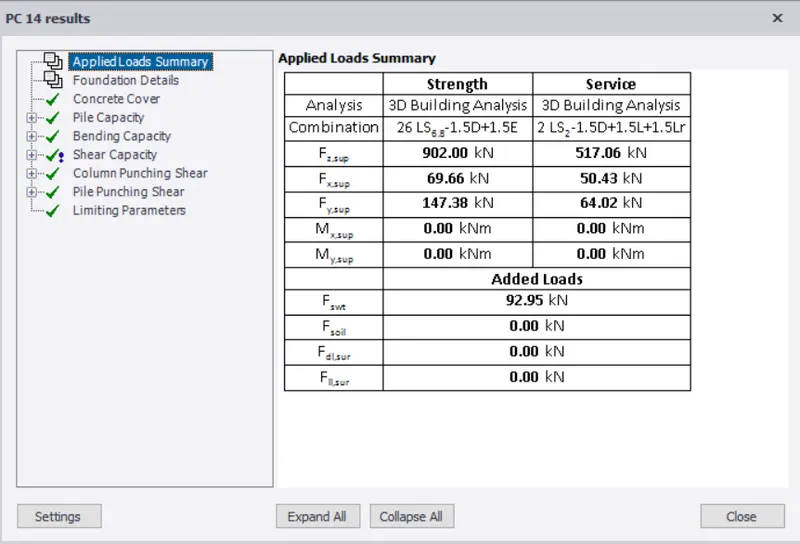
- Check for errors found.
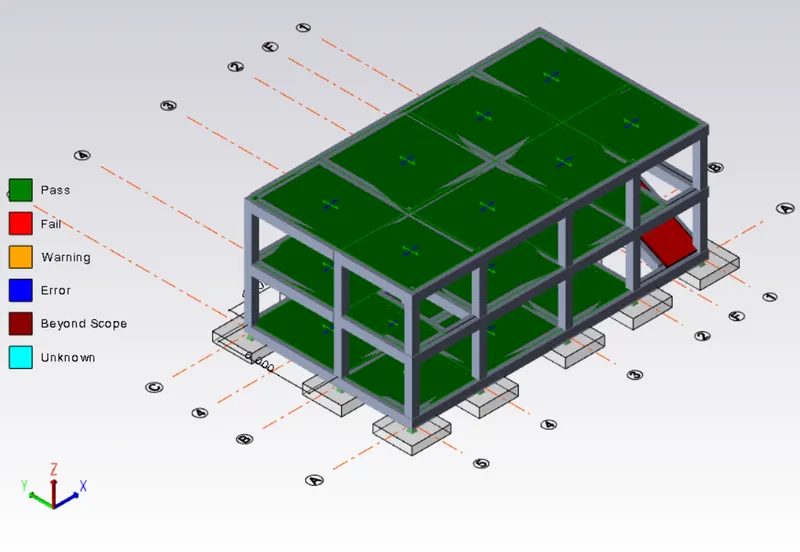
- Go to the settings option under that select the foundation option and do the required changes.
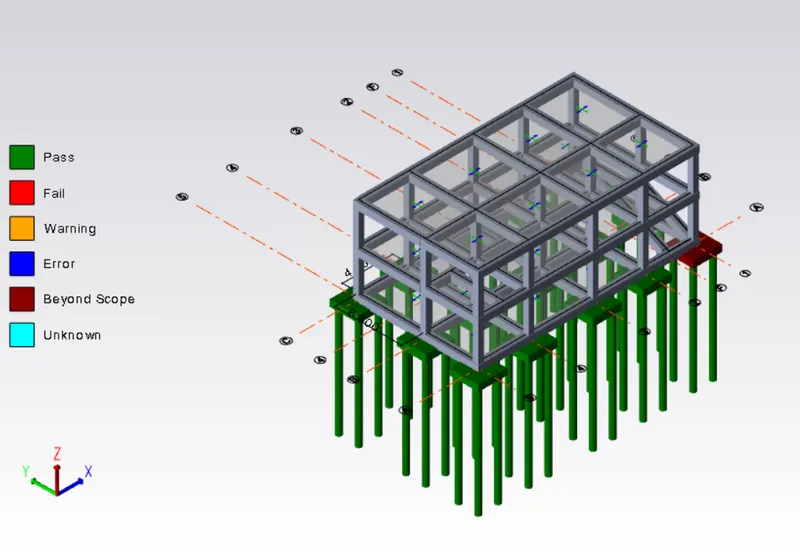
- Now you can see the structure is error free.
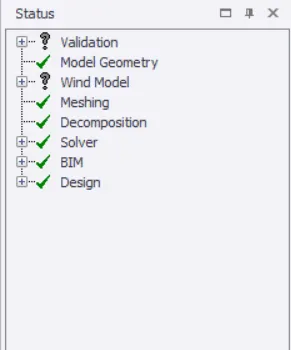
Result:
Hence by following the above procedure we were able to design the slab and foundation of the model.