Week 11 Challenge
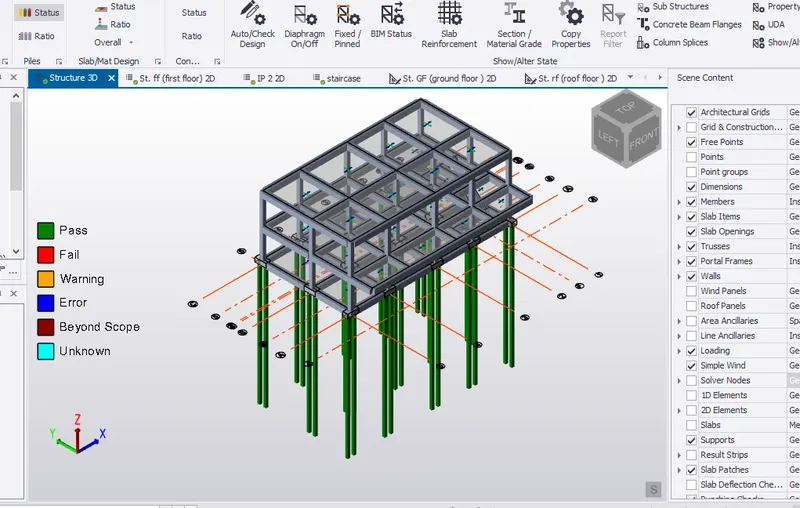
1) Design the slab and foundation of the model. Outline the thought process for designing of the elements (column, beam, slab and foundation)
Aim:
To design the slab and foundation of the modul using Tekla Software:
Step 1:
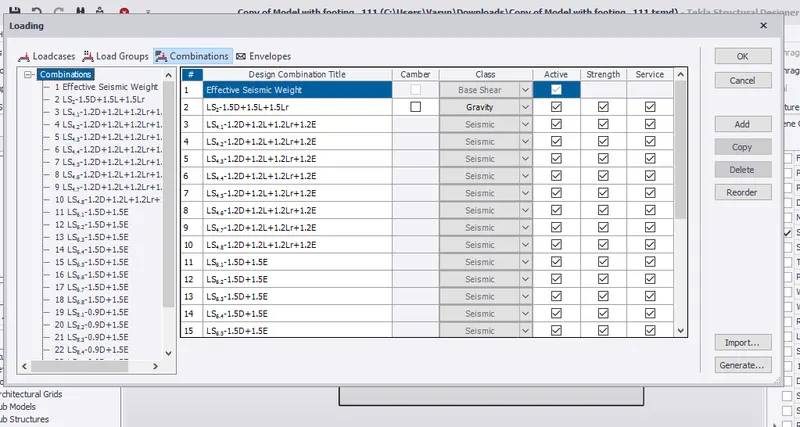
1) click Load and select combination
2) click Generate
3) Click finish and clik ok
Step 2:
1) Click Analyse tab
2) Choose 1st order analyse
Step 3:
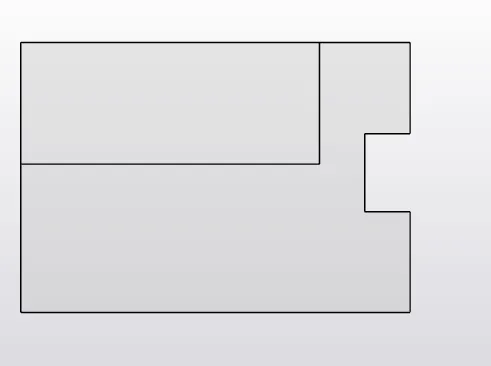
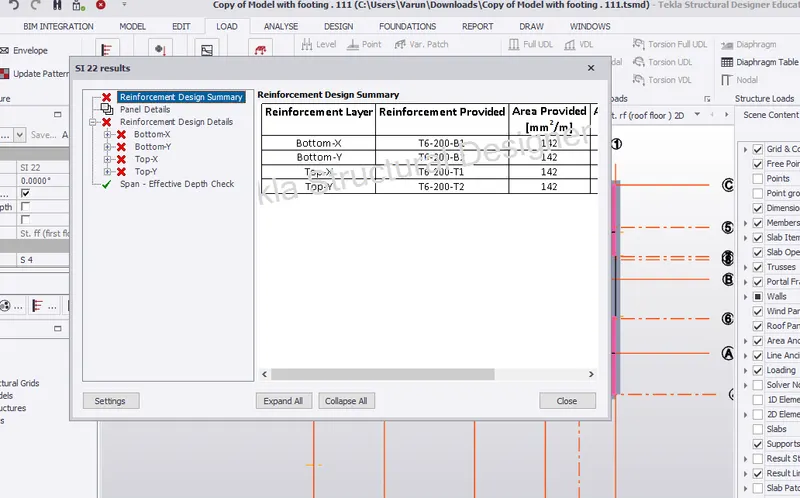
1) Right click the slab and choose check panel
Step 4:
1) From the property panel i just change the bar size from 6 to 16
2) check the panel once again
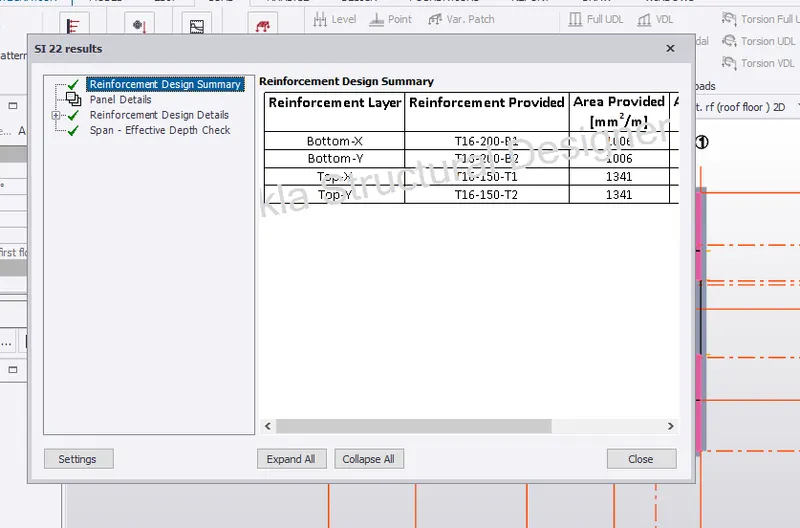
Hence the reinforcement check done successfully
Step 5:
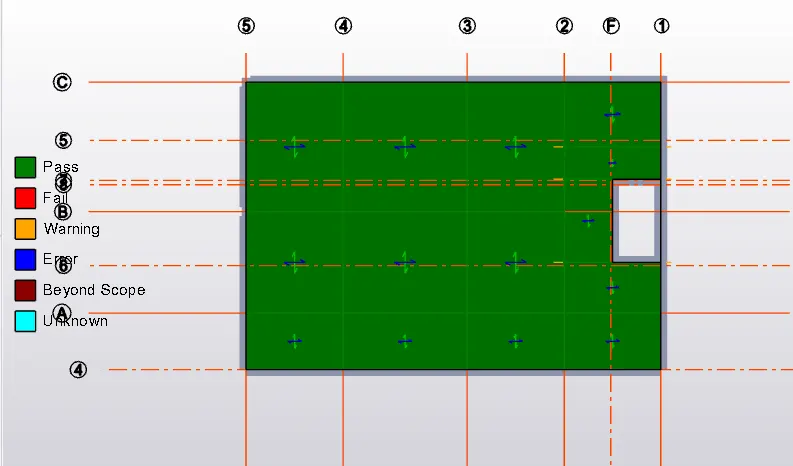
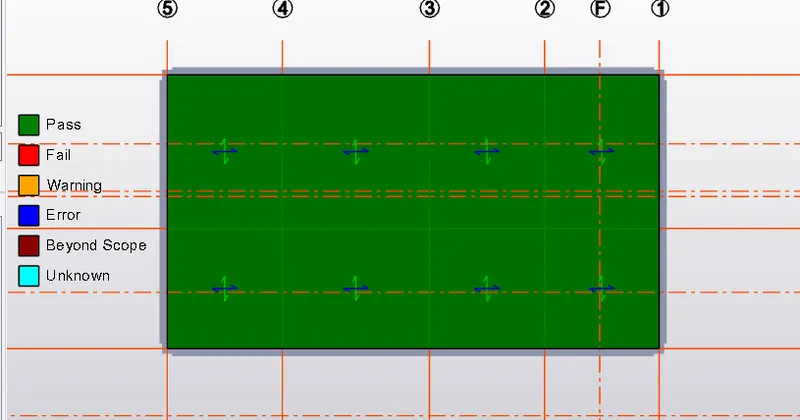
1) Check the slab using Review tab
2) Click status
3) Check all the slabs whether it is passing or failing
First floor:
Roof Floor:
Step 6:
Foundation Design:
1) Open Ground floor plan
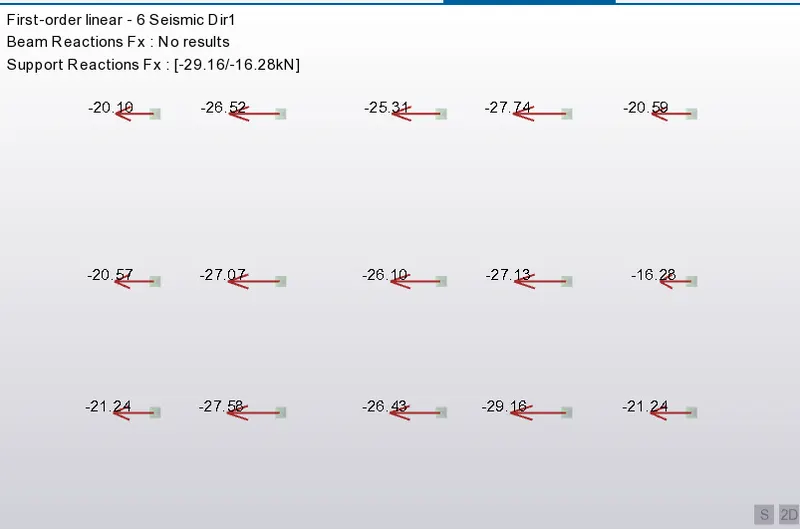
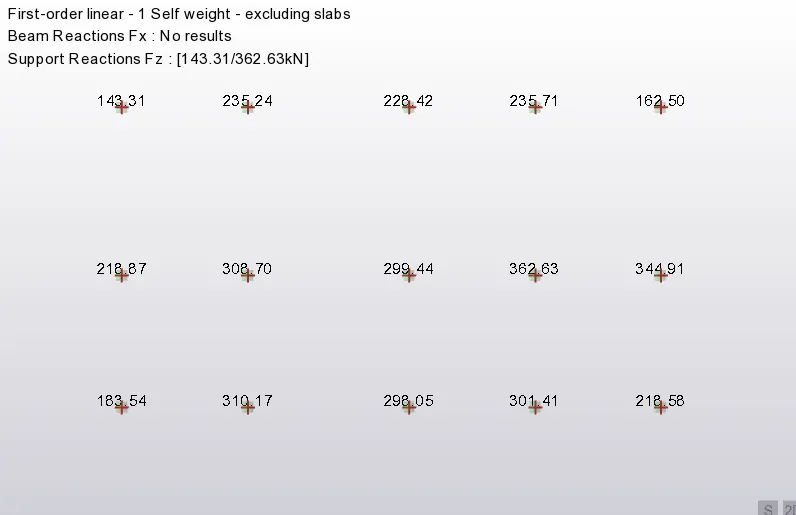
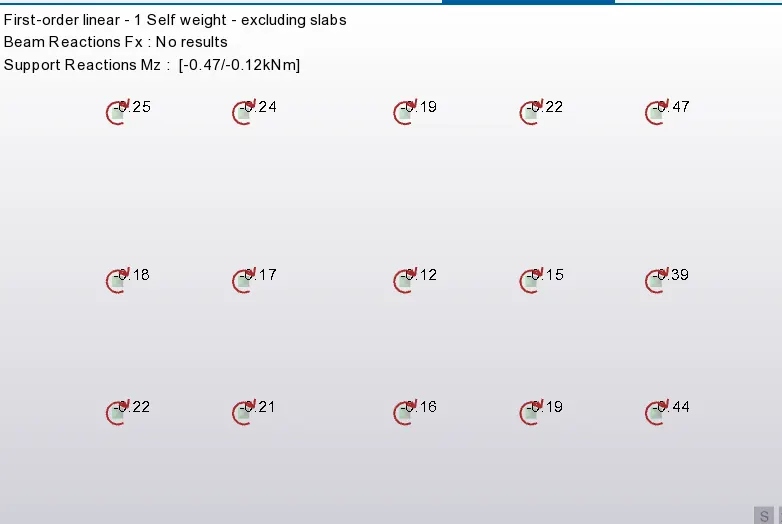
2) Go to Result view and select the reactions
3) switch it to the view of shear force x direction y direction and y direction
Fx:
Fz:
Mz:
Step 7:
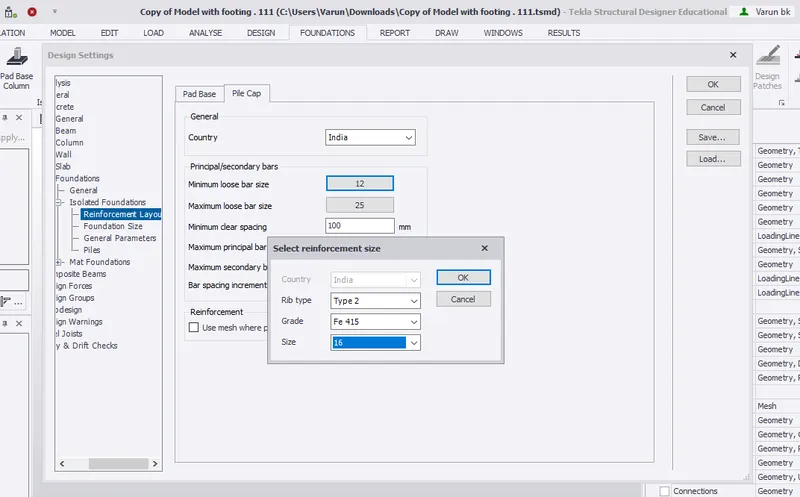
1) Go to Foundation tab and select setting
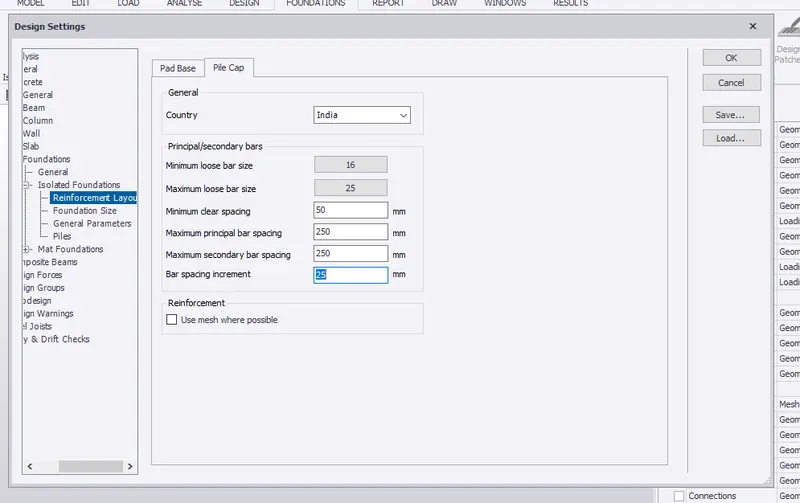
2) Enlarge the isolated foundation option and edit the reinforement details
3) Click Pile cap and choose minimum no of bar from 12 to 16
And also change the bar spacing also
Step 8:
1) Go to foundation size option and edit the foundation depth also
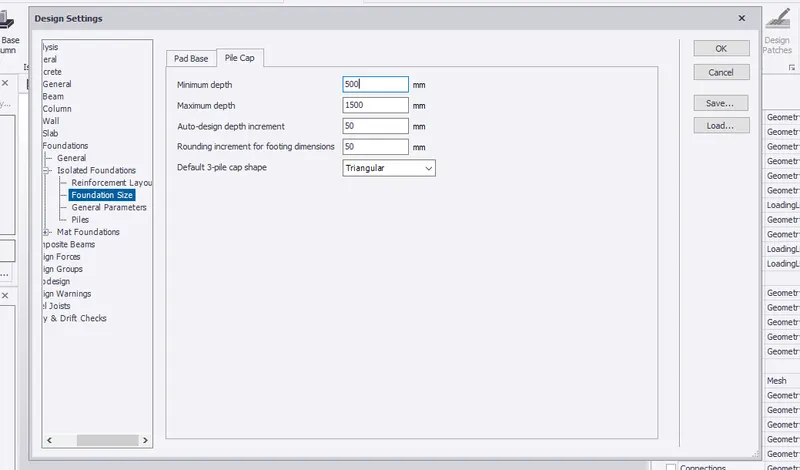
Step 9:
1) Go to Pile and edit the pile spacing
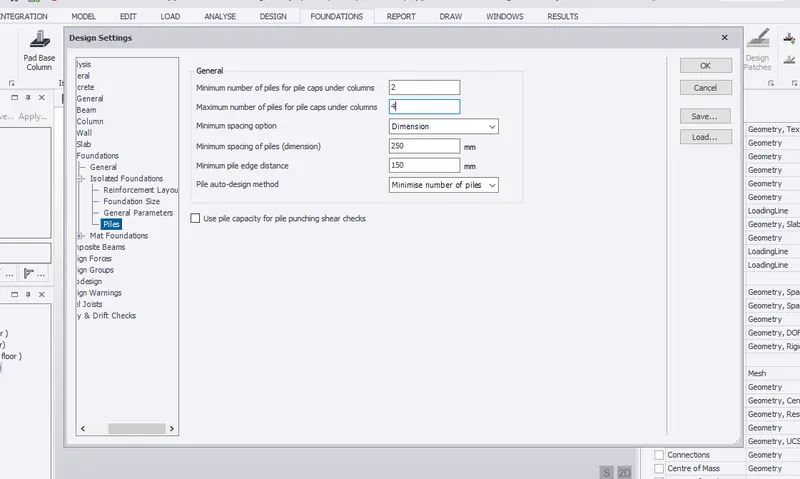
Step 10:
1) To edit the pile type go to foundation
2) click Catalogue
3) Press edit option and edit the pile types
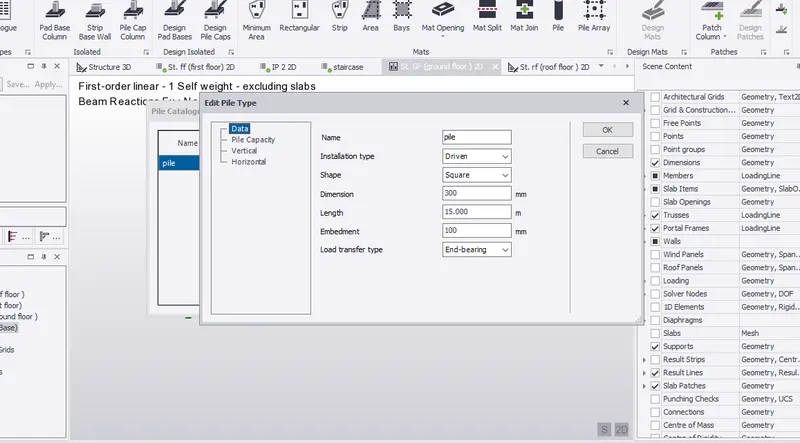
Step 11:
1) Go to foundation and select pad column base
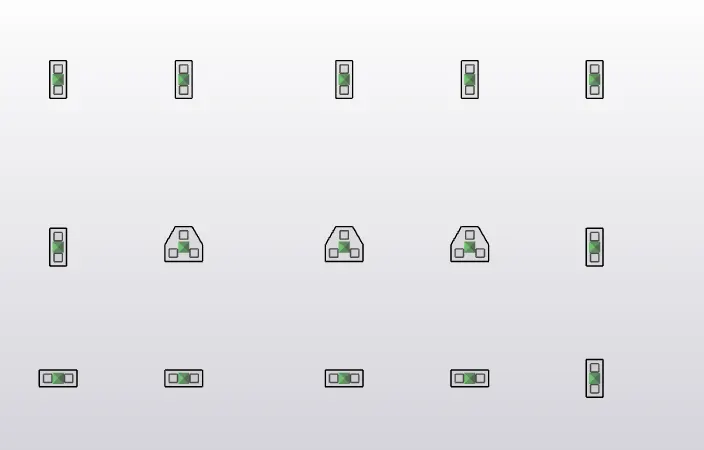
2) Draw the pile and check member
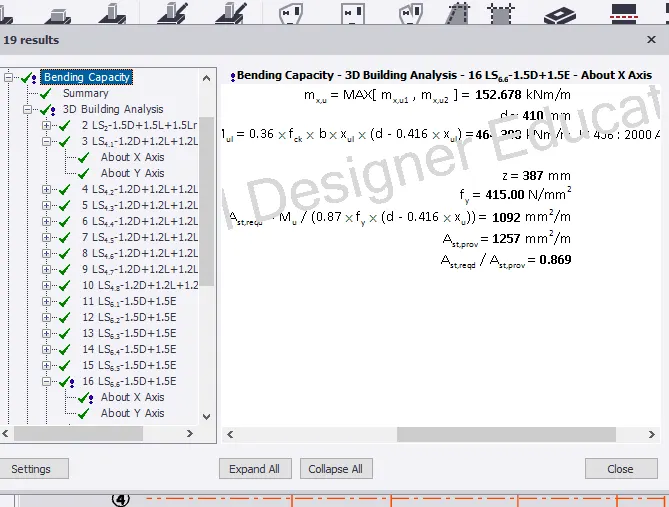
Here i checked the member and do it for all other columns
Step 12:
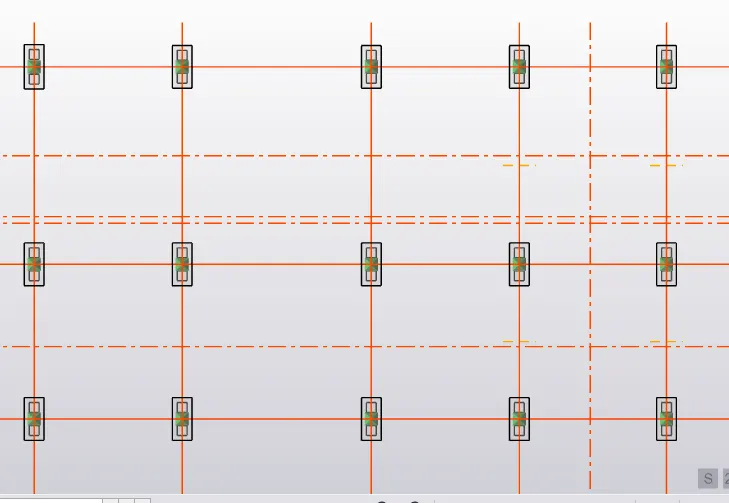
1) Place the piles in all the column area
Step 13:
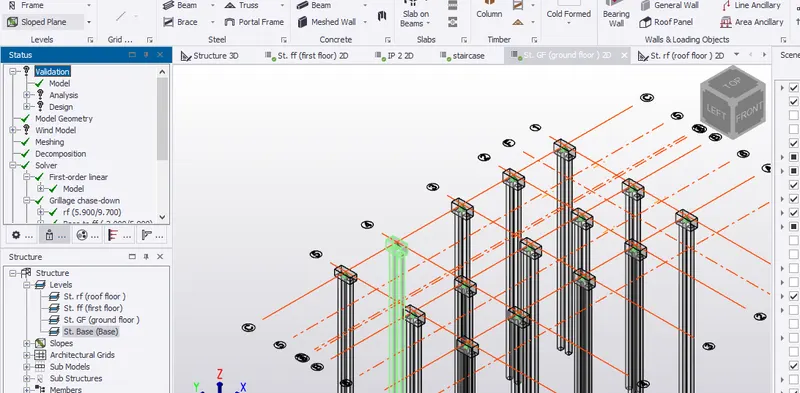
Model has been checked succesfully and validated
Result:
1) Check the pile and foundation status in review check using Status option
2) Therefore all the members has been checked and its all passed