Week 11 Car Crash simulation
- Objective: To perform frontal crash simulation of a car and do a parametric study using different thickness for the car body.
- Procedure:
Open the explicit dynamic analysis system in the Project schematic. The material used for the car body is Stainless Steel NL. Add the material to the Material library. Now proceed to import the geometry. Import the
Geometry. Open the Geometry in SpaceClaim. Ensure the geometry is properly imported by doing quick visual inspection. The geometry is properly imported as observed.
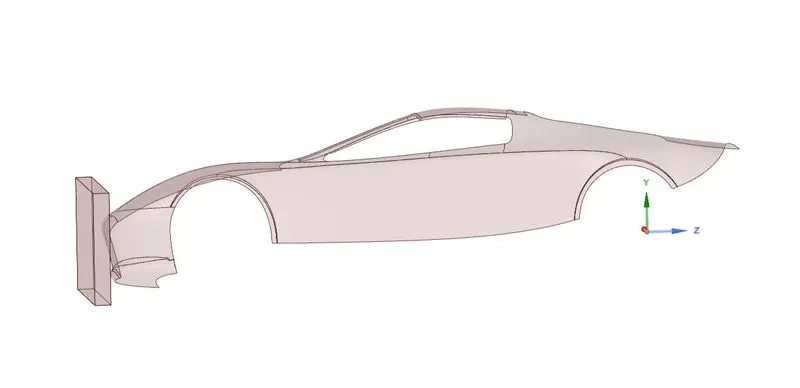
Update and open the mechanical module. Assign the material Stainless steel NL for the car body and thickness of 0.3mm. Set the parametric option for the thickness.The Ansys automatic contact detection has
detected some initial contact between the car and the wall. Delete the contacts since we don’t need them now for the crash simulation.
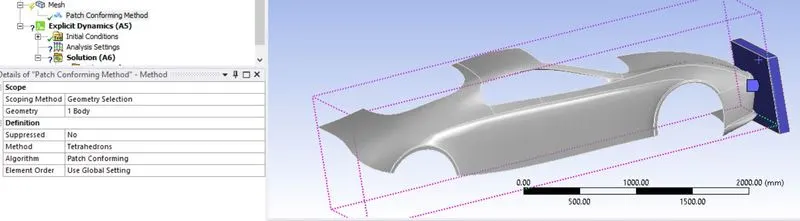
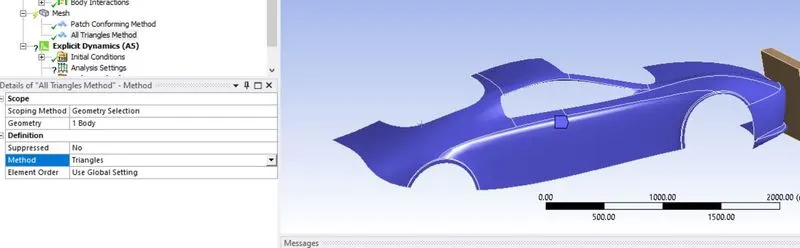
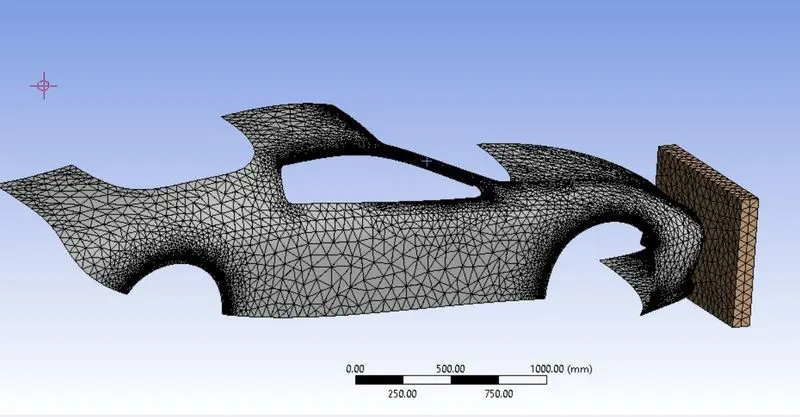
Now, mesh the model. Considering the limits on the ansys academic version, mesh the car body and the wall with tetrahedrons with course mesh so reduce the computation time. Go to Mesh > Insert > Method.
Select the element type as Tetrahedrons for the wall and the car body and mesh the car body and the wall.
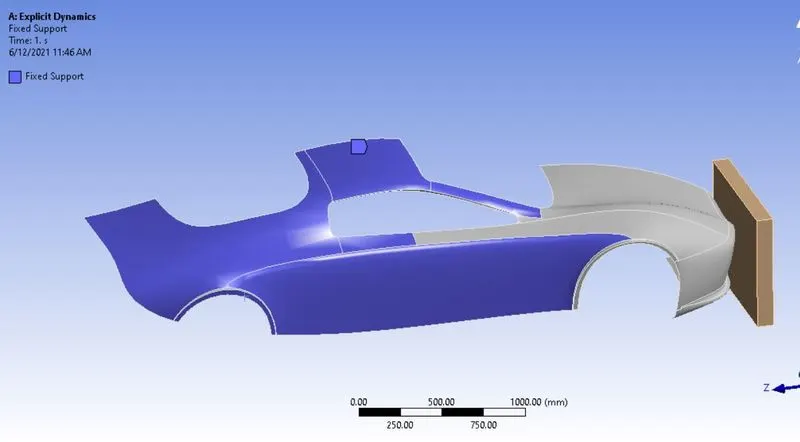
Now, apply fixed support for the car and displacement of 500 mm to the wall. Go to Explicit Dynamics > Insert > Fixed Support. Select the surfaces of the car, that will not be in contact with the wall after impact.
Apply Displacement to the wall. Go to Explicit Dynamics > Insert > Displacement. Select the surface of the wall and apply displacement of 500mm.
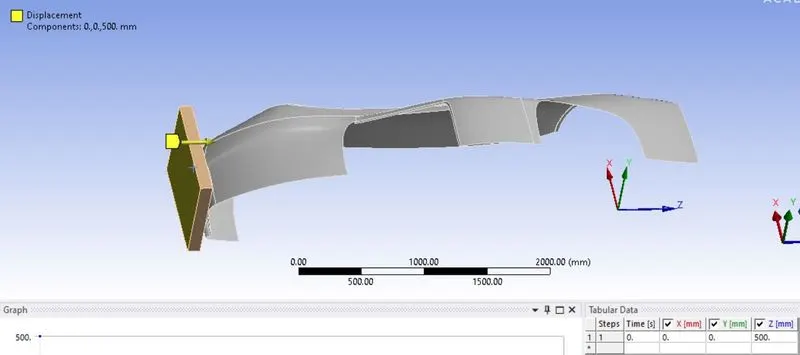
Define the end time for the analysis. Go to Analysis Settings > End time. Enter end time for the simulation = 0.001s.
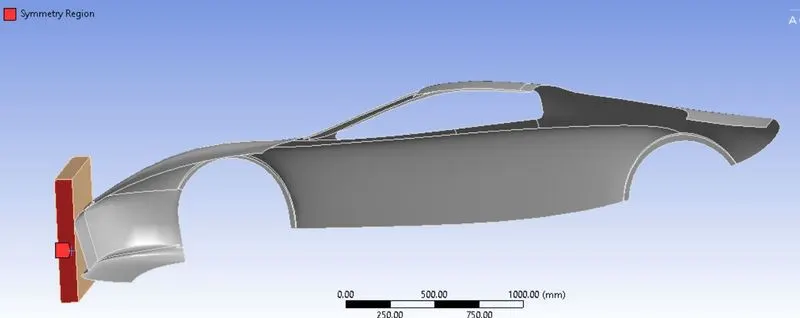
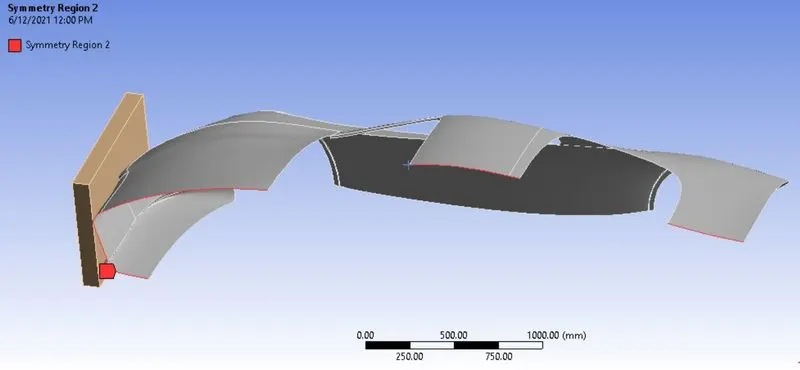
Now, define the symmetry for the geometry, since we are working on only the half portion of the geometry. To define the Symmetry, go to Model > Insert > Symmetry > Insert Symmetry Region. Select the
symmetry regions for the wall and the car body.
Symmetry region for the wall:
Symmetry region for the car body:
The case setup is now complete. List the results for total deformation and Equivalent stress.
- Results:
Stress contour:
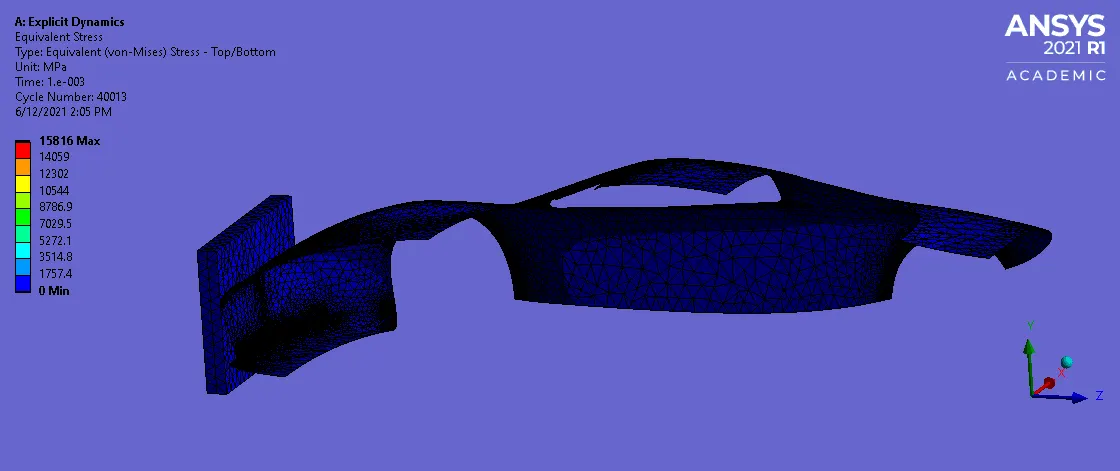
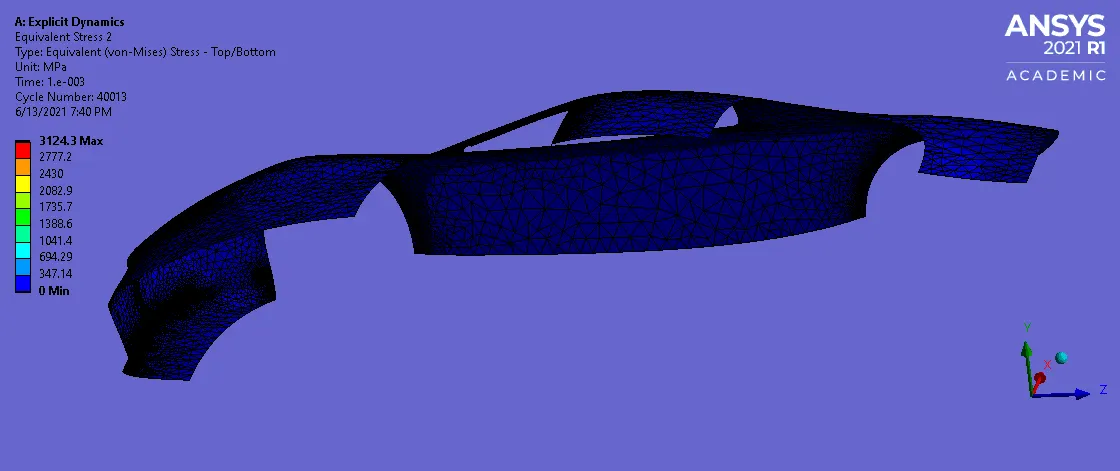
Max stress of 3124.3 MPa is observed in the car body.
Total Deformation:
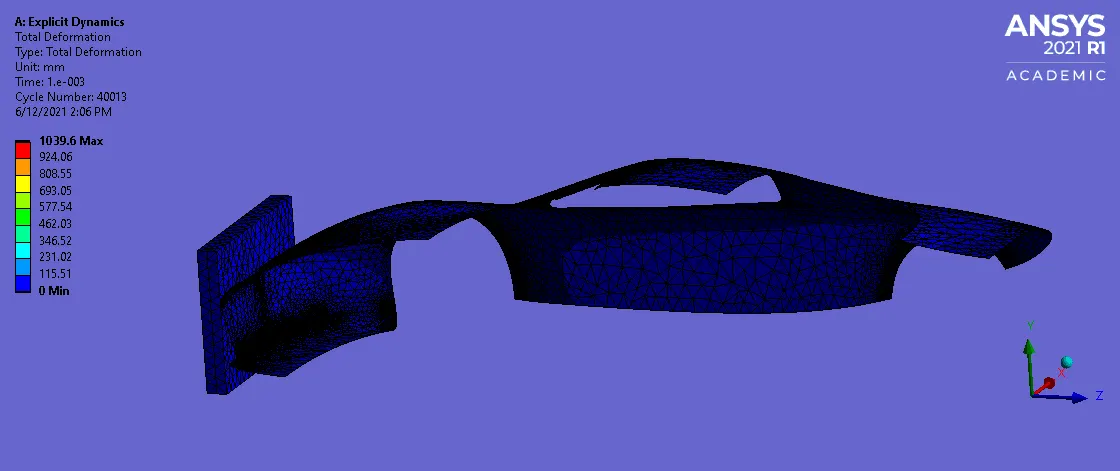
Maximum deformation of 1039.6 mm is observed in the car body.
- For thickness = 0.45 mm
Stress contour:
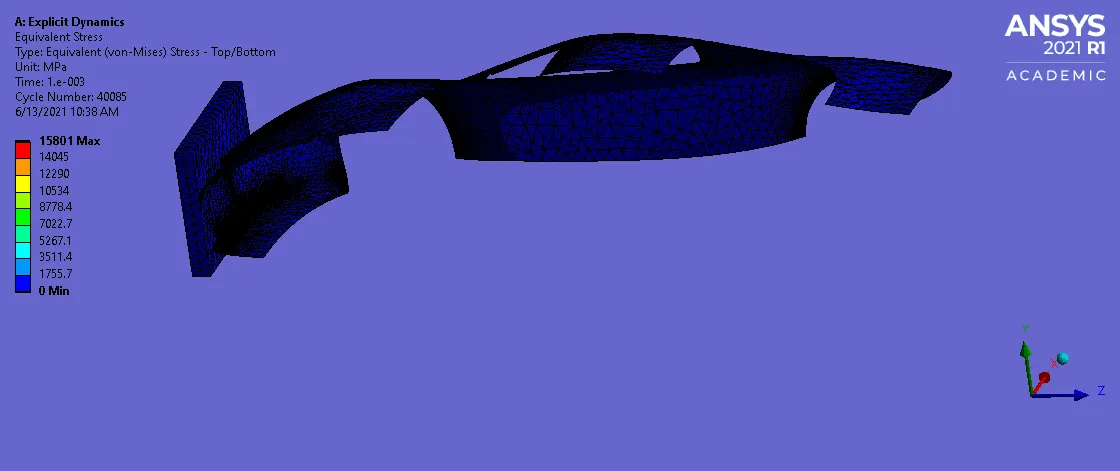
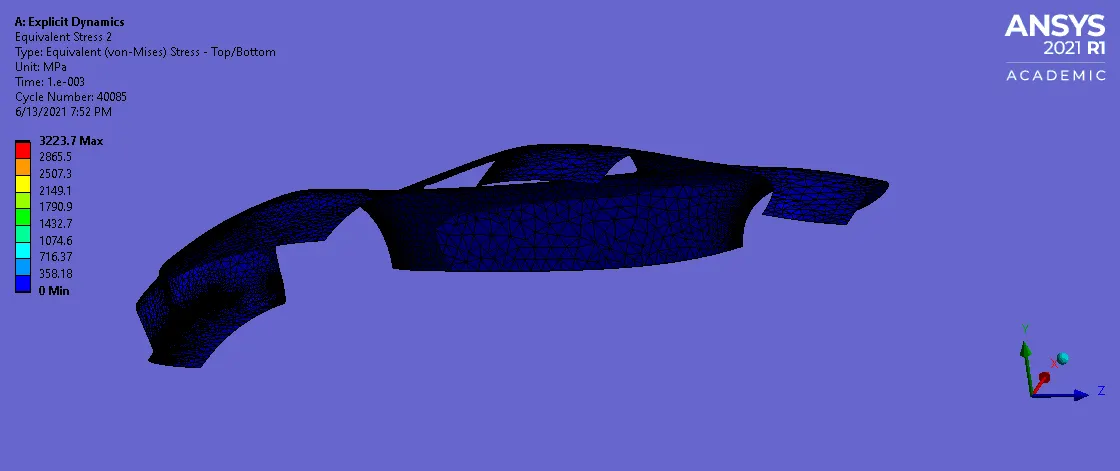
Max stress of 3223.7 Mpa is observed in the car body.
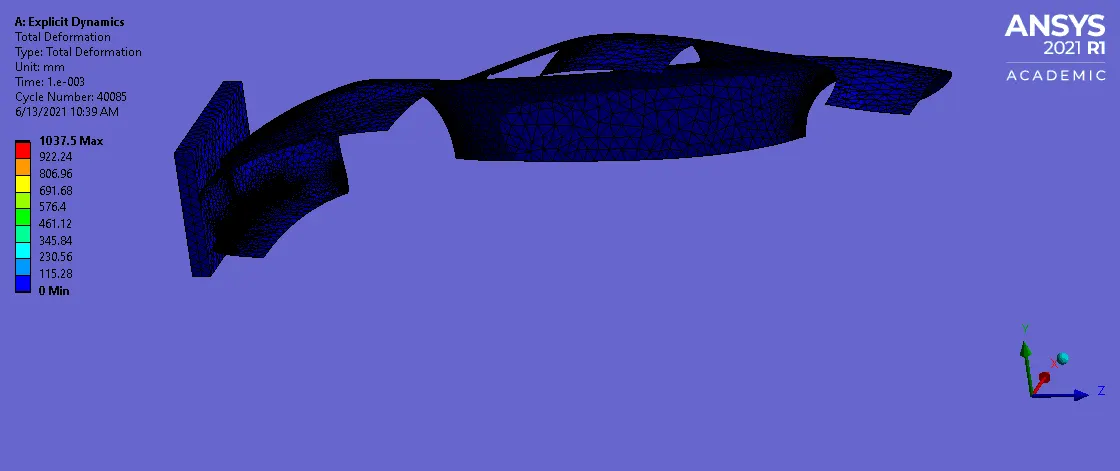
Max deformation of 1037.5 mm is observed in the car body.
- For thickness = 0.6 mm
Stress contour:
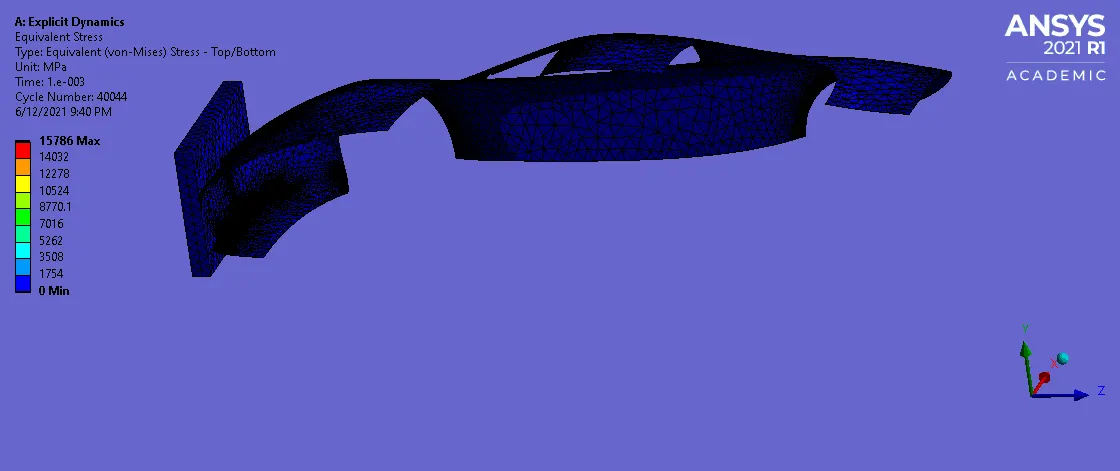
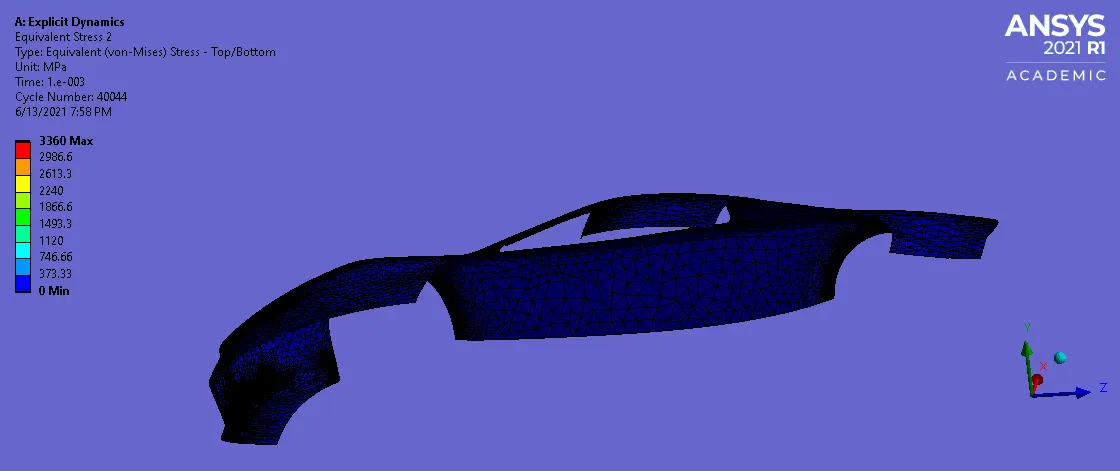
Max stress of 3360 Mpa is observed in the car body.
Total deformation:
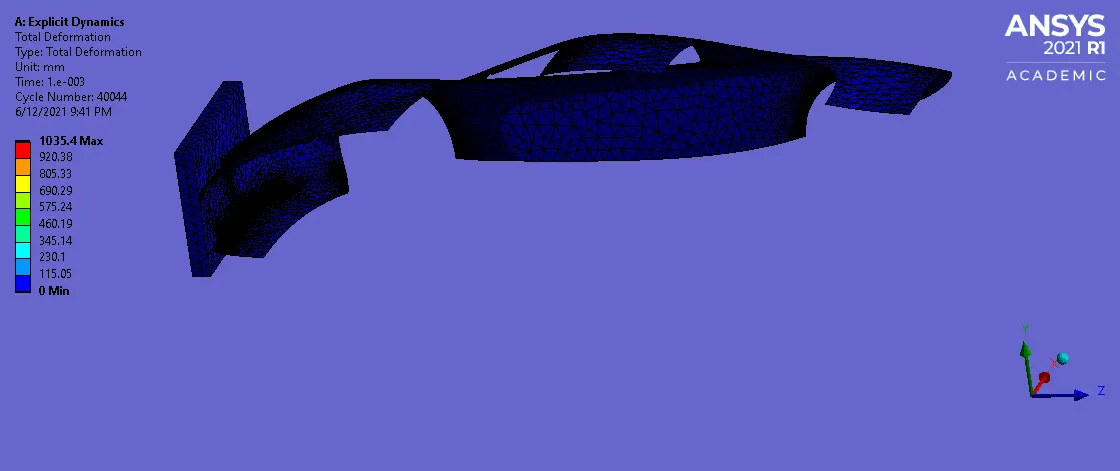
Max deformation of 1035.4 mm is observed in the car body.
 ..
..
Thus, as the thickness is increased, the stress induced is also increased as observed. Not much change in the deformation is observed. Since, it is a reduced model, the obtained results are of little use, since
majority of the frontal crumble zone components are missing. Simulation as per the FMVSS standard is recommended, which is not possible for the Ansys academic version.
- Conclusioin: Thus, the given car crash simulation is successfully performed using explicit dynamics.