Week 11- Assembly Workbench
AIM:-To create the solid part models and assembly for the given drawing below with a report.
OBJECTIVE:-
- To Create sketches from given drawing and create solid part model.
- To Create the assembly.
THEORY:-
QUICK RETURN MECHANISM:-
A quick return mechanism is an apparatus to produce a reciprocating motion in which the time taken for travel in return stroke is less than in the forward stroke. It is driven by a circular motion source (typically a motor of some sort) and uses a system of links with three turning pairs and a sliding pair.
Quick return is a common feature of tools in which the action is performed in only one direction of stroke, such as shapers and powerd saws because it allows less time to be spent on returning the tool to its initial position.
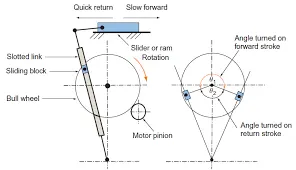
Fig:- Quick Return Mechanism
PROCEDURE:-
- TO CREATE THE SKTCHES AND PART MODEL FOR QUICK RETURN MECHANISM:-
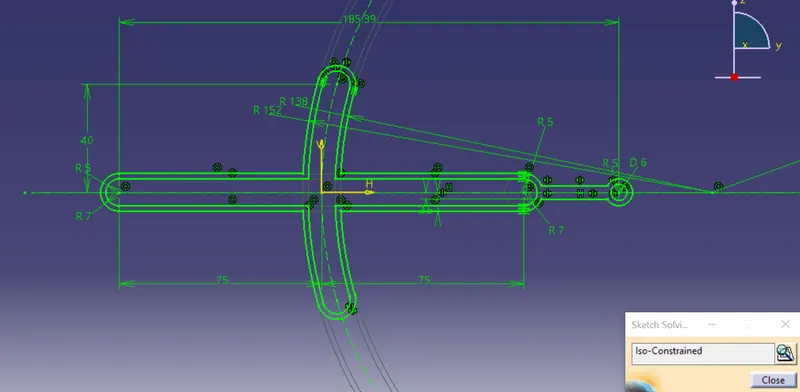
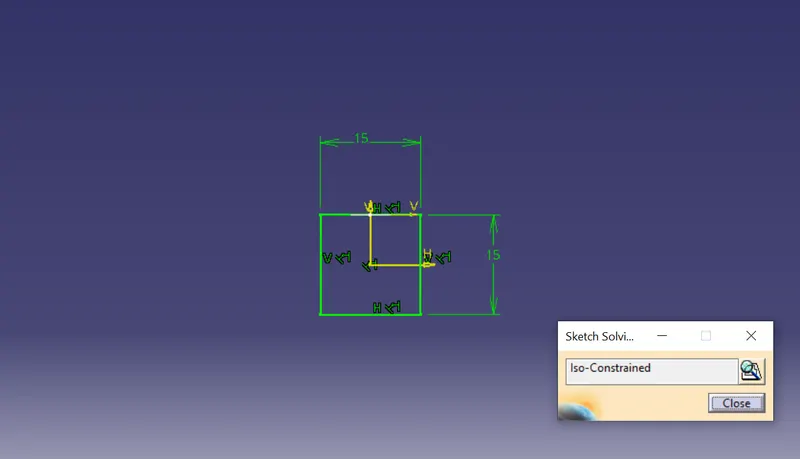
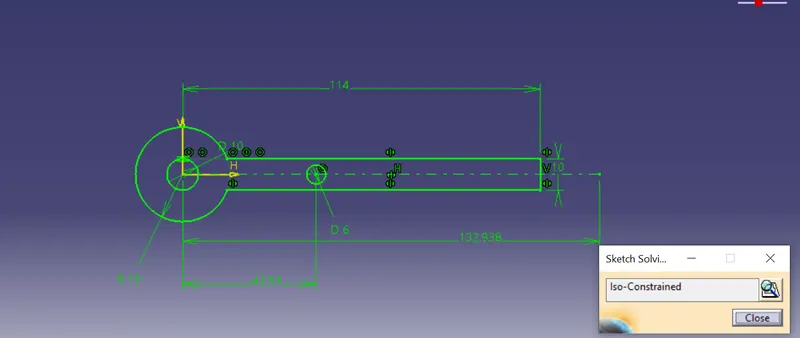
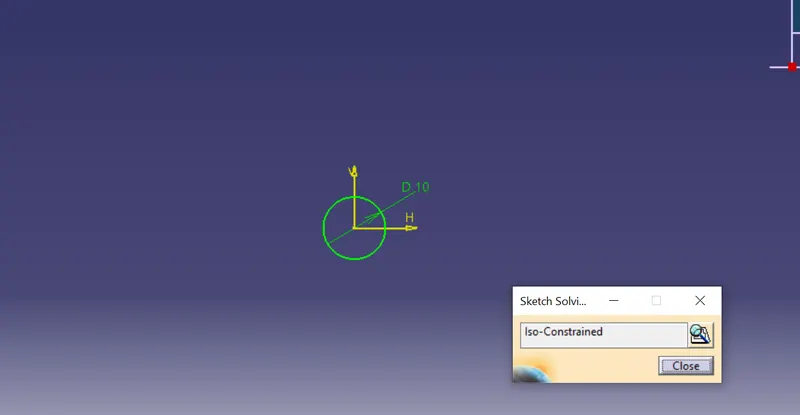
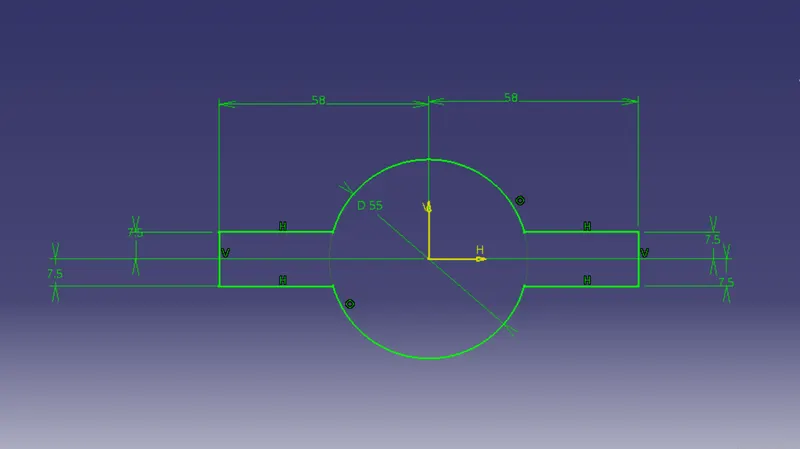
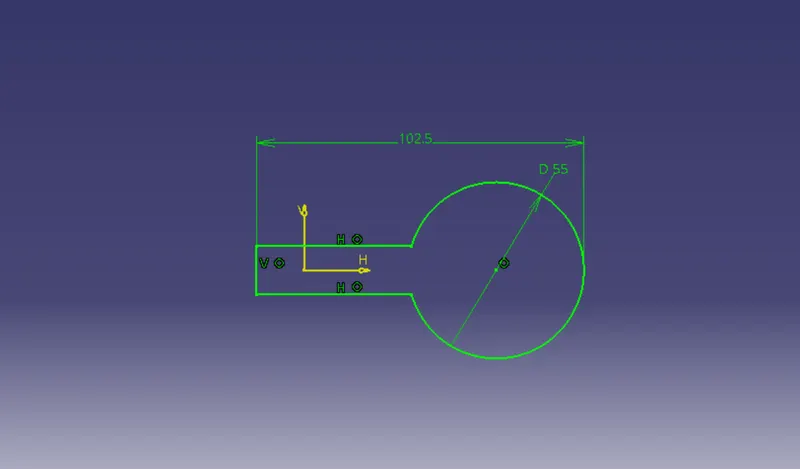
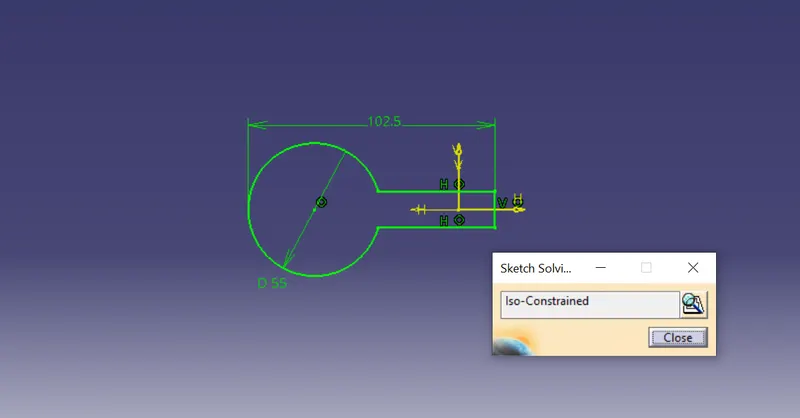
1. Firstly to create the sktches with given pdf drawing value.
2. Use the positioned sketch.
3. Make sure the all sketches is in isoconstraine.
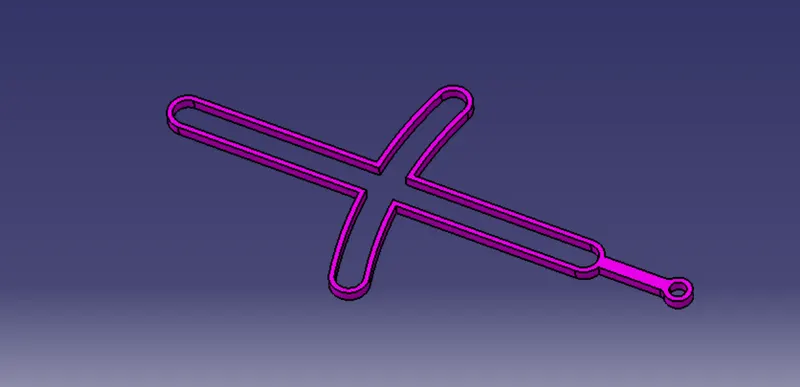
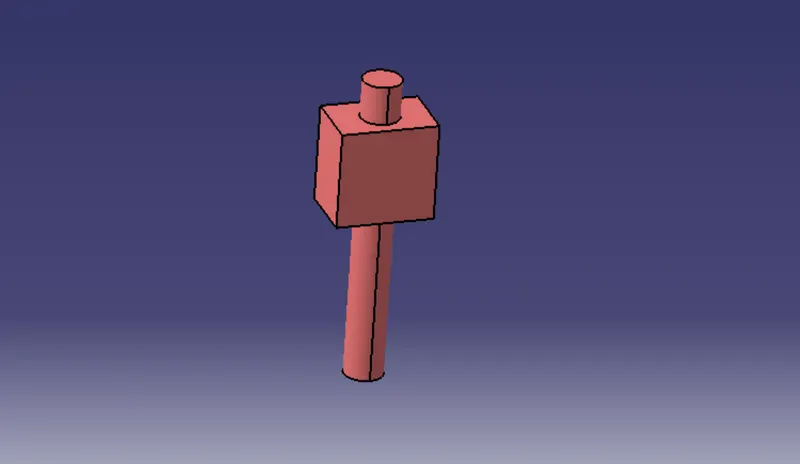
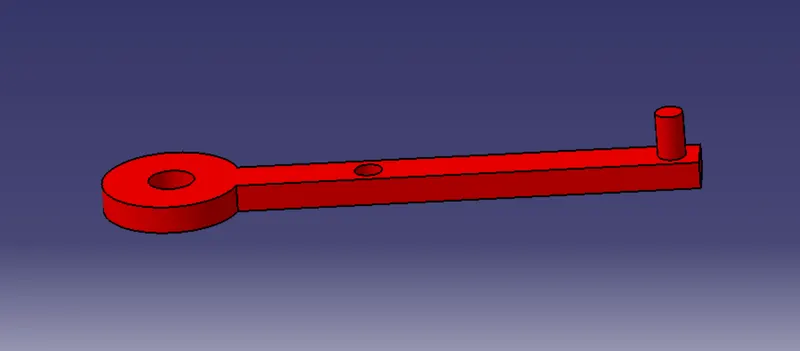
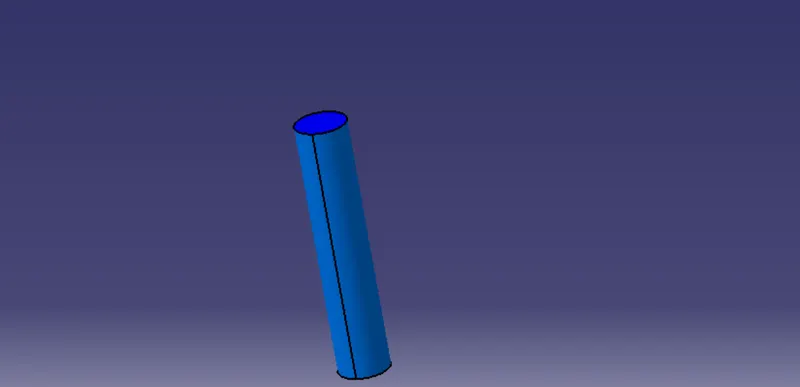
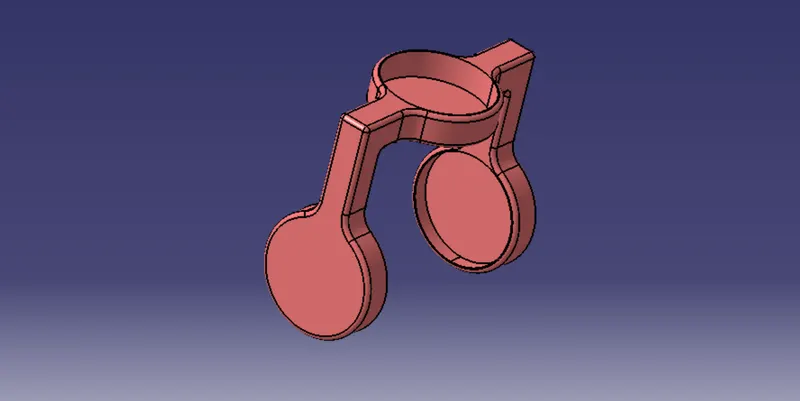
4. After pad the sketches with givan pdf drawing value.
- Quick Return Mechanism Frame :-
- Holding Of Frame:-
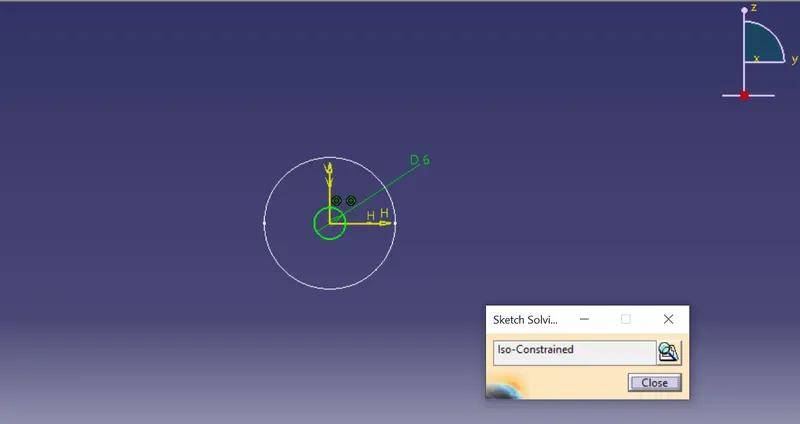
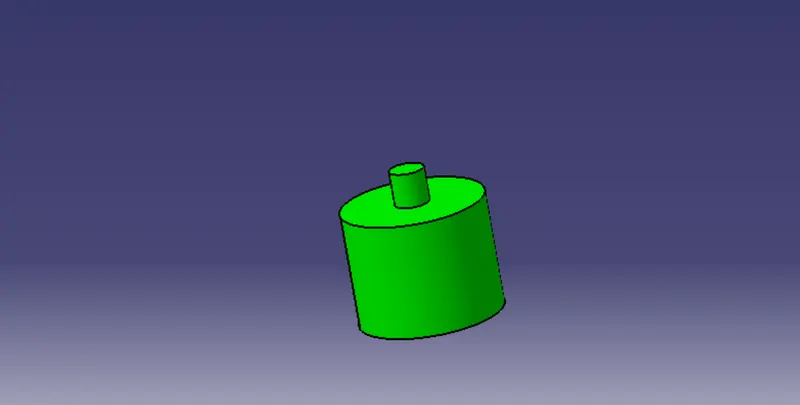
- Slider:-
- Crank:-
- Crank Holder:-
- CREATION ASSEMBLY OF QUICK RETURN MECHANISM:-
5. Go to the new product and insert all the existing component with the product.
6. Move along the X Y Z direction using Manipulation command.
7. Insert new part with the constraine.
8. After fix the constraine not movable.
9. After one by one Coincidence point with reference point of the part.
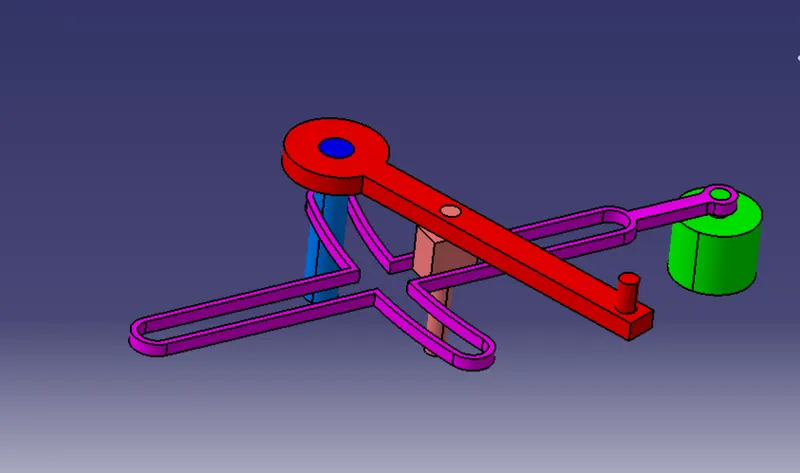
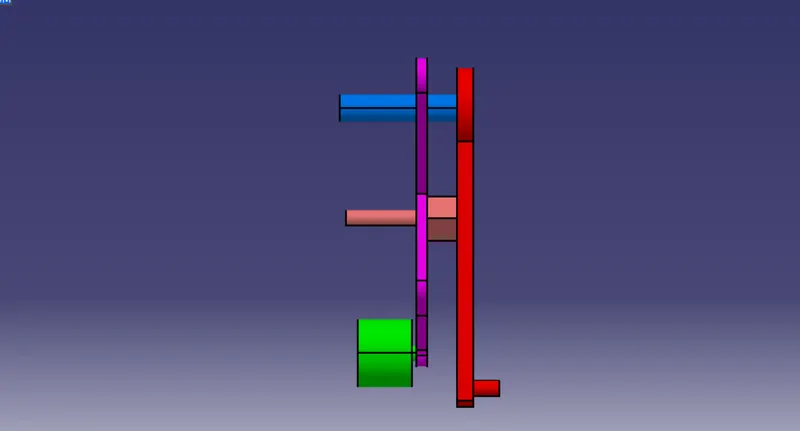
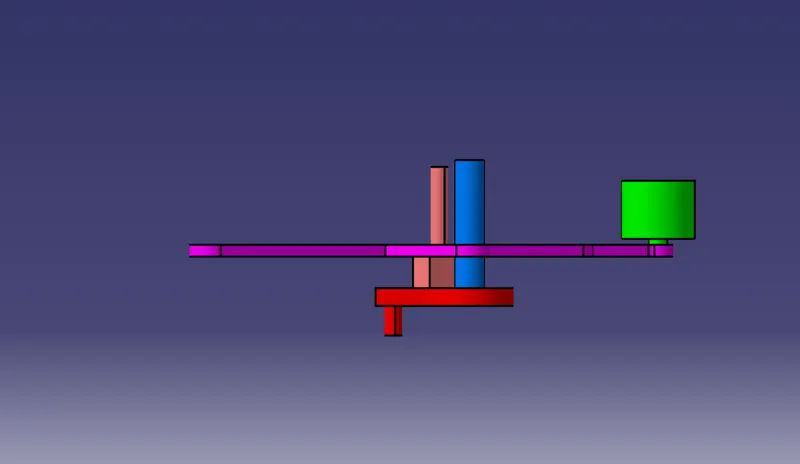
- Various orientations assembly of quick return mechanism (Isometric, Front, Side, and Top View):-
Isometric View:- Front View:-
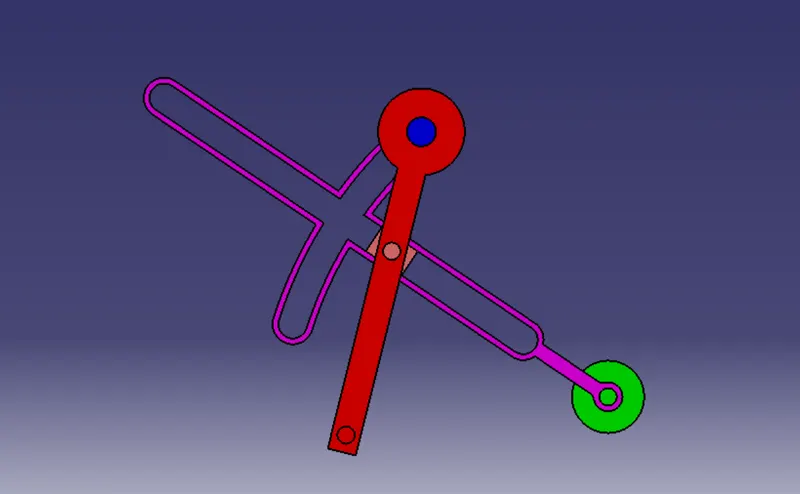
Side View:- Top View:-
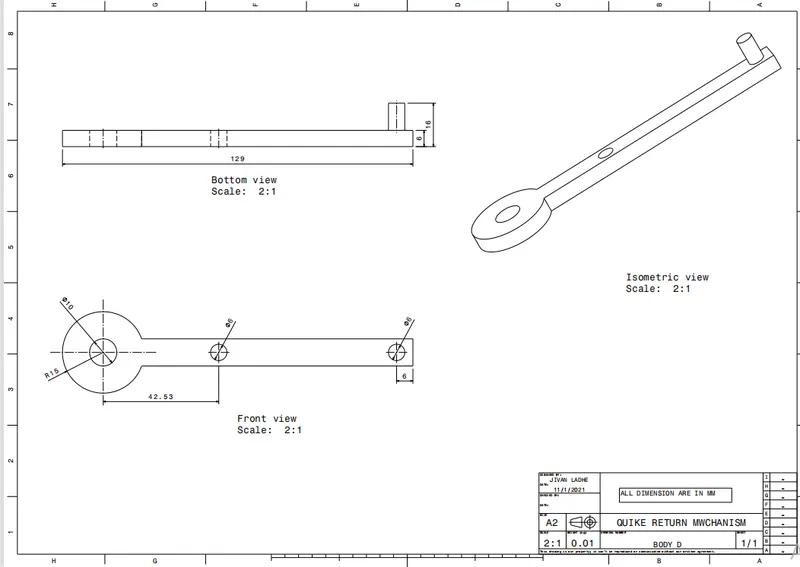
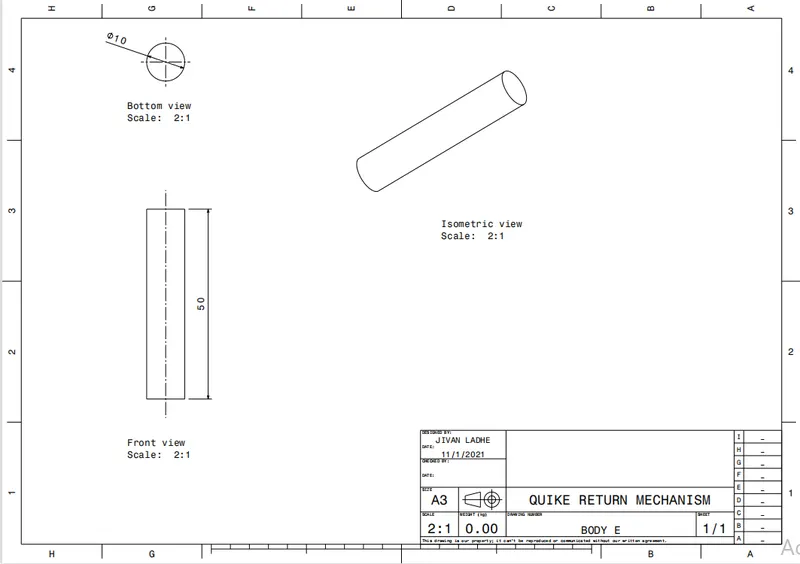
- Creation of drafting for the parts and Assembly as given in challenge:-
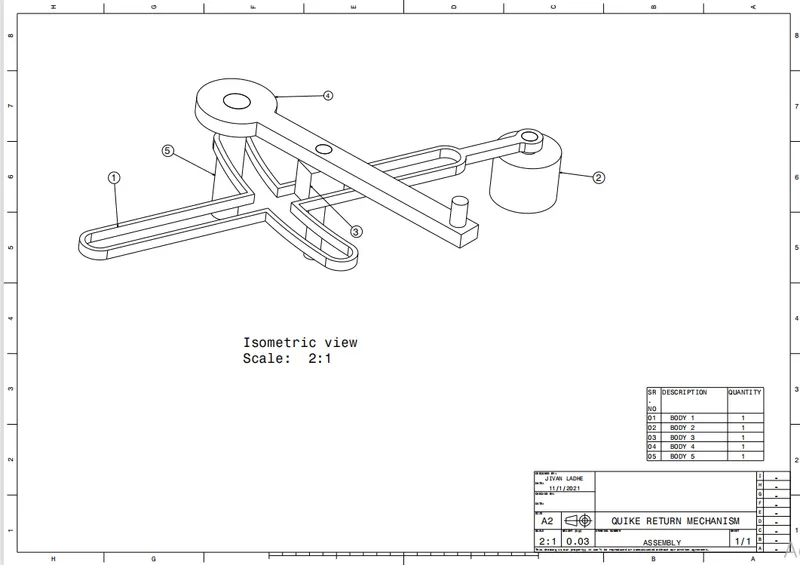
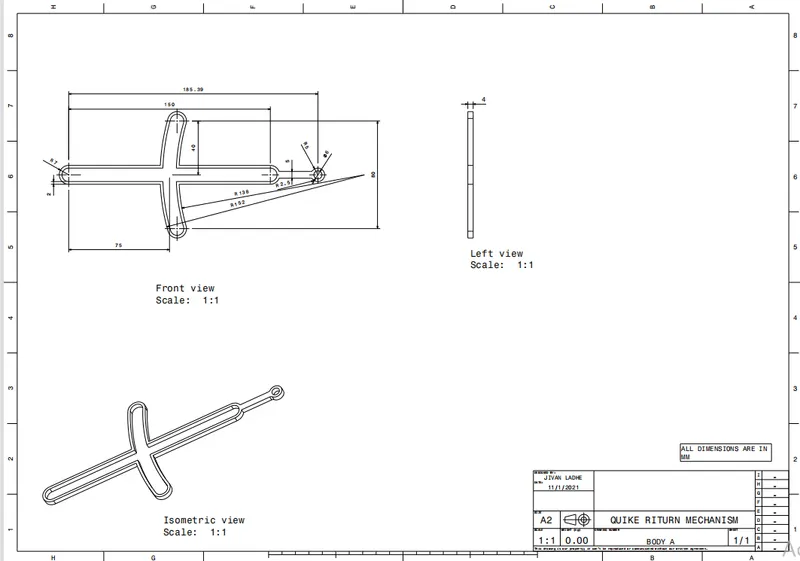
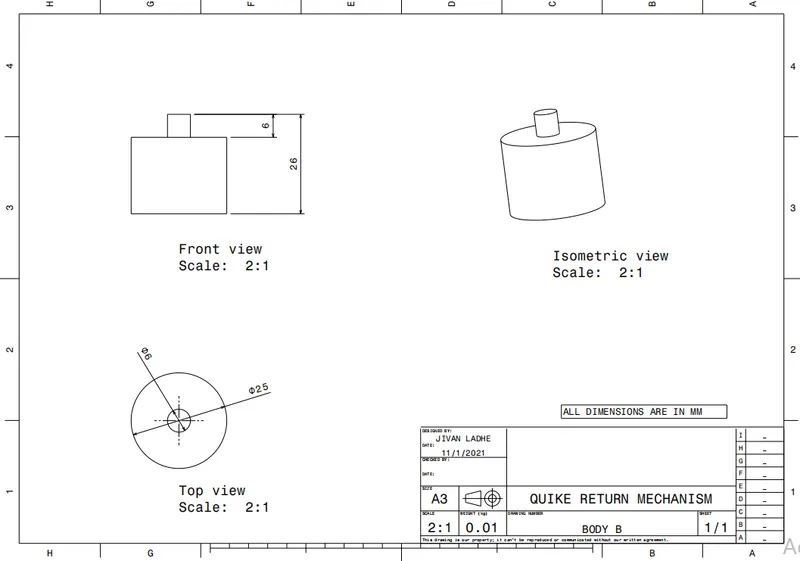
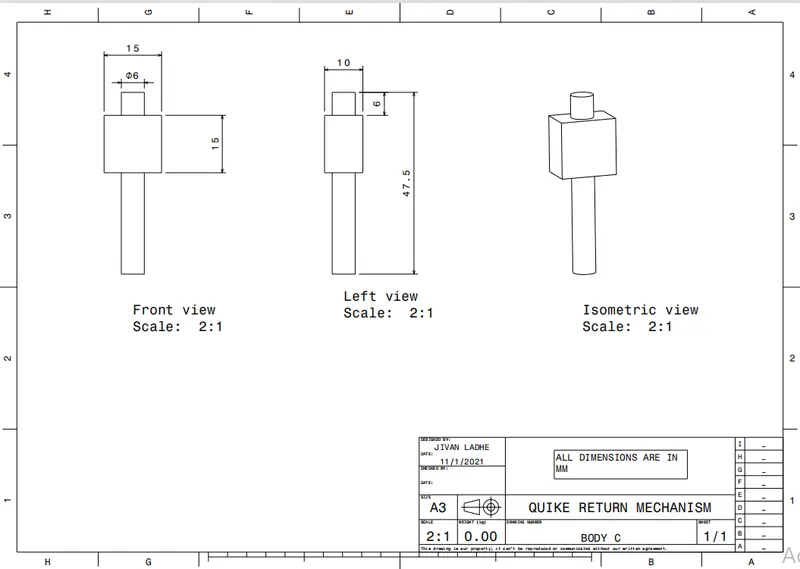
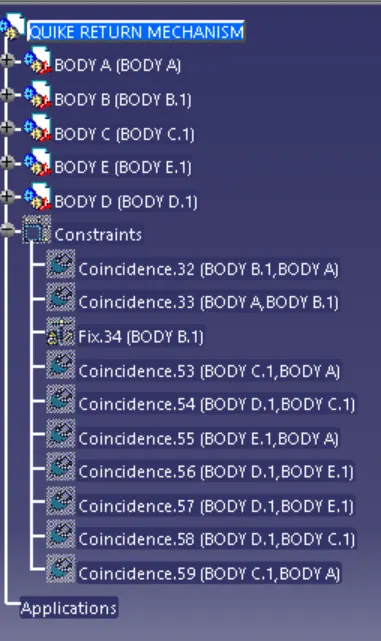
- Tree Structure:-
- CREATION SKETCHES AND PART FOR CV JOINT PARTS:-
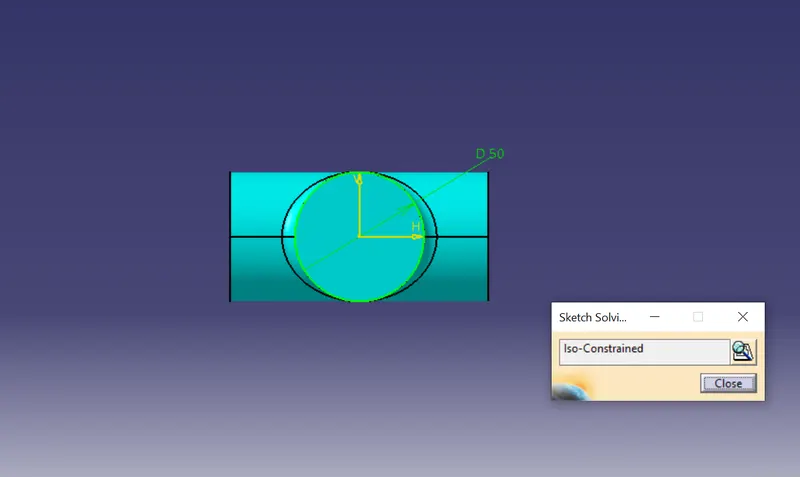
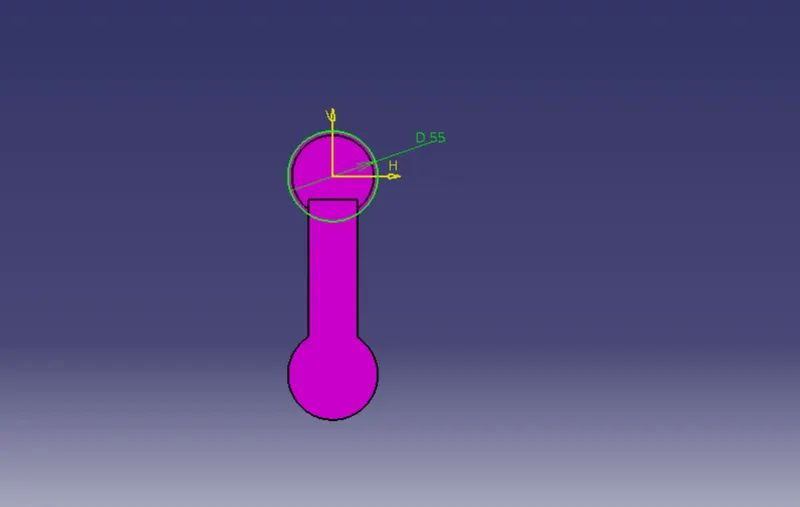
10. Firstly to create the sktches with given pdf drawing value.
11. Use the positioned sketch.
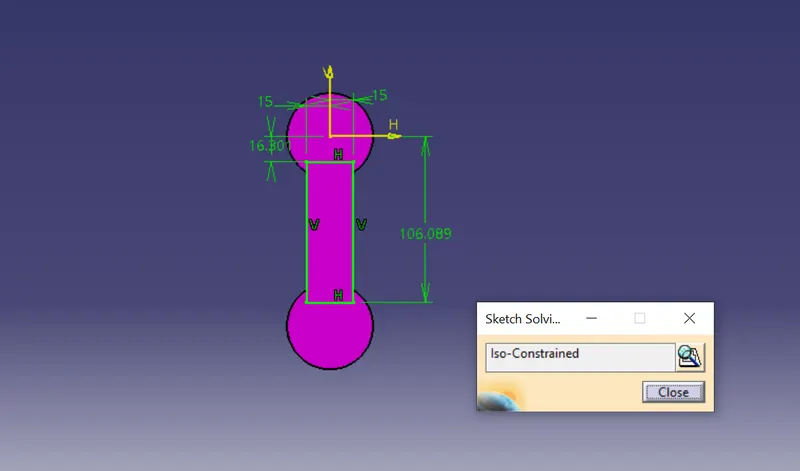
12. Make sure the all sketches is in isoconstraine.
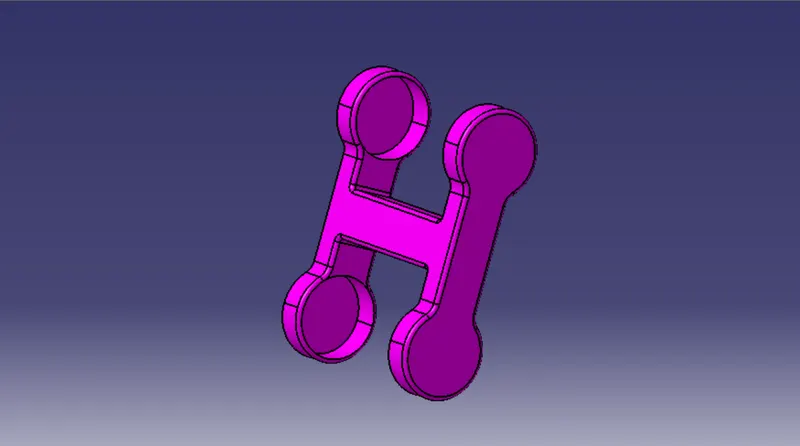
13. After pad the sketches with givan pdf drawing value.
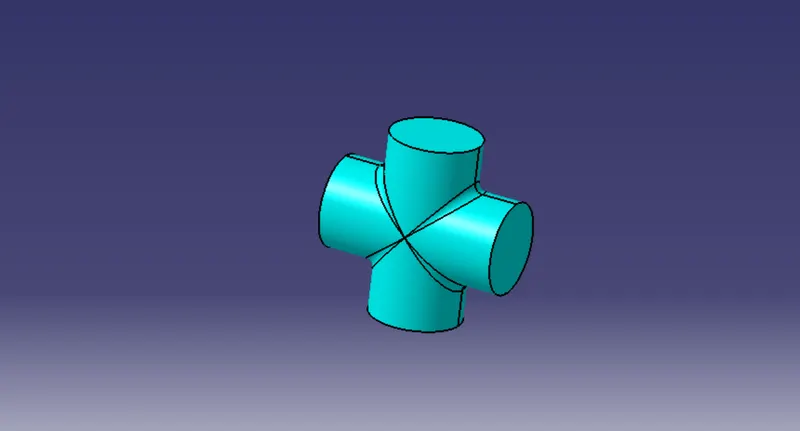
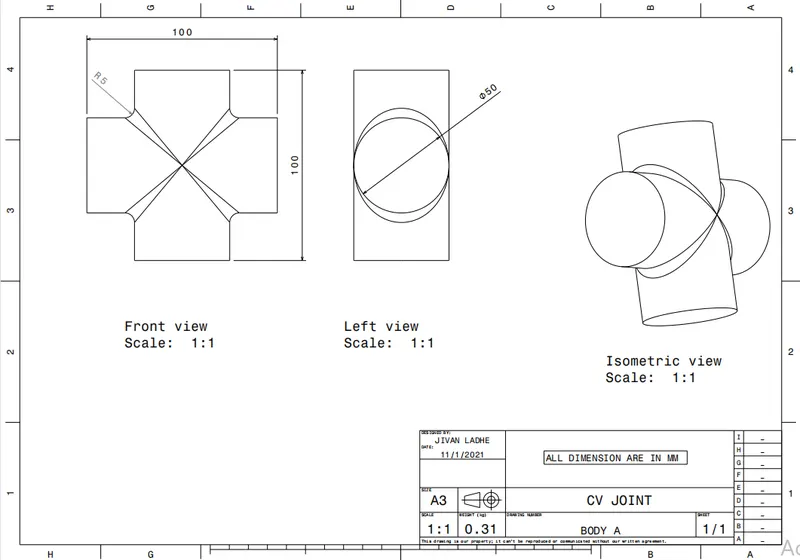
- Body A:-
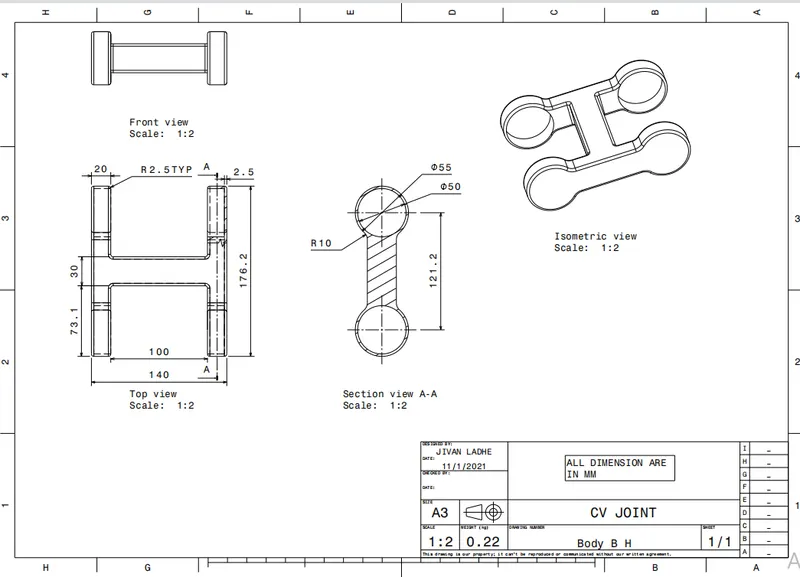
- Body B H Section:-
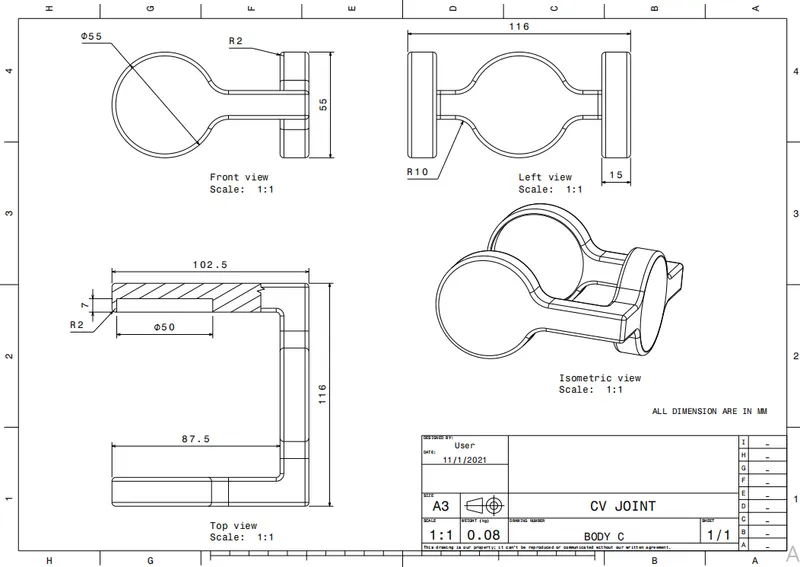
- Body C Channel Section:-
- CREATION ASSEMBLY FOR CV JOINT:-
14. Go to the new product and insert all the existing component with the product.
15. Move along the X Y Z direction using Manipulation command.
16. Insert new part with the constraine.
17. After fix the constraine not movable.
18. After one by one Coincidence point with reference point of the part.
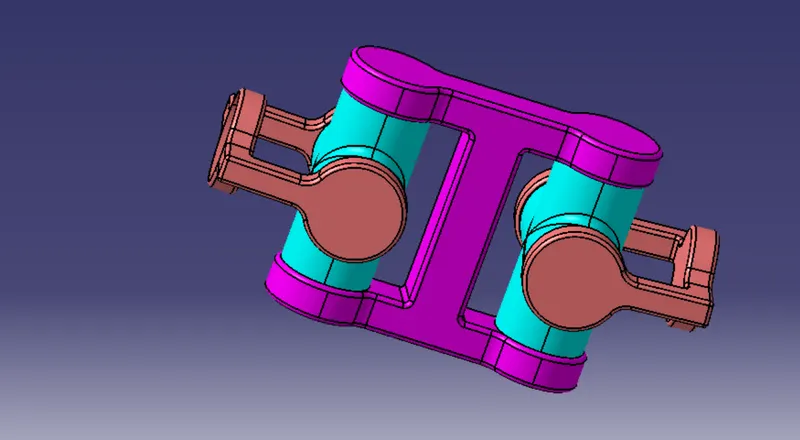
- Various orientations assembly of quick return mechanism (Isometric, Front, Side, and Top View):-
Isometric View:- Front View:-
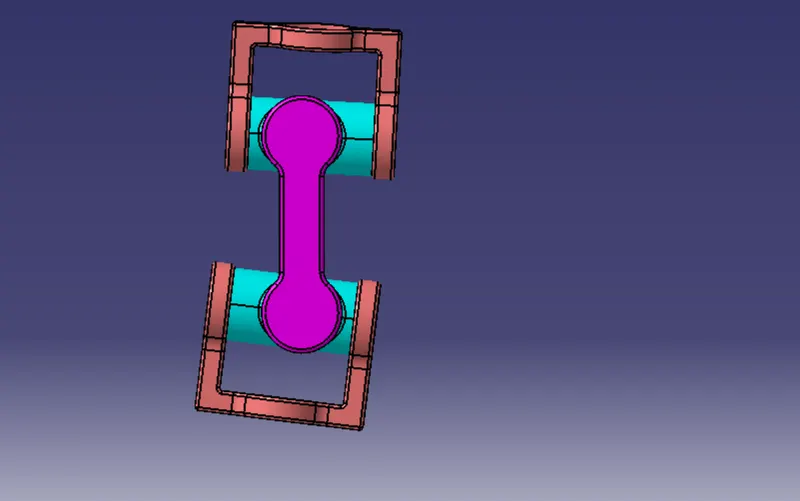
Side View:- Top View:-
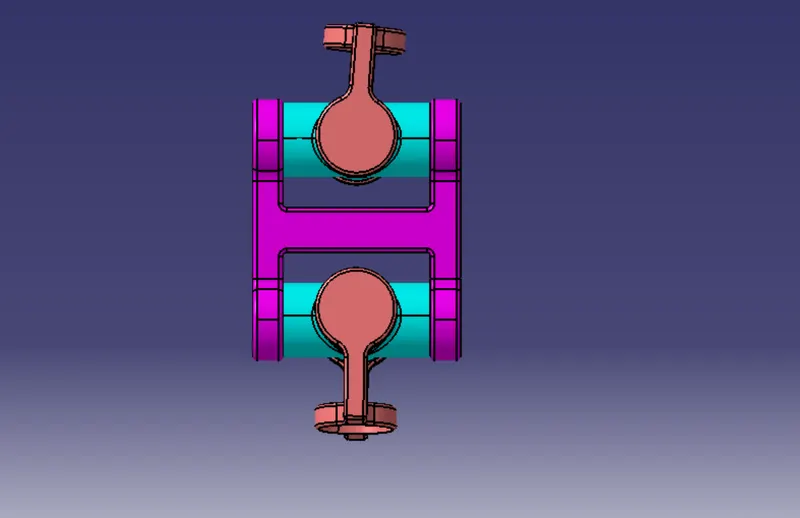
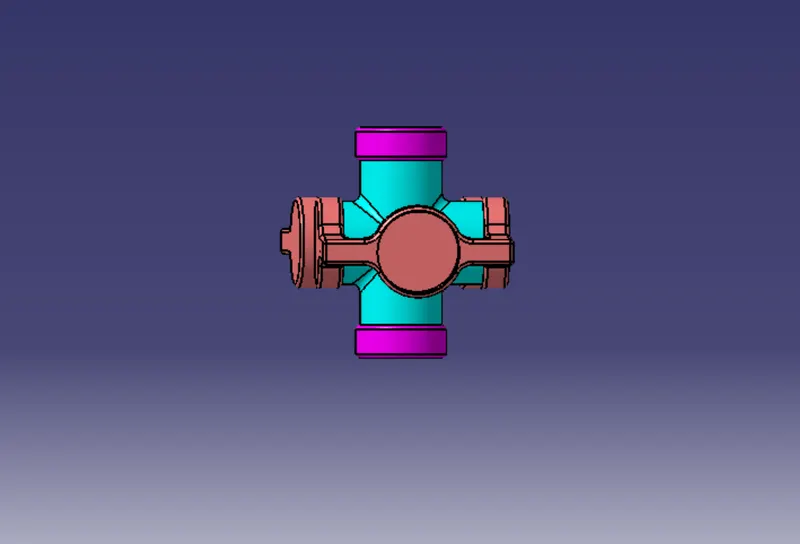
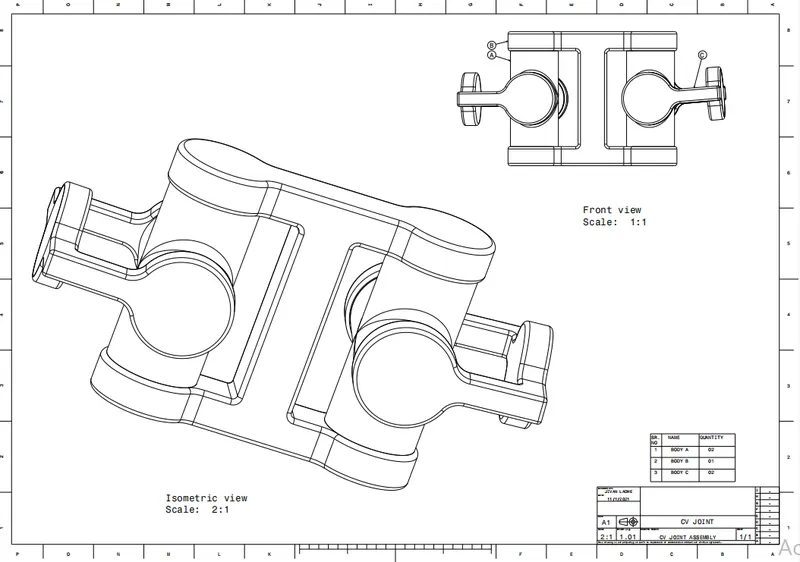
- Creation of drafting for the parts and Assembly as given in challenge:-
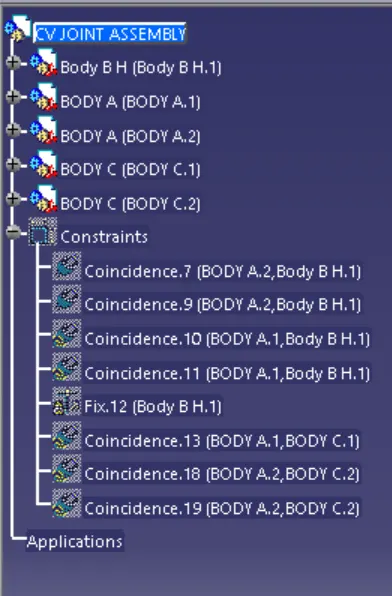
- Tree Structure:-