Week 10 - Challenge 3 - Door Trim Lower with Engineering Features
AIM :-
We need to Create the Door Trim Lower Plastic component through the given Class-A surface. To begin with, the tooling axis for the given Class-A Surface should be created meeting the requirements of the draft angle and at the end perform the Draft analysis on the model. Also need to Create the Heat Stakes and the locators considering the design rules mentioned for the door applique.
ABSTRACT :-
Here we need to create a closed surface from the provided Class A surface. Step by step followed to creation the surfaces like a Class B & C surface make a Add & trim to get the desired closed surface, after make it as a closed body & perform a Heat Stakes and the locators considering the design rules.
SOLUTION :-
The number of procedures as follow with specific snaps & explanation are to explain respectively.
PROCEDURE_1 :- CREATION TOOLING AXIS / DRAFT ANAYSIS OF CLASS_A
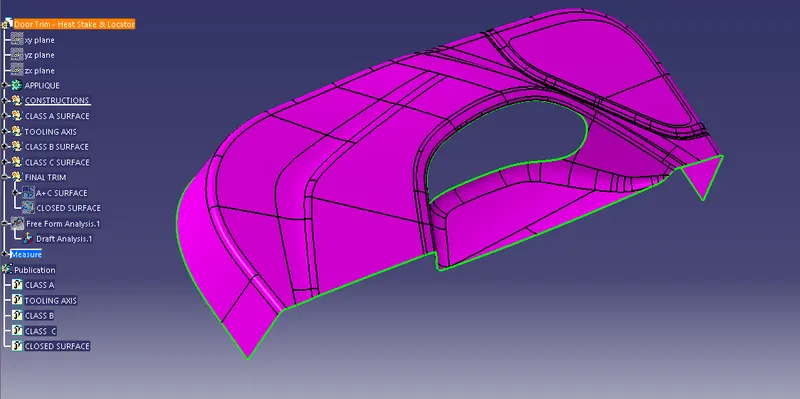
SNAP (1) :- Class A surface with Unpatched boundary
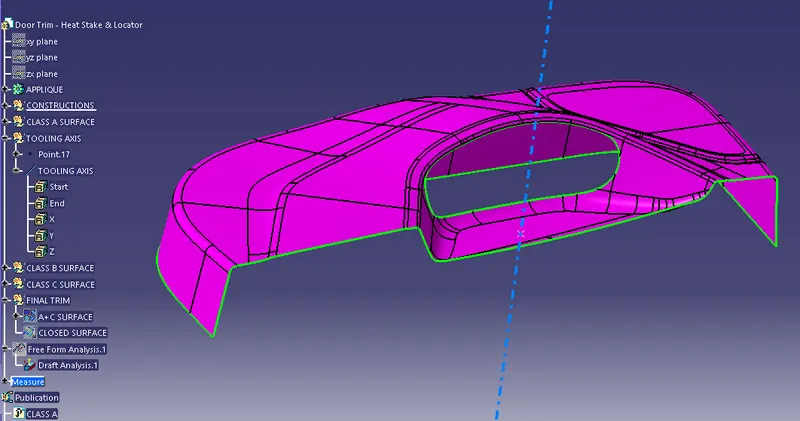
SNAP (2) :- Tooling Axis created by x,y,z method to normal surface
- For the tooling The first step for any component creation from the Class A surface, their is a need to check the class A & creation the tooling axis.
- We simply check it with green boundry line & the Draft Analysis.
- For the creation the tooling axis we need to take a flat surface from the Class A.
- The selected flat or normal surface there should be provide the point for the creation the tooling axis, but firstly need to create a simple dummy Axis. Axis creation will be point & direction, normal to surface or common is Bisecting method also.
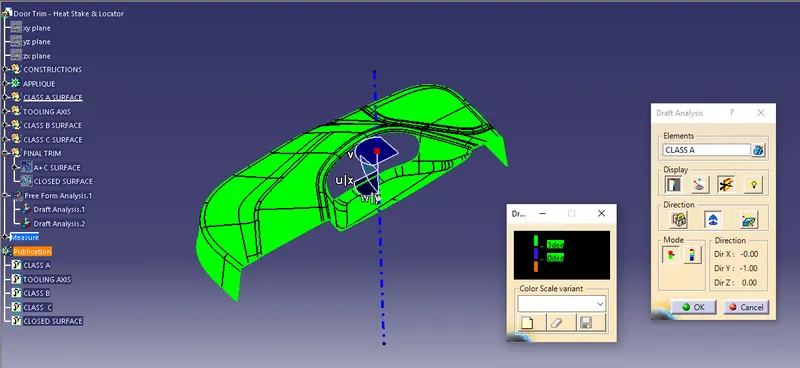
SNAP (3) :- Draft analysis of the Class A
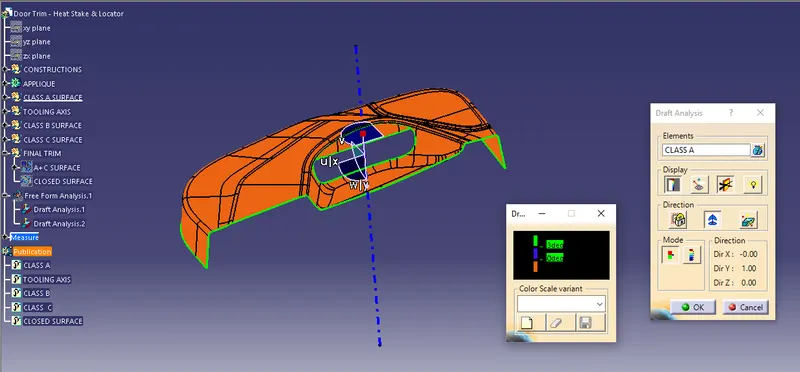
SNAP (4) :- Draft analysis of the Class A in reverse direction
PROCEDURE_2 :- Class B surface creation
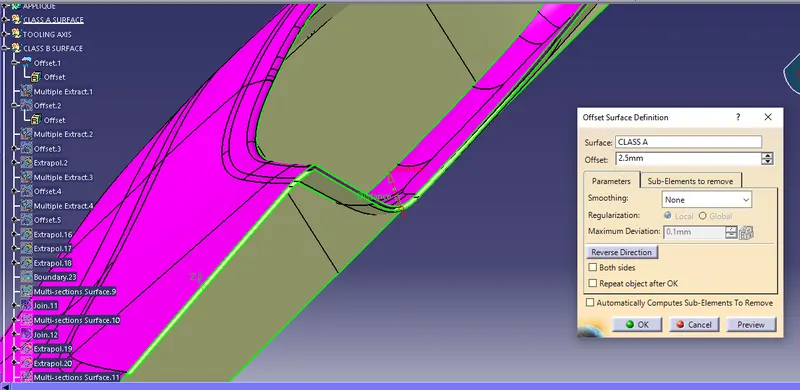
SNAP (5) :- offset from the class A with 2.5 mm
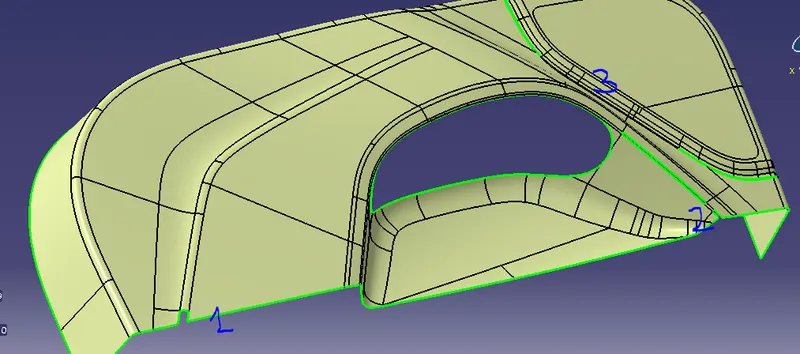
SNAP (6) :- After the offset B surfaces found a multiple patches.
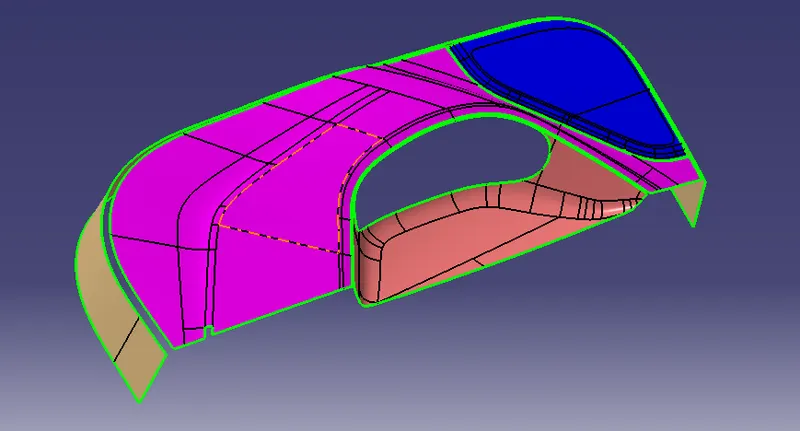
SNAP (7) :- Multiple extract created in patches area.
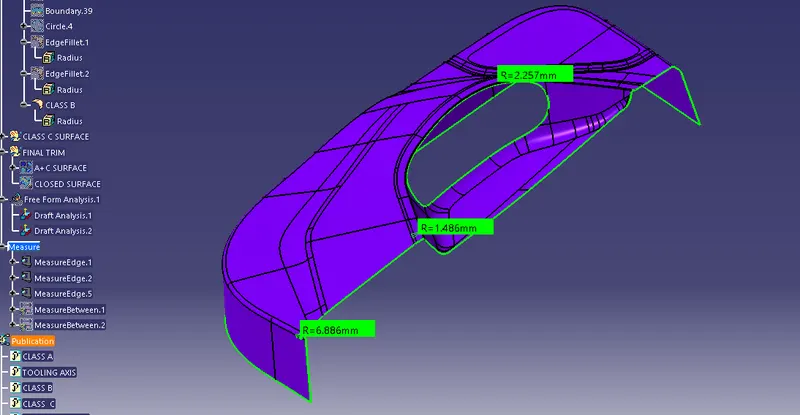
SNAP (8) :- Final fillet radius provided to the Class B surface.
- Here we can take the fillet radius from a referance of Class A or B also.
- But there is a difference ids when we take referance from the class A we have to redure the thickness value from it.
- in this way the proper fillet radius has provided as shown.
PROCEDURE_3 :- Class_c Surface Creation.
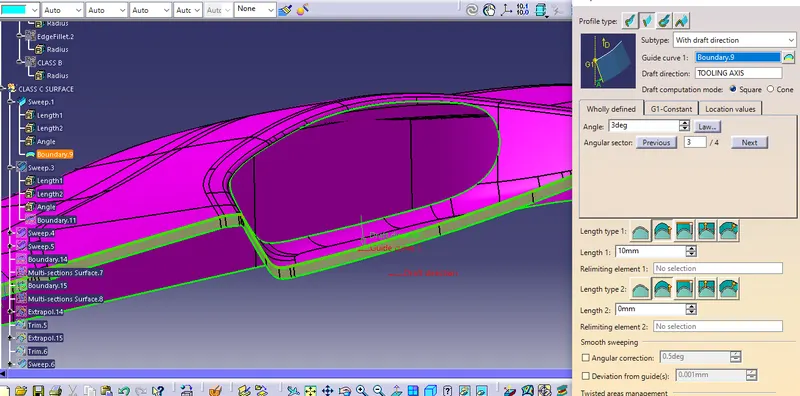
SNAP (9) :- Multiple sweeps are applied to the Referance boundary of the class A.
- In this procedure we need the Class A again to as a referance for creation the Class_C surface.
- Here 2 types of Sweeps are used for the making class_C surfaces.
- The 2 types as 1st is taking a referance surface with an angle of 90 Degree &
- 2nd is with the draft direction with the angle of 3 Degree. In the referance with surfaces we take a referance as a Class_A & in the with the draft direction as a Tooling axis as well.
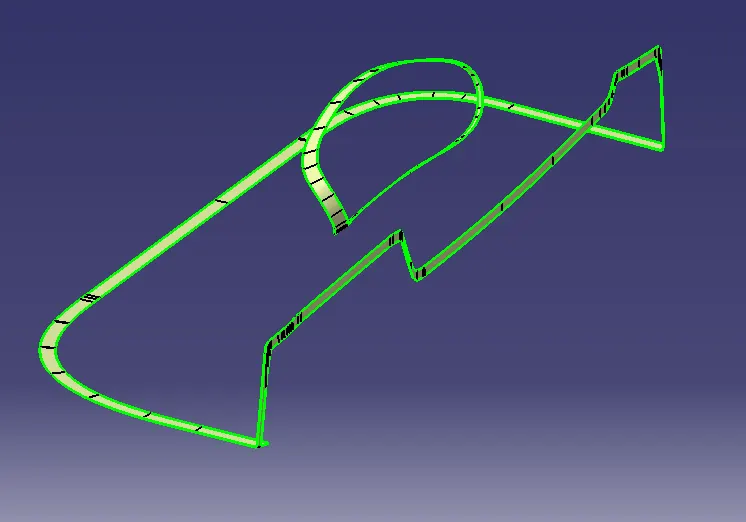
SNAP (10) :- Class_C surface
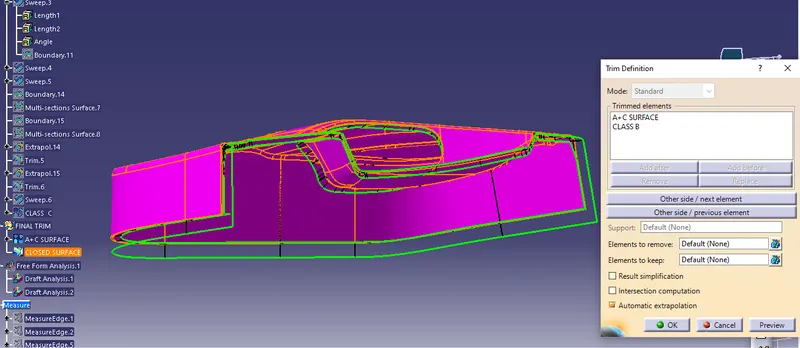
SNAP (11) :- Final trim of Class A+C with the Class B
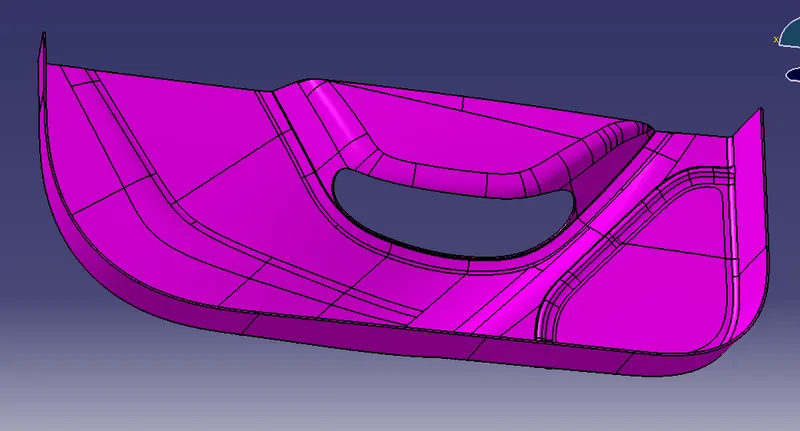
SNAP (12) :- Final closed surface
PROCEDURE_4 :- Closed Solid body creation.
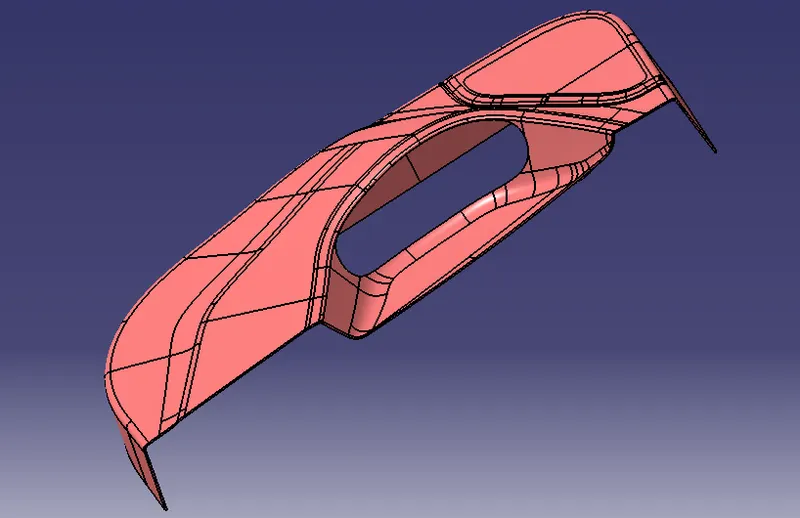
SNAP (13) :- Final closed body
PROCEDURE_5 :- Heat Stakes & 4 way Locator creation
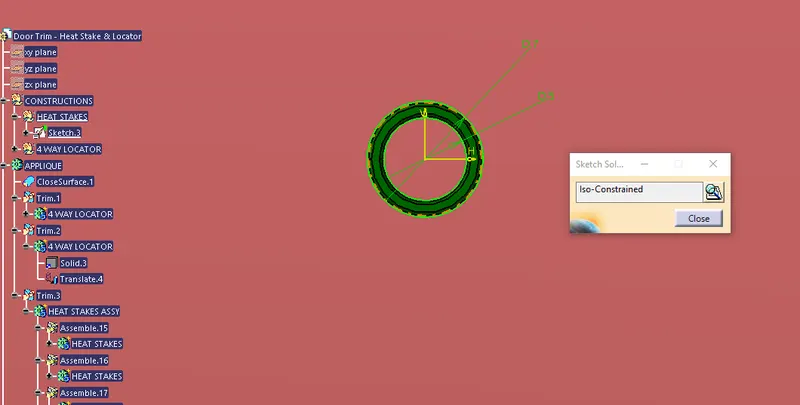
SNAP (14) :- Sketch of the heat stakes with proper constrained
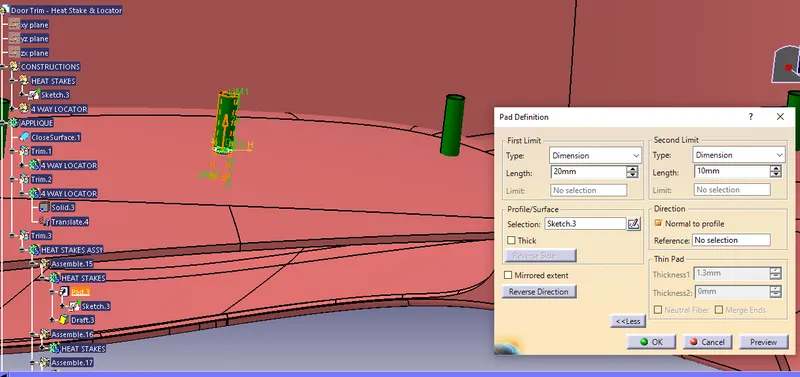
SNAP (15) :- Heat stakes sketch has been padded .
- After After the sketch has complete there is a need to pad it properly with specified diamensions
- Then provide the draft angle to this padded heat stakes outer the face & internal face of the hole, with the bottom side as a Neutal face.
- And make it inward direction draft, as well.
- Make a translation of the original heat stake.
- First we need to copy it & paste specially, & translate it to the in a point to point by provided 14 point location.
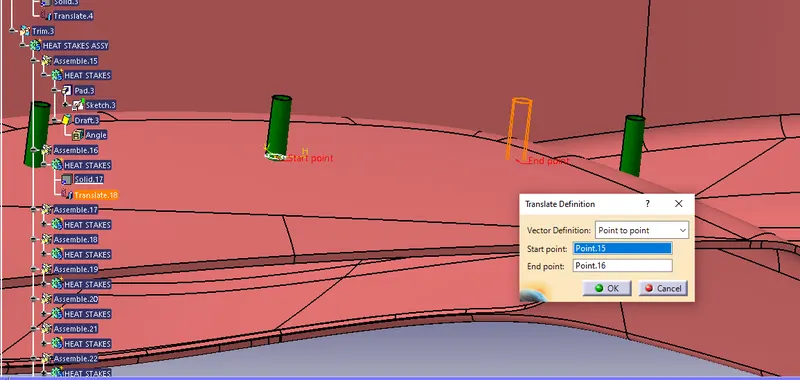
SNAP (16) :- Heat stakes are translate with point to point as well.
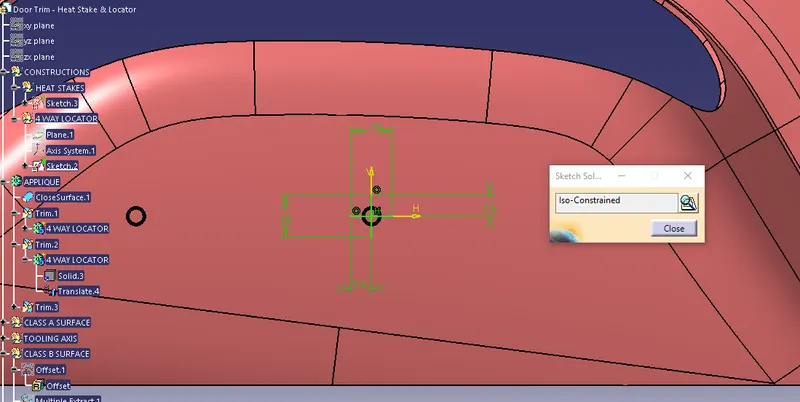
SNAP (17) :- Sketch of the 4-way Locator with iso-constrained
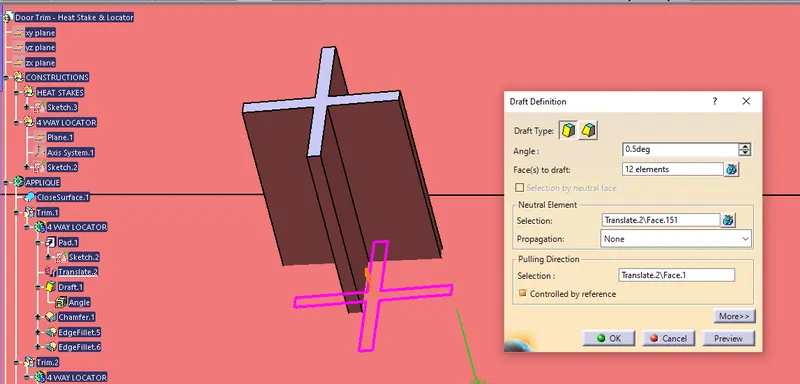
SNAP (18) :- Drafted Locator
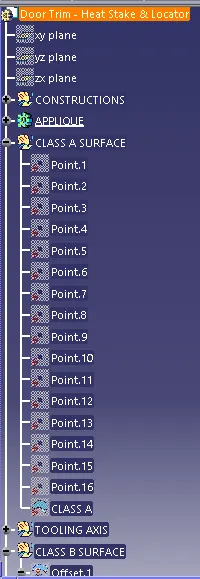
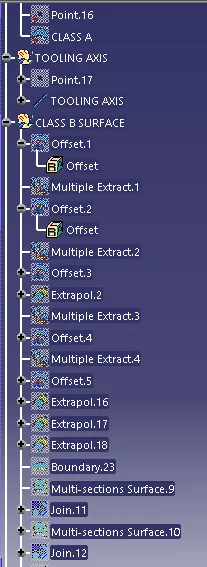
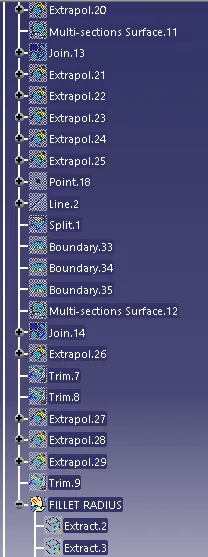
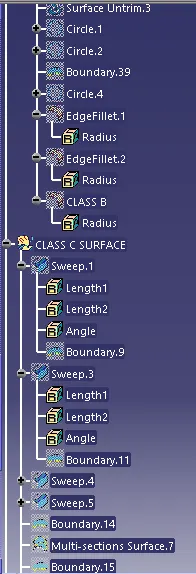
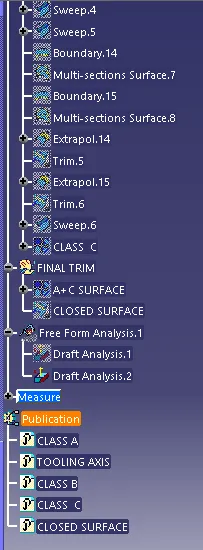
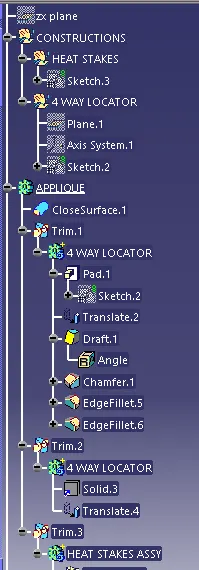
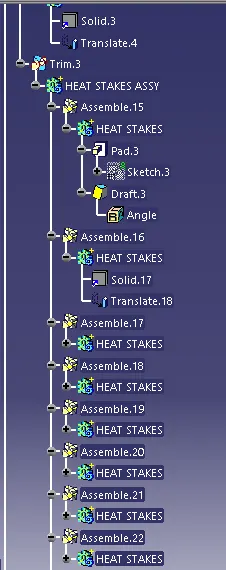
- TREE STRUCTURE
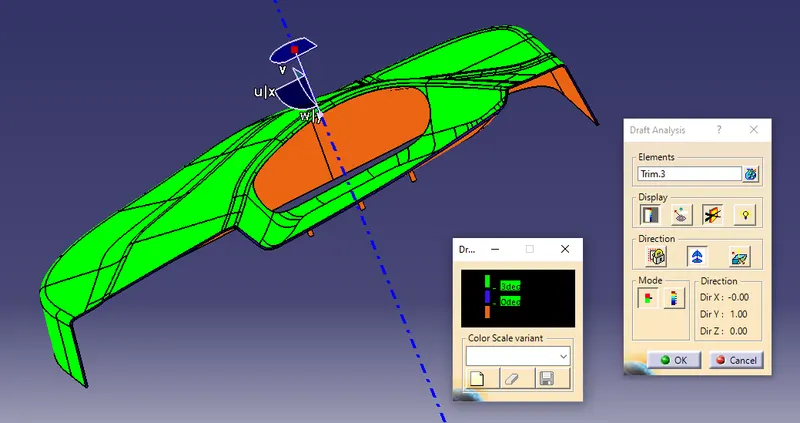
PROCEDURE_6 :- Final component Draft Analysis
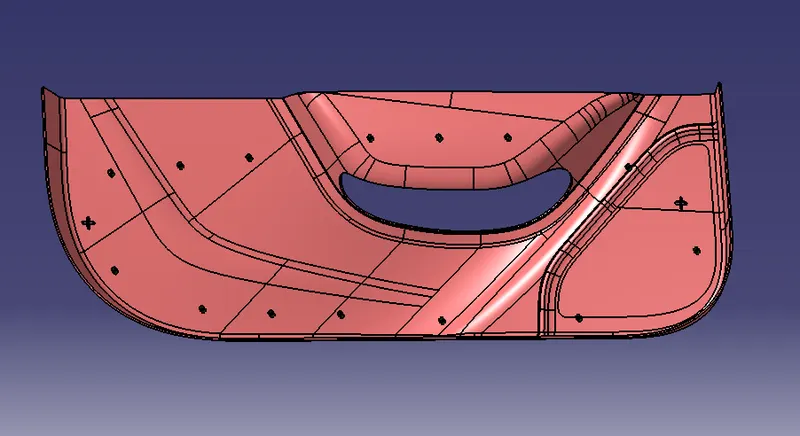
- FINAL COMPONENT WITH PRVIDED THE HAET STAKES & 4-WAY LOCATOR AS WELL.
CONCLUSION :-
In this way we have crreated the 4-WAY LOCATOR & HEAT STAKES with provided the Class_A surface & maked A final component as well. The required snaps are attached to report & CATIA file has been browse repectively for the final submission.
Thank You.