Week 10- Assembly Workbench
Assembly workbench
Aim :
To create the assemblies according to the given 2D Drawings create the parts and then assemble them. And create the Drafting for each part.
Objective :
- Create the parts with the given 2D Drawing and assemble them.
- Create the Drafting for each part.
Given :
- Quick Return Mechanism (parts 2D - Drawing)
- CV Joint (parts 2D - Drawing)
Parts creation :
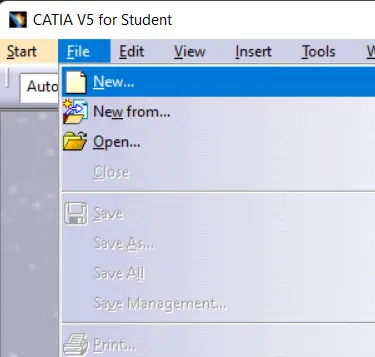
From the given 2D Drawing we create the parts first for that first open CATIA V5 and from that click file>New and then another box will open from that select part as shown in the figure.
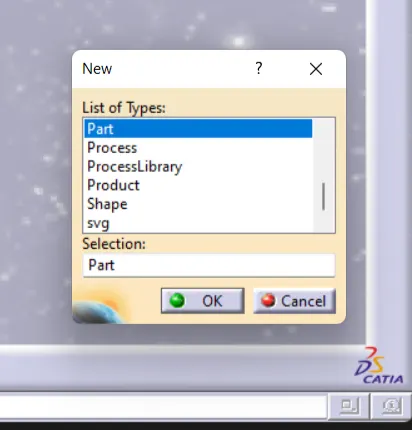
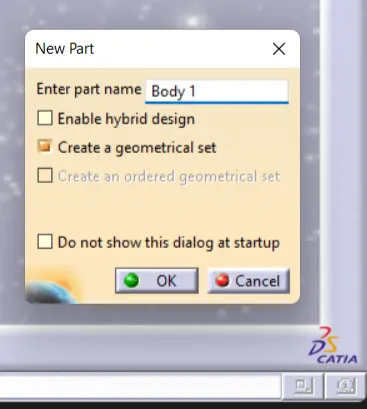
After that next give the file name as required as shown in the figure.
1. Quick Return Mechanism :
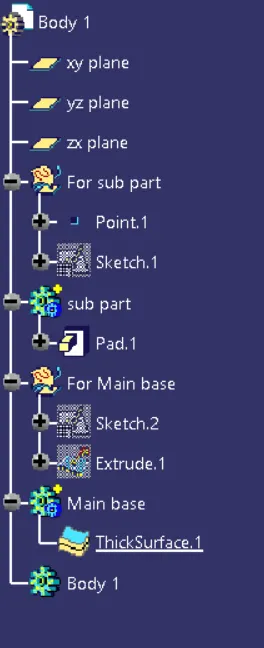
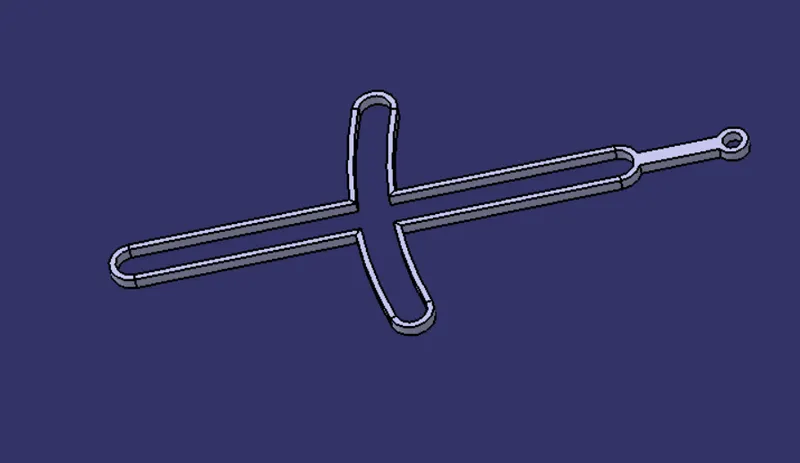
Step for creating body 1 :
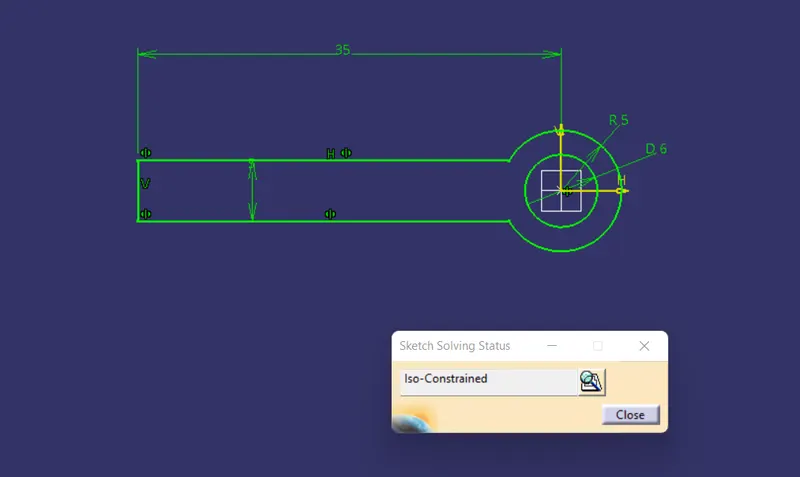
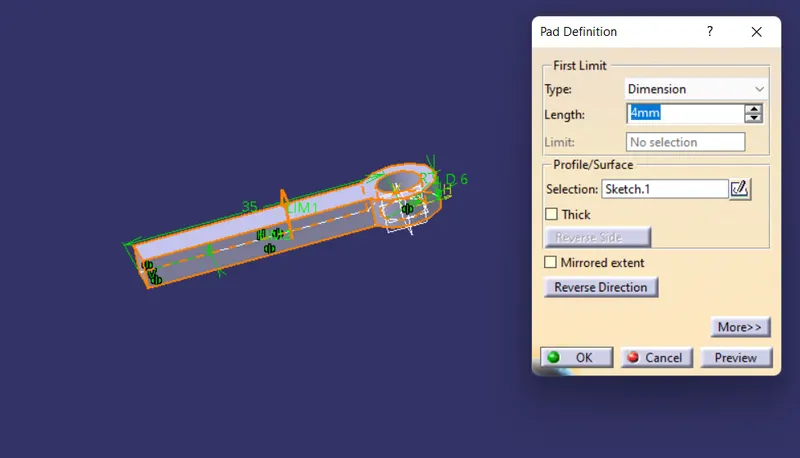
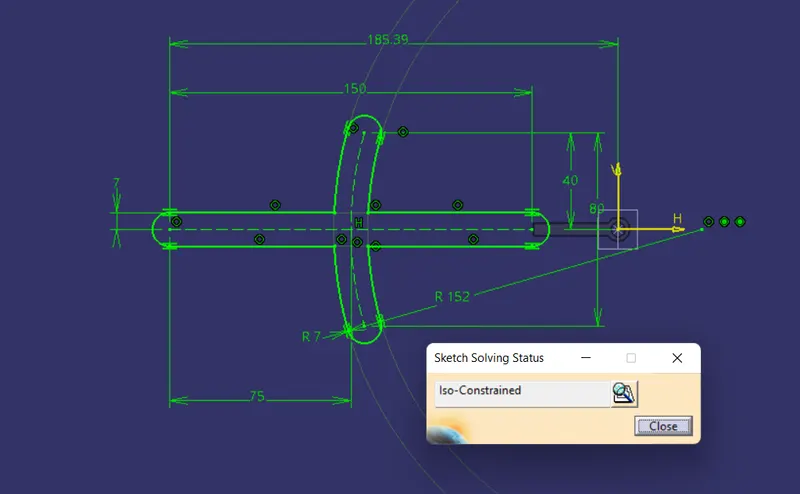
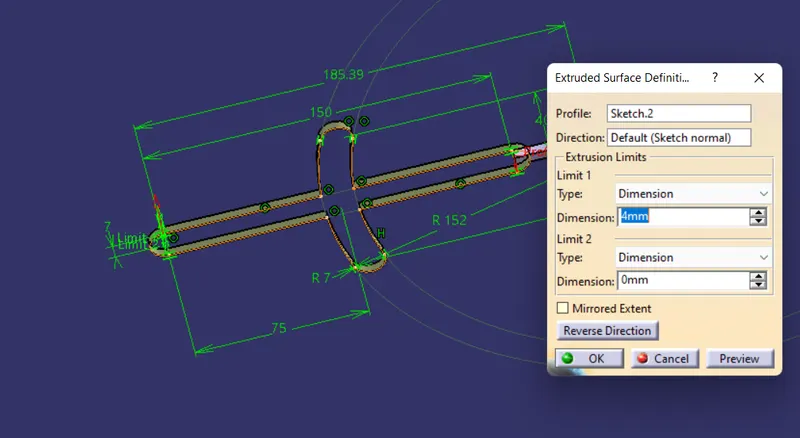
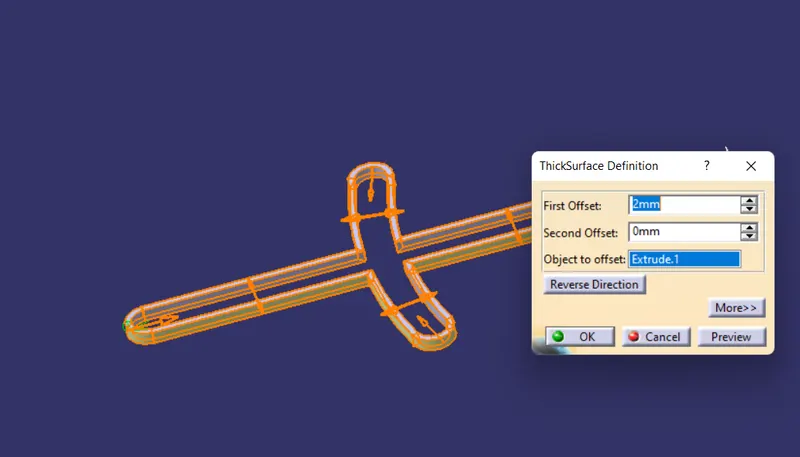
Created Body 1 :
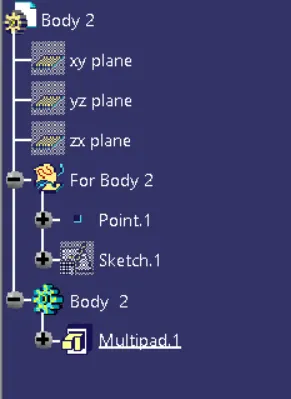
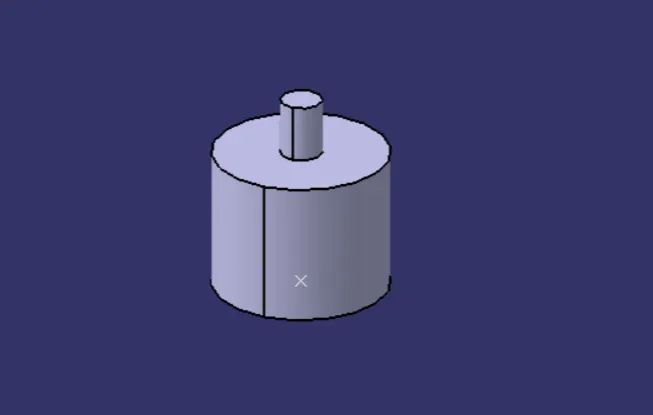
Created Body 2 :
The above procedure followed for creating all parts of the Quick Return Mechanism is shown in the figure.
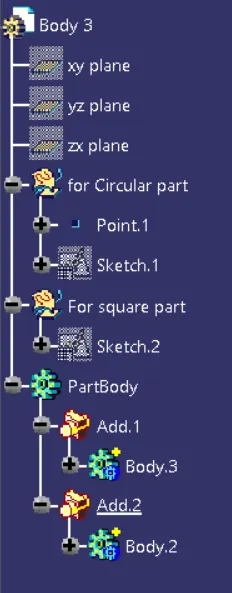
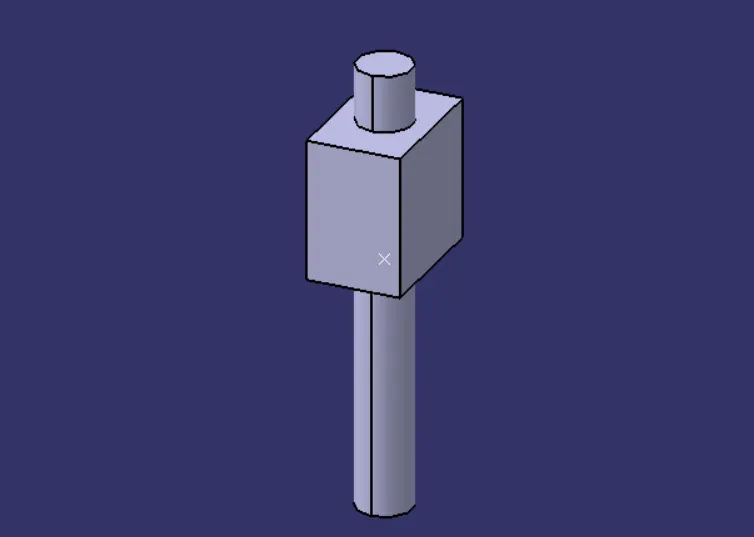
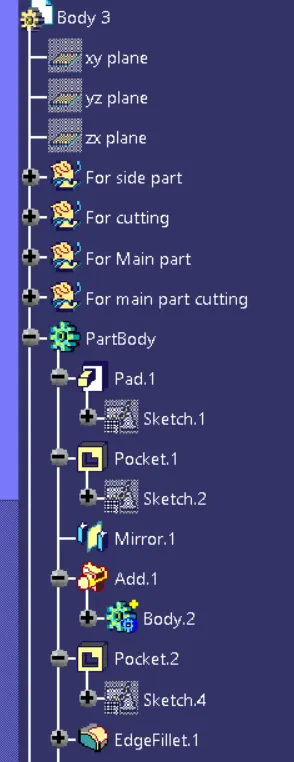
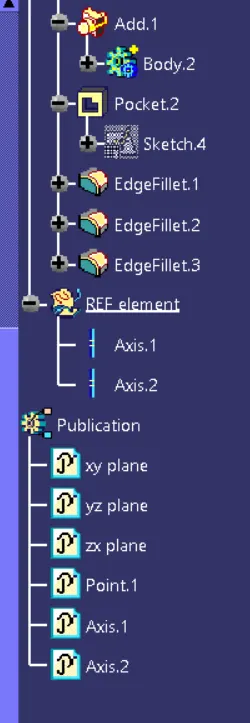
Created Body 3 :
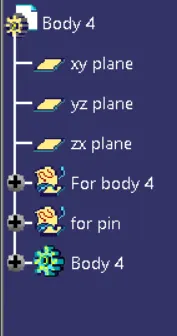
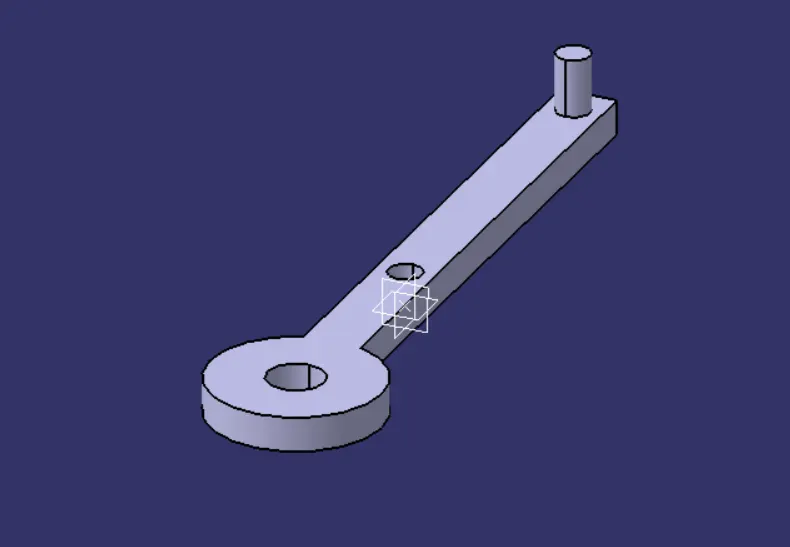
Created Body 4 :
Created Body 5 :
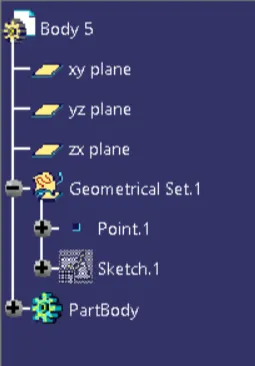
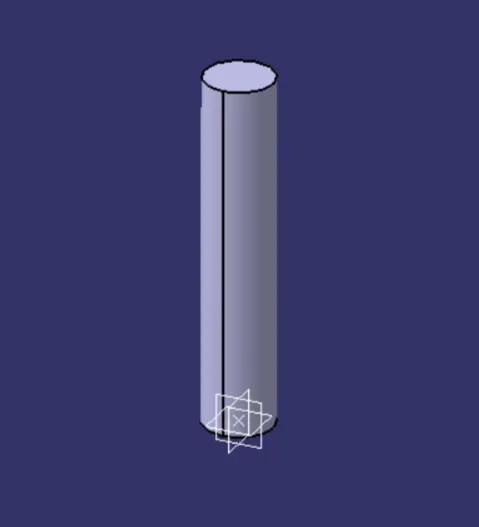
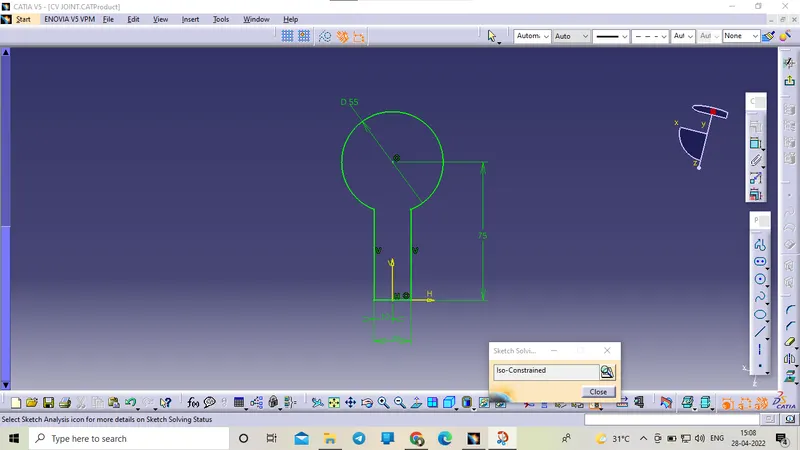
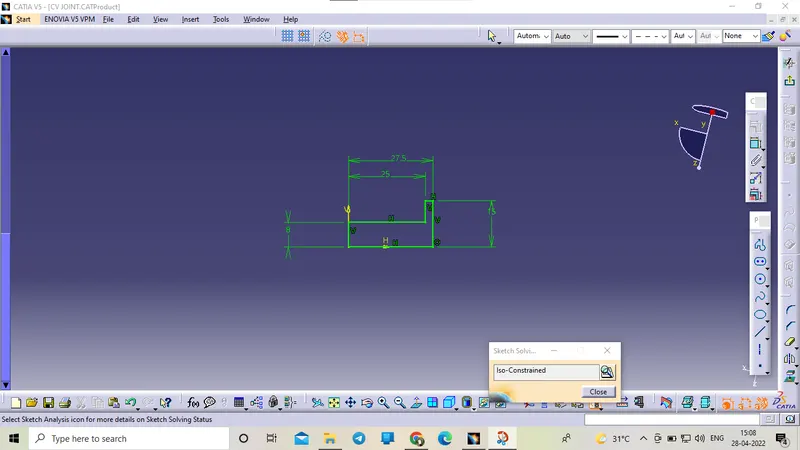
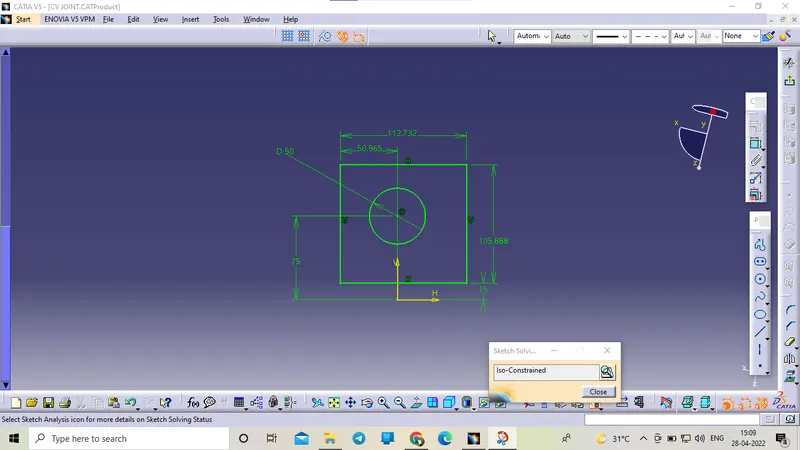
2. CV Joint :
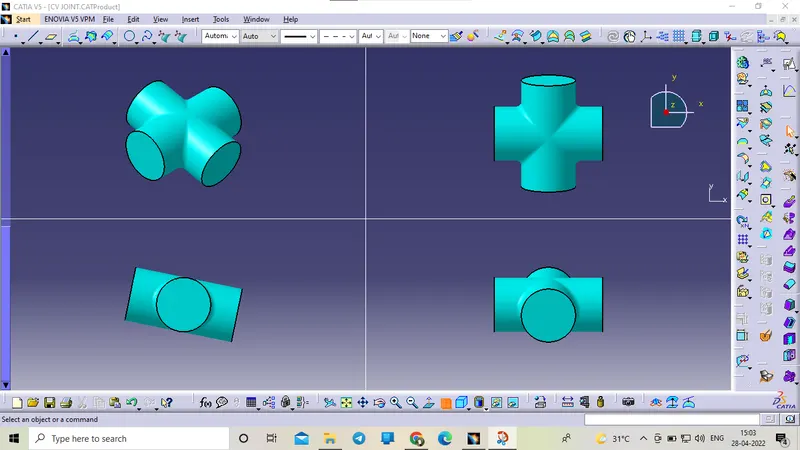
Created Body 1 :
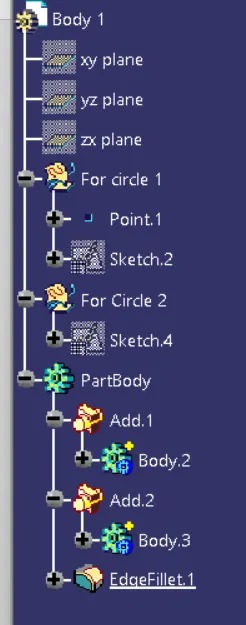
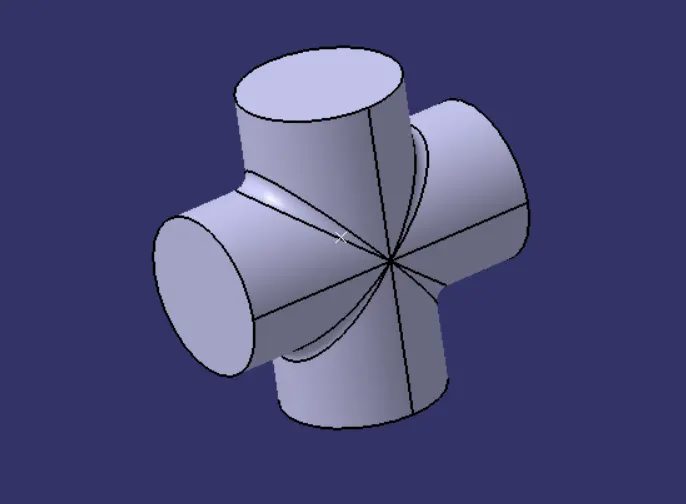
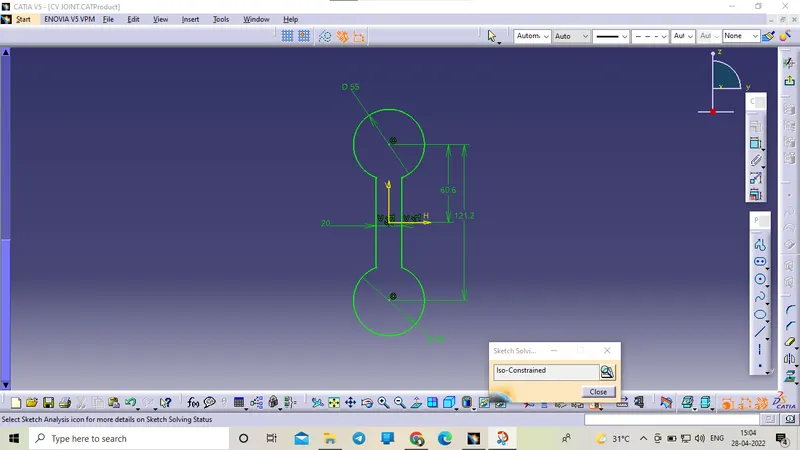
Created Body 2 :
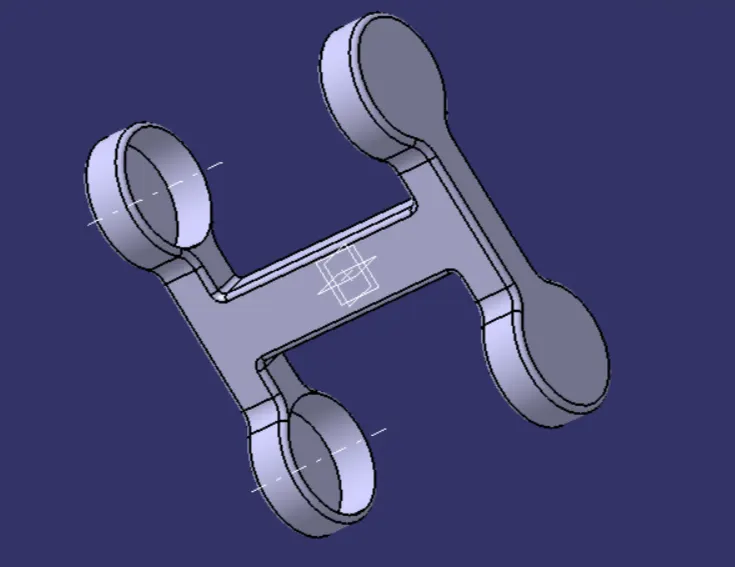
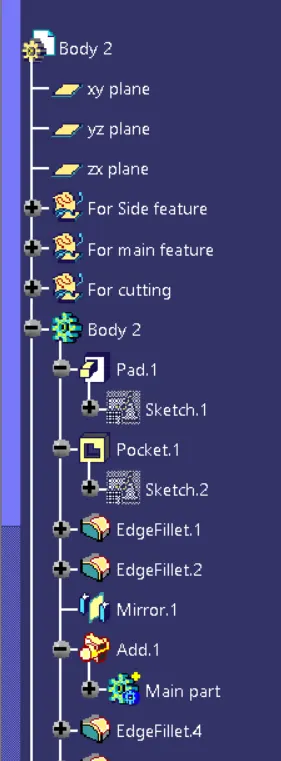
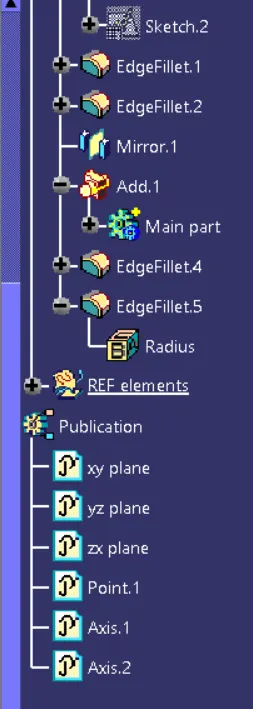
Created Body 3 :
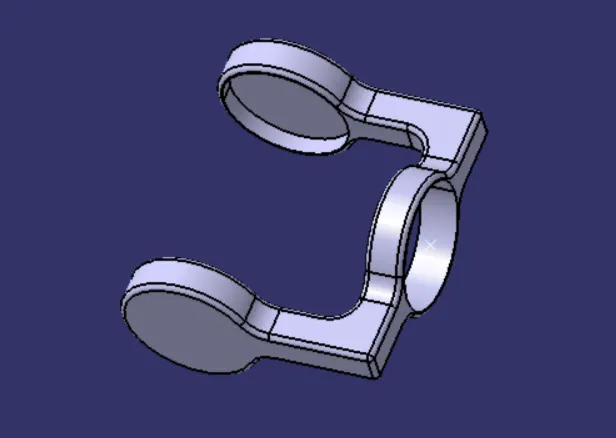
Assembly :
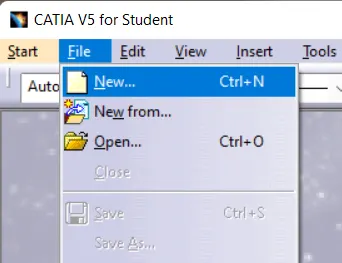
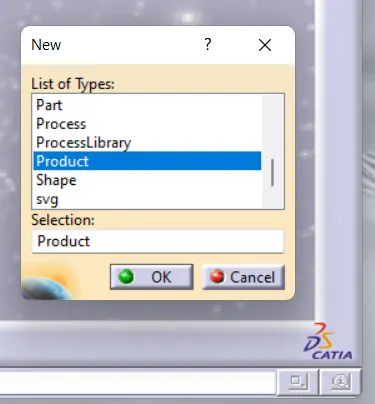
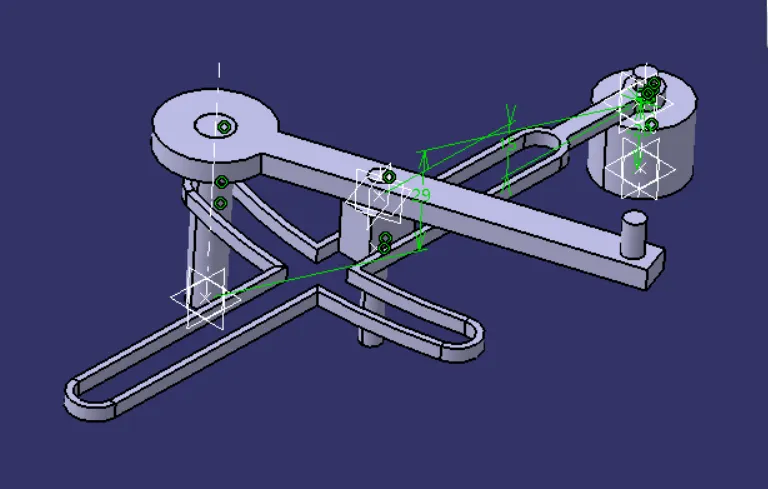
The next step is to create the assemble for the quick return mechanism open the new file by clicking File>New>Product and the new file brings the part file required for assembly using the move and contains tools assembly is done.
Tools Used :
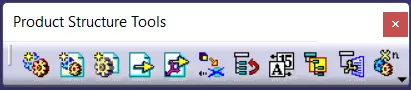
1. Product structure Tools
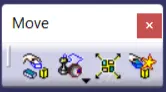
2. Move
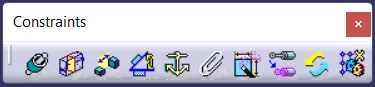
3. Constraints
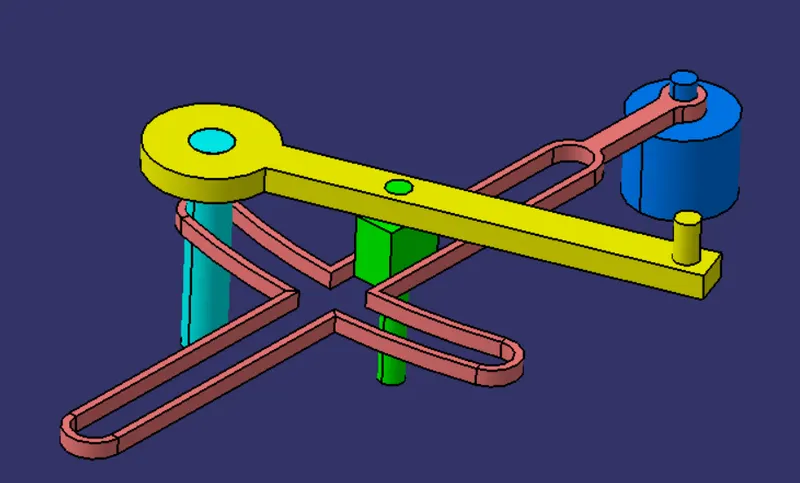
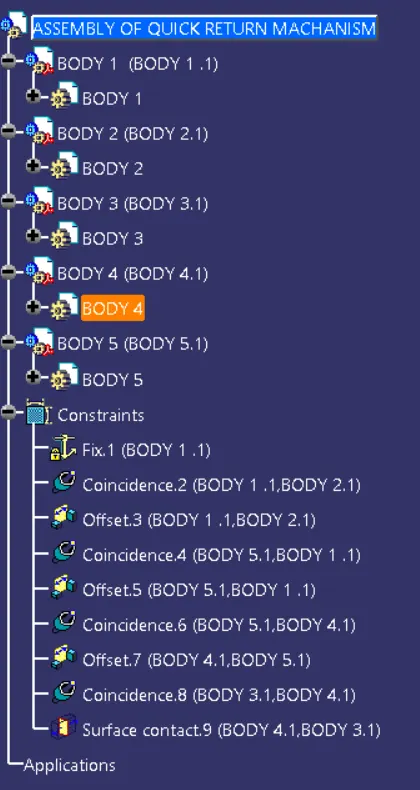
Assembly for Quick Return Mechanism :
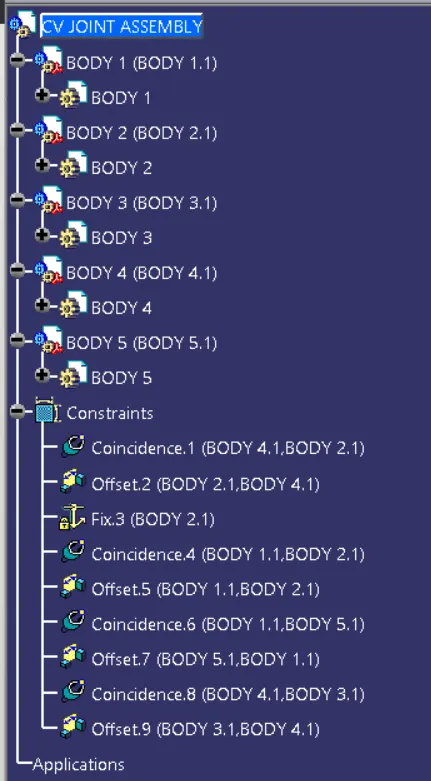
Tree Structure :
CV JOINT
JOURNAL
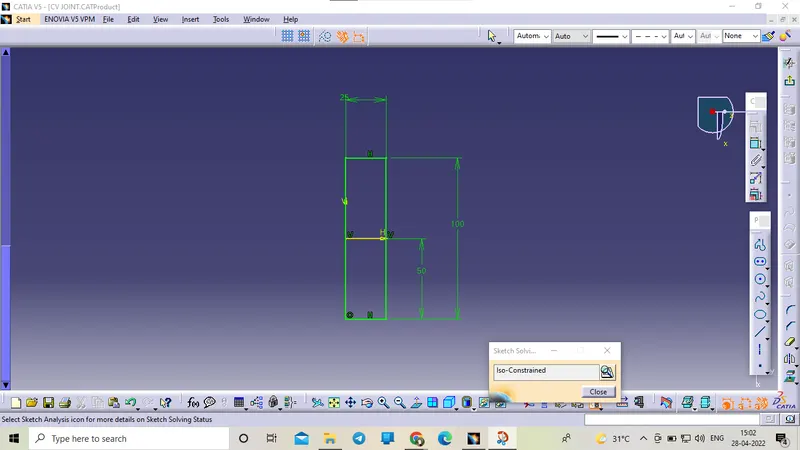
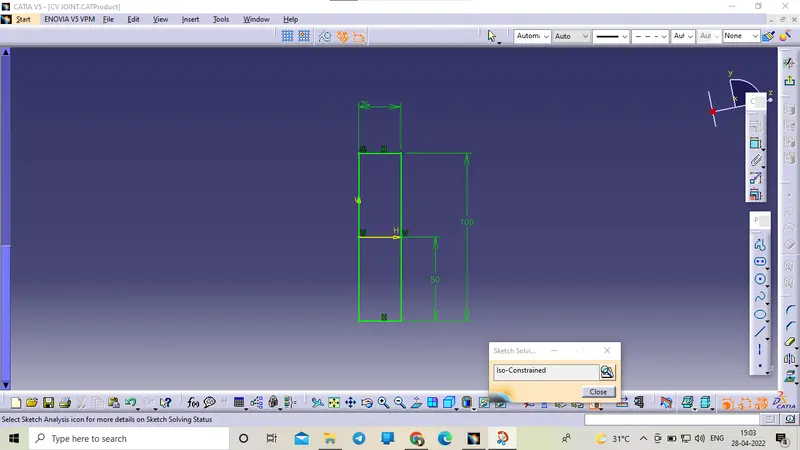
CENTRAL YOKE
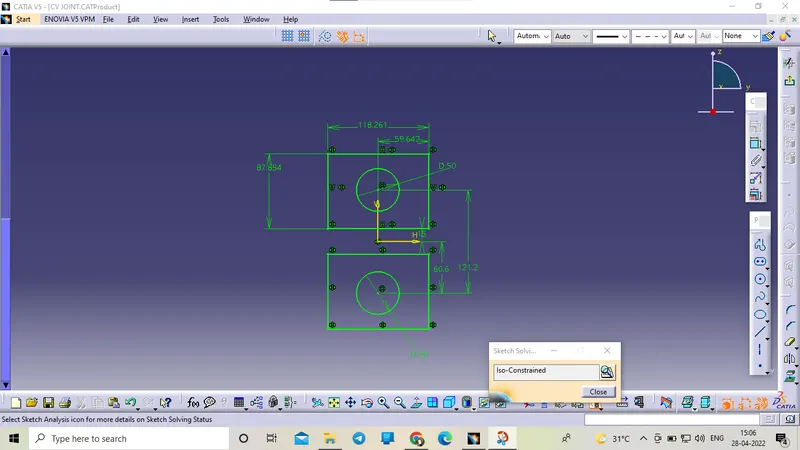
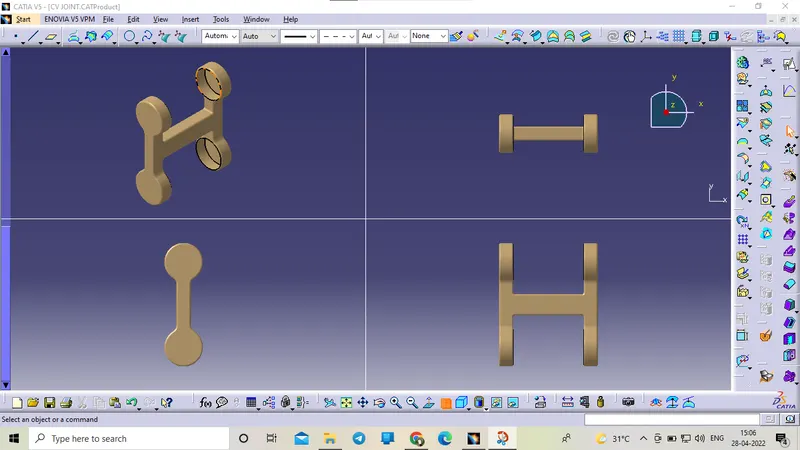
SIDE YOKE
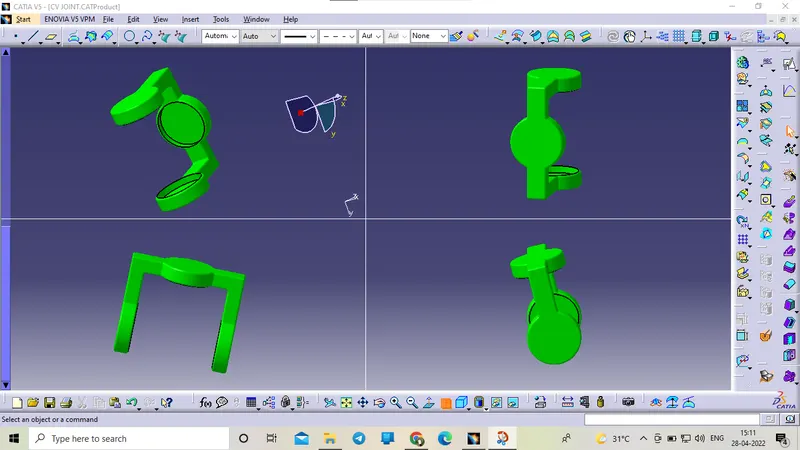
Assembly for CV Joint :
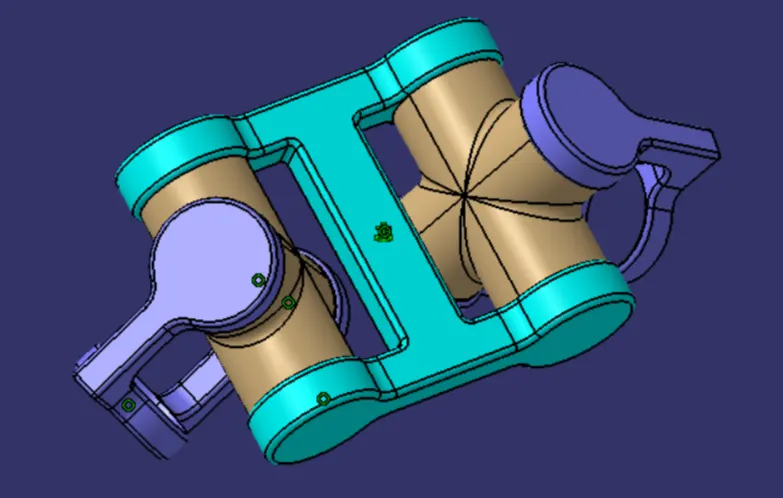
Tree Structure :
Drafting :
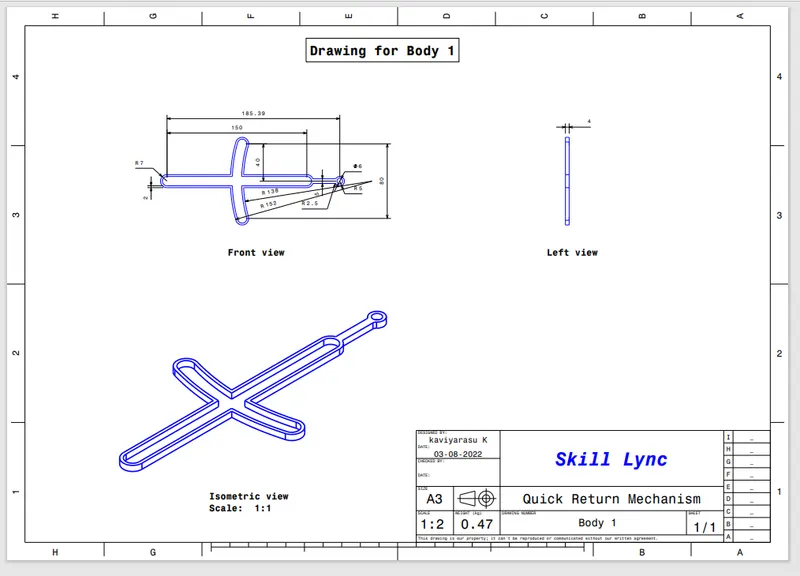
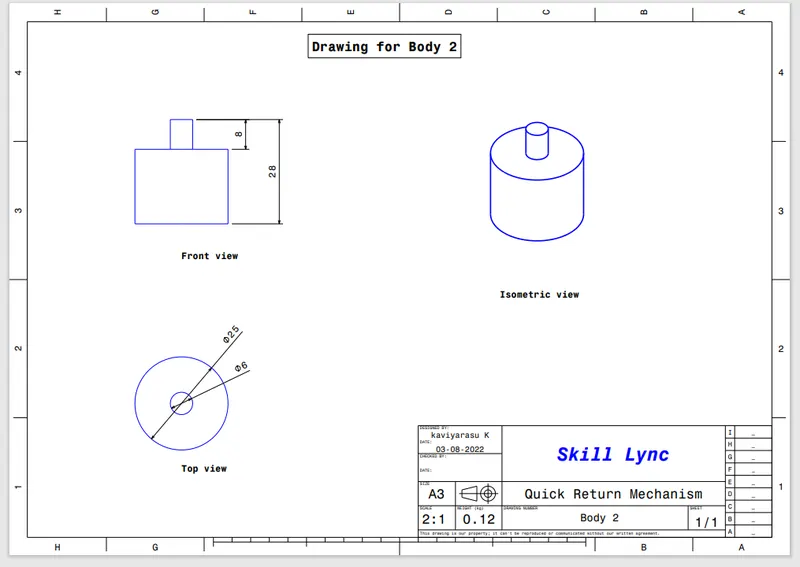
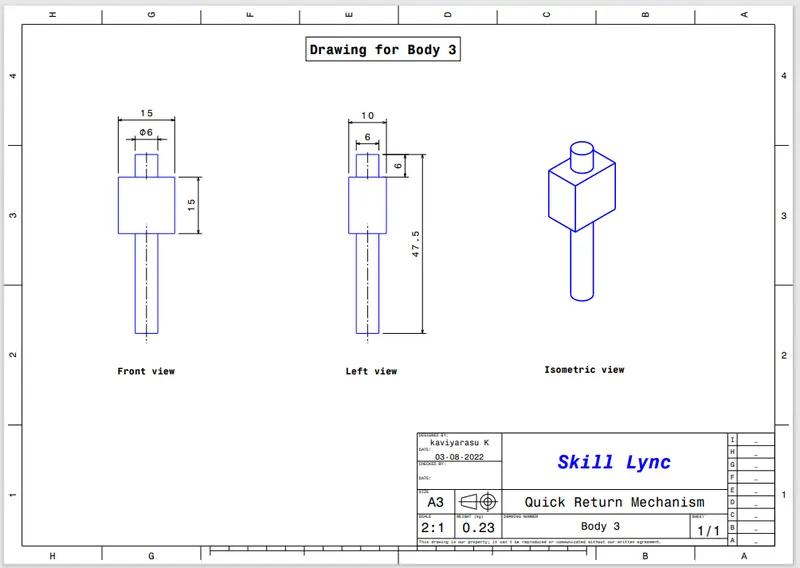
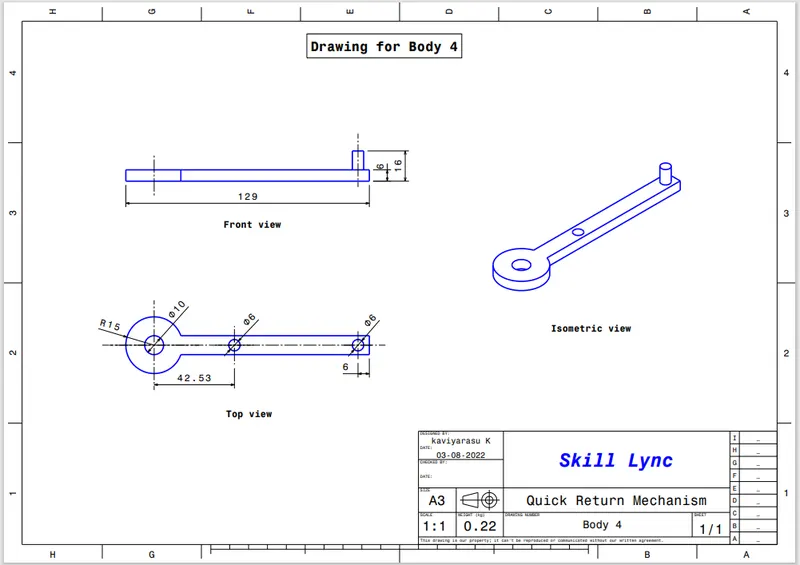
Drafting is creating the 2D Drawing for the 3D solid part we create and giving the correct dimensions for the 2D different projection view is called Drafting. This Drafting is next given to the Production team to Produce the part by CNC machines by using the required dimensions given in the 2D Drawings.
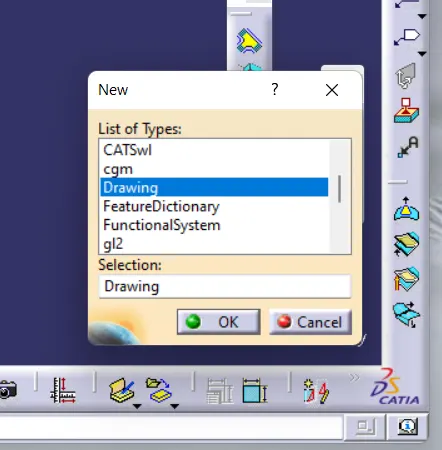
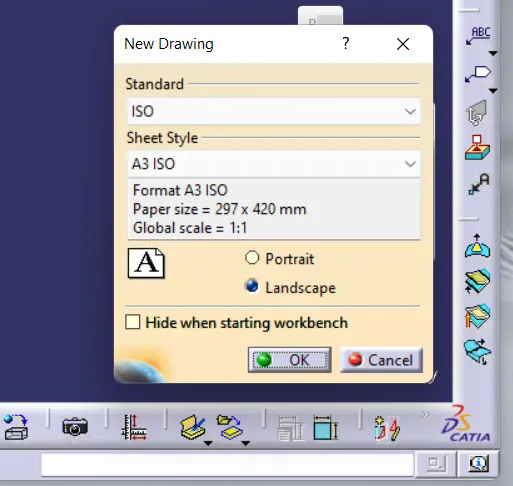
Tools used :
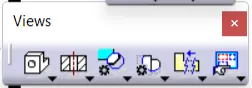
1. Views
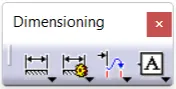
2. Dimensioning
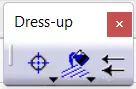
3. Dress-up
4. Graphic Properties

Quick Return Mechanism: Body 1
Drafting : ( .CATDrawing file )
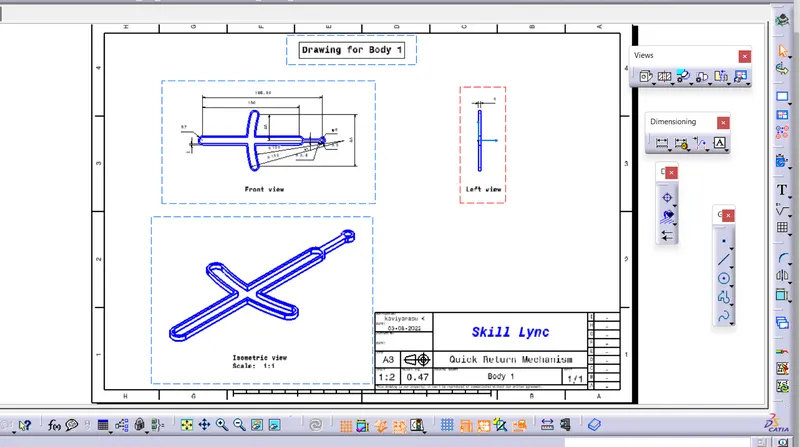
Body 1 : (.Pdf file)
Body 2 :
Body 3 :
Body 4 :
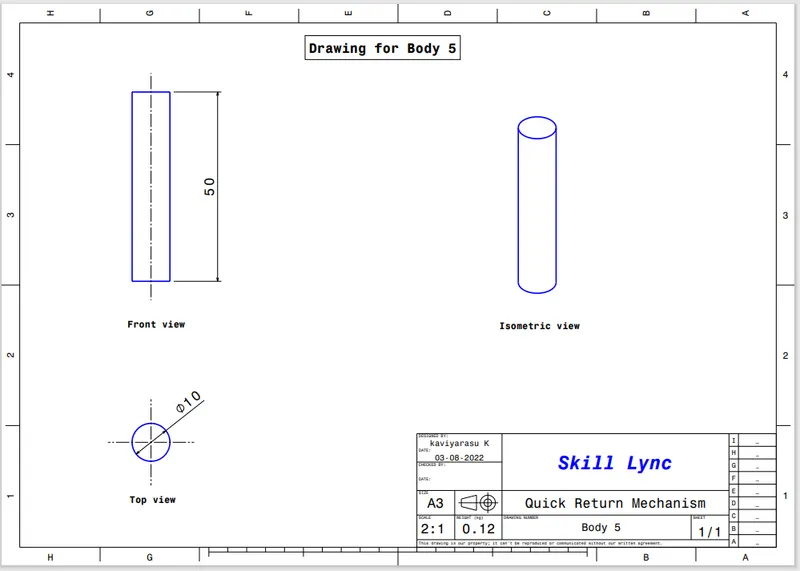
Body 5 :
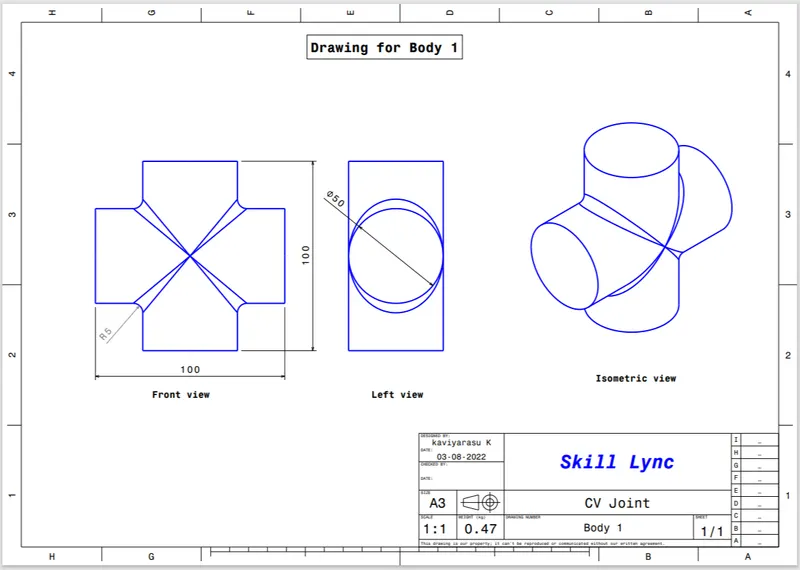
CV Joint: Body 1
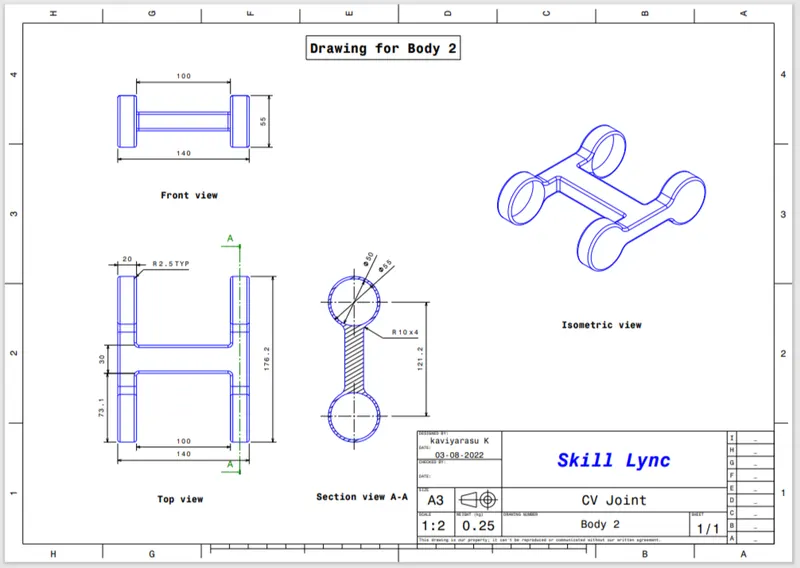
Body 2 :
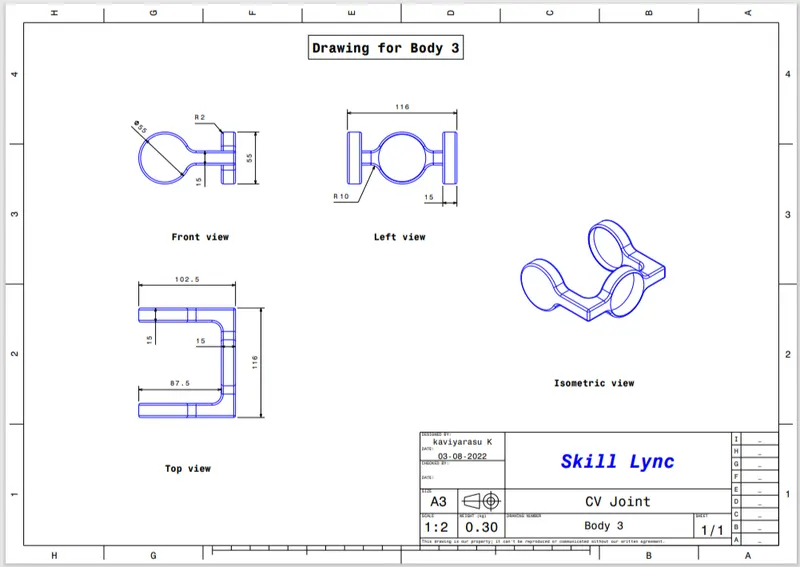
Body 3 :
Conclusion :
Hence the assemblies according to the given 2D Drawings parts are created and then assembled. And Drafting for each part created as.CATDrwing format and also as. Pdf format was also created successfully.