Week 10- Assembly Workbench
AIM
Create assemblies of the model from the 2D drawings provided and then use drafting tools to create 2D drawing.
DRAWING 1: QUICK RETURN MECHANISM
Screenshot of drawing sheet:
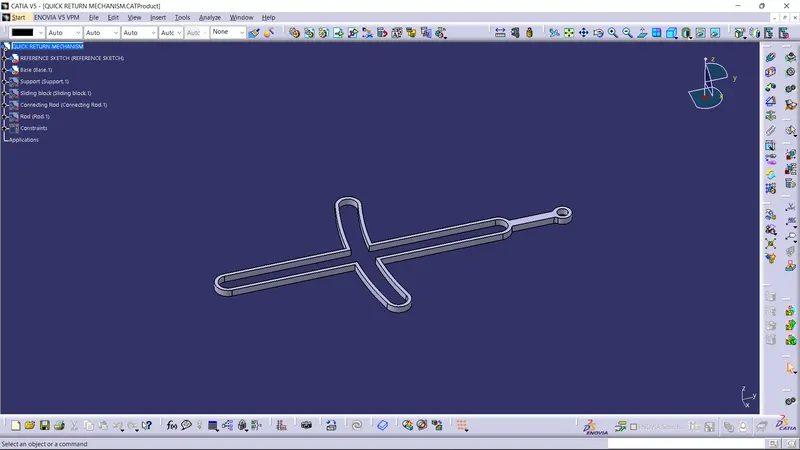
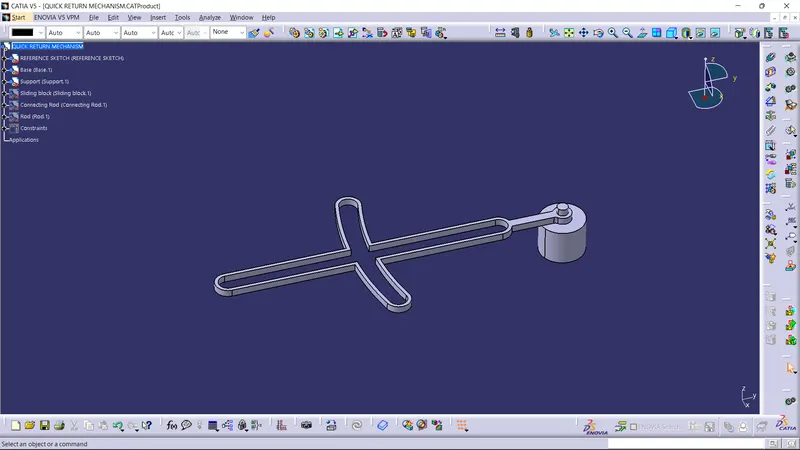
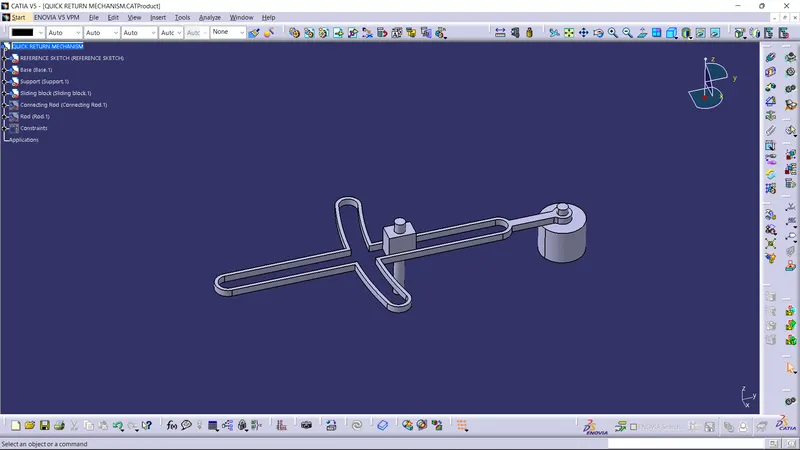
Base Block:
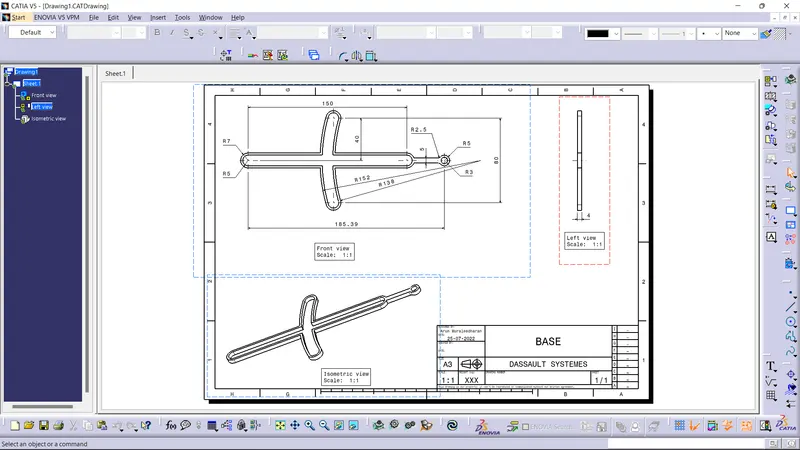
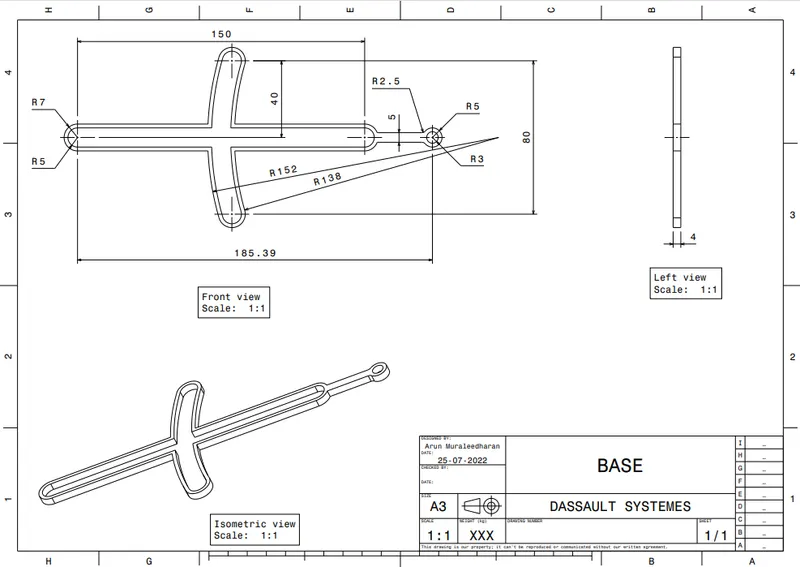
Support Block:
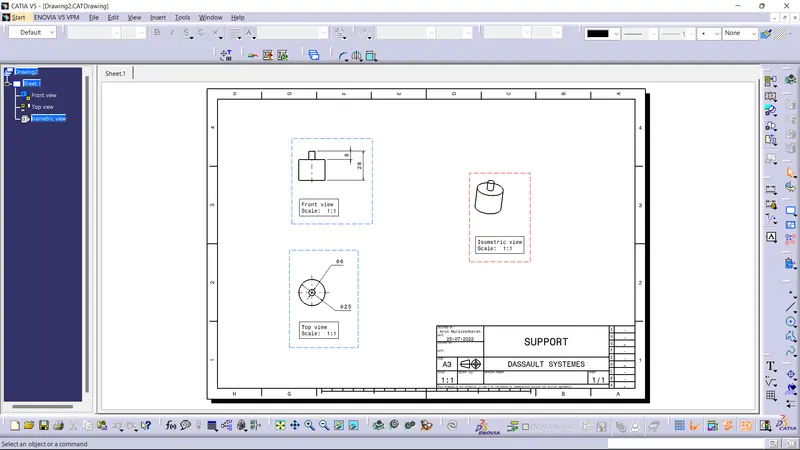
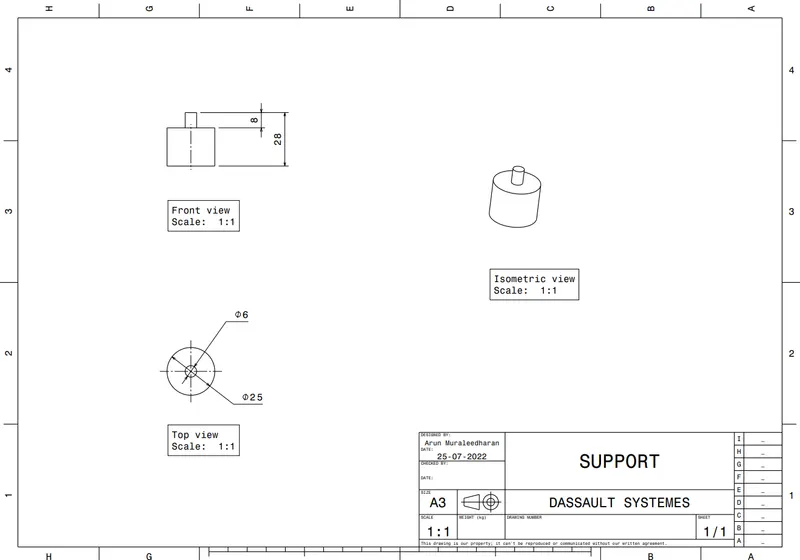
Sliding Block:
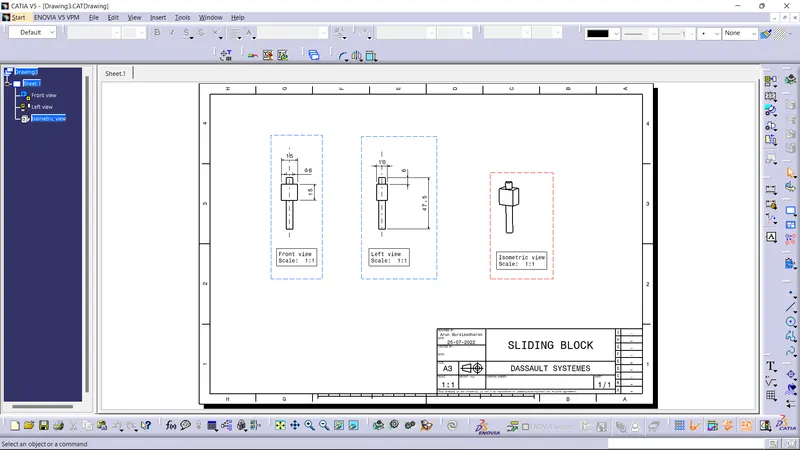
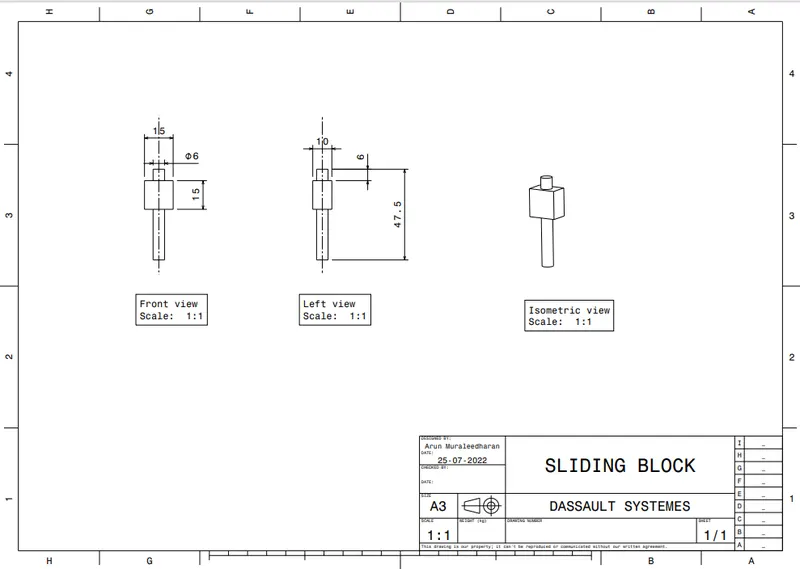
Connecting Rod:
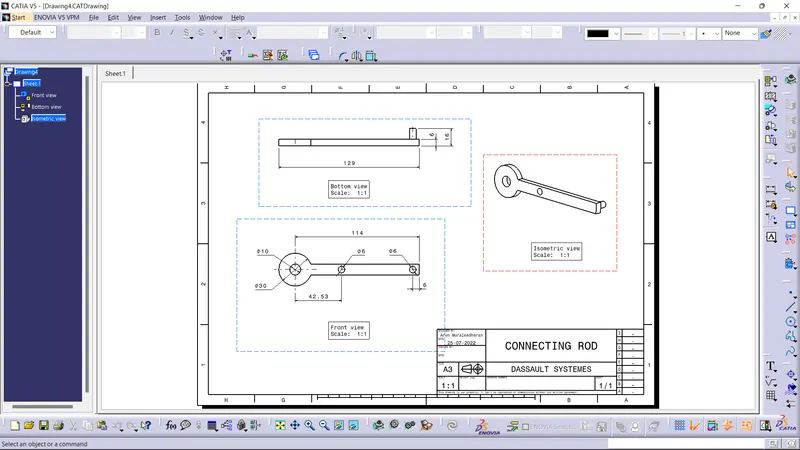
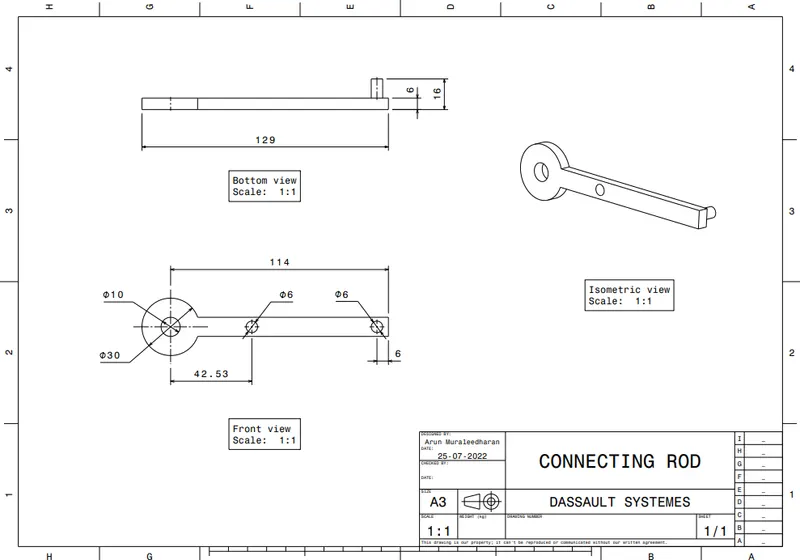
Rod:
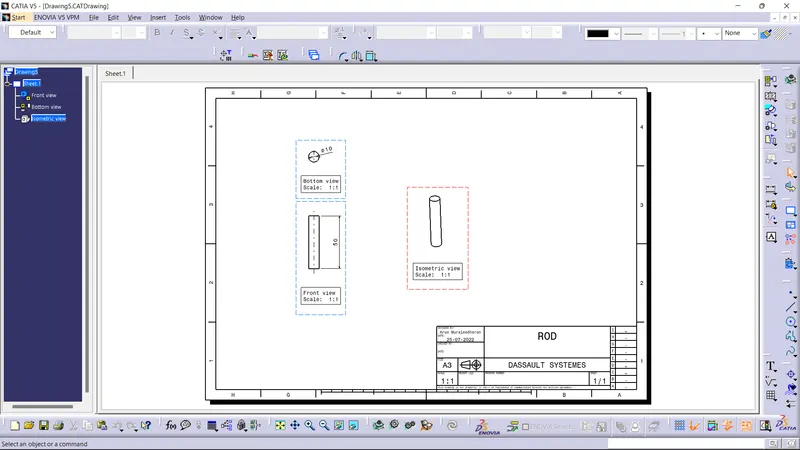
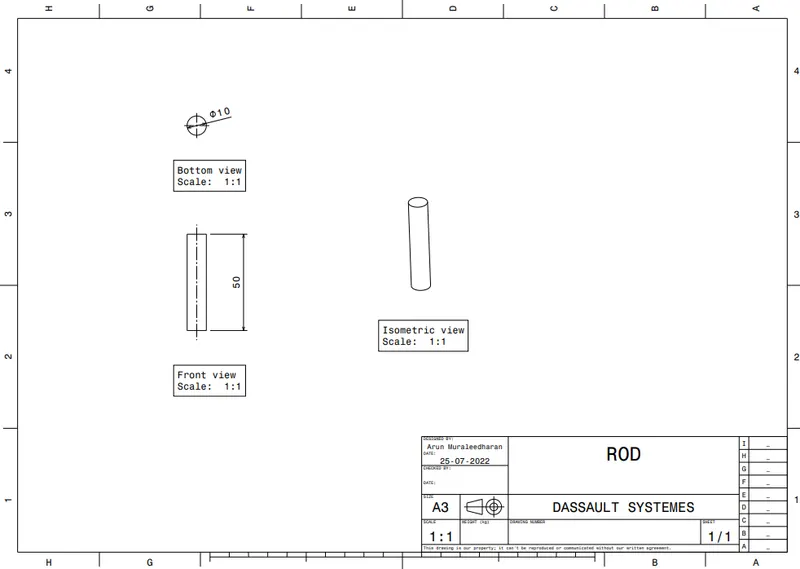
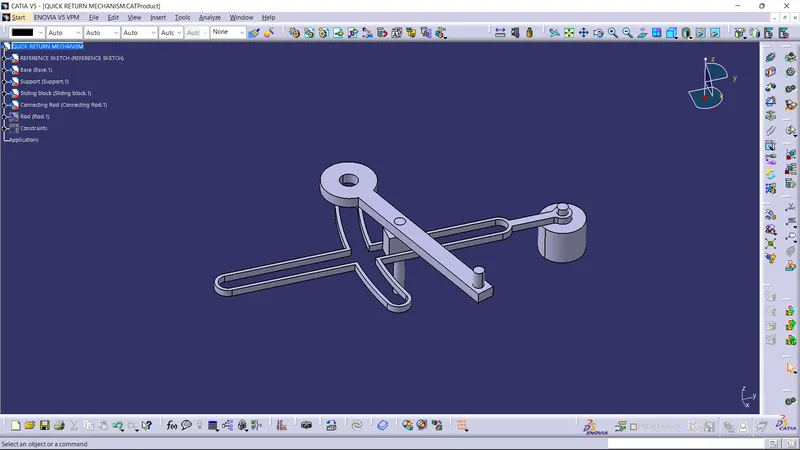
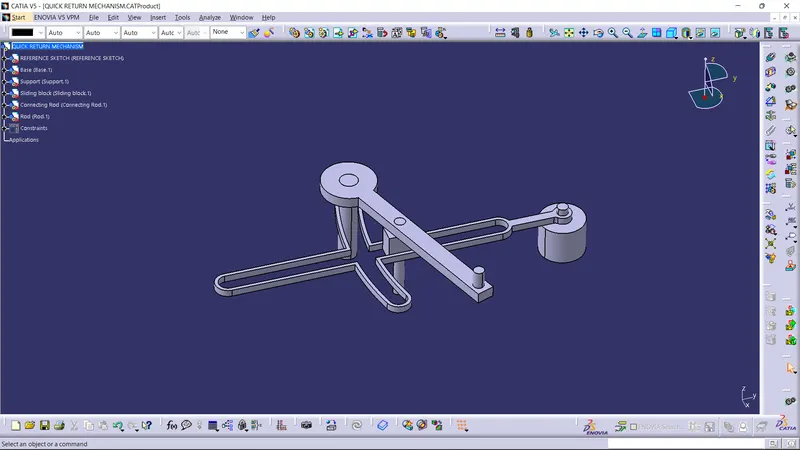
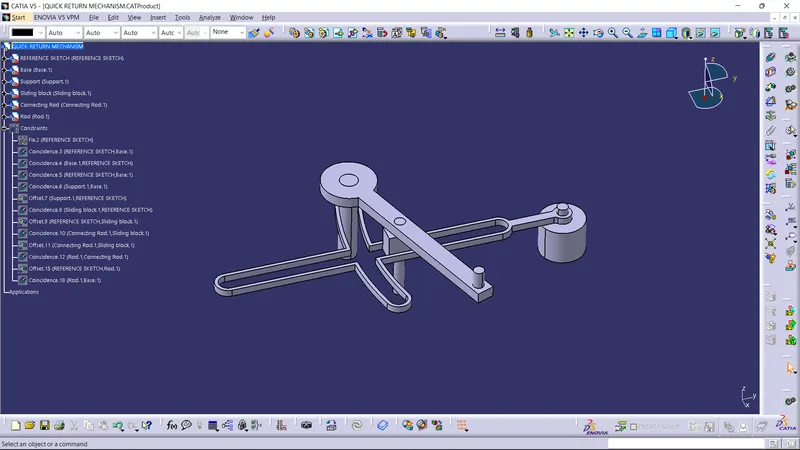
Final Assembly:
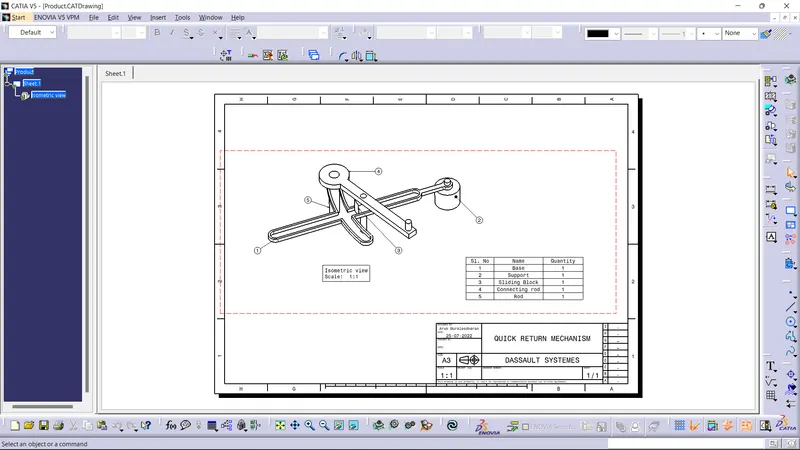
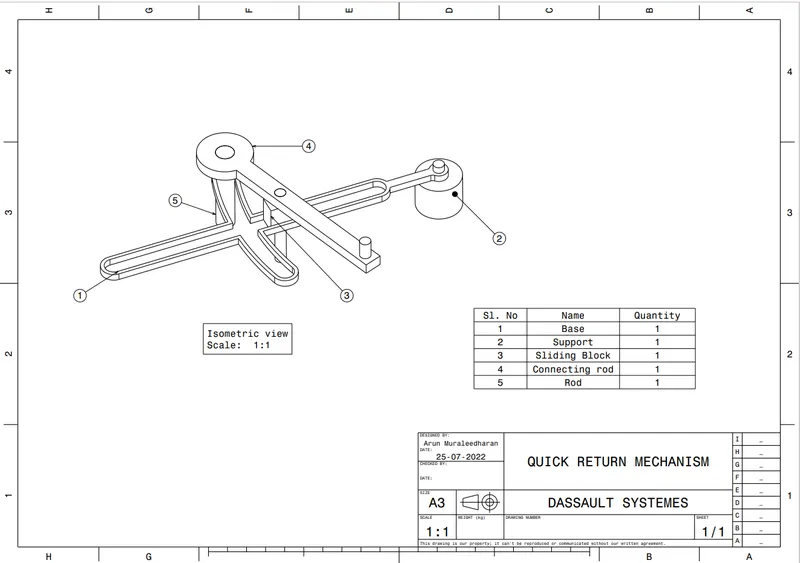
Screenshot of the sketch solving status dialogue box:
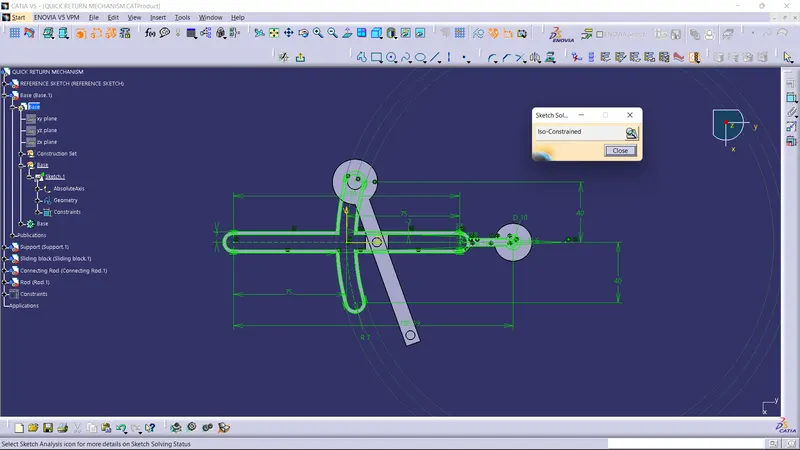
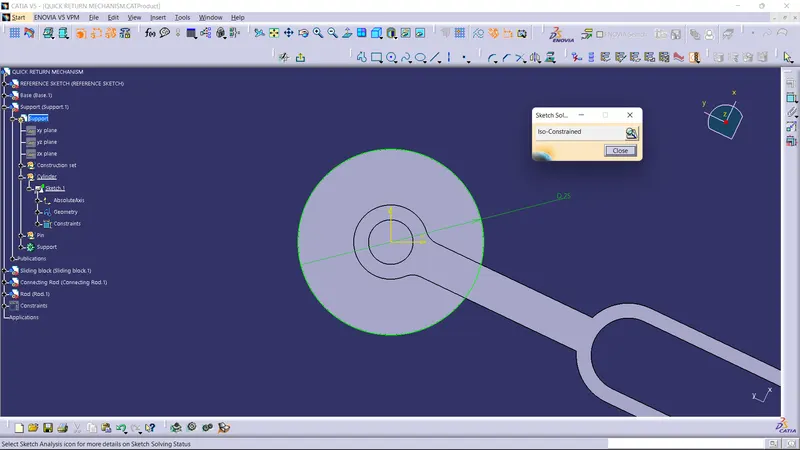
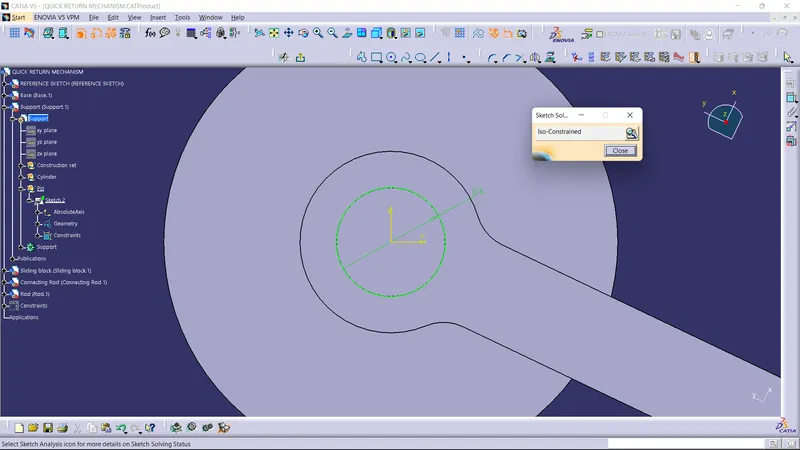
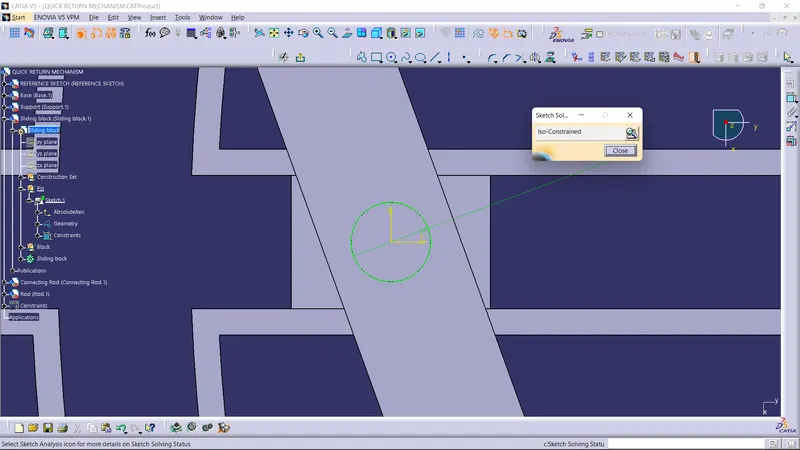
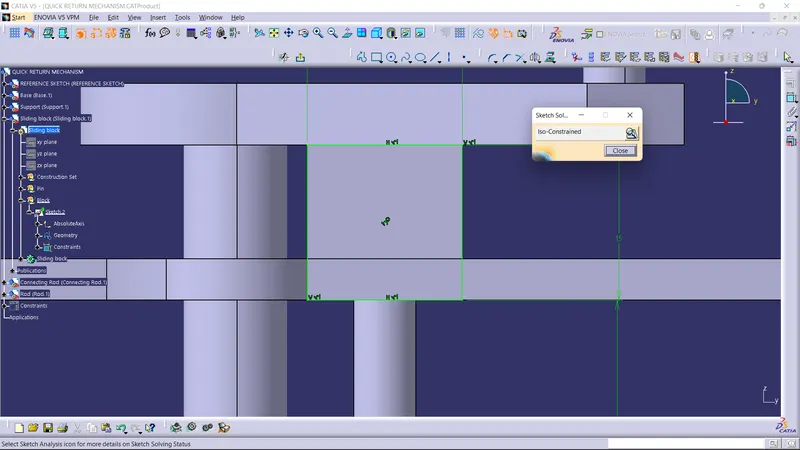
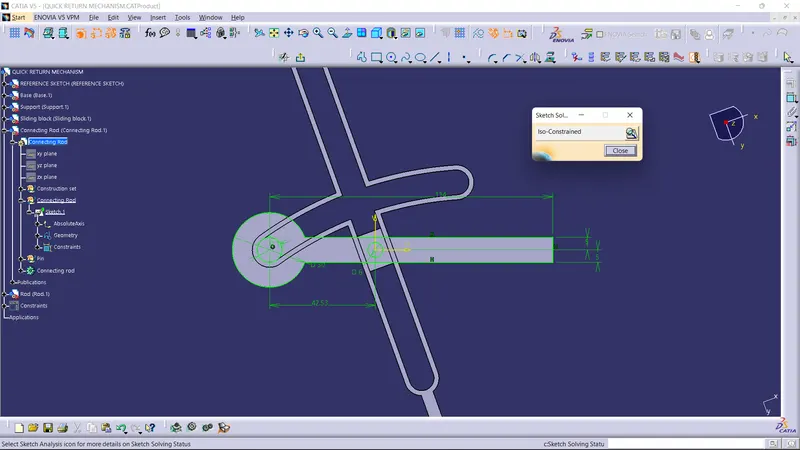
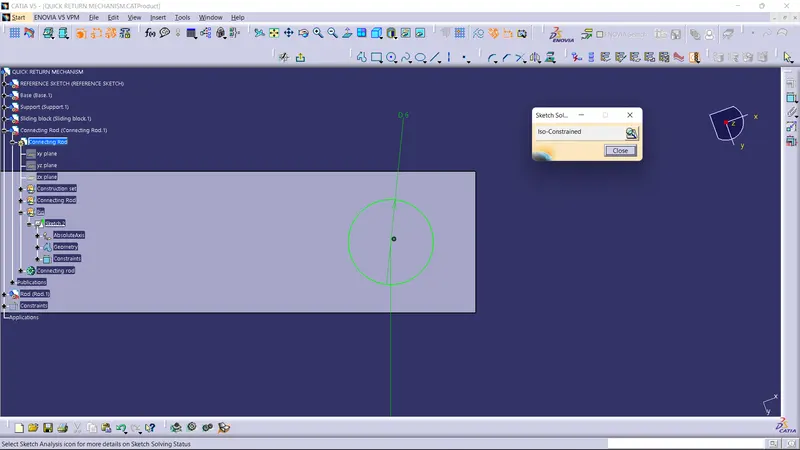
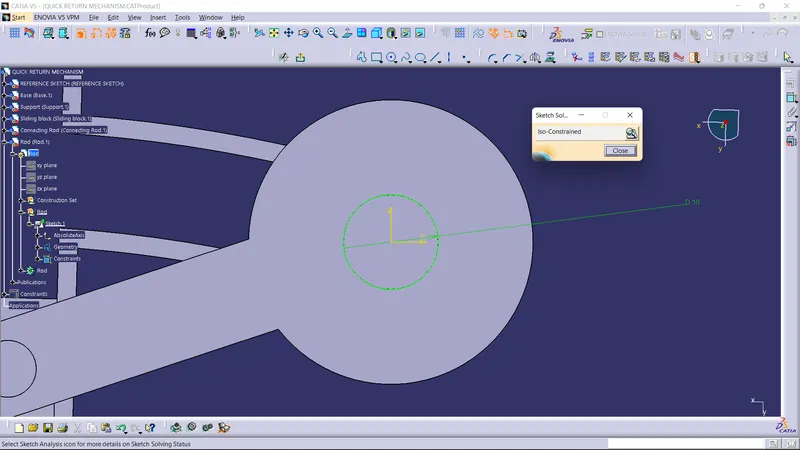
Final Component:
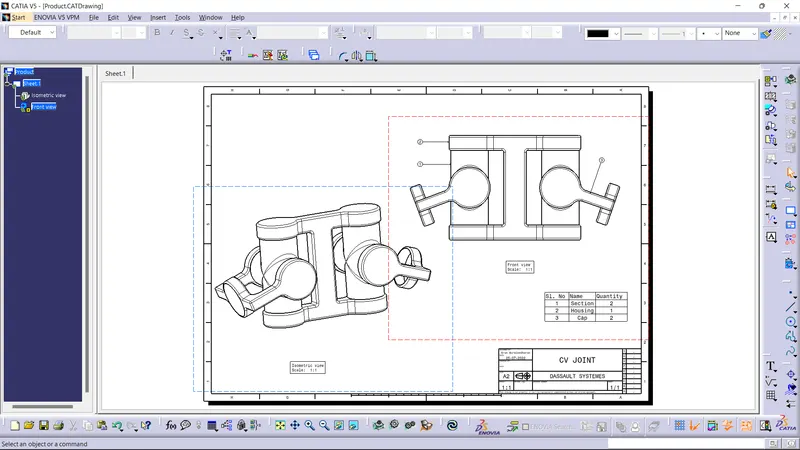
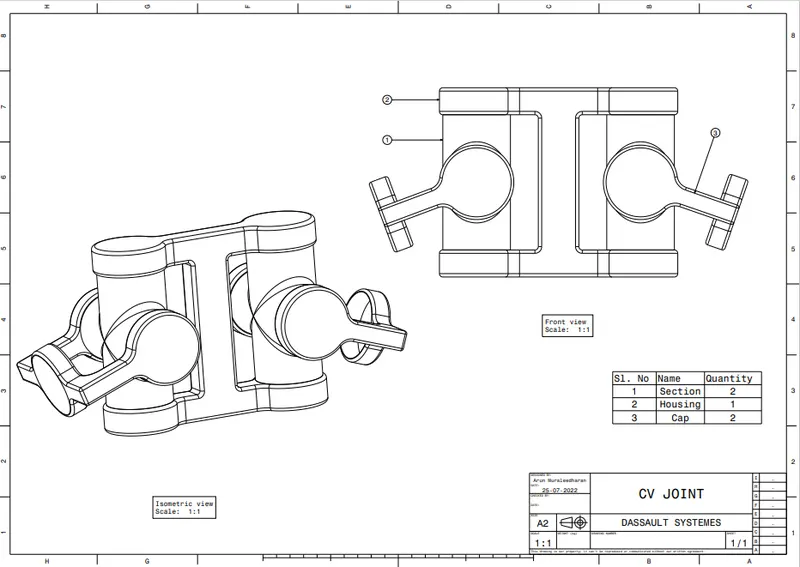
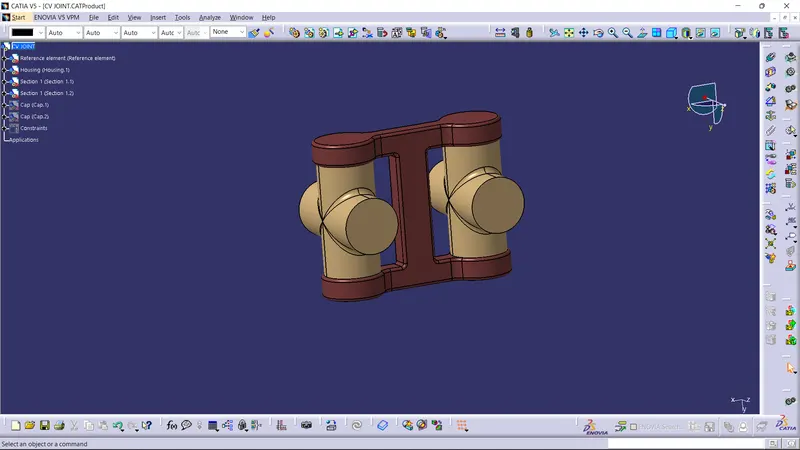
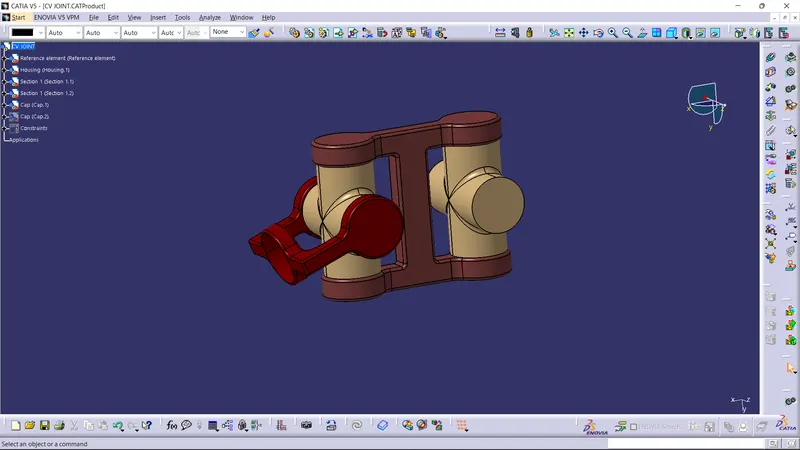
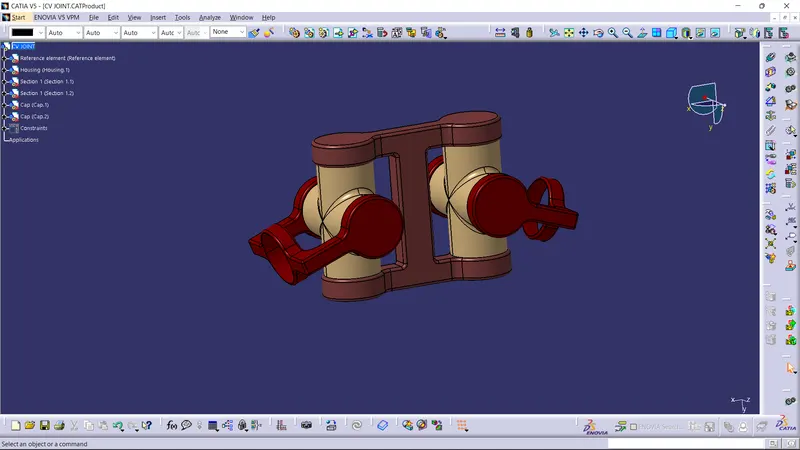
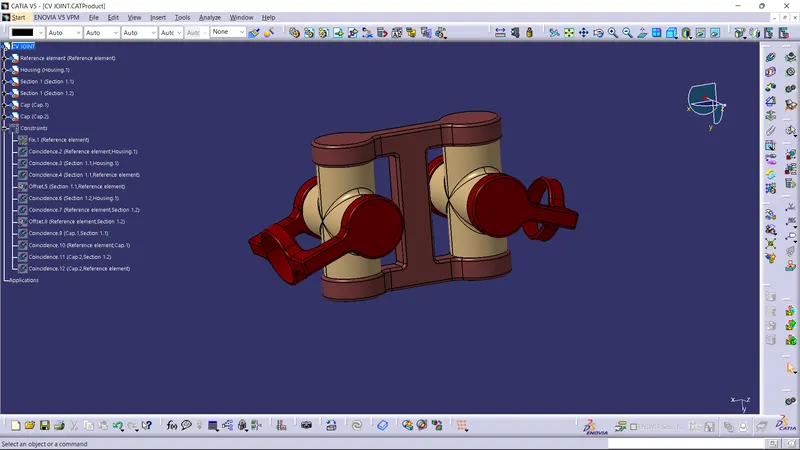
DRAWING 2: CV JOINT
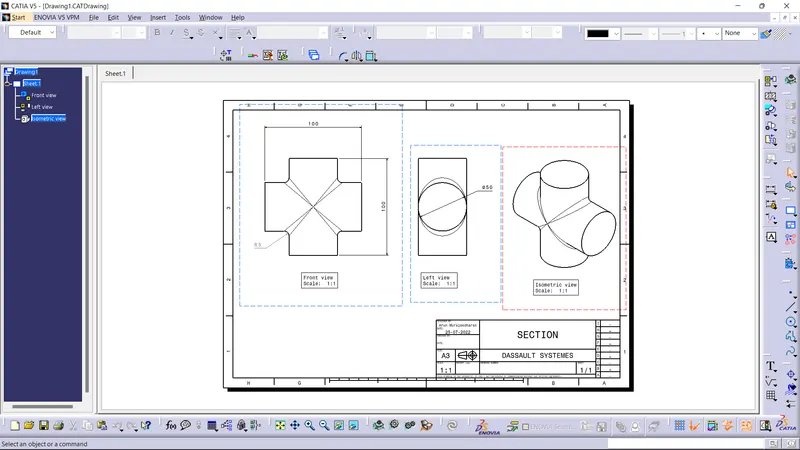
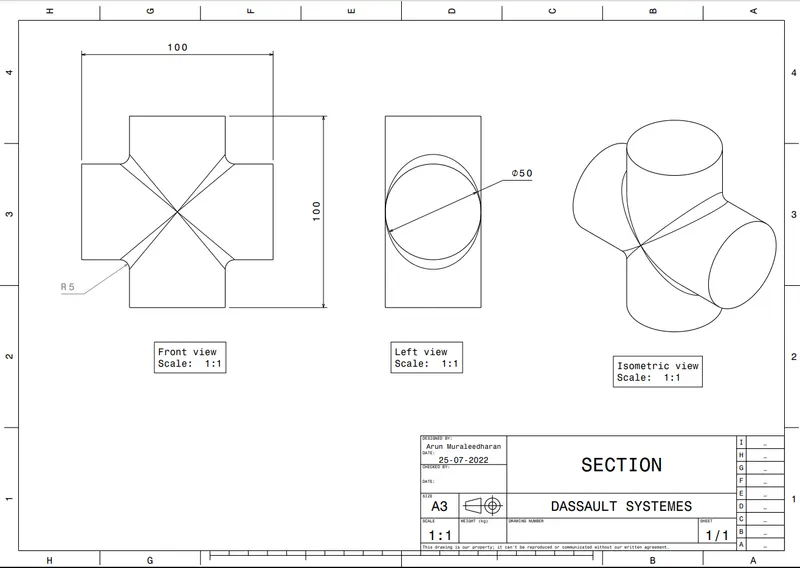
Screenshot of drawing sheet:
Section Block:
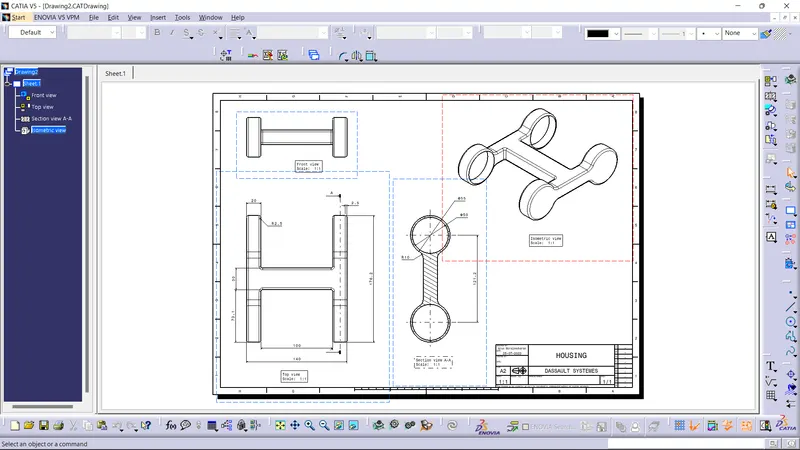
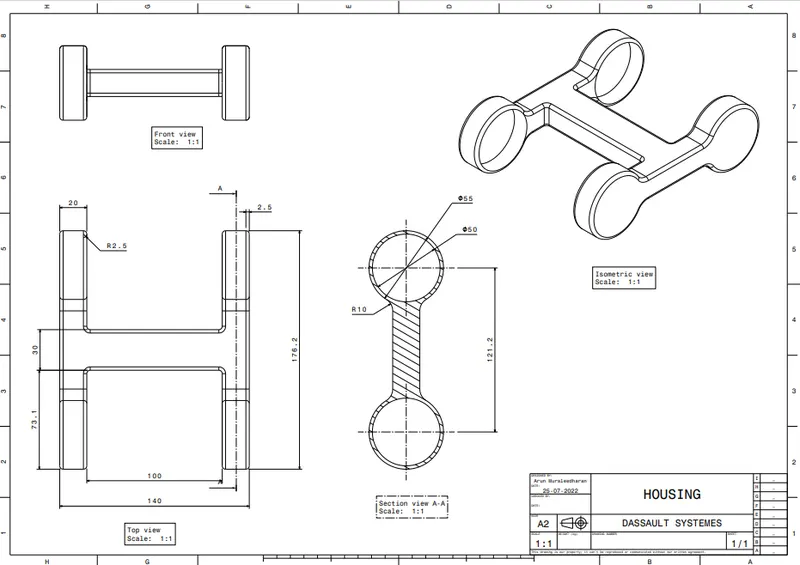
Housing:
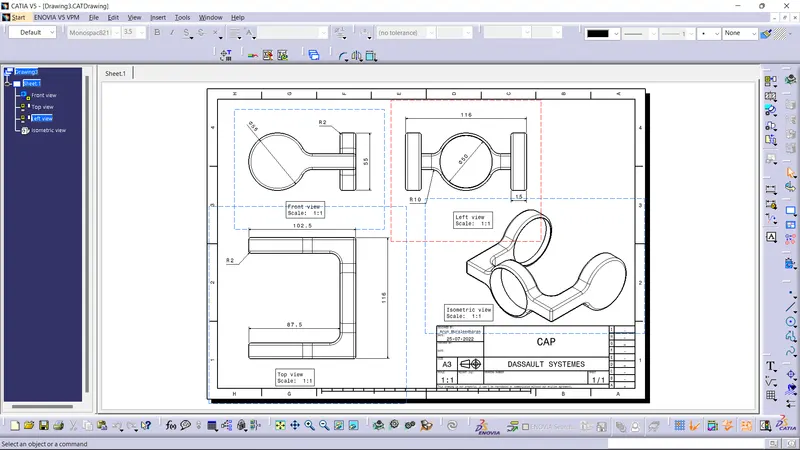
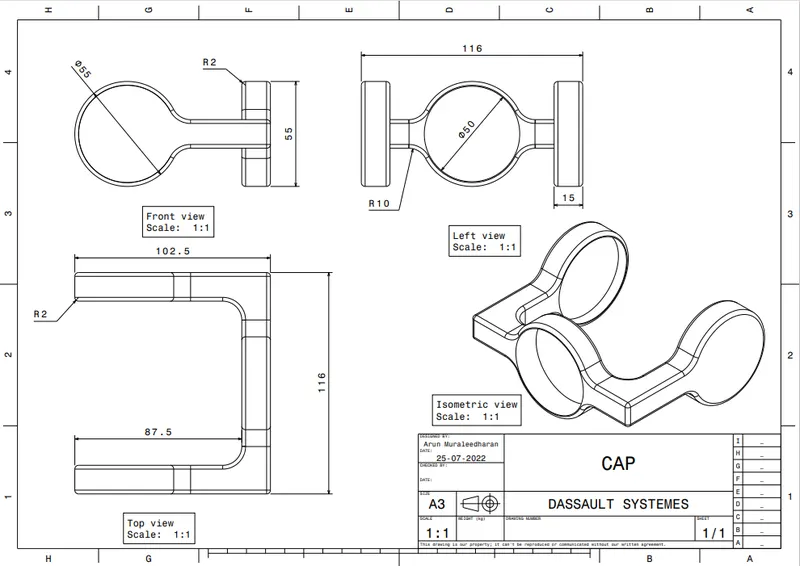
Cap:
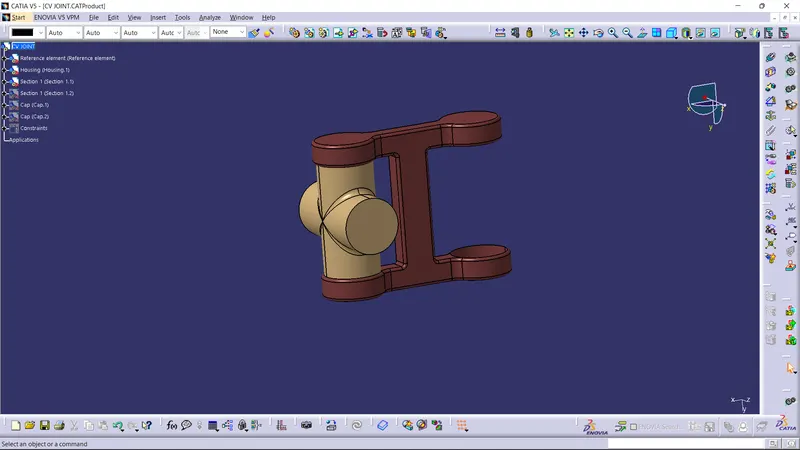
Final Assembly:
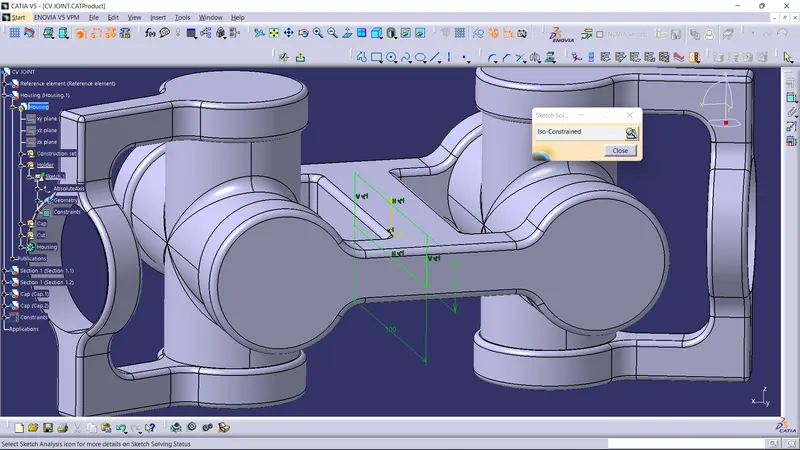
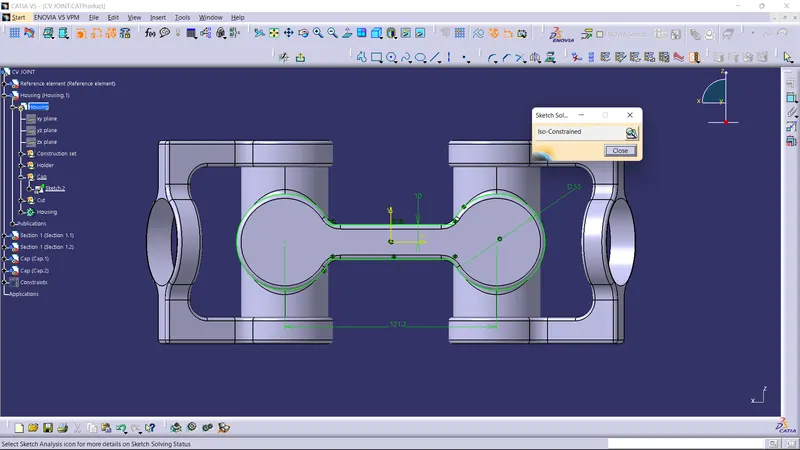
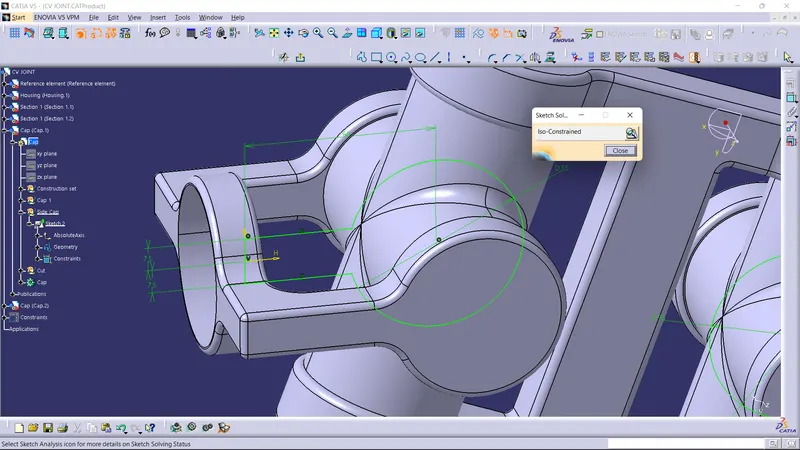
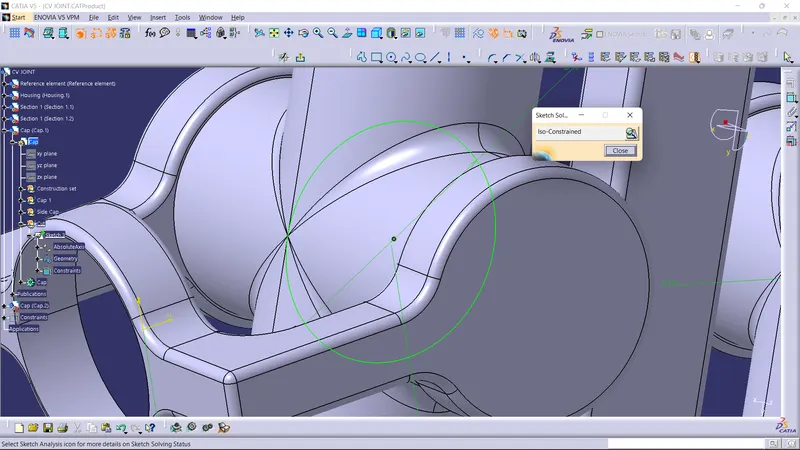
Screenshot of the sketch solving status dialogue box:
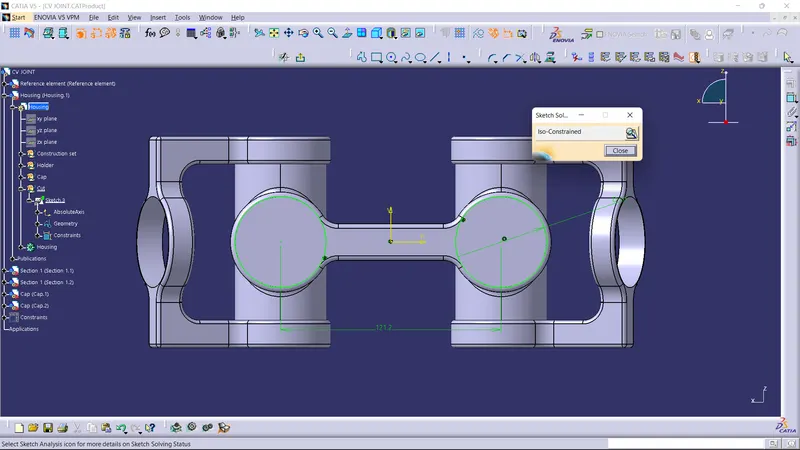
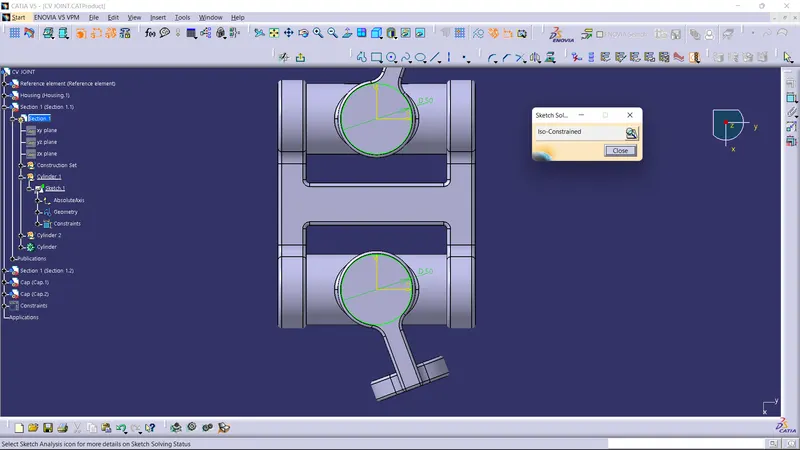
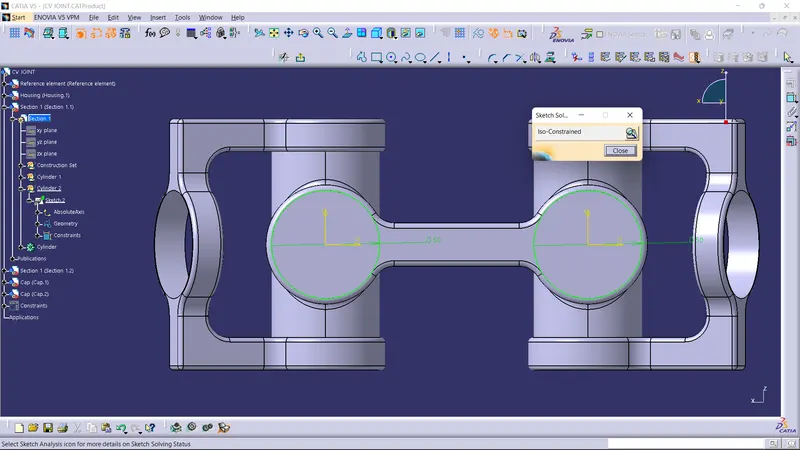
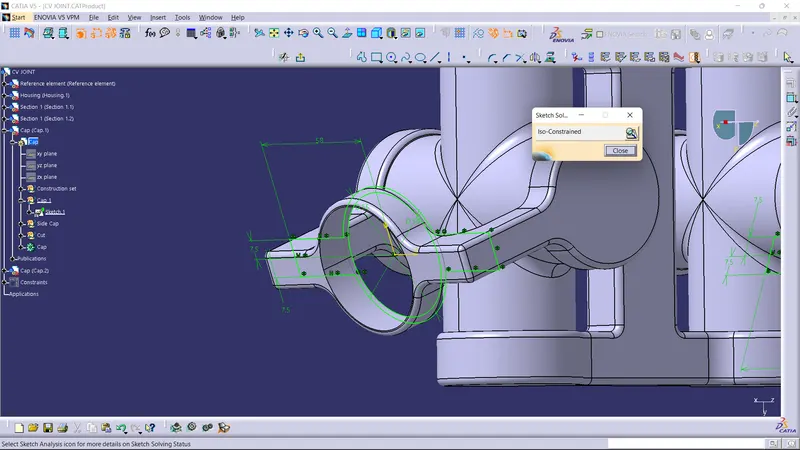
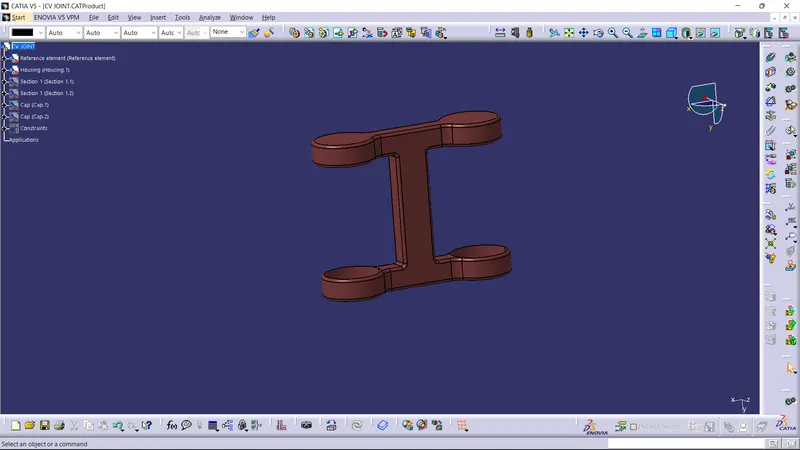
Final Component:
CONCLUSION
- Part component and their assemblies were created.
- 2D drawings of the components were created.
REMARK: I'm using the latest version of CATIA. The file has been reviewed by the technical support engineer.