Week 1- Mixing Tee
open ansys work bench > add fluid flow (fluent) to workspace
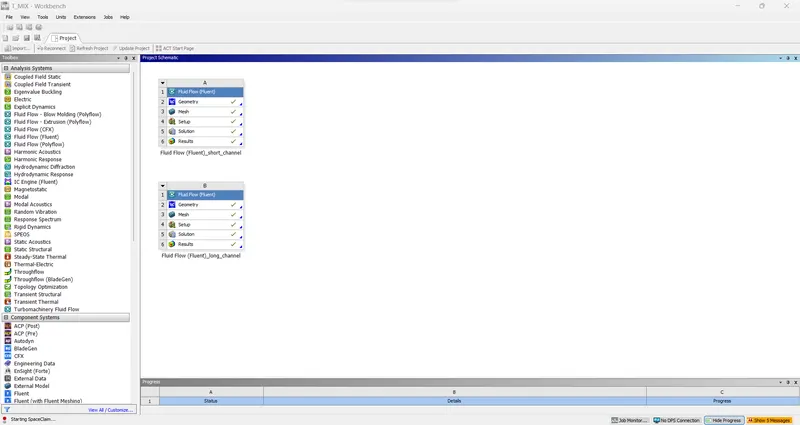
open Geometry with space claim > import the part
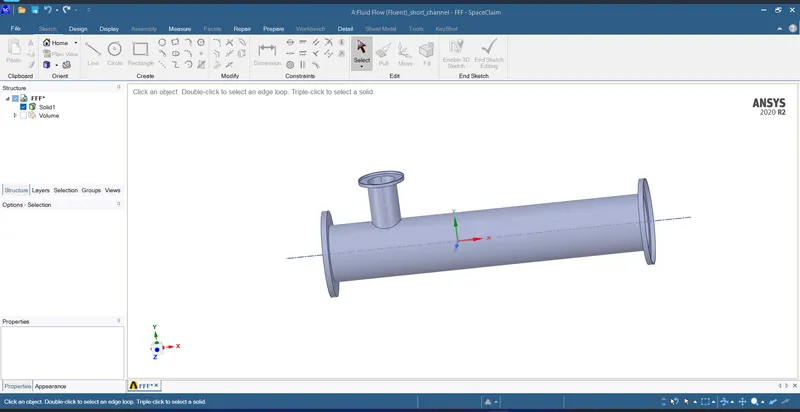
to capture the volume use prepare > volume extract > select edges of the pipeline of the pipeline > give ok
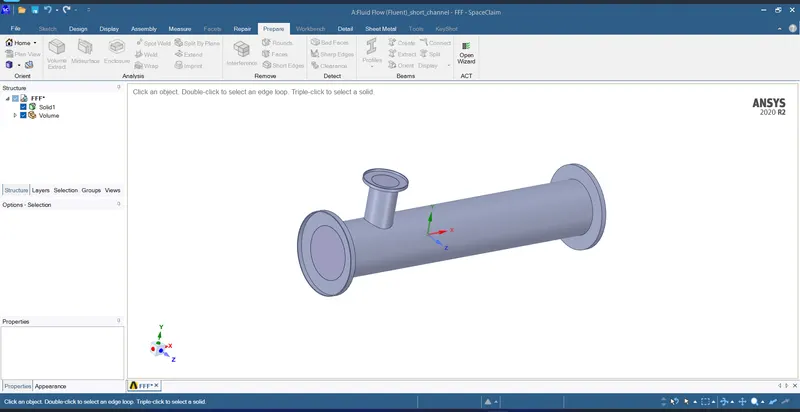
right click on solid > deactivate for physics
close the space claim
open the mesh tool
add the necessary criteria > click on genarate mesh
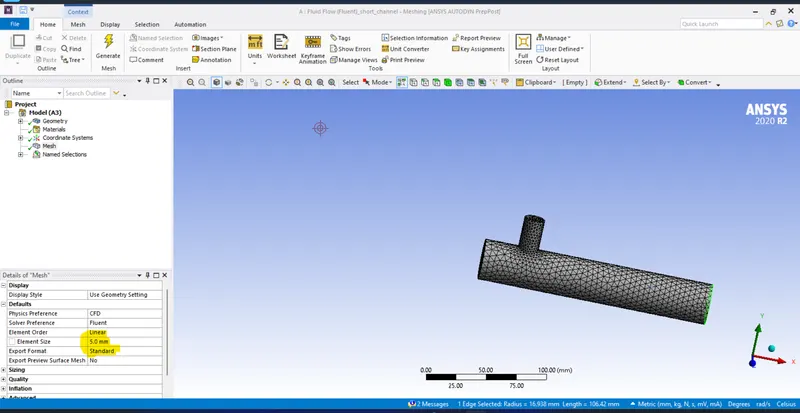
close the Mesh tool
open setup [fluent]
input values of processor\gpgpu as 16\1
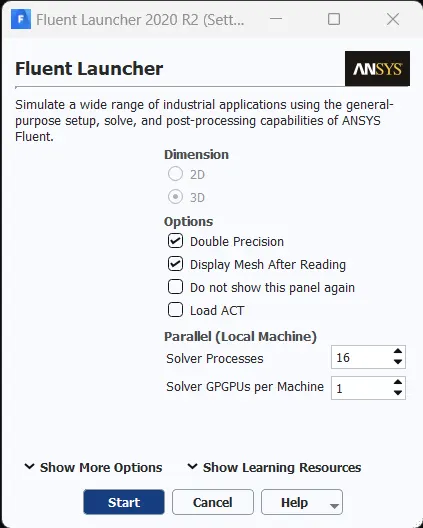
once workbenck is open check mesh if ok proceed to next step
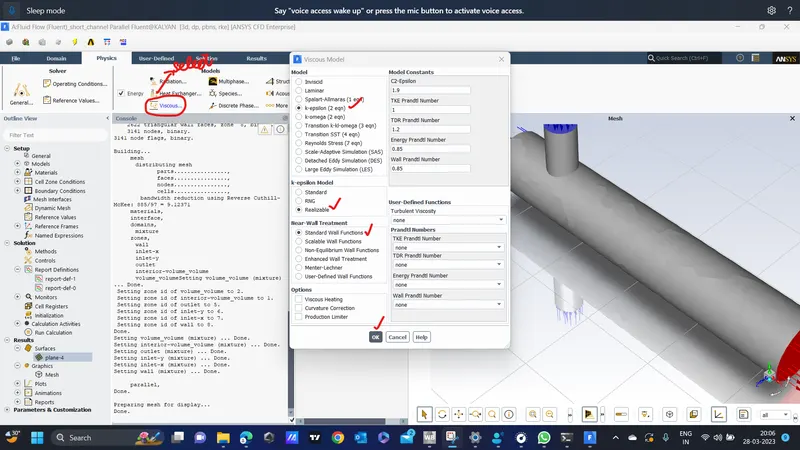
add material as air
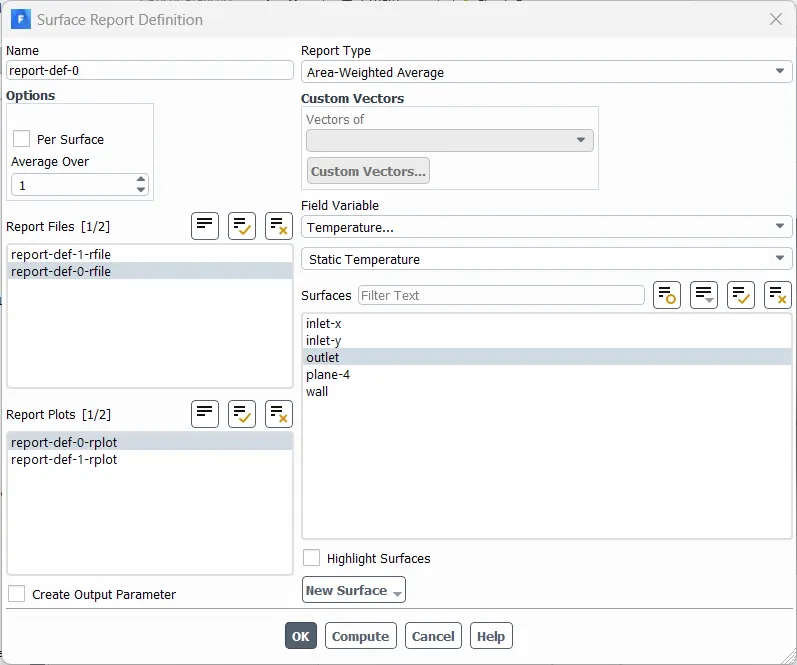
create surface report definition
click initialise and wait for some time and then click on the calculate with 250 iteration
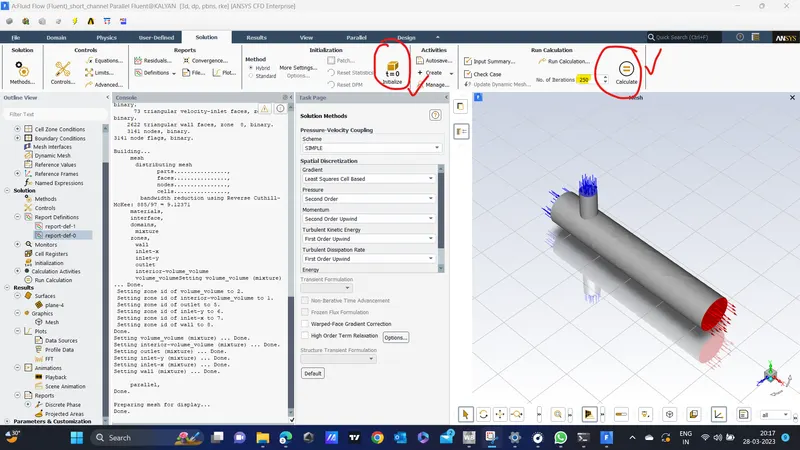
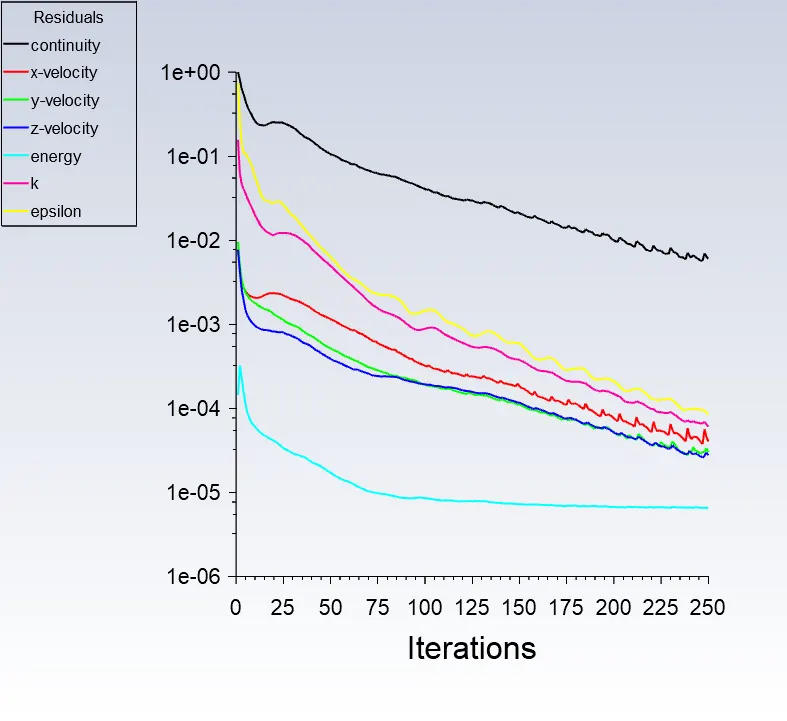
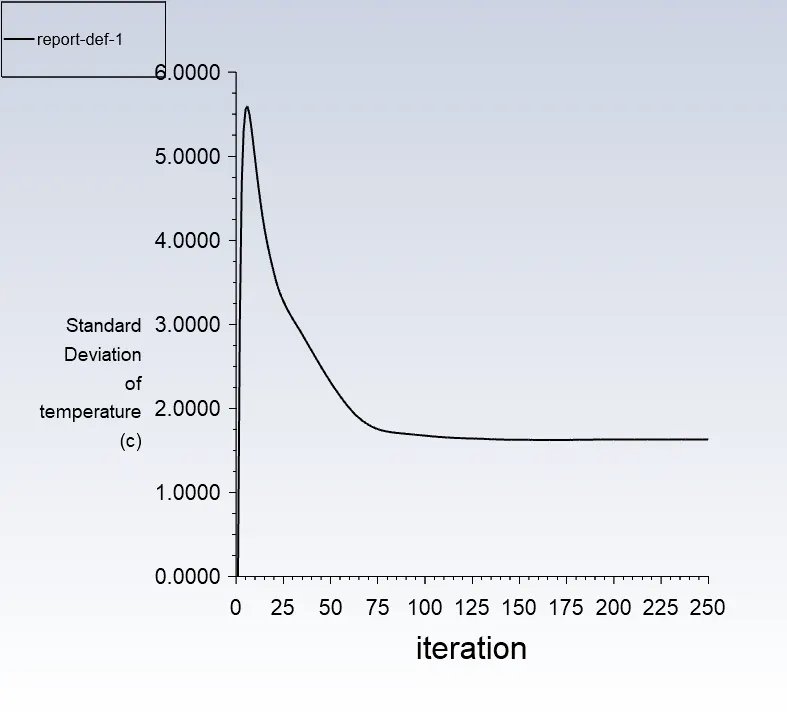
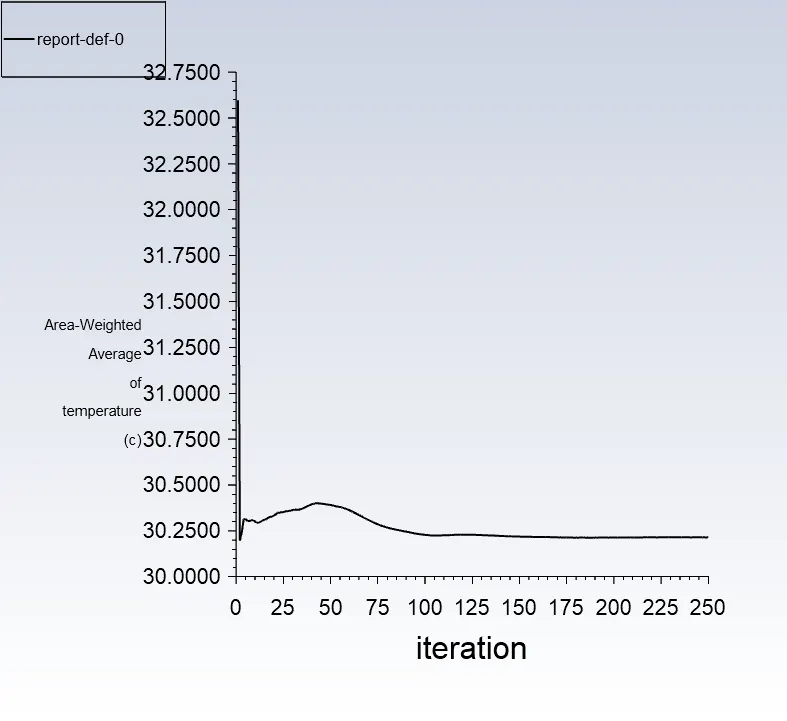
close the window once done
open results
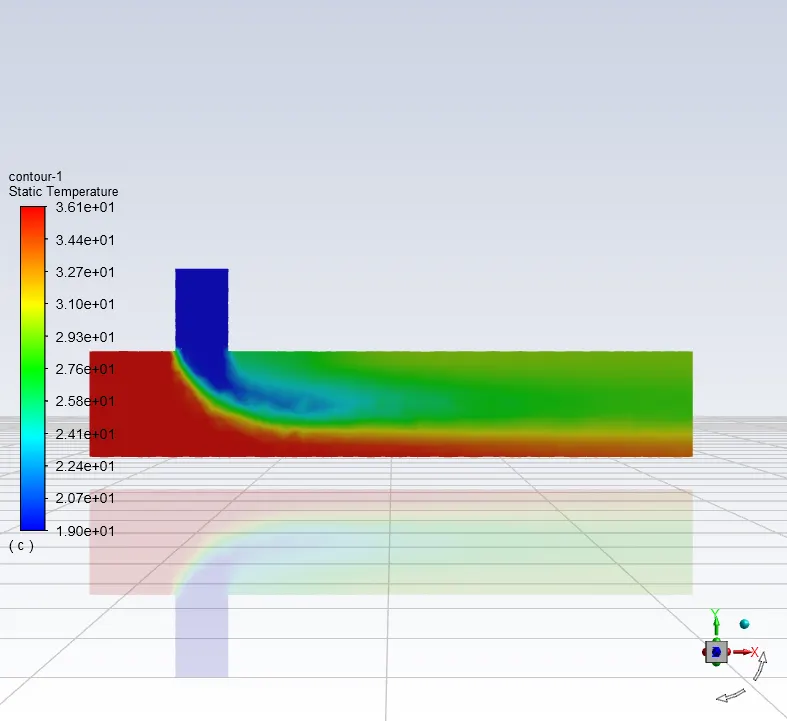
make the walls transperent
add a plane and adopt settings shown in image
the chart gives the data of the analysis
| short T | long T | |
|
Cell count |
14228 | 17698 |
|
Average outlet temperature |
30.25 | 30.30 |
|
Number of iterations for convergence |
250 | 125 |