Week 3 Challenge : CFD meshing on Turbocharger
Step 1: to find the number of single cons percent in the Model click on checks > geometry
Step 2: select geometry and click on execute
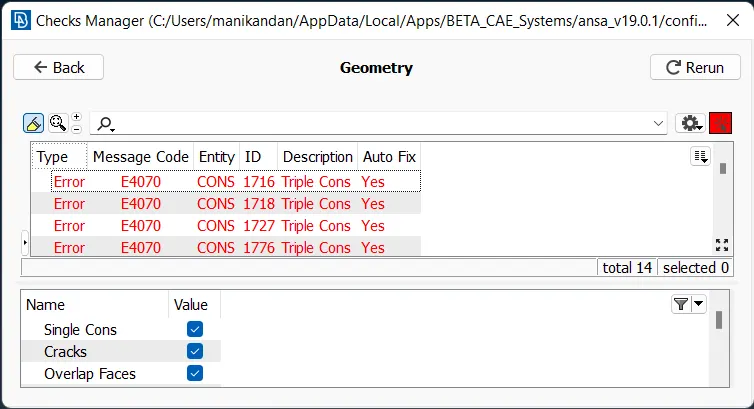
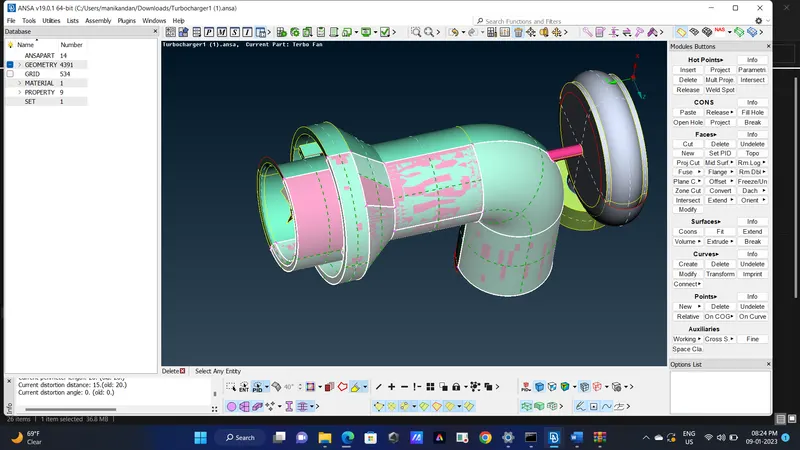
Step 3: remove unwanted surface (click on pink crosshatch and delete)
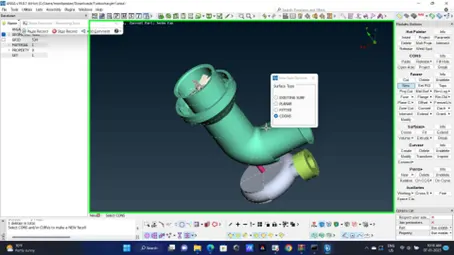
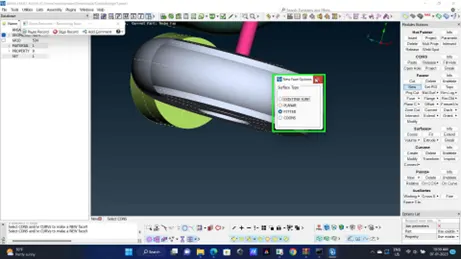
Step 4: in turbocharger air outlet select the projected surface delete it and patch it with coons
option by selecting it with loop option selected
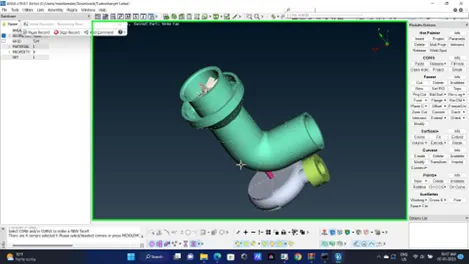
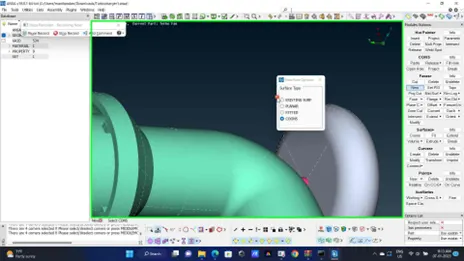
Step 5: on the turbocharger air inlet select face>new>fitted option select the unclosed area and
Click middle button click alt. and if it suits click ok (I have done the same)
Step 6: exhaust smoke impeller casing has to be close in the following way
Click parametric in hot point module
Click on the hot point
Enter 0.5
Repeat the same on either side to get a smooth curve of hot point using coons option close the hot points
Step 7: check triple cons are valid if yes leave them otherwise correct them
Step 8: close the inlet and outlet add PID for them in PID manager rename existing PID to the
Respective names use compress option to remove unwanted PID
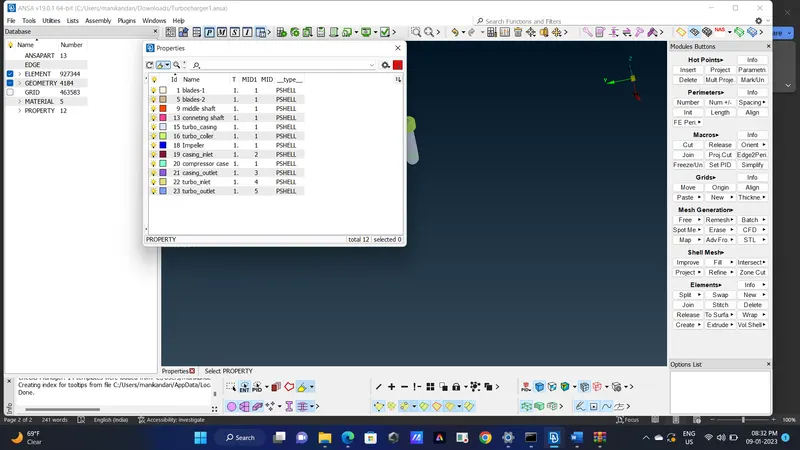
Step 9: switch to mesh deck add quality criteria and mesh property give respective meshing value for
Concern parts as given below
Step 10: Select spot mesh and select and change mesh type as tria
Select spot mesh and give visible
The mesh length used are given below
- Blade stage-1 = 1 mm
- Blade stage-2 = 1 mm
- Impeller = 2 mm
- Shaft rotor = 1 mm
- Turbo casing = 5 mm
- Compressor casing = 5 mm
- Inlet casing cover = 5 mm
FINAL IMAGE
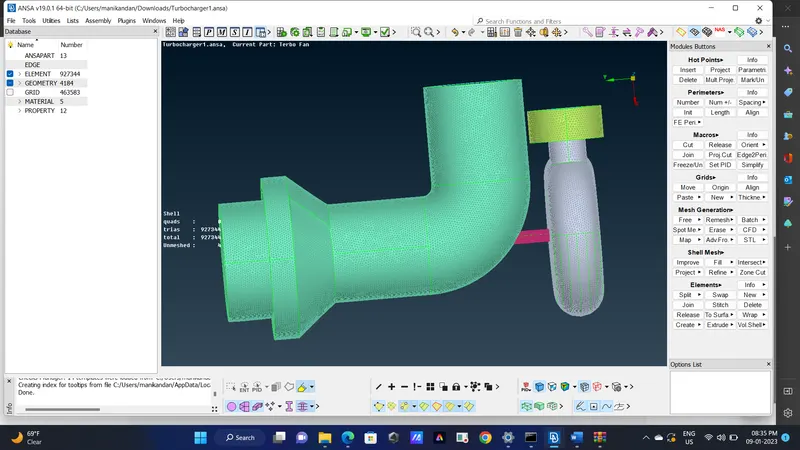
**PFA THE REPORT IN WORD DOCUMENT AND PRE-PROCESSED ANSA MODEL