Week 2 Challenge : Surface meshing on a Pressure valve
Aim:
To clear the topological errors / features and lay a spot mesh of length criteria 1 mm, 2 mm,3 mm
Procedure:
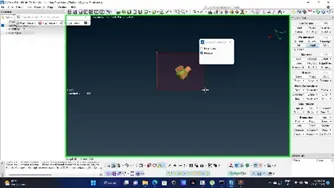
Step1: click on checks and select geometry
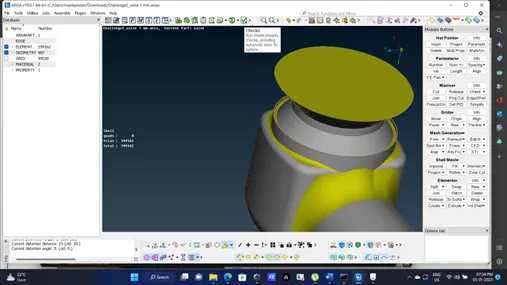
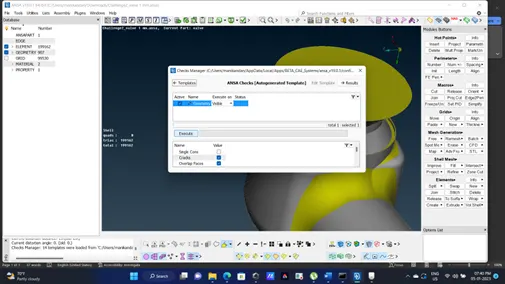
Step2:Select single cons And Click on execute to run the checks this highlights all singlecons use ctrl + shift
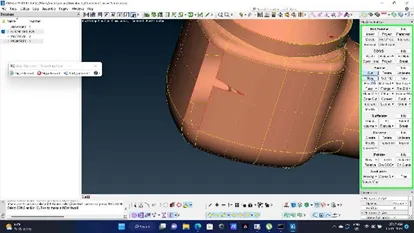
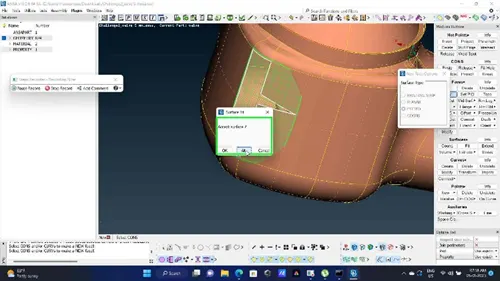
Step3:After identifying the single cons, it has to be cleared before meshing Use new option to create a new surface using one of four option suitable (I’m using fitted) select loop to select the entire single cons that form a loop once the selection is done do middle click
Step4: Clear unnecessary openings using fill holes
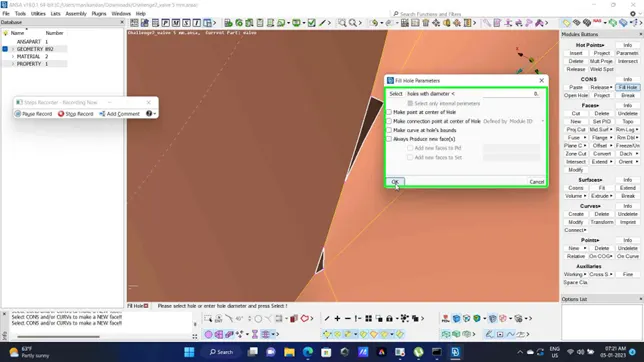
Step5: Remove unnecessary cons to avoid very small volume by clicking on cut option and right click
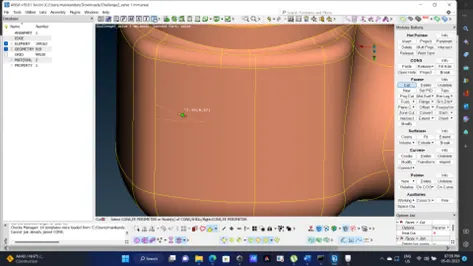
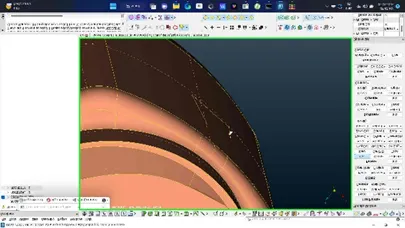
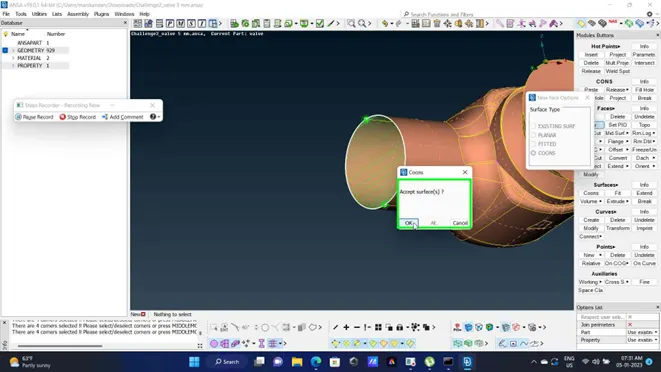
Step6: Close inlet and exit using coons to create a closed volume
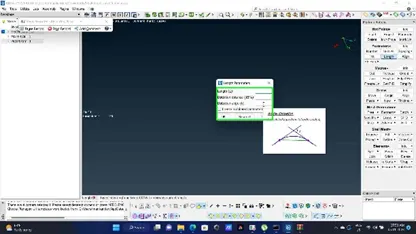
Step7:Switch to mesh deck select length, In perimeter and macros select entire model and give input as 1,3,5 mm respectively
Step8: Select spot mesh and select and change mesh type as tria
Select spot mesh and give visible
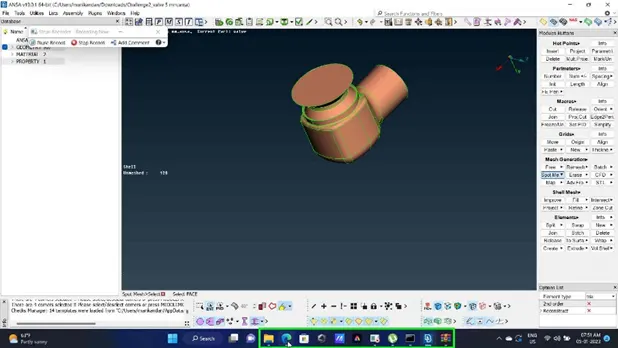
recomedation : The model actually has tight corners less than 3mm and fillet radius less than 5 mm so 1mm mesh length is preferable
PFA THE 3 INDIVUDALLY ATTACHED MODEL FOR EACH MESH LENGTH AND THE REPORT IN .docs FORMAT