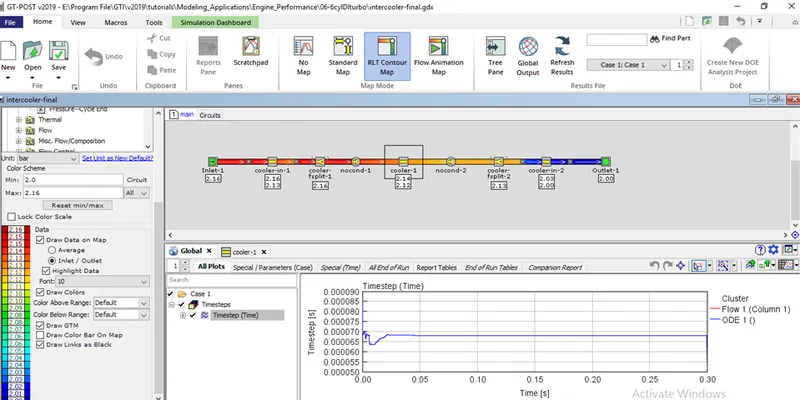
Week 1 : Exploring the GUI of GT-POWER
1. Explore the GUI of GT SUITE and list down modules available with a brief description.
GT Suite is the CAE simulation tool with capabilities and libraries aimed at a wide range of applications and industries. It offers engineering functionalities ranging from fast concept design to detailed system or sub-system/component analysis, design optimization, and root cause investigation.
Industries used GT-Suite
(1) On-highway Vehicle
(2) Off-Highway vehicle
(3) Marine and rail
(4) Industrial Machinery
(5) Aerospace
(6) Power Generation
Why You Should Choose GT-SUITE:
Industry’s Tool of Choice:
- It is recognized worldwide as the Industry Standard for system simulations.
- Used by most leading OEMs and suppliers
- Highly acclaimed
Multi-Physics Platform:
The foundation of GT-SUITE is a versatile multi-physics platform for constructing models of general systems based on many underlying fundamental libraries:
- Flow library (any fluid, gas or liquid or mixture)
- Acoustics library (both non-linear and linear)
- Thermal library (all types of heat transfer)
- Mechanical library (kinematics, multi-body dynamics, frequency domain)
- Electric and Electromagnetic library (circuits, electromechanical devices)
- Chemistry library (chemical kinetics)
- Controls library (signal processing)
- Built-in 3D CFD and 3D FE (thermal and structural)
Modern Software with Unique Capabilities:
- Fusion of 1D and 3D simulation in one tool
- Imports solid models from CAD to create 1D and 3D models
- Performs embedded 3D CFD and 3D FE thermal/structural modeling with all boundary conditions provided by the simulated surrounding complete system
Enterprise-Level Capabilities:
- Integration with leading PLM tools and revision control tools (Siemens TeamCenter, Microsoft Sharepoint, SVN)
- System integration and collaboration tools
- Includes tool-neutral co-simulation platform with FMI support (XLink)
- Distributed computing
- DOE and optimization
High Productivity and Cost Advantage:
- GT-SUITE includes important and valuable Productivity Tools that are included with all licenses at no extra cost.
- Fast solver makes simulations of large systems practical
- Highly acclaimed Customer Support is considered the best in the industry
- Highly competitive product pricing.
The various modules available in GT-SUITE:
COOL3D:
- COOL3D is a tool that can be used to build 3D models of underhood thermal management flow systems that can be discretized and made into model files for use with GT-SUITE. It provides the ability to build the model in a 3D environment so that the full details of the model can be included. It also includes sophisticated discretization logic that is able to transform the 3D model into a model file that is compatible with the GT-SUITE software. COOL3D can be used to build any flow system that contains only blockages, fans, heat additions, and heat exchangers
GT-ISE:
- It is the main interface where models are built and simulations are launched. It is an environment where all the elements are brought up to the map and connected together linking the entire model. It creates the model in sequential order step by step like engine cylinder, engine crankshaft, combustion, Valve train, etc.
GEM 3D:
- GEM3D is a tool that can be used to build 3D models of flow, thermal, and mechanical systems that can be discretized and made into model files for use with GT-SUITE. It provides the ability to build the model in a 3D environment so that the full details of the model can be included. It also includes sophisticated discretization logic that is able to transform the 3D model into a model file that is compatible with the GT-SUITE software. GEM3D can be used to build any system that contains components like pipes, mufflers, manifolds, air boxes, heat exchangers, underhood, cabin, batteries, crankshafts, etc.
GT-POST:
- GT-POST is a powerful data analysis tool used to plot, view, and manipulate data generated either by a GT-SUITE simulation or by an external source. It offers a more efficient data analysis solution than standard spreadsheet software. By employing data pointers, the results viewed in GT-POST are updated automatically and immediately when a model is changed and a simulation is a rerun. Also, GT-POST lends itself nicely to the development of portable, user-defined templates that control how results are presented.
VT-DESIGN:
- VTDESIGN is a stand-alone, interactive cam/valvetrain/spring design tool supplied with GT-SUITE that may be used as a preprocessor to GT-SUITE. VTDESIGN is composed of three main features including the Cam Design feature, the Valvetrain Design feature, and the Spring Design feature. These three features can be accessed at any time by clicking on the separate tabs in the lower left-hand corner of the project window titled "CamDesign", "Valvetrain", and "SpringDesign".
GT-SpaceClaim:
- GT-SpaceClaim is a tool that can be used to import CAD geometry of various formats, extract volumes and export them for discretization in GEM3D. Building and exporting 3D models of flow systems is also possible. These basic shapes can be created with GT-SpaceClaim. These shapes are similar to the ones that can be created in GEM3D and can be combined to form complex geometry.
2. Locate the following settings:
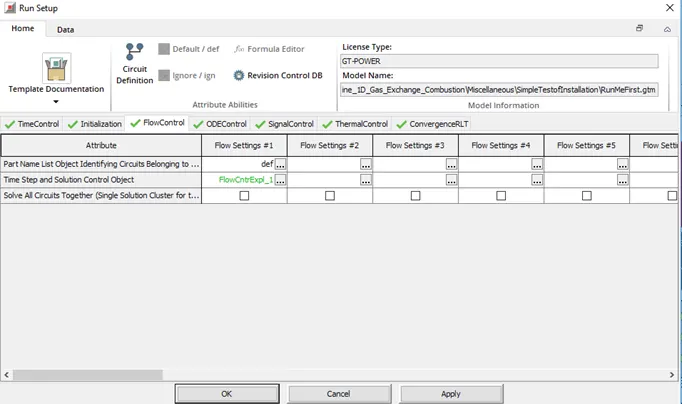
- Time control flag
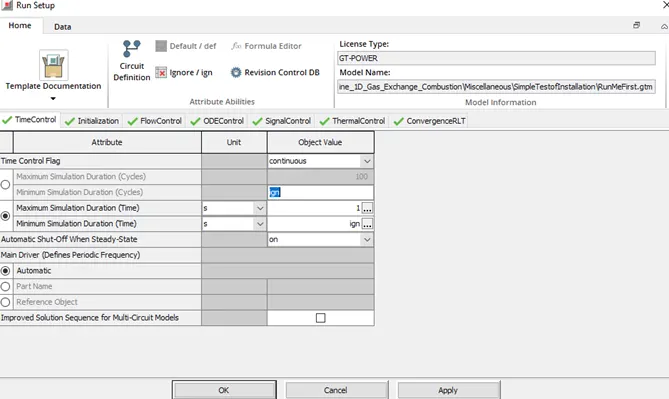
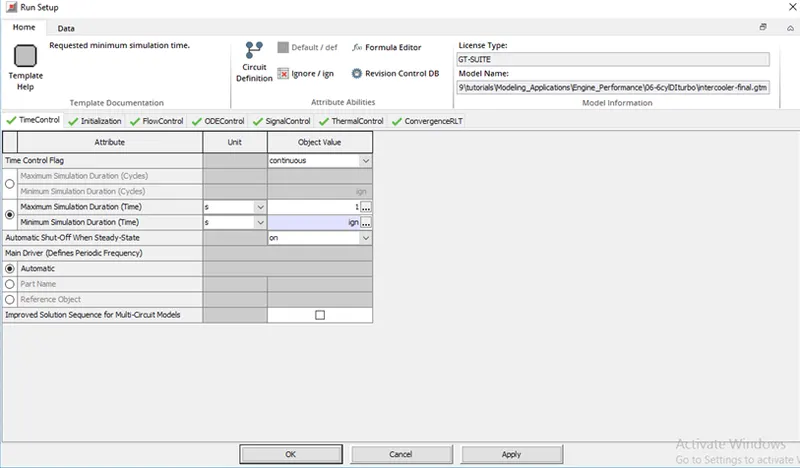
Time control flags are of two types, continuous and periodic used according to case setup. For Engine applications, the Time control flag is periodic, and for other applications continuous. In max. simulation duration we define the time for which the setup will run to get a converged solution.
- Time step and solution control
The Time step defines the duration of the simulation result to converge. we can control time step and solution with the option of automatic shut off when steady state, with one option when the solution converges it will automatically stop running setup.
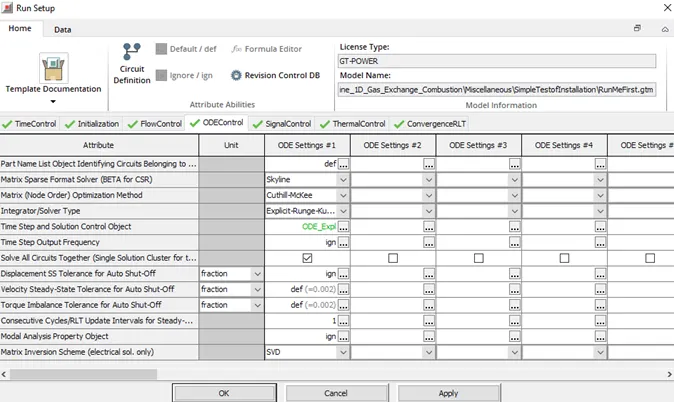
- Integrator/Solver type
There is a lot of solver option like the Runga Kutta method in the below Run Setup option.
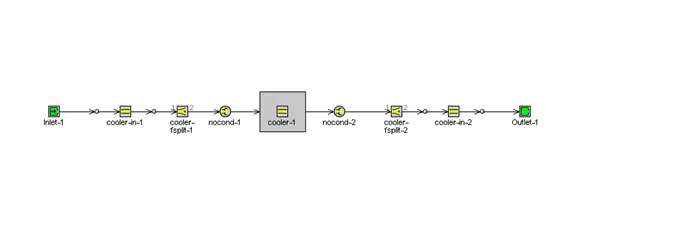
3. Explore the intercooler tutorial and note down all settings of:
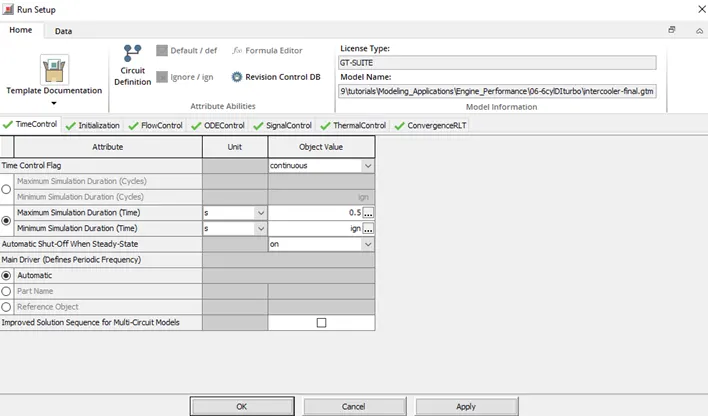
- Run setup
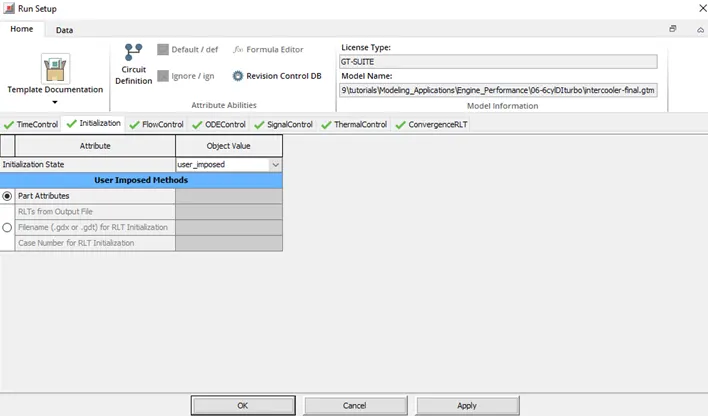
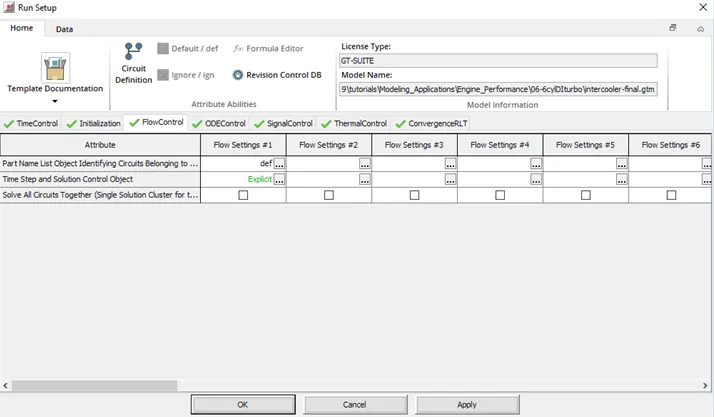
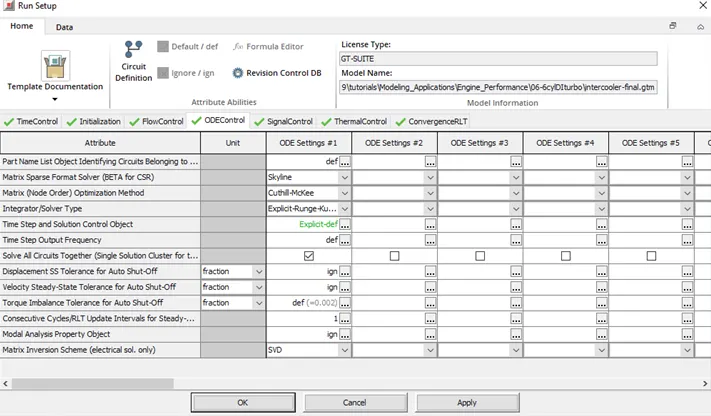
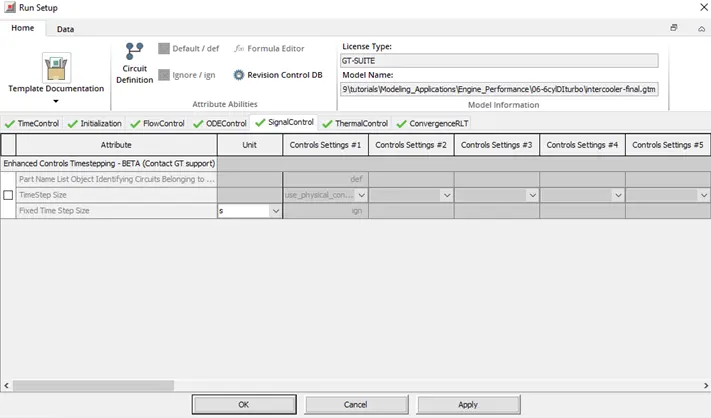
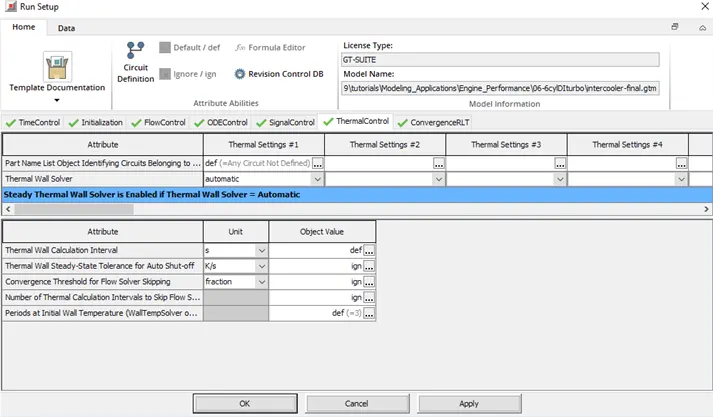
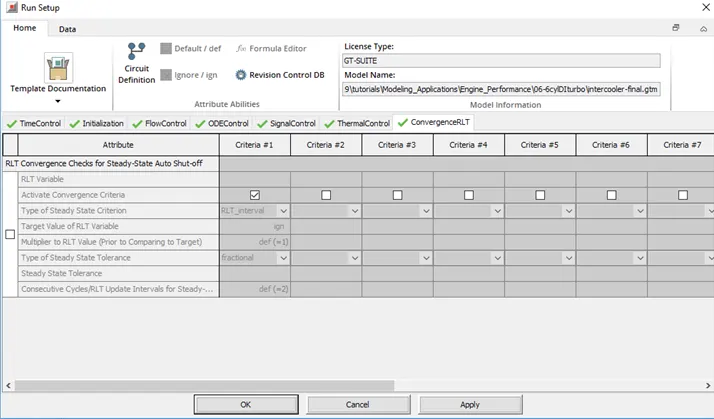
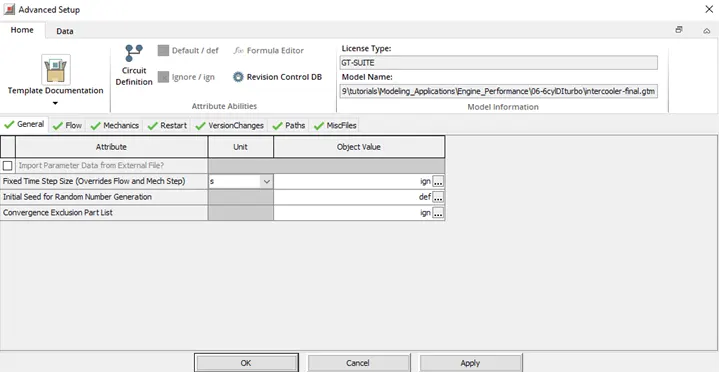
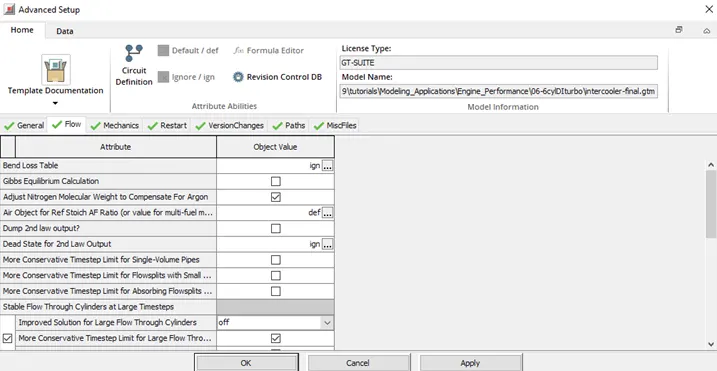
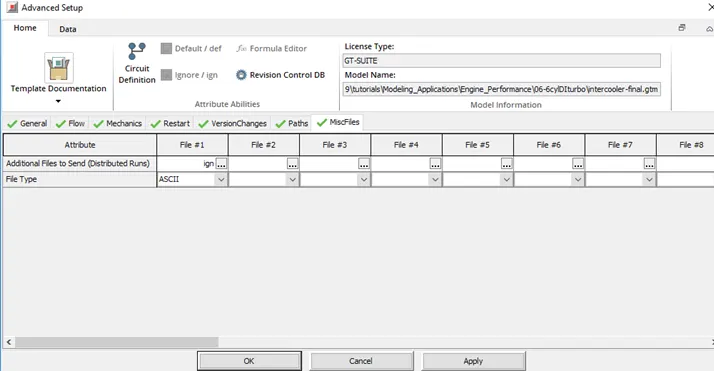
- Advanced setup
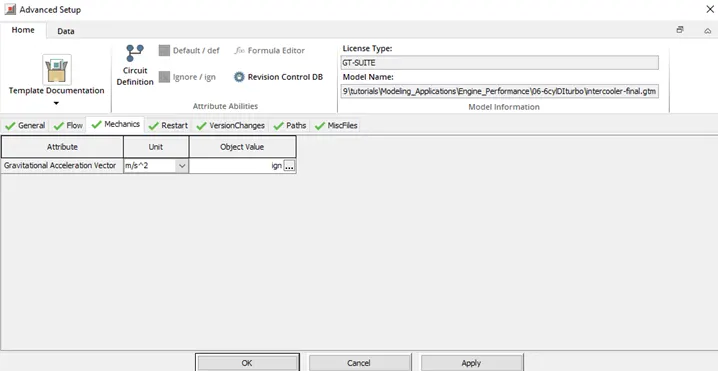
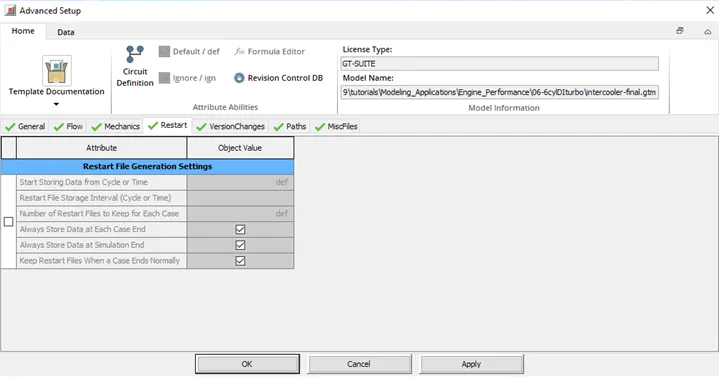
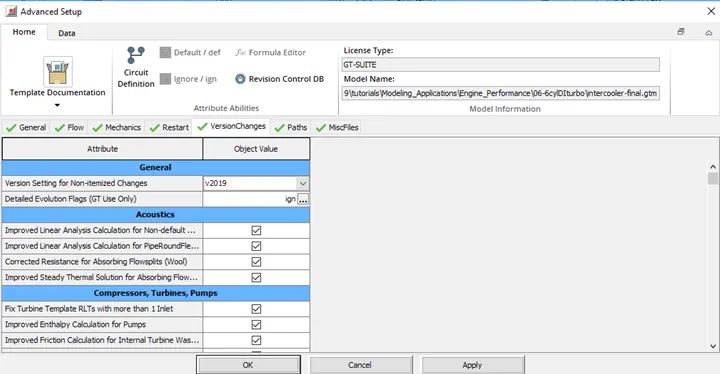
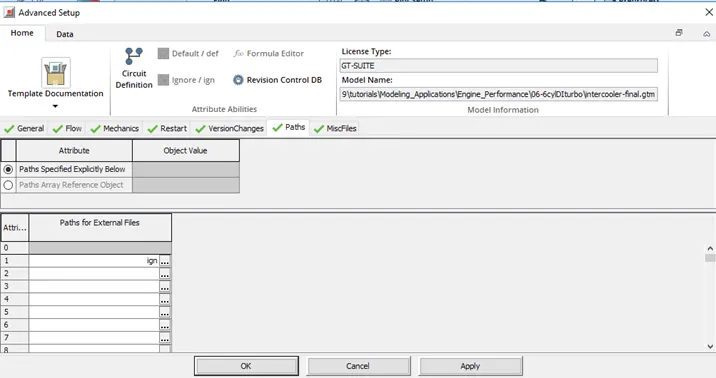
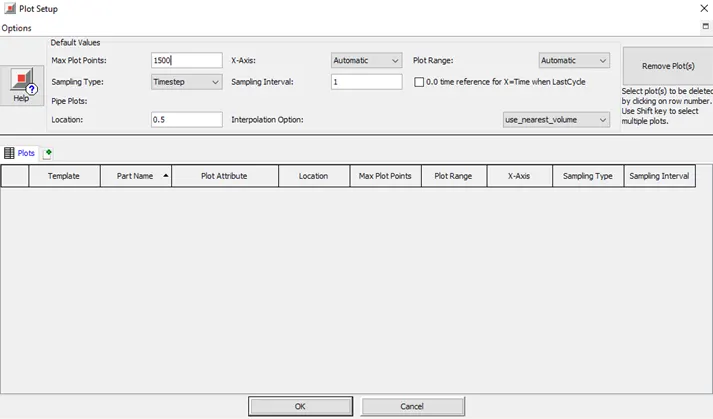
- Plot setup
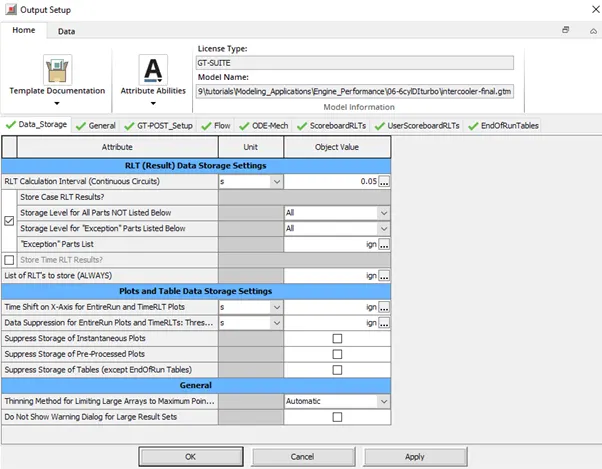
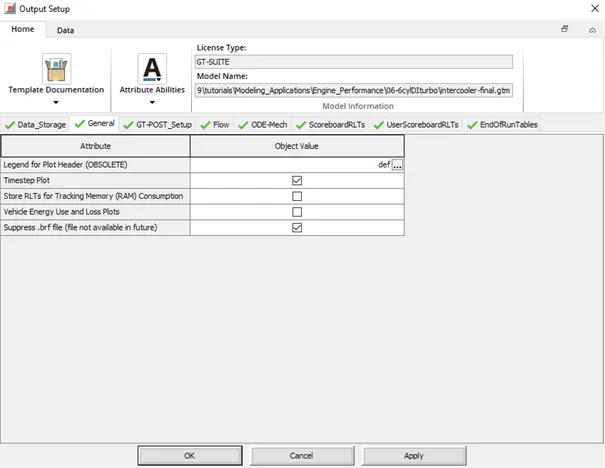
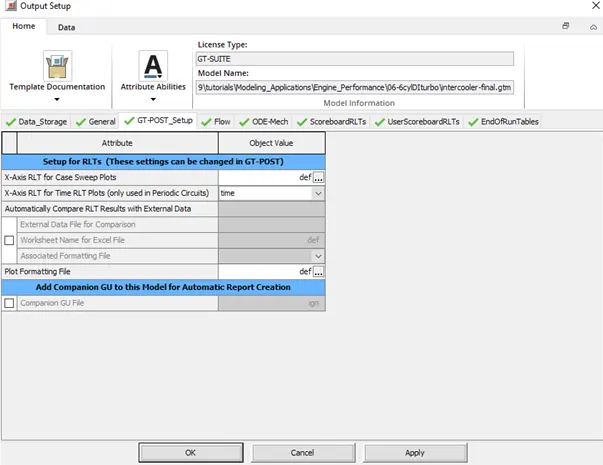
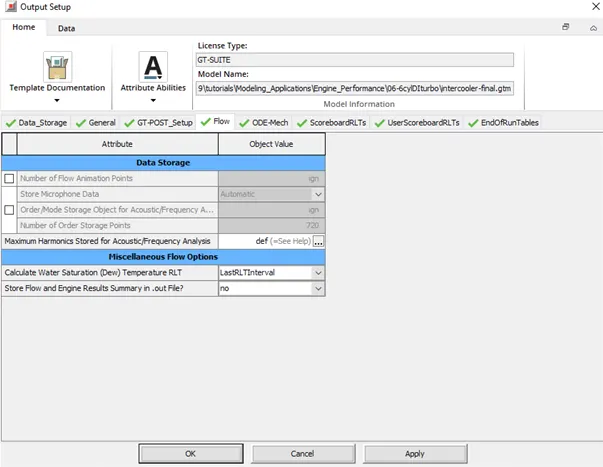
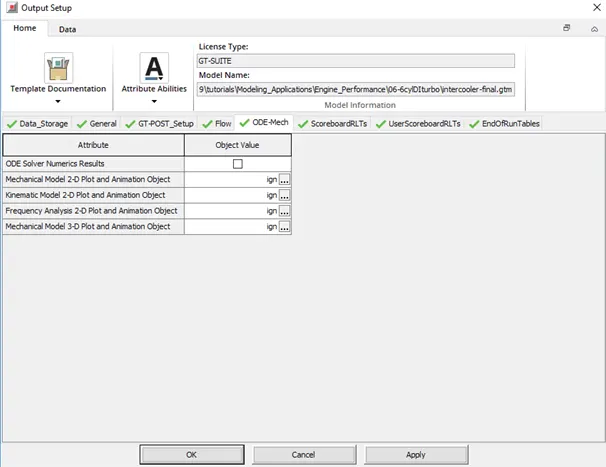
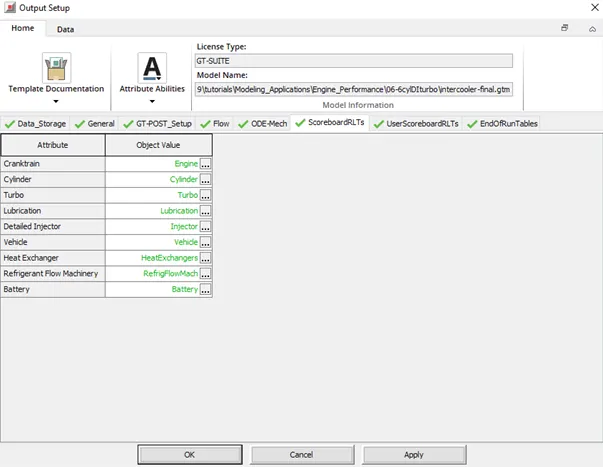
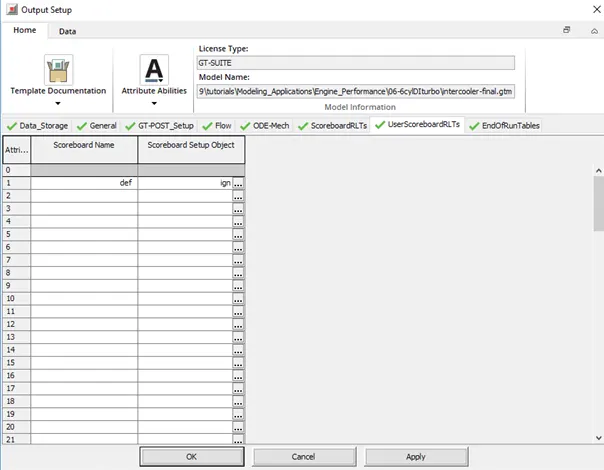
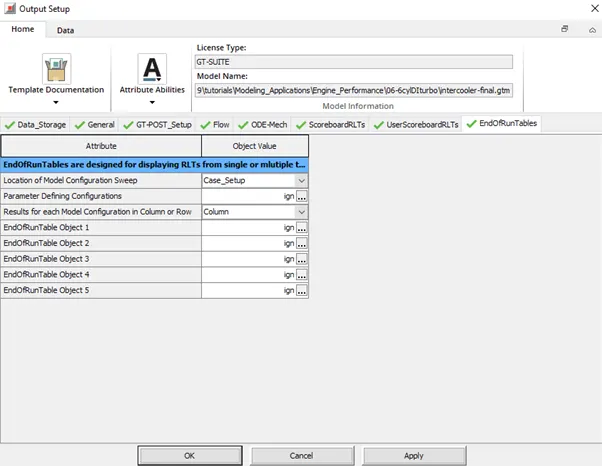
- Output setup
4. Problem:
Given
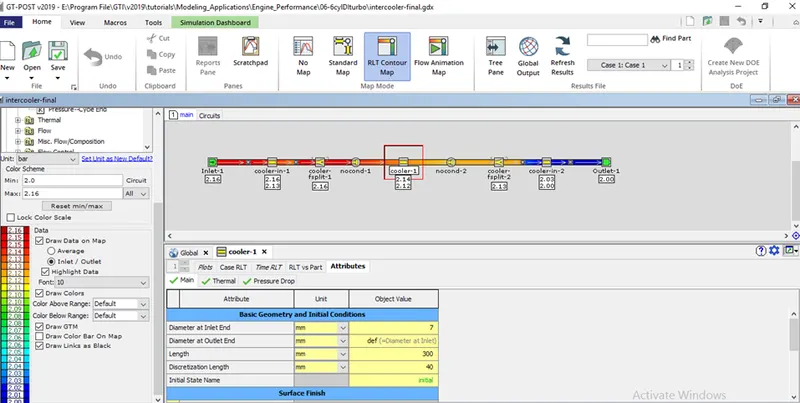
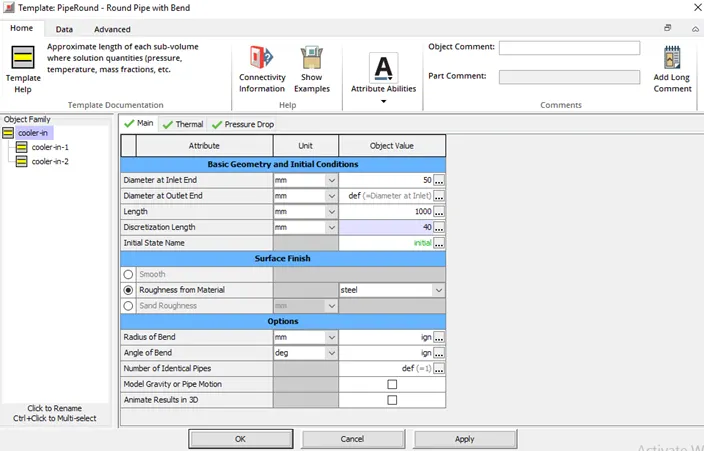
- Diameter of cooler inlet and outlet pipe= 50 mm
- Length of the CAC= 1000 mm
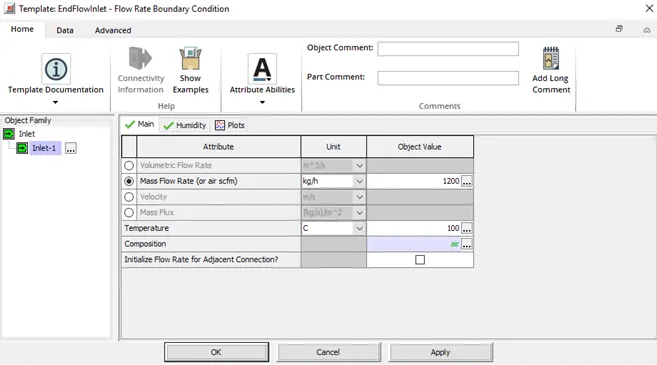
- Inlet mass flow rate = 1200 kg/ h at 100 degC
- Outlet pressure 2 bar at 30 deg C
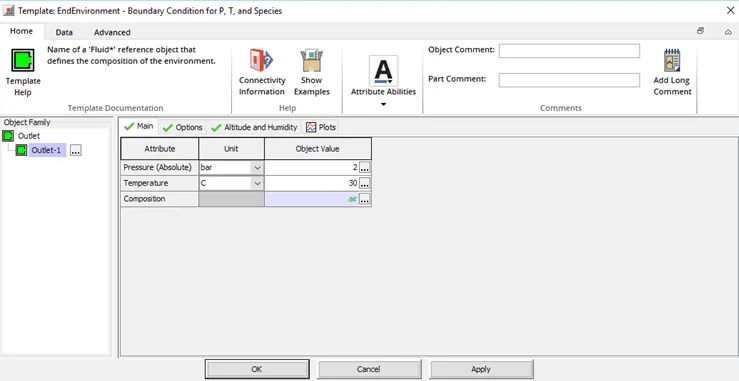
- Set the simulation time to 1 sec.
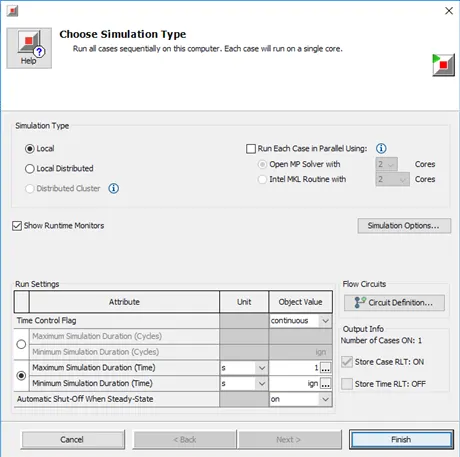
- Run the simulation
- Calculate the Average heat transfer at the Charge air cooler (CAC)
- Calculate pressure drop across CAC
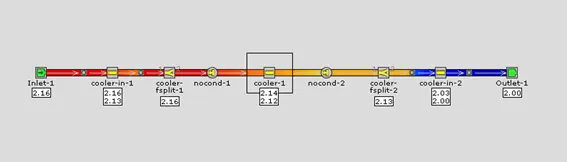
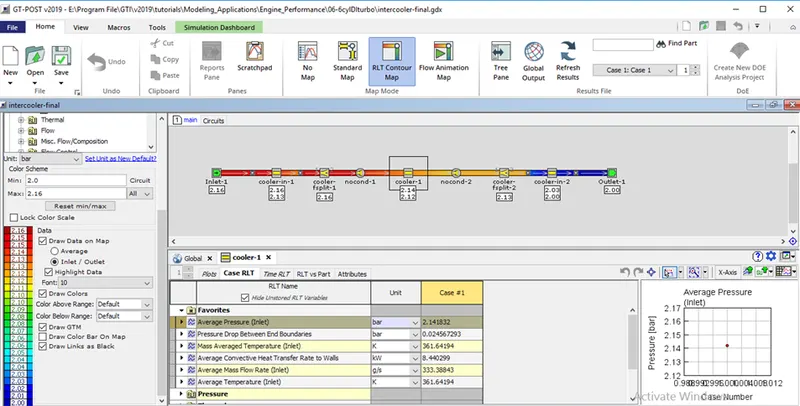
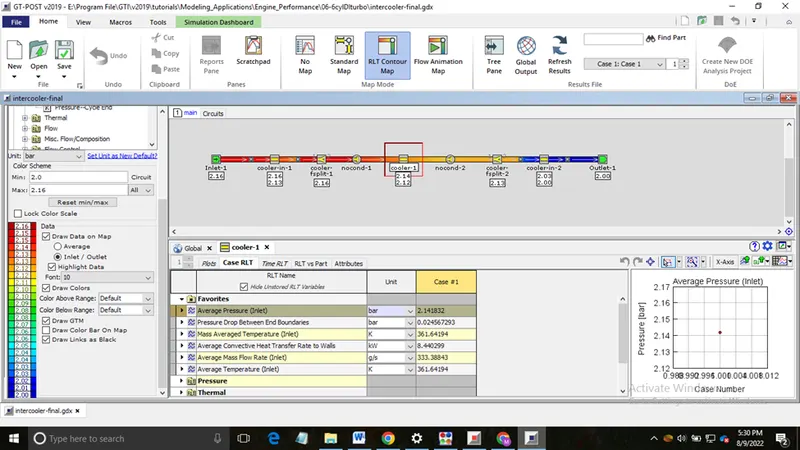
- Average heat transfer at the Charge air cooler (CAC) = 8.440299 kW
- pressure drop across CAC = 2.141832 bar