To Generate seismic loading based on IS code and to run the analysis using TSD
1)
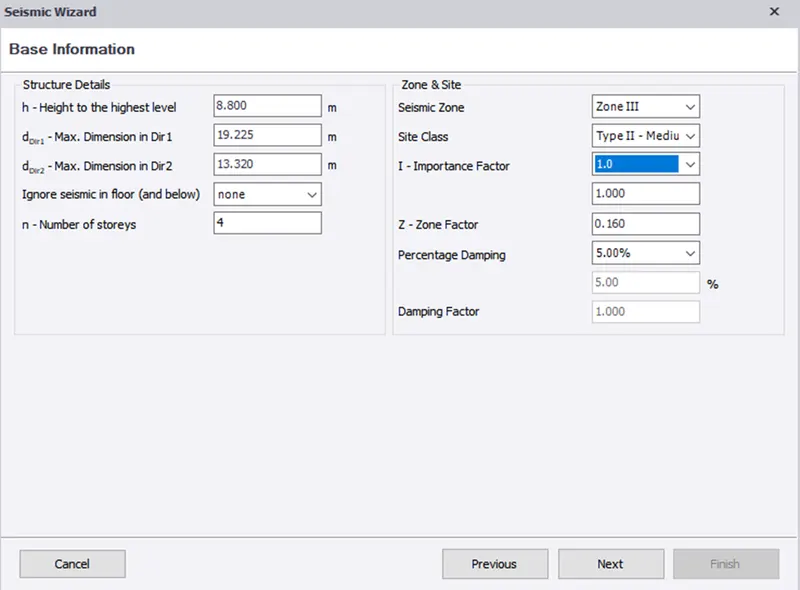
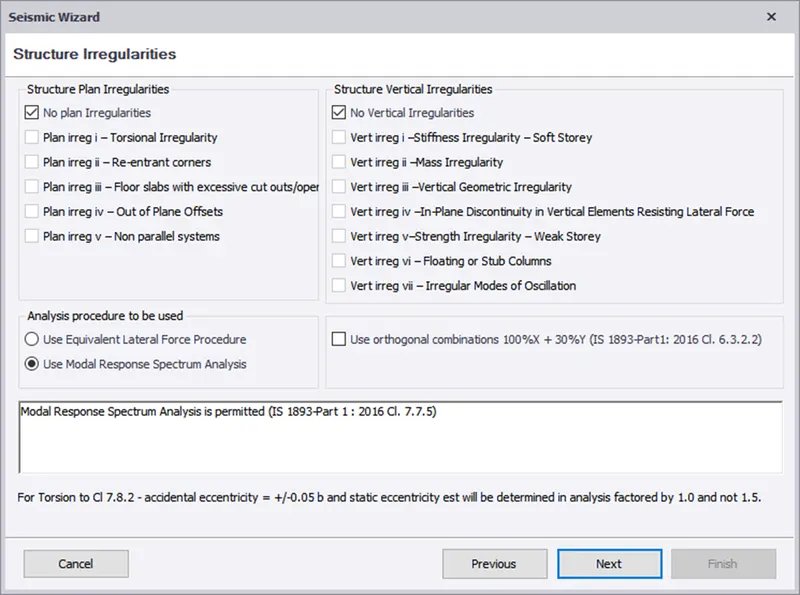
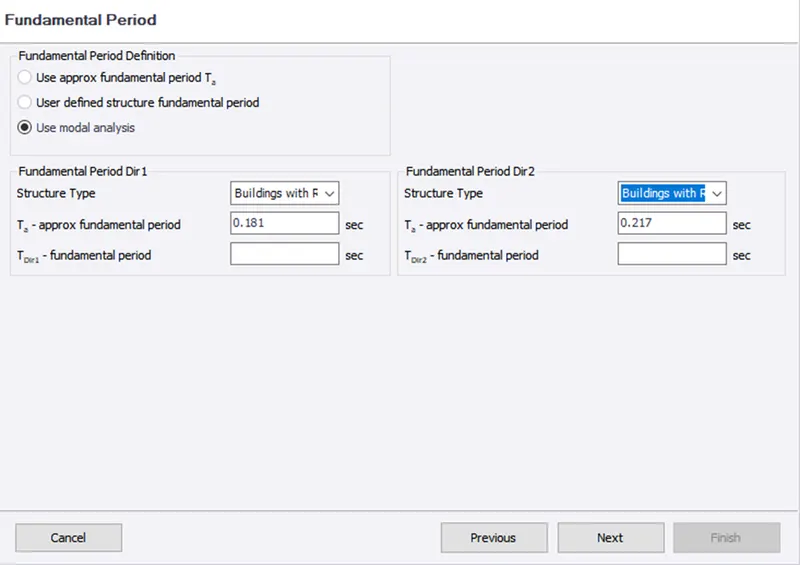
Aim - To Generate seismic loading based IS codal provisions and zone II using seismic wizard.
Procedure -
Step 1)
i) Open the previous model
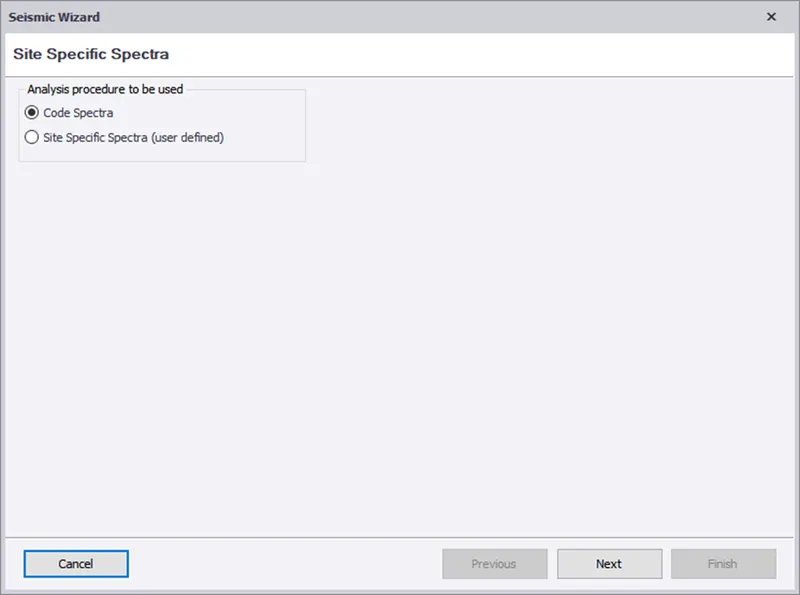
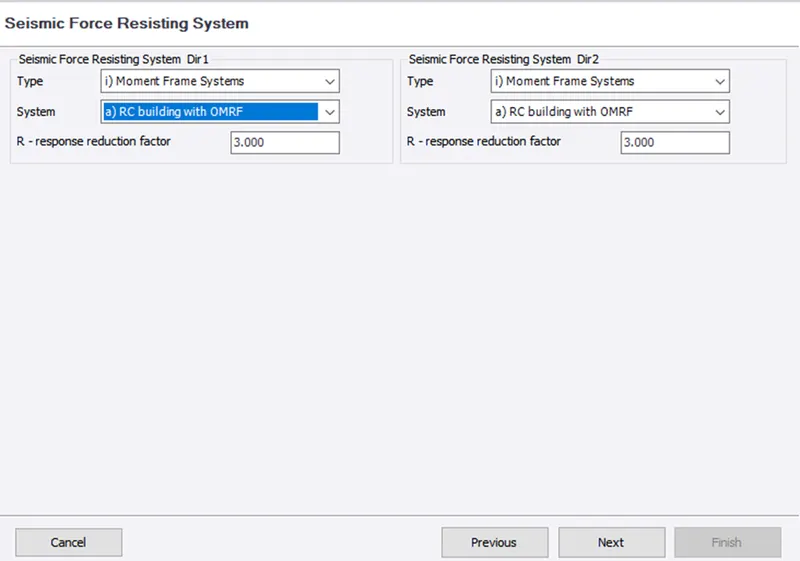
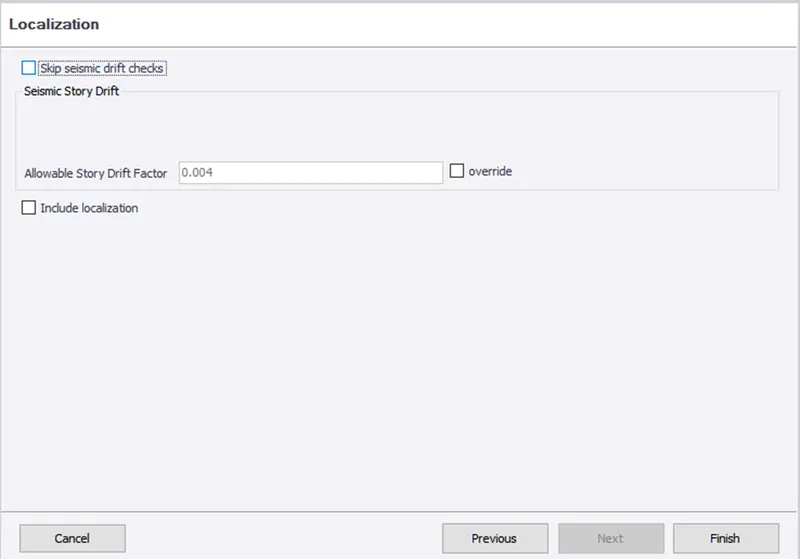
ii) Click on Load - Seismic load - Seismic Wizard
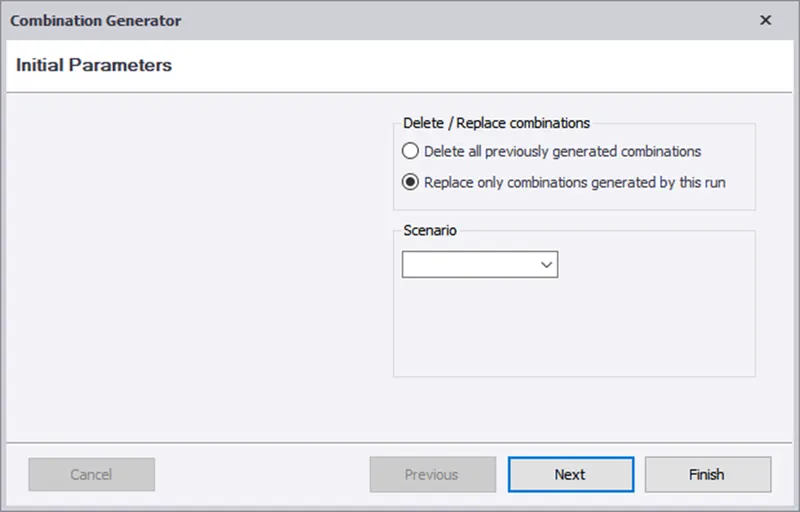
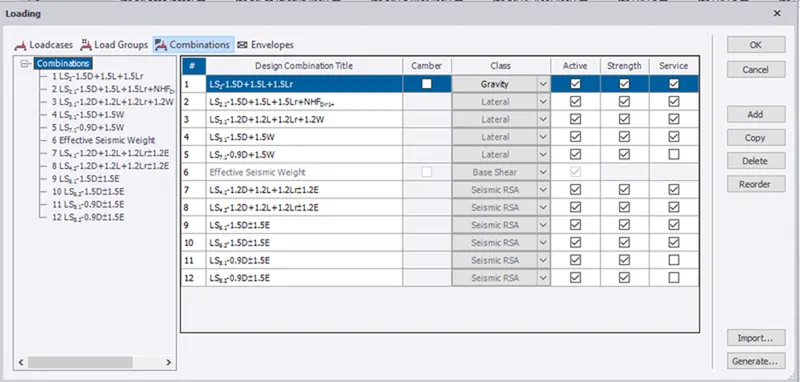
iii) Add the following parameters based on attachments
Results -
i) The seismic load is defined and generated in the TSD software.
2)
Aim - To run the analysis and summarize the understanding of the analysis results.
Procedure -
Step 1)
i) Once Modeling is done
ii) Click on validation to check if any modeling error is there
Step 2)
i) Once model is validate we can perform 1st order analysis
ii) For that Click on Analyze
iii) But before that Check the Modification factor
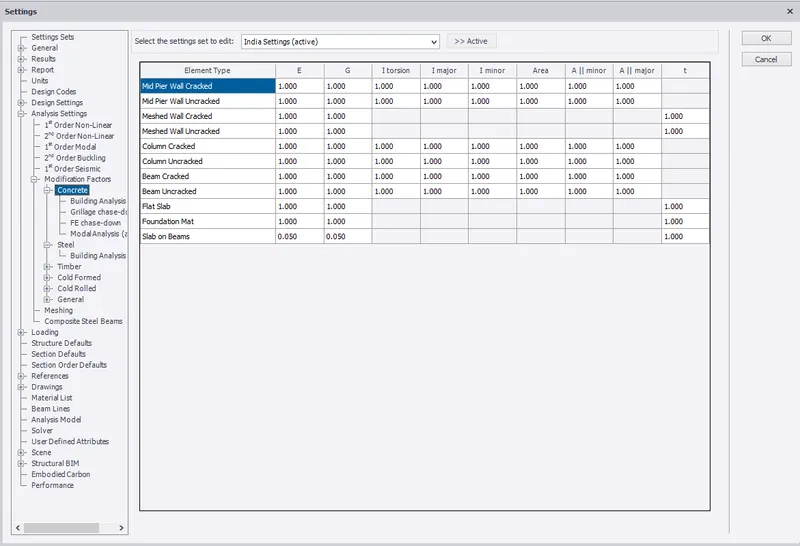
iv) Once modification factor is set. Click on 1st order Analysis
v) At bottom right corner click on result view.
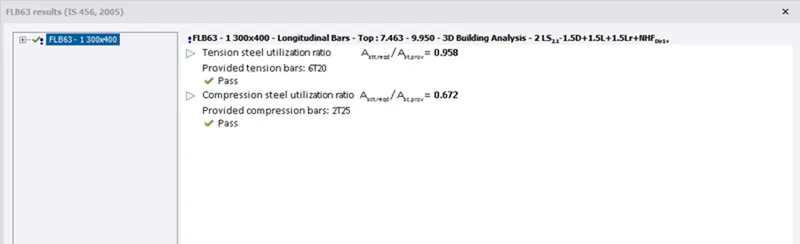
vi) Select individual frame and Check the beam first and right click.now select check selection/member.
vii) Check if it pass all criteria,if not then change the member property.
1) Shear Minor -
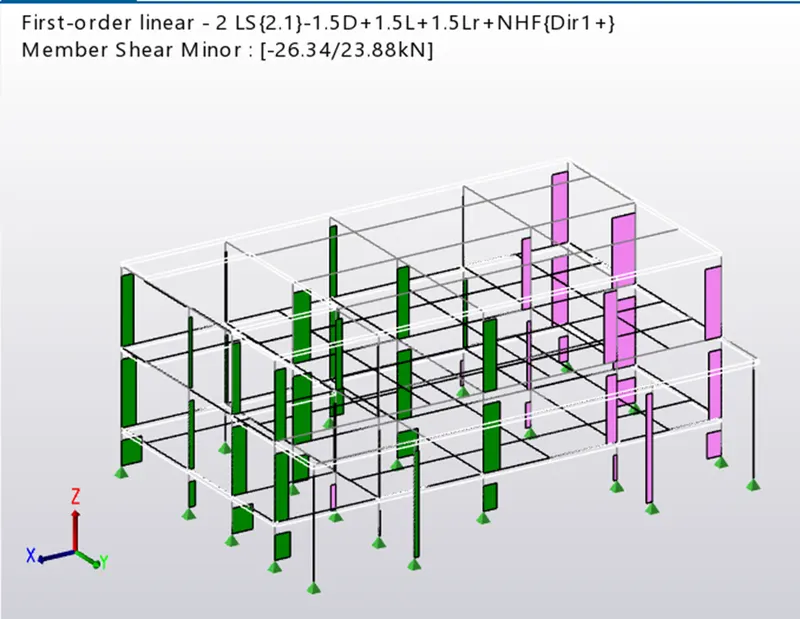
2) Shear major
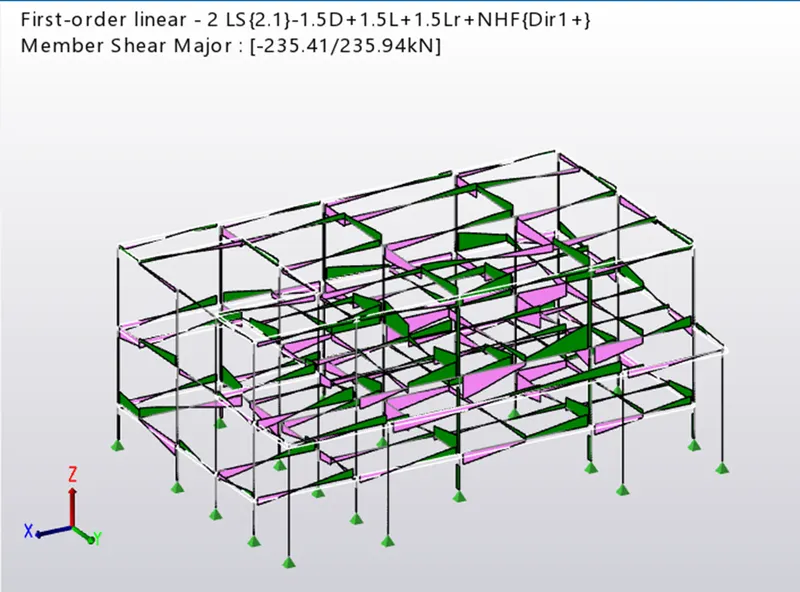
3) Bending Moment Major -
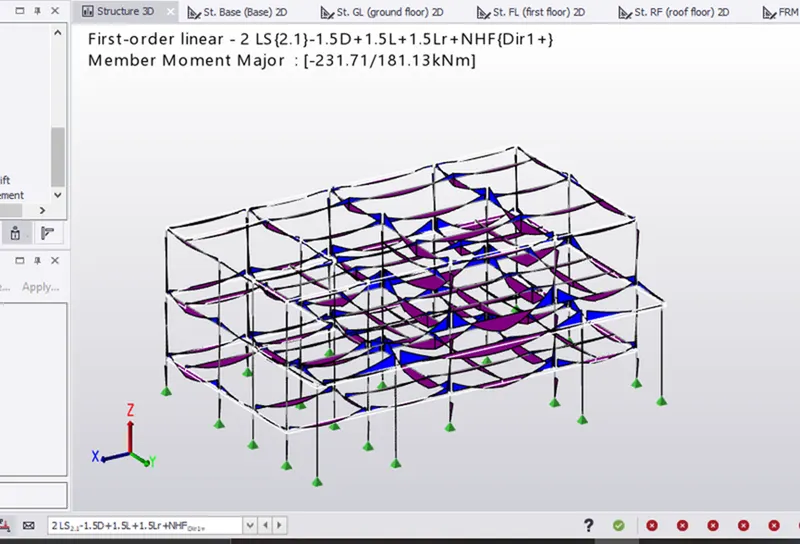
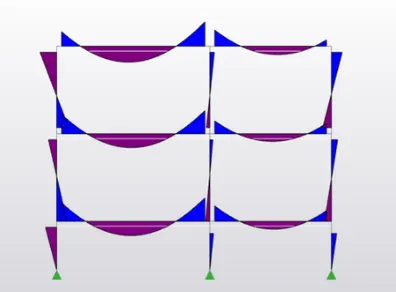
4) Bending Moment Minor
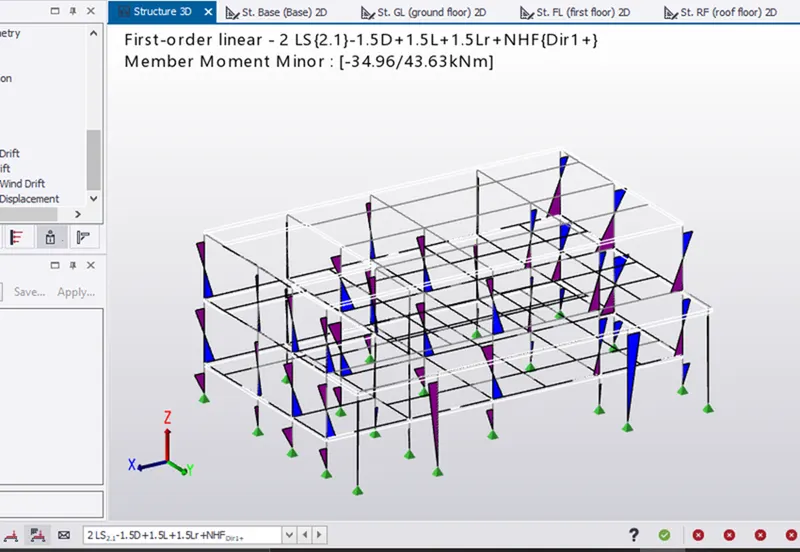
Beams and Column have passed .

Results -
i) The model is analysed and output of analysis is summarized.