Radar Mast & Final Assembly of Yacht
Radar Mast & Final Assembly of Yacht
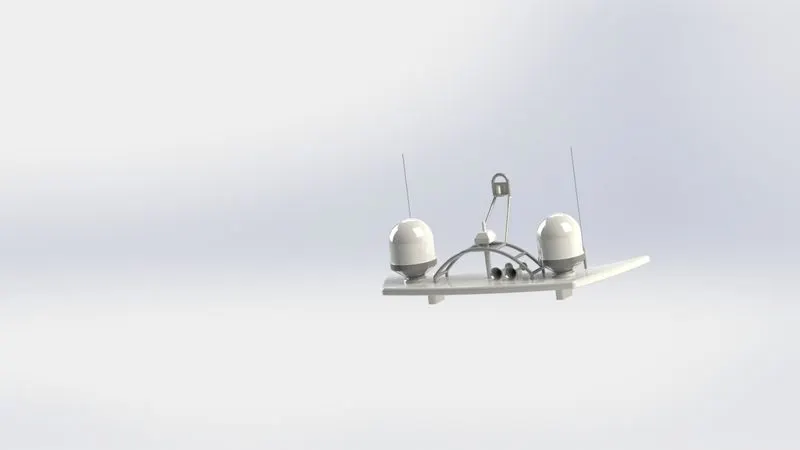
Radar Mast
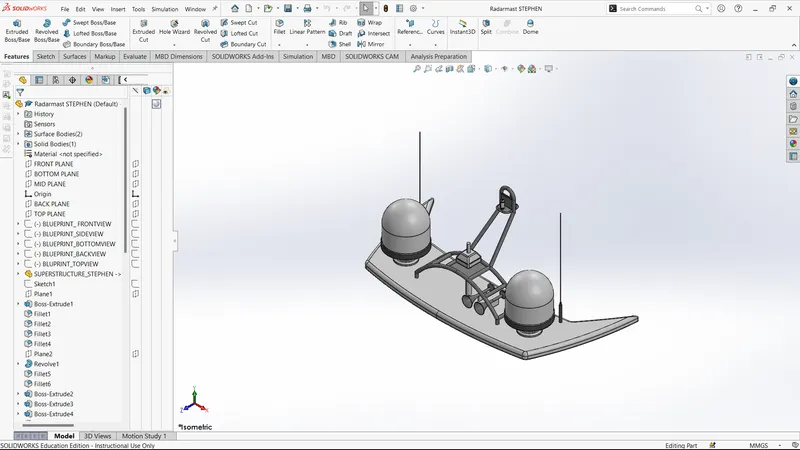
SKETCHES
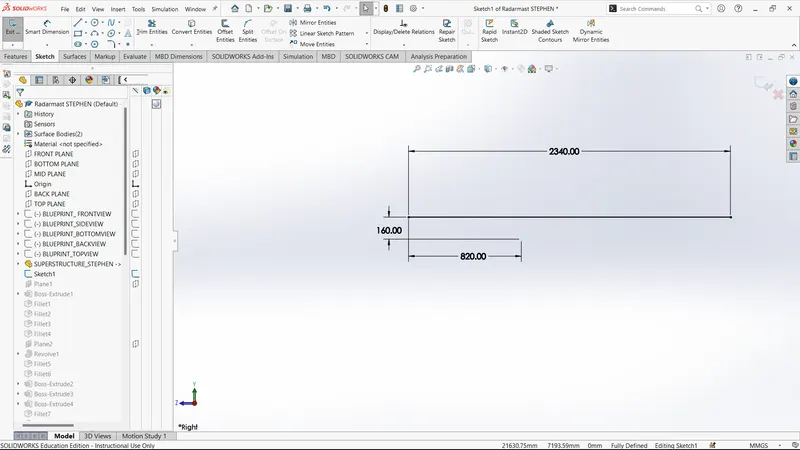
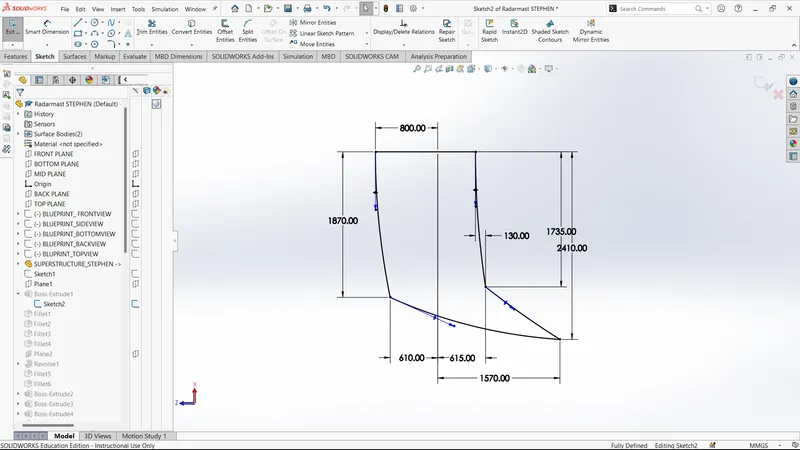
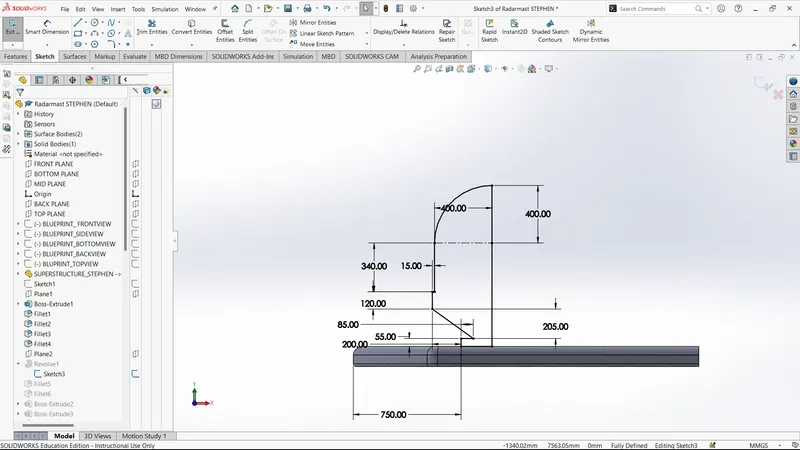
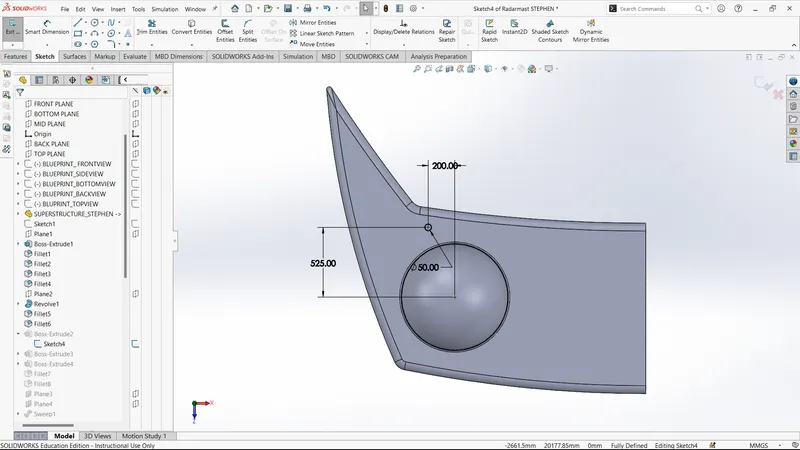
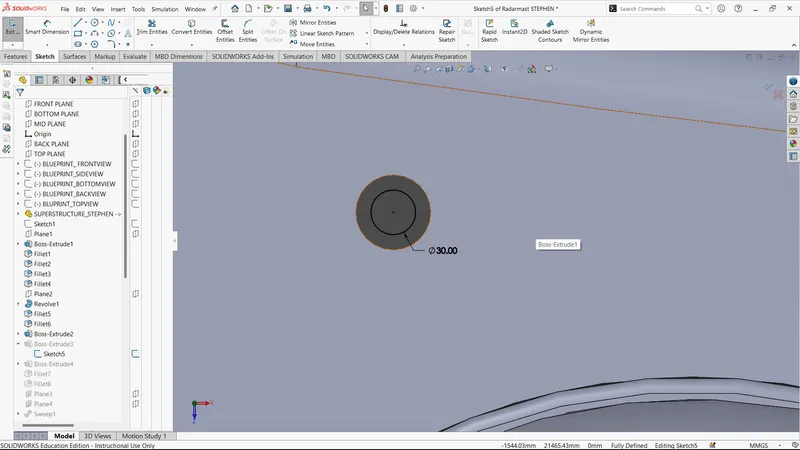
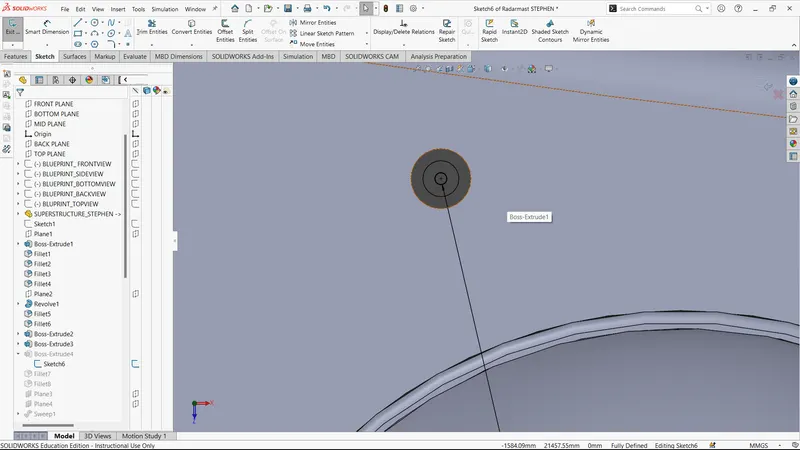
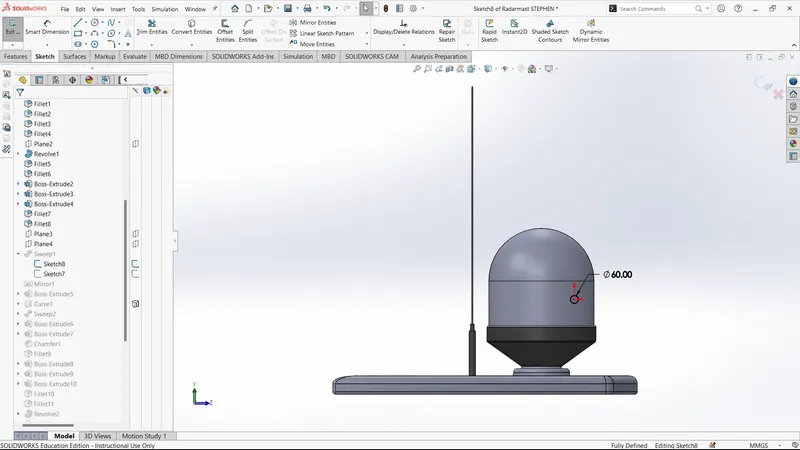
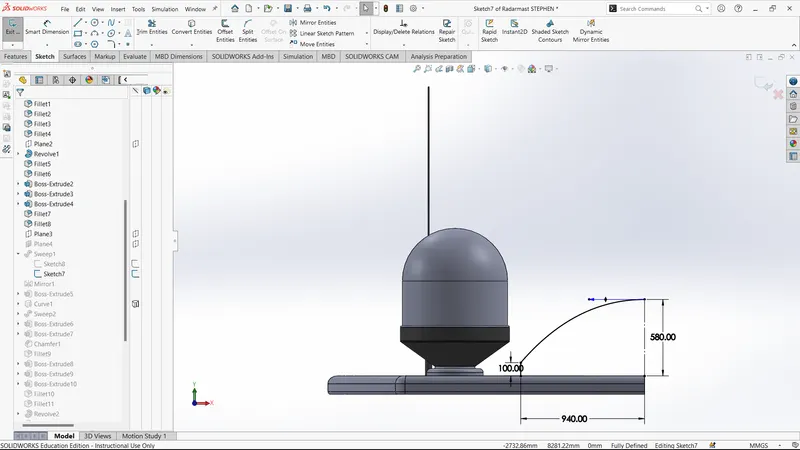
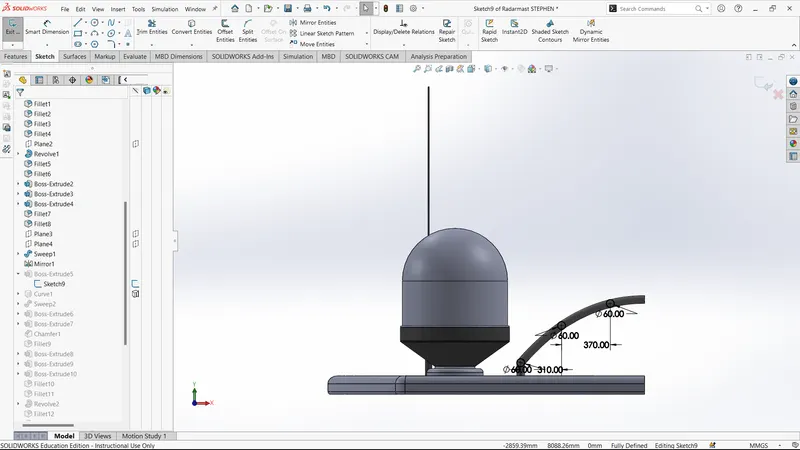
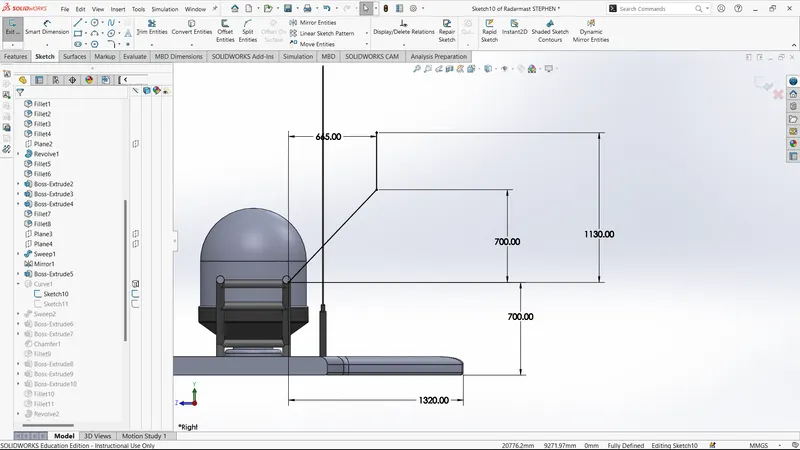
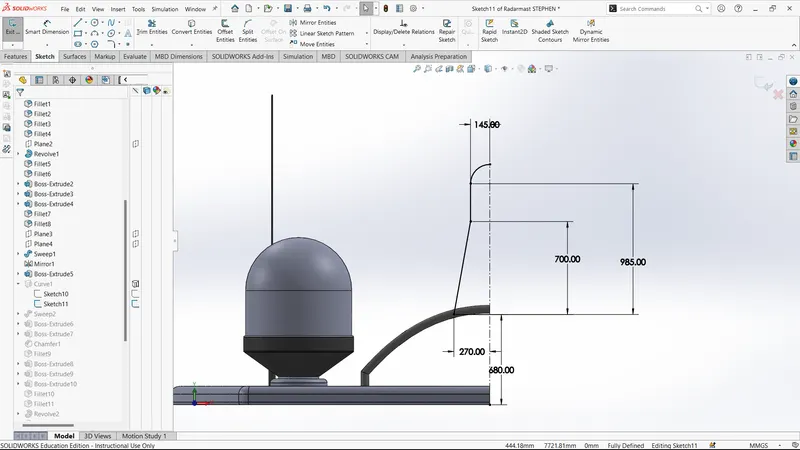
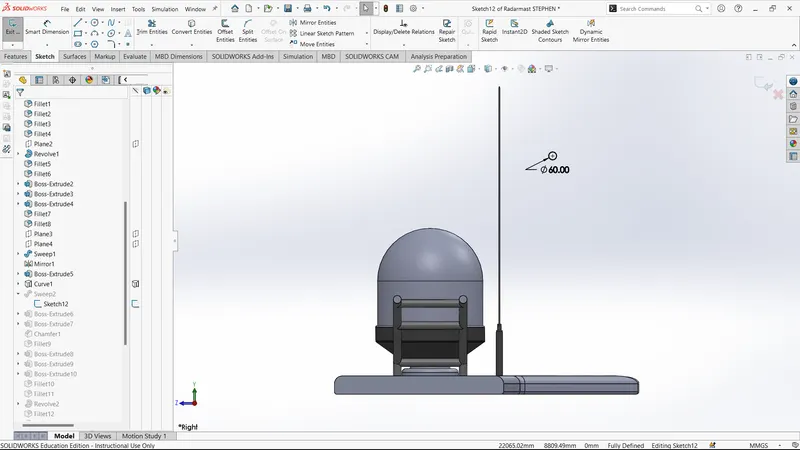
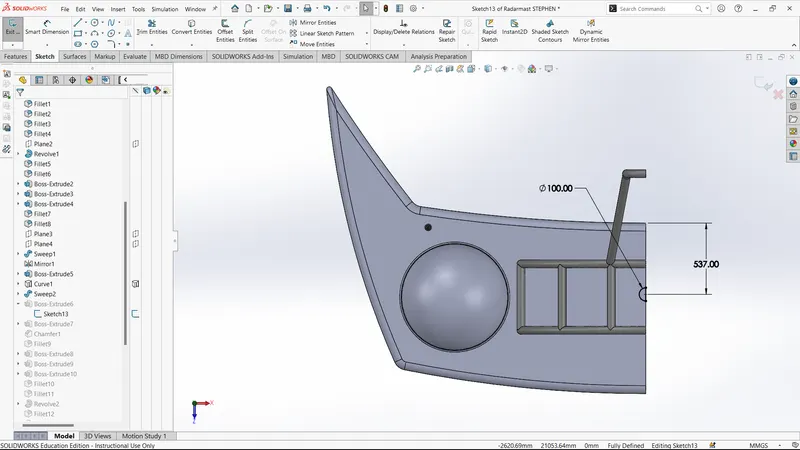
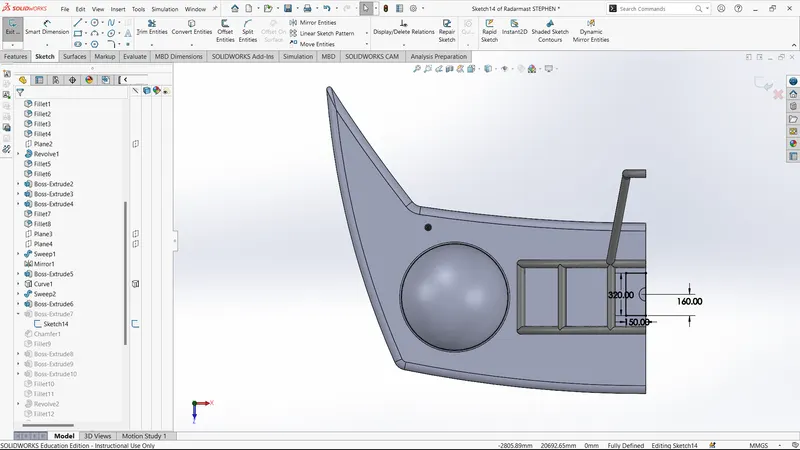
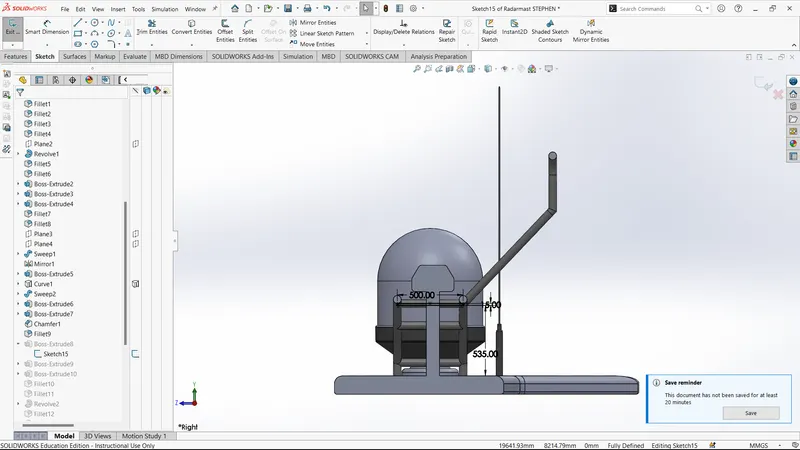
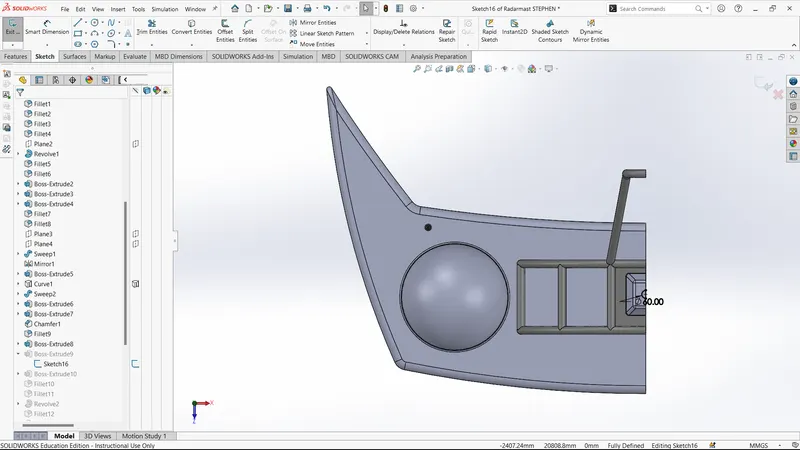
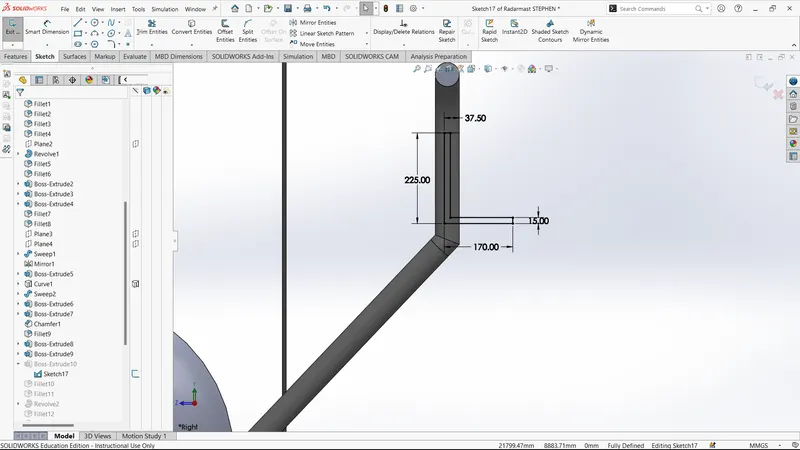
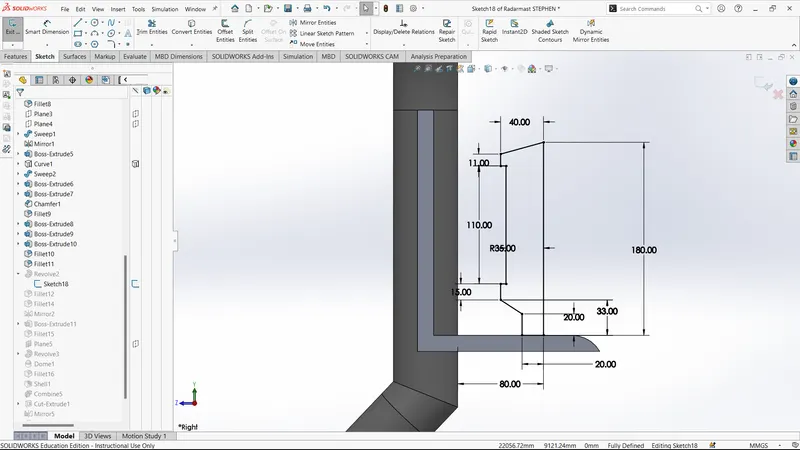
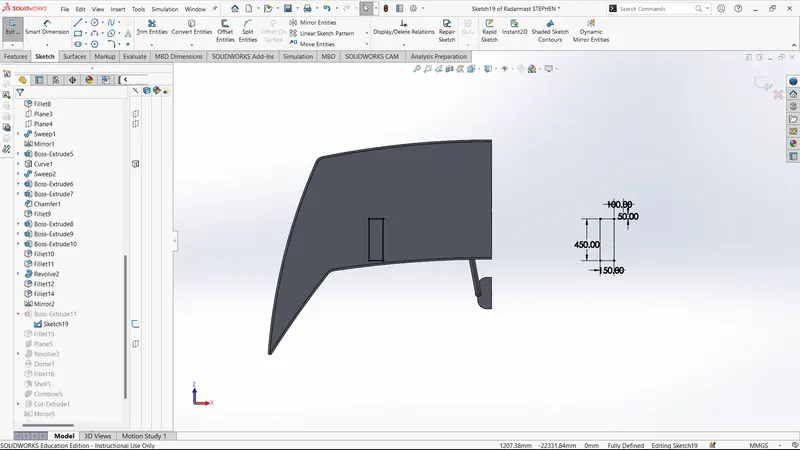
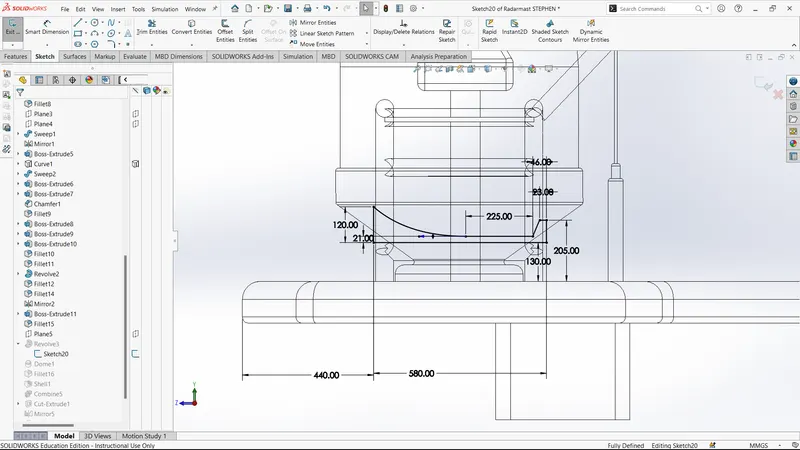
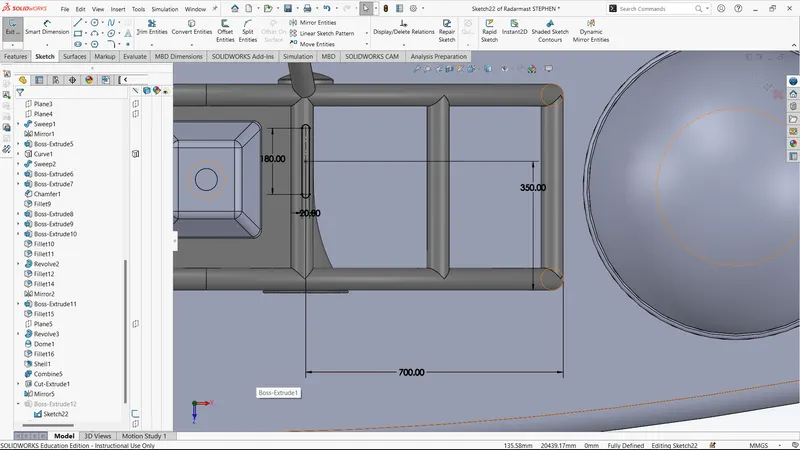
ORIENTATIONS
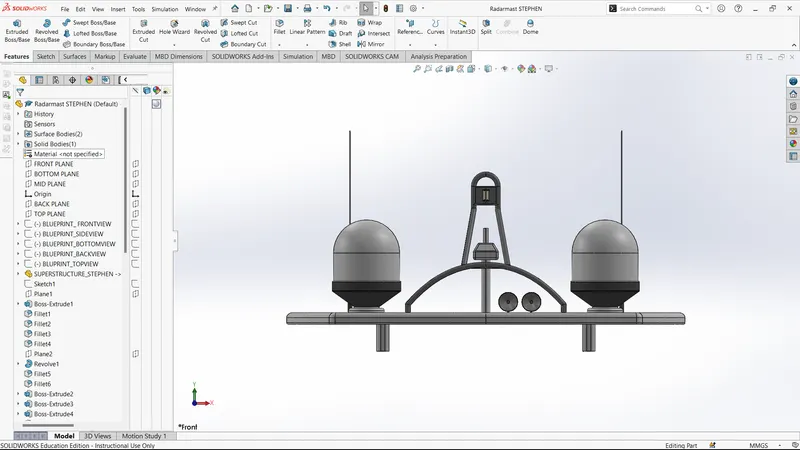
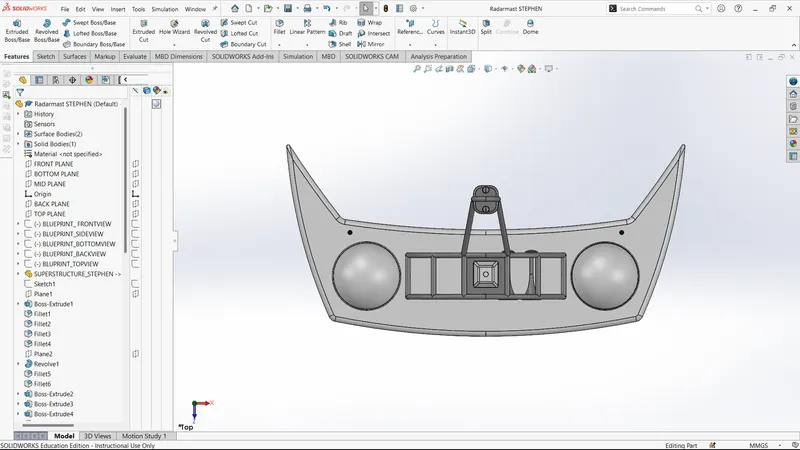
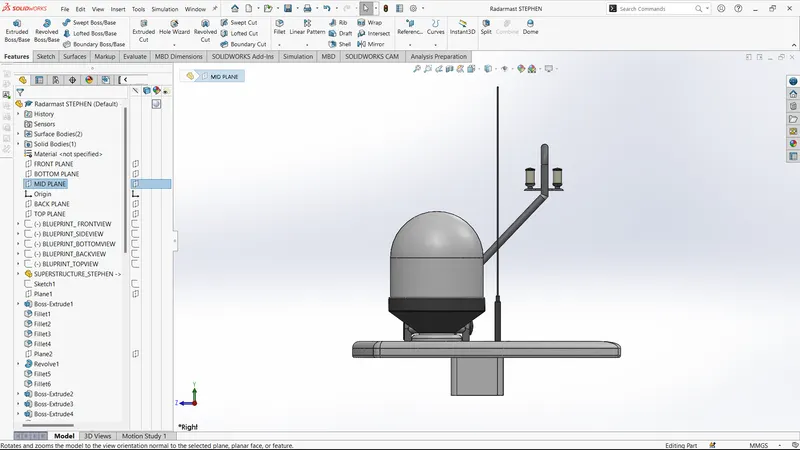
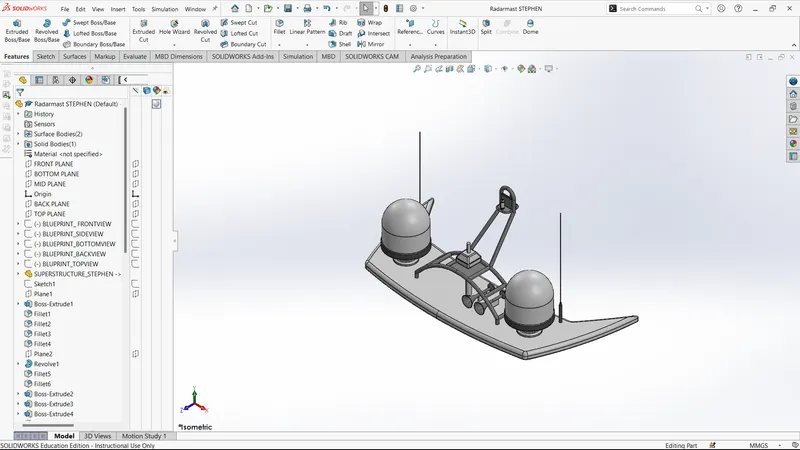
TREE STRUCTURE
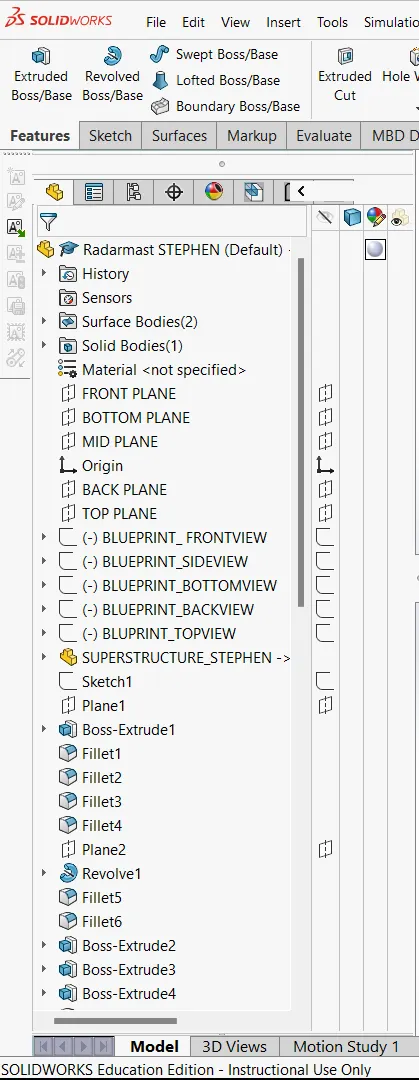
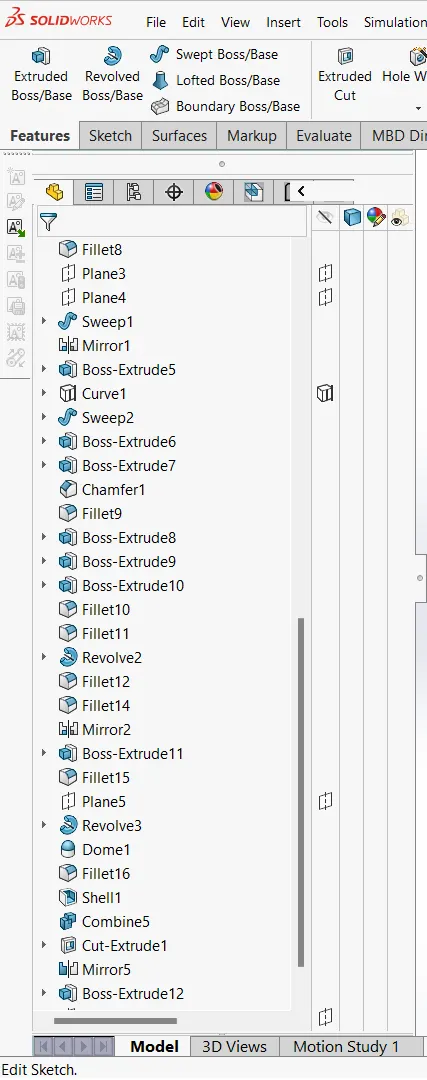
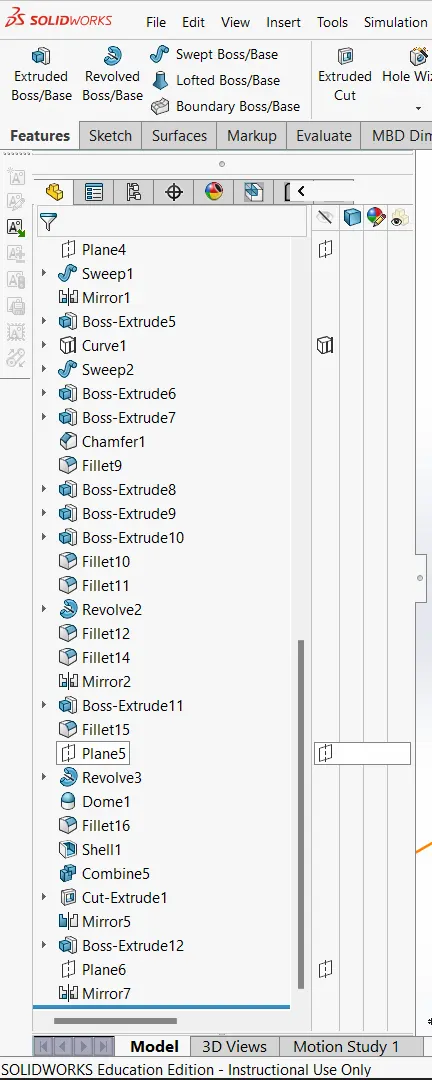
Yacht Assembly
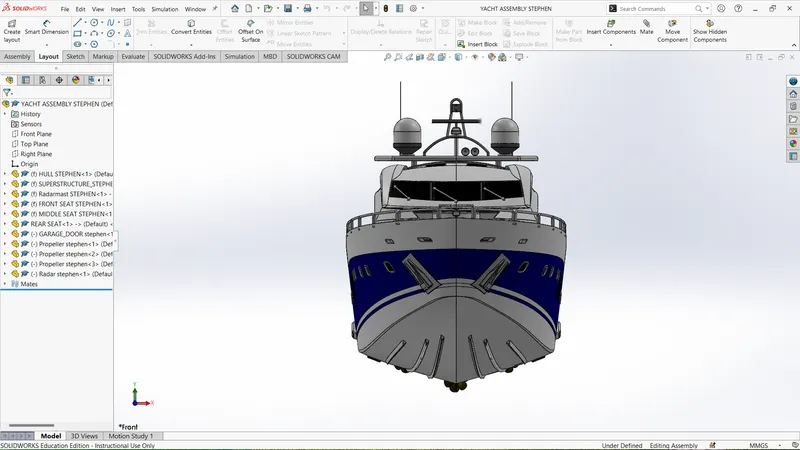
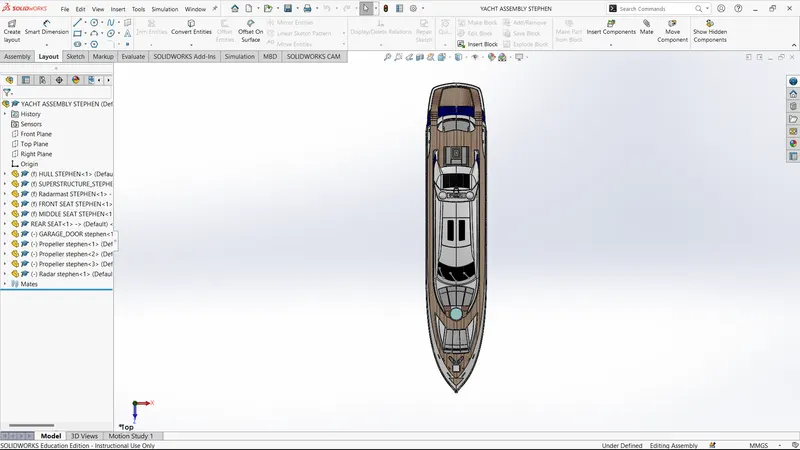
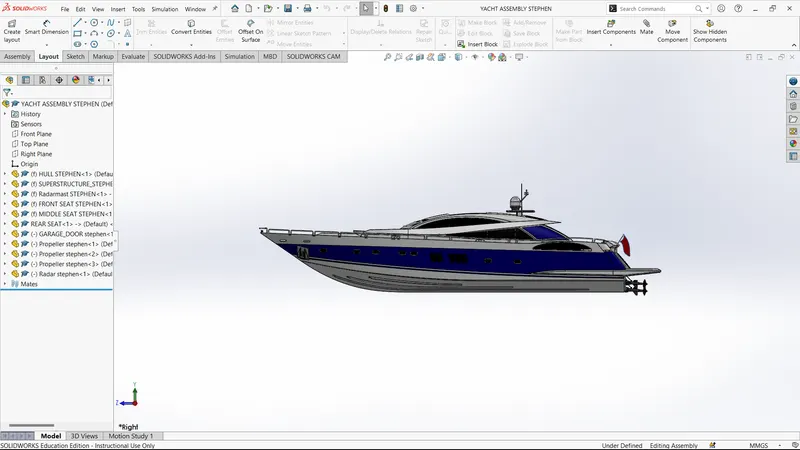
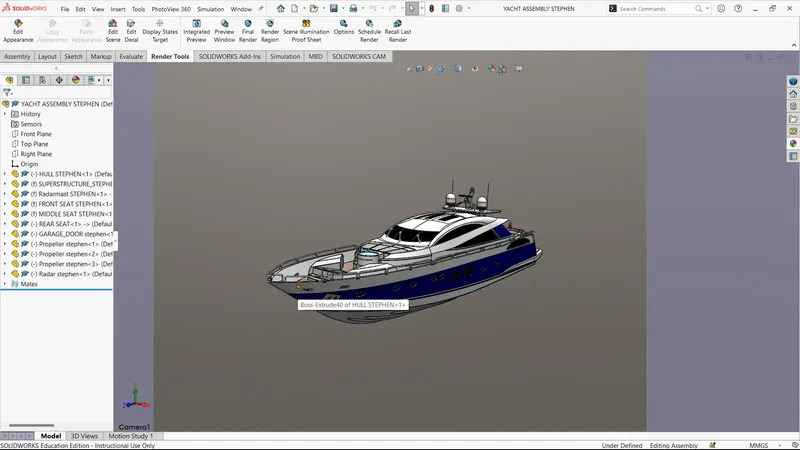
TREE STRUCTURE
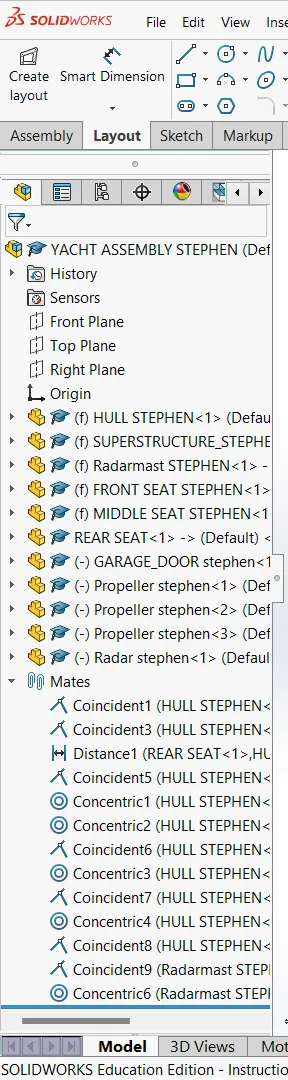
OBJECTIVE:
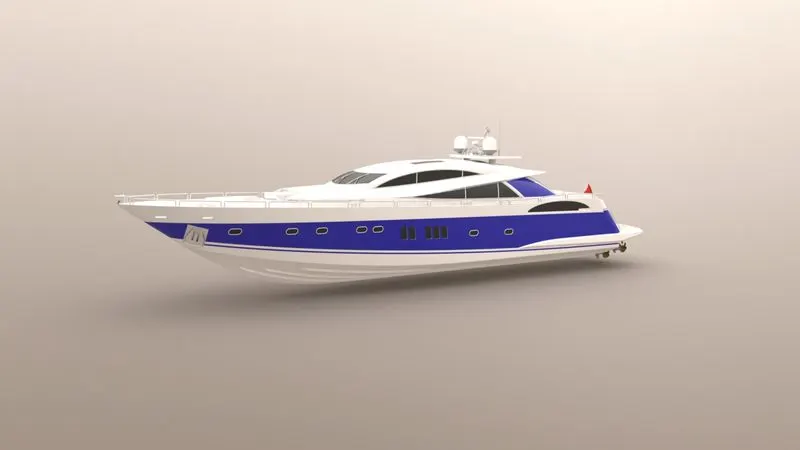
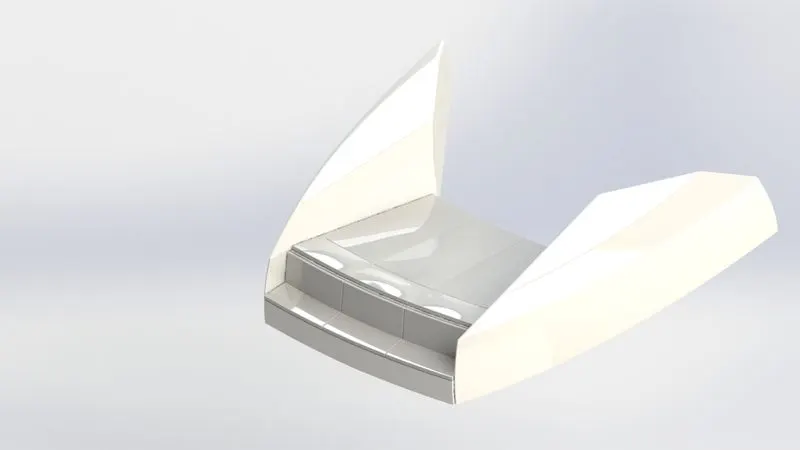
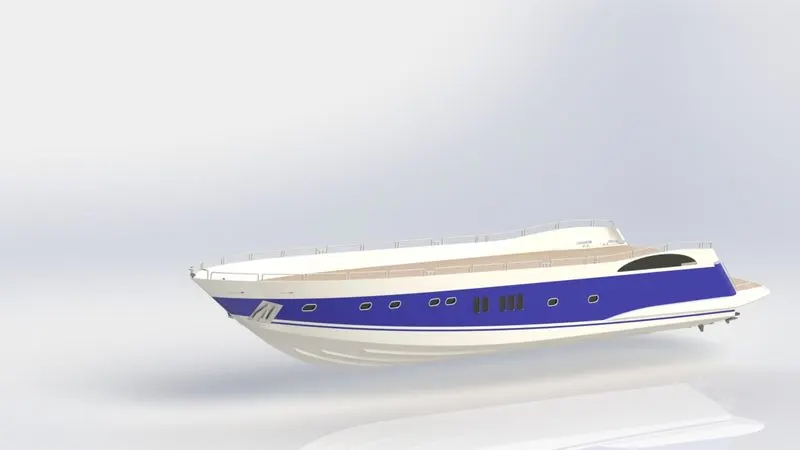
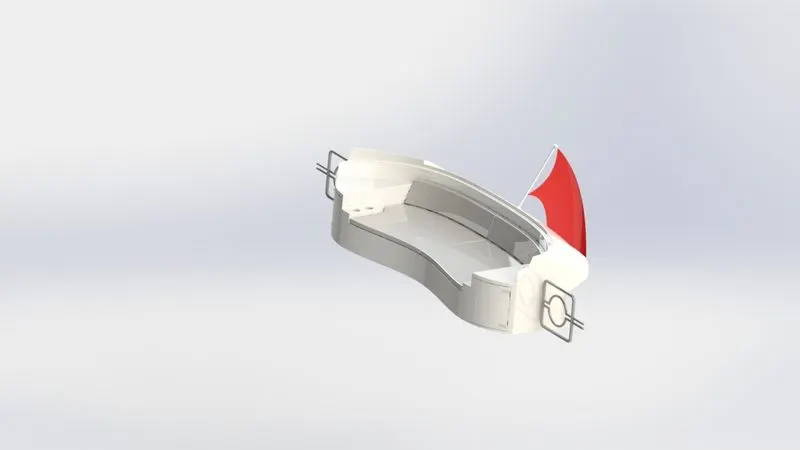
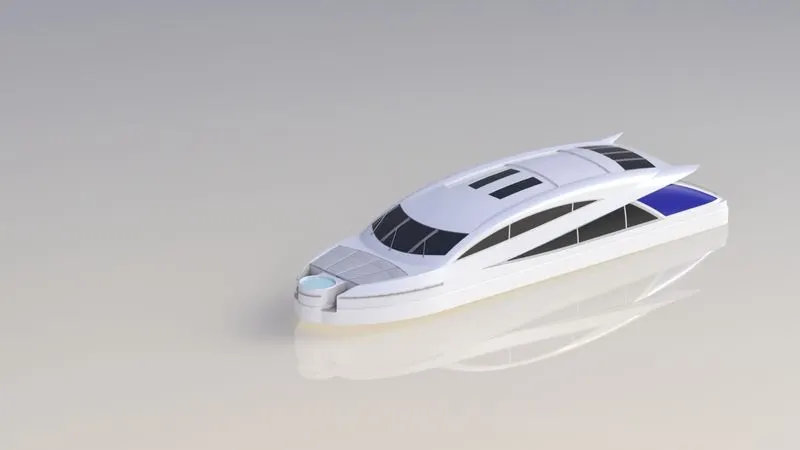
- To Design and model each component required to make assembly of a Yacht in Solidworks and finally make a Photorealistic Rendering of the complete assembly of Yacht.
Design methodology
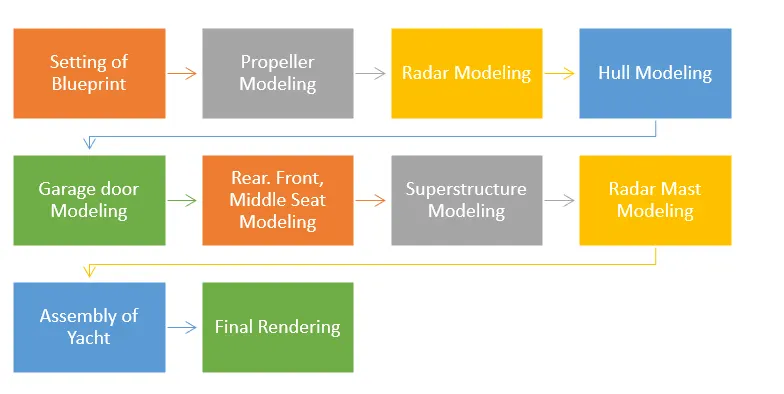
FEATURES USED TO CREATE YACHT
Sketch:
The sketch is a 2D representation of a particular model from different views such as front view, side view, top view, etc.
Offset:
Offset is used to create a similar sketch at a required distance in the required direction parallel to the sketch.
Extrude:
The extrude command is used to create a solid extrusion based on the selected sketch or contours. The extrusion made in either a positive or negative direction as required.
Fillet:
The fillet is used to creating round faces in the interior or exterior corners of the part. The fillet distributes stresses uniformly along the corners.
Loft:
The loft feature in SOLIDWORKS allows you to generate complex geometry in a single feature. It does this by interpolating surfaces between various cross-sections of a model. These cross-sections can be sketches, faces, or edges. In the loft interface, these cross-sections are considered “Loft Profiles”.
Dome:
Dome is an architecture, the hemispherical structure evolved from the arch, usually forming a ceiling or roof over the surface/face being selected.
Extrude Cut:
The extrude cut is used to remove unwanted material from the solid model as per the sketch defined. Based on the sketch the material is removed from the component.
Split:
Split is used to split a single surface into multiple surfaces based on the sketch, by using the desired sketch split surface can be performed.
Trim:
Trim is used to remove unwanted sketch entities or extra portions of the sketch. It works based on some reference points, edges.
Revolve:
Revolve is used to create a revolved 3D model using a sketch profile using an axis of rotation. The profile created with the revolution up to 3600 axis rotation.
Dynamic Mirror:
A really quick tip for instantly creating symmetry within a sketch in SOLIDWORKS. As you create a sketch on one side of the centreline, the Dynamic Mirror tool will automatically create a symmetrical shape on the other side, which has the same relations as the sketch you're creating.
Shell:
Shell is used to create a thickened surface either it can be done in the interior or exterior surface. The shell tool hollows out a part, leaves open the faces you select, and creates thin-walled features on the remaining faces. If you do not select any face on the model, you can shell a solid part, creating a closed, hollow model. You can also shell a model using multiple thicknesses.
Combine:
A combine feature is used to merge two or more solids into a single solid.
Pattern:
The pattern is used to create similar geometry or sketch profile up to user-defined instances based on some reference edges, vertex, etc.,
Chamfer:
The chamfer is used to create beveled features on the selected edge face and vertex according to angle or distance specified.
Linear Pattern:
Linear Pattern is used to create a similar sketch or feature along a specified linear vector i.e., XYZ directions. The pattern is created based on the reference edge, face, etc.
Circular Pattern:
A circular pattern is used to create a solid feature in a circular direction with respect to the reference axis of rotation up to user-defined instances.
Revolve Cut:
Revolve cut is used to remove solid geometry by revolving the sketch profile along a reference axis from the selected solid body.
Project Curve:
The project curve is used to create a 3D curve is it is created by using the reference of two 2D curves in two different planes.
Sweep:
Sweep is used to create solid by sweeping a closed or open sketch profile in one plane along the closed or open path along the same or another plane.
Reference Geometry:
Reference geometry is used to create a reference plane, axis, co-ordinate system based on one, two or three references.
Composite Curve:
The composite curve is used to create a combination of two composite curves in the same plane.
Sweep Surface:
It is used to create surface features by sweeping an open or closed sketch profile along an open or closed path.
Loft Surfaced:
It is used to create a surface between two or more profiles using one guide profile.
Sweep Cut:
It is used to cut a solid geometry by sweeping a closed profile along a closed or open path.
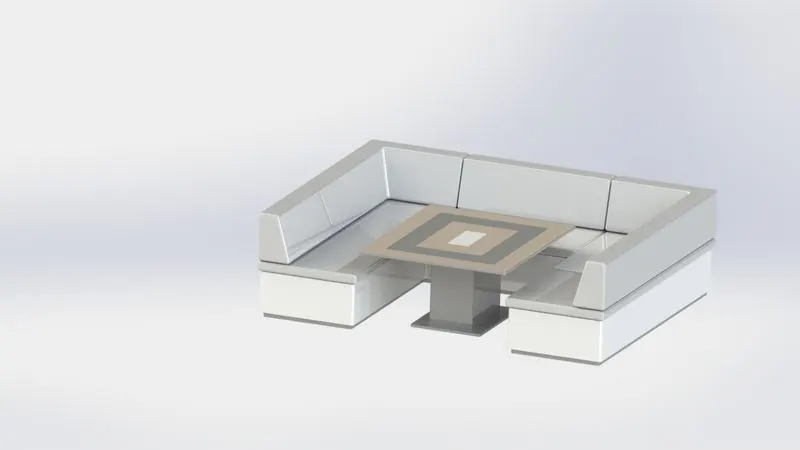
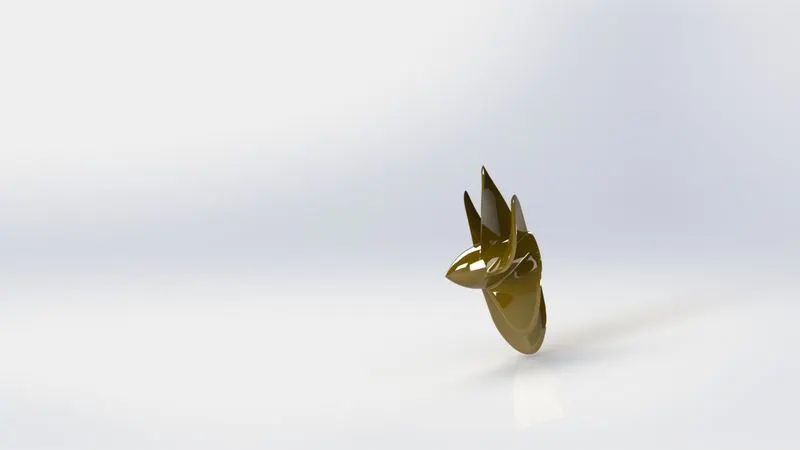
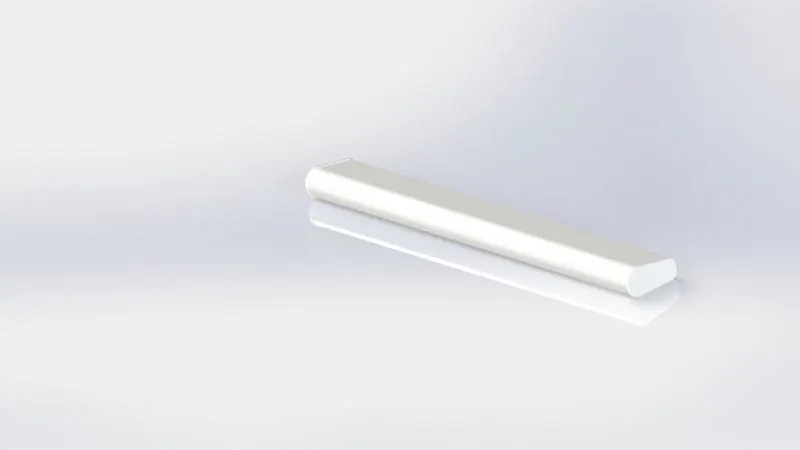
PHOTOREALISTIC RENDERING
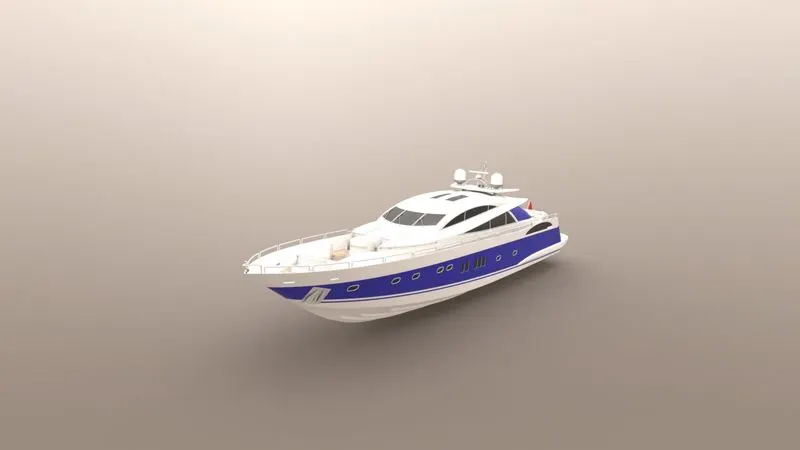
CONCLUSION:
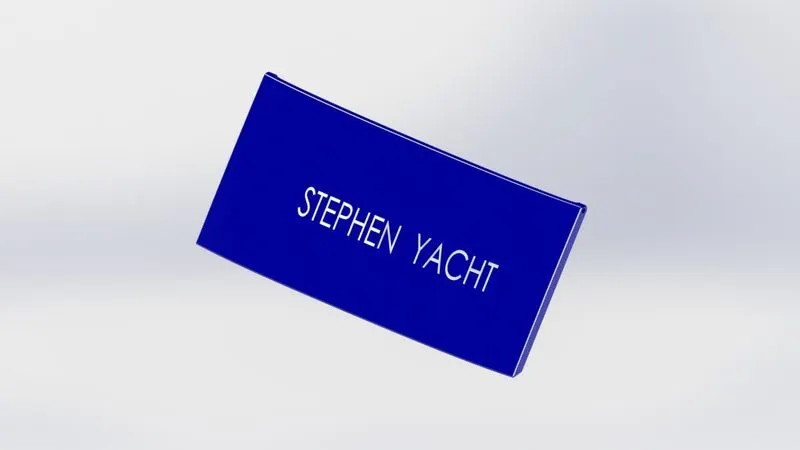
- At the end of the project, each component is designed individually in part files and assembled to complete the Yacht Design. And to set up an additional appearance like Decals, Cameras, Lights, etc to make it more Photo Realistic.