Radar Mast & Final Assembly of Yacht
SURFACE MODELLING OF SUNSEEKER PREDATOR YATCH
1.Objective
- To apply several surface features in solidworks to create models of different parts of Predator Yatch and create an assembly.
- To render the Final Assembly.
2.Introduction
- Surface Modelling of predator Yatch involves using several Surface features in solidworks to create a proper solid model.
- Most of the parts will be created using Surface Features which will be traced accurately from the Blue Print Setup
Different Parts Include
- Propeller
- Radar
- Hull
- Garage door
- Front Seat
- Middle Seat
- Rear seat
- Super structure
- Radar Mast
3.Design Approach
- Creating a Blue Print Setup
- To Model all the parts of the yacht .
- To assemble all the modeled parts.
- To create camera set up and Lighting
- To make the rendering of the yacht using Photo View 360.
DIFFERENT TOOLS USED IN MODELLING INCLUDE
• Sketch-It gives the work base to create 2D & 3D sketches.
• Smart DIMENSION:- By using this easy to provide the dimension value to the sketch to get the desired shape.
• Fillet:- It provides round shape at corners edges.
• Chamfer:- It provides sloping edges at corners.
SURFACE FEATURES INCLUDE
- Extrude Surface:- Used to get surface from the sketch.
- Recolve Surface:- Used to revolve the sketch with the reference of axis or lines in the surface form.
- Swept Surface:- It proved a surface by closed profile along an open and closed path.
- Offset Surface:- Used to get pre surface on another plane.
- Knit Surface:-Used to provide appropriate tolerance.
- Extend Surface- Used for extension of surface.
- Fill Surface:-Used to fill the blank surface.
Other Features
- Convert Entities:- Using this easy to get sketched into the other plane or same plane with the same dimension value.
- Offest-It Adds 3D sketches on faces
- Extrude bose/base: used to get a solid body in one or two directions.
- Revolve Bose/Base: Used to revolve the sketch with the reference of axis or lines in the solid form.
- Extrude Cut- Used to remove materials from the solid body.
- Swept Bose/Base-It proved a solid body by closed profile along an open and closed path
- Pattern-It features the object in a particular direction or path
- Projected Curve-It combines two 2D Continuous curves into a 3D curve.
- Trim-It is used to cut the extra line of the surface.
- Appearance-Using this can get a different look & apply different materials.
- Shell The shell tool hollows out a part
Blue Print Seup
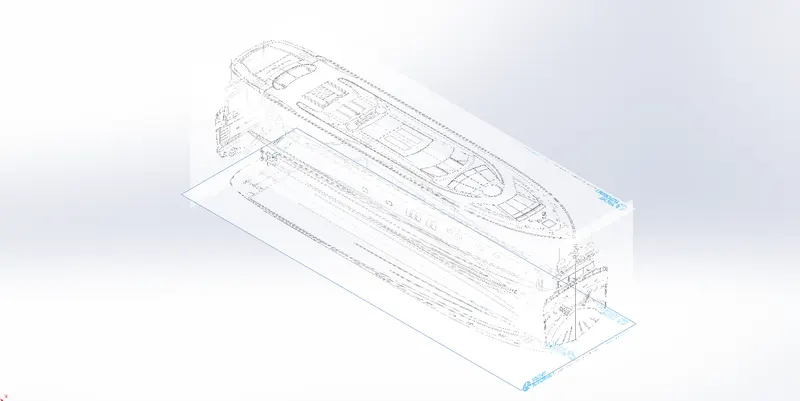
This setup was created using sketch picture feature in different planes
Radar
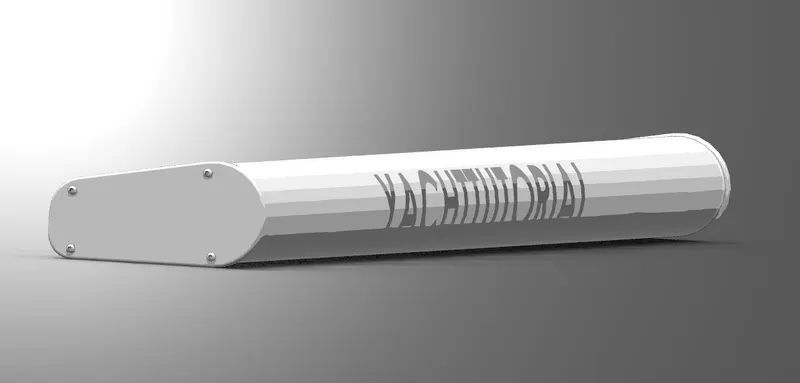
This model was created using Simple Extrude features and Mirror feature is used along with fillets.
Propeller
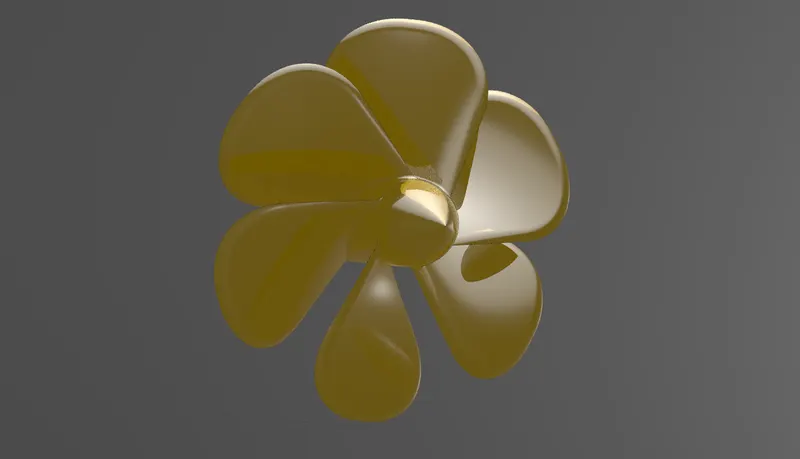
Revolve and Circular Pattern were main features used in making the propeller
Loft feature is used create the fins
Hull
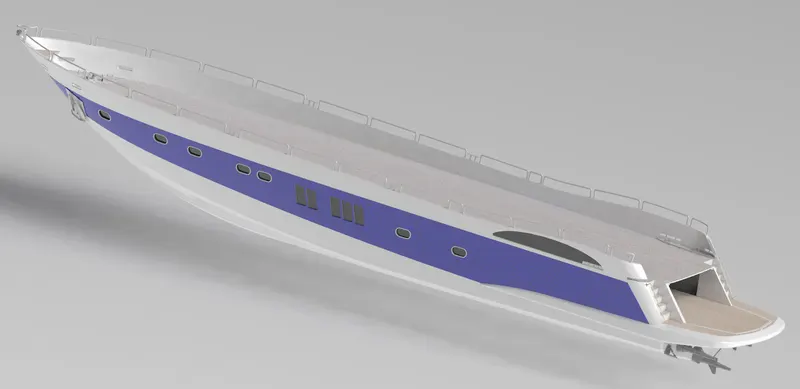
- Features like Projected Curve have been used to model surface boundarries along with
1.Sweep curve
2.Loft surface
3.Extrude surface
4.Surface knit
5.Mirror
6.Cut extrude
Garage Door
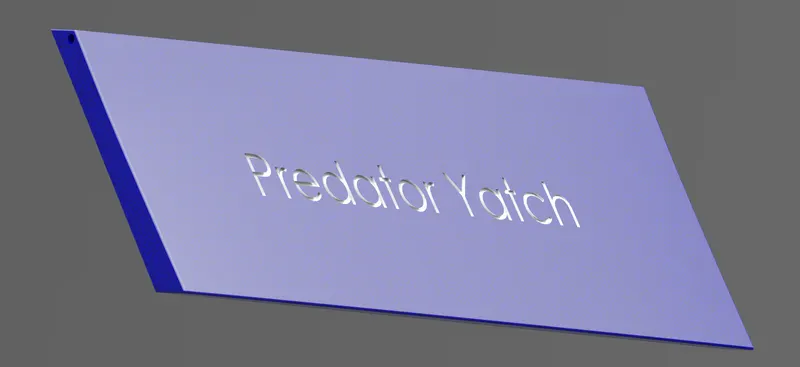
Delete feature was used to split the component from the hull along with
1. Chamfer
2. Fillet
3. Extrude cut
4. Text
5. Mirror
Seats
Front
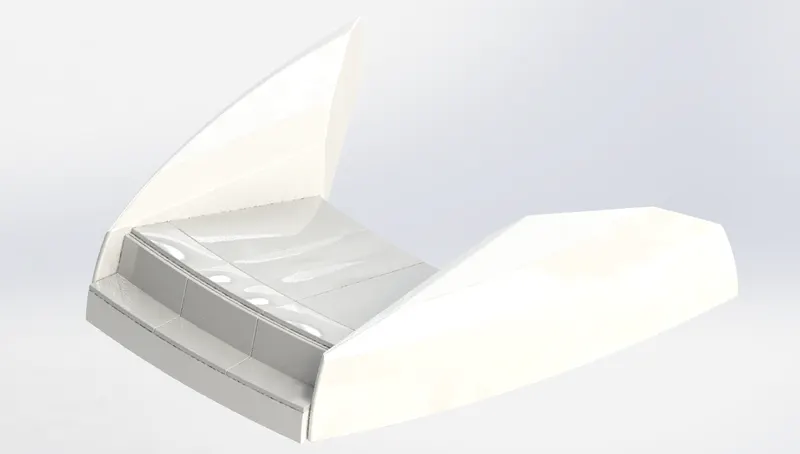
Middle
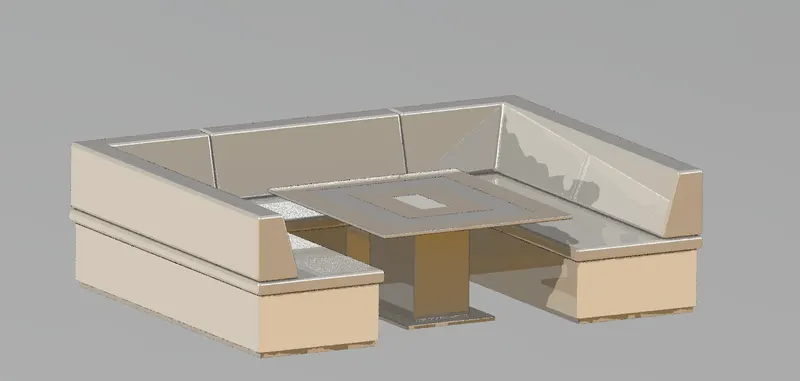
Rear
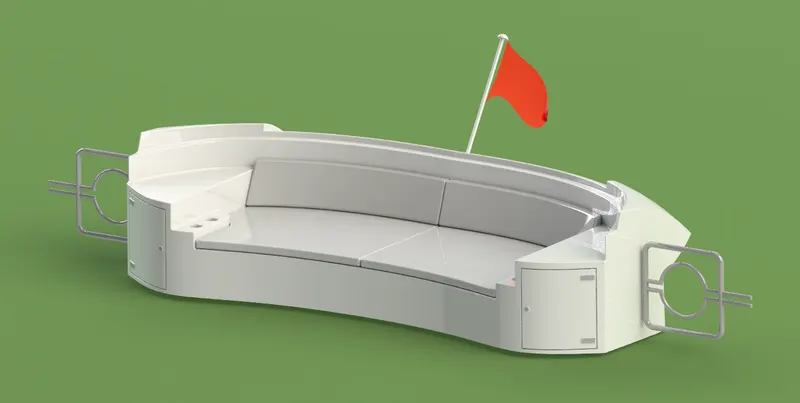
Front And Middle seat are comparitively easy as they usefd simple extrude features like
1.Surface sweep
2.Surface trim
3.Surface fill
4.Surface loft
5.Surface knit
6.Chamfer
7.Revolve
8.Cut revolve
9.Dome
The Rear Seat is comparitively tough as it had complicated sketches along with features mentioned above. We have also used Surface offset
to model the rear seat
SuperStructure
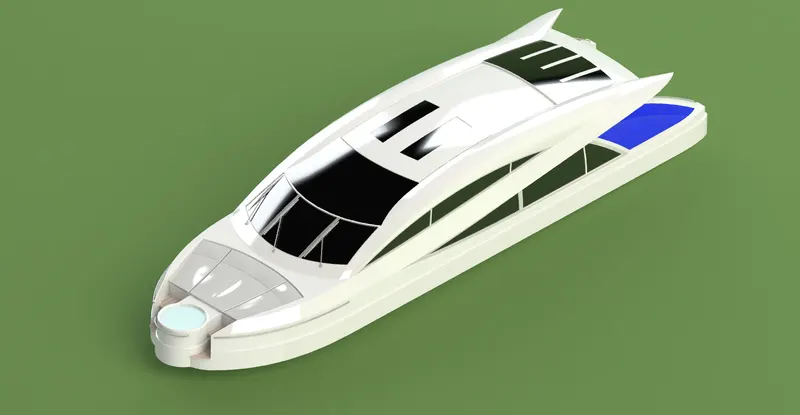
This by far the most tough part in this project .The SuperStructure is modelled the same was the hull is modelled by using several projected curves to create surface boundaries and using the surface loft feature to create the base structure. Several other features are also used to model these parts were:
1. 2d sketch
2. Projected curve
3. Surface trim
4. Surface trim
5. Surface fill
6. Extended surface
7. Lofted surface
8. Boundary surface
9. Deleted surface
10. Fillet
11. Swept surface
12. Surface knit
13. Boss extrude
14. Cut extrude
15. Split
16. Mirror
RadarMast
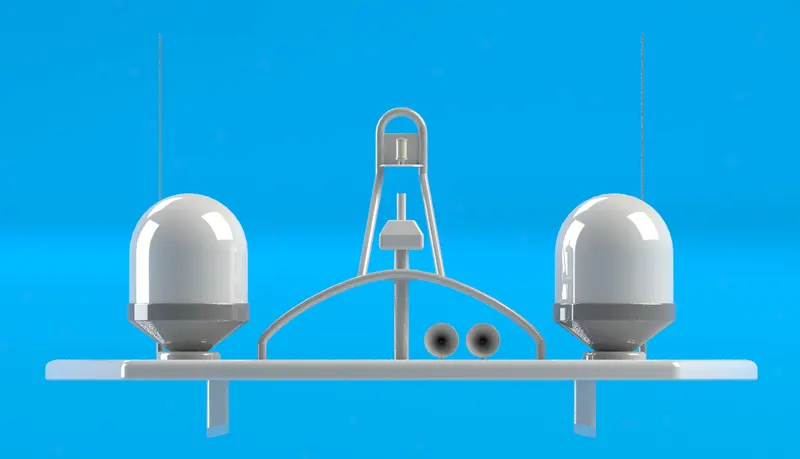
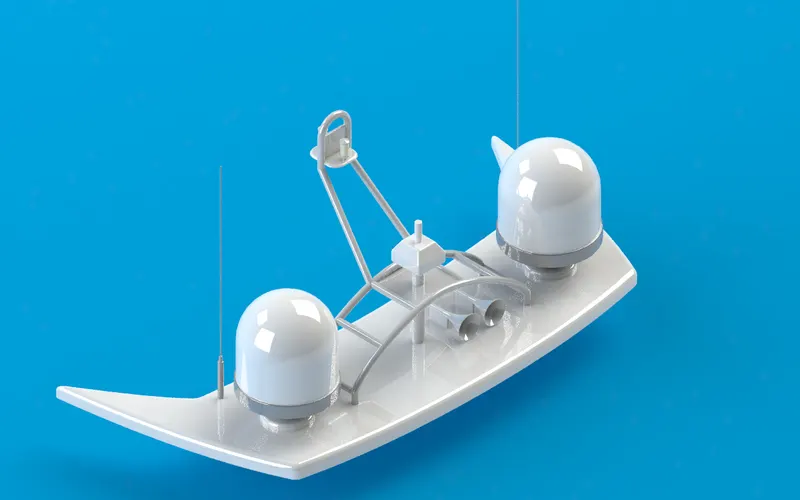
Simple features along with projected curve is used to create the radar mast which later is then mirrrored.
1. 2d sketch
2. Revolve
3. Boss extrude
4. Fillet
5. Mirror
6. Swept boss base
7. Shell
ASSEMBLY
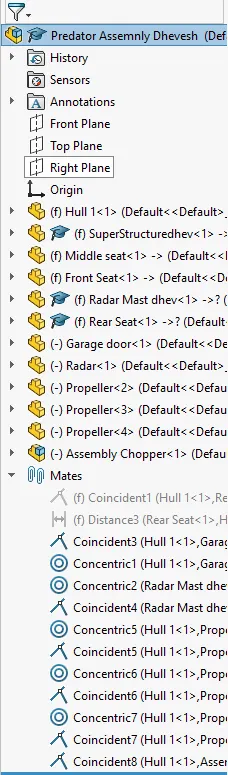
After all these parts are modelled the Yatch is finally assembled properly by using simple mate feature.
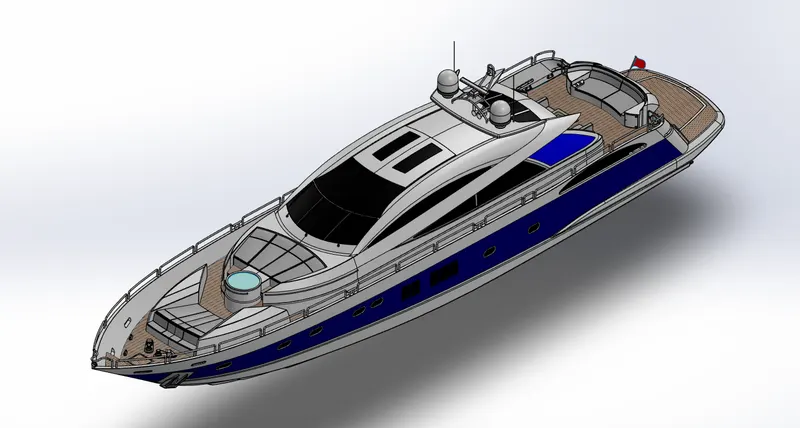
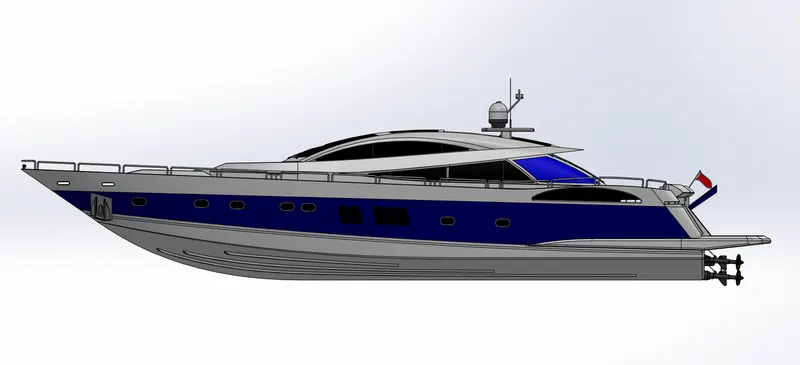
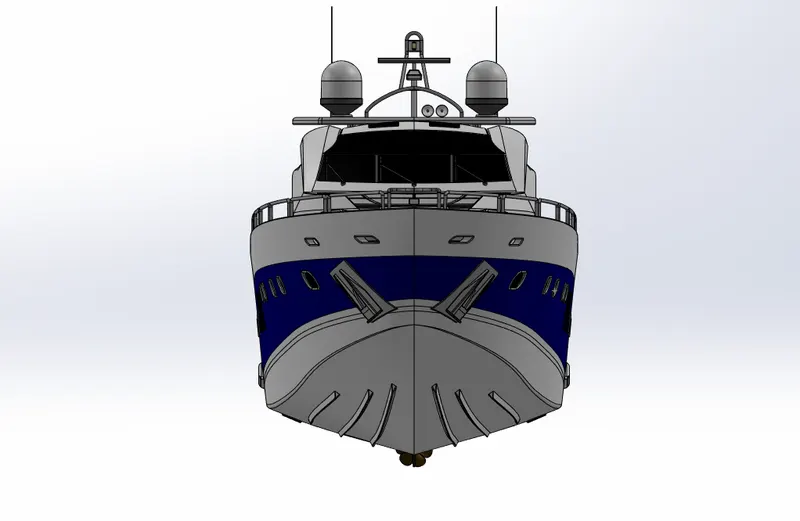
Feature Tree of the Assembly
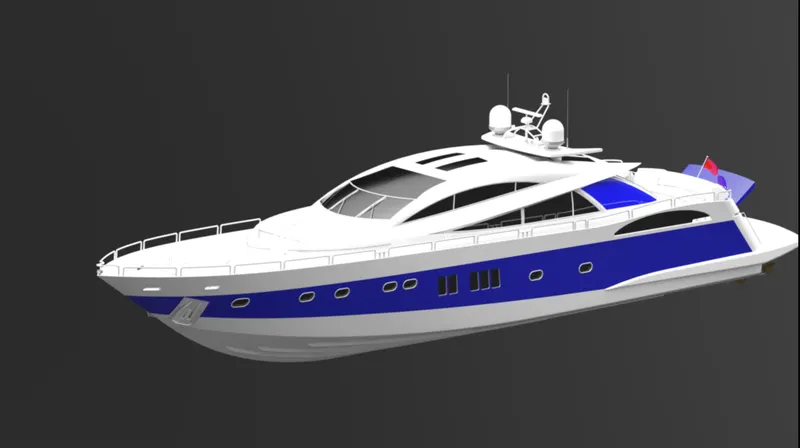
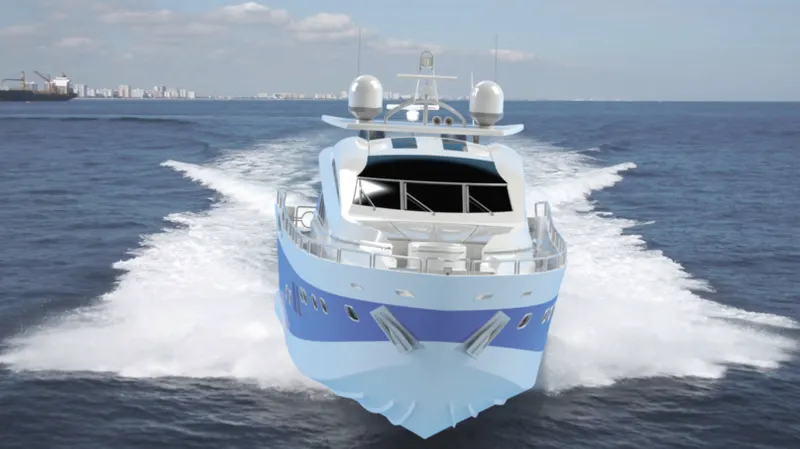
RENDERING
Done using photo view 360
Isometric View
Top View
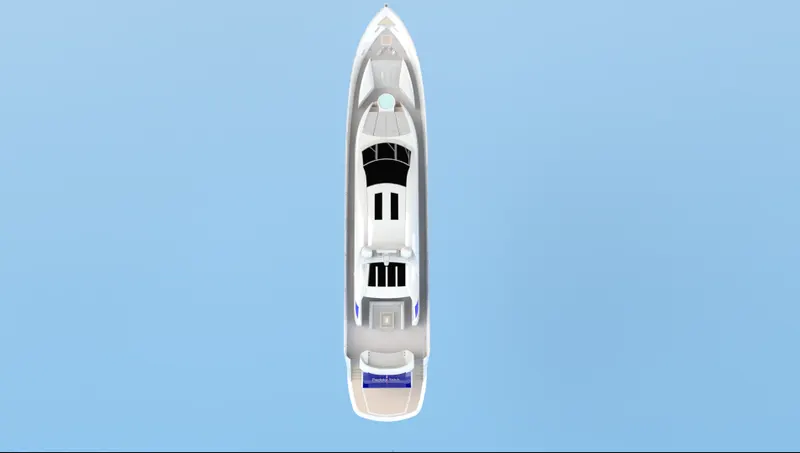
Side View
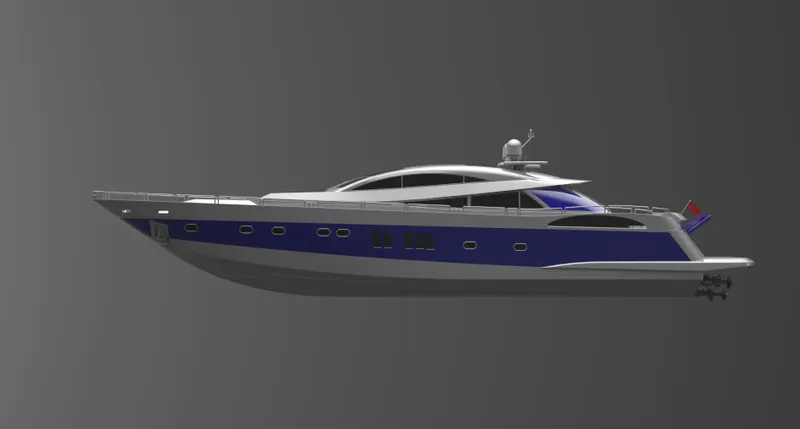
Back View
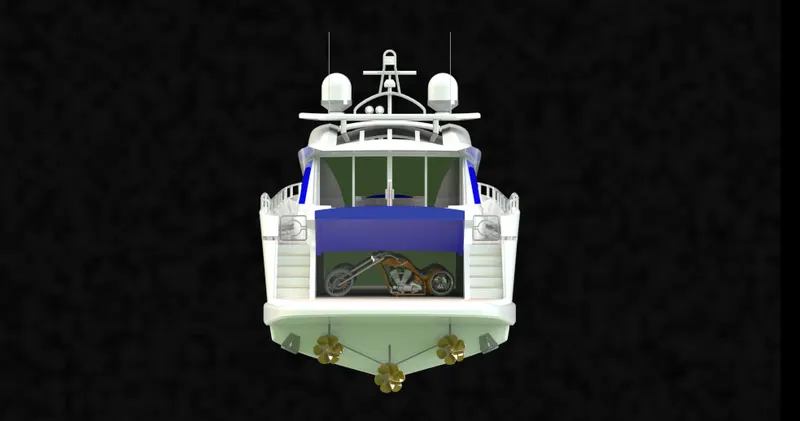
Front View
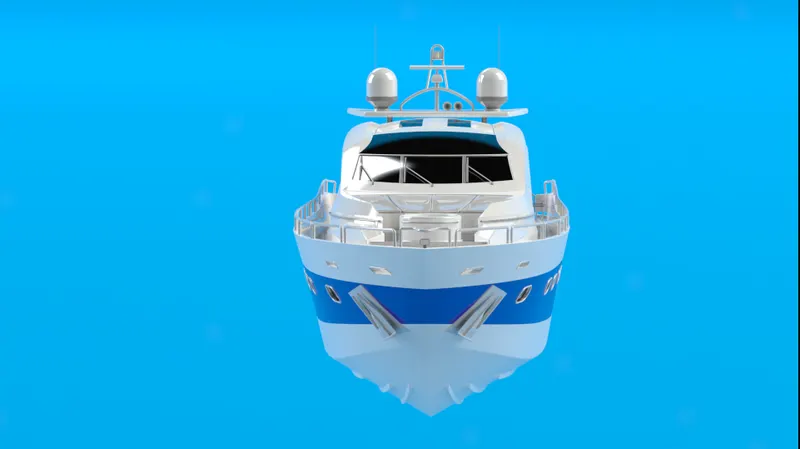
Final Render With Background using photoview 360
Thank You