Radar Mast & Final Assembly of Yacht
REPORT
TITLE- MODELLING OF SUNSEEKER PREDATOR YACHT
OBJECTIVE
- To model all the parts of sunseeker predator yacht.
- Assemble the components of yacht in its position.
- Also provide additional decals to the yacht using photo view 360.
INTRODUCTION
- Solid works is used to develop the parts of yacht
- Initially the 2d sketch is drawn and later it is converted into 3d modelling parts like propeller, radar, hull, front seat, middle seat, rear seat, superstructure, garage door, and, radarmast.
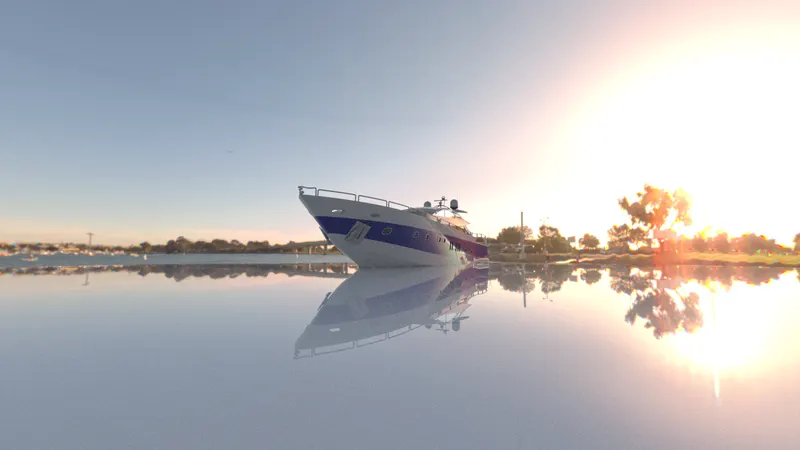
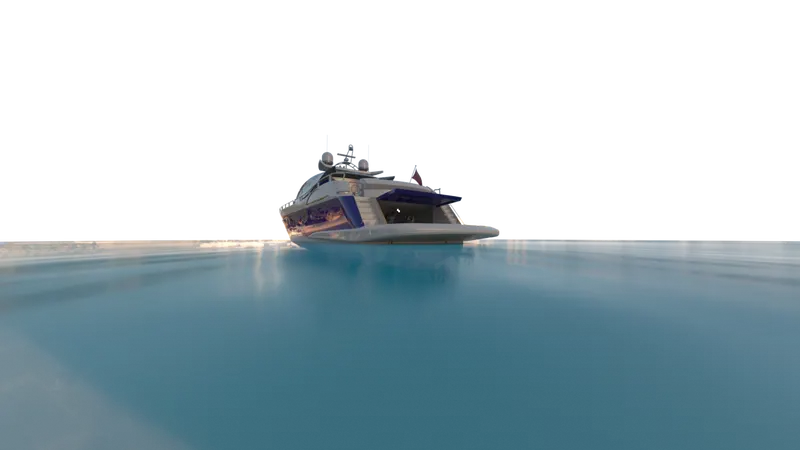
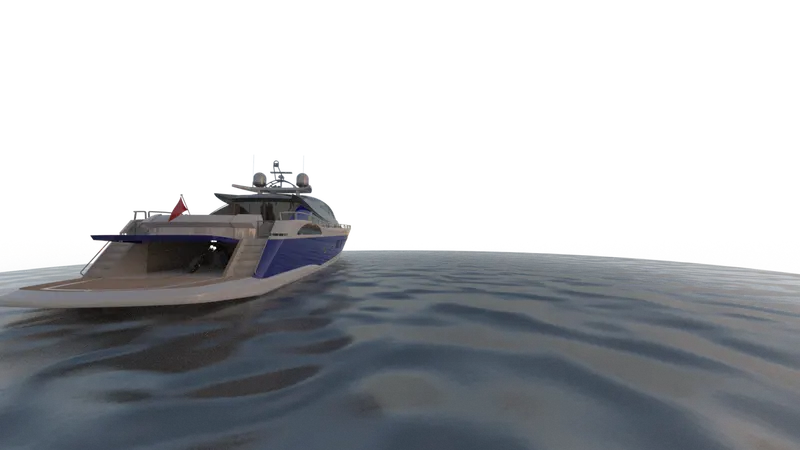
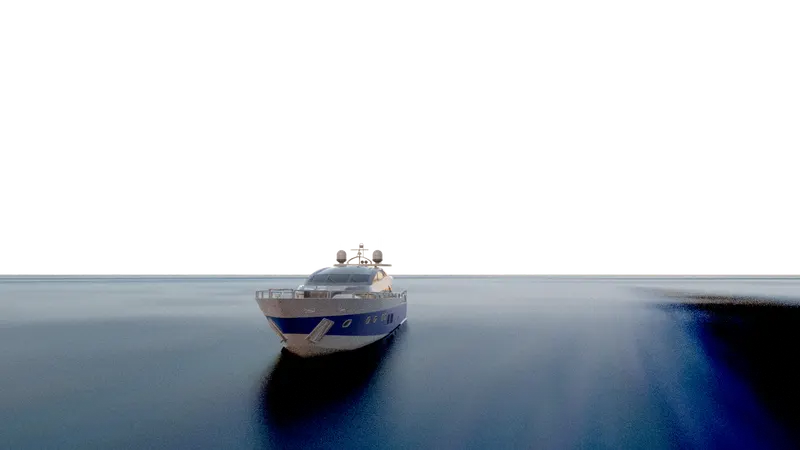
- Renders are applied to the yacht using solid works visualization, it makes the model looks more realistic.
DESIGN METHODOLOGY
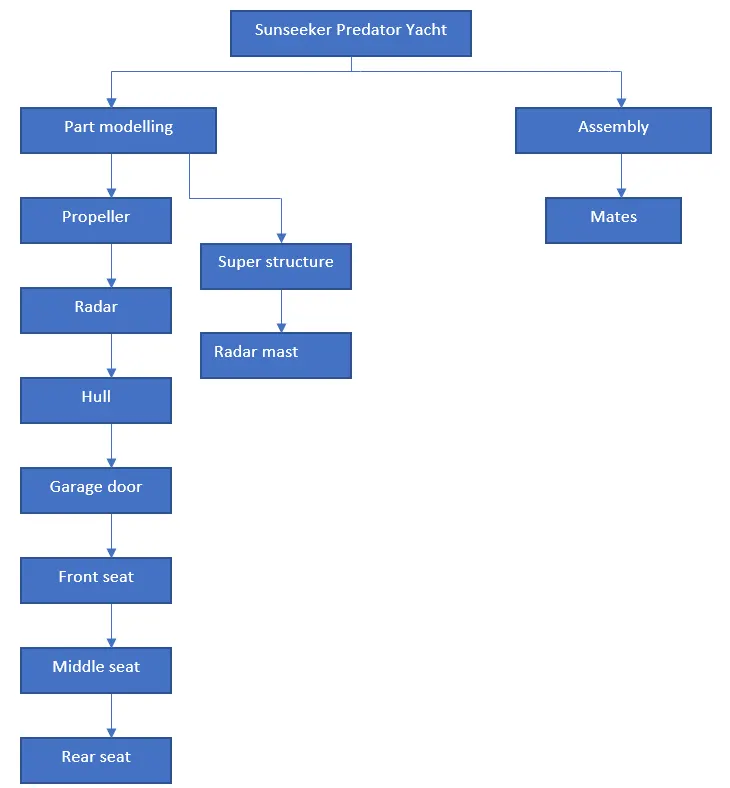
DESCRIPTION OF TOOLS AND FEATURES THAT ARE USED WHILE CREATING SUNSEEKER PREDATOR YACHT
Propeller
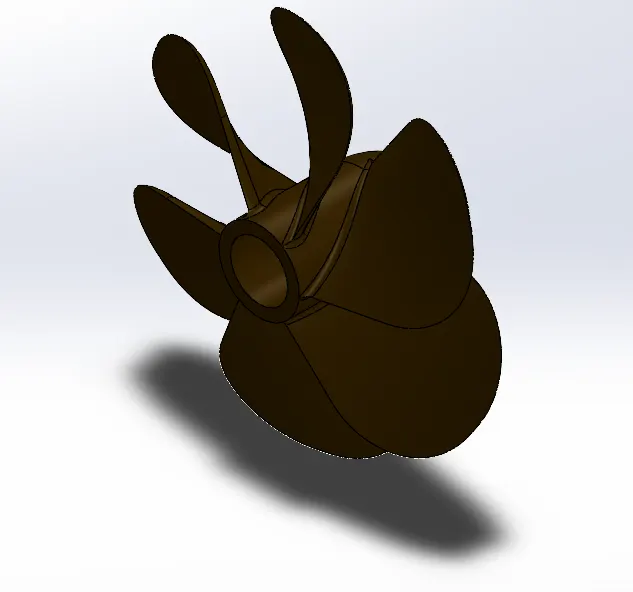
Features used to create propeller
- Sketch
- Revolve
- Loft
- Fillet
- Cut extrude
- Circular pattern
Sketch- It is a 2 Dimensional representation of the model. For example sketch entities are line, circle, arcs, spline, etc.
Revolve- It is a 3D feature formed by the sketch and a centerline as reference for axis of revolution.
Loft - It is used to create a loft between any two sketch profiles.
Fillet- It is used to create a round smooth faces on the edges. It is used on both 2D and 3D profiles.
Cut extrude- It is used to remove a material from a solid body and it is opposite to boss extrude.
Circular pattern- Curve driven circular pattern used to create a pattern along a 3D curve or on a plane. By taking a taking 3D curve or entity as a circular path reference we can create a multiple blocks along the curve in a circular way.
Process to create a propeller
- First we need to open the new part modelling page.
- Select the right plane and draw a sketch and give dimensions to make it fully defined.
- Then create a revolve with the sketch 1, and then draw two different sketches on the top plane.
- Create a loft between those two sketches.
- Apply fillet to the edges to make it smooth finish.
- Draw other sketch and apply cut extrude to remove a material from the existing body.
- Apply few more fillets and finally apply circular pattern to make the model complete.
- Rebuild and save the model as Propeller.
Radar
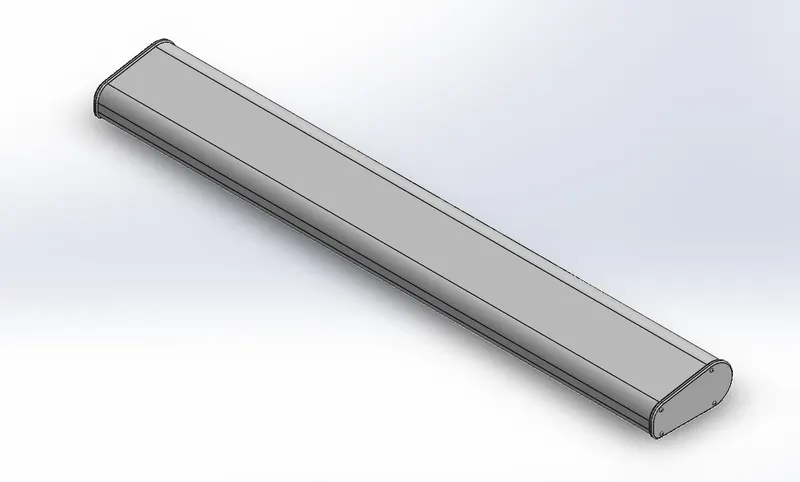
Features used to create radar
- Sketch
- Boss extrude
- Fillet
- Cut extrude
- Mirror
- Split line
Boss extrude- It is used to convert 2 dimensional object into 3 dimensional object. The direction of extrude can be given in both sides.
Mirror - It is used to make the mirror of preselected profile
Split line- It is used to project an entity to surfaces or planes and It divides the selected surface or face into multiple separate surfaces.
Hull
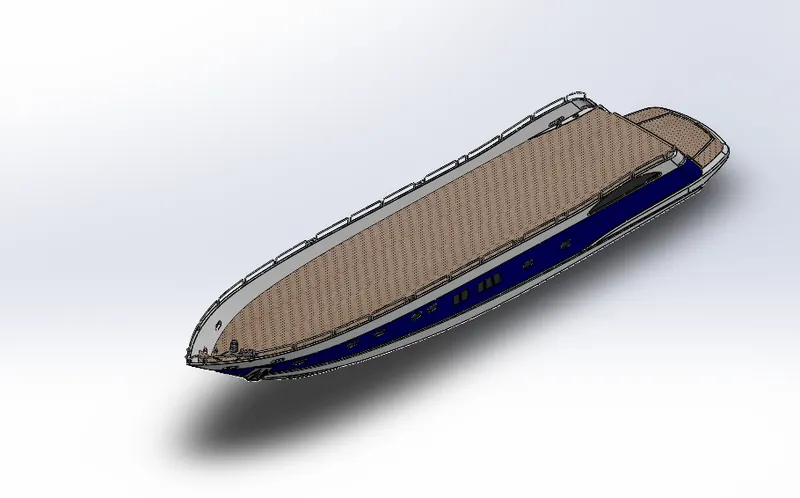
Features used to create hull
- Blue print sketch
- Sketch
- Projected curve
- Surface loft
- Surface trim
- Surface extrude
- Surface knit
- Surface fill
- Shell
- Boss extrude
- Cut extrude
- Chamfer
- Plane
- Sweep
- Revolve
- Dome
- Helix spiral
- Linear pattern
- Extrude thin
- Mirror
- Split
Projected curve- It is a 3D curve which is obtained by creating two or more sketches on different planes. It is very useful to make a complex curve in solidworks
Blue print picture- - It is a reference picture used in solidworks. By taking this as a reference we can create a sketch
Surface loft- It is a 3D surface that is defined by two or more profile curves and the surface intersects the curves in given order.
Surface trim- It trims where the surface intersects with another surface. We can also select the trim type, tool, and, surface whether to keep or remove.
Surface extrude- It extrudes the selected surface in one or two directions to create a surface feature.
Surface knit- It is used to combine two or more intersecting, non intersecting surfaces to form a single surface body.
Surface fill- It is used to fill a surface within boundry defined sketches, curves, and, edges.
Shell- It is used to remove a material from a solid body to form a thin walled wall.
Chamfer- It is used to create a flat surface on the edges. It can be done in two ways by changing distance and angle distance.
Plane- To create a new plane we should go to reference geometry and select plane, then select any existing sketch on which we want to create a new sketch.
Sweep- It is a 3D feature used to make a closed profile along an open or closed path to form a solid body.
Dome- It is used to create a rounded vault on any selected face typically with circular or elliptical base.
Helix spiral- It forms a helix or spiral curve from a sketched circle.
Linear pattern- It is same as circular pattern, but it is used to create a multiple profiles of selected profile along the linear path.
Extrude thin- It is used to create a thin extrude from a linear sketch.
Split- Creates multiple bodies from a single body and also used to cut bodies.
Garage door
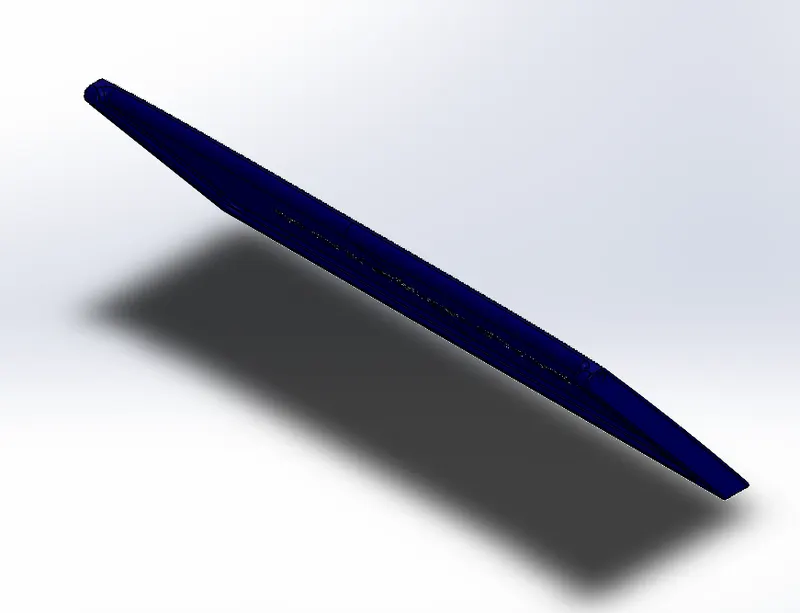
Features used to create garage door
- Blue print sketch
- Sketch
- Cut extrude
- Shell
- Fillet
- Plane
- Mirror
Front seat
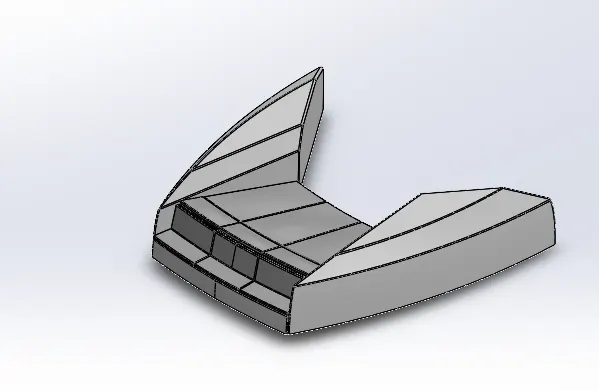
Features used to create front seat
- Blue print sketch
- Sketch
- Projected curve
- Surface sweep
- Surface extrude
- Surface trim
- Surface fill
- Surface loft
- Surface knit
- Chamfer
- Revolve
- Cut extrude
- Fillet
- Cut extrude thin
- Mirror
- dome
Surface sweep- It is used to create a closed profile along an open or closed path to form a surface feature.
Cut extrude thin- It is used to remove a material from the solid body and forms thin extrude.
Middle seat
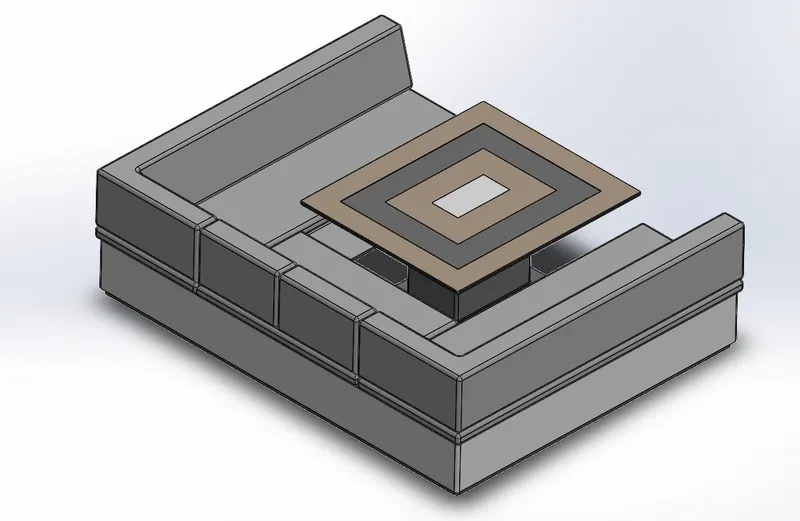
Features used to create middle seat
- Blue print sketch
- Sketch
- Boss extrude
- Plane
- Chamfer
- Fillet
- Mirror
- Cut extrude
Rear seat
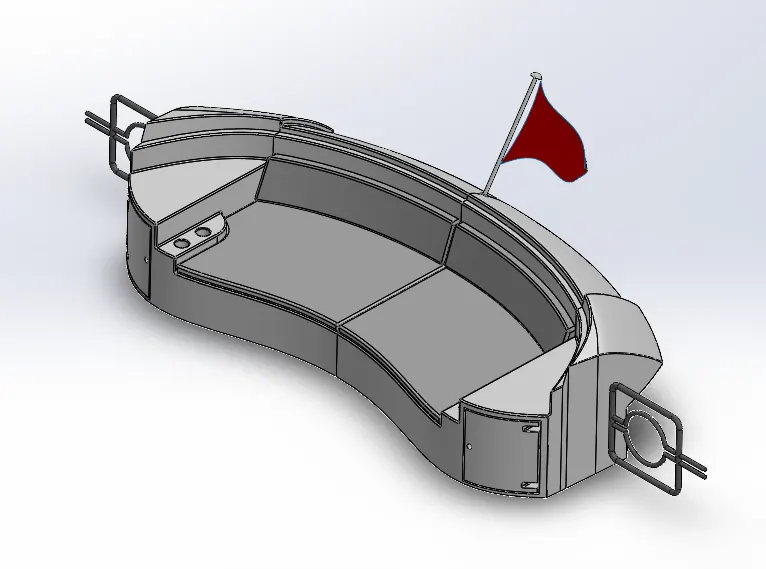
Features used to create rear seat
- Blue print sketch
- Sketch
- Plane
- Surface sweep
- Surface trim
- Surface offset
- Ruled surface
- Surface knit
- Surface extend
- Surface extrude
- Surface loft
- Cut extrude
- Boss extrude
- Chamfer
- Fillet
- Sweep
- Mirror
- Revolve
- 3D sketch
Surface offset- It offsets the surfaces using one or more adjacent faces.
Ruled surface- It is used to create a ruled surface in a specified direction from edges.
Surface extend- It is used to extend one or more edges or faces on a surface.
3D sketch- It is used to create a 3d sketch using points, lines, splines to define a profile.
Superstructure
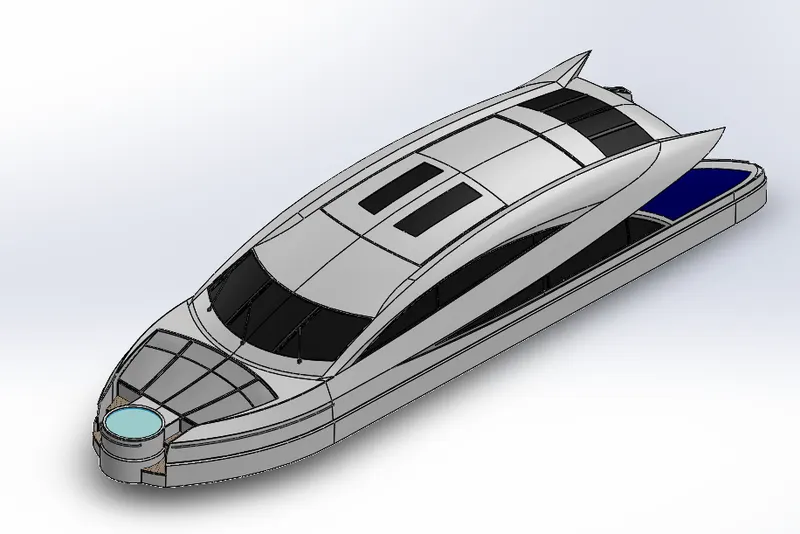
Features used to create superstructure
- Blue print sketch
- sketch
- Surface extrude
- Plane
- Surface sweep
- Surface knit
- Fillet
- Ruled surface
- Surface trim
- Projected curve
- Surface loft
- Surface fill
- Surface extrude
- 3D sketch
- Surface extend
- Cut extrude
- Boss extrude
- Delete face
- Surface offset
- Thicken
- Dome
- Sweep
- Extrude thin
- Mirror
- Chamfer
Delete face- It is used to delete a face from solid body to form a surface.
Thicken- It creates a solid body by thickening one or more adjacent surfaces.
Radar mast
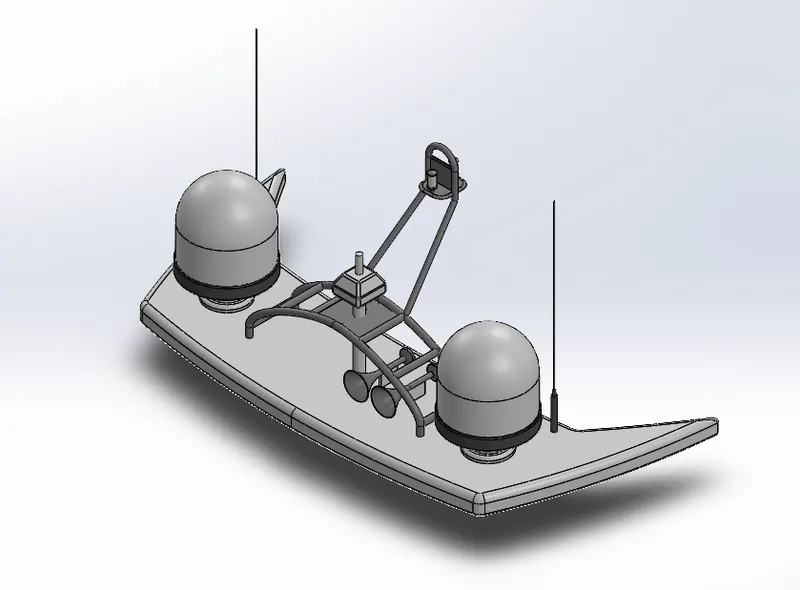
Features used to create radarmast
- Blue print sketch
- Sketch
- Plane
- Boss extrude
- Fillet
- Revolve
- Sweep
- Mirror
- Boss extrude
- Projected curve
- Sweep
- Chamfer
- Dome
- Shell
ASSEMBLY
Assembly- It is a process of combining group of components together in one place.
Mates- It is used to give geometric relations between the parts of the sunseeker predator yacht.
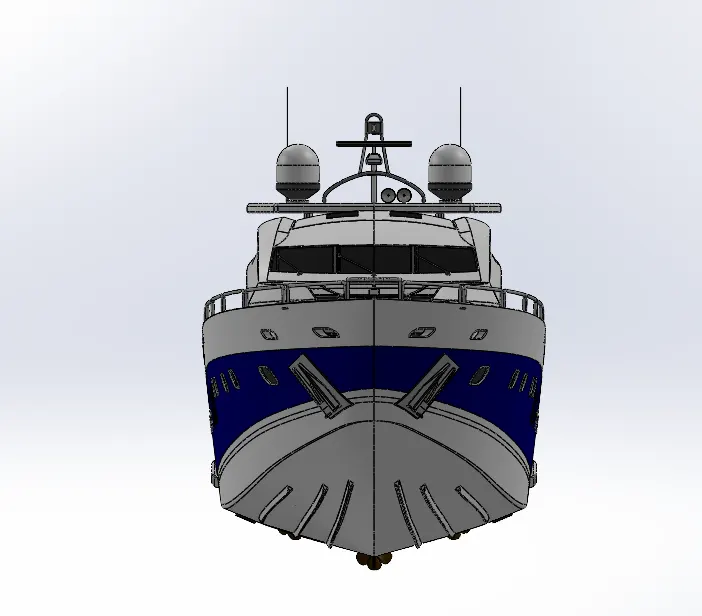
Front view
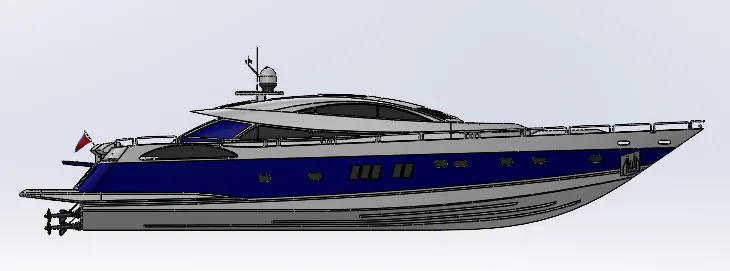
Side view
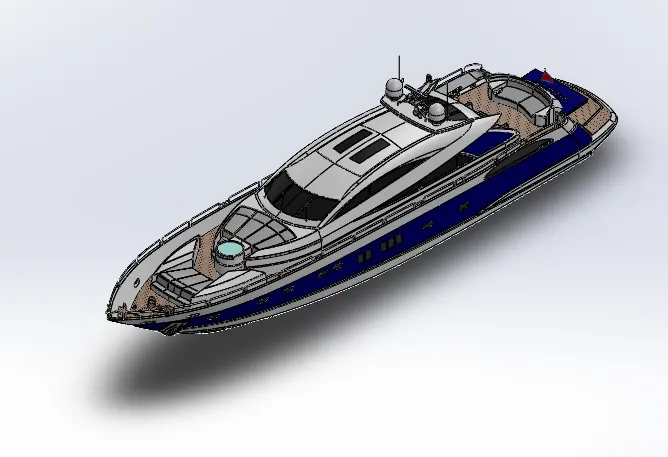
Isometric view
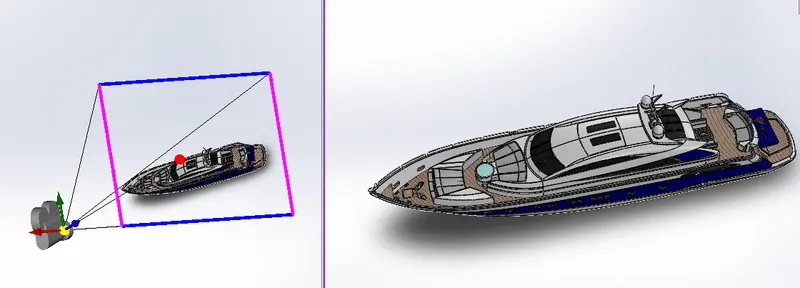
Camera set up view
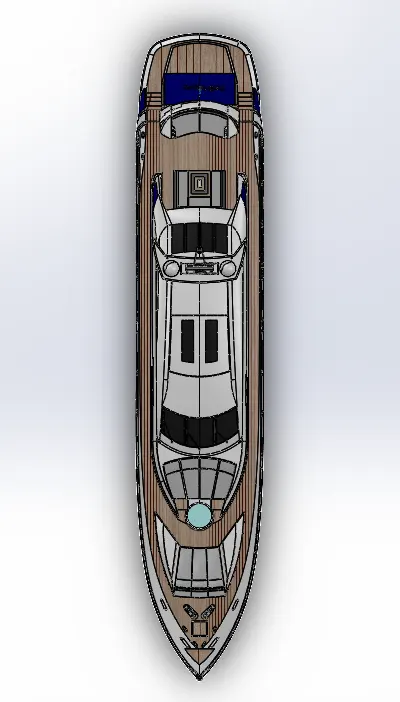
Top view
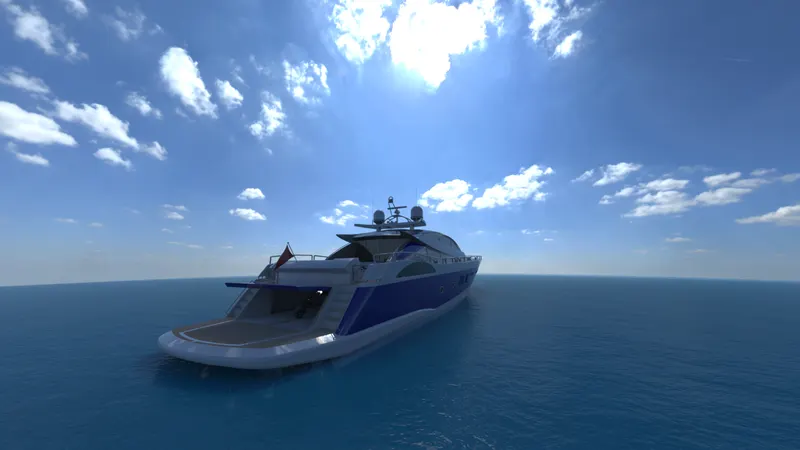
Rendered images

Conclusion
- All the sunseeker predator yacht parts are designed with proper dimensions and relations to make it fully defined.
- In assembly, the parts are arranged in a order.
- Renders are applied to the model to get a photo realistic view using solid works visualization.