Advanced Sheet Metal Design Using NX Cad Challenge_5_Odd Shaped Enclosure
TITLE - MODELLING OF THE ODD ENCLOSURE
OBJECTIVE
- To design the odd enclosure using NX cad.
- In this project we are designing the odd enclosure and converting the non-sheet metal part into sheet metal part.
INTRODUCTION
- NX Creates sheet metal component models using specific, feature-based tools for tabs, flanges and other necessary features.
- It reduces time and errors in generating flat pattern views Enables custom configuration for each customer, and improves the flow to manufacturing Provides additional control over the flat pattern views including content.
DESIGN METHODOLOGY
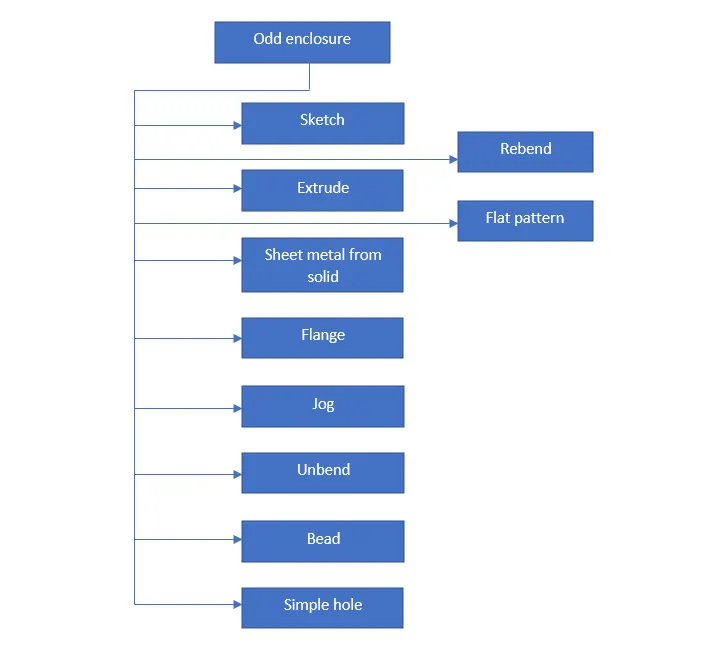
DESCRIPTION OF TOOLS AND FEATURES THAT ARE USED WHILE CREATING ODD ENCLOSURE
ODD ENCLOSURE
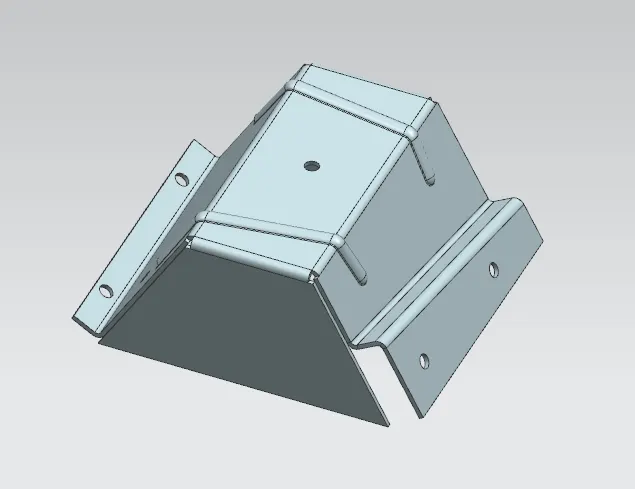
Features used to create odd enclosure
- Sketch
- Extrude
- Sheet metal from solid
- Flange
- Jog
- Unbend
- Bead
- Simple hole
- Rebend
- Flat pattern
Sketch - It is a 2D representation of the part with respect to plane.
Extrude - It is used to create a 3D object by extruding a section along a vector.
Sheet metal from solid - It builds a sheet metal part from the non-sheet metal that takes its shape from a collection of a planar faces.
Flange - It is used to create a flat flange(flat surface or angular surface) at an angle to a planar surface and adds the bends between the two sides.
Jog - It is used to change the model by lifting the material by one side of sketch line, adding the flange between the two sides.
Unbend - It flattens all the bends and made adjacent to the selected stationary face or edge.
Bead - It is used to create a contour of the sketch by lifting a material along the sketch that result as stamping tool.
Simple hole - It is used to add one or more holes to the part.
Rebend - It is used to restore the unbend feature to its previous bend state, along with any features that are added after unbend feature.
Flat pattern - It is used to create a flat pattern of the final obtained sheet metal part.
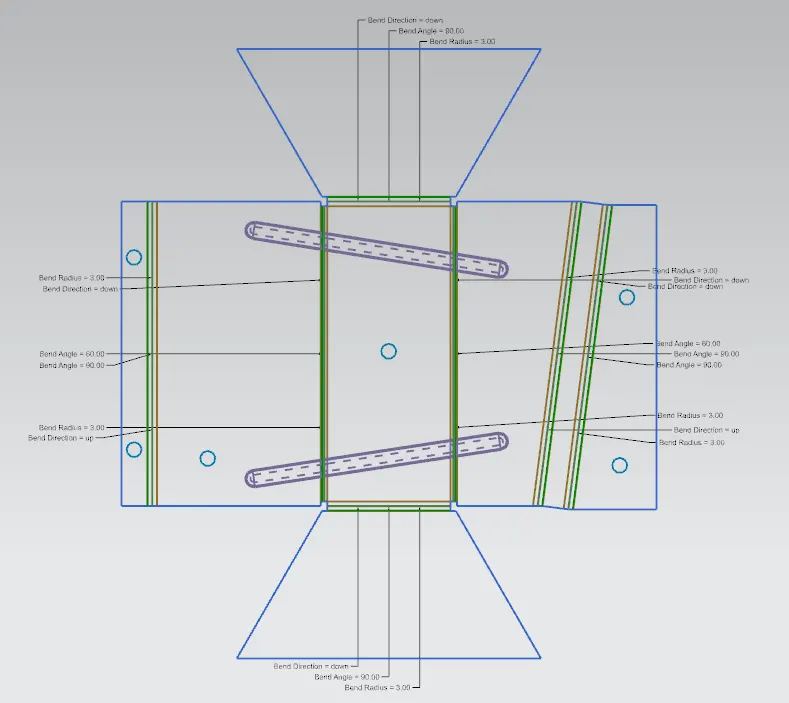
Process to create a odd enclosure
- Open the NX cad and open the new sheet metal file.
- Create the new sketch on XY plane and then extrude that sketch.
- Then apply sheet metal from solid feature to convert the solid part into sheet metal part.
- Apply flange to the bottom side edge and later jog by drawing a new sketch on one side of the surface.
- Unbend the part and apply bead by drawing two line sketches on the top of the surface.
- Create few holes to the sheet metal parts and rebend to restore its previous state.
- Finally create a flat pattern to obtain the flat section of the sheet metal part and save the design as odd enclosure.
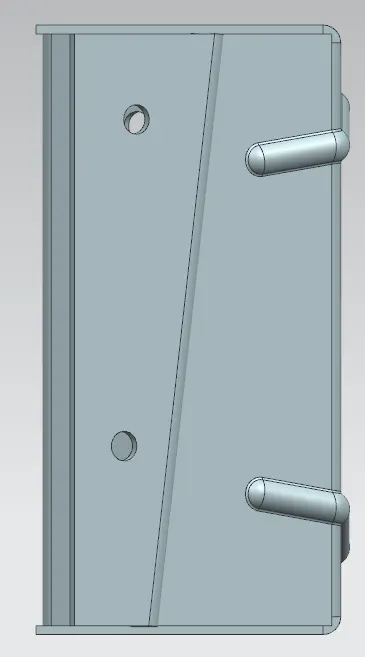
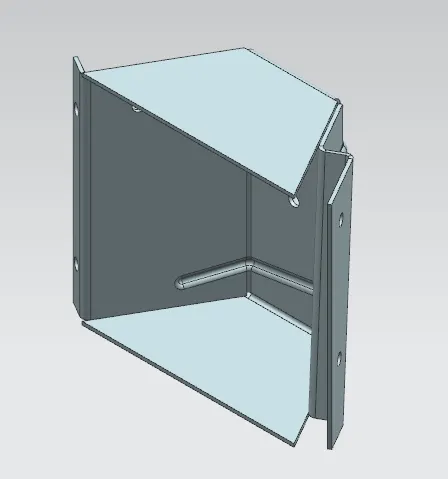
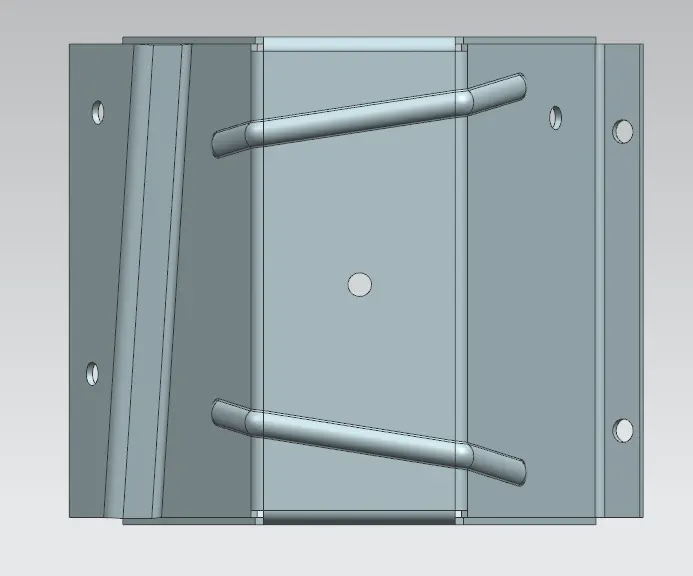
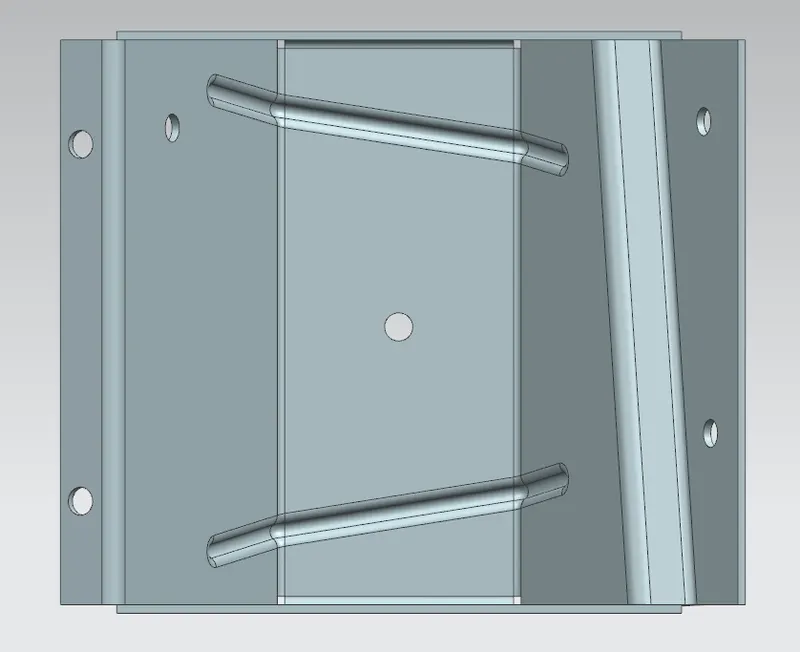
Odd enclosure part views
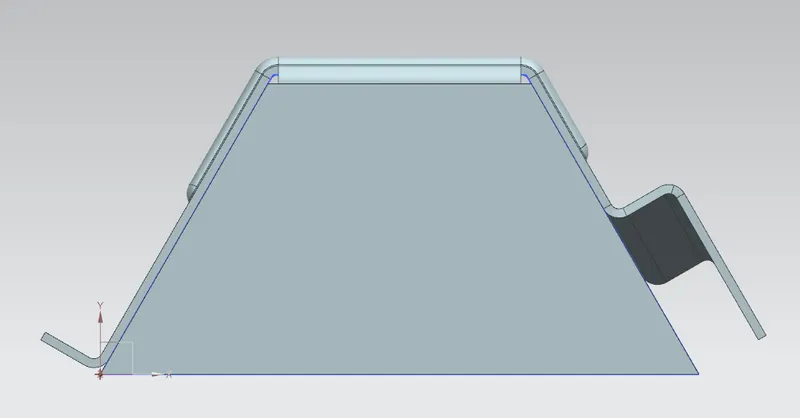
Drawing sheet
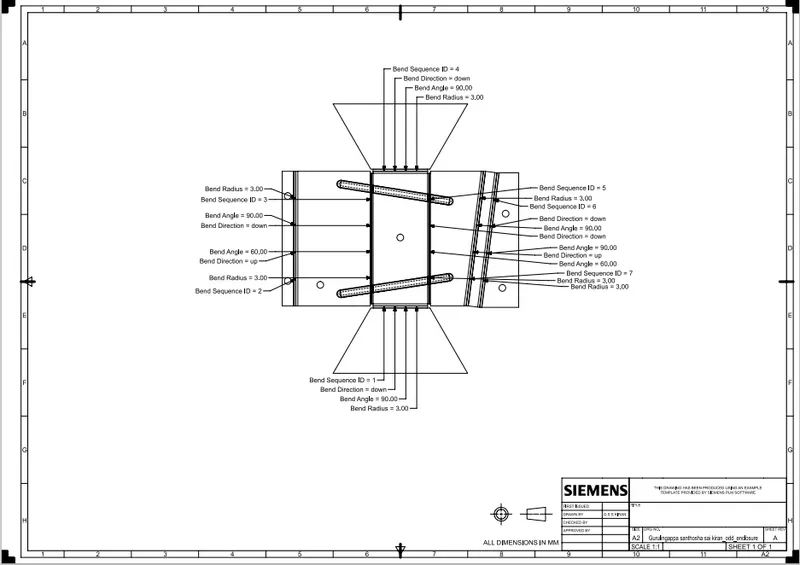
Conclusion
- Odd enclosure is successfully designed using NX cad as per the given guidelines.
- Finally, the solid part is converted into sheet metal part by applying sheet metal operations.