Radar Mast & Final Assembly of Yacht
OBJECTIVE
- The main objective of this project is to model different parts of a custom designed YACHT using SOLIDWORKS.
- To assemble the different parts modeled for the YACHT.
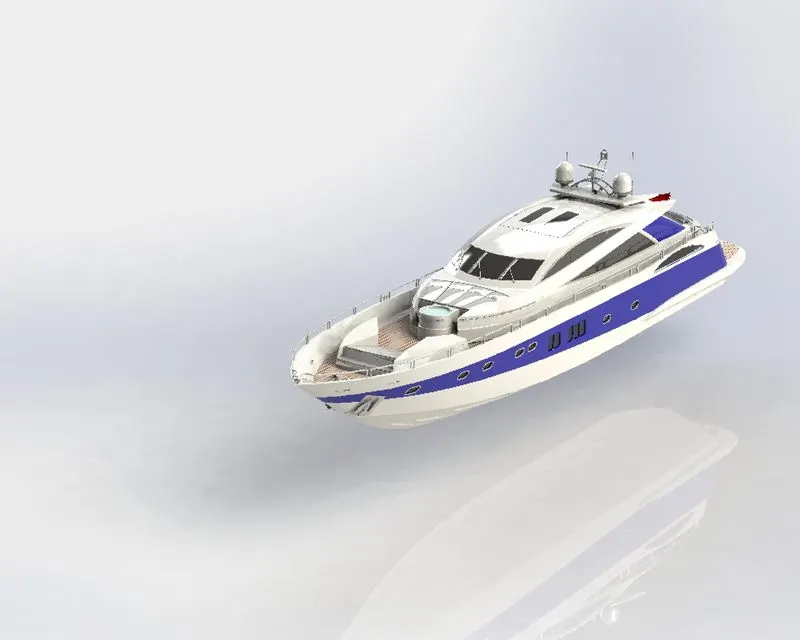
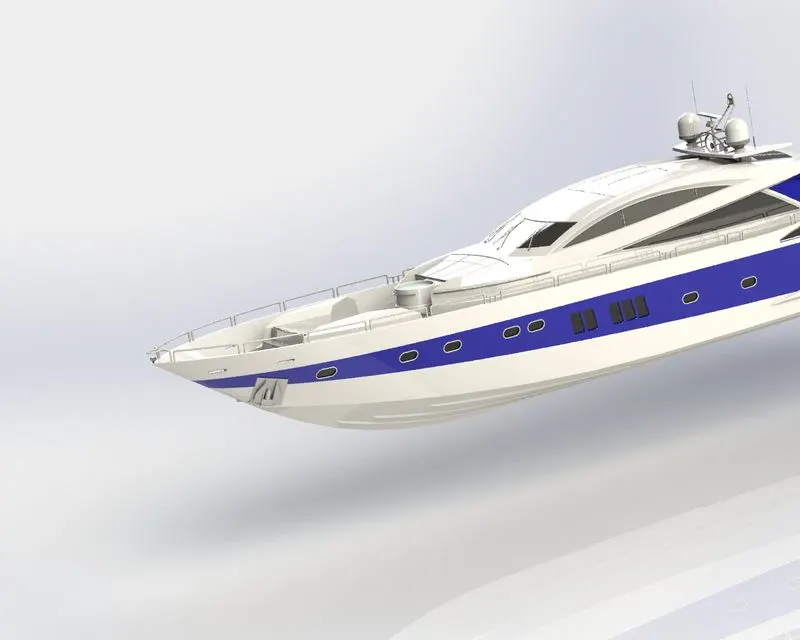
- To create a photo realistic view of the YACHT by rendering the model using SOLIDWORKS photo view 360 and solid works Visualize.
PART MODELING:
- Modelling in general means to create a virtual prototype of an item. it can be used for various purposes. Consider an engine of a car, it has hundreds of parts. Each part can be modelled separately and then can be assembled together to get the engine's final form. This type of modelling is called part modelling.
FEATURES DESCRIPTION
SKETCH:
- Sketch is the two dimensional representation of the model with respect to the plane/view from the outside of the model. In solidworks there are different sketch options available to create a sketch. These are known as Entities in solid works. The following are the entities available in solid works Line, Arc, Spline, Circles, Rectangle.
OFFSET:
- one or more sketch entities, selected model edges, or model faces by a specified distance. For example, you can offset sketch entities such as splines or arcs, sets of model edges, loops, and so on. You can offset finite lines, arcs and splines.
EXTRUDE BOSS/BASS:
- Extrude is a type of feature available in solid works to convert a 2D sketch into the 3D model.
FILLET:
- Fillet/Round creates a rounded internal or external face on the part. You can fillet all edges of a face, selected sets of faces, selected edges, or edge loops.
LOFTED BOSS/BASS:
- the loft feature allows you to generate complex geometry in a single feature. It does this by interpolating the surfaces between various cross sections of a model. These cross sections can be sketches, faces, or edges. In the loft interface, these cross sections are cosidered "Loft Profiles".
DOME:
- Select one or more planar or non planar faces. You can apply domes to faces whose centroid lies outside the face. This allows you to apply domes to irregularly shaped contours.
EXTRUDE CUT:
- Extrude cut is another cool feature which helps to remove materials from the 3D model. It is just yhe opposite to exrtude boss/base feature, because it cus a sketch profile while extruding. You can cut in both directions and mainly used for creating holes, channels, slots etc.
SPLIT:
- The split tool is used to project an entity (sketch, solid, surface, face,plane or surface spline) onto other surfaces or curved/planar faces. you are also able to split faces on multiple bodies with one command.
TRIM ENTITIES:
- Select the trim type based on the entities you want to trim or extend. All trim types are available with 2D sketches and 2D sketches on 3D planes. You can use any of the following trim options: Power Trim.
REVOLVE:
- To crate a revolve feature: Create a sketch that contains one or more profiles and a centerline, line or edge to use as the axis ground which the feature revolves. Click one of the following revolve tools.
DYNAMIC MIRROR:
- Dynamic mirror is the imporatnt tool in solid works. As you sketch the entities, they are mirrored about the pre-selected sketch entity.
APPEARANCES:
- An apperance defines the visual properties of a model, including color and texture. Appearance do not effect physical properties, which are defined by the materials. Every material is assigned a default appearnce that emulates the look of the material.
COMBINE:
- Combine is the type of feature available in solid works to manually combine the two bodies.
SHELL:
- The Shell definition property manager is used to define the thickness of thin and thick shell elements.
CHAMFER:
- A cut on the edge or corner of something that makes it slope slightly rather than being perfectly circularly.
LINEAR PATTERN:
- The linear pattern bodies/features are used to create a different number of instances required to create the pattern linearly.
CIRCULAR PATTERN:
- The circular pattern bodies/features are used to create a different number of instances required to create the pattern circularly.
SURFACE MODELLING:
- Surface modelling gives you the ability to build out a visual representation of an object's exterior ans its contours. In other words, it's a surface.
- Parts like seat, fuel tank of classic 350 are surface modeled.
FEATURES DESCRIPTION:
LOFTED SURFACE:
- loft surfaces are surfaces generated by mutliple 3D curves or existing edges creating a smooth tangency between the selected curves.
SWEPT SURFACE:
- Sweep surfaces are surfaces that are generated from a section curve positioned along a path.
FILLED SURFACE:
- The filled surace feature constructs a surface patch with any number of sides, within a boundary defined by existing model edges, sketches, or curves, including composite curves.
EXTEND SURFACE:
- Extend surface is used to extend the surface which is already created. There are different options available on the extended surface. We can extend the surface as same surface or we can extend the surface tangent to the surface.
SURFACE KNIT:
- surface knit is used o knit the two free edges/open edges of the surfaces together. Also it reduces the gap between the two edges of the surface.
PARTS MODELED FOR YACHT:
- The followig parts of YACHT are modeled in solid works and assembled together.
- Hull
- Superstructure
- radarmast
- radar
- garrage door
- propeller
- rear seat
- fornt seat
- middle seat
DESCRIPTION OF THE PARTS AND FEATURES USED:
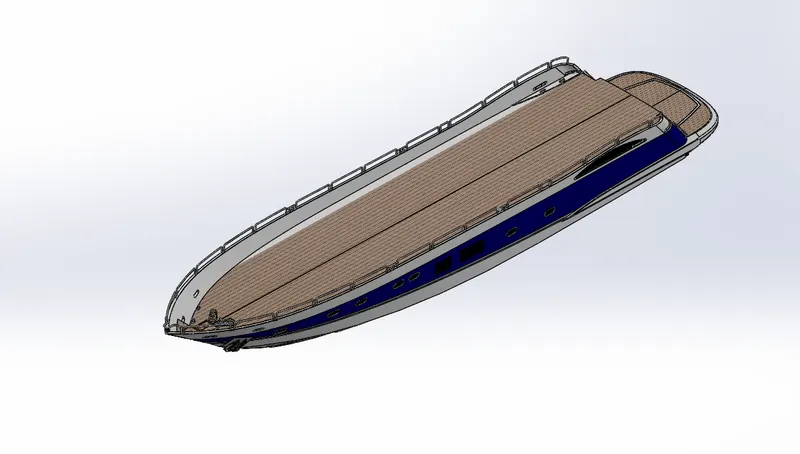
1.HULL
The 'hull' is the portion of boat that rides both in and on top of water.
Features used:
- Extruded boss
- surface extrude
- revolve
- extrude cut
- surface knit
- split
- swept boss
- swept surface
- loft surface
- fillet
- chamfer
- split line
- linear pattern
- mirror
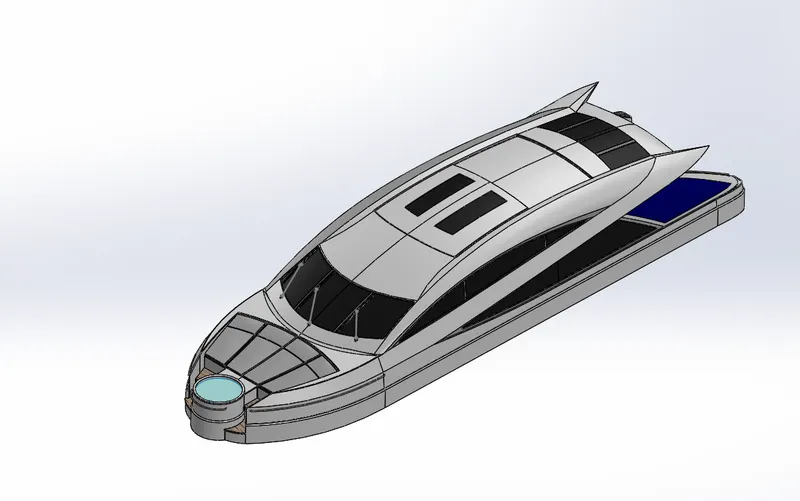
2.SUPERSTRUCTURE
A superstructure is a decked structure on the freeboard deck, extending from side to side of the ship or with the side plating not being inboard of the shell plating more than 4% of the breadth . A raised quarter-deck is regarded as a superstructure.
Features used:
- Extruded boss
- surface extrude
- revolve
- extrude cut
- surface knit
- split
- swept boss
- swept surface
- loft surface
- fillet
- chamfer
- split line
- linear pattern
- mirror
- Ruled surface
- Surface trim
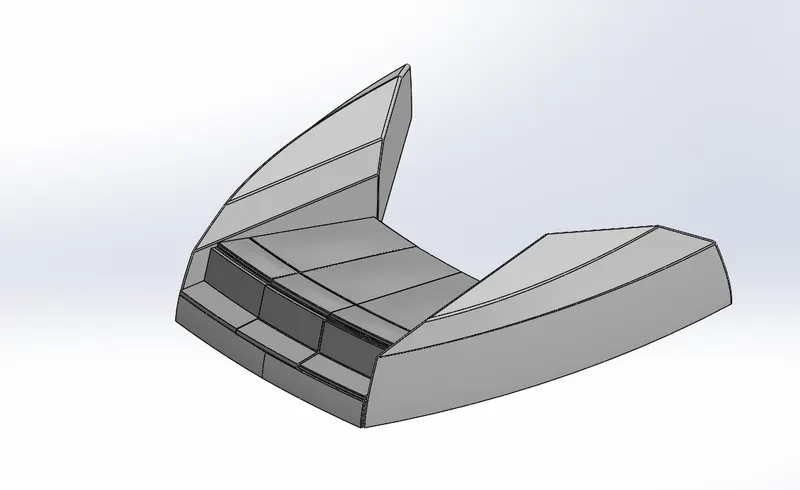
3. FRONT SEAT
Features used:
- Surface extrude
- surface trim
- surface loft
- surface fill
- Cut extrude
- Revolve thin
- fillet
- chamfer
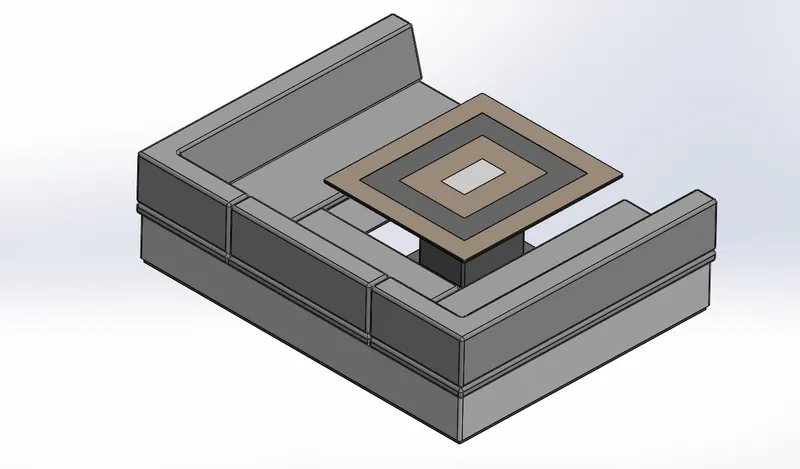
4. MIDDLE SEAT
Feaures used:
- Boss extrude
- Cut extrude
- fillet
- chamfer
- Mirror
5. REAR SEAT
Feautures used:
- Surface extrude
- surface trim
- surface loft
- surface fill
- Cut extrude
- Revolve thin
- fillet
- chamfer
- Surface offset
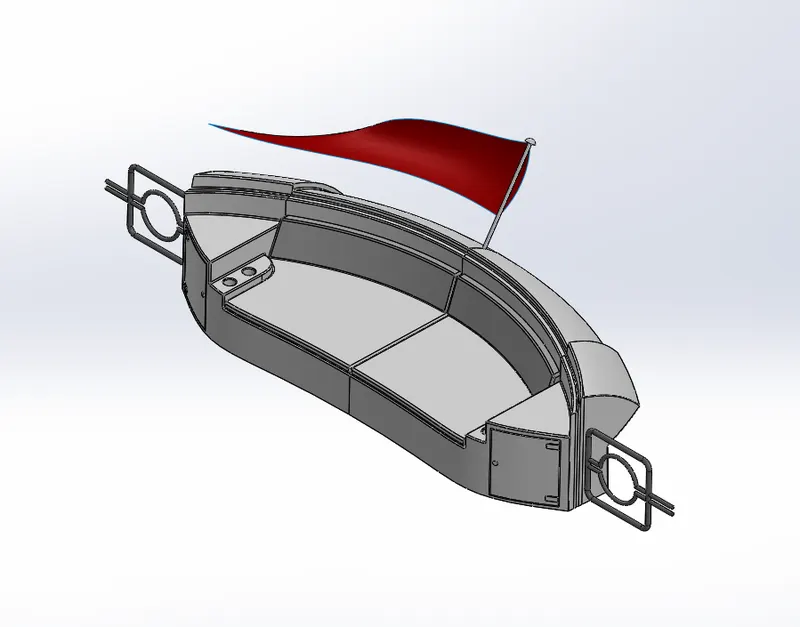
6. Garrage Door:
Like the outer doors in the house, the garage door shares a similar purpose—protection and security from external factors. Commonly, the garage door protects cars and vehicles like bicycles from being bathed under the sun's scorching heat and the bitter cold of winter.
Features used:
- Cut extrude
- shell
- mirror
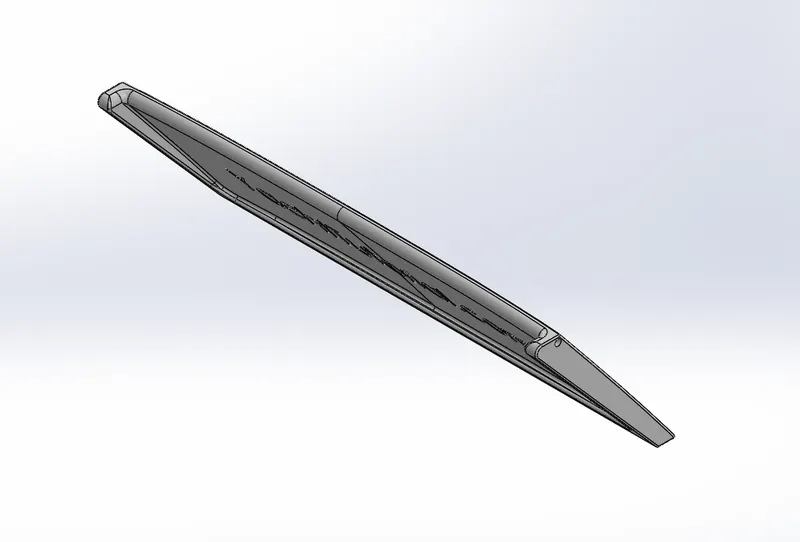
7. RADAR
Radar will show what is around the boat, seeing through darkness, precipitation and poor visibility. Whether you're crossing a busy shipping channel in thick fog, looking for squalls offshore, or identifying a harbour entrance in the dark, Radar offers a significant aid to navigation and safety.
Features used:
- Boss extrude
- cut extrude
- split line
- Fillet
- Mirror
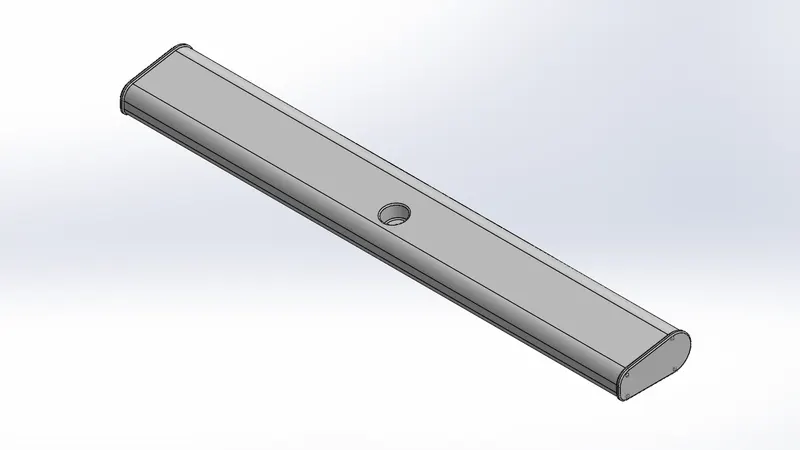
8. PROPELLER
Propellers are used to pump fluid through a pipe or duct, or to create thrust to propel a boat through water or an aircraft through air. ... Most marine propellers are screw propellers with helical blades rotating on a propeller shaft with an approximately horizontal axis.
Features used:
- Loft
- revolve
- circular pattern
- fillet
- cut extrude
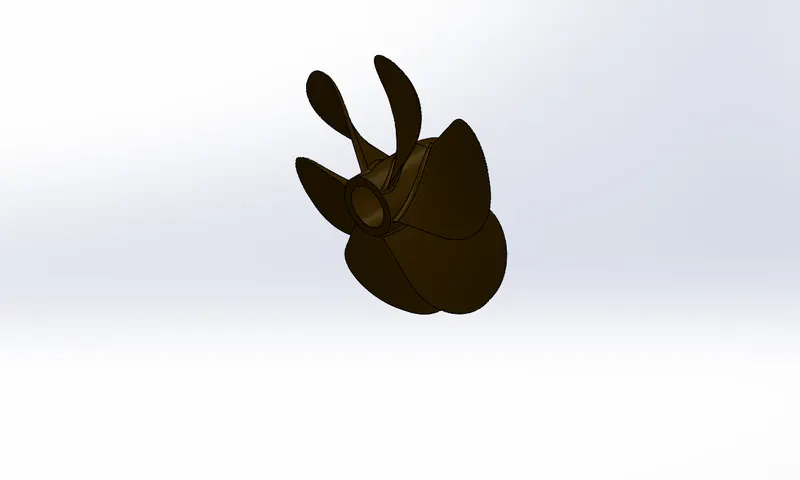
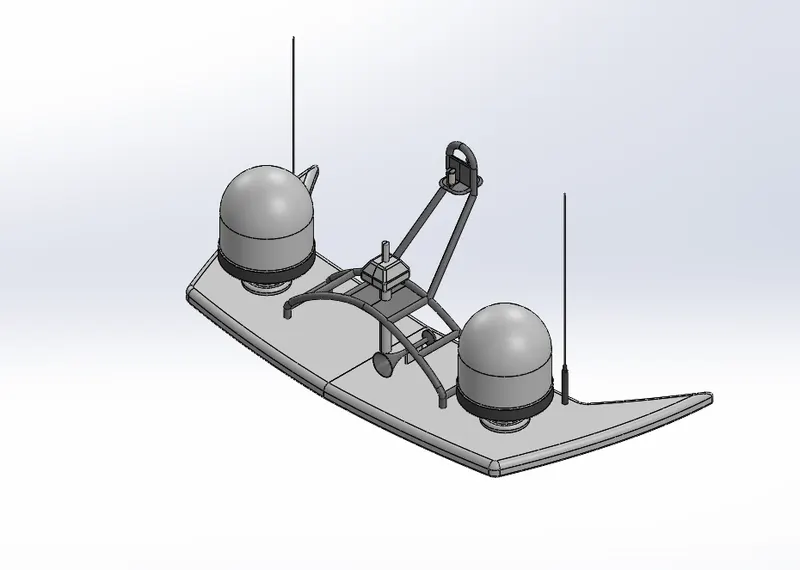
9. RADAR MAST
Radar mast is electronic navigation instruments that use a rotating antenna to sweep a narrow beam of microwaves around the water surface surrounding the ship to the horizon, detecting targets by microwaves reflected from them, generating a picture of the ship's surroundings on a display screen.
Features used:
- Boss extrude
- Revolve
- fillet
- chamfer
- Combine
- shell
- Dome
- Sweep
ASSEMBLY OF YACHT
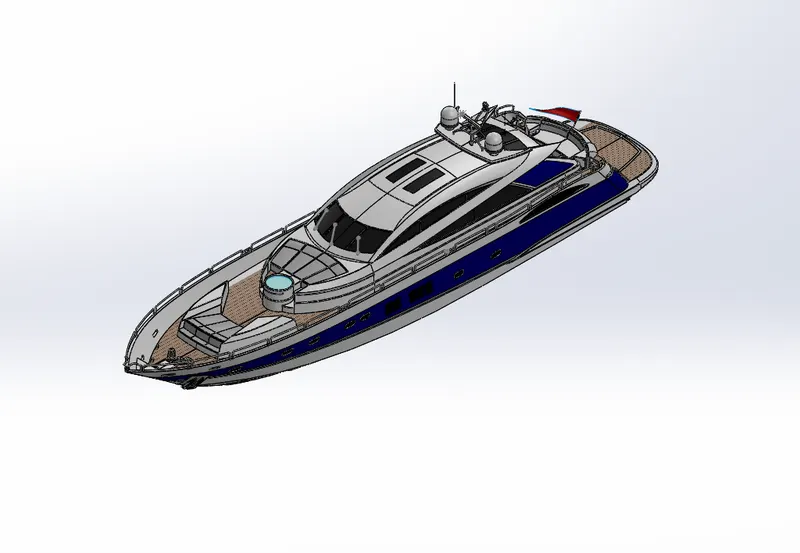
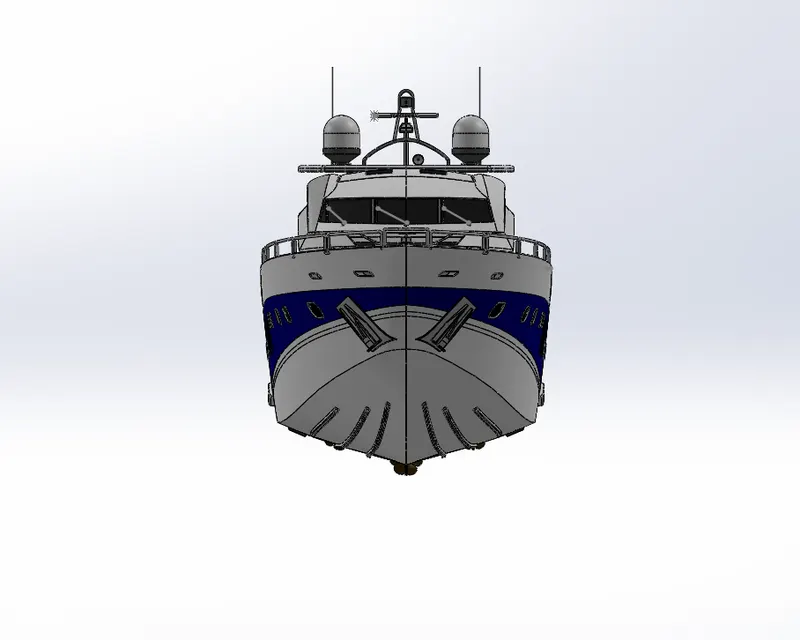
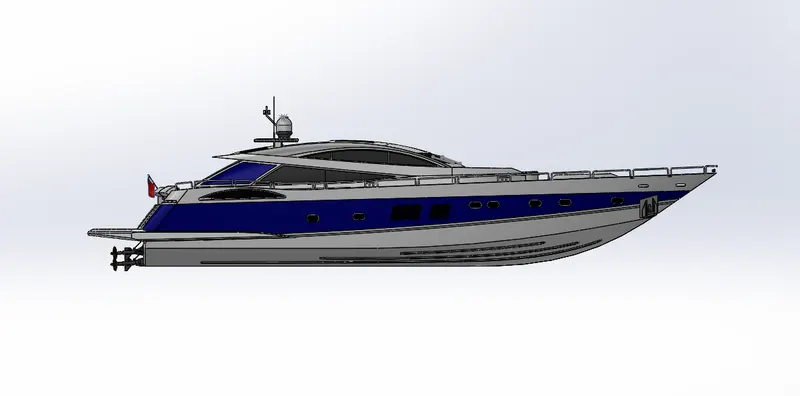
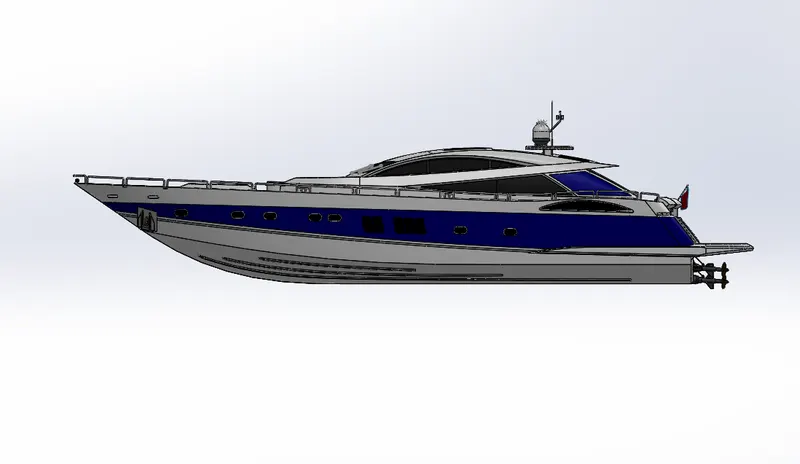
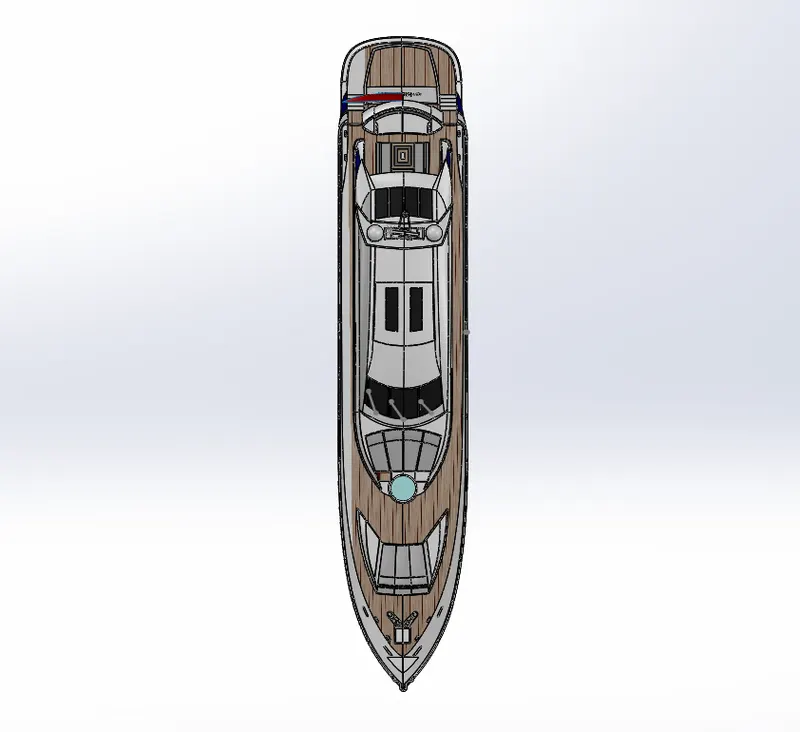
- MAIN ASSEMBLY
- Initially, the Hull part is inserted in the assembly by using insert parts in the option. After that the part is inserted in the assembly environment and clicked okay to fix the hull.
- After that the other parts of the yacht are inserted into the assembly and given positive mate conditions.
- FEATURES USED TO ASSEMBLE YACHT:
- Mates
- Insert part
Mates:
Mates create geometric relationships between assembly components. As we add mates, we define the allowable directions of linear or rotational motion of the components. We can move a component within its degree of freedom, visualizing the assembly behaviour.
Insert parts:
We can insert the other componetnts whch need to be mated with the prime fixed component.
RENEDERING :
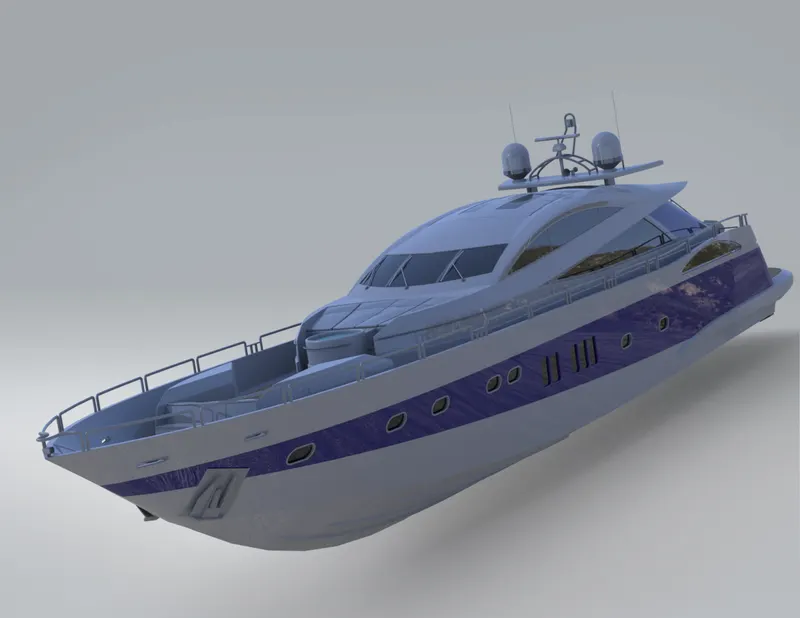
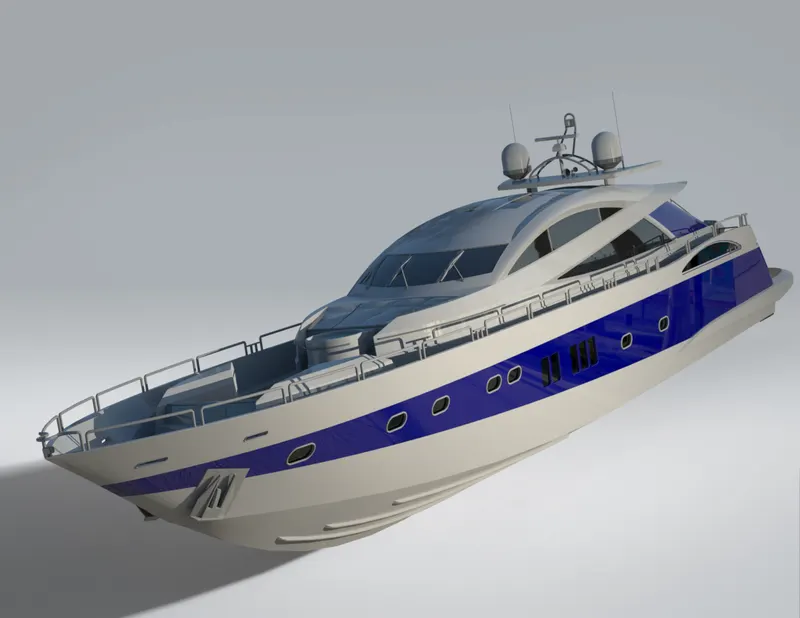
- Rendering is the process of creating realastic images of the photorealistic model with the environment.
- Rendering has been done in two ways in solid works. The following are the two ways.
- Photo view 360
- Solid works visualiz
3. In the photo realistic model some of the mate conditions and positions are changed to render realistic models.
4. Then the photo realisitic model is rendered into realistic images with different views.
5. Here I have used both the photo view 360 and visualise for rendering the assembled model.
CONCLUSIONS:
- The parts of the yacht are modeled.
- The perts are inserted into the assembly environment and YACHT is assembed.
- The photo realistic image was rendered with the use of the photo view 360 and solid works Visualise
- I wold like to thank my mentor Mr. Soundar Rajan for helping me with the challenges i faced while modelling this beautiful beast.
LINK OF ALL THE PARTS:
https://drive.google.com/file/d/1po3juSuXlJwOaB9WIkow90yaaPN5nKaq/view?usp=sharing