Radar Mast & Final Assembly of Yacht
1. Radar Mast
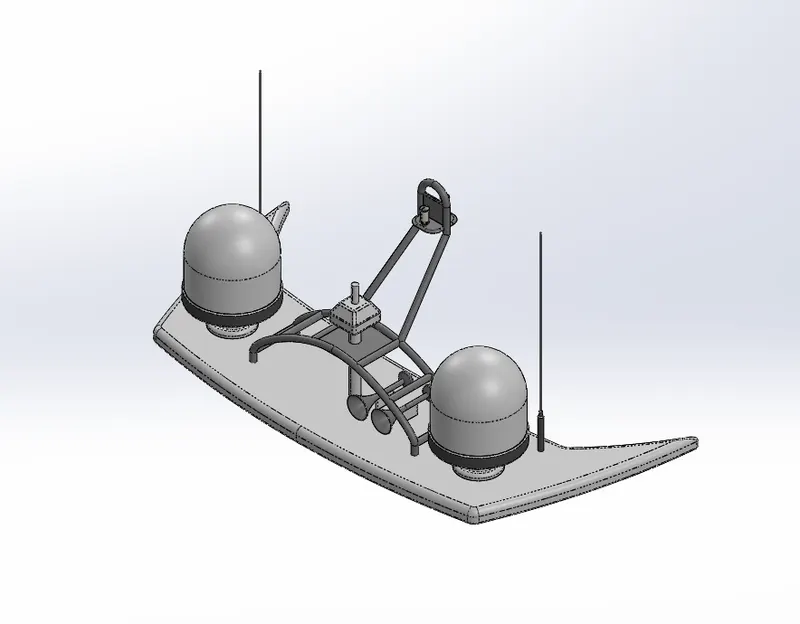
a) Isometric view
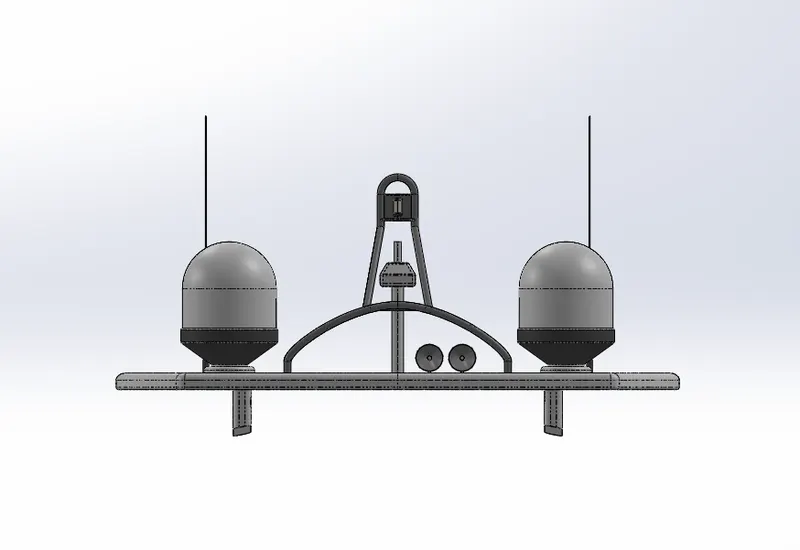
b) Front View
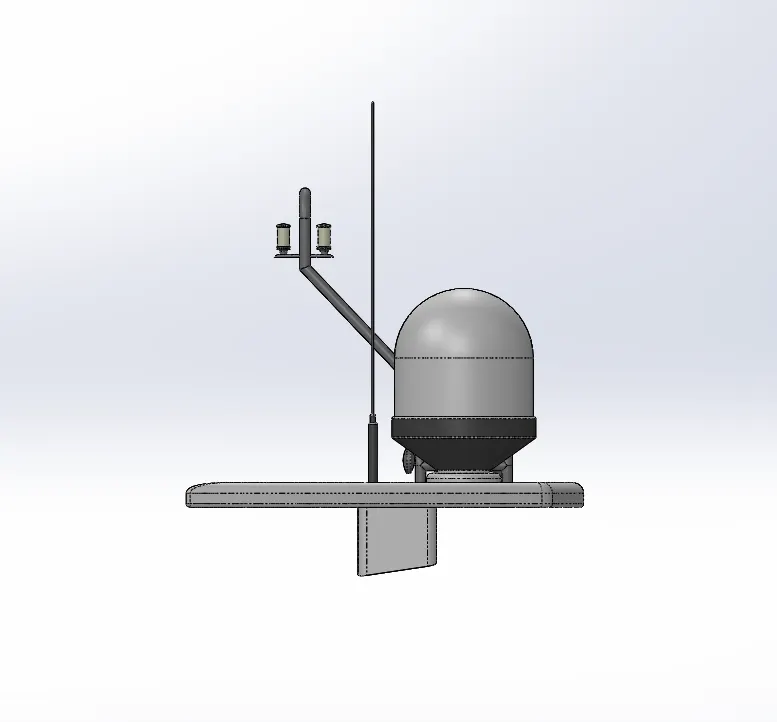
c) Side View
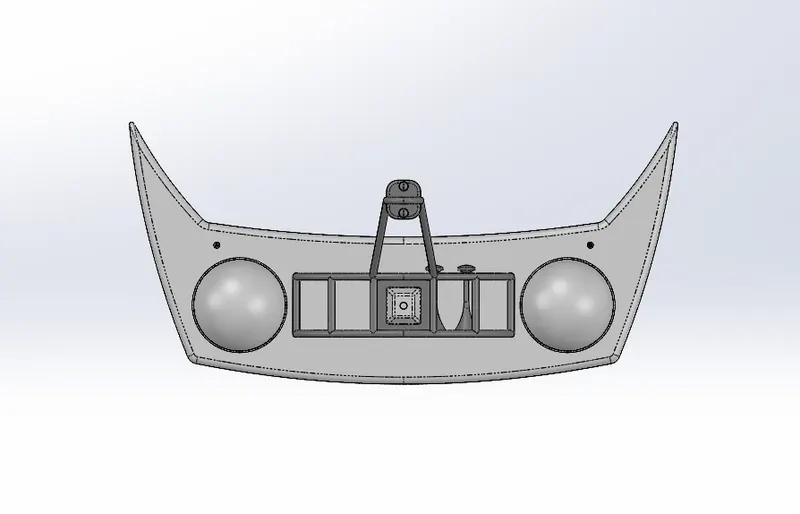
d) Top View
e) Feature Tree
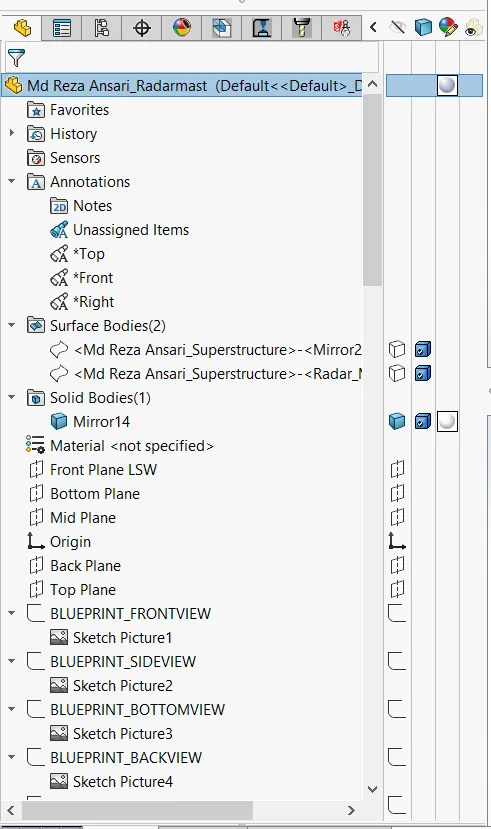
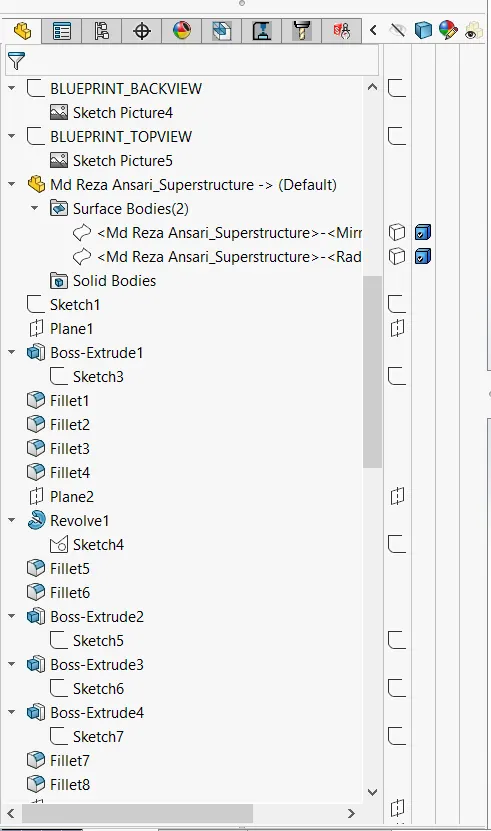
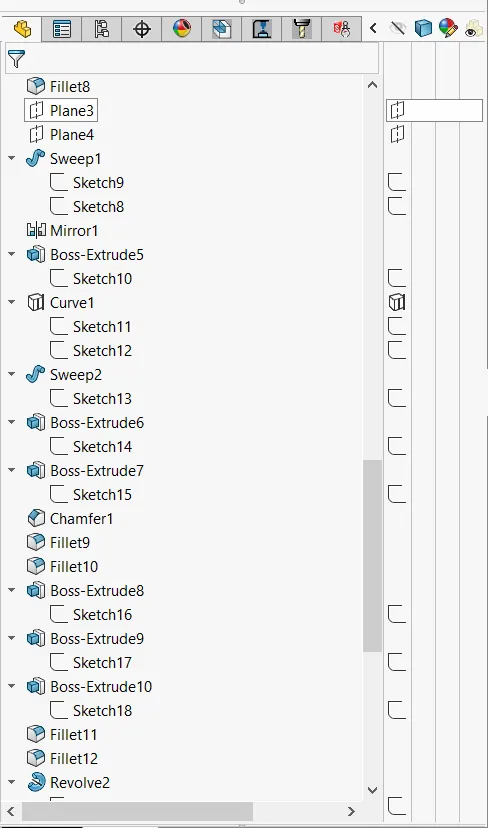
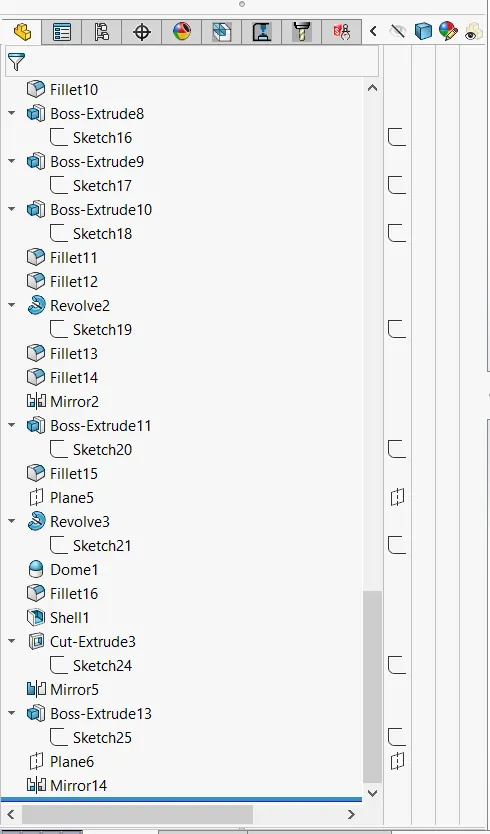
2. Sunseeker Predator Yacht assembly
a) Isometric View
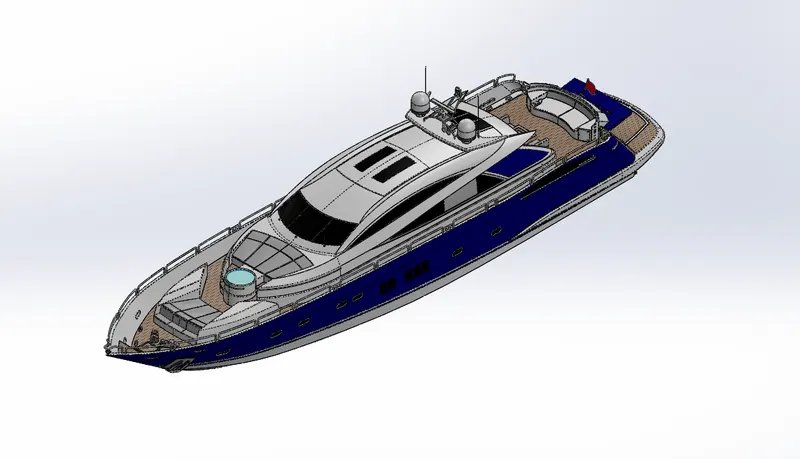
b) Front View
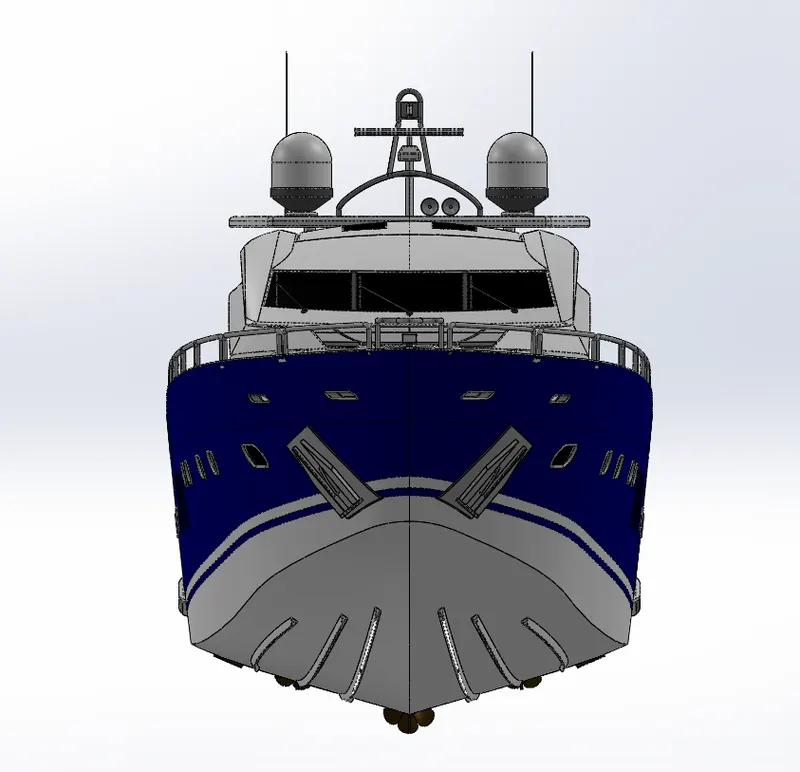
c) Side View
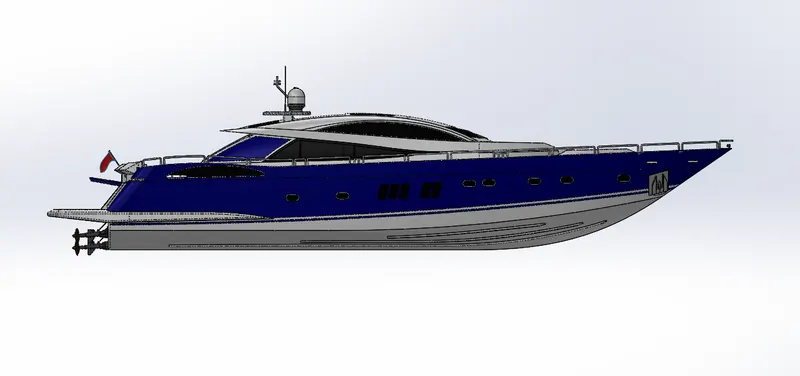
d) Top View
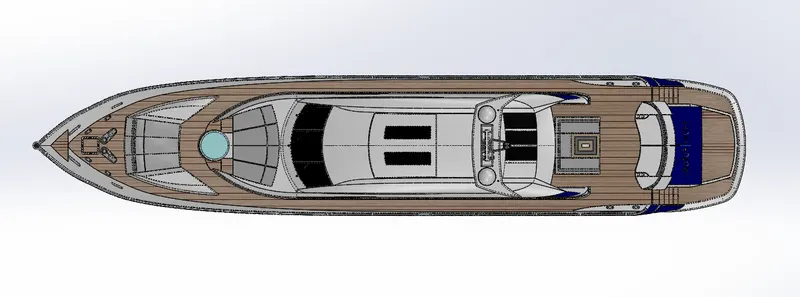
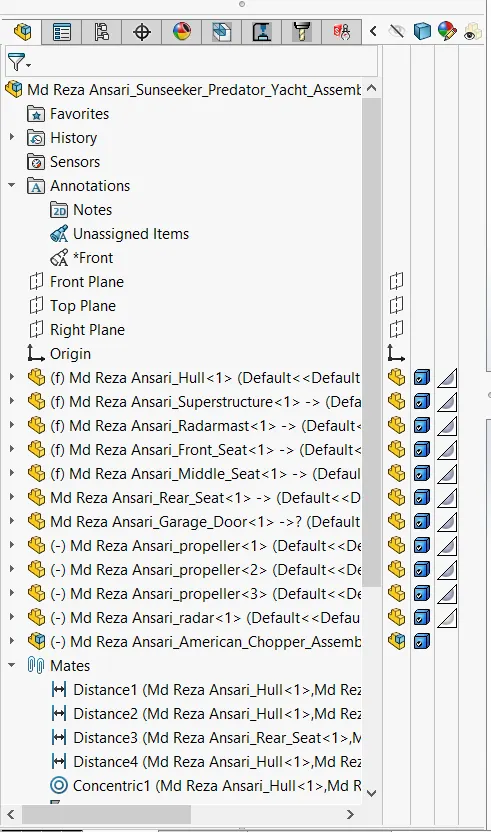
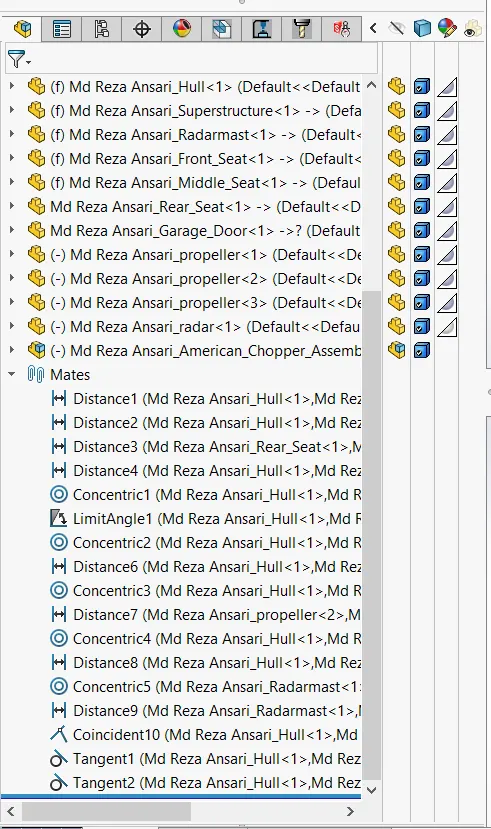
e) Feature Tree
Title of the Project: Sunseeker Predator Yacht
Objective: To learn SolidWorks and gain clear vision of parts modeling, surface modeling, assembly, rendering etc. by modeling the different parts of the Sunseeker Predator Yacht and its assembly using different tools like line, circle, spline, extrude, revolve, mirror, fillet etc.
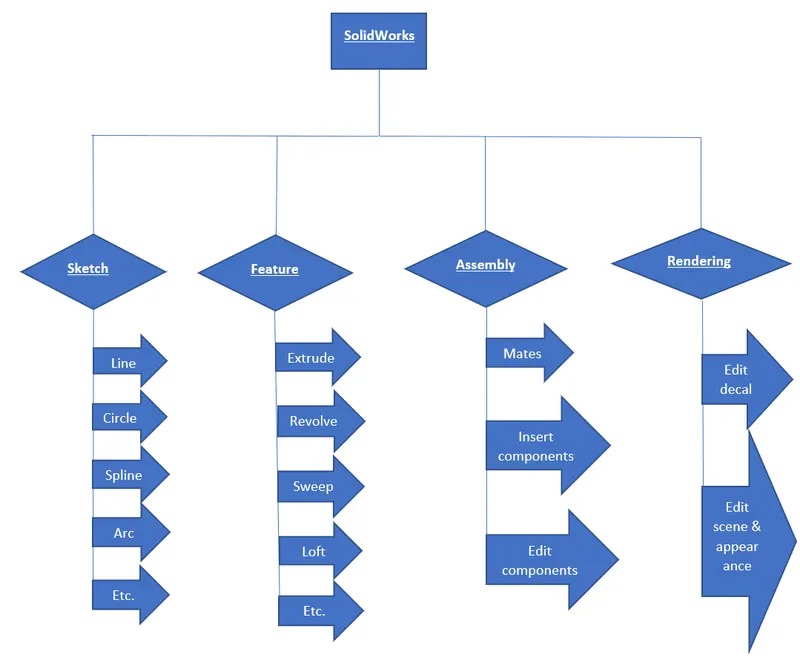
Introduction: SolidWorks is a professional software used by design engineers in order to create 2D sketch, 3D models, surface models, assembly of the different parts, rendering and many more. It is also helpful to apply different appearances to our models.
In this software firstly a 2d sketch is created and the converted that sketch into 3d model and surfacing. After the parts are created then they are assembled together to make them a product. Then we have different other things to do like rendering and different other things according to the necessity.
Sunseeker is a British luxury performance yacht brand. This sunseeker yacht is a sail or power vessel that is used for pleasure, cruising, racing. Yachts are usually large enough to have some form of sleeping quarter (cabin) on board for overnight trips as well as a kitchen (galley) and a bathroom (head). They are also large enough that they require more that human inputs (i.e. rowing) to propel forward.
Design methodology/approach:
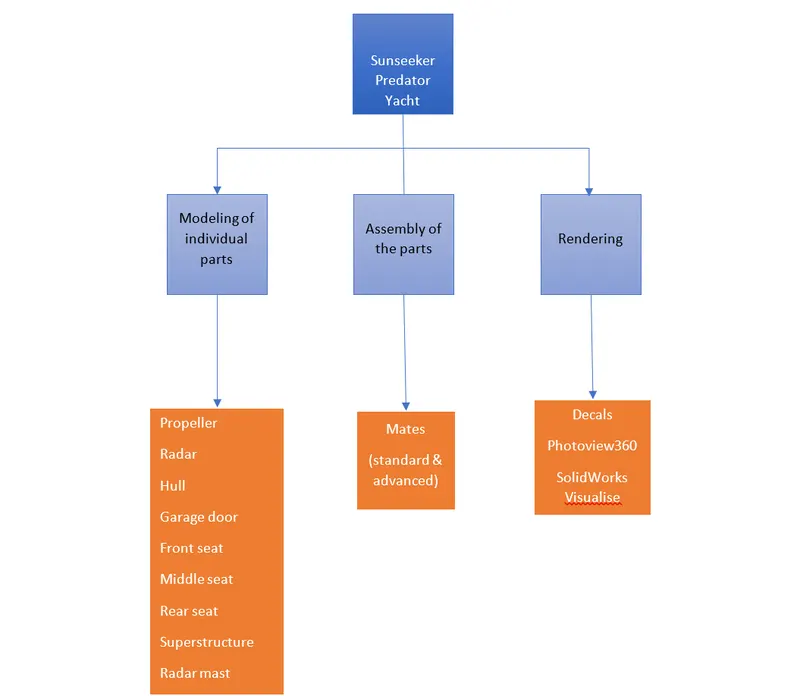
Components of Sunseeker Predator Yacht
- Propeller
- Radar
- Hull
- Garage Door
- Front Seat
- Middle Seat
- Rear Seat
- Superstructure
- Radar Mast
Propeller:
Propeller is a device which consists of a rotating hub and radiating blades that performs action when rotated. It transforms rotational power into linear thrust by acting upon water. This force is created by moving the water away from blades which helps to move the propeller forward, thus moving the yacht.
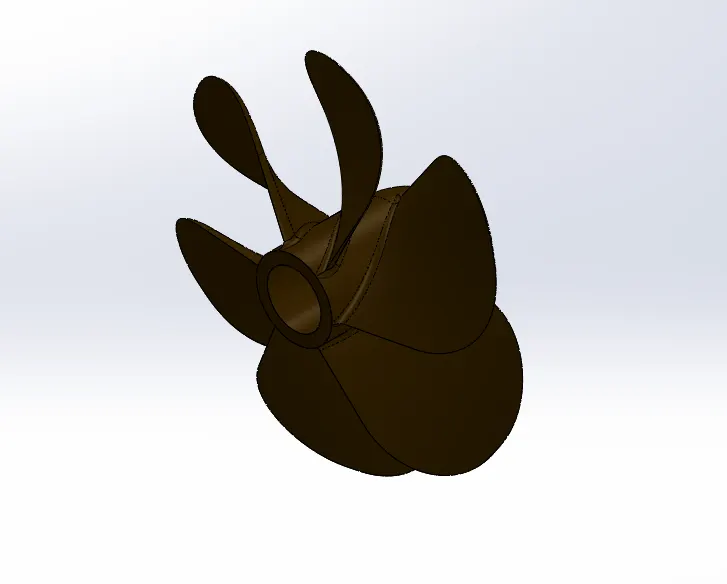
Commands used:
- Line
- Spline
- Rectangle
- Circle
- Revolve
- Loft
- Cut-extrude
- Fillet
- Circular pattern
Radar:
Marine radars are the electronic navigation instruments that use a rotating antenna to sweep a narrow beam of microwaves around the water surface surrounding the ship to the horizon, detecting targets by microwaves reflected from them, generating the pictures of ship surrounding on a display screen. So Radar is used to detect other ships and land obstacle to provide bearing and distance for collision avoidance and navigation at sea.
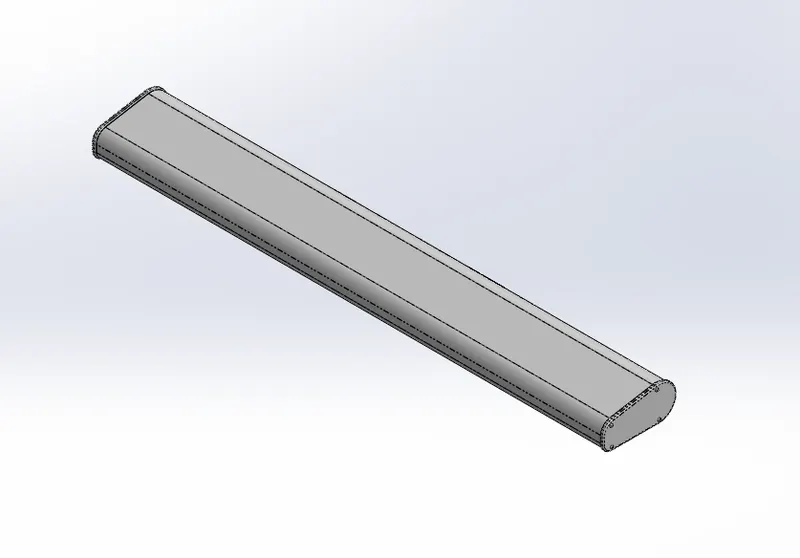
Commands used:
- Line
- Arc
- Polygon
- Circle
- Point
- Text
- Sketch pattern
- Boss-extrude
- Cut-extrude
- Mirror
- Split line
- Fillet
Hull:
Hull is a watertight body of a ship or boat. The hull may be open at the top or it may be fully or partially covered with the deck. At the top deck may be deckhouse or other superstructure.
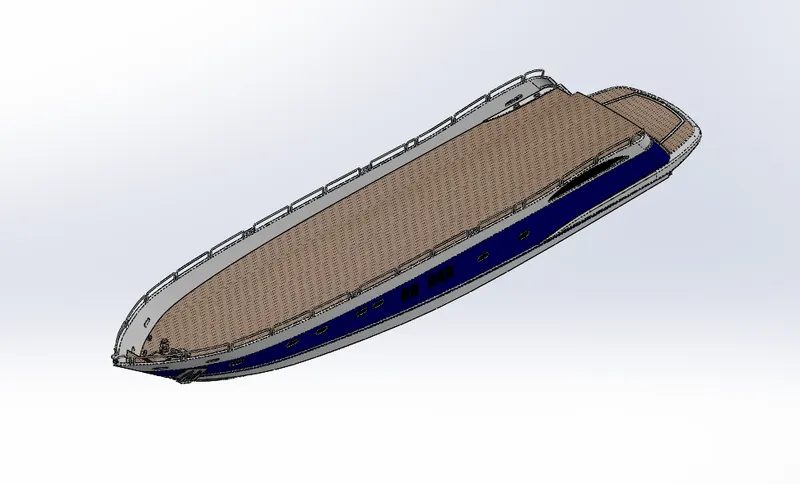
Command used:
- Line
- Spline
- Circle
- Arc
- Rectangle
- Slot
- Ellipse
- Curve
- Project curve
- Surface extrude
- Surface loft
- Surface trim
- Surface knit
- Surface fill
- Shell
- Boss extrude
- Cut extrude
- Sweep
- Revolve
- Delete face
- Helix/spiral
- Split
- Split line
- Mirror
- Fillet
- Chamfer
- Combine
- Linear pattern
- Dome
Garage Door:
It is a large door on a garage at the back side of the yacht that opens either manually or by an electric motor. It is frequently used to keep automobiles and other vehicles. It is made up of wood, metal, or fiberglass and may be insulated to prevent heat loss.
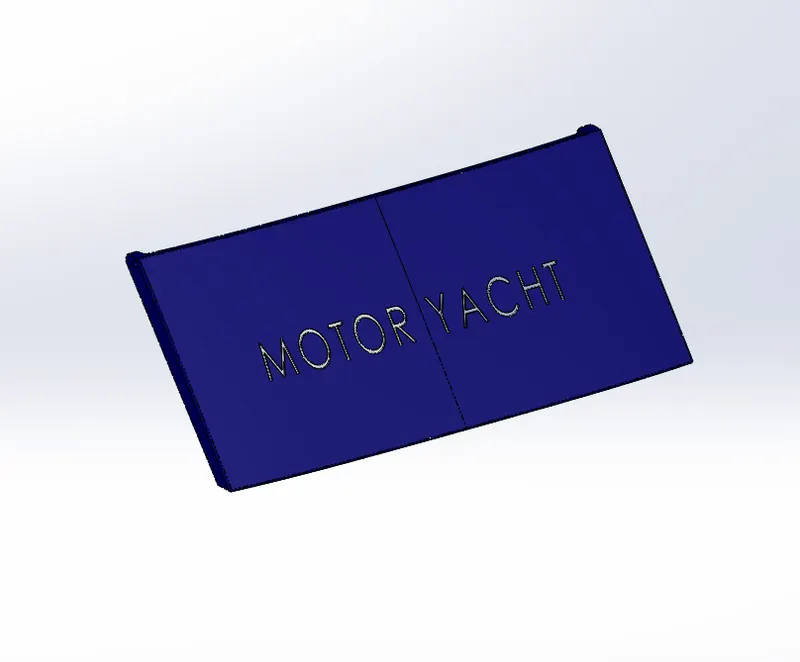
Command Used:
- Rectangle
- Circle
- Text
- Cut extrude
- Mirror
- Fillet
- Shell
Front Seat:
Front seat is used for seating purpose. It is placed at the front side of the superstructure on the hull.
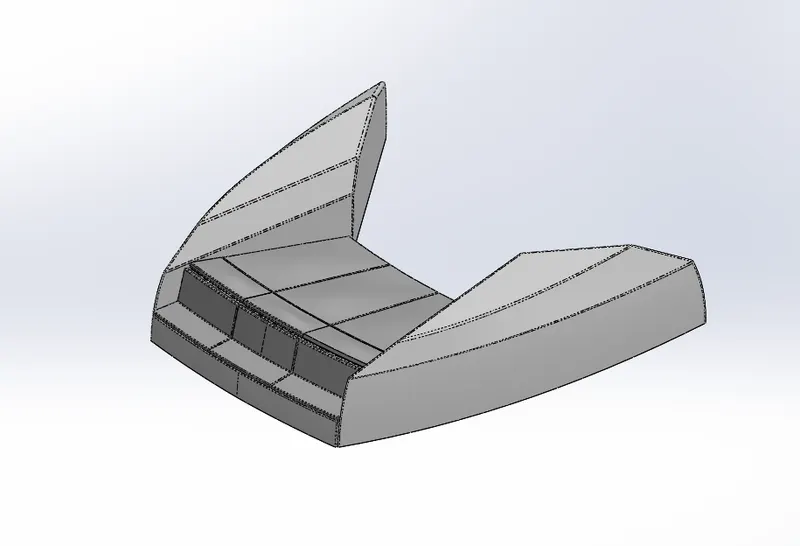
Command used:
- Line
- Spline
- Circle
- Rectangle
- Surface extrude
- Surface sweep
- Surface trim
- Surface knit
- Surface loft
- Surface fill
- Cut extrude
- Revolve
- Fillet
- Mirror
- Dome
Middle Seat:
Middle seat is placed under the superstructure behind the back window at the back side of the hull.
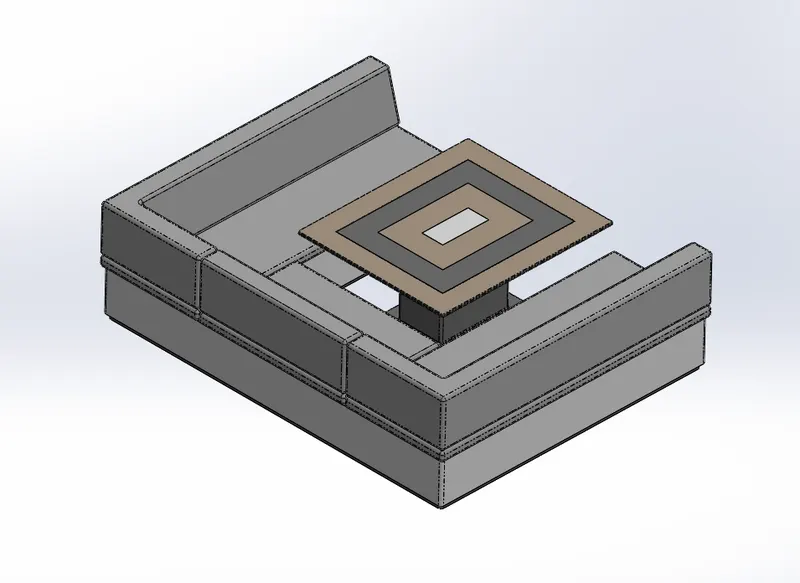
Command used:
- Line
- Rectangle
- Boss extrude
- Cut extrude
- Fillet
- Mirror
- Chamfer
Rear Seat:
Rear seat is placed at the back side of the hull over the garage.
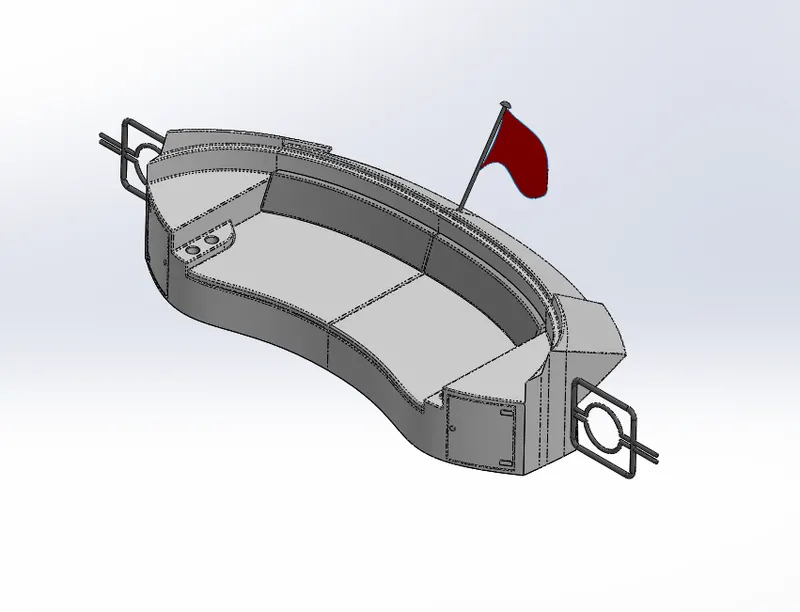
Command used:
- Line
- Circle
- Rectangle
- Spline
- Surface sweep
- Surface trim
- Surface offset
- Ruled surface
- Surface knit
- Surface extend
- Surface extrude
- Surface loft
- Boss extrude
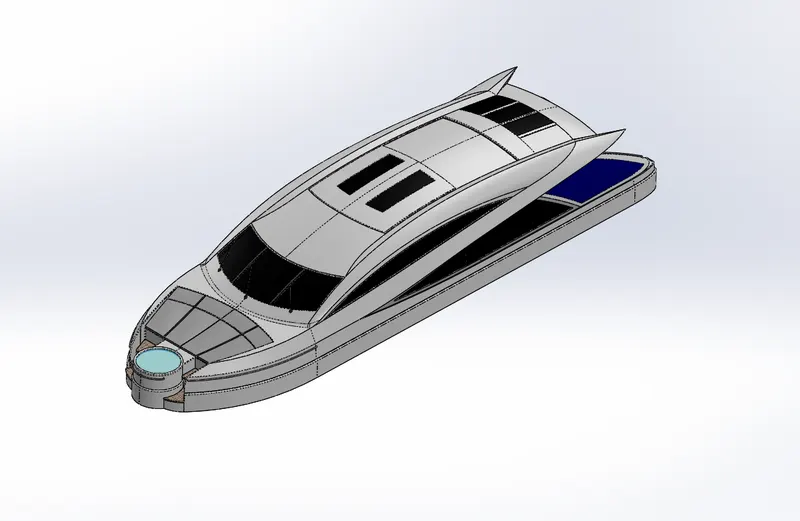
Superstructure:
Superstructure of a yacht is an upward extention of an existing structure above a baseline. Its design may vary from ship to ship. It is mostly designed in a fashion way because it the most easily visible part of the yacht. In fact it the identification of the ship. So the designers try to give a unique identity.
Commands used:
- Line
- Spline
- Circle
- Rectangle
- Arc
- Boss extrude
- Cut extrude
- Sweep
- Surface extrude
- Surface trim
- Surface knit
- Surface sweep
- Surface loft
- Surface fill
- Surface extend
- Ruled surface
- Delete face
- Thicken
- Split line
- Mirror
- Fillet
Radar Mast:
Radar Mast is a vertical structure of ship that is placed on the top of the bridge towards the ship’s bow. It holds some eqipments like radar, navigation lights, and ships horn in the case of foremast.
Command used:
- Line
- Arc
- Circle
- Rectangle
- Spline
- Boss extrude
- Cut extrude
- Revolve
- Sweep
- Mirror
- Fillet
- Chamfer
- Shell
Description of all commands used in the design.
Line: It is used to draw a line in horizontal, vertical or to a specific angle.
Arc: It is a part of a circle which has a starting and a ending points with a define radius.
Trim: It is used to remove a part of our object from nearest intersecting points.
Extrude: It is used to add a material to our object I a normal direction.
Fillet: It is used to create a round corner at a defined radius.
Ellipse: It is used to create a circular oval shape by defining two radius (i.e. major radius and minor radius)
Circle: It is used to create a circular shape by defining a point and a radius.
Spline: It is a curvy line which is used to create curve lines based on its points.
Loft: It is used to add a material according to our profiles at a certain distance.
Revolve: It is used to add a material by rotating around a reference axis according to its shape and defined angle.
Construction Line: It a part of a line having same properties but it acts as a reference to a certain geometry.
Revolve: It is used to add a material by rotating around a reference axis according to its shape and defined angle.
Split: It is used to cut our part in reference to a line and selected parts.
Center point straight Slot: It is used to create a slot like geometry by giving a mid-point reference line then provide slot radius.
Circular pattern: It helps to pattern our objects in a circular form according to a reference circle by providing entities and total angle or between angle.
Mirror: It helps to create a copy image of an object in reference to a line/face/plane but the copy image is created as; similar, opposite and same distance from a mirror line/face/plane.
Combine: It is used to join or remove to or more bodies and make it a single body by selecting add, subtract or common.
Shell: It is used to convert our solid body into a hollow body at a specific thickness.
Dome: It is used to add a material by creating elliptical or spherical shape by placing some dome value.
Chamfer: It is used to remove material or cut our corners from two sides by giving distance, angle or vertex.
Linear Pattern: It is used to pattern our object according to axis, angle or linear edge by providing entities and distance between them.
Extrude cut: It is used to remove material in normal direction to the object.
Revolve cut: it is used to remove a material by rotating around a reference axis according to its shape and angle.
Move/copy Body: It is used to move/copy the body from one place to another place with or without angle.
Project Curve: It is a 3D curve which can be projected with the help of two different 2D sketches on two different planes.
Sweep: It helps to add the material along the path by following the profile.
Composite curve: It helps to combine two or more projected curve into a single curve.
Surface knit: Here we merge or combine two or more surfaces which are not intersected and their gap is negligible or provided on certain conditions.
Surface trim: It helps to remove a part of the surface with respect to other surface which intersects each other completely. We can also keep some portion of the surface.
Split line: It helps to convert our face into two parts with the help of projection.
Assembly of Sunseeker Predator Yacht:
Assembly includes all the components in the Hull including propeller, radar, garage door, front seat, middle seat, rear seat, superstructure and radar mast. These parts are inserted in assembly and with the help of mates their relations are given.
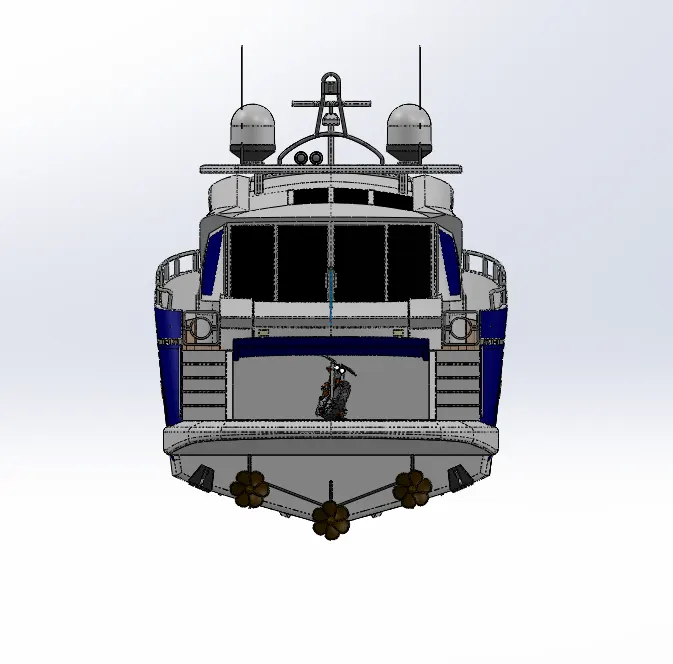
Commands used: Mates, insert parts.
Insert parts: It helps to insert different parts in the assembly according to requirement.
Mates: It is used to add the geometrical relation between the parts and planes or fixed parts.
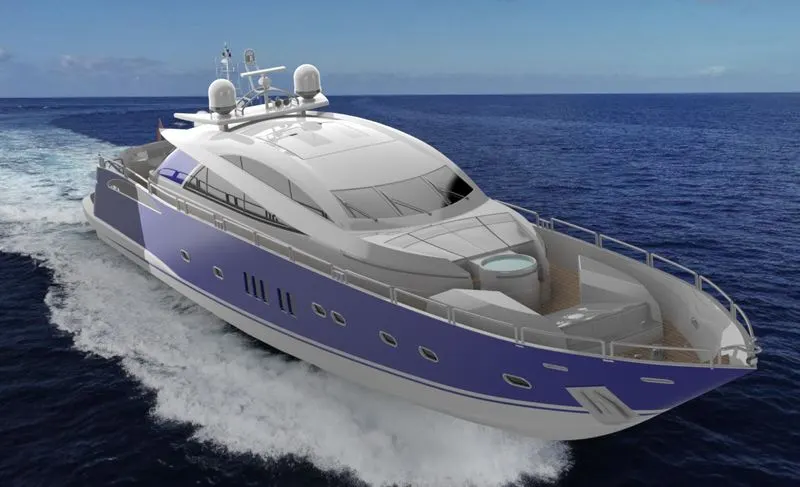
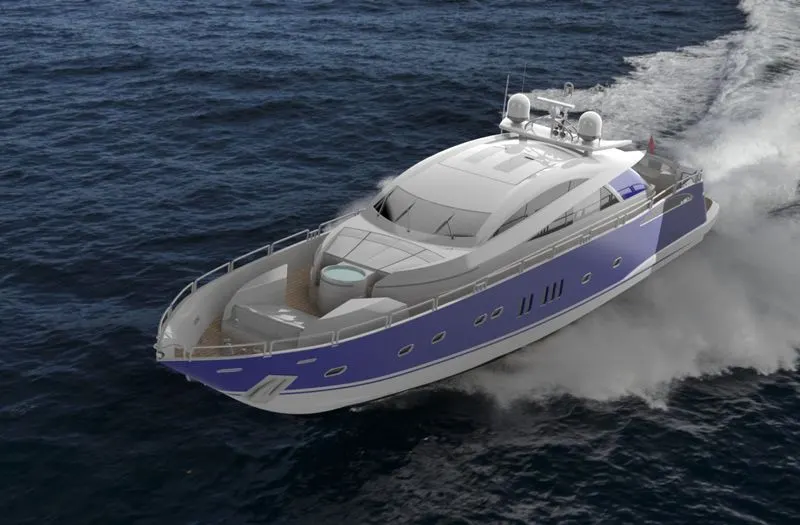
Rendering:
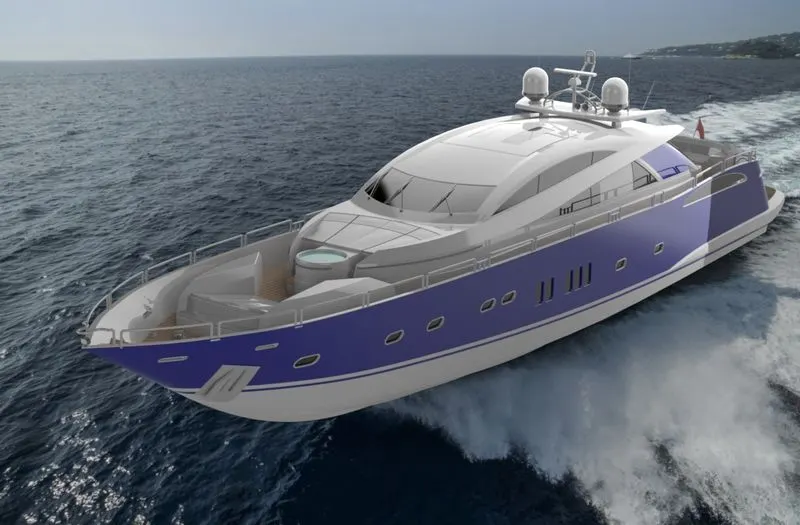
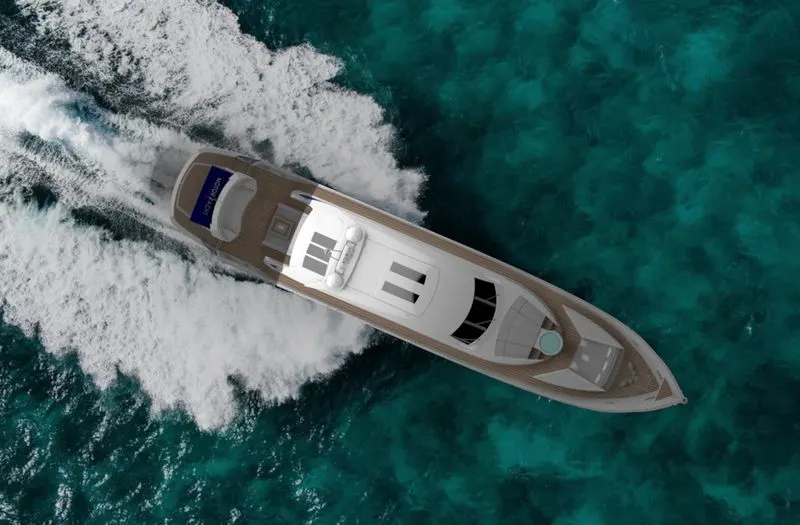
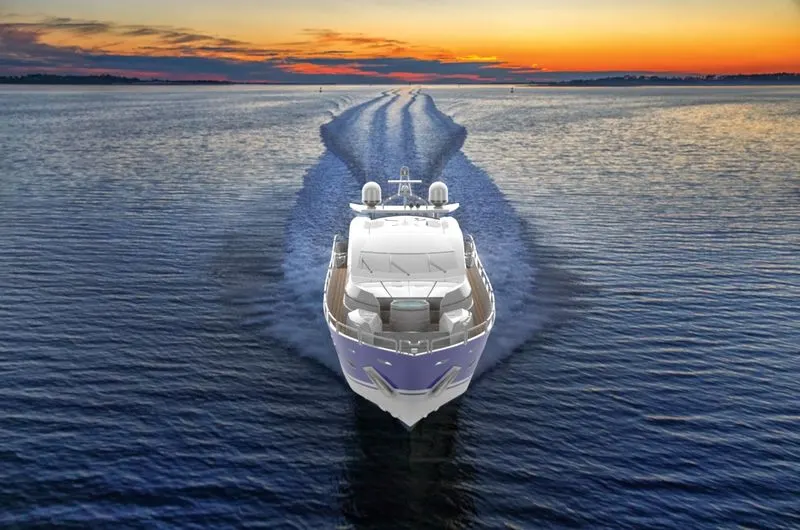
Rendering is the process of creating the photorealistic look of the the model. It is done in two way:
a) Photoview 360
b) Solidworks Visualize
Photoview 360: It is a visualization and rendering solution which is included in the solidworks. It provides a highly interactive environment for viewing designs and creating photorealistic rendering.
Solidworks Visualize: It is a standalone application from solidworks which helps our 3D cad data to create photo quality content from images to animations, interactive web content, and immersive virtual reality to bring our products to life.
Rendered Snapshots:
Conclusion:
Thus the parts, assembly and photo-realistic of an Sunseeker Predator Yacht are modelled and rendered successfully.