Project 2 - V&V SW Analysis II
1. Perform Static Code Review Analysis for C:\**\LDRA_workarea\Examples\C_Testbed_examples\Testrain\Testrain.c” Generate Code review report and upload them.
Solution:
a. Preform unit testing
- Fro menu bar:
- Souce -> Single file -> Userinterface.c -> Select
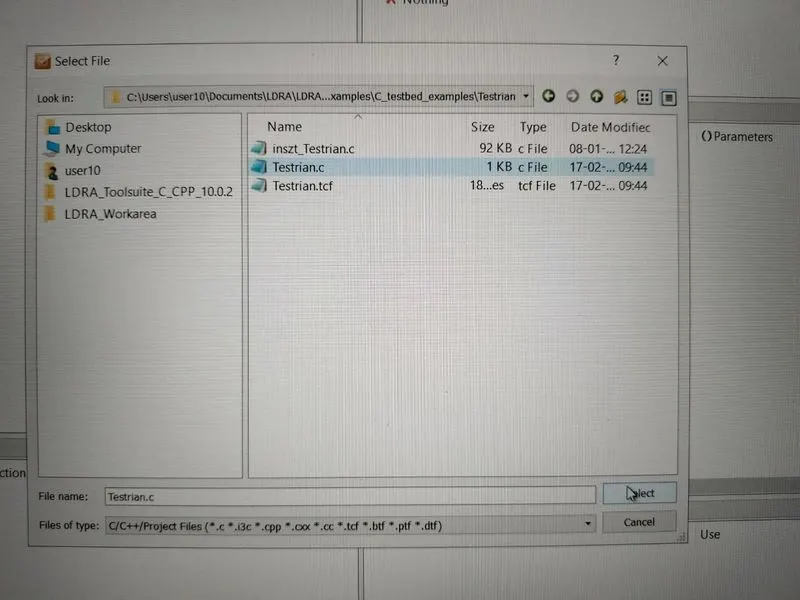
b. Create new test sequence by clicking
- From menu bar:
- Sequence -> New -> Sequence name (challenge08) -> Enable code coverage -> Continue
c. White box testing
- From menu bar:
- Source -> Run static analysis -> Results -> Test manager report
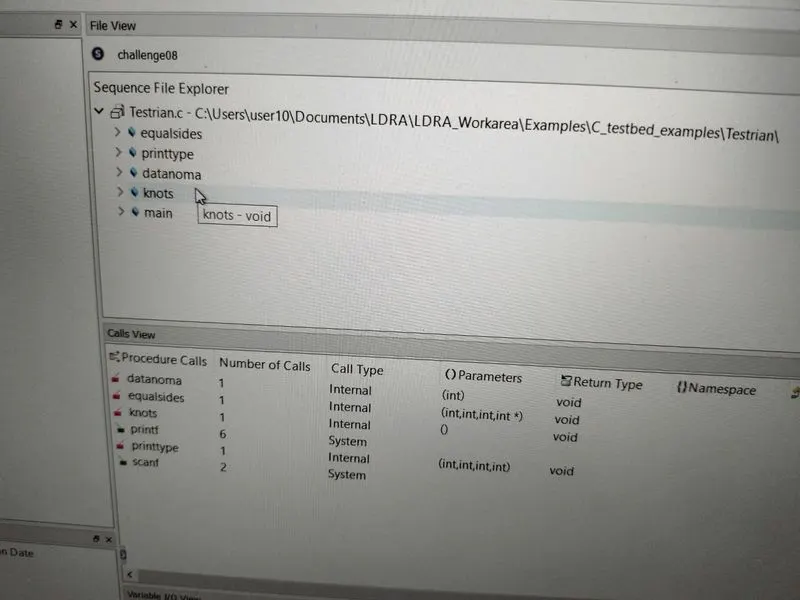
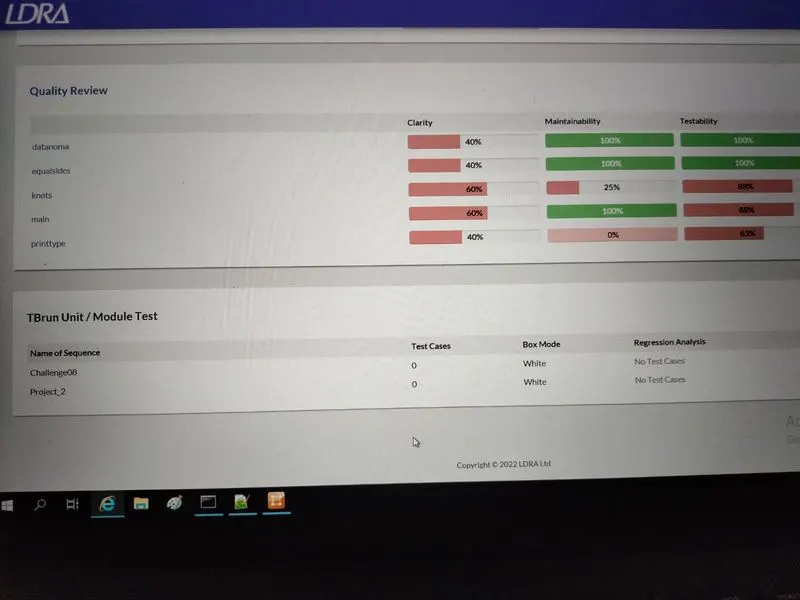
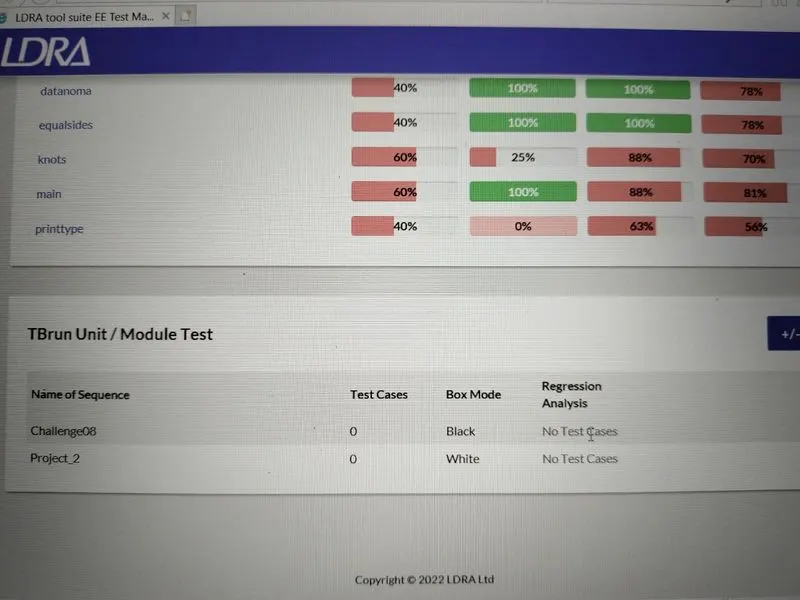
d. Black box testing:
- Right click on white box -> Set as black box texting -> Source -> Run static analysis -> Results -> Test manager report
2. Perform Integration testing by including all the .C files available in the folder location C:\**\LDRA_workarea\Examples\Toolsuite\Cashregister_6.0
Solution:
a. Perform Integration testing
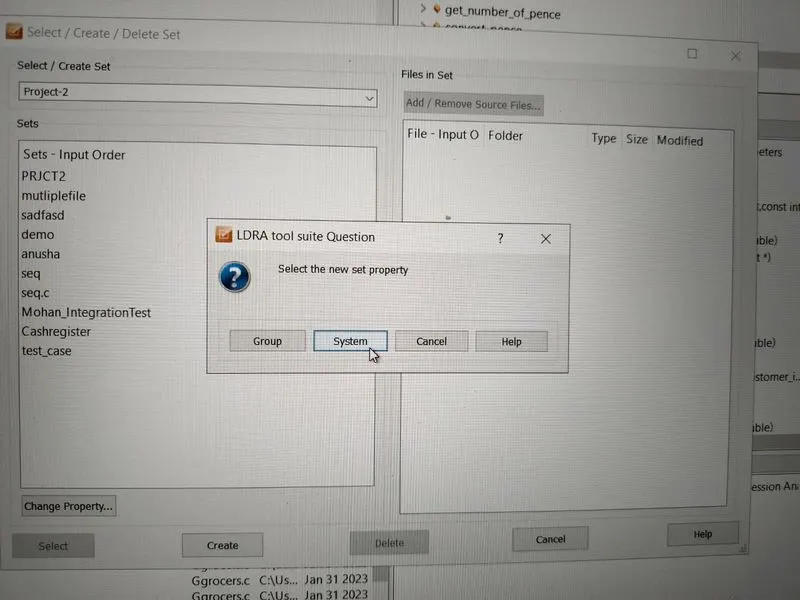
- Write the name of file here it is written " Project_2 " and click on Create
- Click on " system "
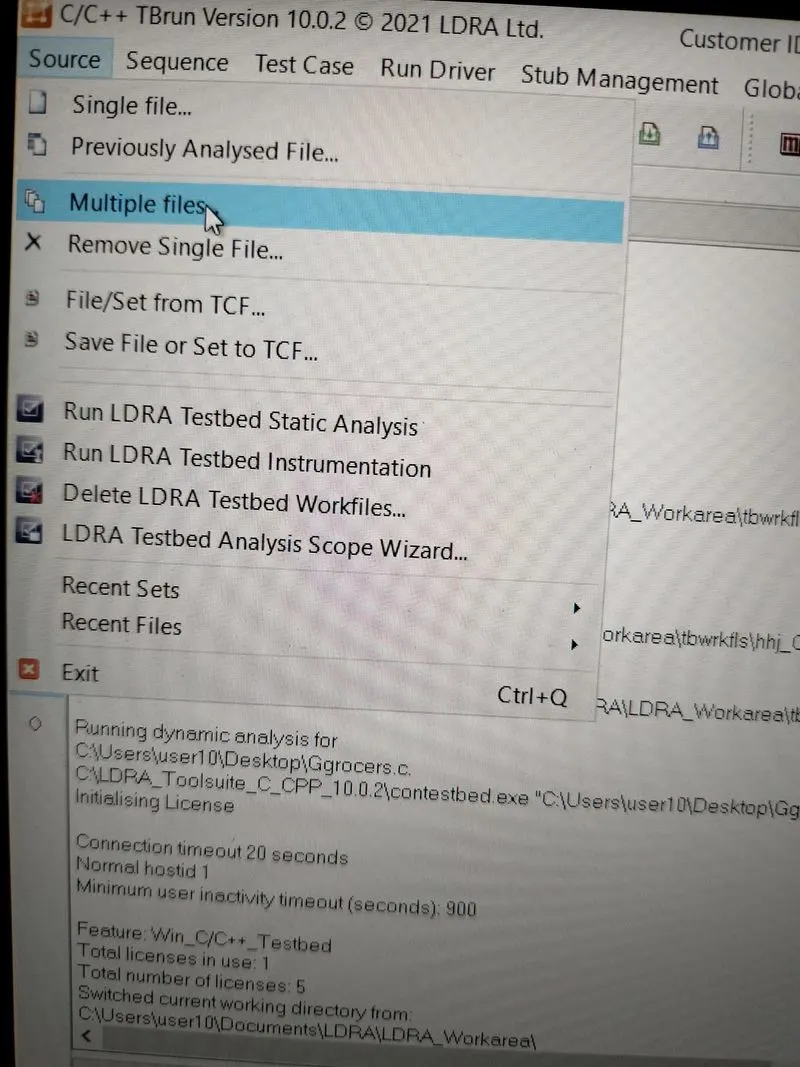
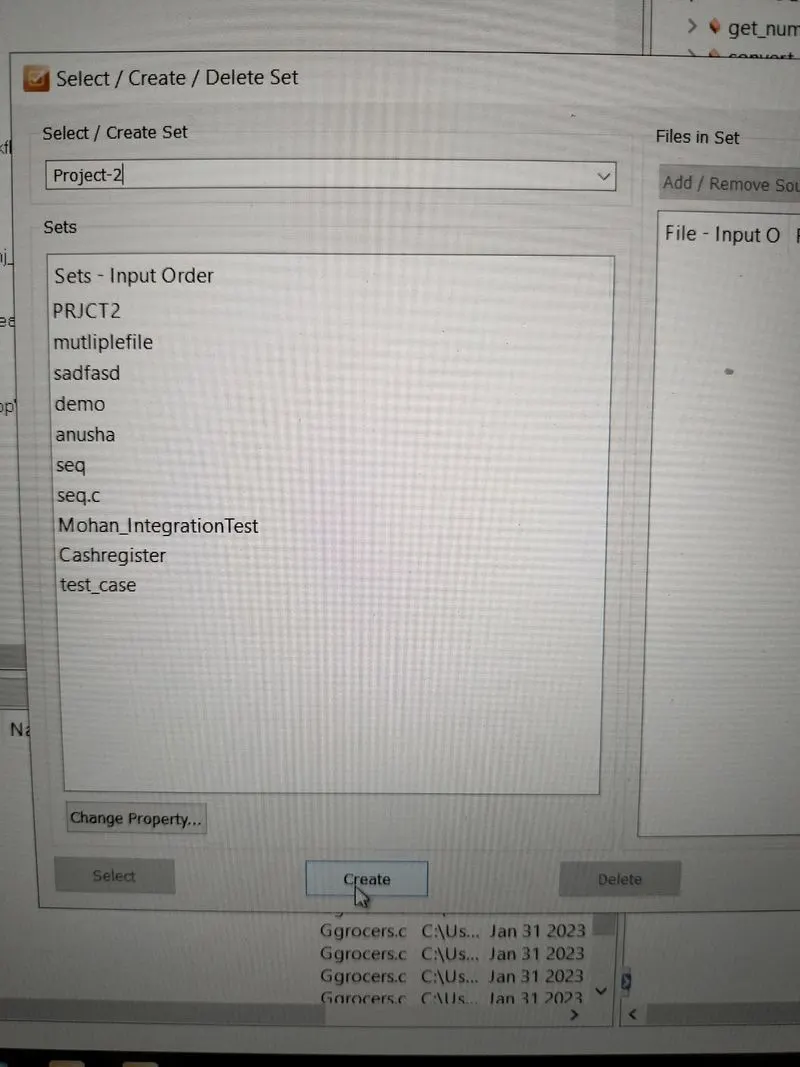
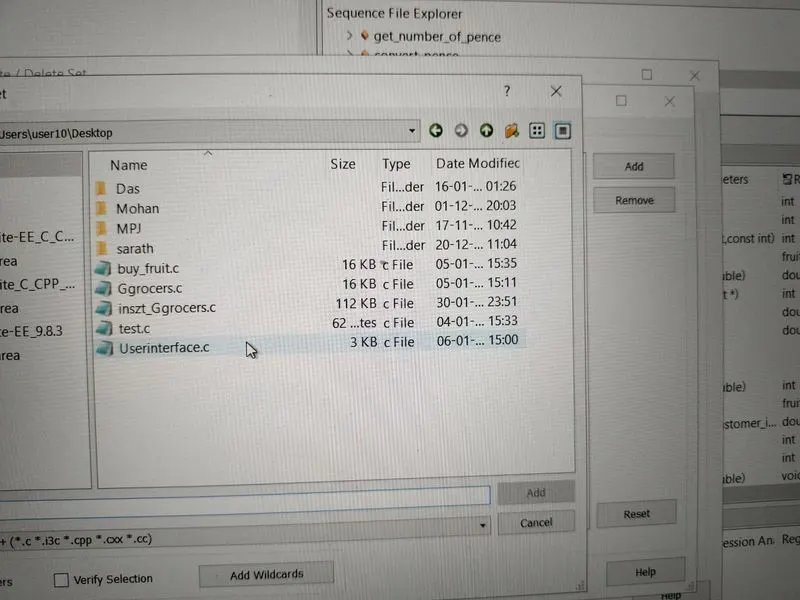
- Add -> Userinteface.c file and click OK
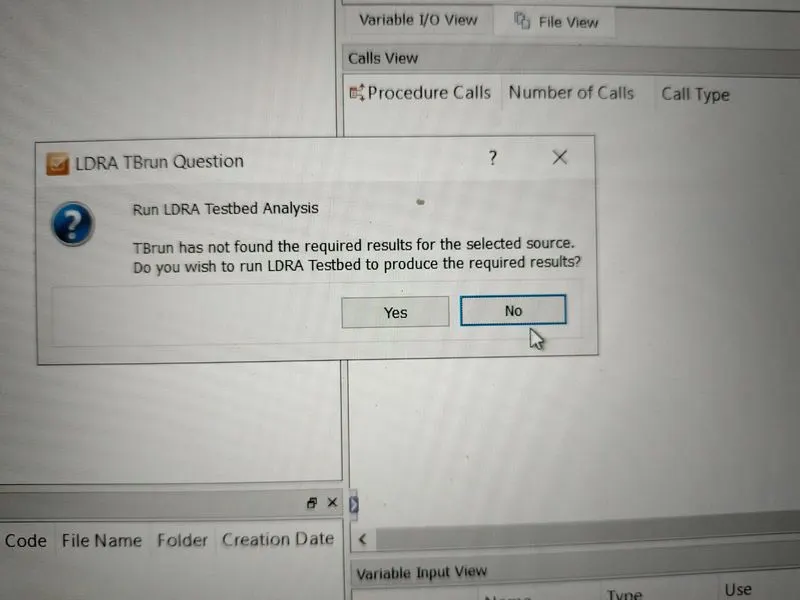
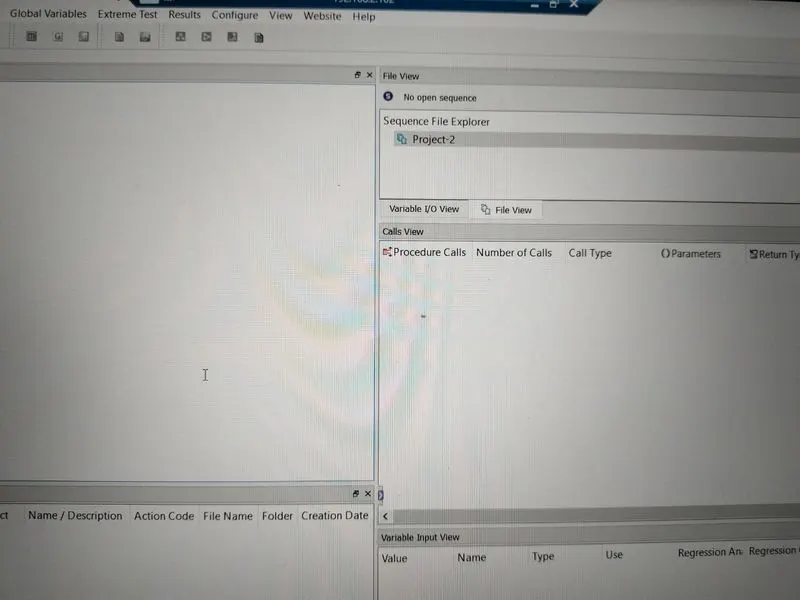
- In next window select option " No " for Run LDEA Tesstbed Analysis
- From menu bar:
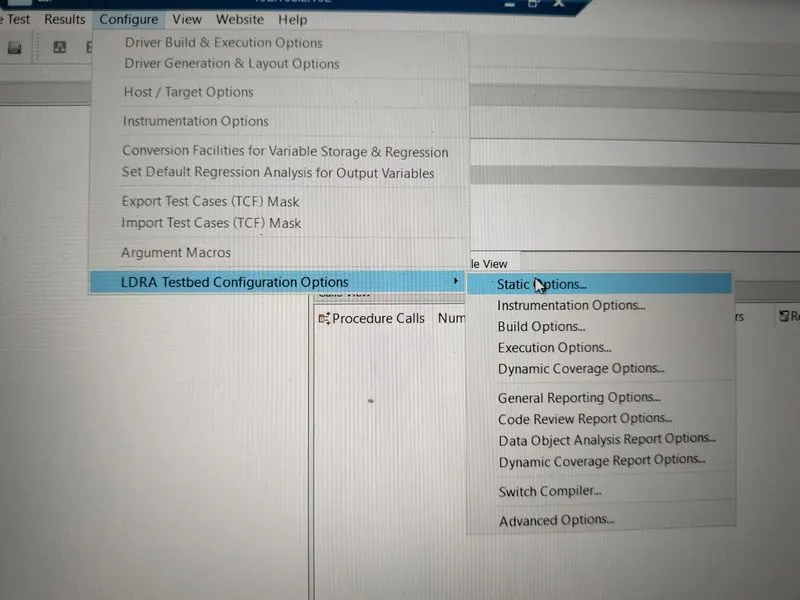
- Configure -> LDRA Testbed Configuration Options -> Static options
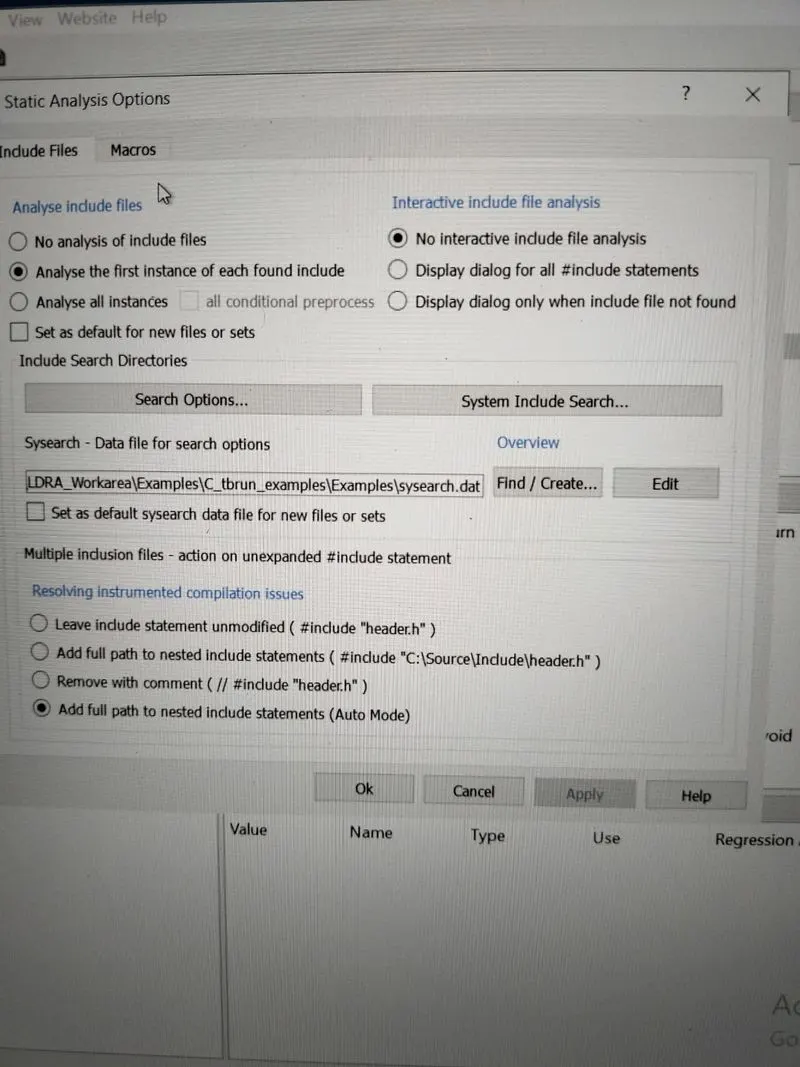
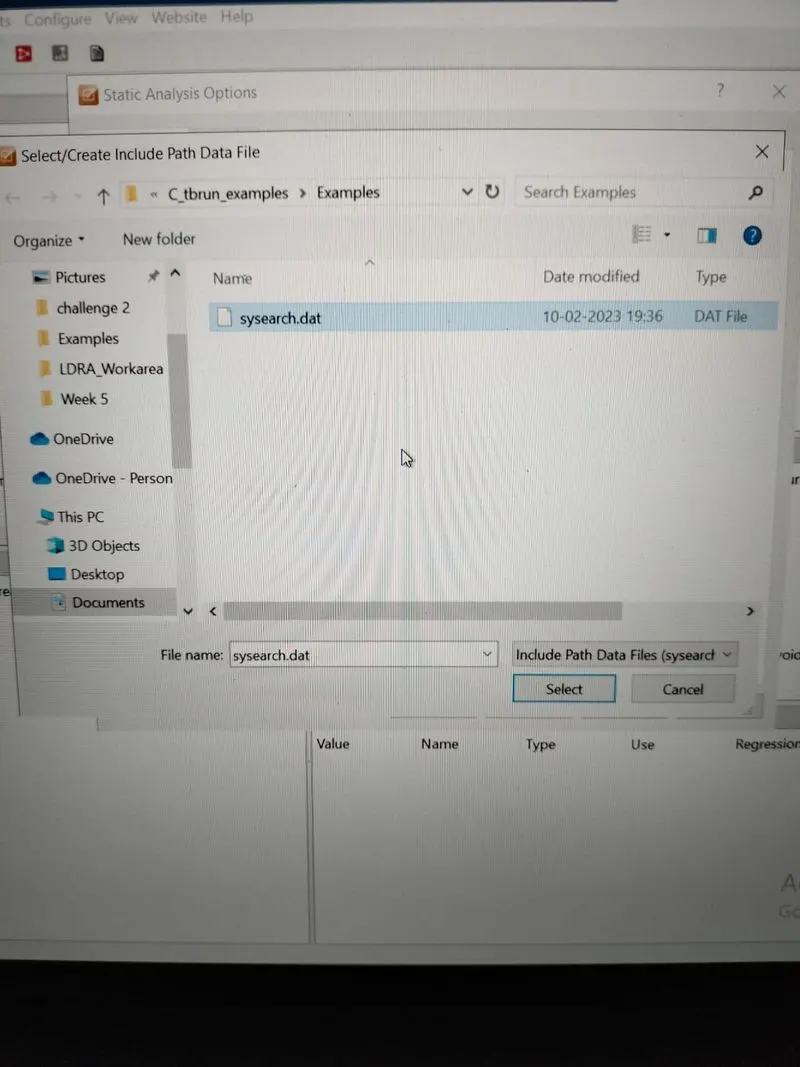
- In "include files" select .dat file as shown below
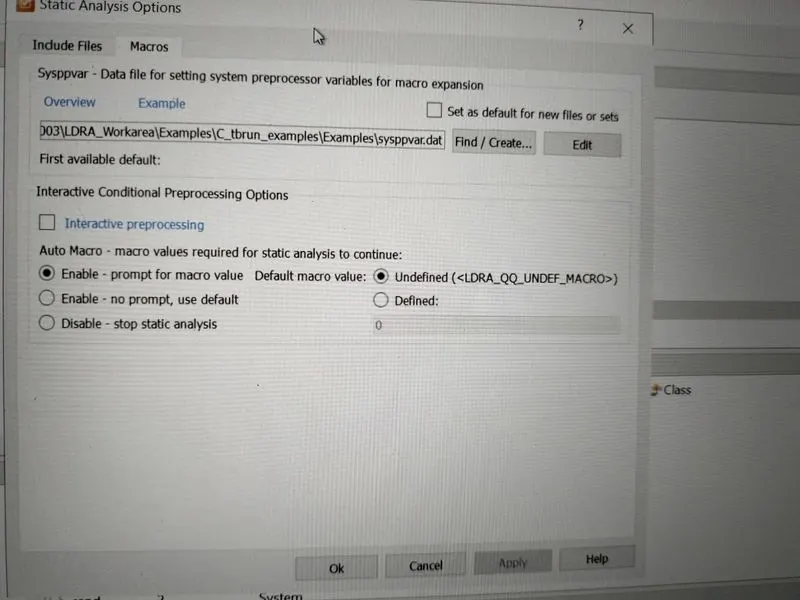
- Similarly select .dat file in "macros"
- From menu bar:
- Sequence -> New
- Sequence name written here as " File " click on Continue
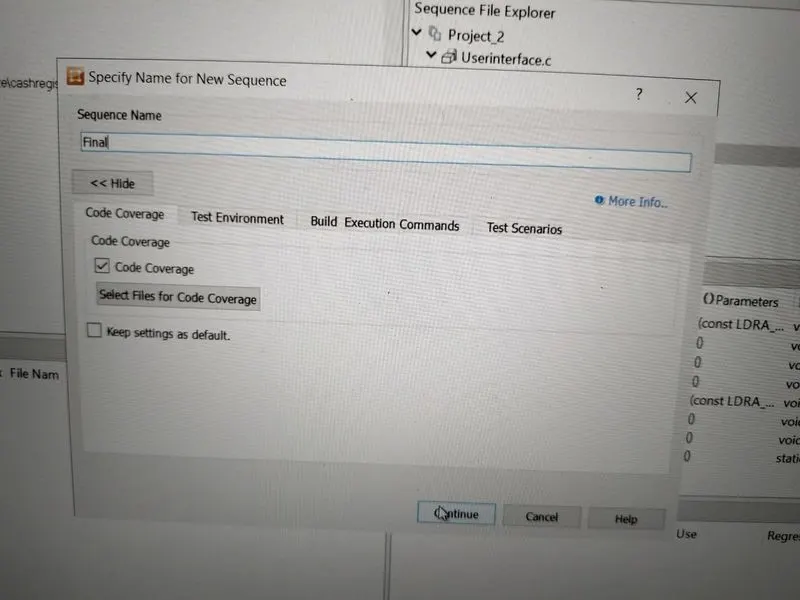
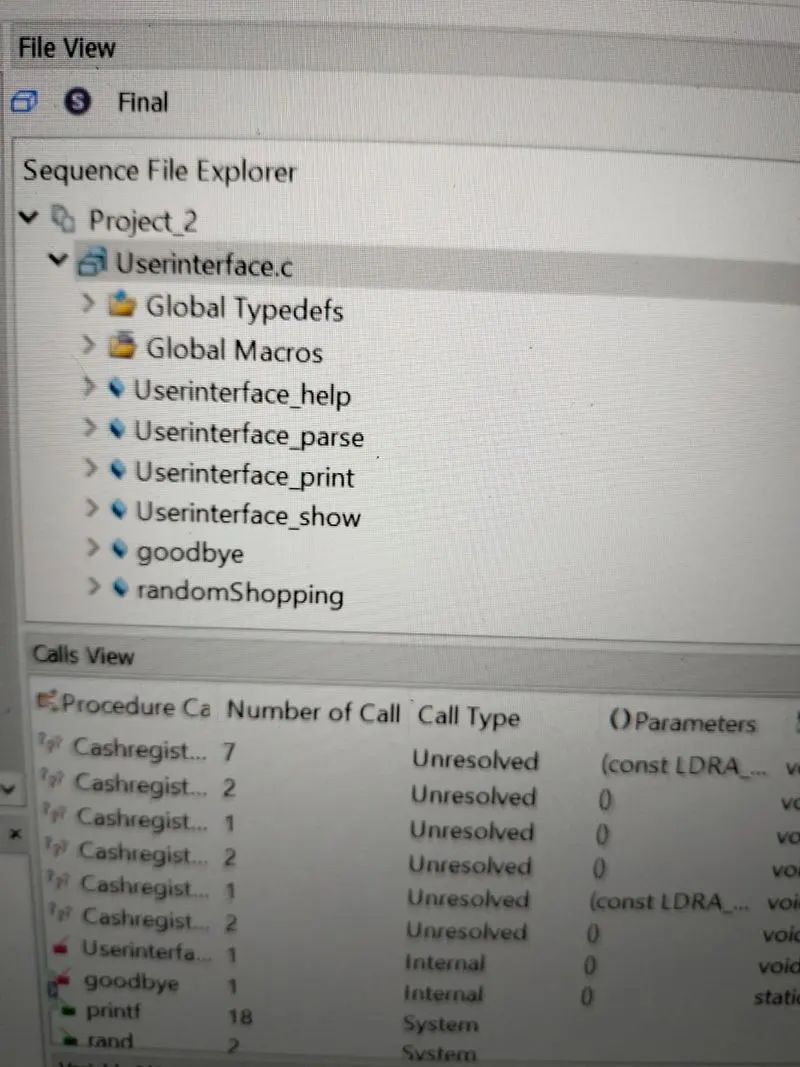
- From menu bar:
- Source -> Run static analysis
- Generate reports for both " White box " and " Black box "
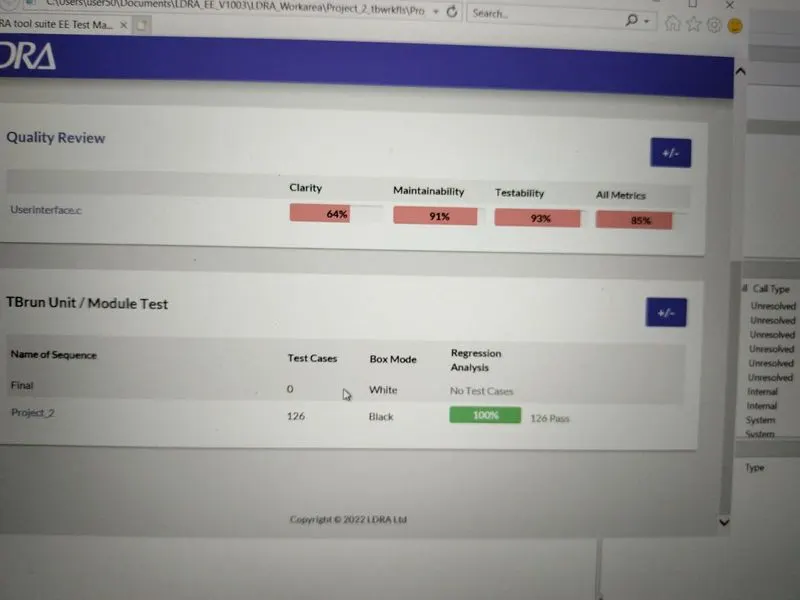
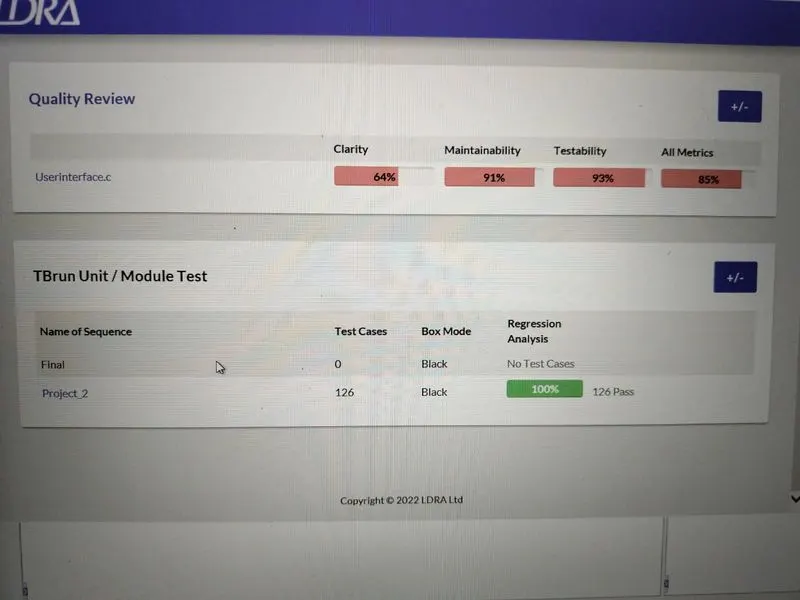
A)Create the test cases manually as well as automatically using TBExtreme and upload the reports.
- After creating sequence in above steps, further in black box texting to generate " automatically test cases "
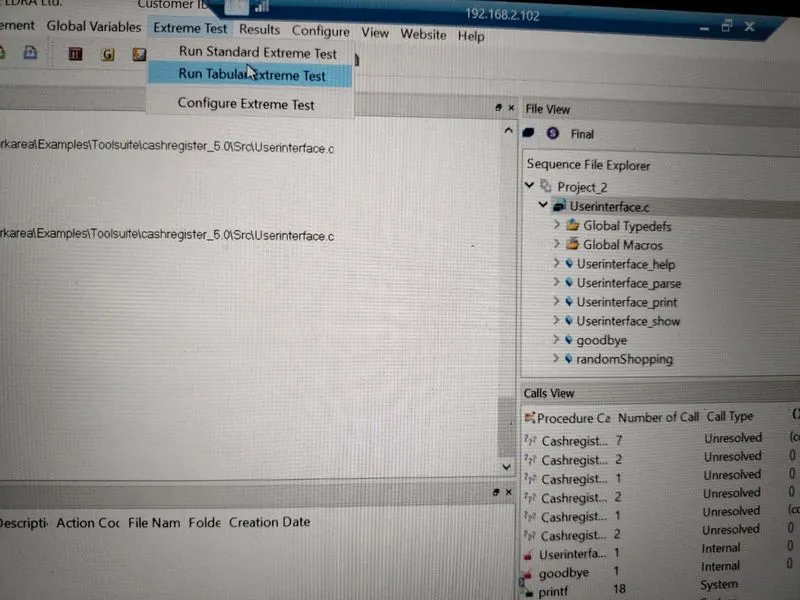
- From menu bar: Extreme test -> Run Tabular Extreme Test
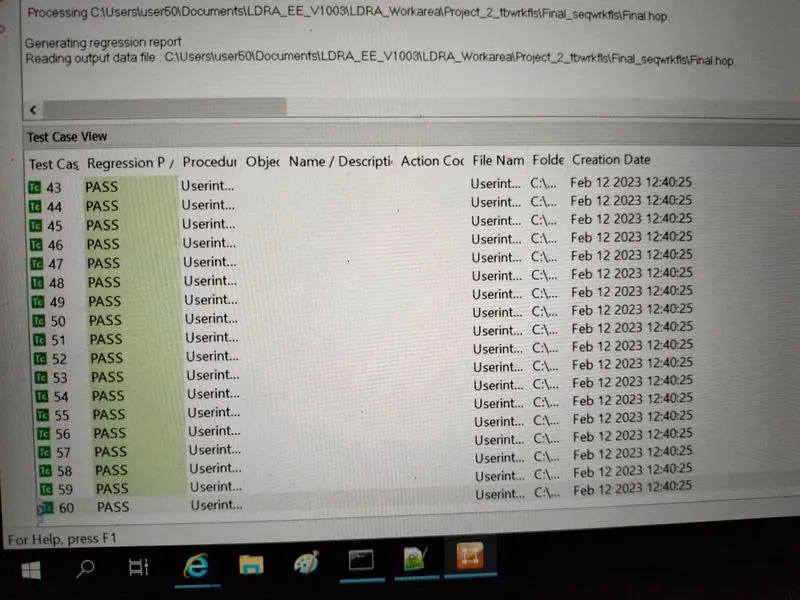
- Total 60 cases are generated which is shown below
- From menu bar:
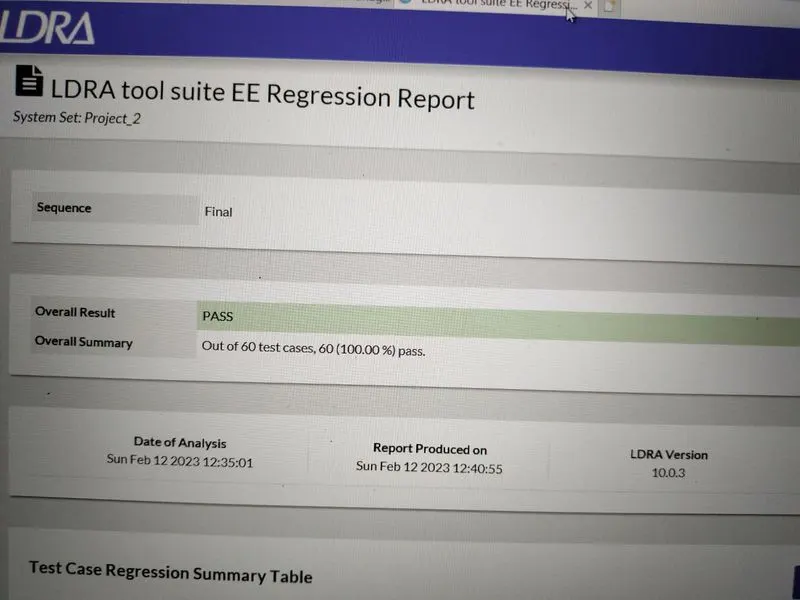
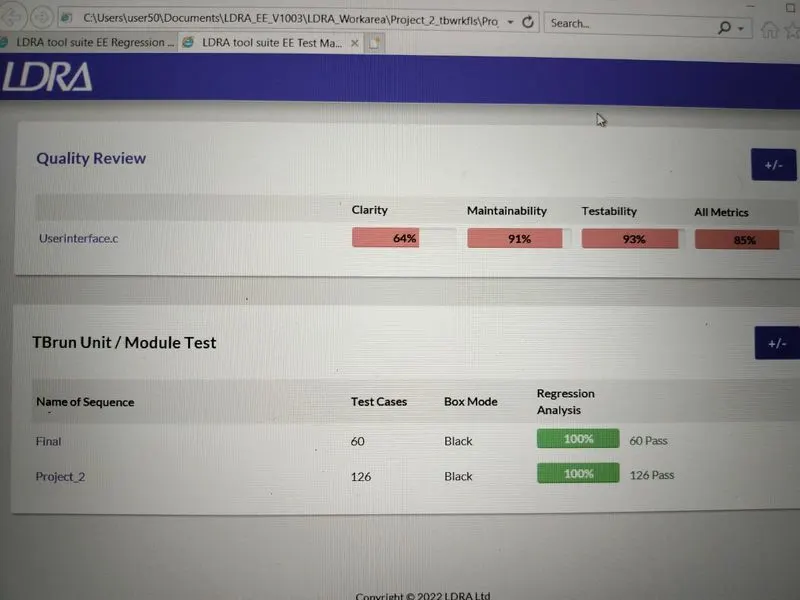
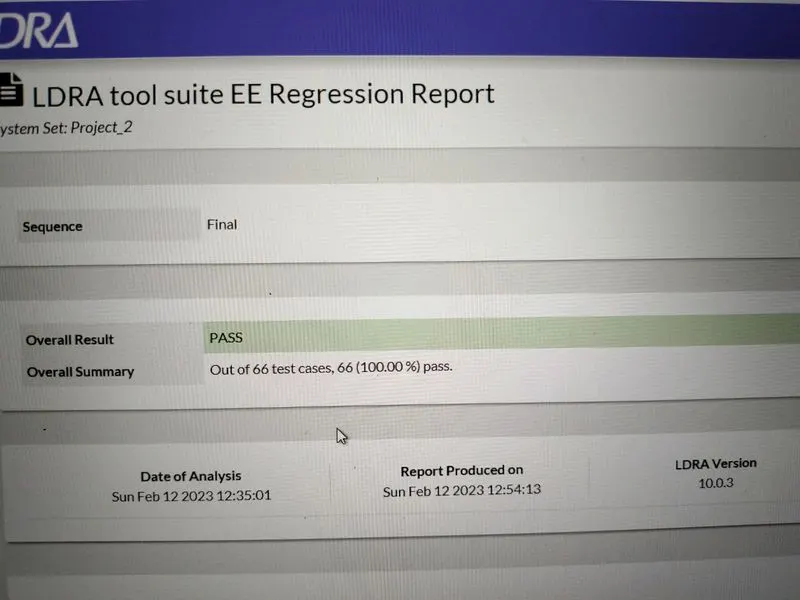
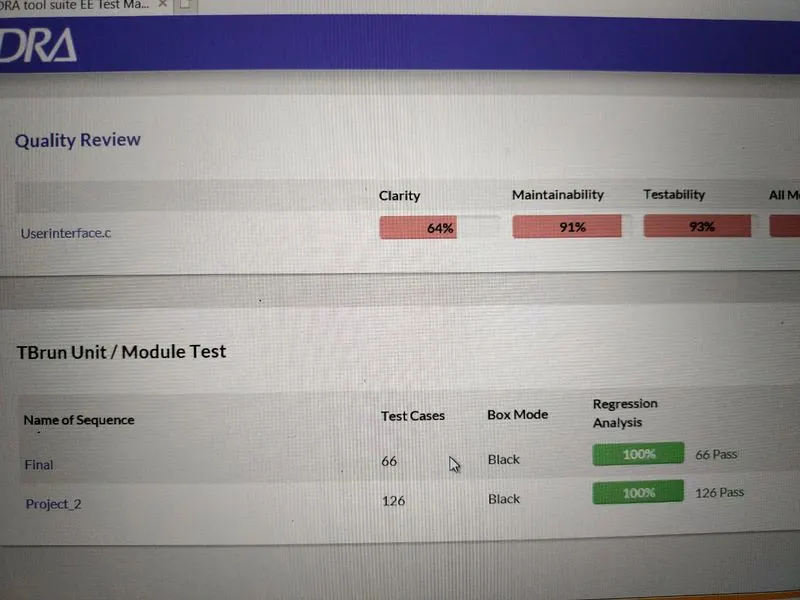
- Results -> Regression report and Test manager report are generated which shown below.
- For manual test case:
- Right click on any function, below it is shown of example "Userinterface parse" function
- Create new test case -> Enable the mode Repetitions -> Continue -> and again Continue.
- Manually giving input value for the function and then from Run driver respective function is run.
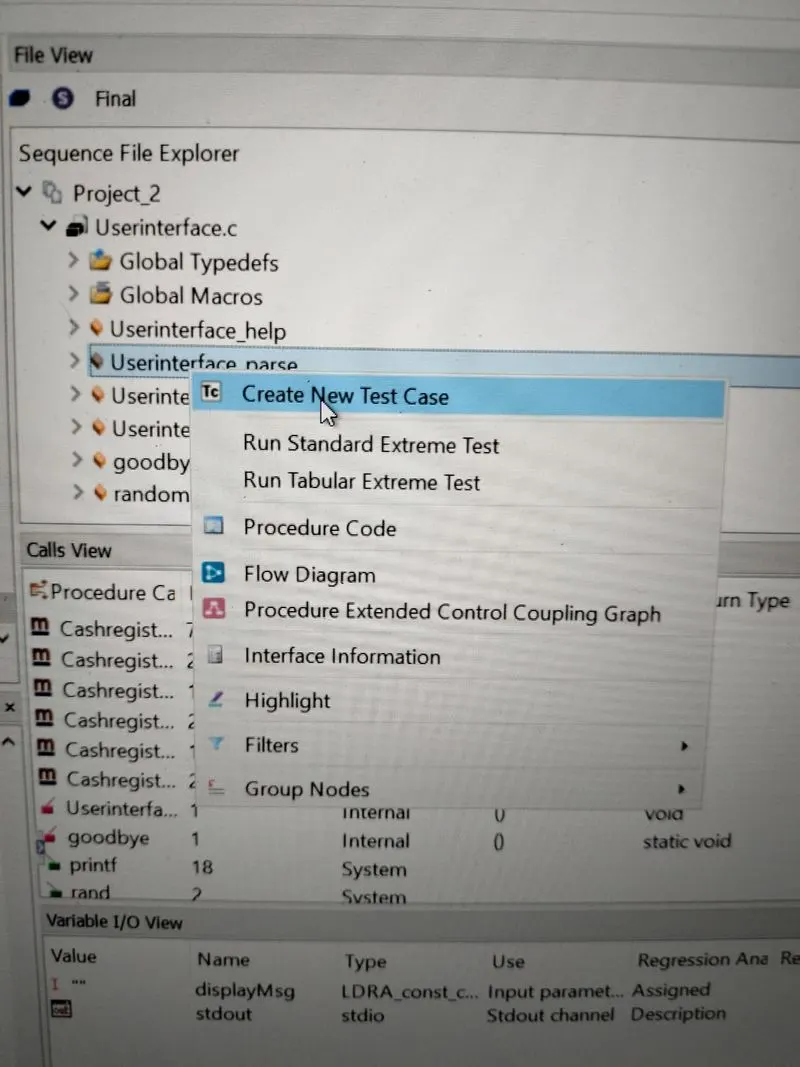
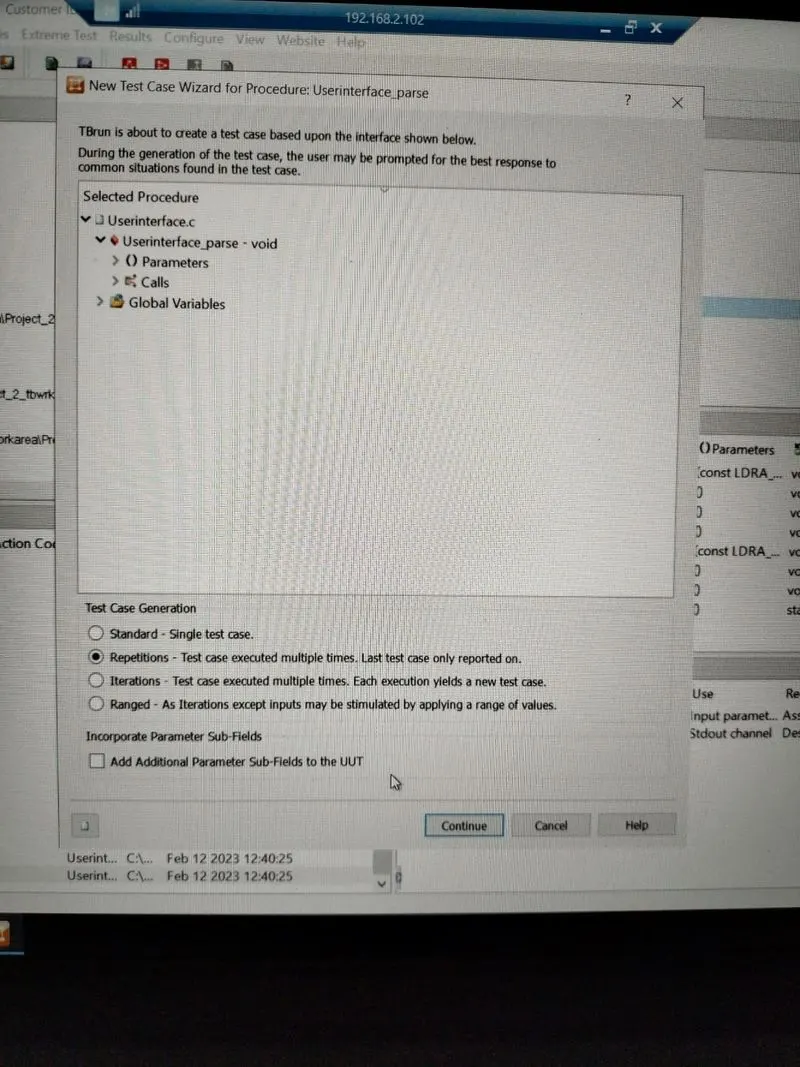
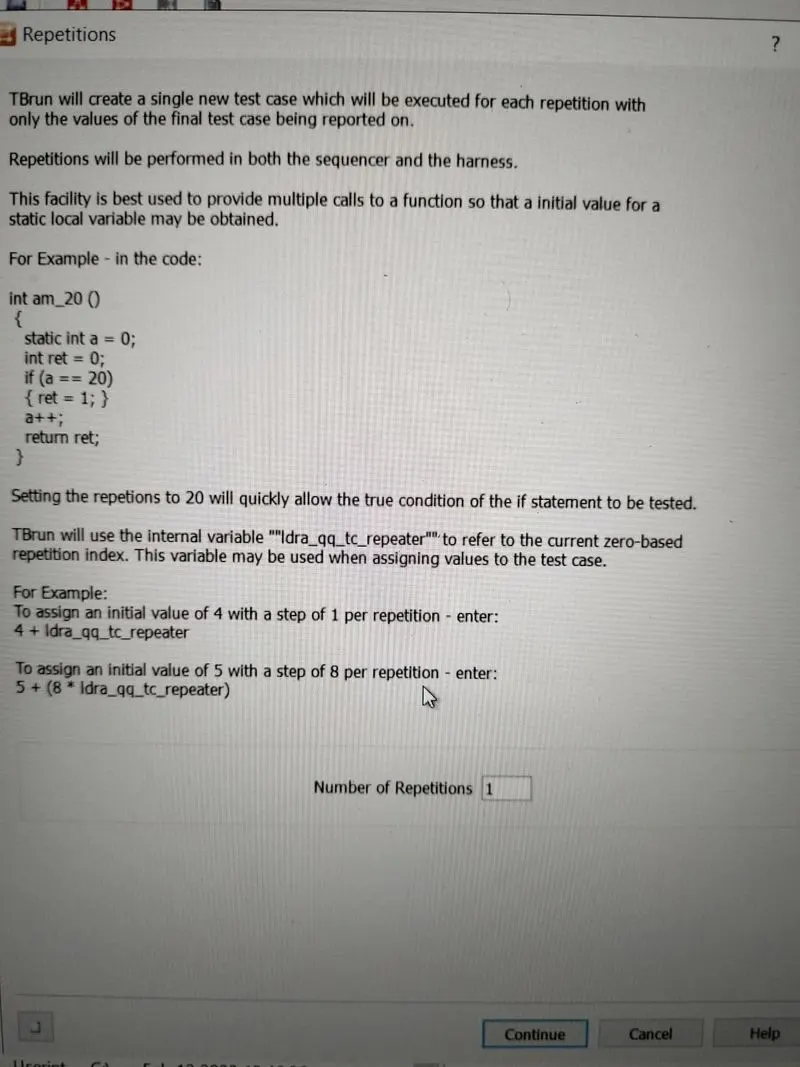
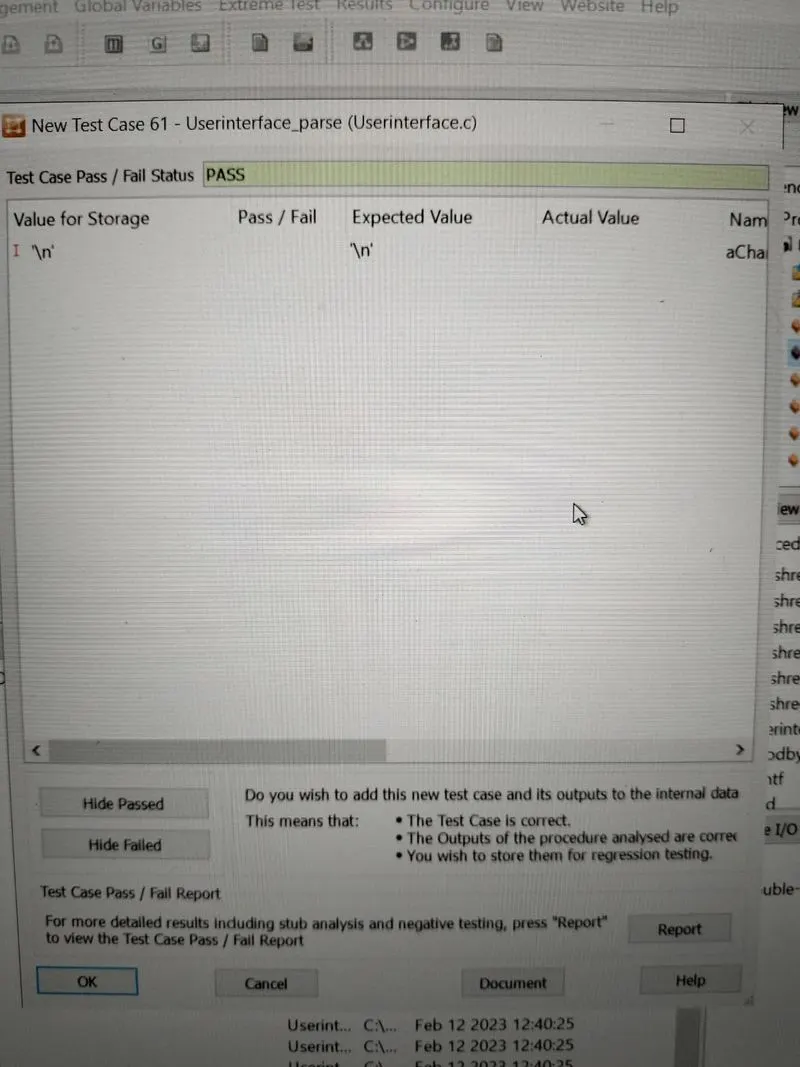
- In similar manner manually entering values for other functions also.
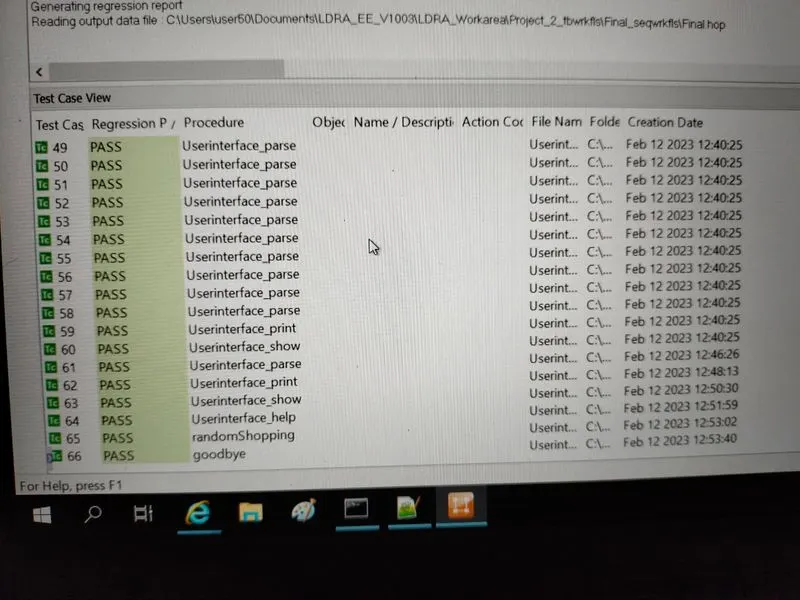
- Below is shown of all 66 test cases which includes 60 automatic cased and 6 manual cases.
- Generating Regression and Test manager report which is shown below.
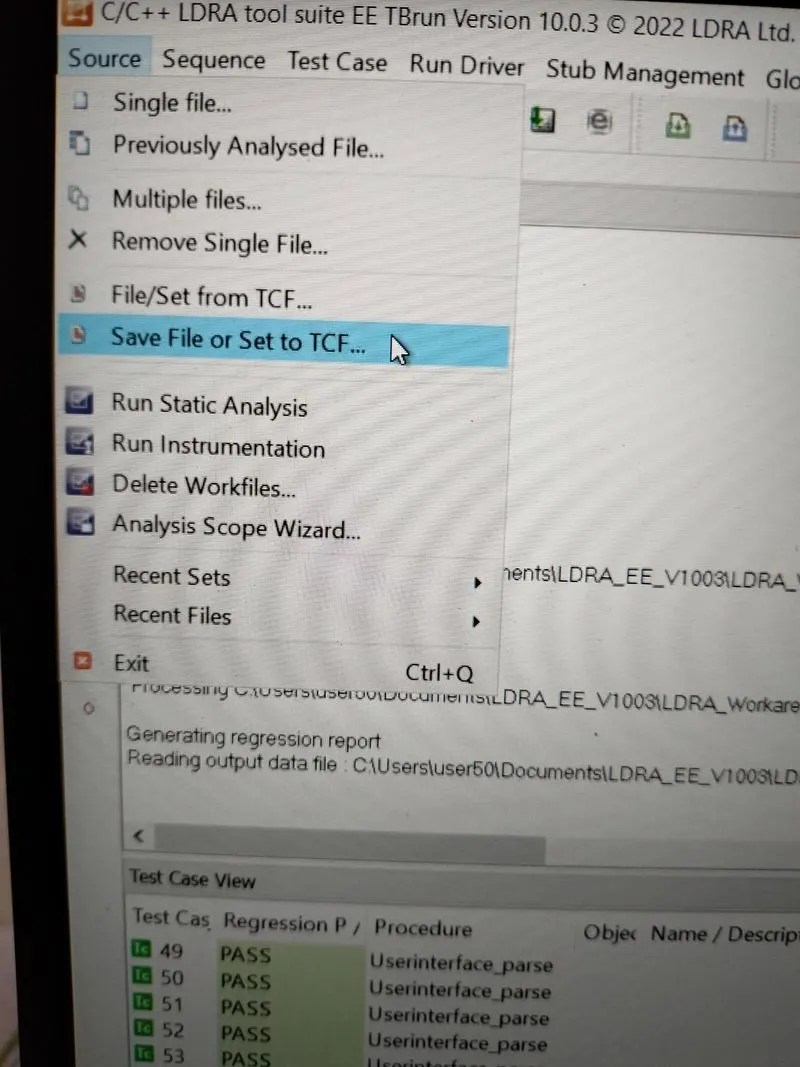
B)store the test cases as .tcf file. Upload the location image where the .tcf file is stored.
- From menu bar:
- Source -> Save File or Set to TCF
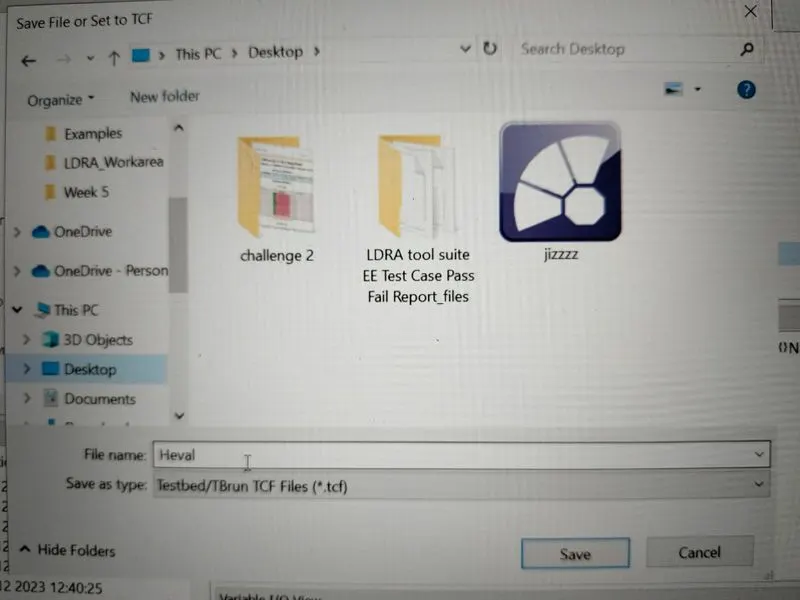
- Below file is saved with name "Heval"
- Saved file is attached in answer report.