Project 2
Aim: - To Define the mechanical components as electrically and prepare the catalog for the components
OBJECTIVE
To design the WIRING_HARNESS_ROUTING for the tailgate and use the FLATTENING the geometrical bundle.
Software
CATIA v5
INPUTS
BIW panel
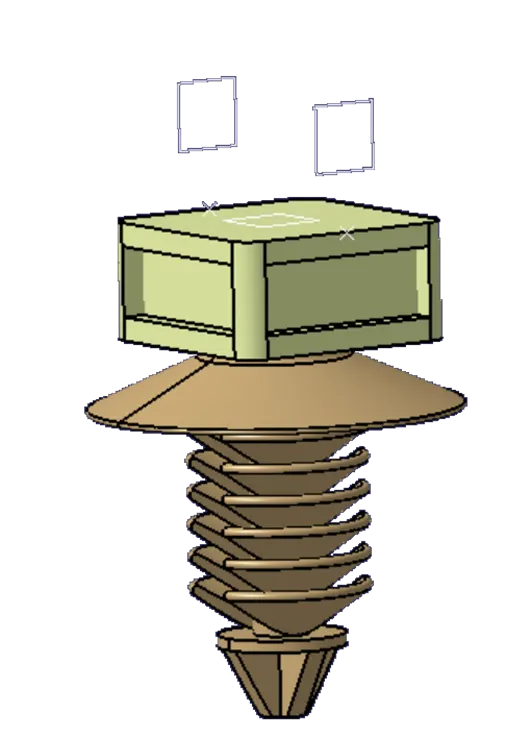
Find the connectors and clips that are required to use in the panel. And make sure it is electrically defined. and add a catalog add the components to that catalog
|
S.NO |
CONNECTORS |
|
1 |
C-DT06-08SA |
|
2 |
2_pin_connector |
|
3 |
C-2-968977-9 |
|
4 |
OMEGA_FIR_TREE_CLIP |
|
5 |
FIR_TREE_CLIP |
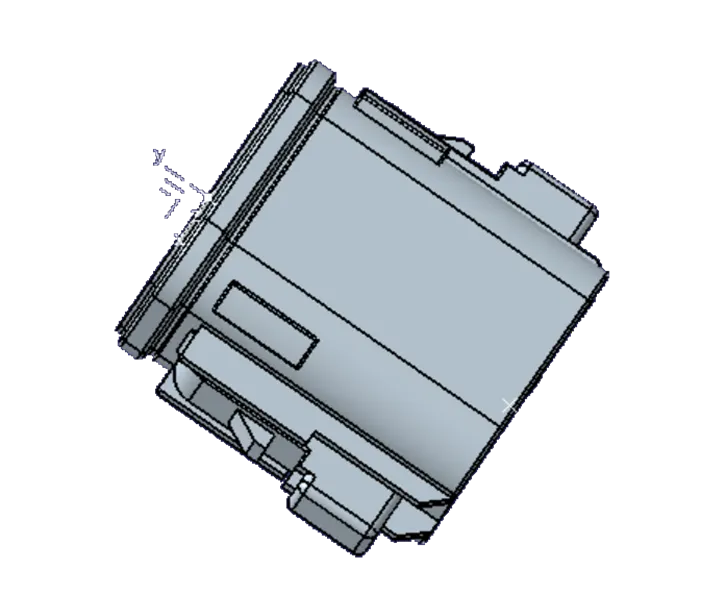
- C-DT06-08SA
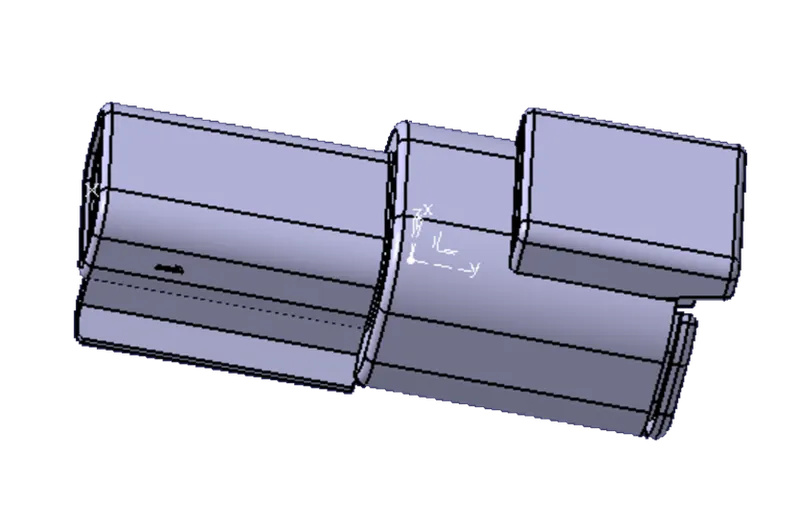
- 2_pin_connector
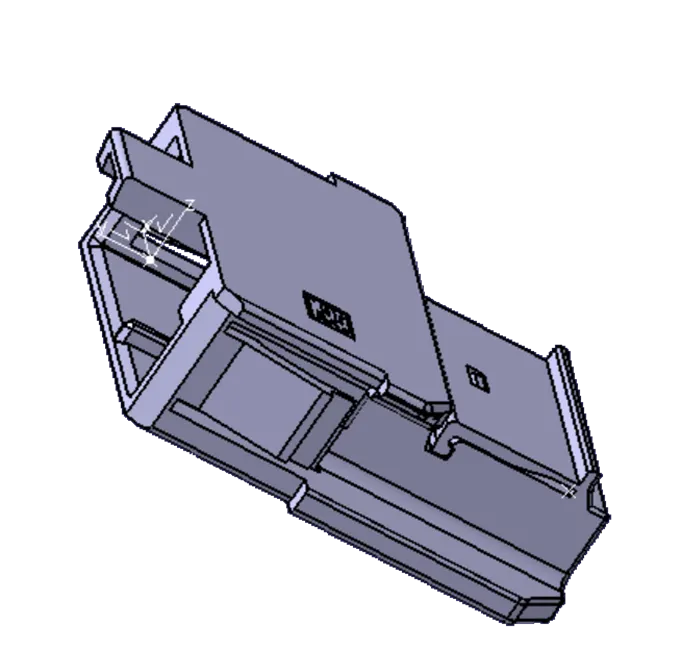
- C-2-968977-9
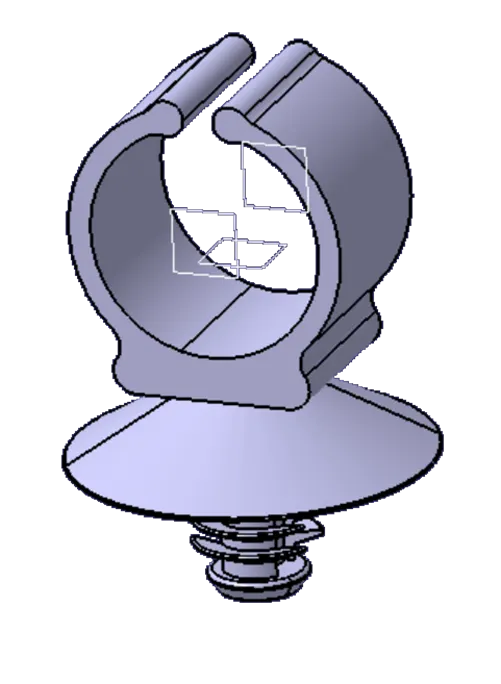
- OMEGA_FIR_TREE_CLIP
- FIR_TREE_CLIP
PROCEDURE
Now create the new product file and import the tailgate and create another product and add the connectors and clips that are required.
Now start routing the Tailgate by using these connectors and clips. Add the connectors where the tailgate LIHGT, SIDE _INDICATORS, BRAKE INDICATOR, AND NUMBER PLATE LIGHTS are connected. to get the proper routing to add the clips and clamps.
Then start routing the tailgate for that need to move product assembly design workbench to WIRING_HARNESS_ROUTING and INSTALLATION workbench. then define the product file to the electric define file and start routing
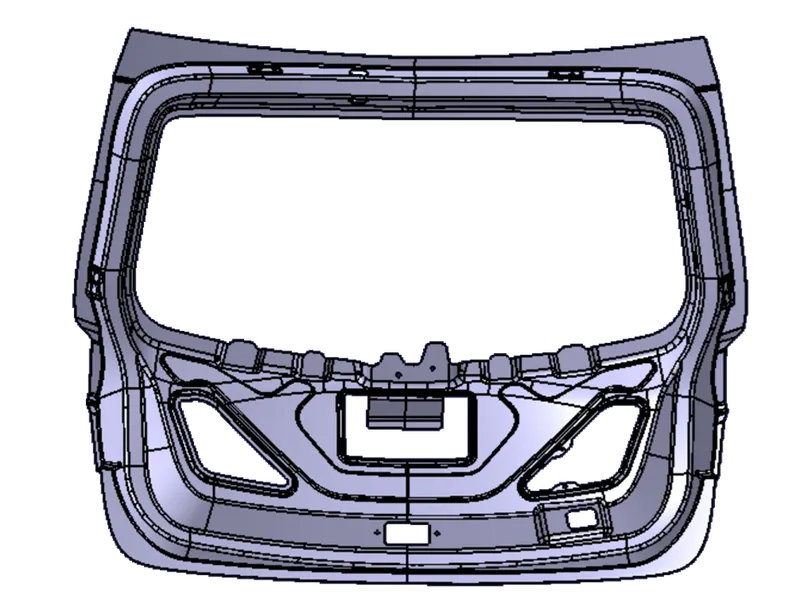
Fig Tail_Gate panel
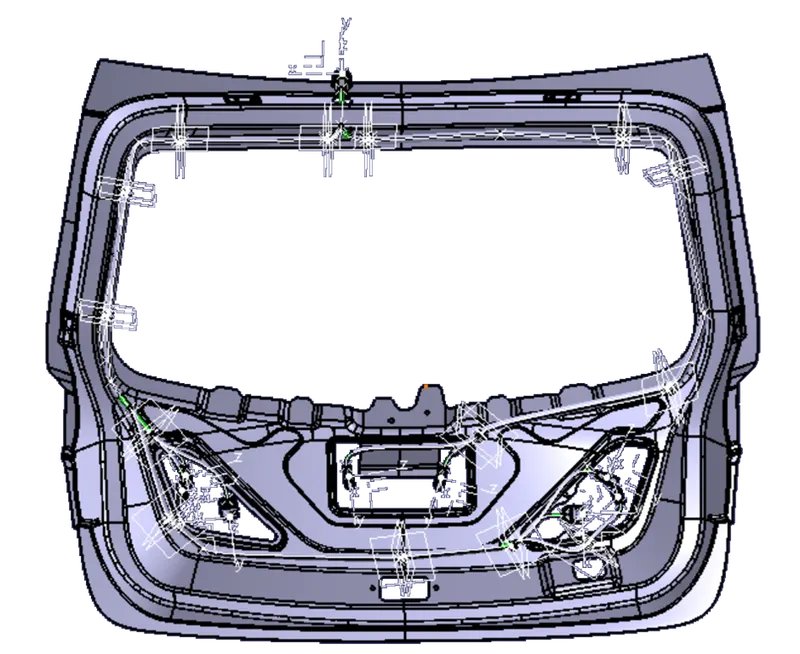
Fig Bundle Routing for Taol_Gate
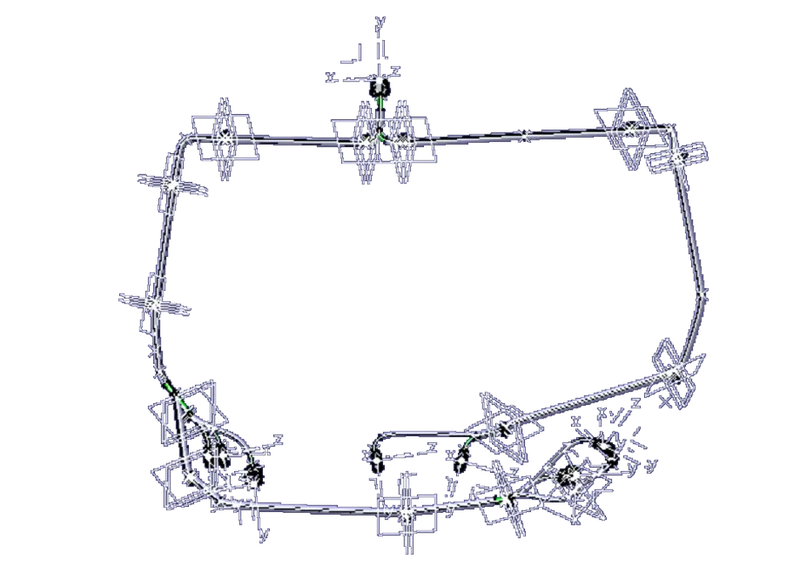
Check the bundle continuity for the bundle
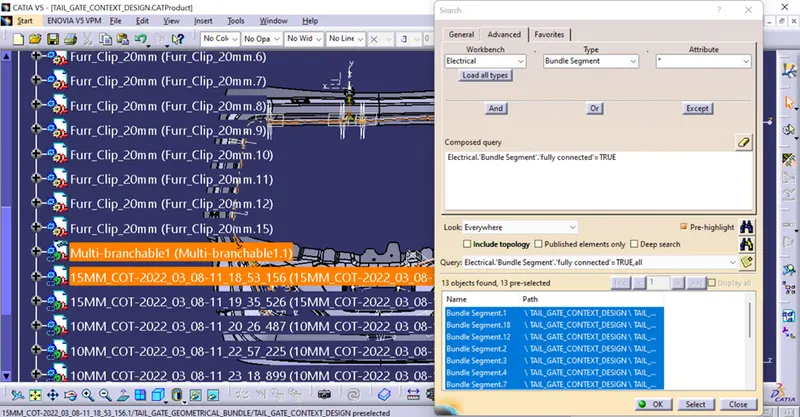
FIG continuity check
The next step is to convert the Electric harness into a FLATTEN model for that need to open the Flattening workbench and give the Parameters for the Bundle Flattening and Import the Geometrical bundle into the Flattening Workbench.
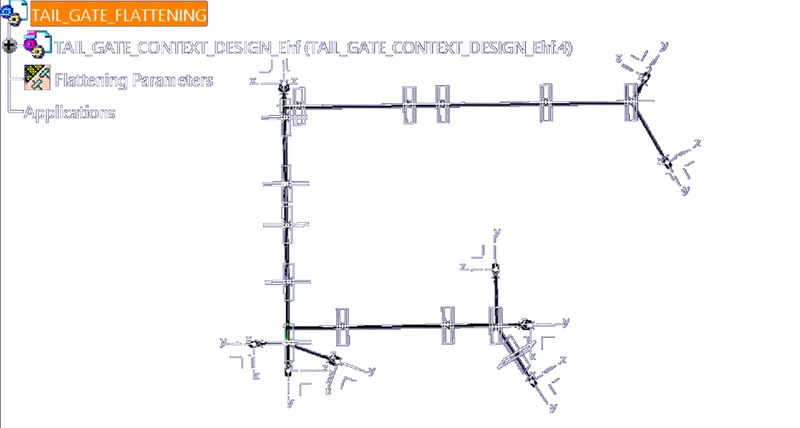
fig Flattining Model
Do the flattening operation and adjust the bundle according to the feasible shape.
Next, open the DRAWING file and then import the file to the flattening bundle and give the dimension that is required and make BOM for the Flatten Model for the manufacturing.
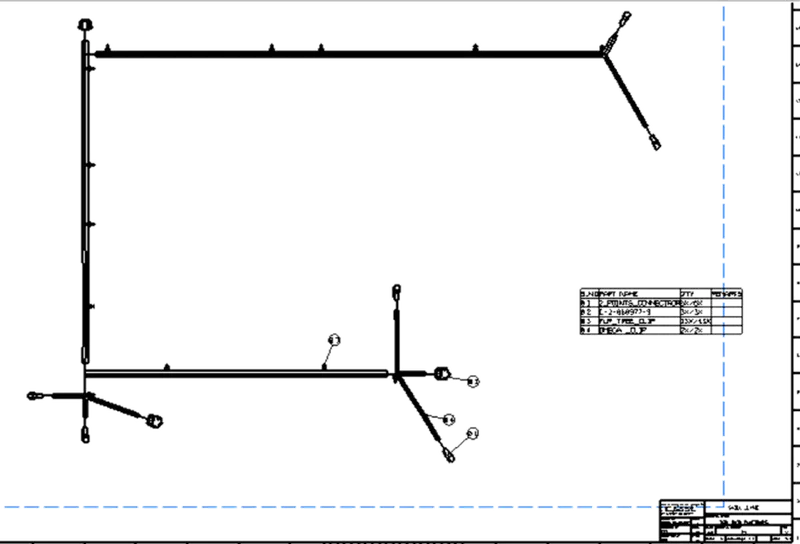
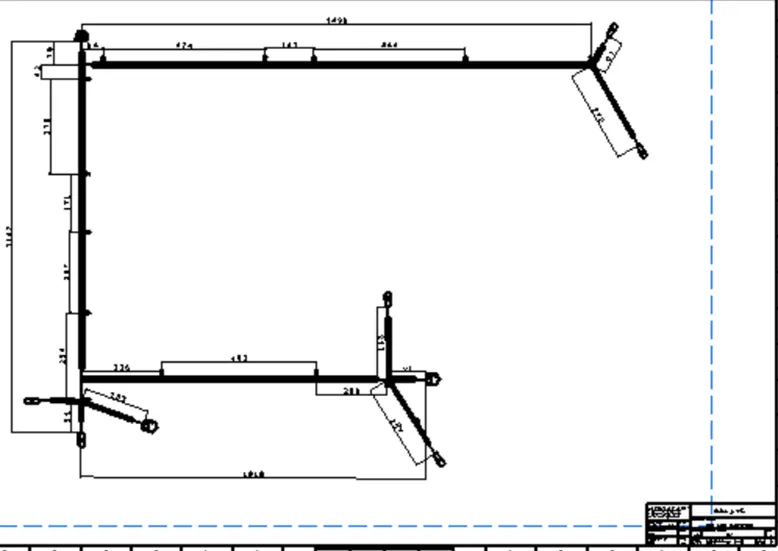
FIG 2D Detailing
Result:- From the given TAIL_GATE completed the wiring harness_Routing_Inistallisation and flattening and 2D detailing.