Project 2
Project-2
AUTOMOTIVE WIRING HARNESS FOR BACKDOOR
Aim: To Route the wiring Harness on the given car body (backdoor) and to prepare the flatten view drawing in CATIA V5.
Objective :
- To define the mechanical components electrically and prepare the catalogue for the same.
- To provide proper routing of bundle without and interference and also provide support parts like clips and clamps, prepare the flattening and flatten drawing .
- To create the flattening file using flattering workbench and create the 2D drawing using drafting workbench .
Introduction:
- Back door is also called as tailgate .back door in a car gives the access to luggage area and few cars have passenger compartment too. In most of the cars gas stay is used to operate the back door as it reduces the effort for the person opening .few cars have electric motor to lift the back door when a switch is pressed . It is the rearmost part of the car and has mounts for tail lamp, hinges, wiper motor ,gas stay etc. Back door is made up of 1 inner panel and 2 and 3 outer panels joined together by hemming and spot welding process .
- Material used for the back door is chosen with various parameters like cost, strength required, weight, time taken to manufacture and so on. steel is used in most of the cars as it is cheaper, these are stamped using mold and these parts will be uniform in thickness . reinforcements are added to increase the strength locally.
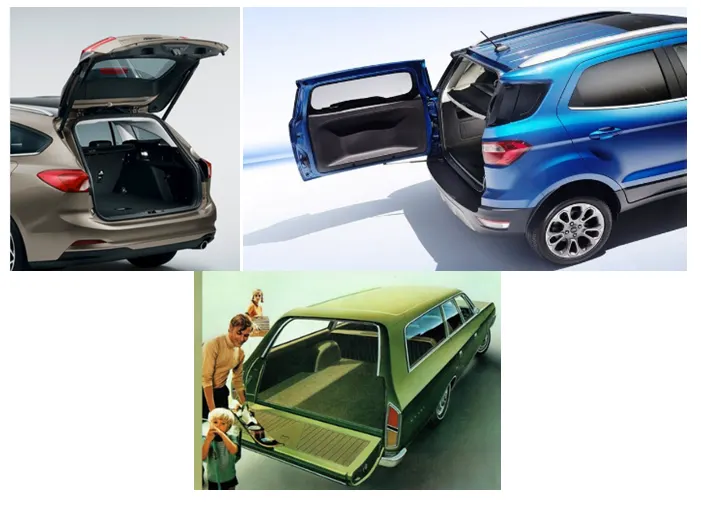
- Typed of back door:
- Top mounted
- side mounted
- Bottom Mounted
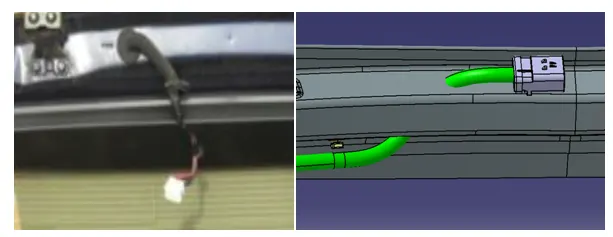
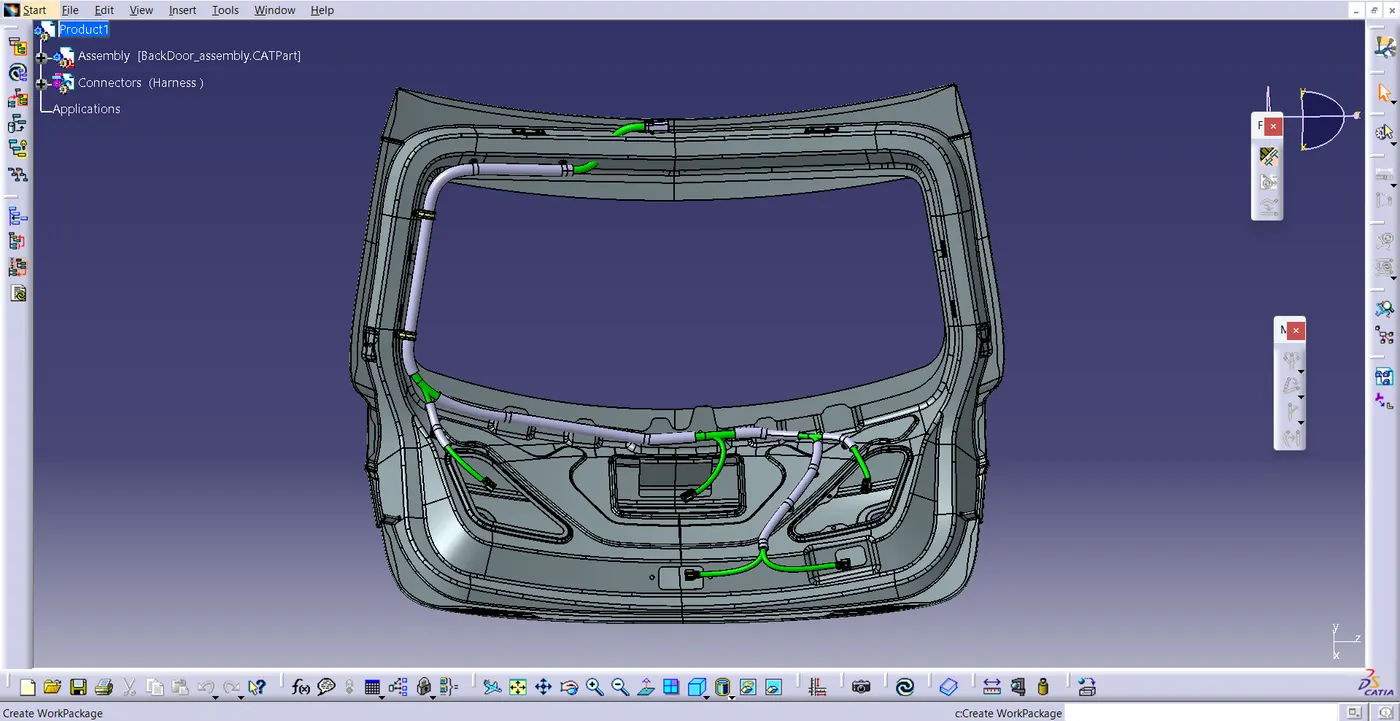
- Here is the Real time example for routing the Back door of a car .
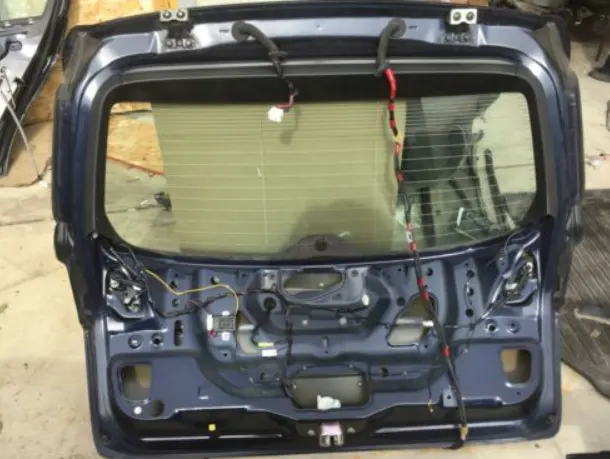
Procedure :
- Download the cad file and connectors from the given Link .
- Now Define the connectors electrically as show in the figure.
- After defining all the connectors electrically .Now Create a New product file and insert two new Products one is for backdoor and another is for connector and to routing .as show in the fig .
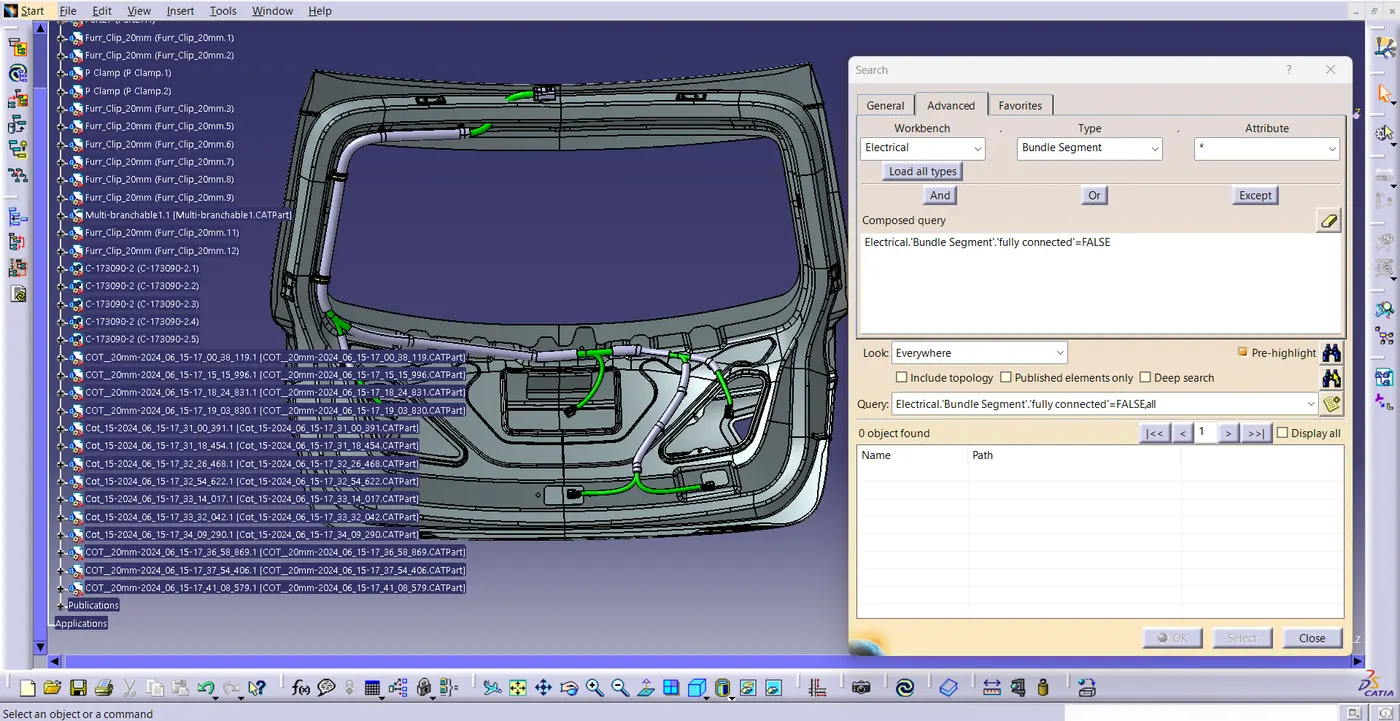
- now insert all the connector and clamps and clips in connector product file .
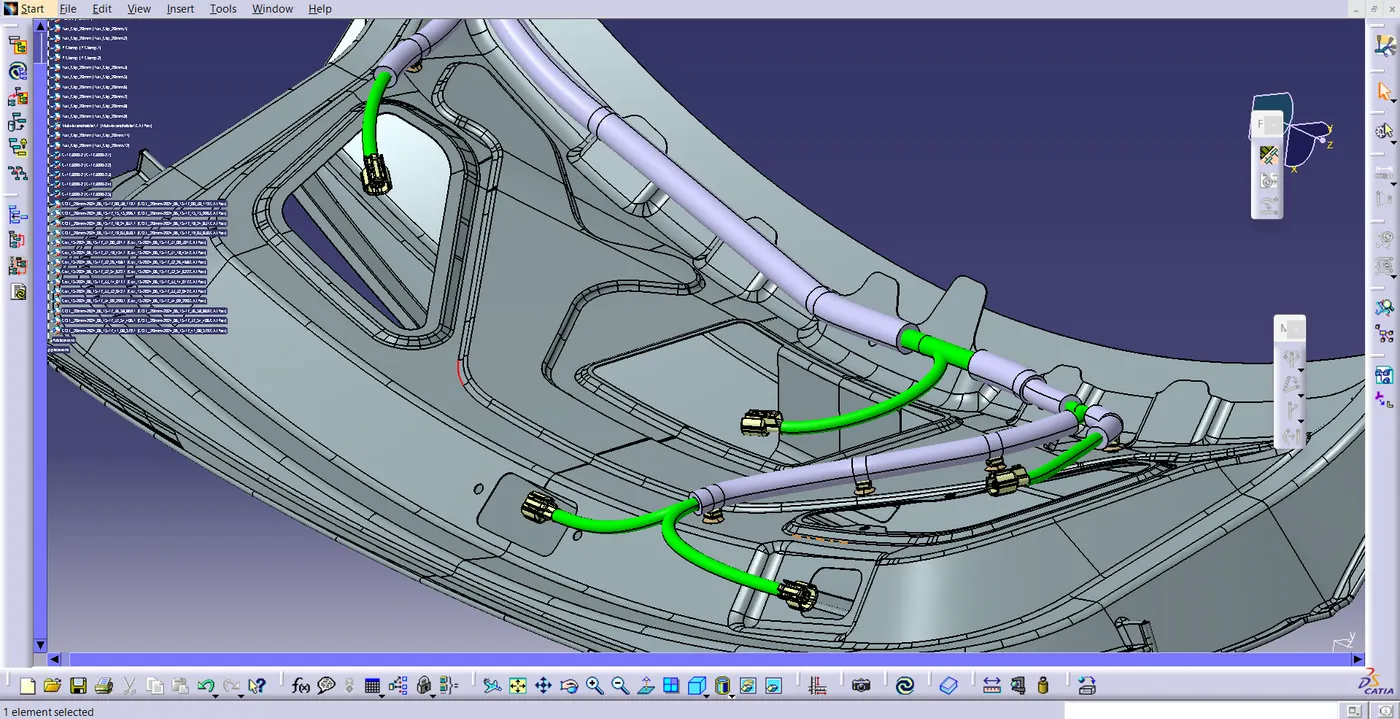
- Then position the connector , clamps as shown in the fig.by using compass and manipulation ,snap, smart move tools.
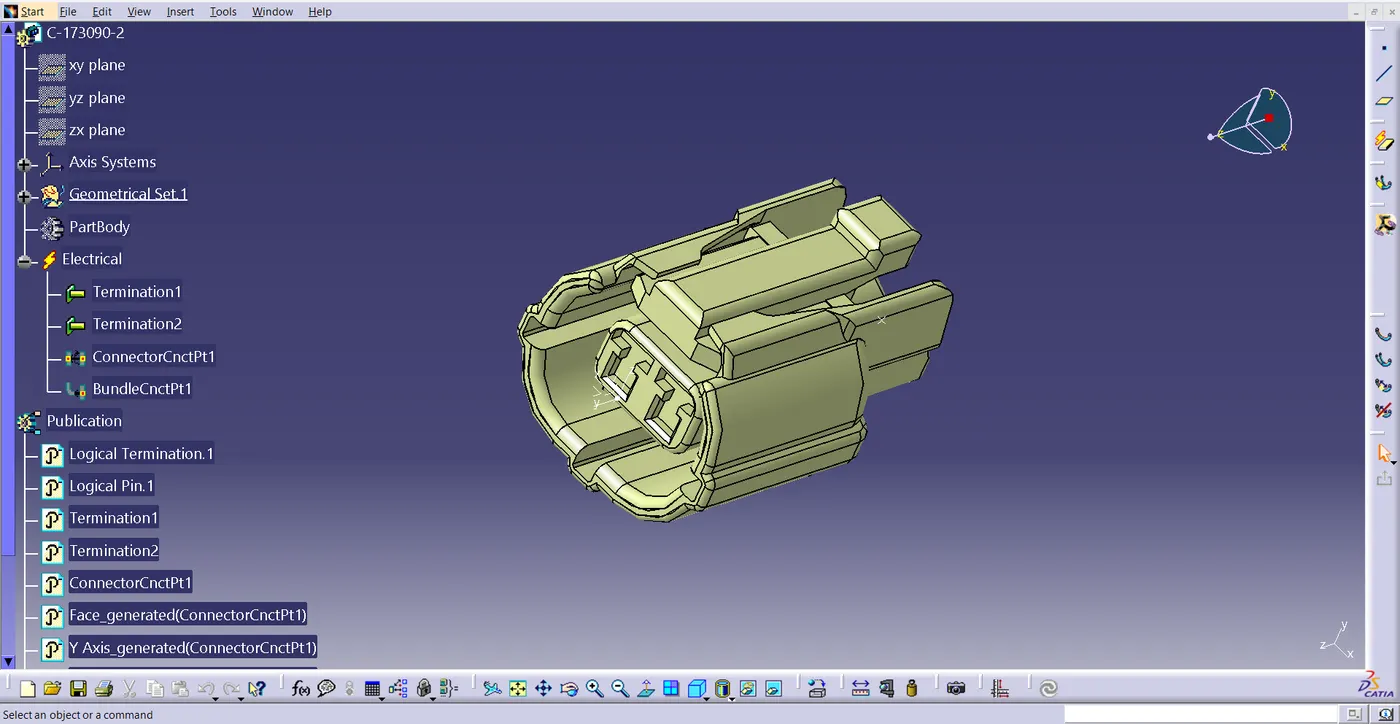
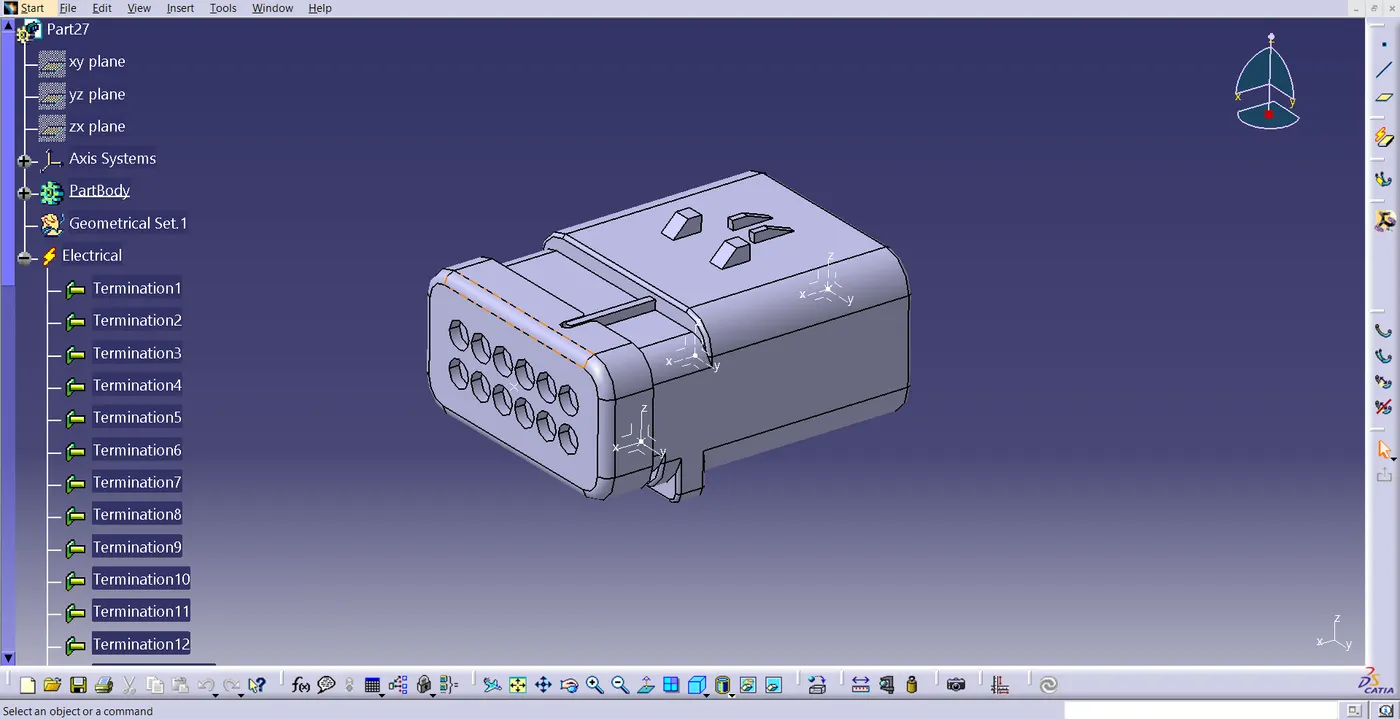
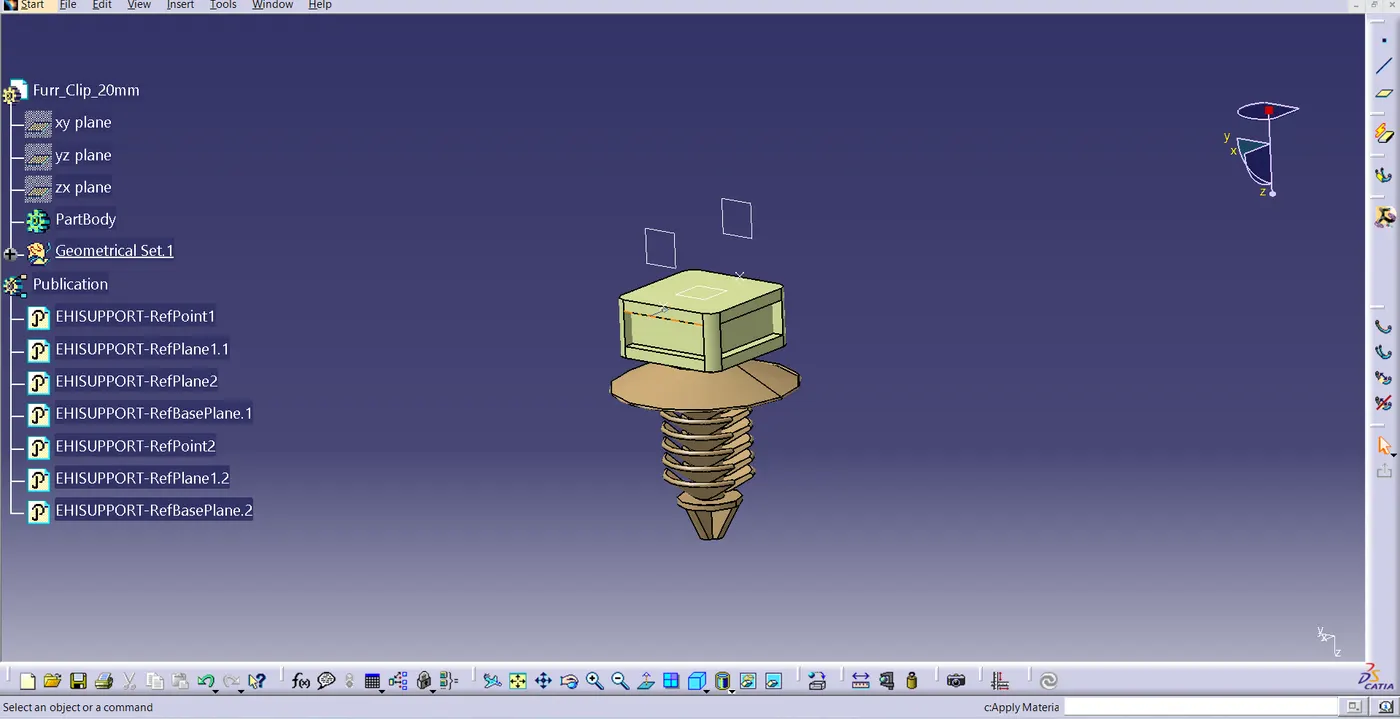
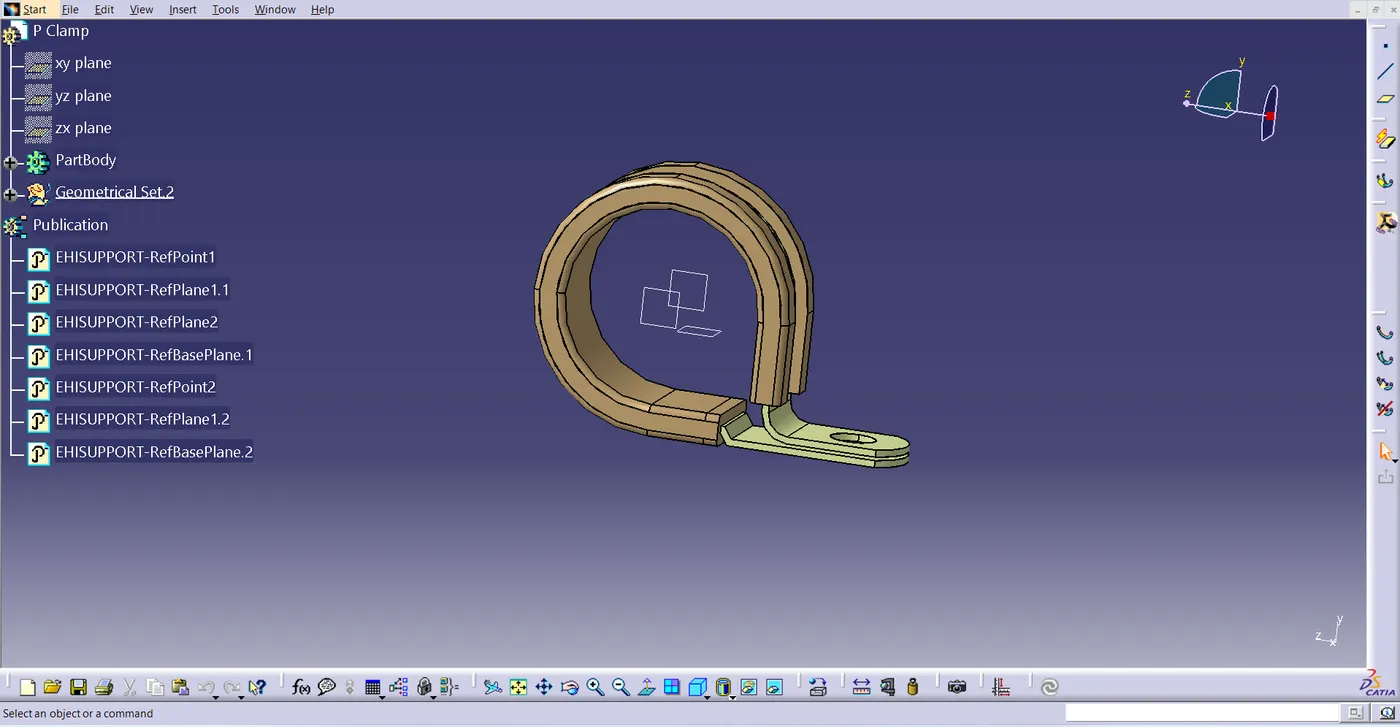
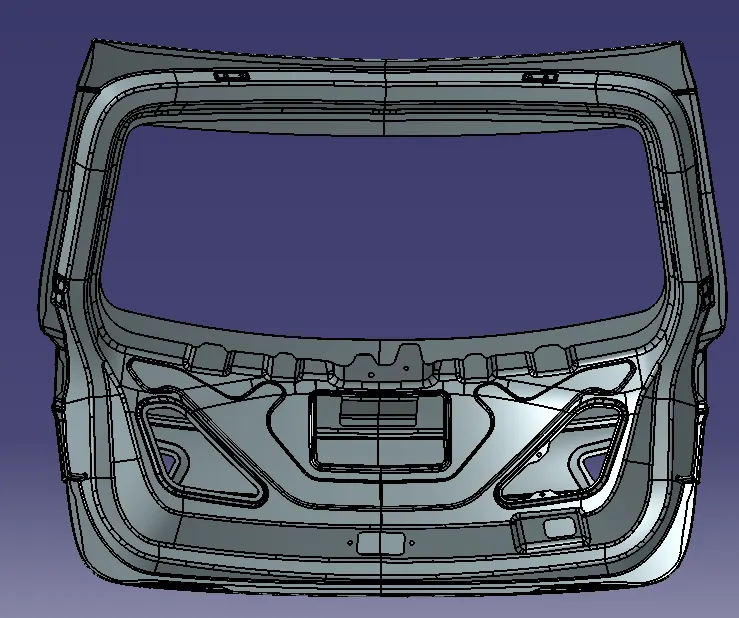
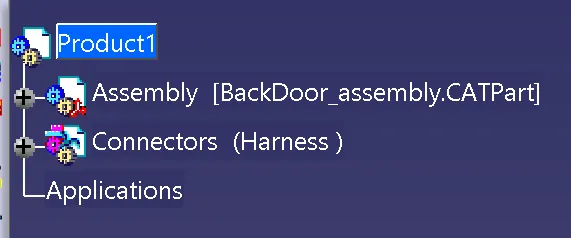
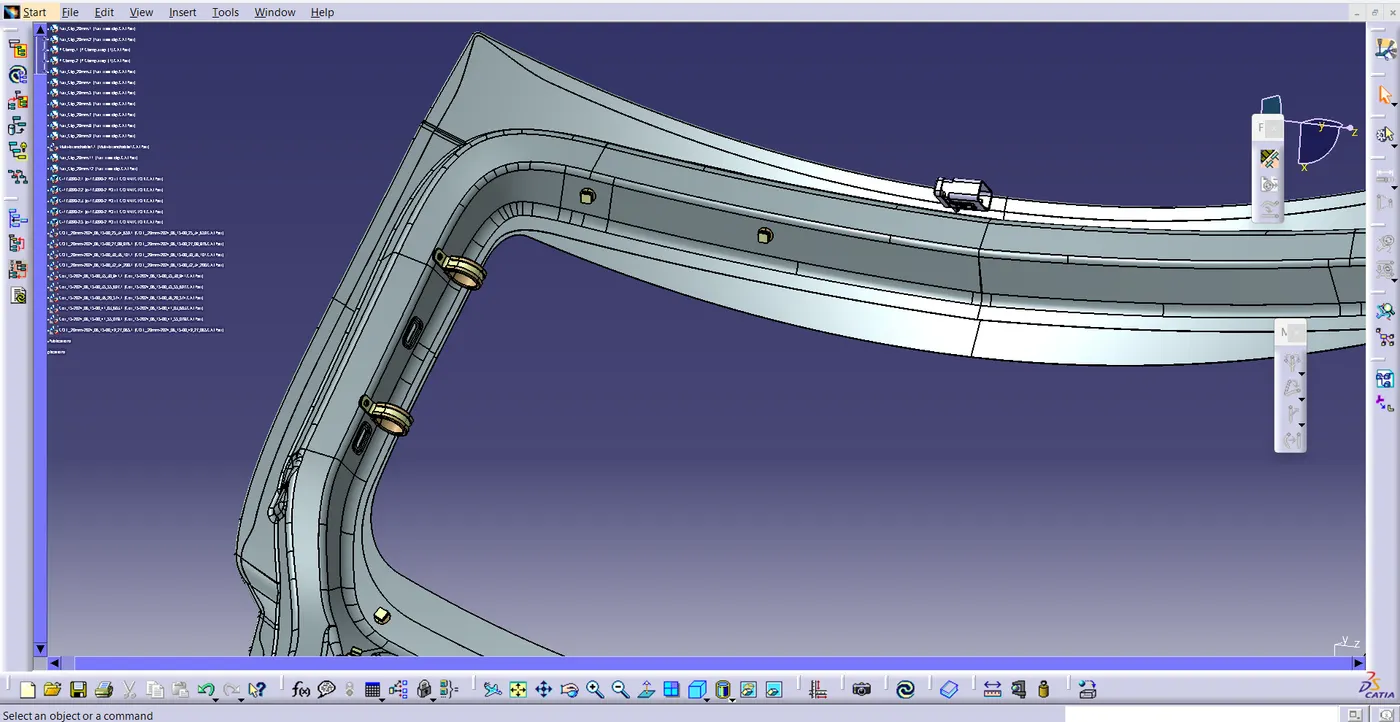
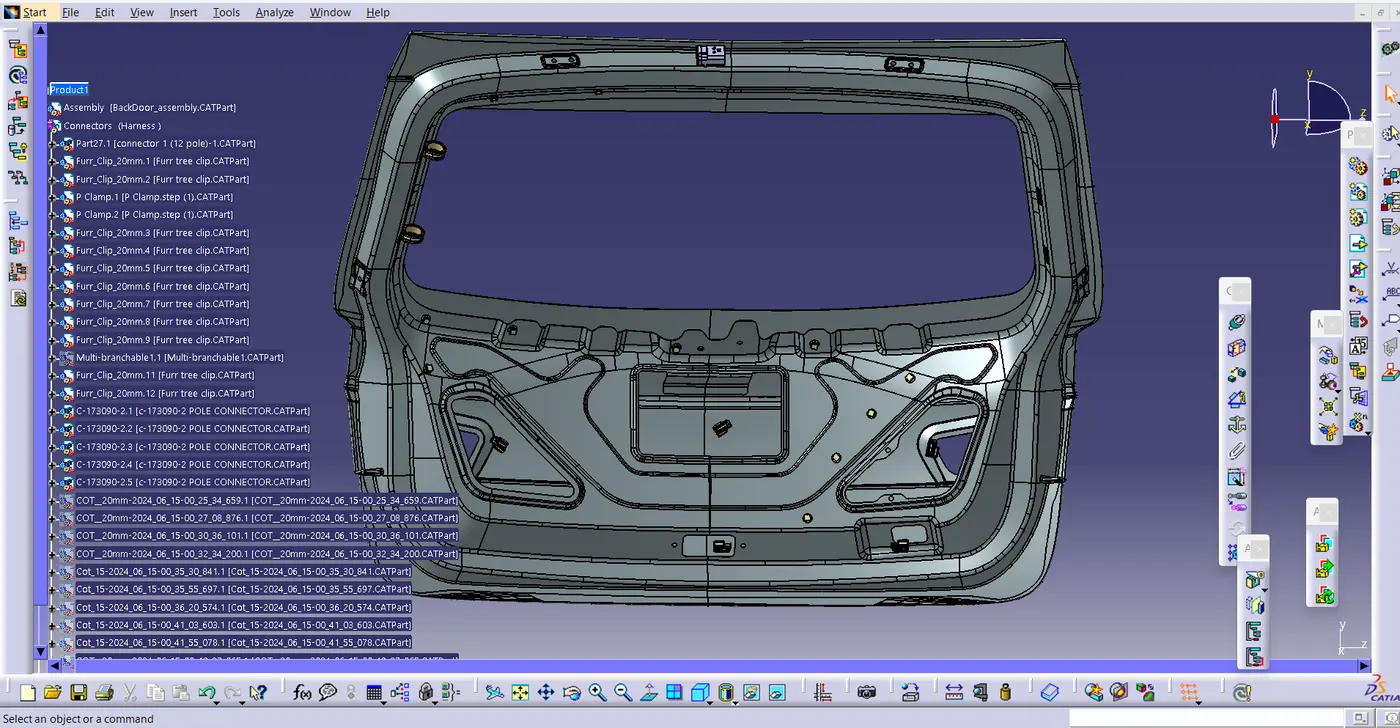
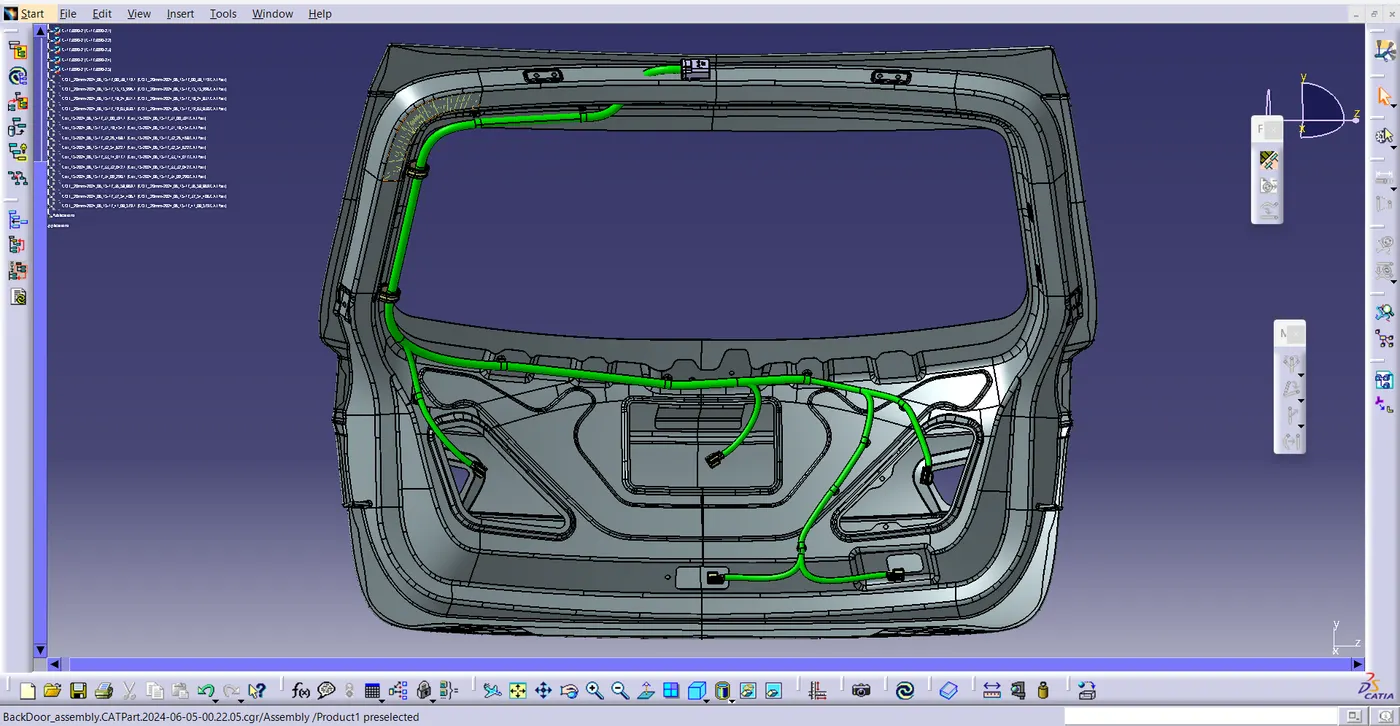
- Now do the routing for the connector, go to electrical harness assembly, convert all the connector electrically by using the tools of geometrical bundle . start routing
- Note: Here on top there will be a Grommet. In this given backdoor Project there is no hole to insert the wire and to provide Grommet . so I have Inserted the wire as shown in the fig.
- After routing give the protection cover to the wire .
Fattening :-
- wiring Harness bundle packing process was done .now we need to convert the geometrical bundle into a flattened wiring harness in the electrical harness Flattening workbench.
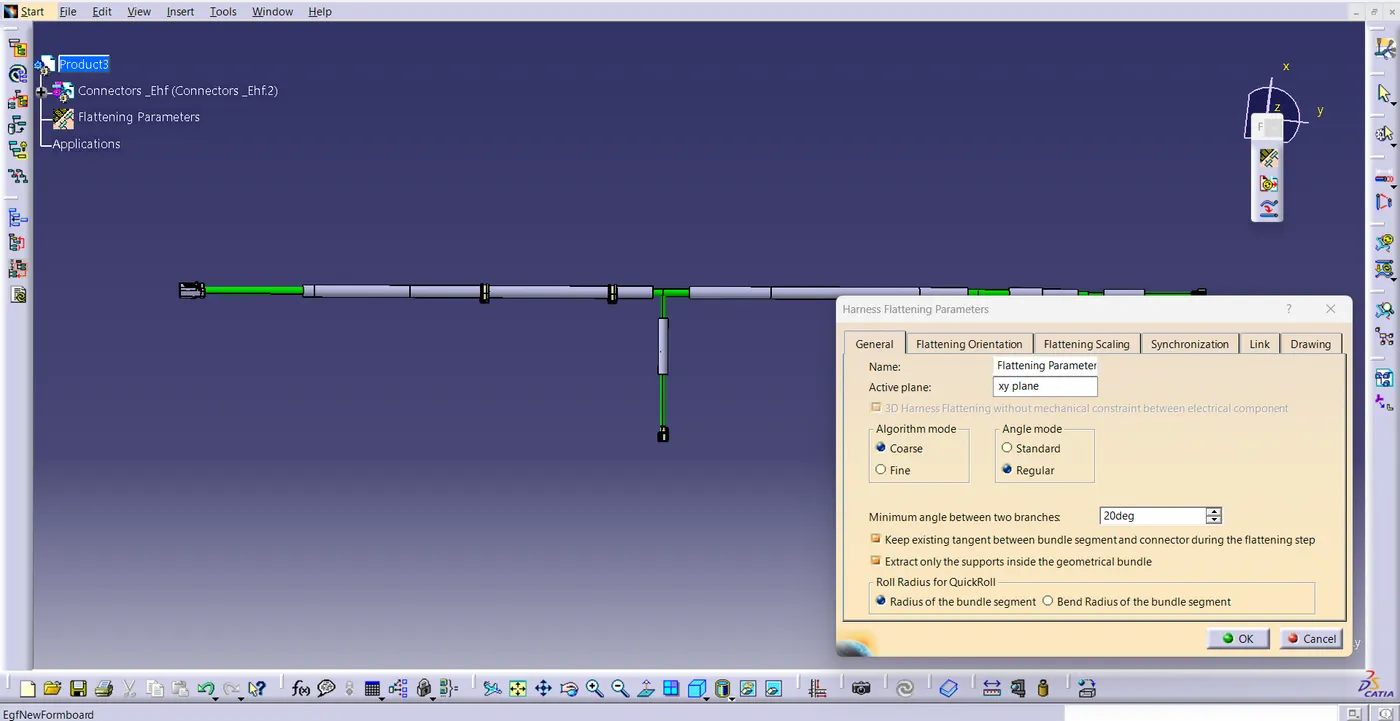
- Open Flattening workbench ,select harness flattening parameters change the setting according to the project . then click OK.
- now press the extract tool and select the geomantic bundle form the wiring harness context product file.
- Then select flatten tool and select the bundle and select all click OK.
- now rotate the bundle with a proper Degrees as shown in the figure .
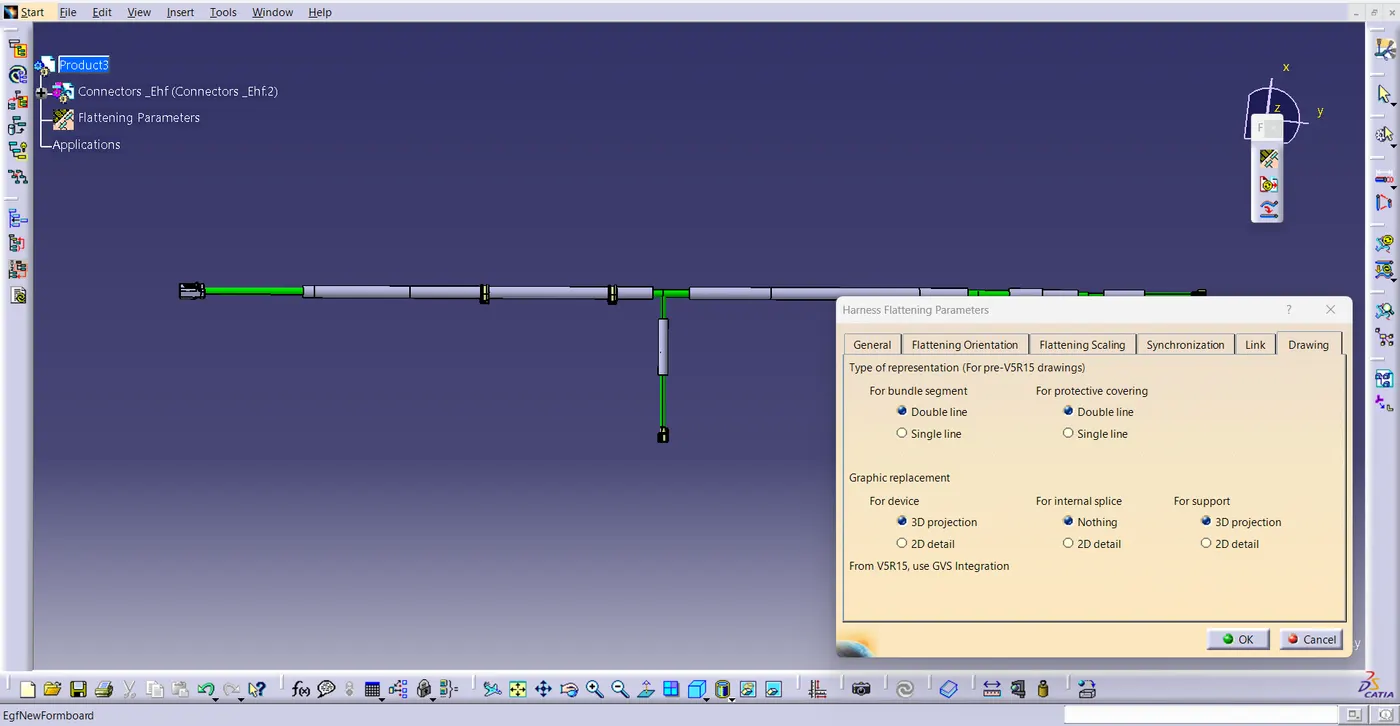
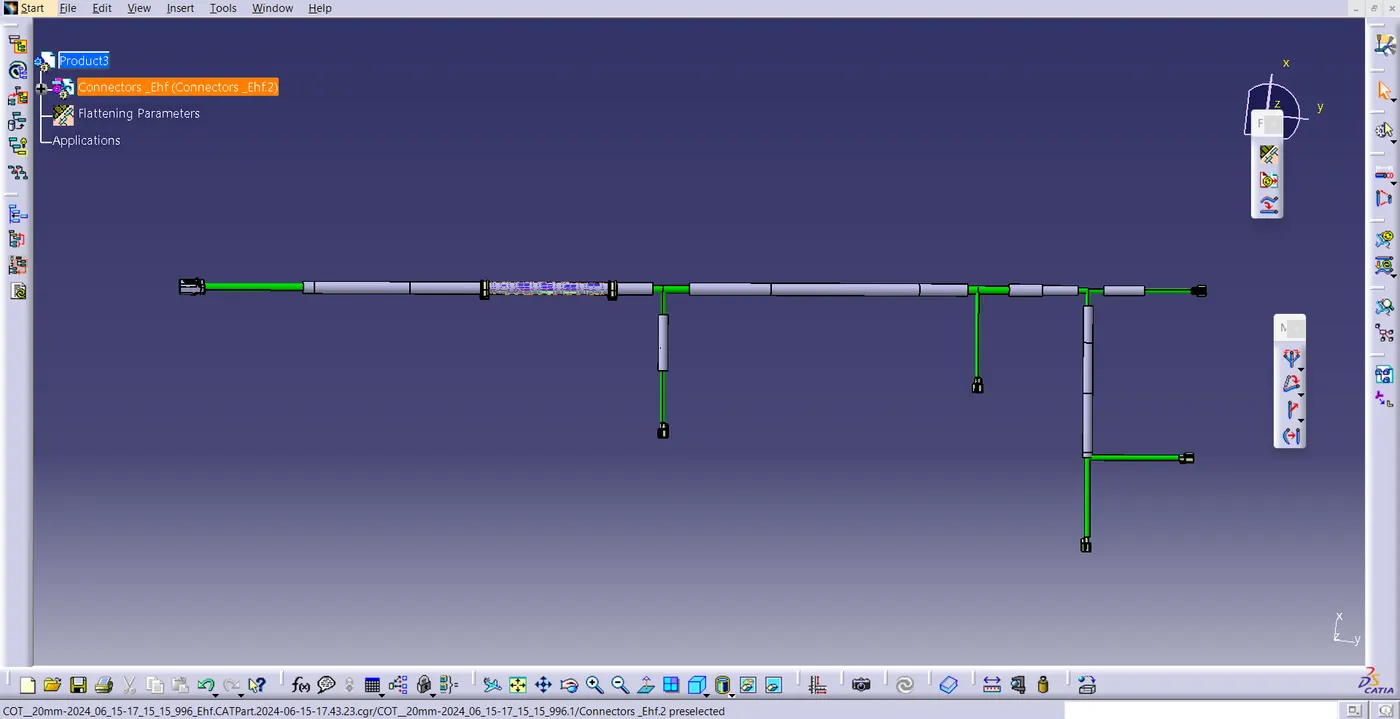
Flattened View drawing .
- Create a new drawing File in the Drafting workbench and make sure that flattern parameter settings bundle segment and protective covering have different .
- Now insert the flattened harness product in to the drawing sheet using view front tool.
- By adding text mention the name of the connector .
- modify the drawing sheet according to the requirement .
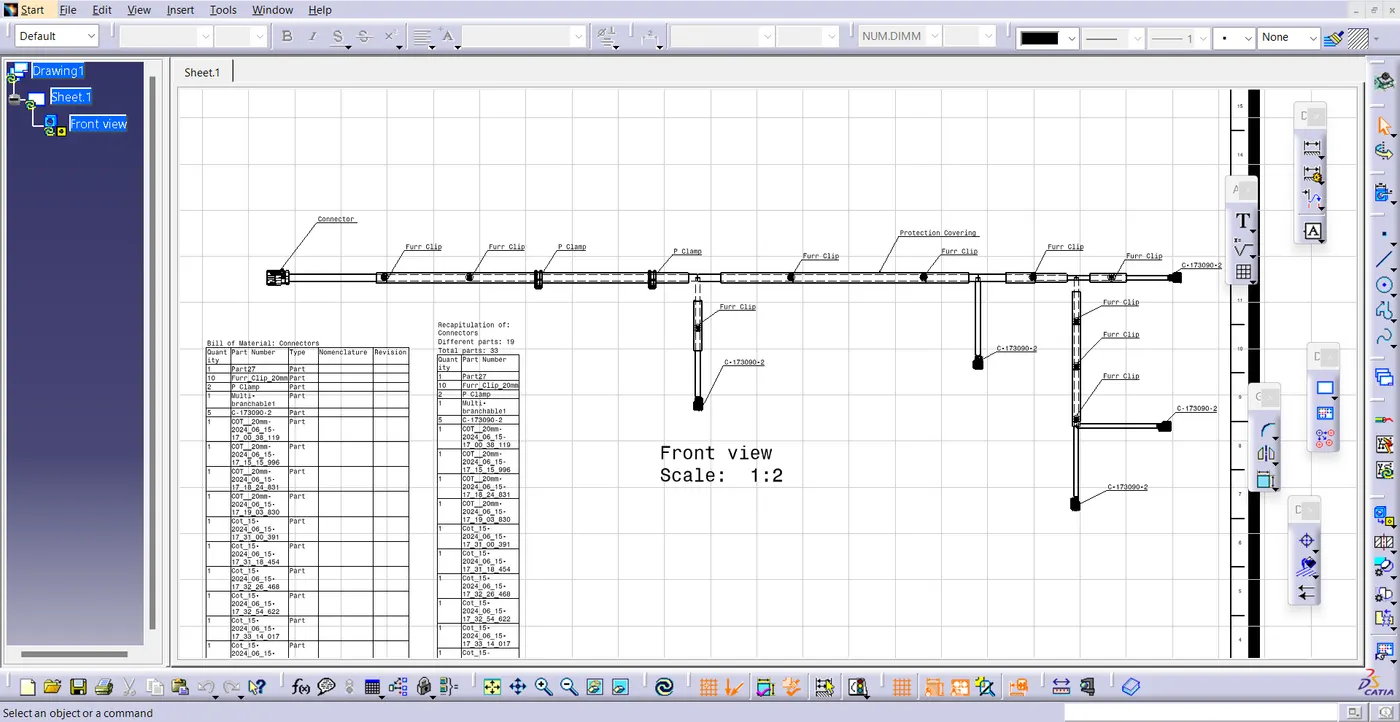
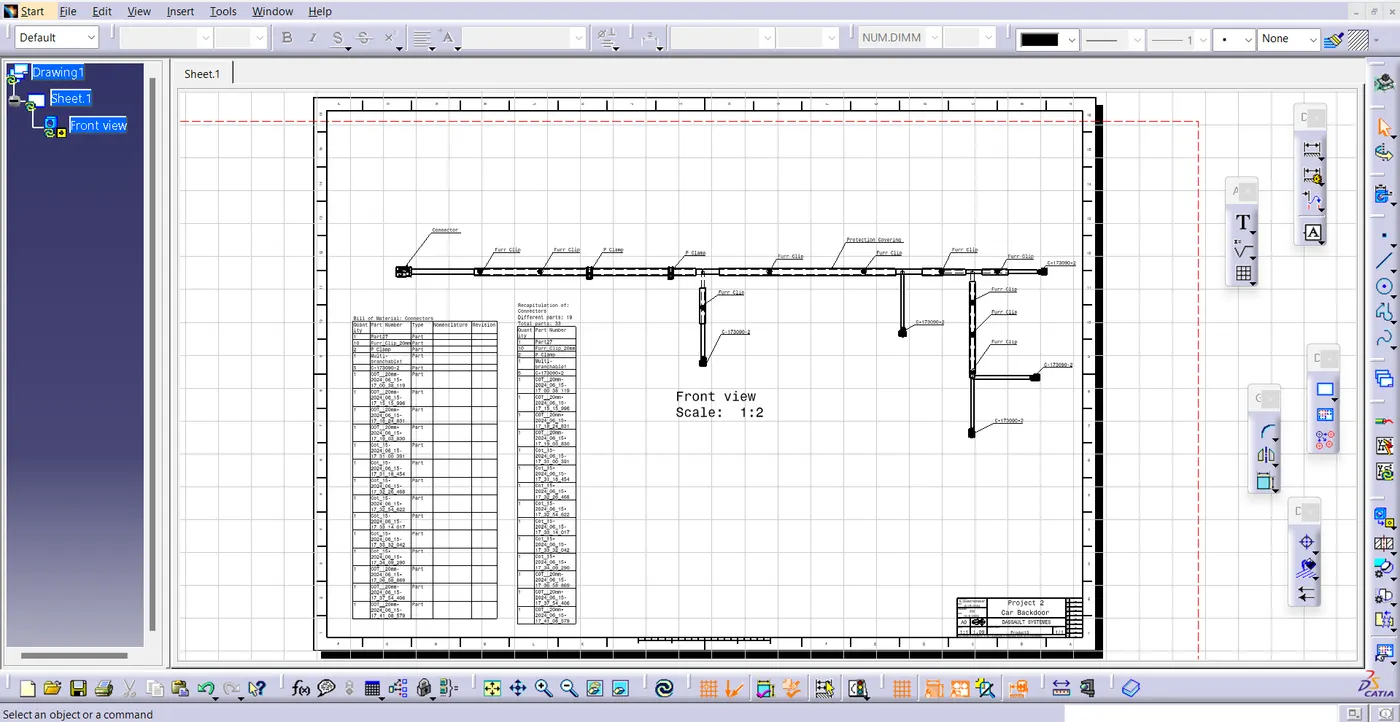
Conclusion:
Hence the routing of Back door of Car and Preparing flattened view drawing was done by using CATIA V5. By applying all packaging rules and industrial standards.