Week 10 - Challenge 2- Attachment Feature Creation (Dog House)
Aim: To Create the Door trim Component from given Class A Surface and to Create Dog House as an Attachament Feature using Design Rules .
Dog House:
The Dog House is an Engineering Feature used in the Plastic trim Design that is used as a Supporting Feature .sometime other engineering feature Like Snaps,Loaction,are mounted on them to increase the strength .
Dog House components are built on B-surface . Then it subjected to draft analysis to prevent breakage of the component during ejection from the cavity .
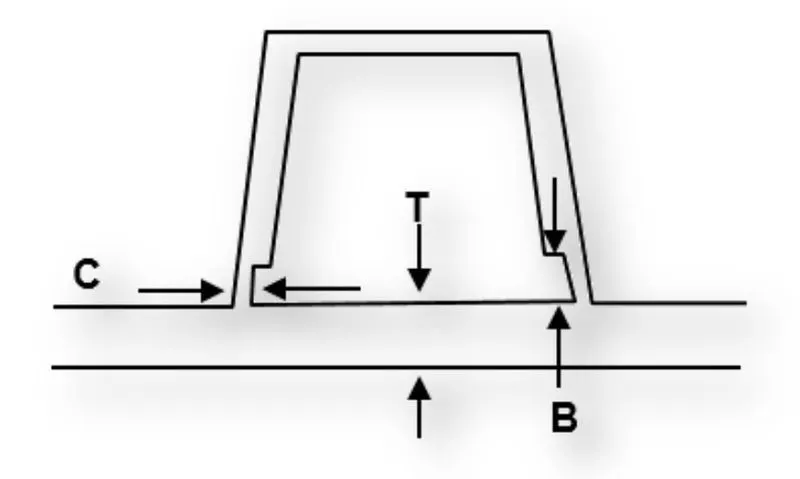
-
Doghouse wall thickness at the intersection of the part wall ( C ) should be 40% or less than the main wall stock ( T ).
- The height of ( B ) should be between 3.0 – 6.0 mm .
Procedure :
- First step is to Check Class A Surface has no Gaps. By using the boundary Command we can check Whether the component is Continuous or discontinuous .
- Then View Class A surface from different Axis and find out Optimal Axis to create tooling Axis .
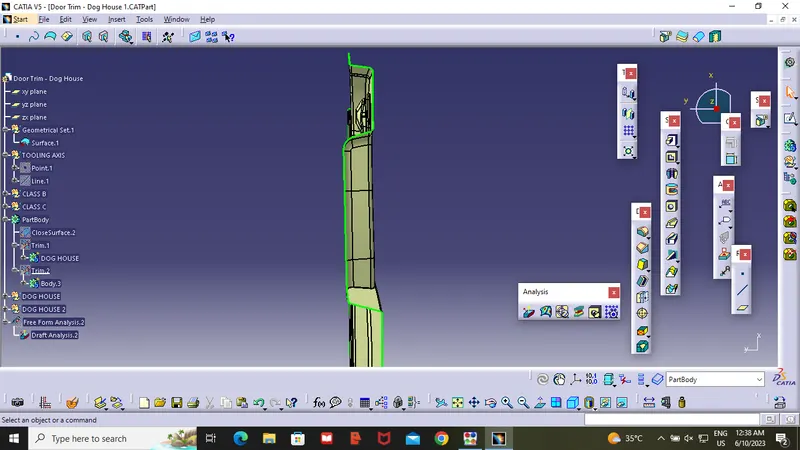
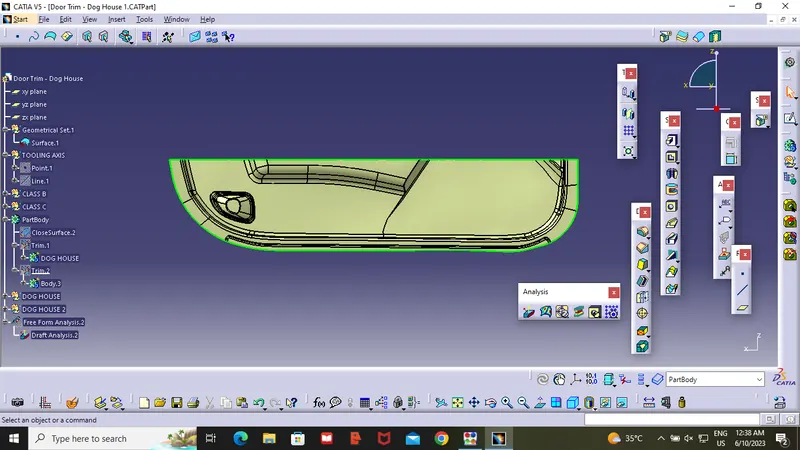
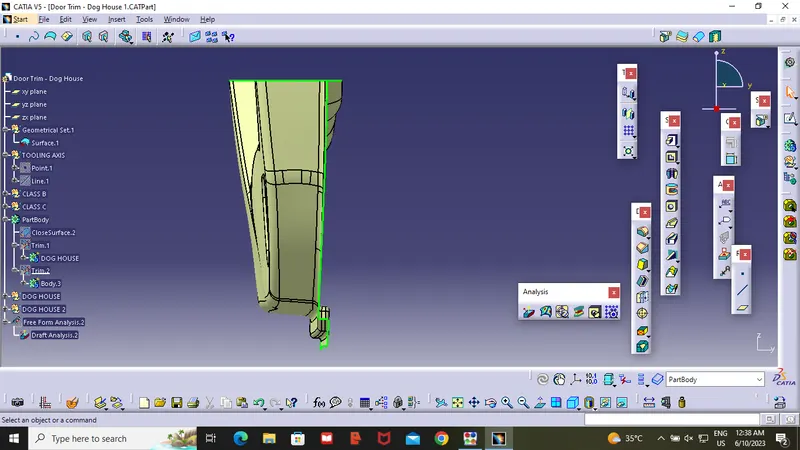
- From the top view we can see maximum Surface area.so create a point on the surface and create tooling Axis on the Point .
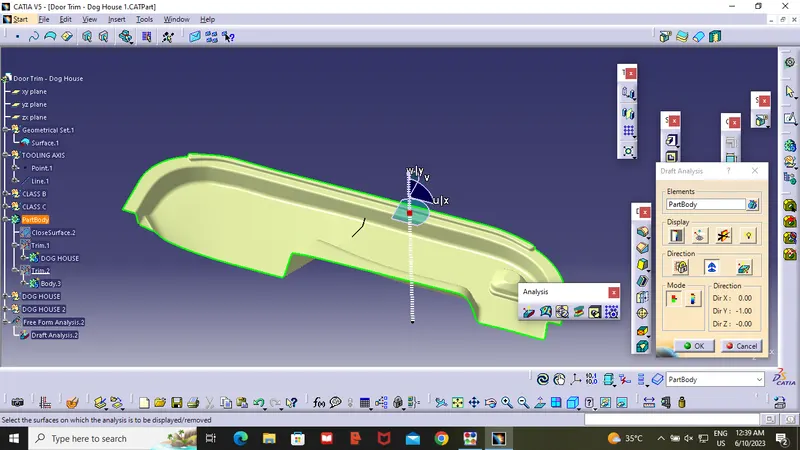
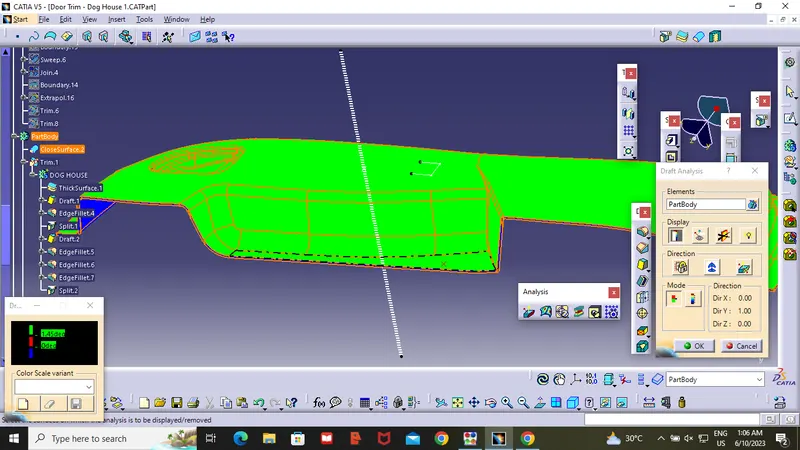
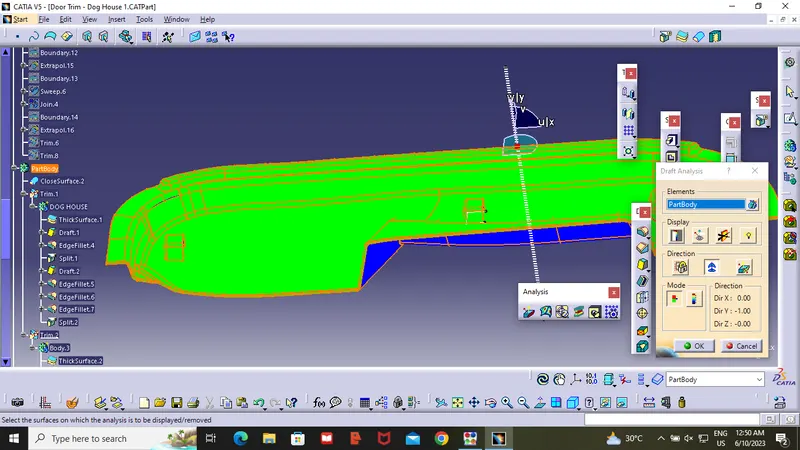
- After Compleating the tooling Axis ,use the Draft Analysis to find Whether all the surface area is cleared are not .by placing the Compass on the tooling Axis . as showen in the Figure.
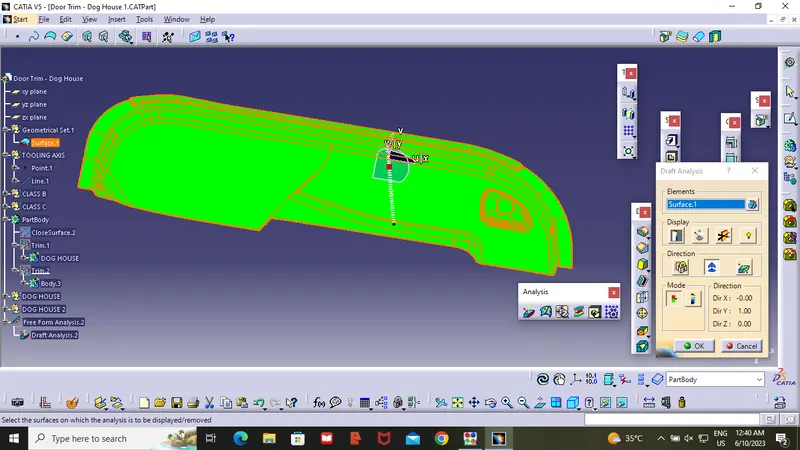
Class B Surface :
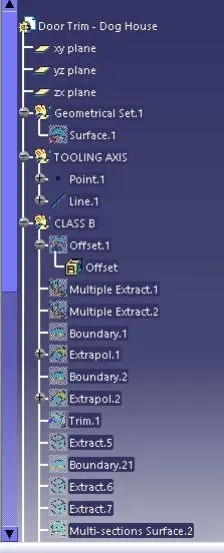
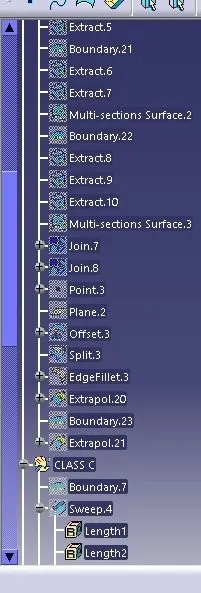
- Offset the Entire Class A Surface at a distance of 2.5mm. Hence it is complex surface it fails to offset every element in Class A surface .So some of the Elements are elemanited in Class B surface .
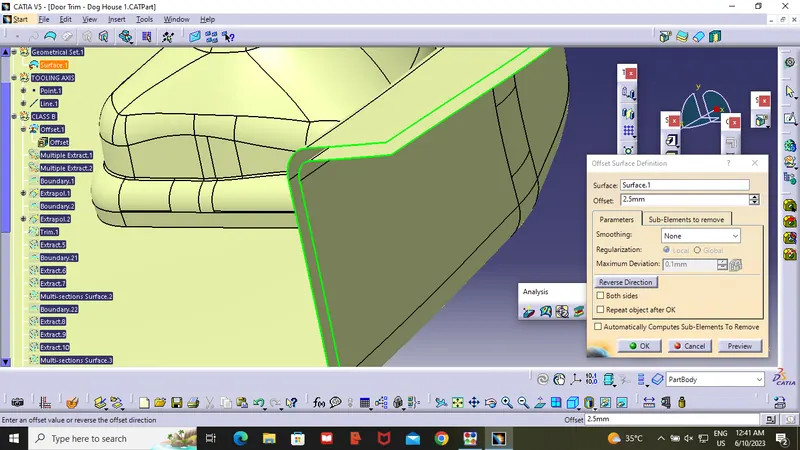
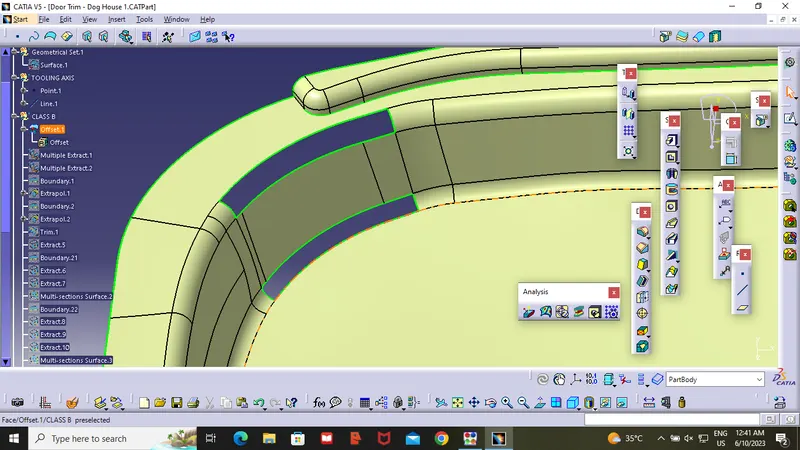
- After Getting opened Class B surface .Use Multi-Extract and extrapolate commends to make it closed surface .For the top open surface we used Multi-extract and Boundry , extrapolate to make it closed surface at pactular Surface .And we used Multi section for bottom Opened surface .Hence class B surface done .
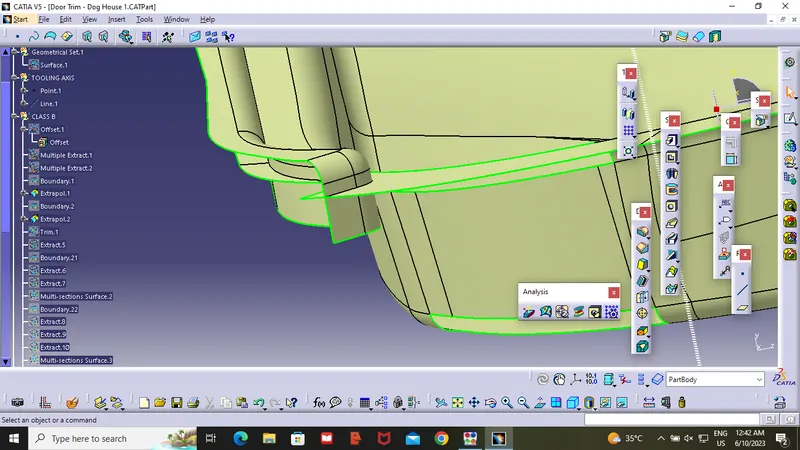
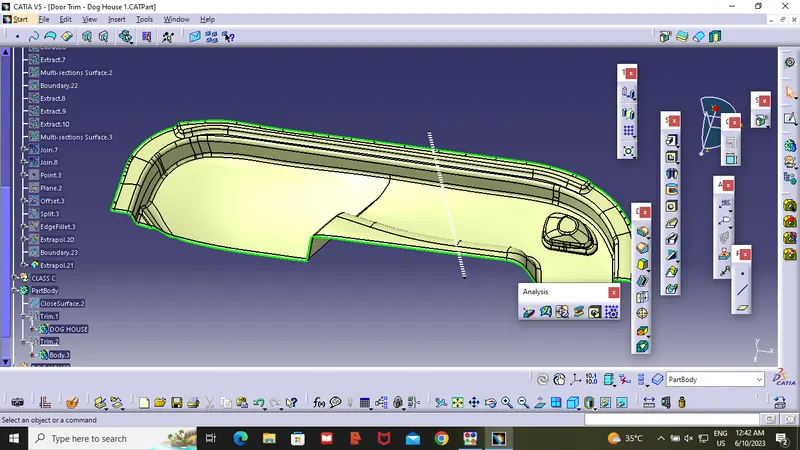
- After compleating the class B surface .Extract Boundary surface of class B at 5-6mm . it will be eassy to Trim the Class A,C and B surface .
Class C Surface :
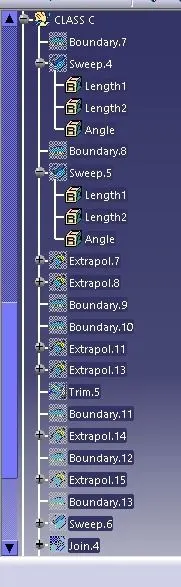
- After compleating the class B suface . Unhide Class A Surface and Assume Curve Boundary as one Boundary surface and Straight Boundary as Second Boundary .
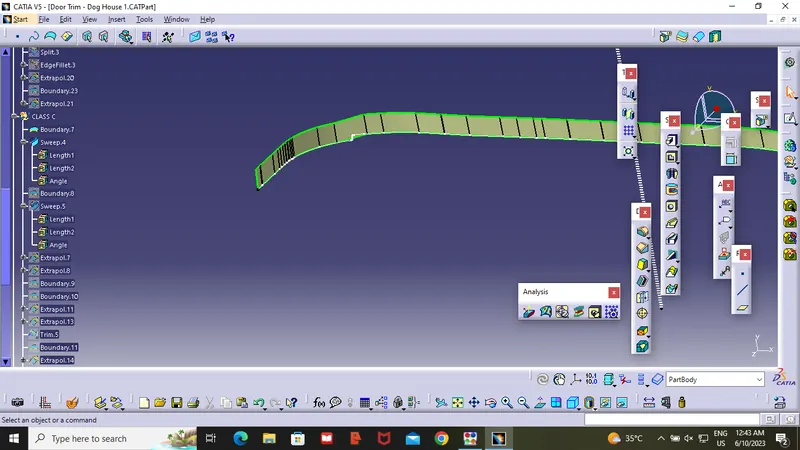
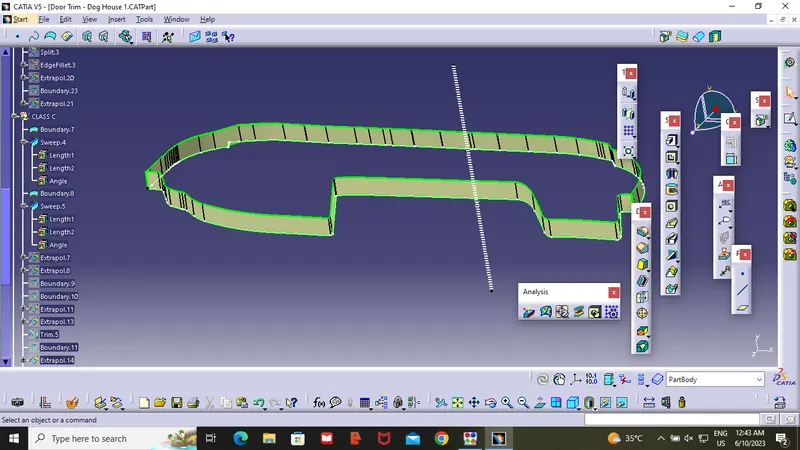
- By Using the Boundary command Make two Boundarys .by using sweep command Extract to top and Angle should be 3 degree . After Sweep Make Class C Surface as a One surface .
- After completing Class C surface Join it to Class A surface. After joining Class C and Class A .if any open surface found in the Surface change Merging surface to 0.003mm . So Class A and Class C will be continous .
- Trim Class A,c to Class B . so surface will be closed .
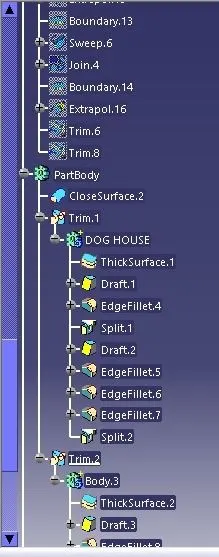
- After compleating the final component . Go to Part design and choose Closed Command and Select Final trim in class C surface . As shown in the figure.
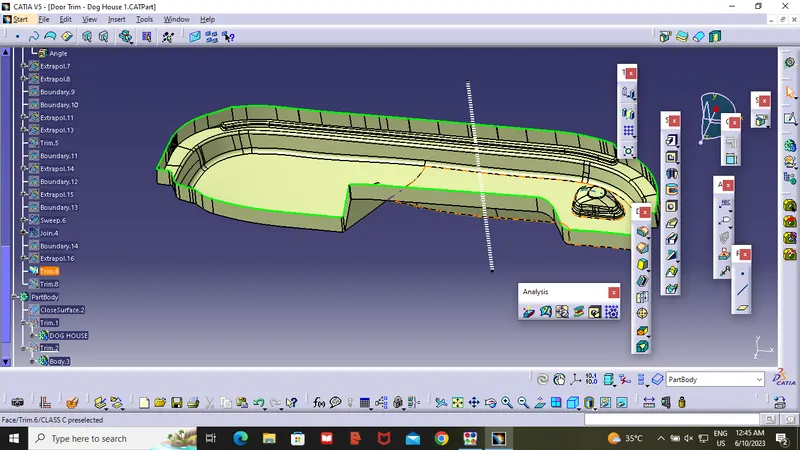
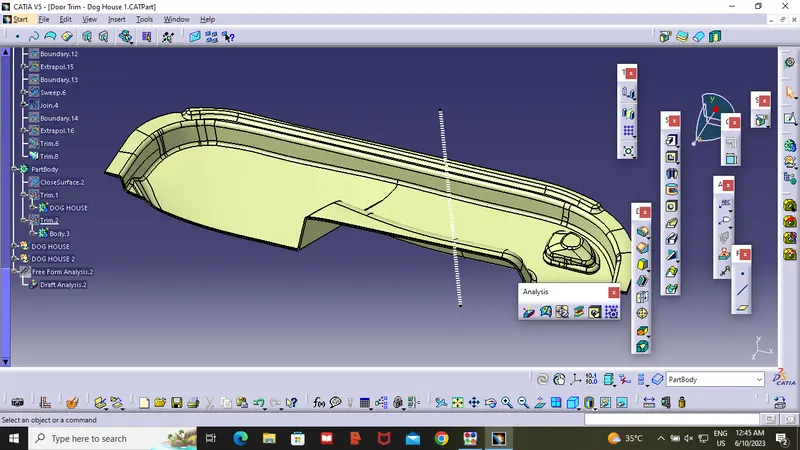
Procedure to Make Dog House :
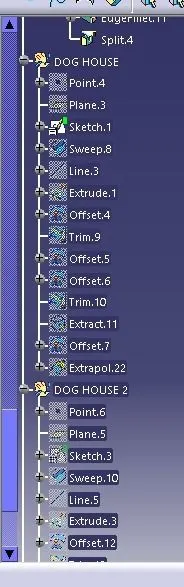
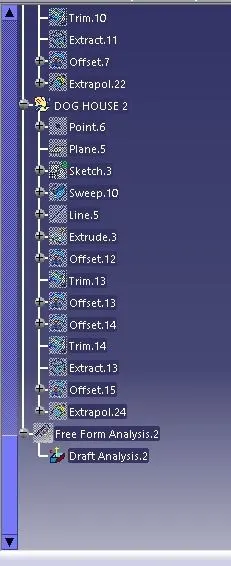
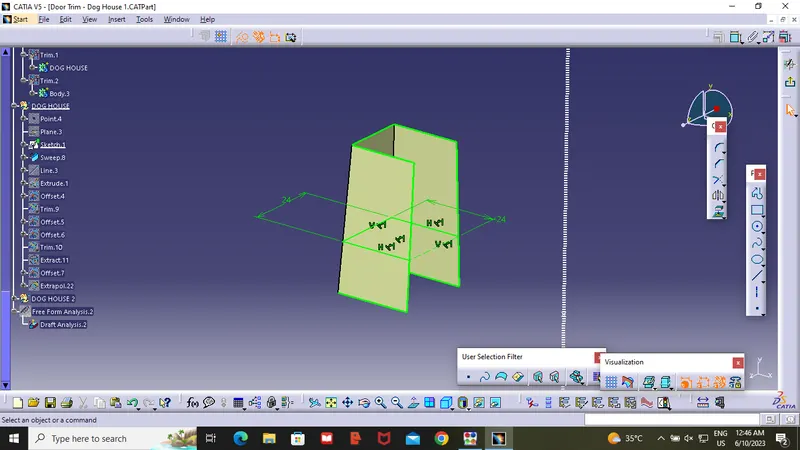
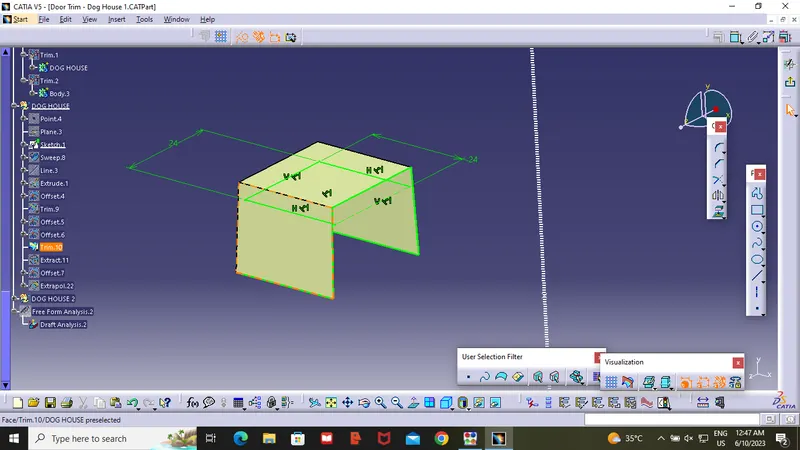
- Create a point on the surface and crate plane on that point .As showen in the fig. Draw the Sketch On that Plane . Hence we see that width of the dog house is 12mm . which one of the design rule . we cann't do below that value.
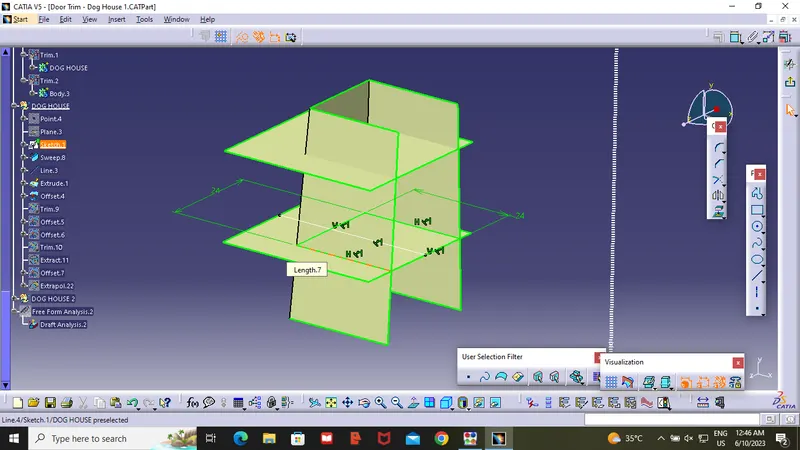
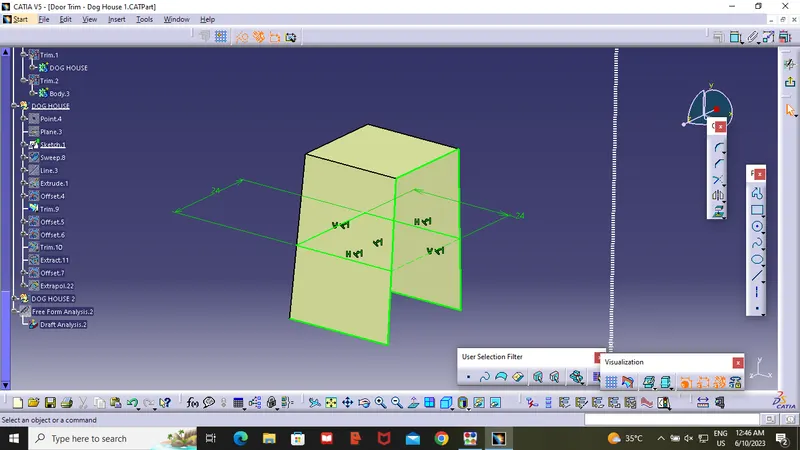
- After creating the Sketch Use the Sweep commend to extraxt the Sketch at 1.5 Degree .After completing the side walls Create a Line on the point in Y-direction . Extract the line and offect the Extract to 20mm top .after that using the trim option make it as a shell .
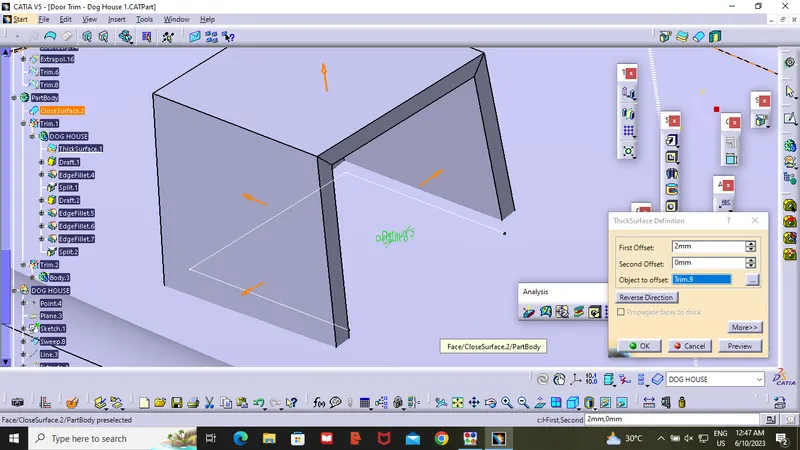
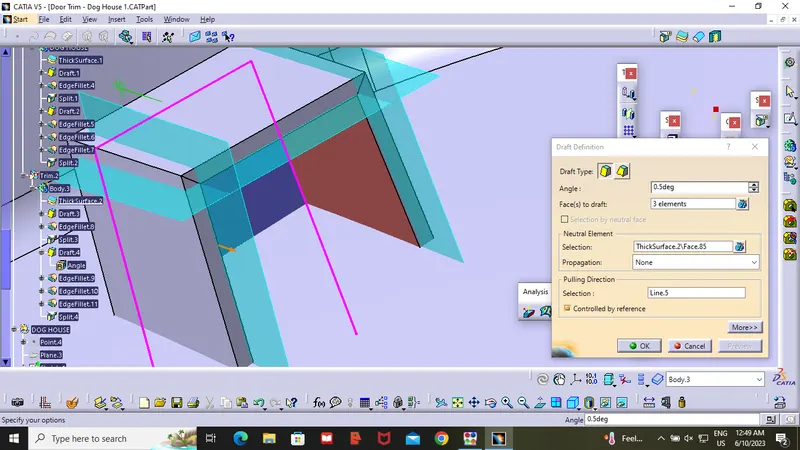
- After getting shell insert a body and use Thicksurface command to shell in outer side with 2mm. then use draft command .draft the innter part at 0.5mm .Then use fillet commend to make the innter surface smooth .
- After compleating this process Unhide the Y-direction line extract and offset it to 4mm.and unhide shell and offect it to 1mm as show in the figure . Trim Extract Surface with respect to Shell then you will get Step Shaped surface .Then go to part design and choose Trim option and trim the step surface .
- Then Draft the trimed part with 0.5mm.then fillet the outer sharp edge to 3mm.then extract the Backside of dog house and offset it to 24mm to frount and trim the extra part .
- Repeat the same process for Another Dog House .
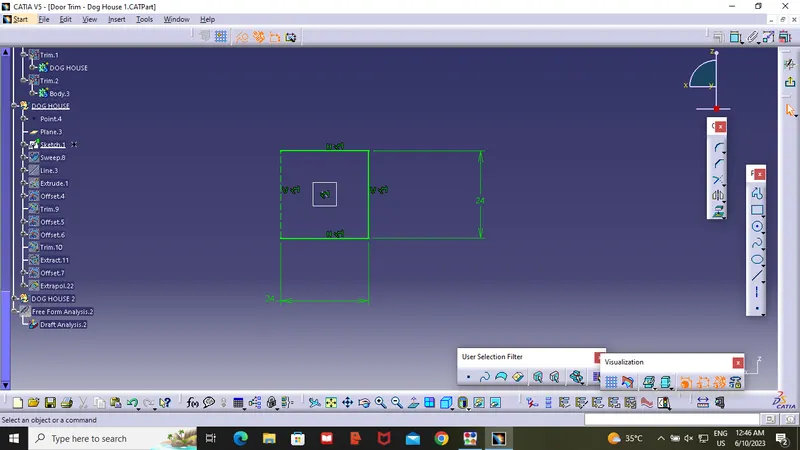
Draft Analysis:
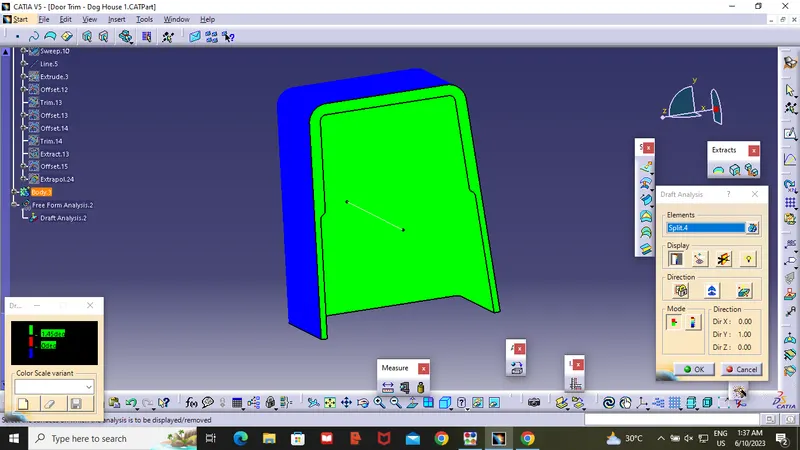
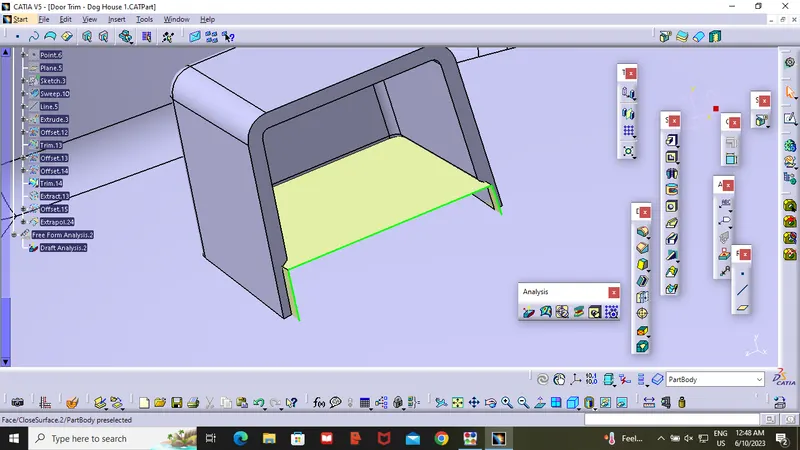
- After compelating the Component open the draft analysis command and click on the compass and move the compass to tooling axis and place the compass on the tooling Axis .
- Now , the inner section of the dog house is need to clear along the side core .from the below surface we can Observe draft analysis was successful .