Week 11 - Project - A pillar Design with Master Section
A Pillar Design with Master Section.
Aim: To Create A Pillar Design with Master Section Component by using Class A Surface .
Objective :
1) Creating of Proper tooling Direction following section to create the part that meet the requirement .
2)Draft analysis check to make sure that the class A surface is meeting the draft required along the tooling Axis.
3)creating of class B and class C surface .
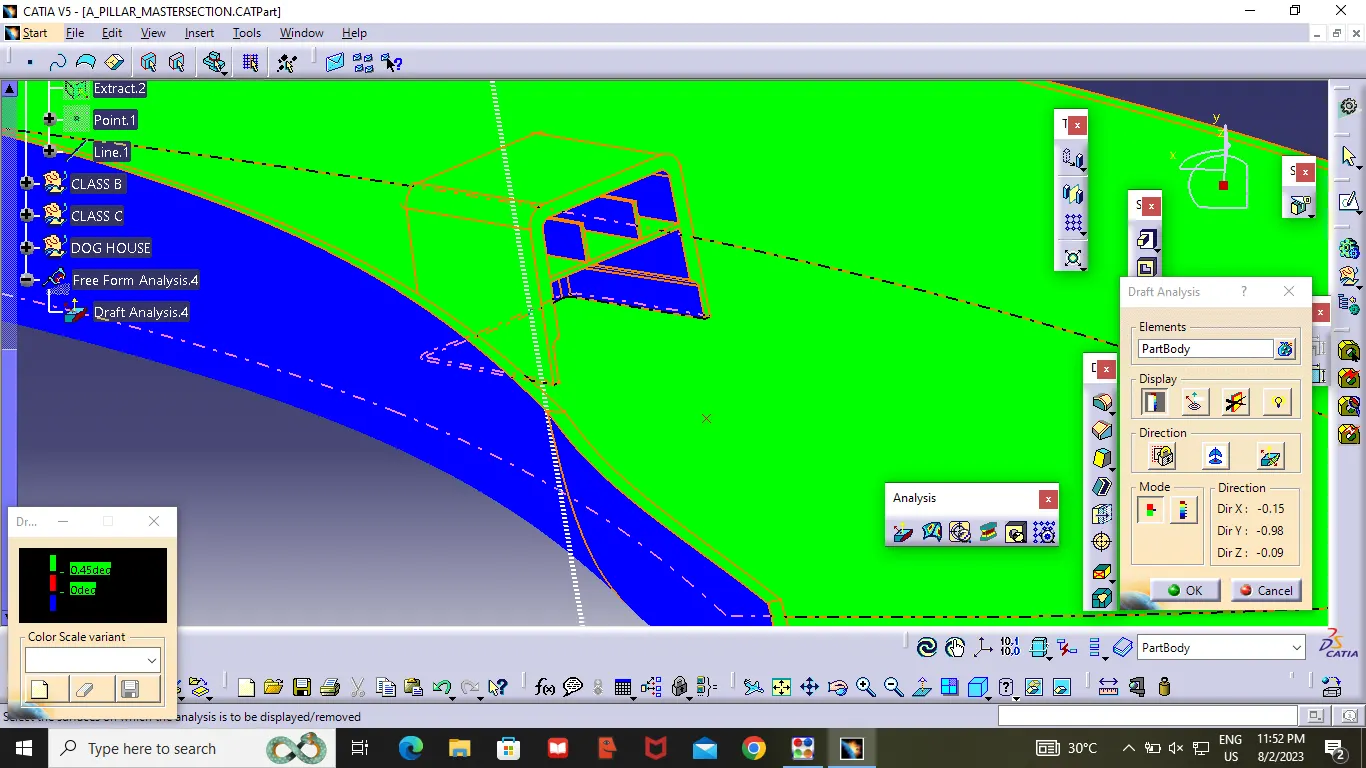
4)Creating a Dog house which meets that the draft analysis along the side core axis for dog house .
Procedure :
Given Class A Surface
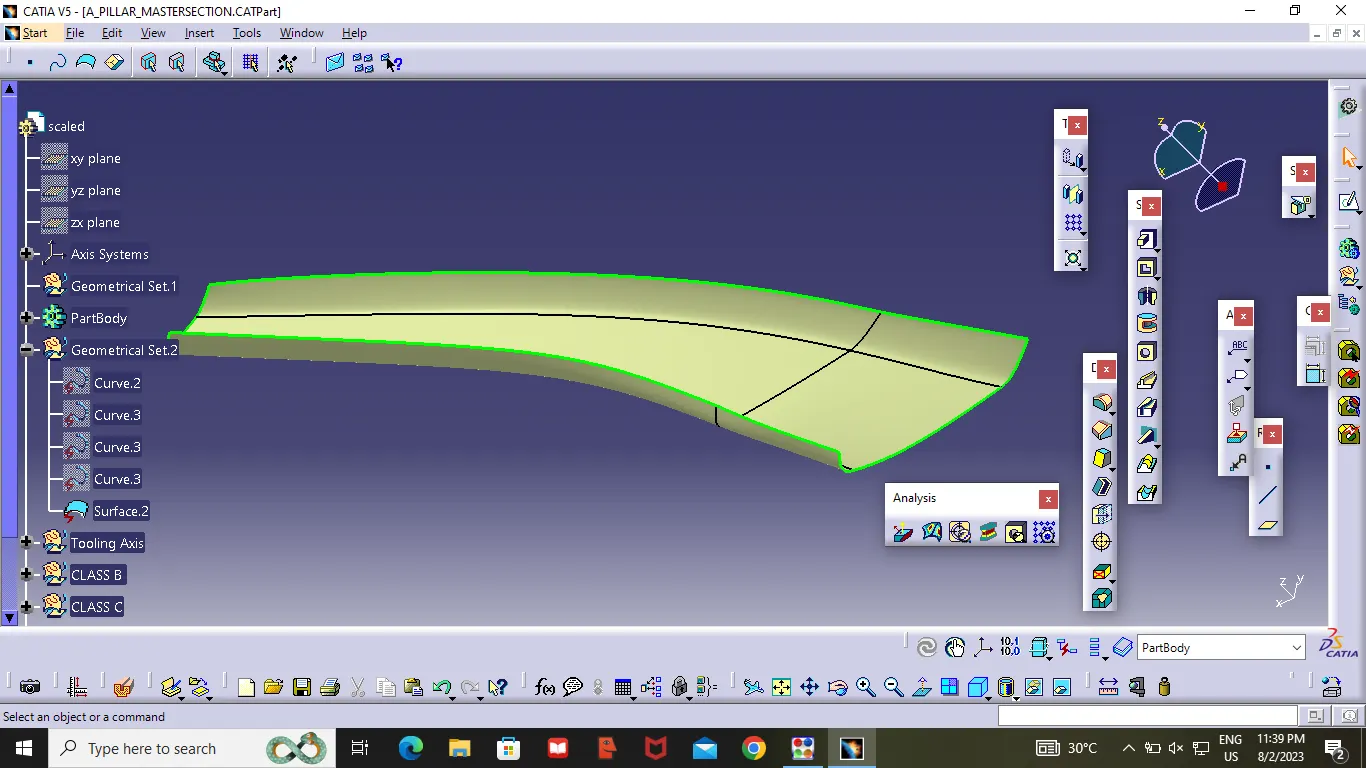
Tooling Axis:
Before going to the Tooling Axis check the component whether the surface is having any open surface in the middle ,by using the boundary option you can check the component .
So this component it is not having any open surface in middle.
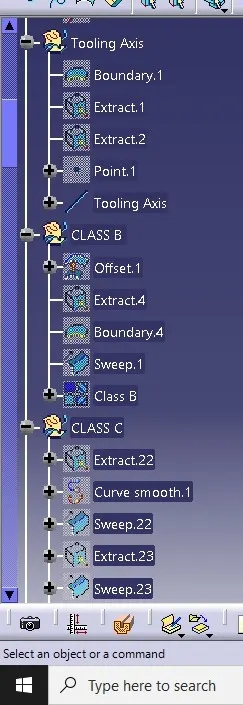
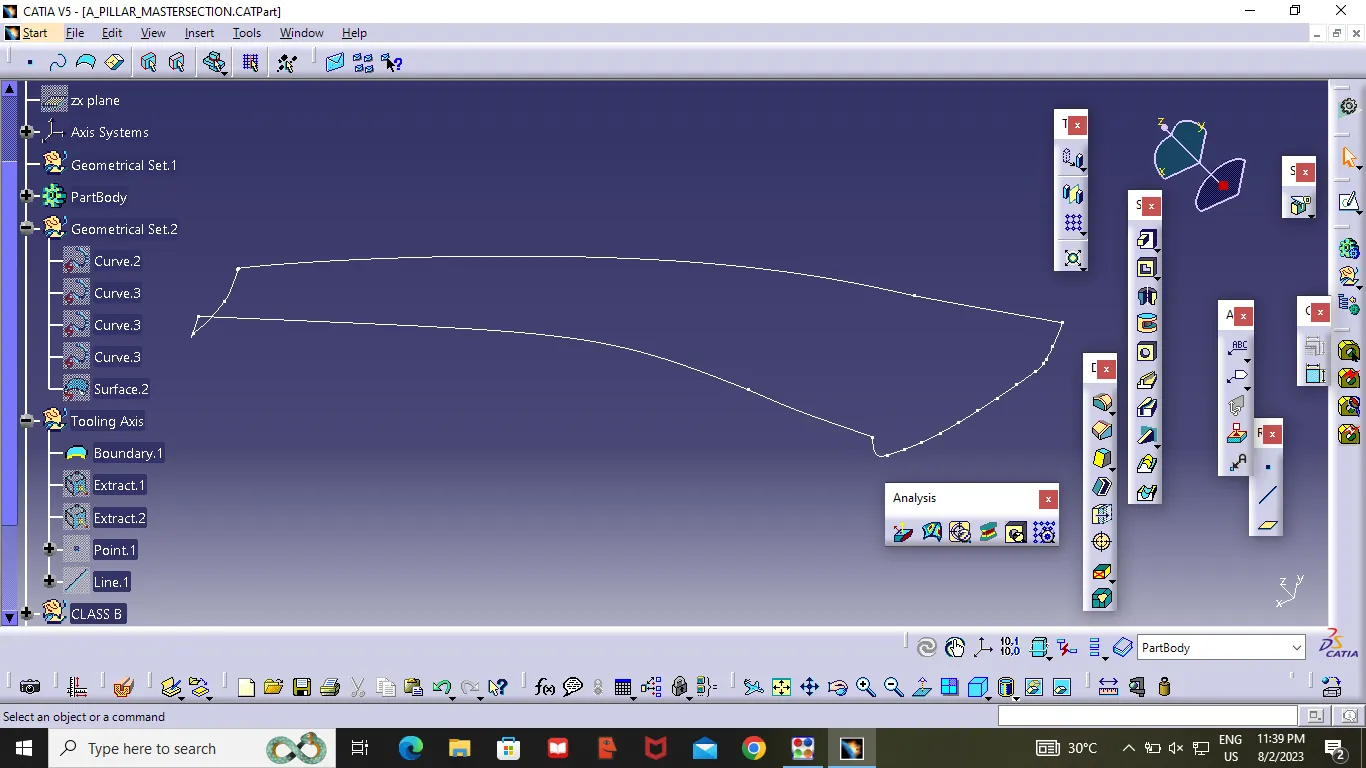
Then Extract two Line of given Dog house as Shown in the figure then create a Bisecting point , then create a line on the point with respect to XY Diections .
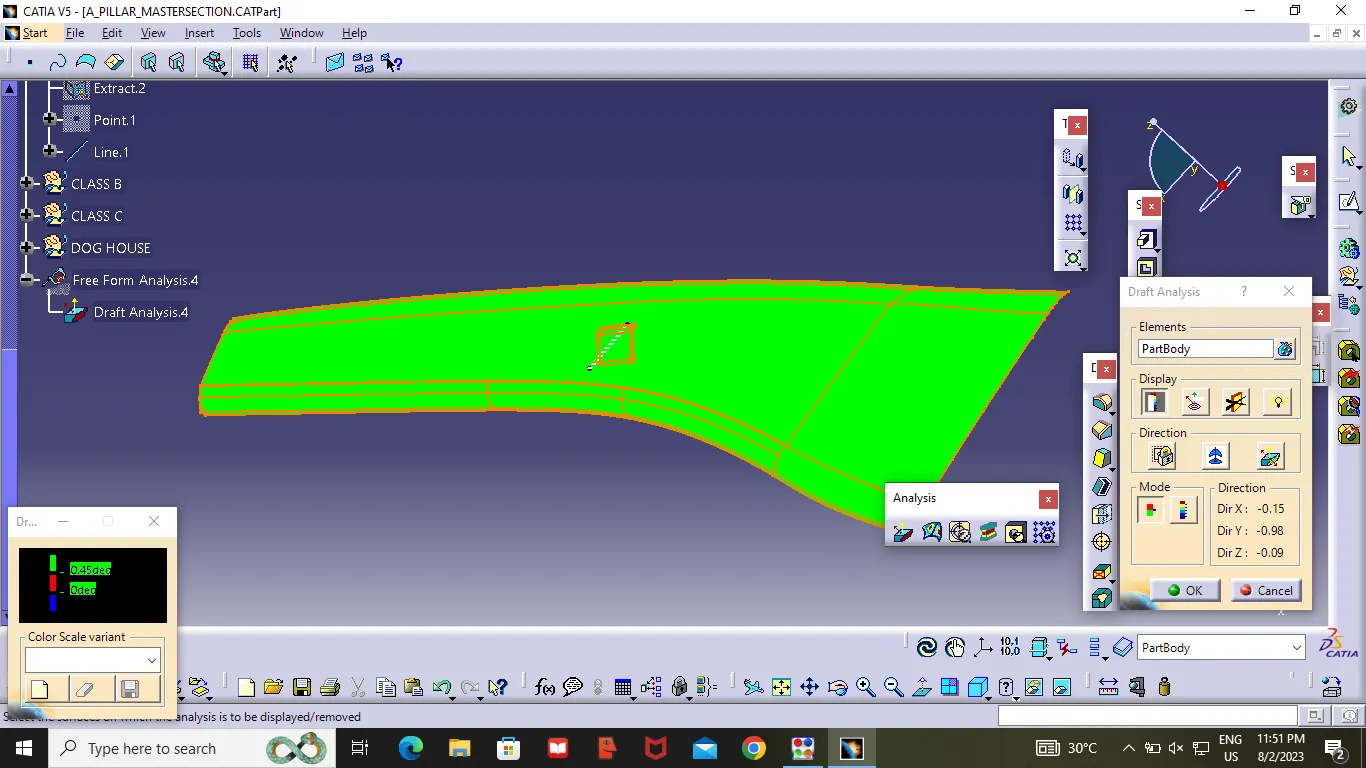
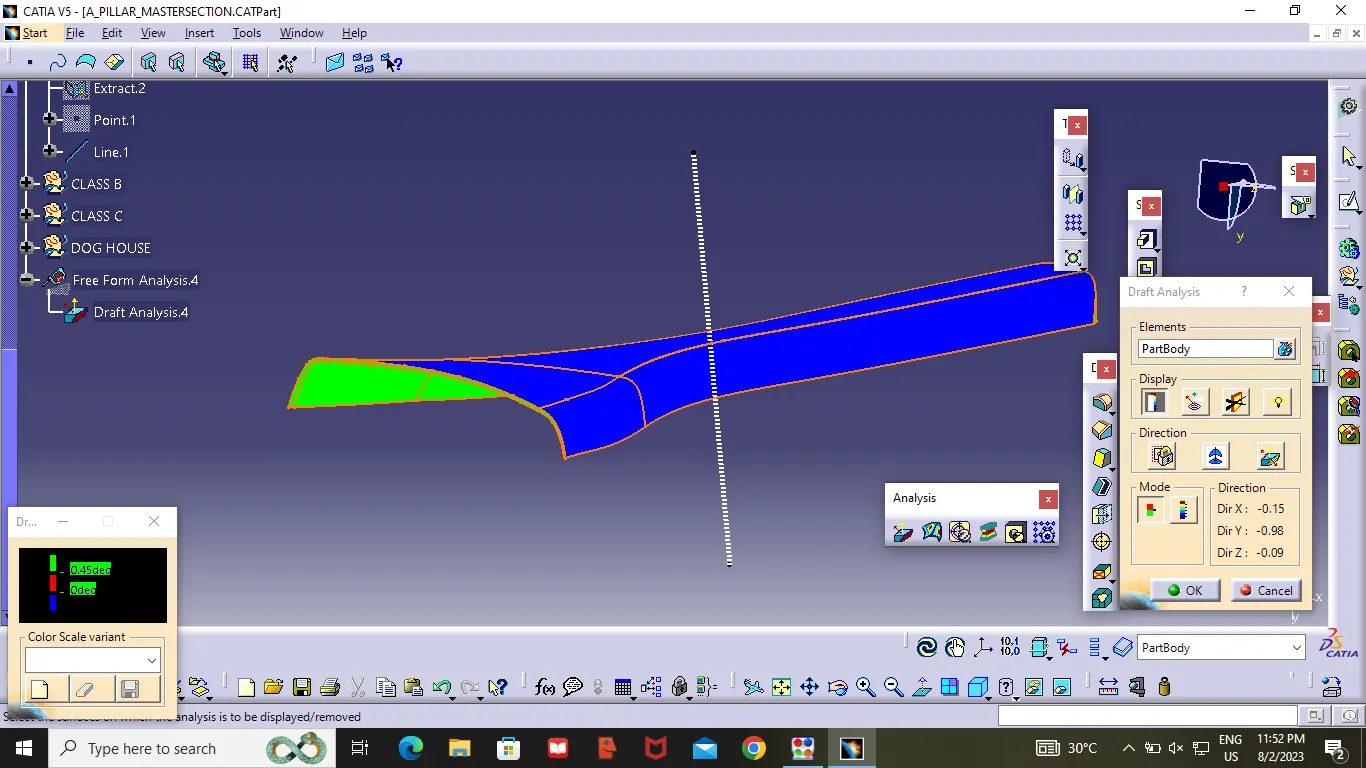
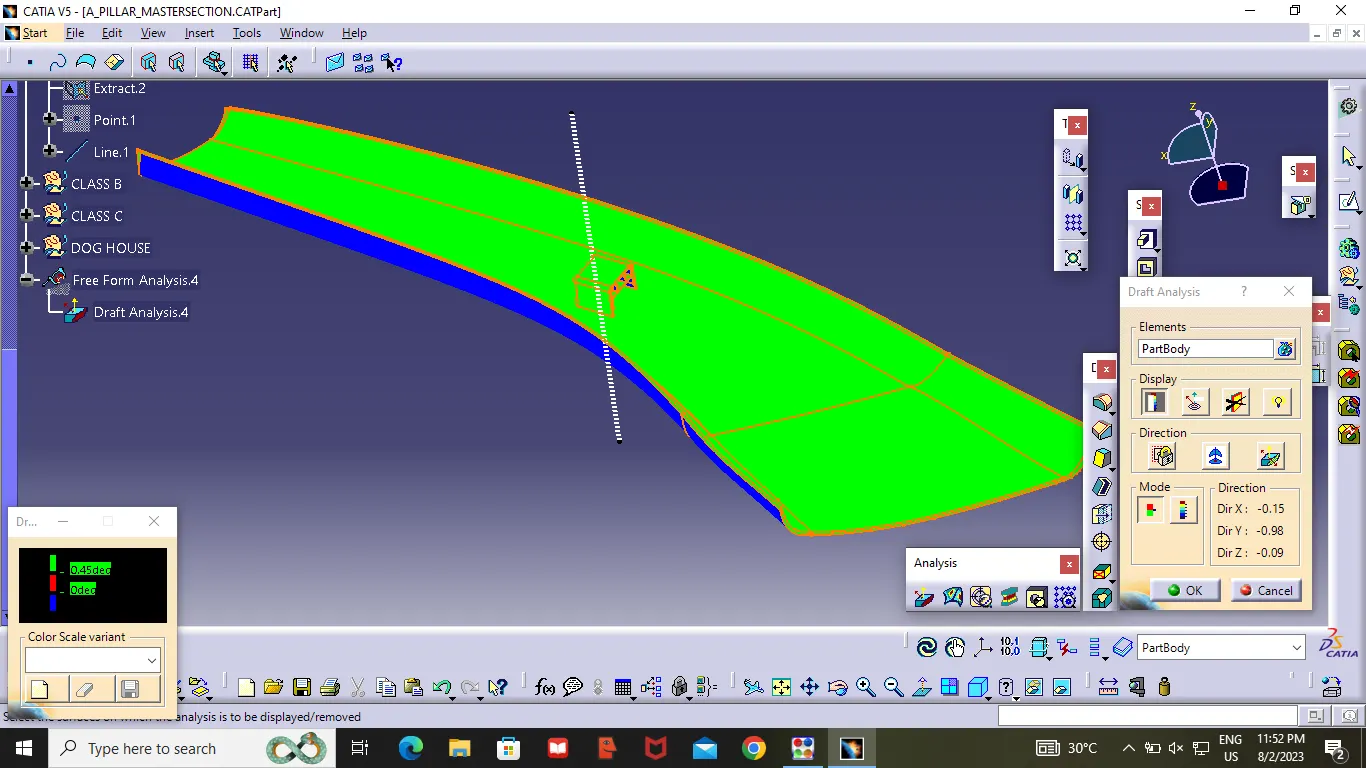
After Creating the tooling Axis ,check whether the tooling axis is correct or wrong .by using draft analysis .Keeping the compass on tooling Axis .
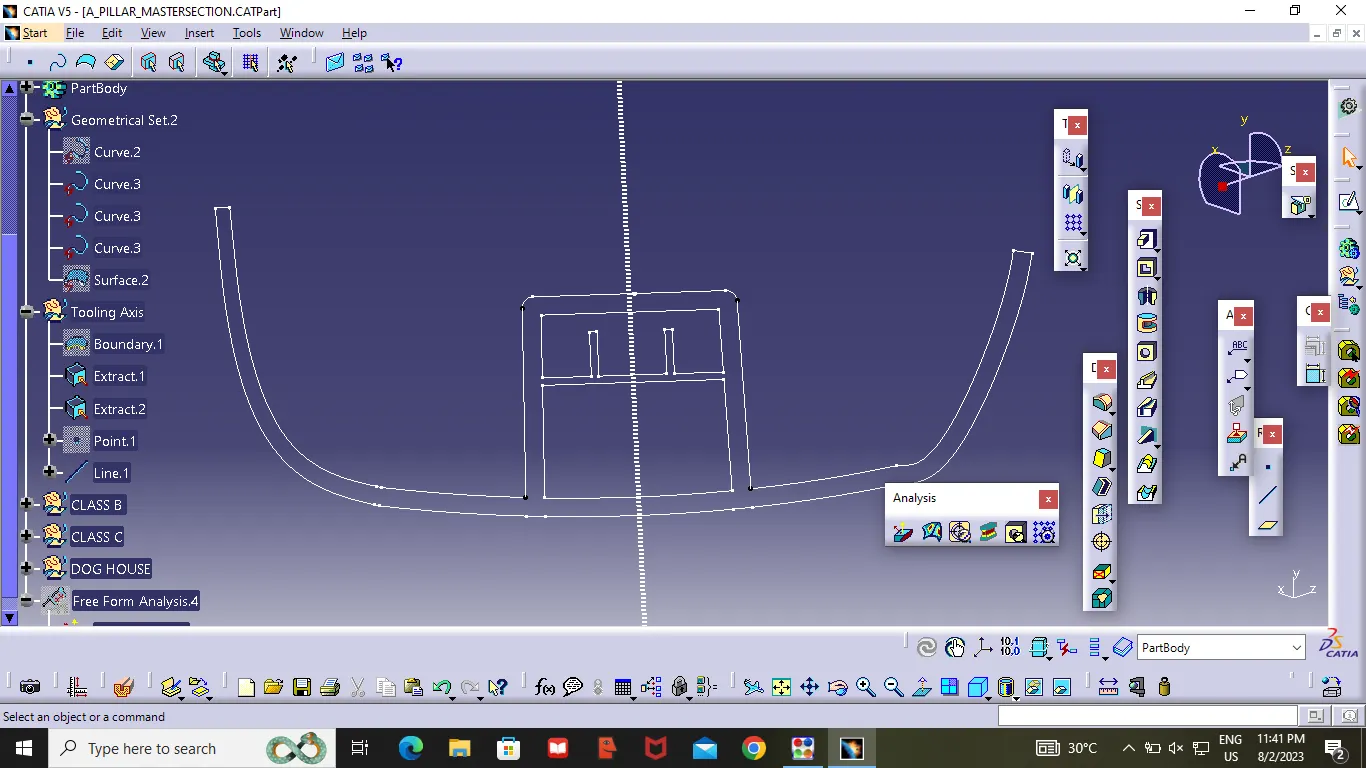
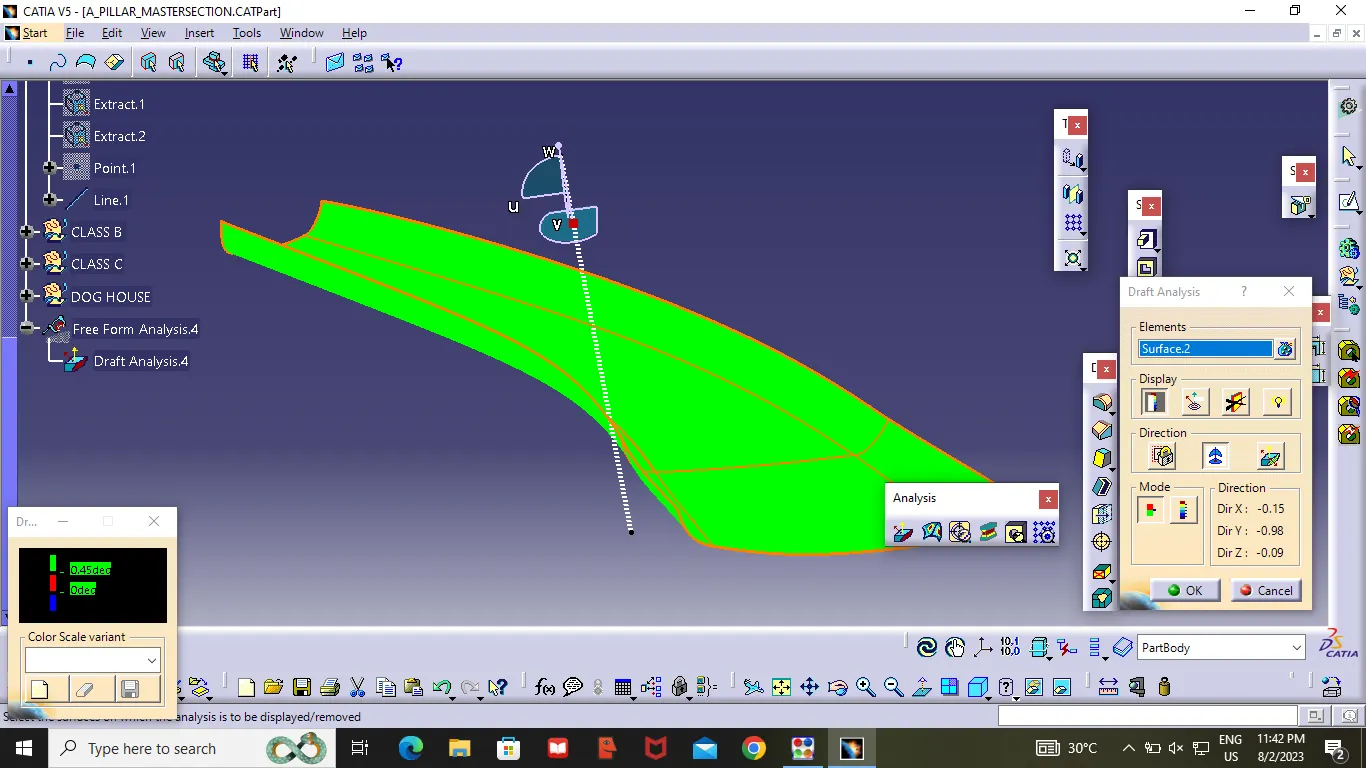
Class B surface :
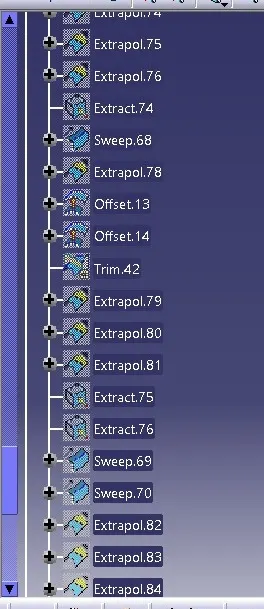
After completing the Tooling Axis ,Insert a Gemontrical set name it as Class B ,first we need to offset Class A surface to 2.5mm in inside direction to the component. After offset, will get some open Patches, by using the Swept option(with reference surface ). I have closed all the open Patched . and checked Class B surface whether it is having any Patches by using Boundary option .
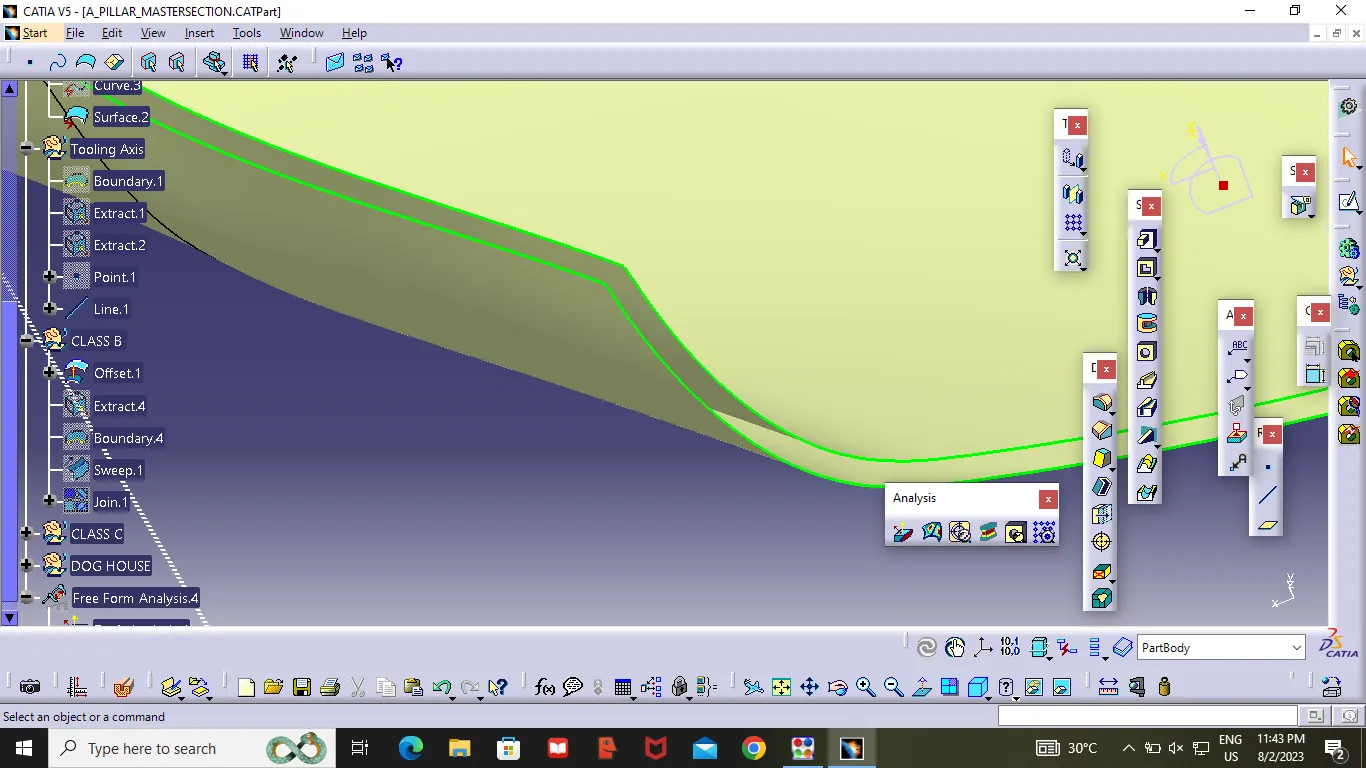
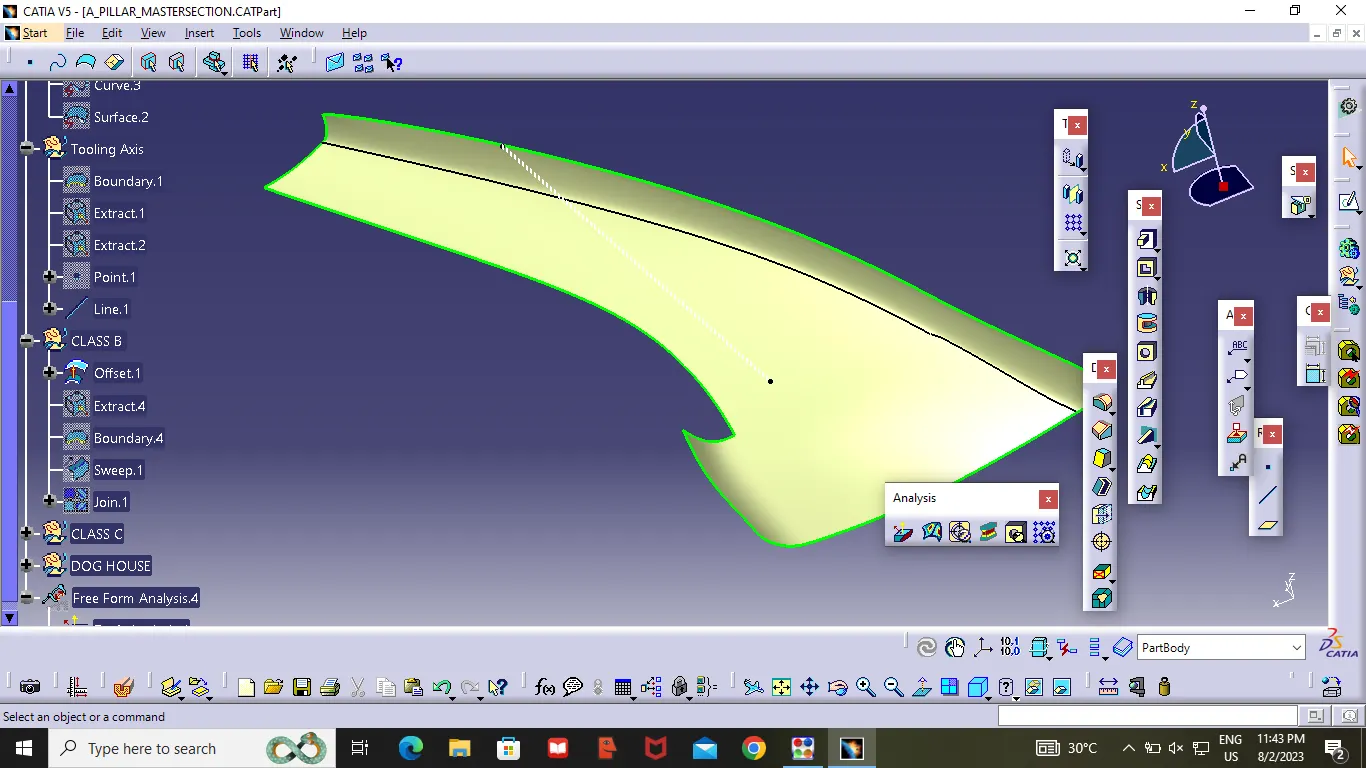
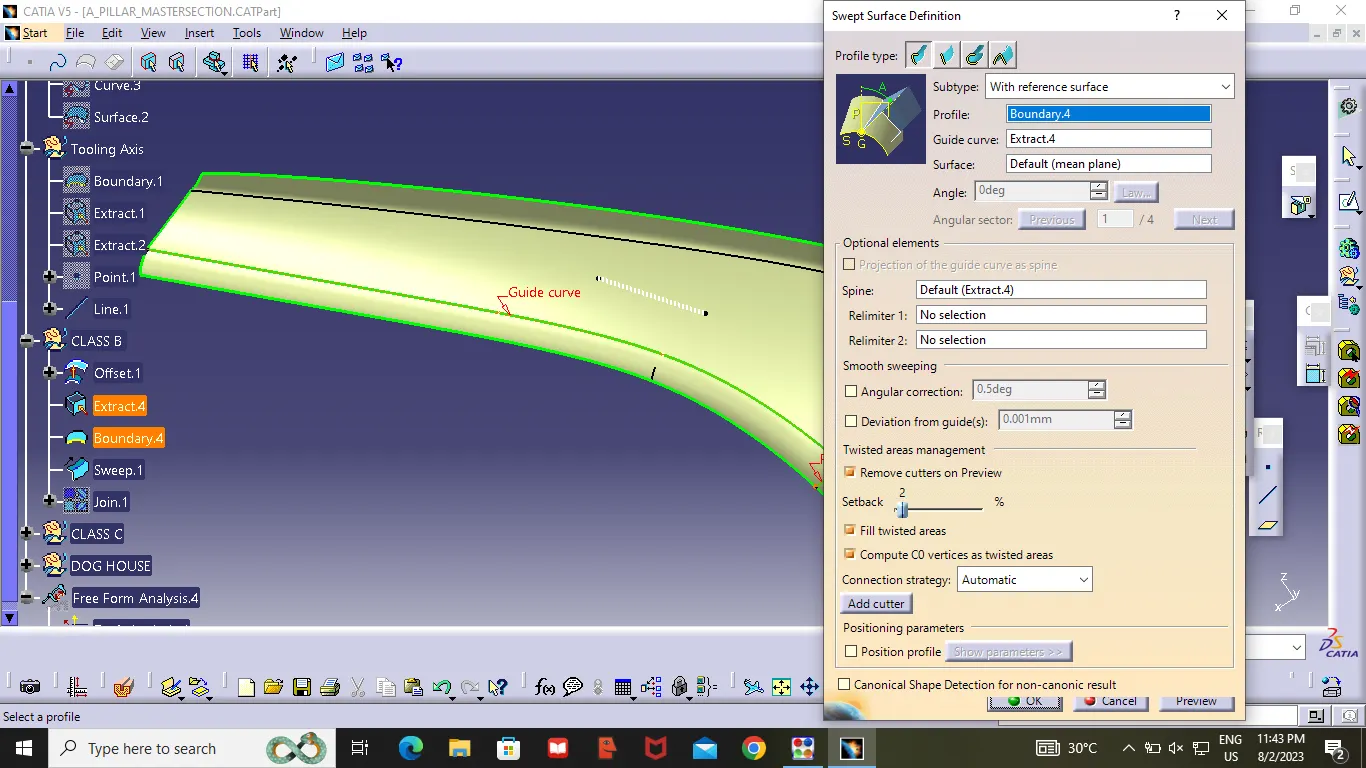
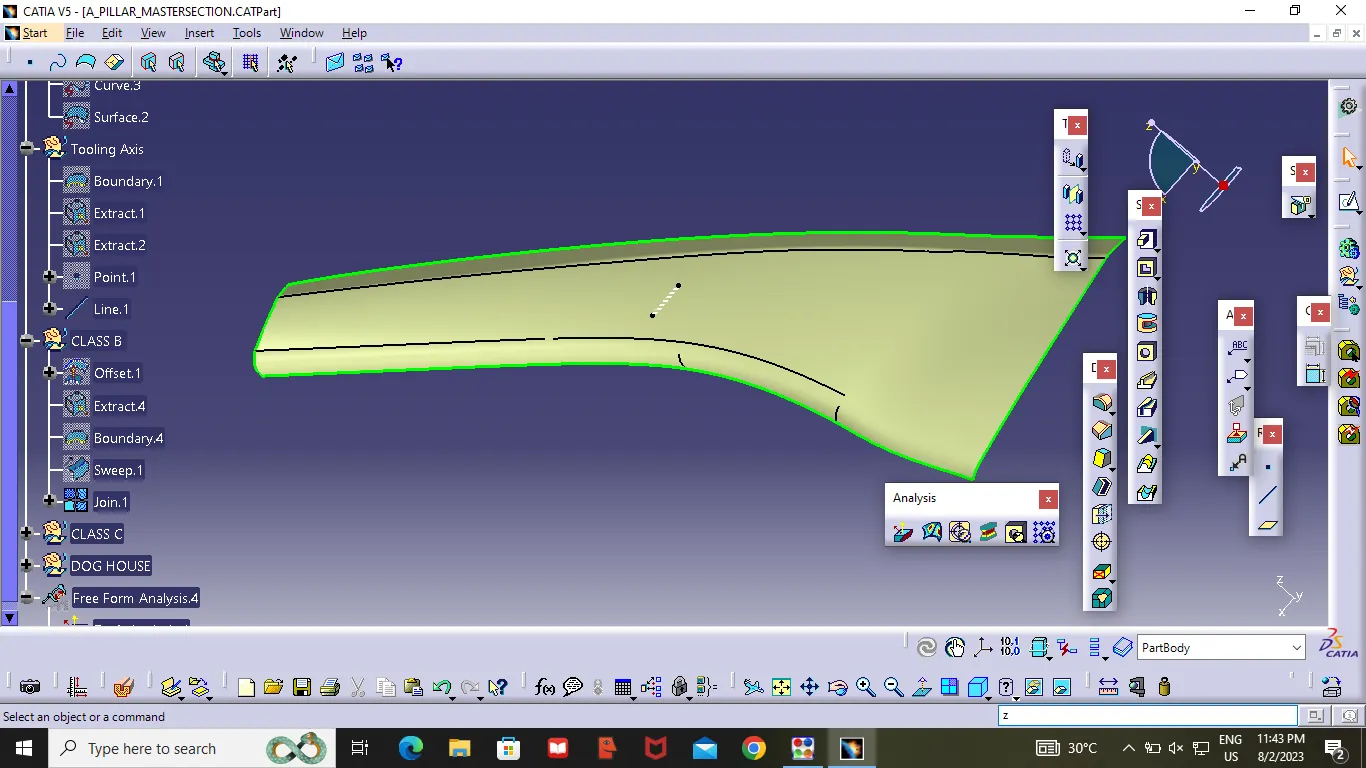
After completing Class B Surface .Extract class B surface upto 5mm.
Class C surface :
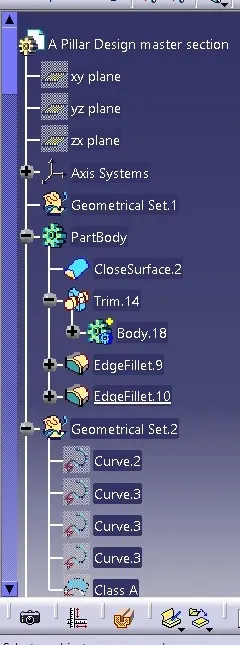
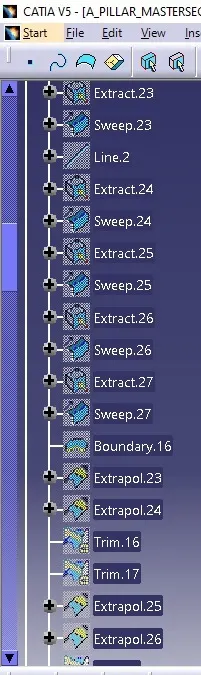
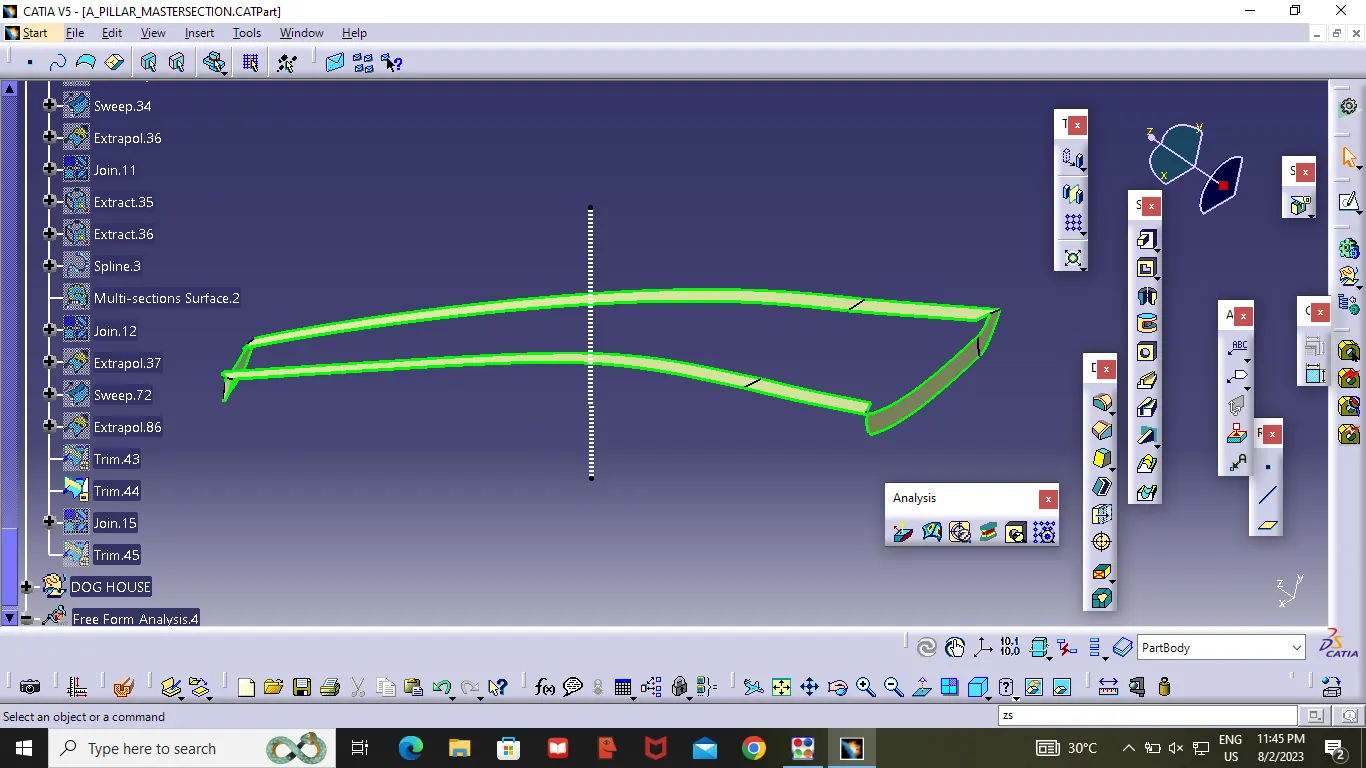
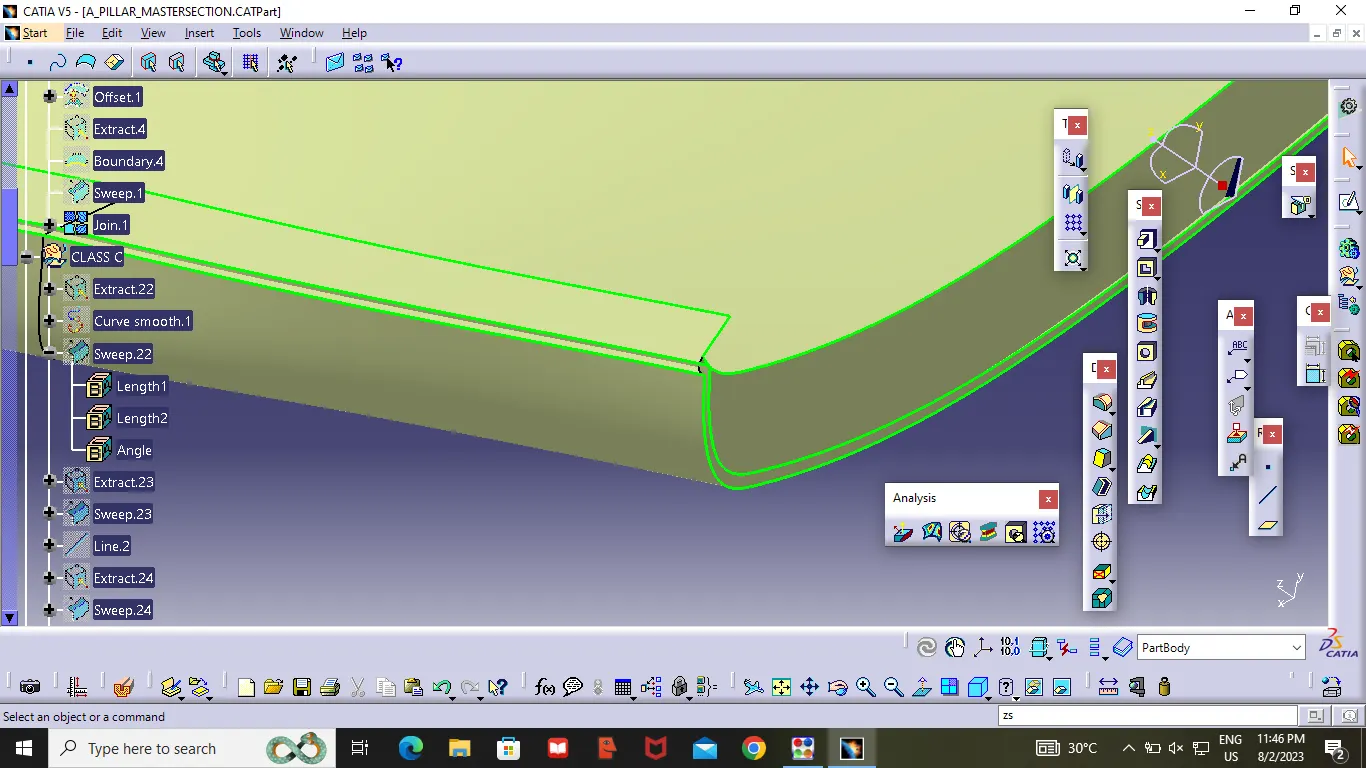
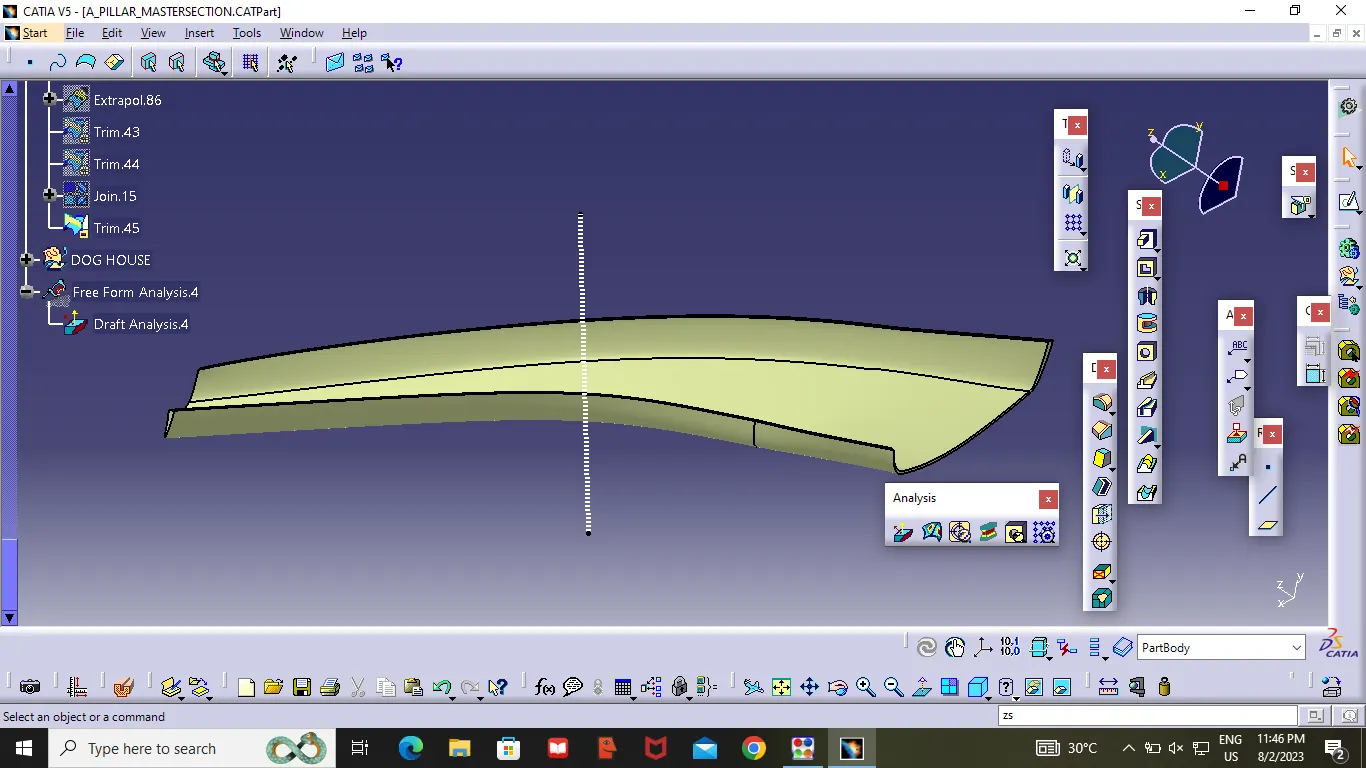
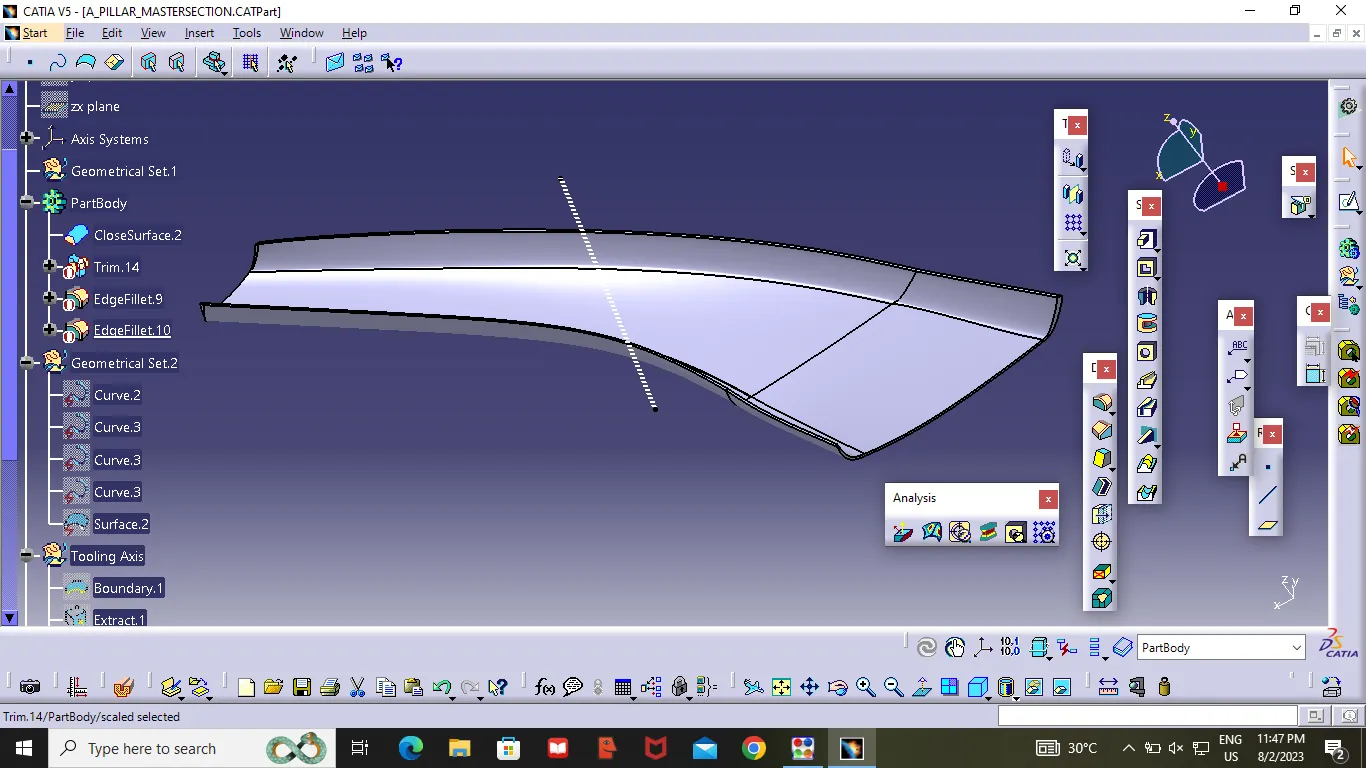
After completing Class B surface ,Insert a geometrical set and name it as Class C Surface ,Unhide the class A Surface ,create Boundary lines by using extract or boundary command , after getting the lines , by using swept command we create a extand of class A at 3 degree .As showen in the figure . after completing the class c surface unhide the class B Surface.By using the trim option trim the extra surface from class A and Class C. then we will get a Closed Surface . After getting the closed surface . check the component whether it is have any open surface in the middle . our's component is closed component . so we can convert the Surface to closed material by going in the part design then to closed surface option .
Dog House :
The Dog House is an Engineering Feature used in the Plastic trim Design that is used as a Supporting Feature .sometime other engineering feature Like Snaps,Loaction,are mounted on them to increase the strength .
Dog House components are built on B-surface . Then it subjected to draft analysis to prevent breakage of the component during ejection from the cavity .
As we know that how to create a Dog House . In this Challenge they have given 2D sketch .
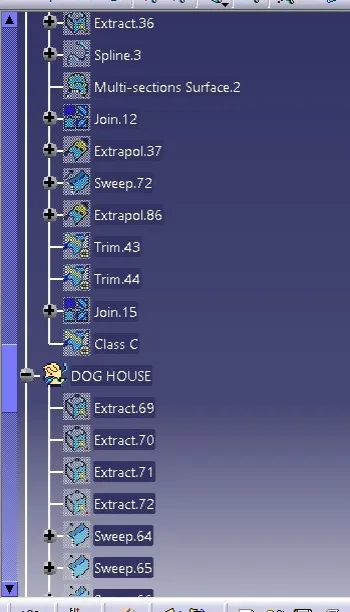
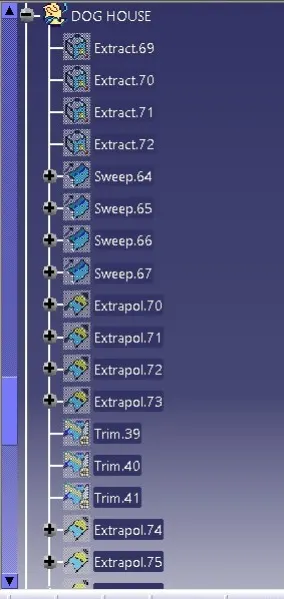
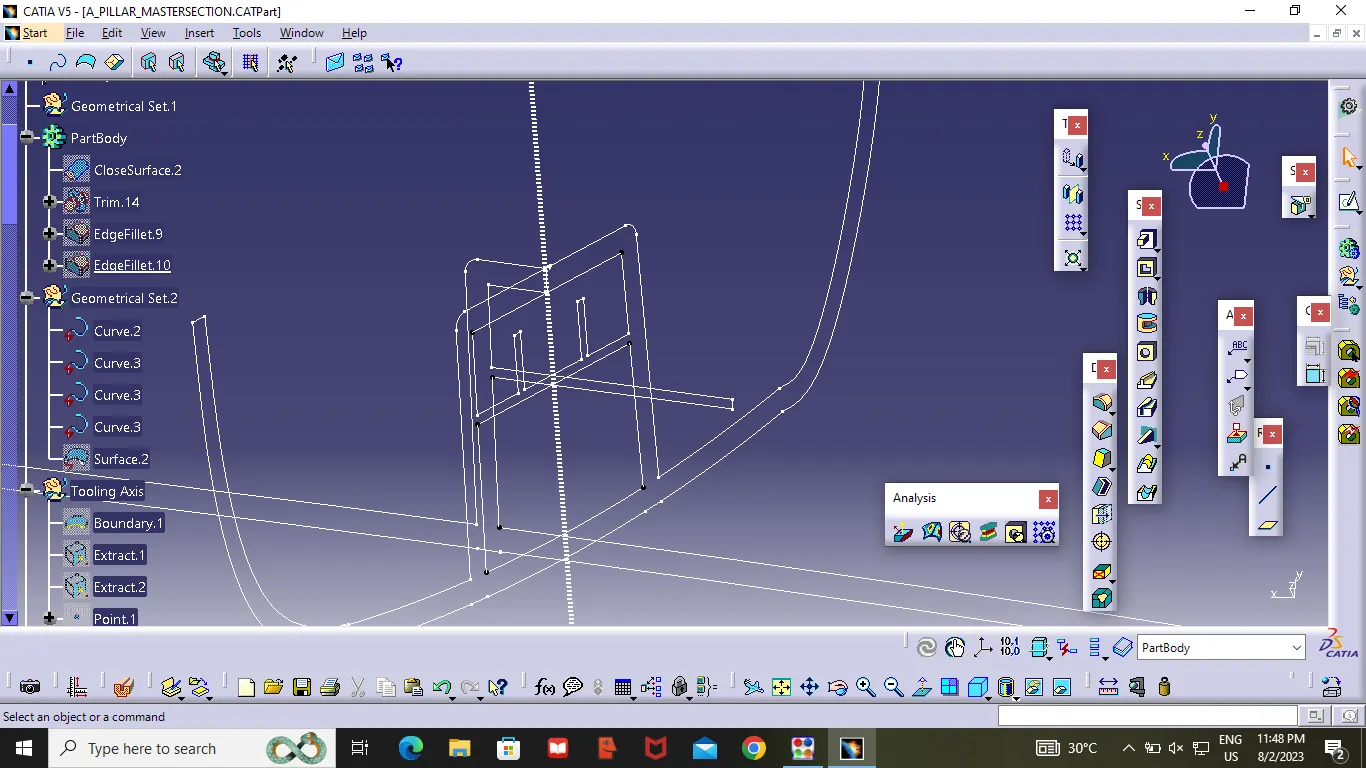
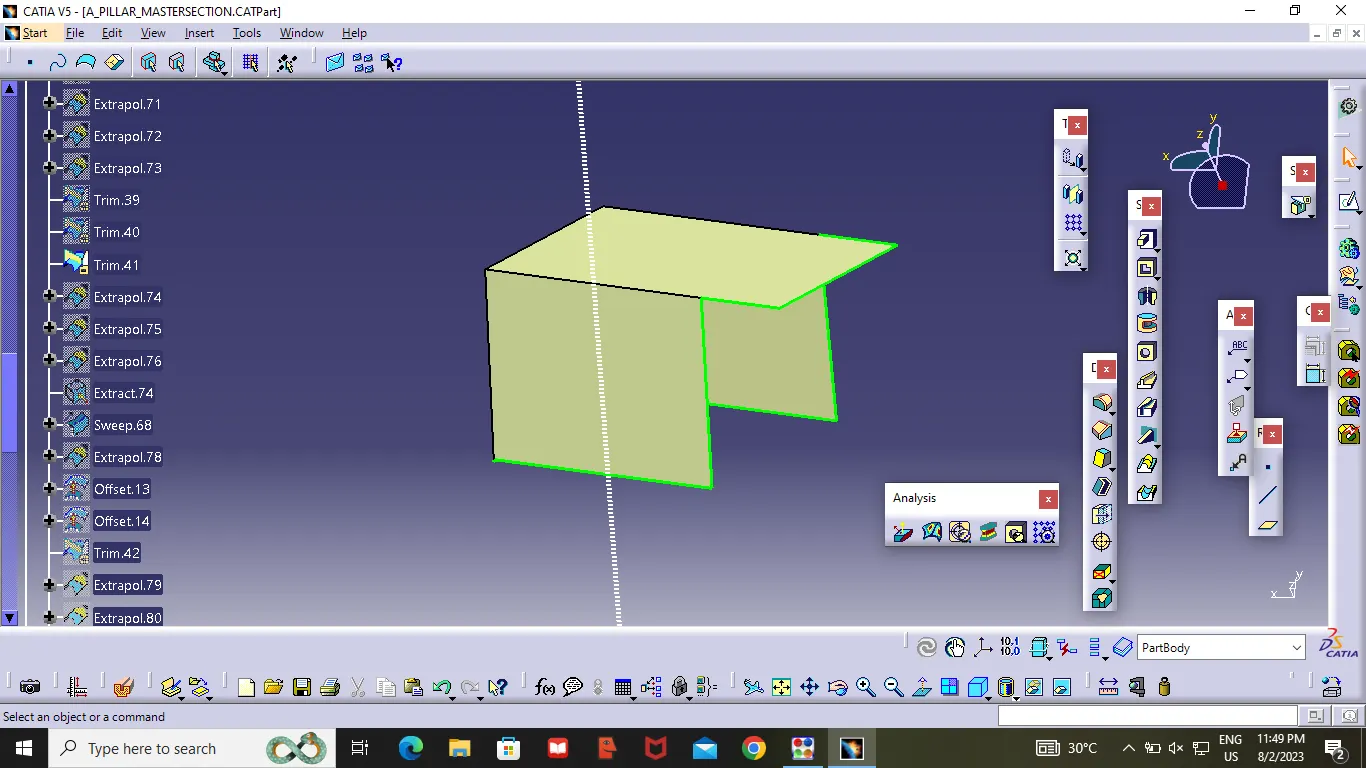
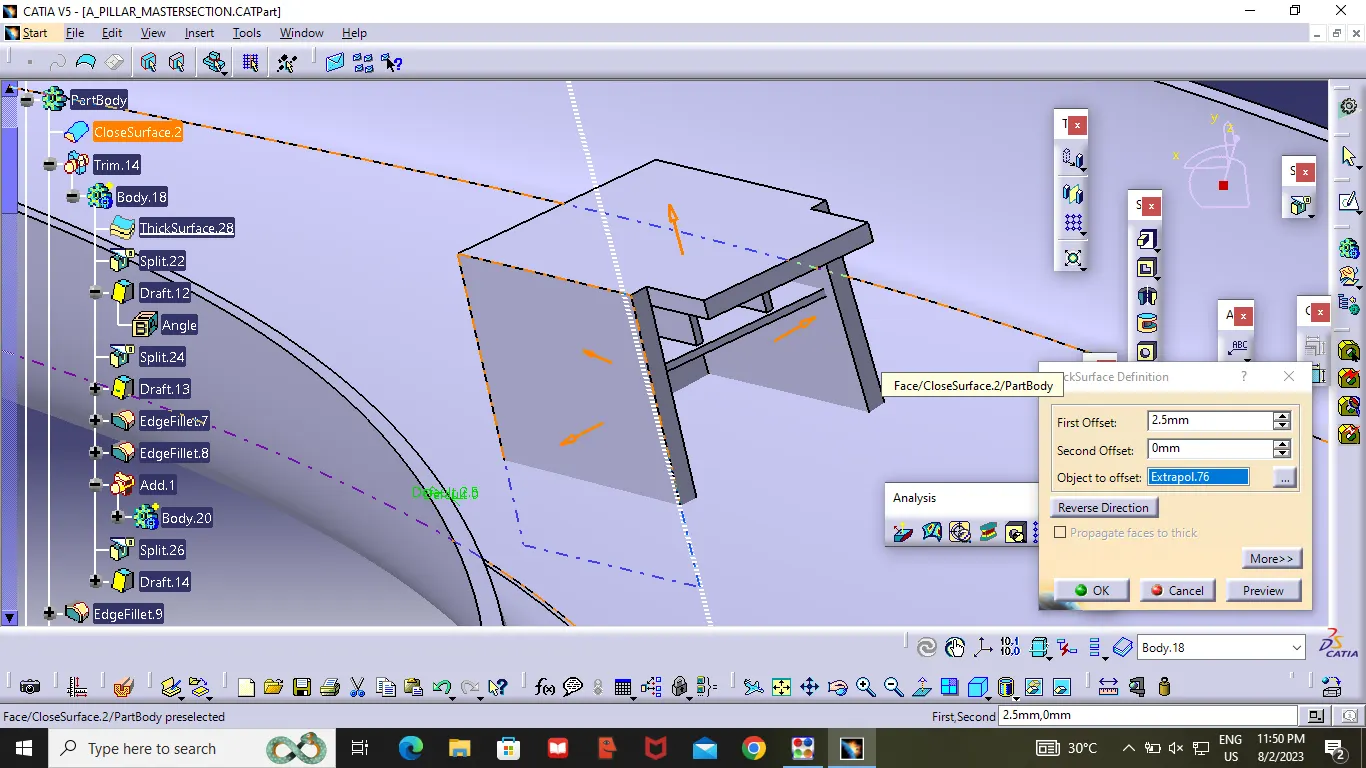
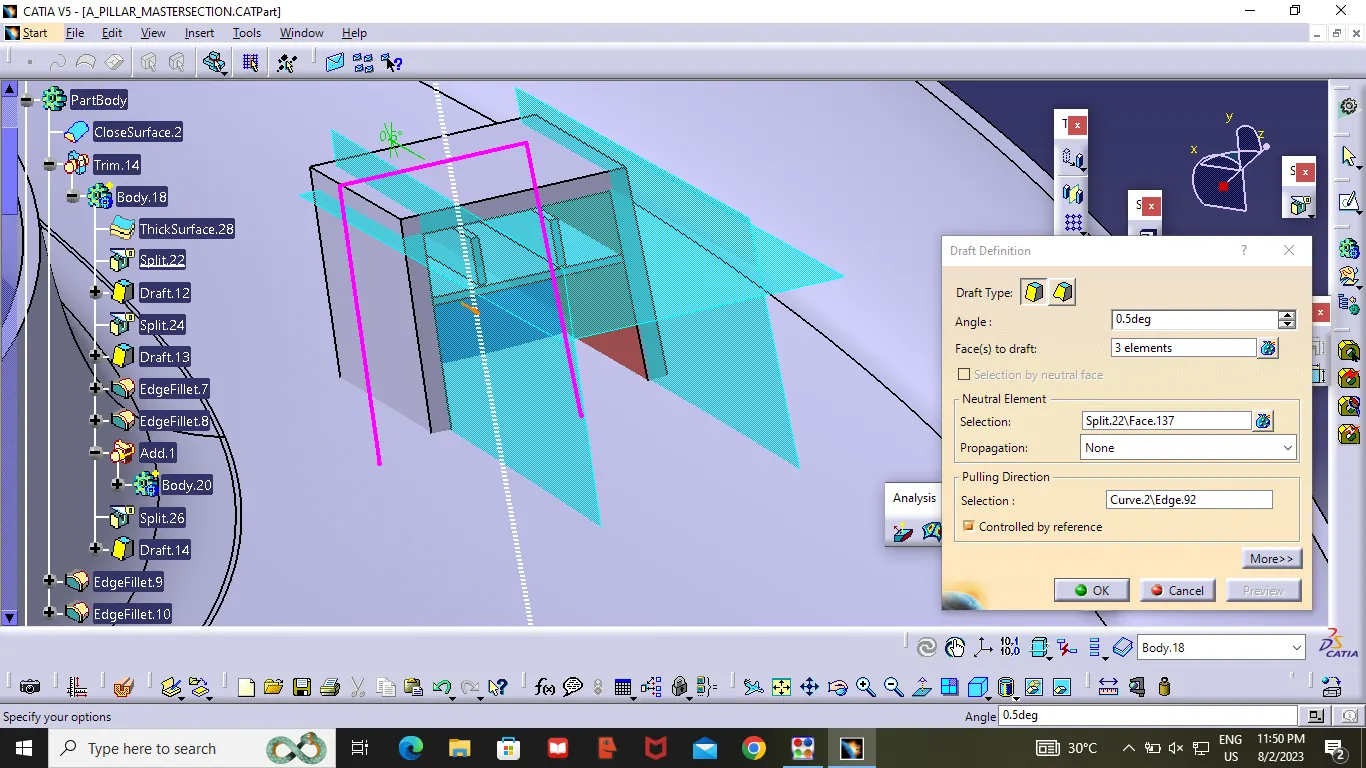
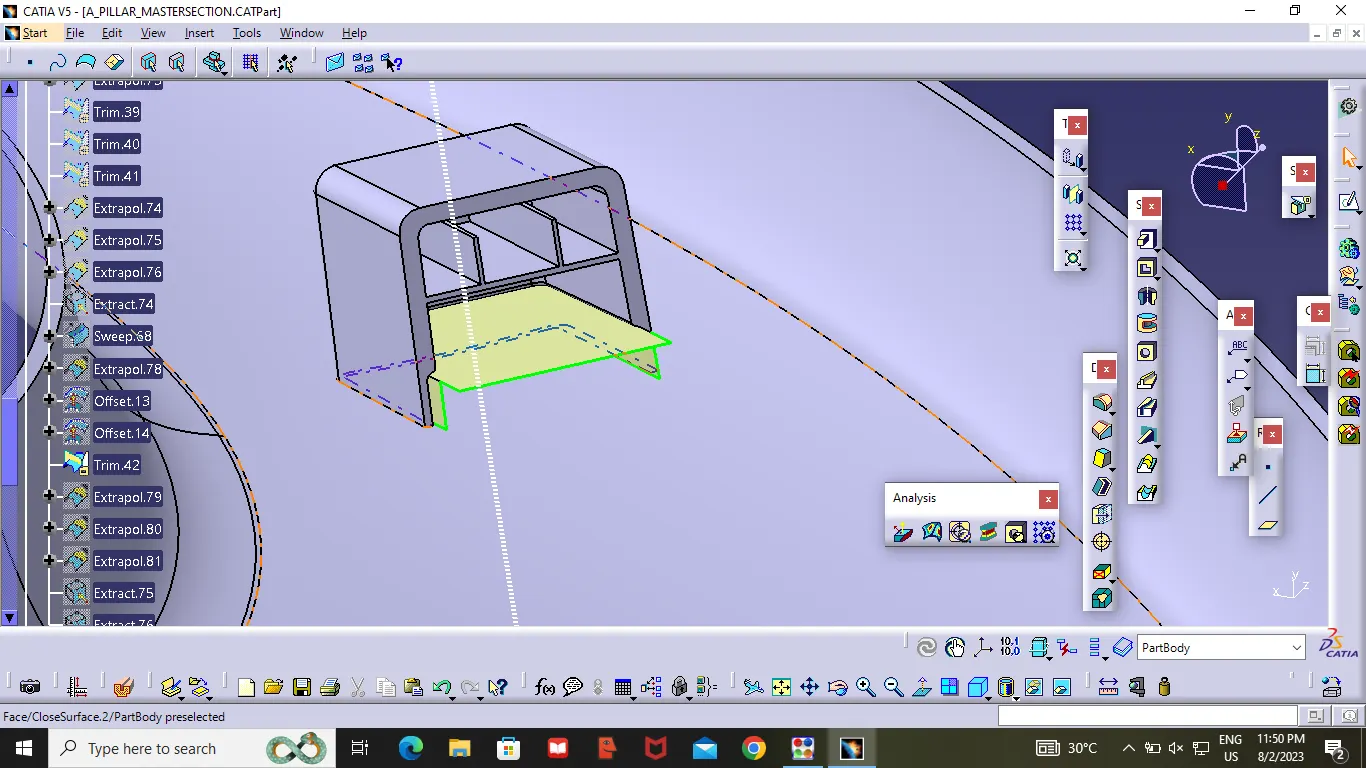
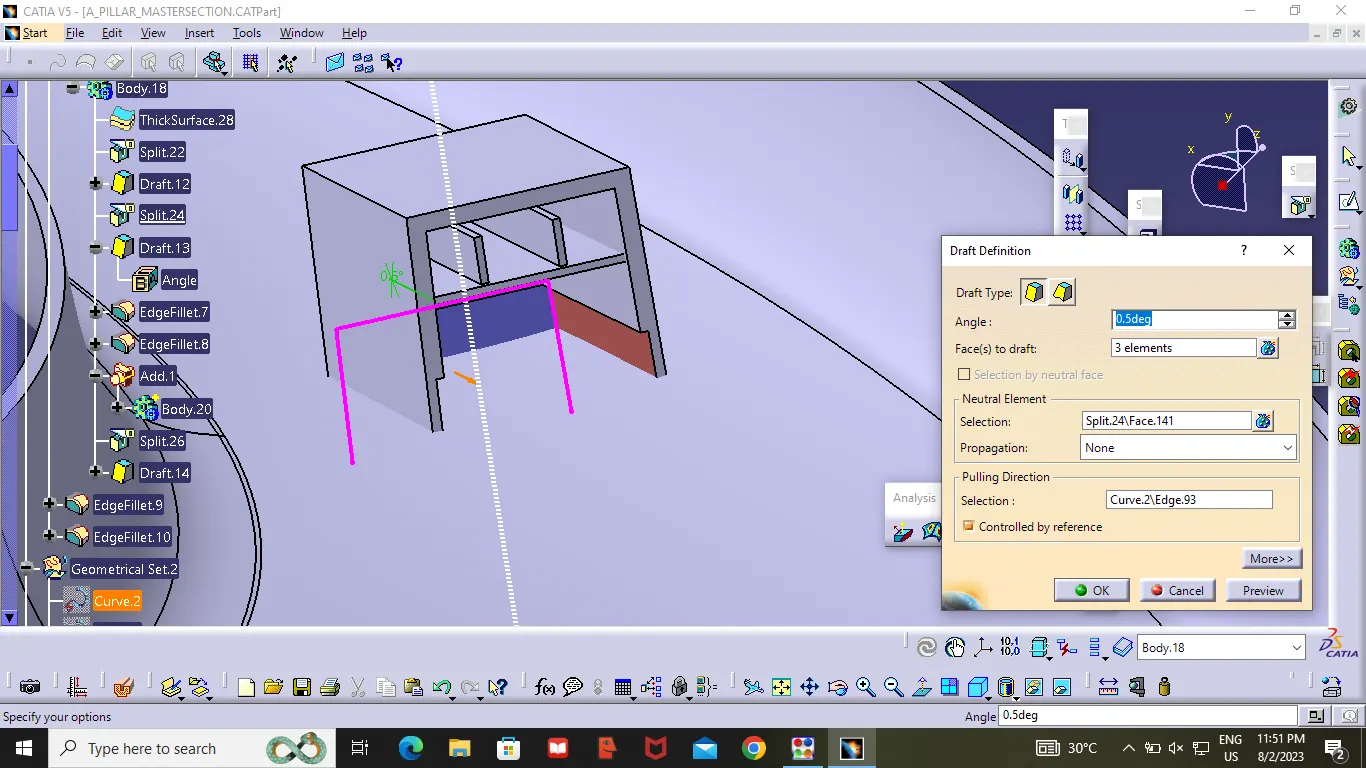
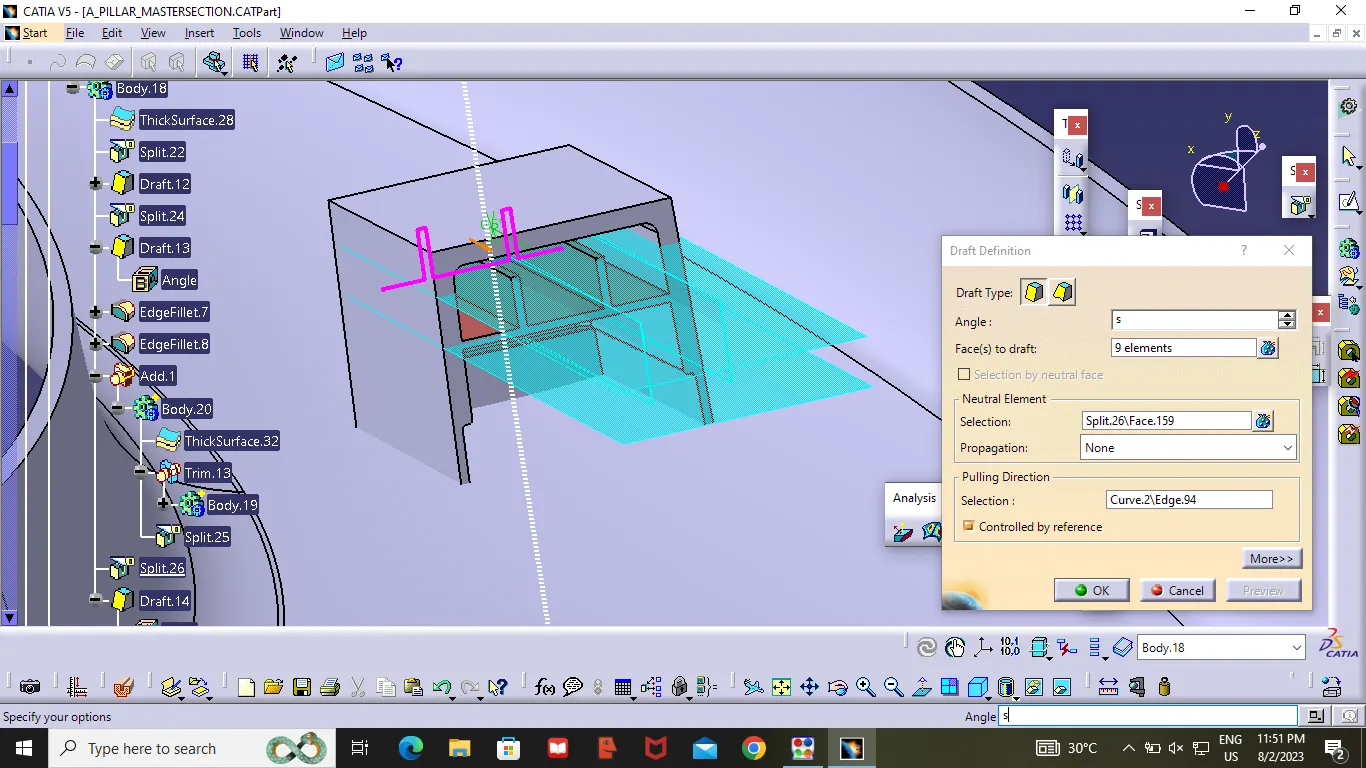
Now Extract the 2D Sketch of DOG House as showen in the Figure (only the side and top lines ). By using the Swept command extract the surface (Top and side ). then trim the extracted part to get the desire Dog house .then by using the thick surface(2.5mm) make the dog house solid body as show in the figure.then do the drafting on inner side of the dog house angle :0.5deg .Then make the inner part same as above. Offset the top extract to 4mm from the Bottom of the dog house then make it trimed. then apply the drafting as showen in the figure . Continue the dog house by follow the design given .
Make Sure that Draft is given properly for doghouse.
Draft Analysis :
Draft is Providing angle or Taper on the product feature such as walls, ribs, posts and bosses that parallel to the direction of the releated from the mold eases part ejection .
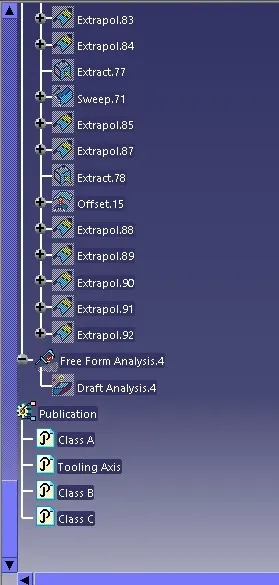
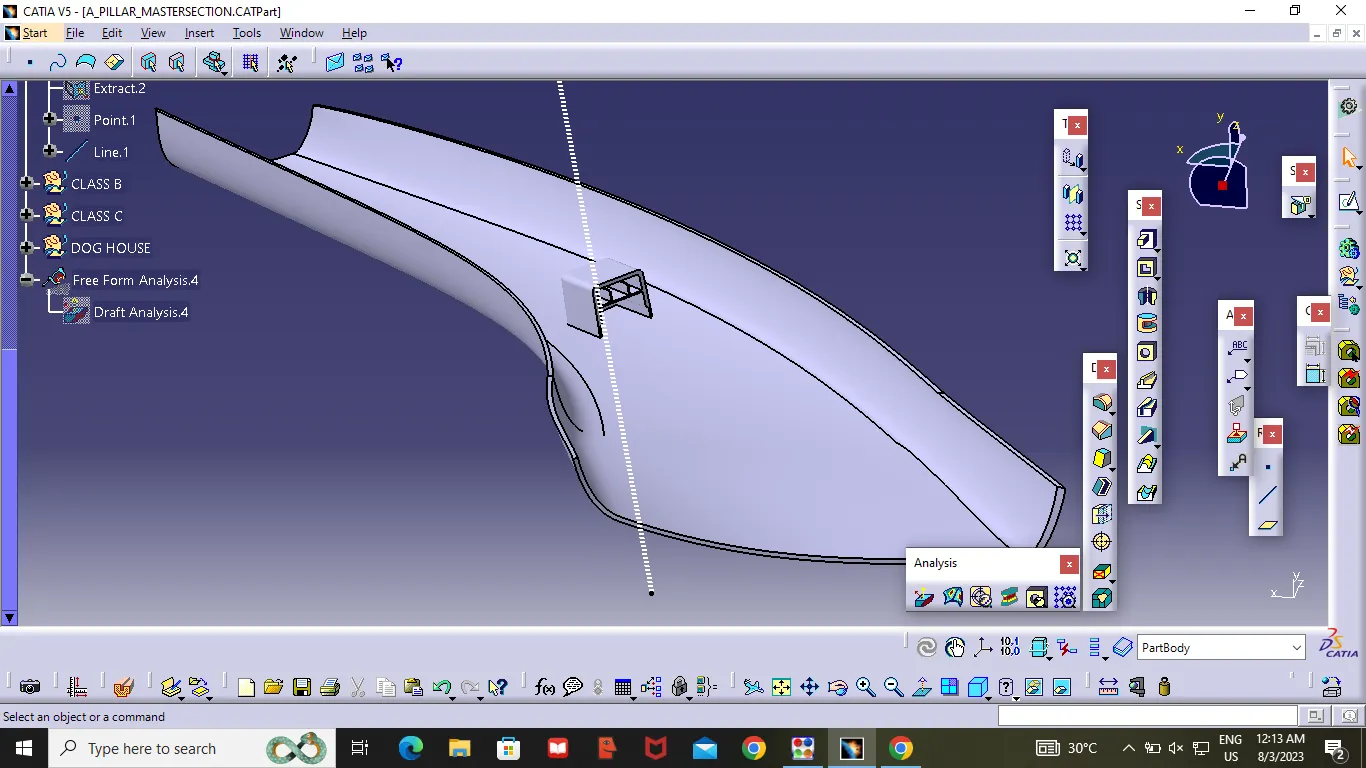
After Completing the Component .Use the Draft Analysis command .
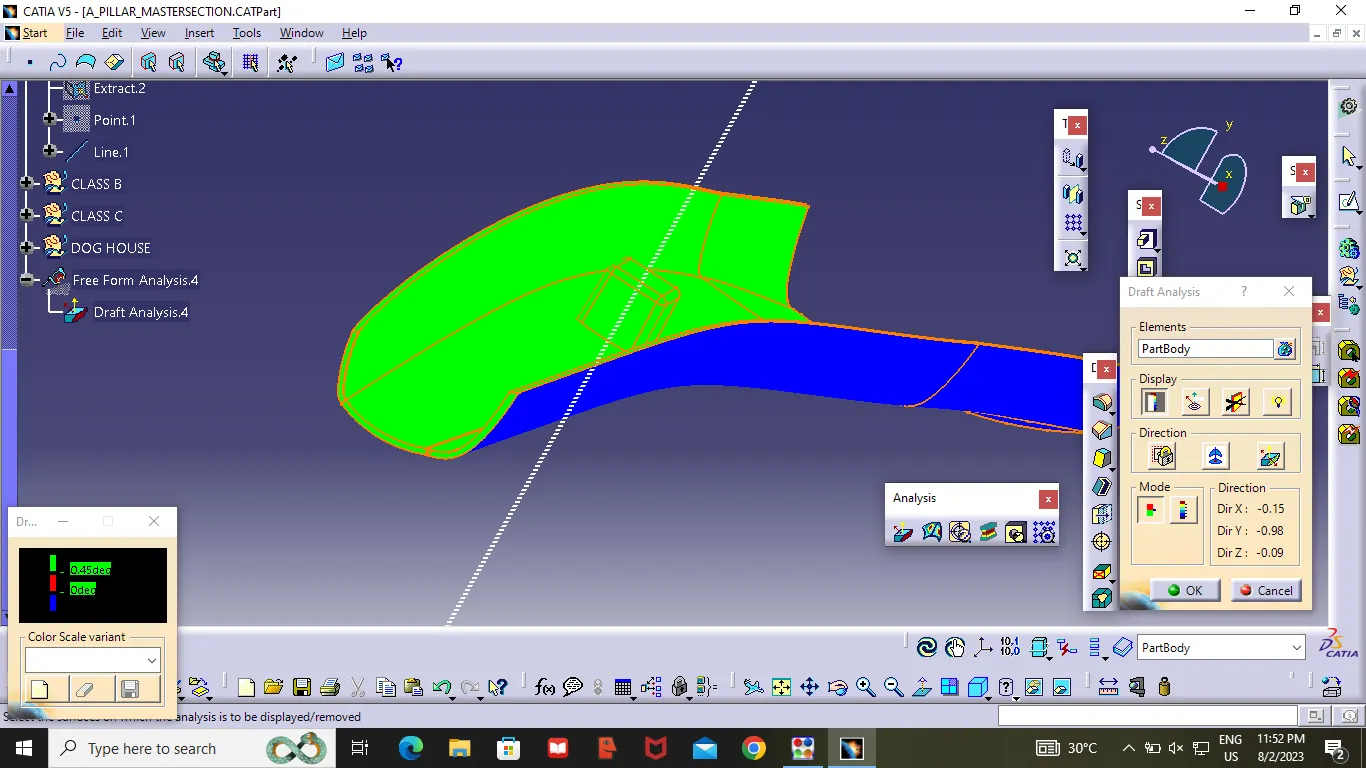
Place the compass on the tooling Axis and check wether the material is producible are not .
Hence,Following Images Show that our solid Body is correct Because it is passing through the Draft Analysis .