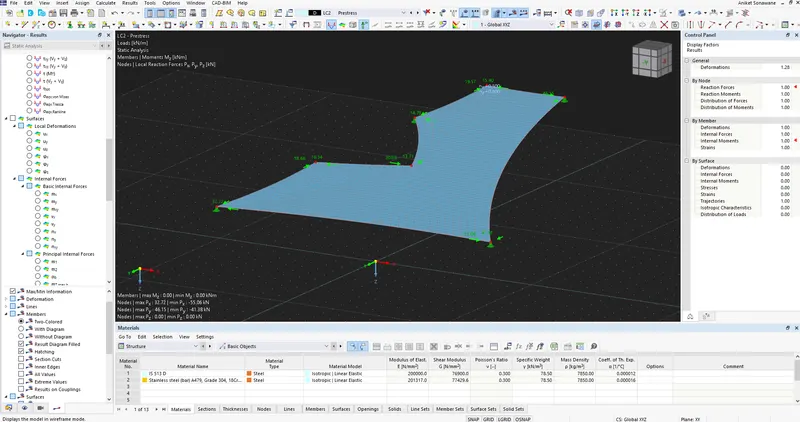
Project 2
Aim - To Model of a membrane roof with cables.
Procedure -
Step 1)
i) Initially Open the RFEM software
ii) Click on New Project
iii) Enter the Project details as shown below
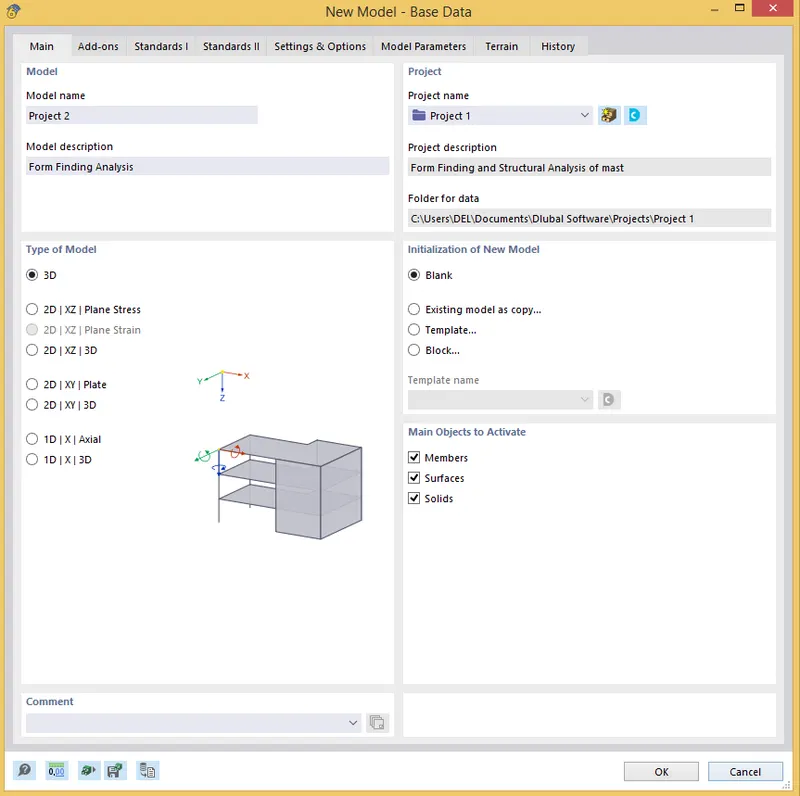
iv) Click on Add - ons
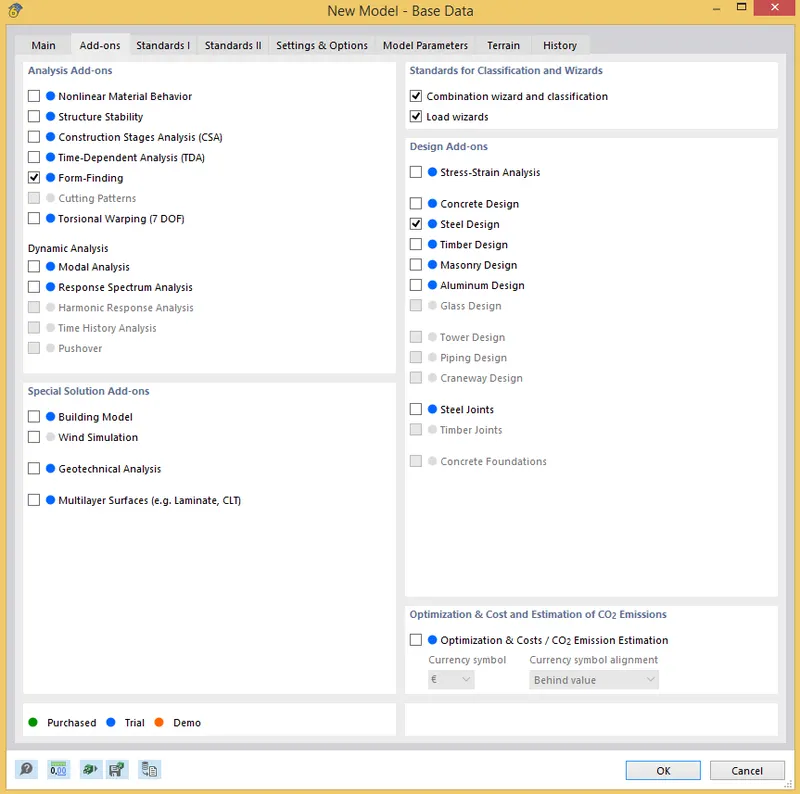
iv) Once you enter the details , Click on Okay and You will see the working space window
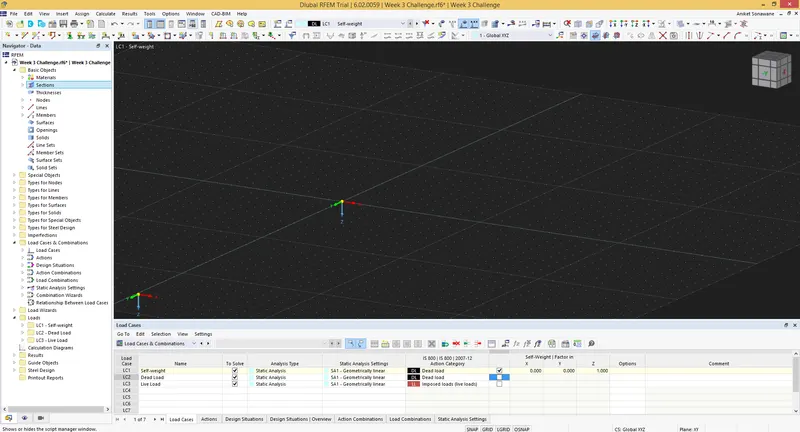
Step 2) Creating Geometry
i) Click on New Node
ii) And Enter the Nodes as shown below
iii) and Draw the line to create given geometry
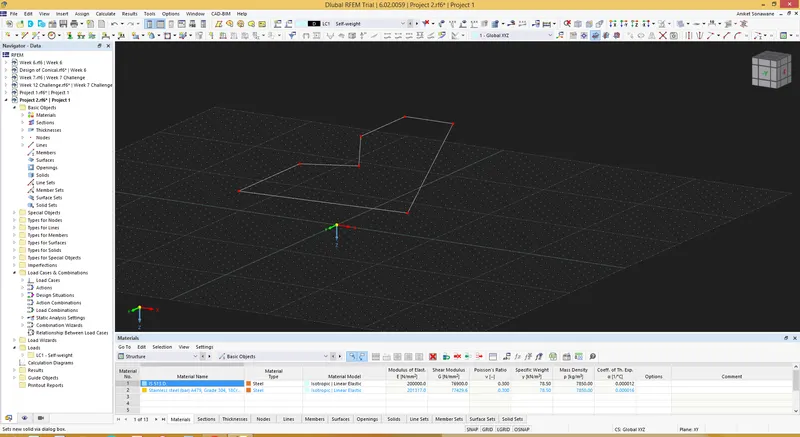
iv) Once the geometry is created
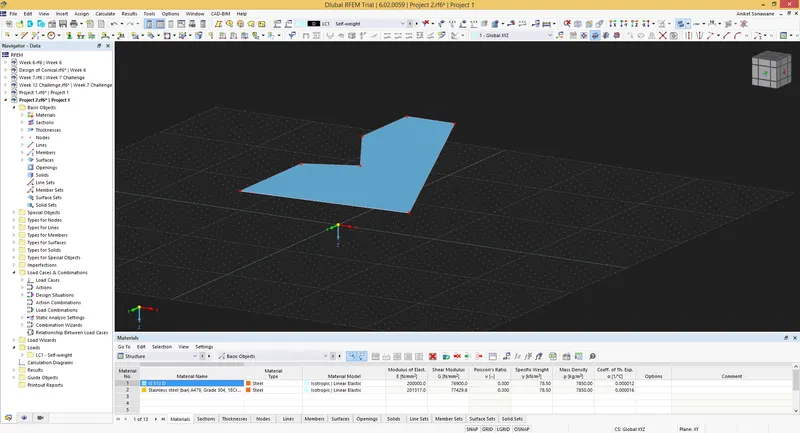
v) Now we have to add the Surface
vi) For that Click on Surface - Quadrilateral
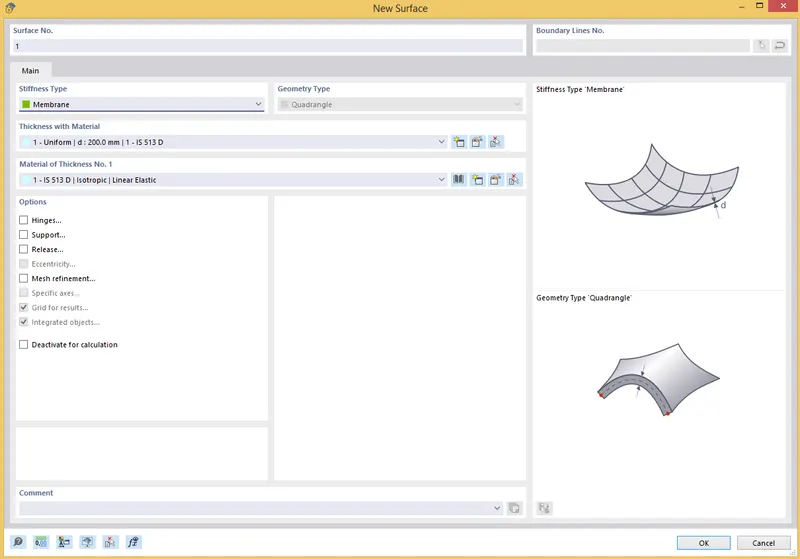
vii) and Assign as shown below
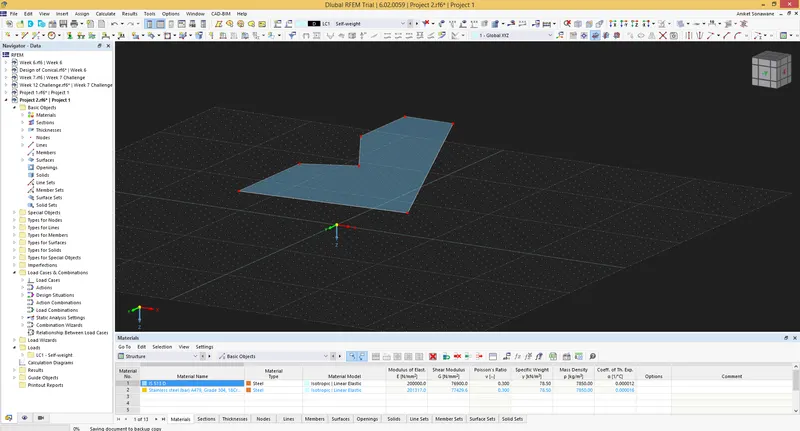
viii) Click on Line to assign Member
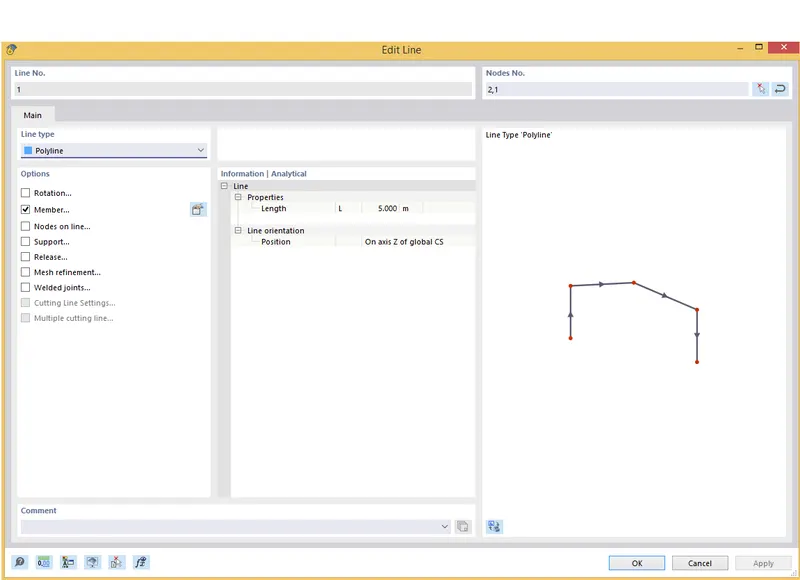
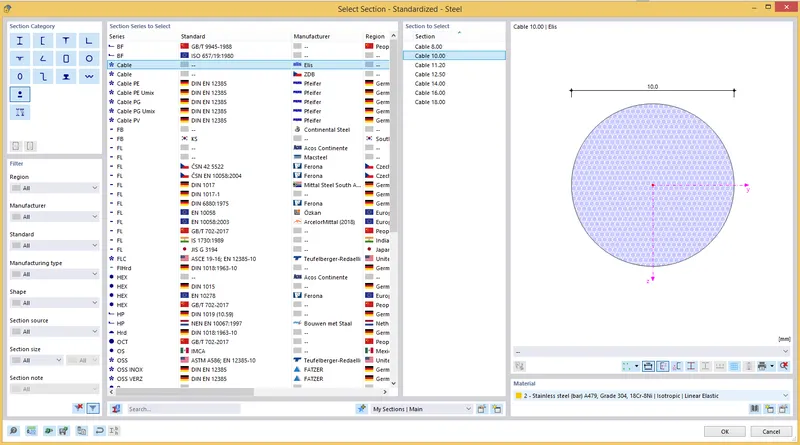
ix) Click on Member and Assign Section as Cable Section
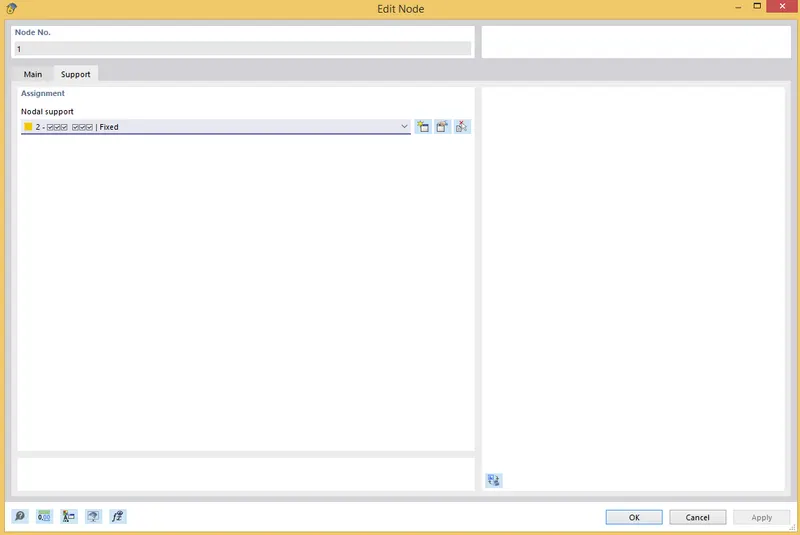
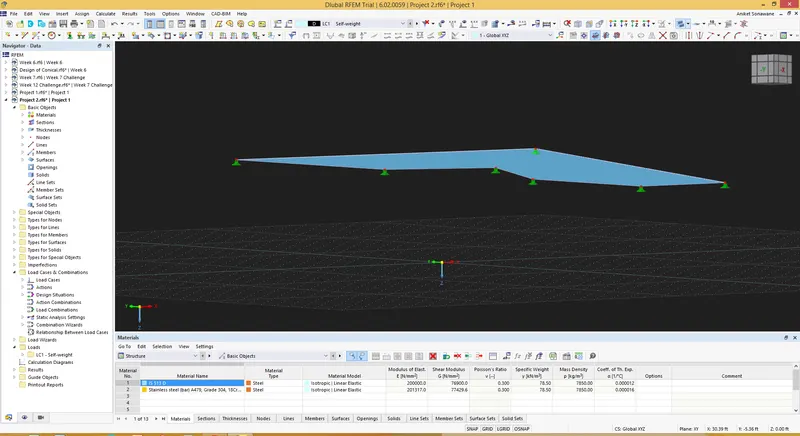
x) Now we have to assign Support - For that Select Node 1 and Click on it and Select Hinged Support
Step 3) Load cases
i) Click on New Load Cases
ii) Add Self weight and Prestress for Form Finding
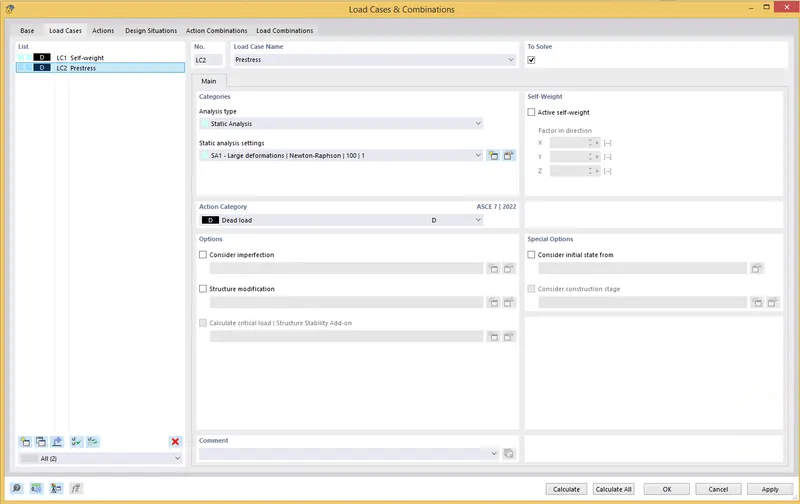
iii) Now we have to add the Prestress
iv) Select the surface and add the surface load as a Form Finding
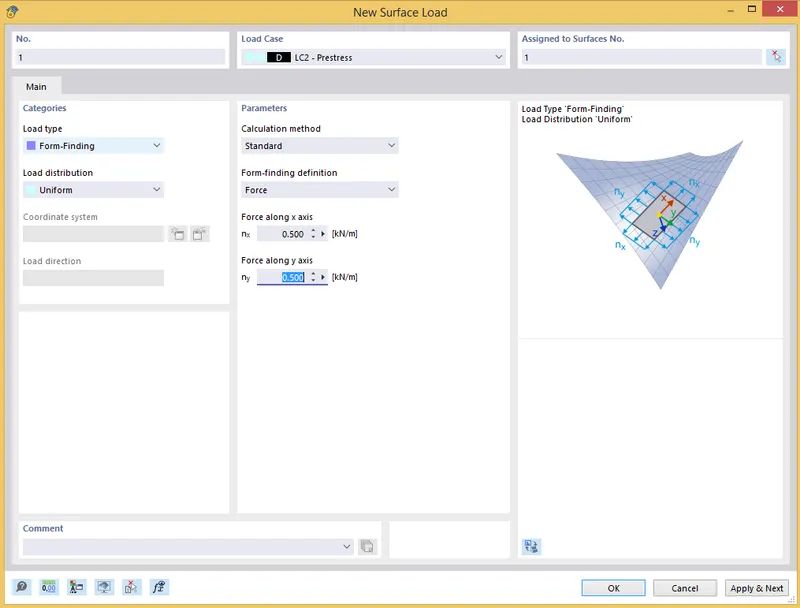
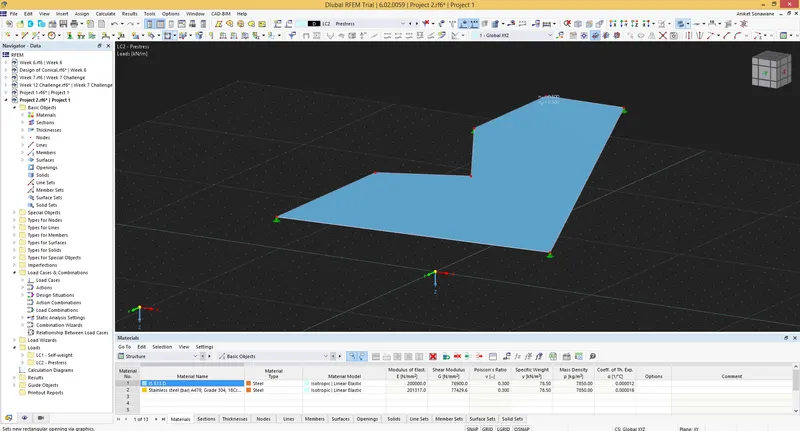
v) Now we have to create a Mesh - For that Click on Calculate - Generate Mesh
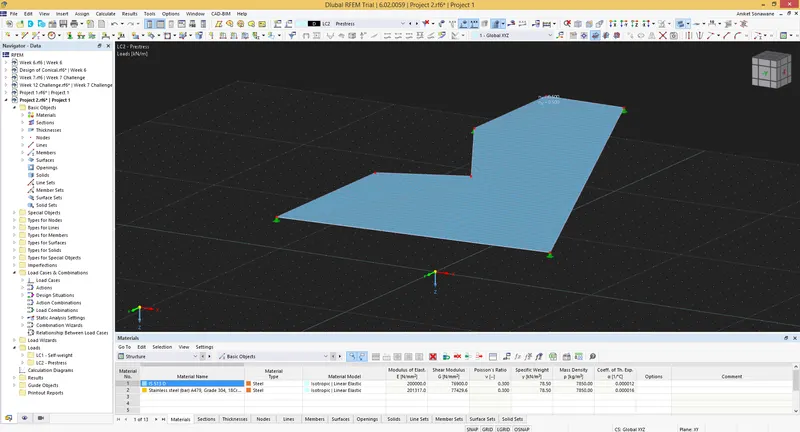
Step 4) Analysis
i) Click on Calculate
ii) And Run the Analysis
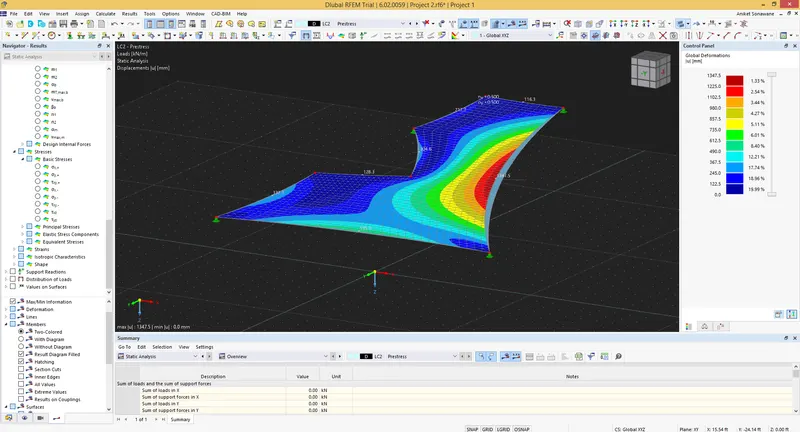
Results -
i) Member Result
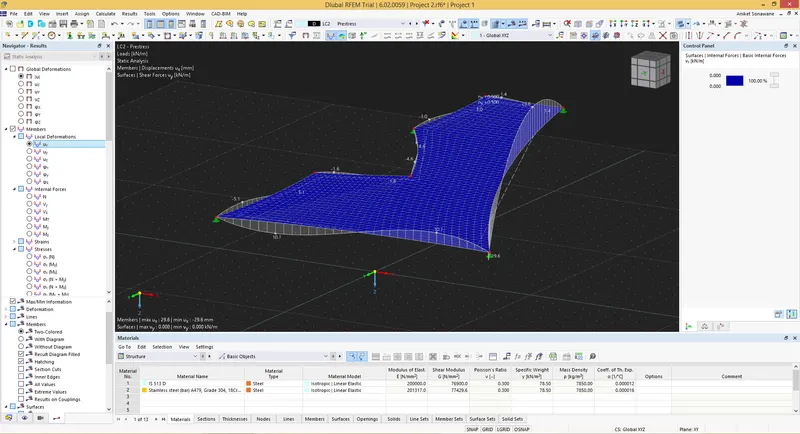
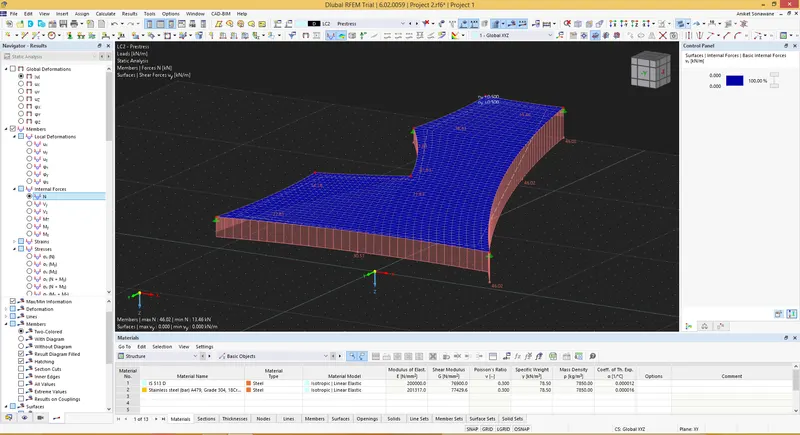
ii) Axial Force
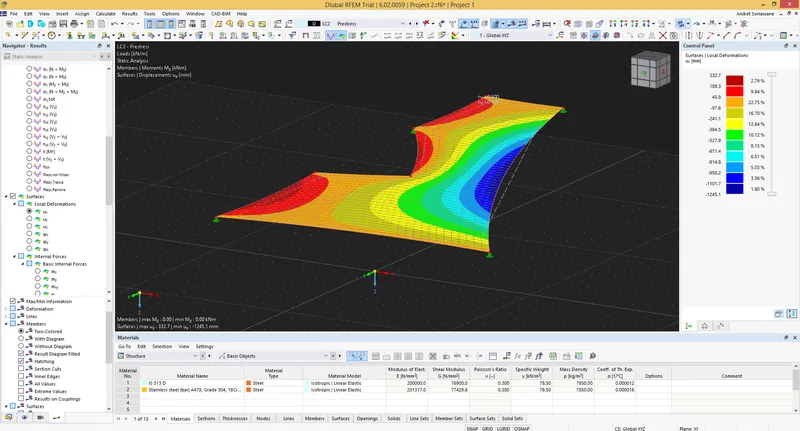
iii) Surface Displacement
iv) Stresses
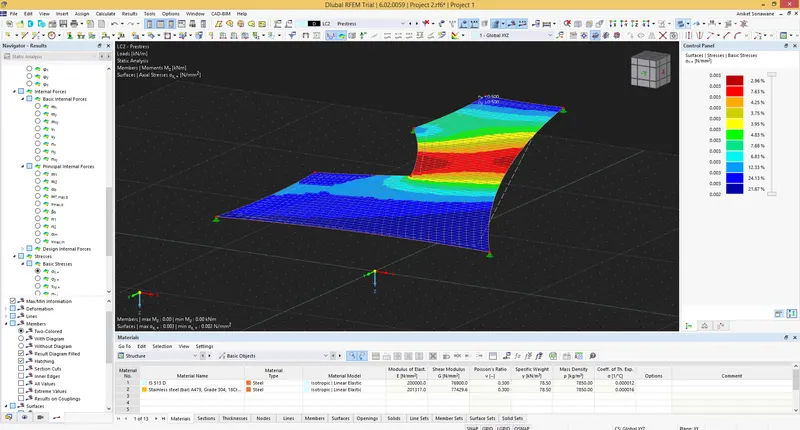
v) Support Reaction