Project 2
GIVEN
Route the Wiring harness on Given car body and Prepare flatten view drawing in CATIA V5. Application of all Packaging rules, Industry best practices studied in this course shall be demonstrated in design. Apply Protection coverings as required.
Available connector 3D data can be used, or you can download the connectors from www.te.com
Prepare & Submit all necessary reports like clearance, Clipping/Clamping selection, Harness fixing requirements, Harness continuity, Assumptions if any along with CATIA 3D data.
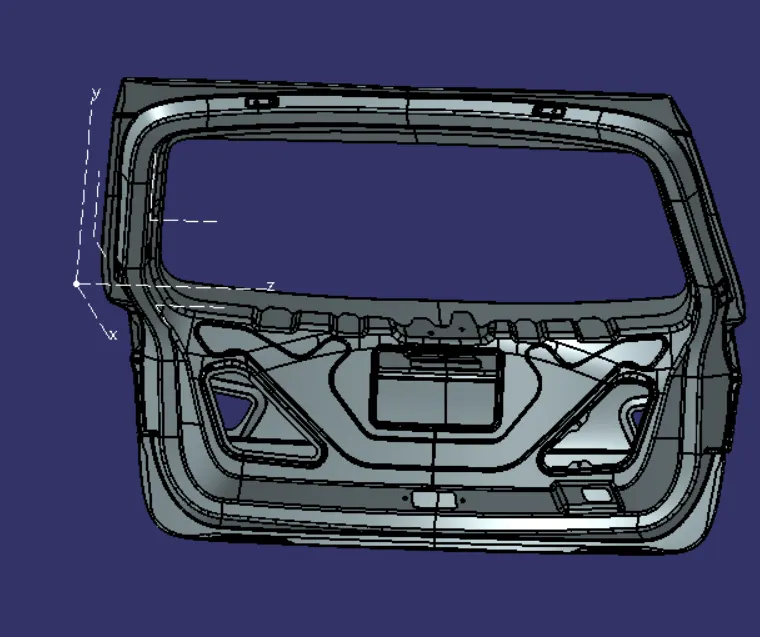
given data model
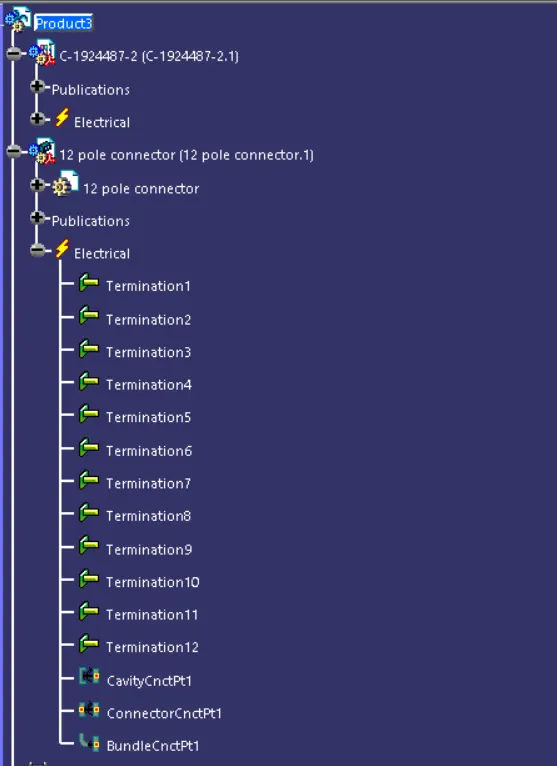
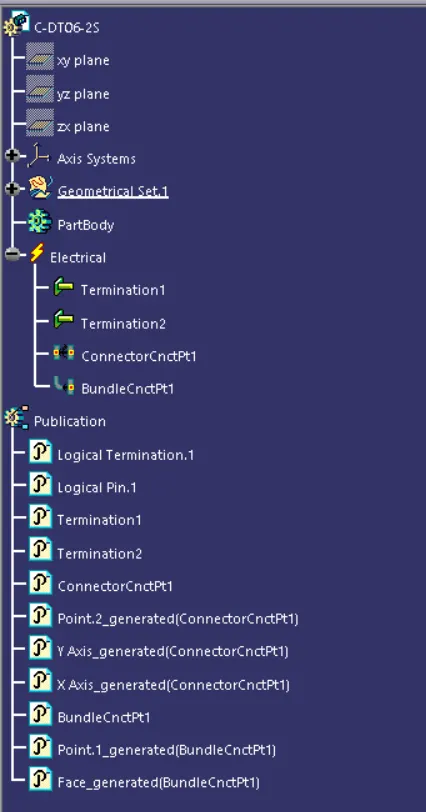
Defining connectors electrically
Choosing right components for the wire harness routing.here we are using the components for backdoor upper and lower lights,wiper motor,sensors,and defogging equipment.the connectors used are first elecrically defined and then added to the catia model.then further move to the model.
Interconnection connector
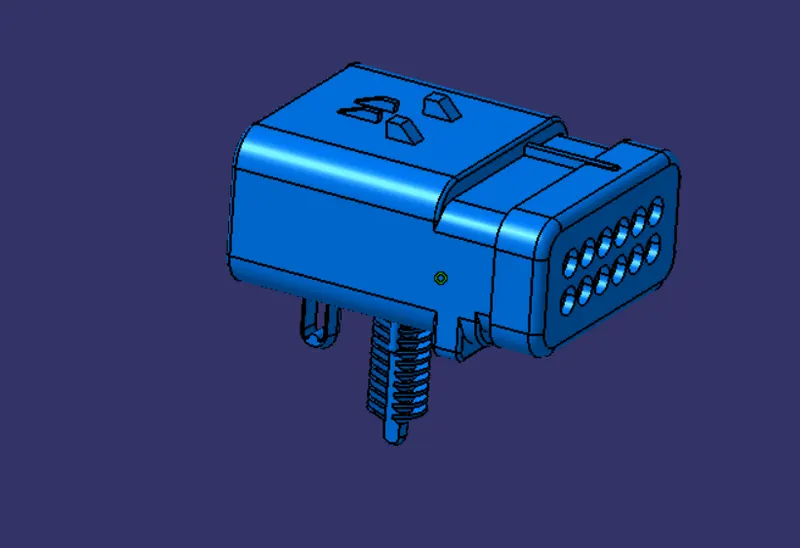
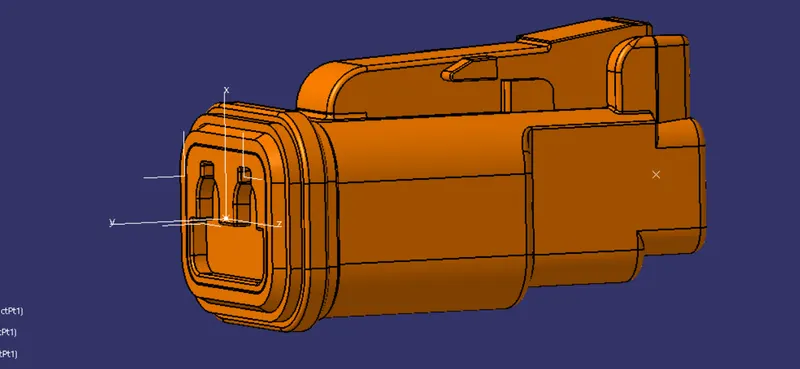
2-2 poles connector used for the light, sensor motor
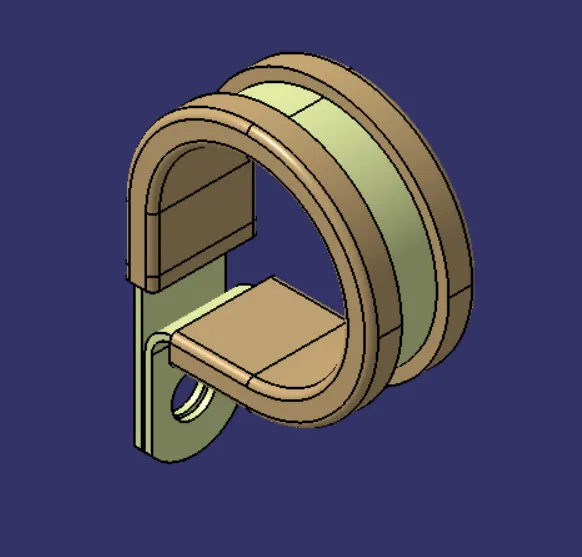
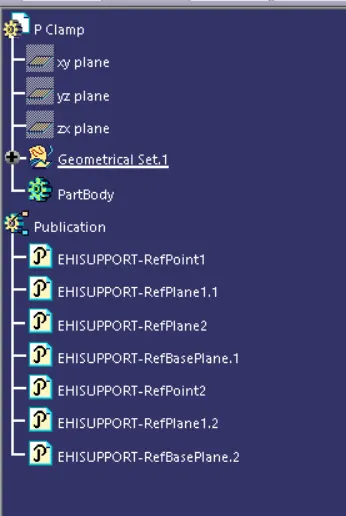
pclamp
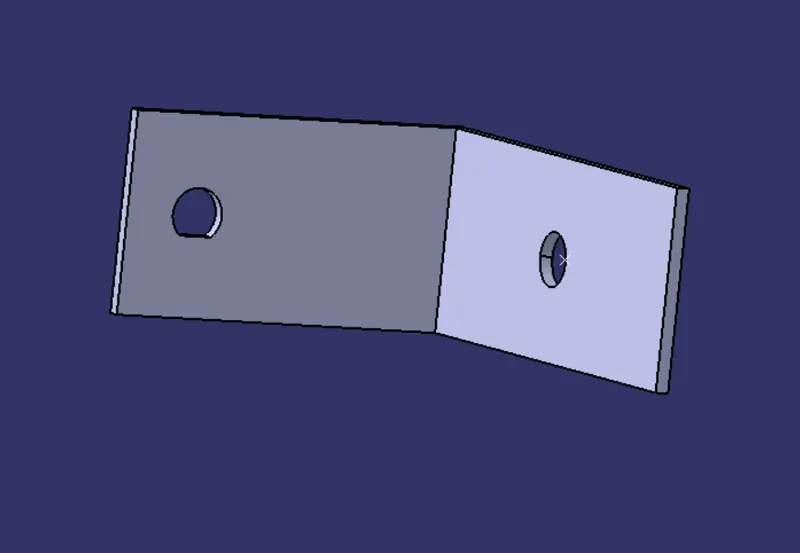
L clip
furr tree clip
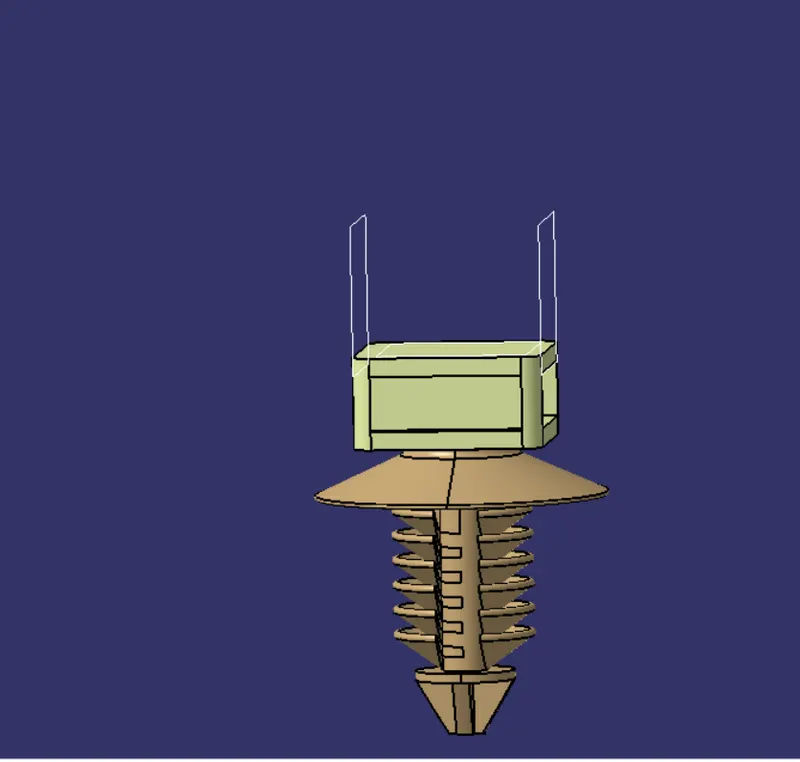
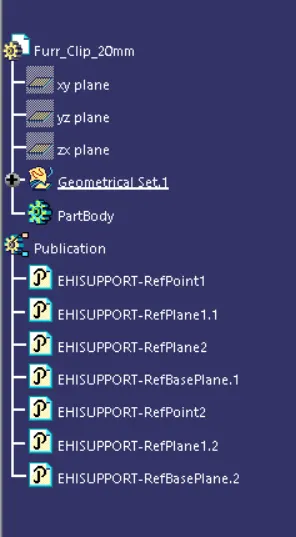
Adding connectors and needed equipments
Opening the equipments in catia and using the snap and smart move and positioning the connectores and supports to place accurate place then move to next step.
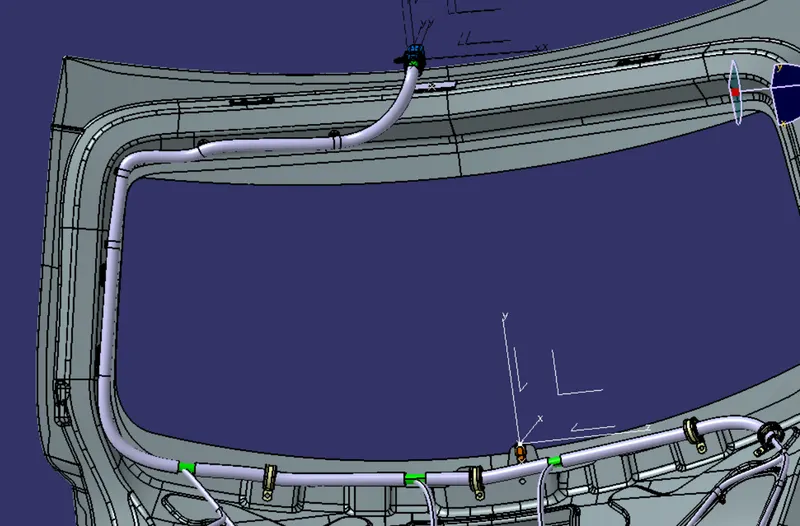
The first part we position here is the interconnection connectors.because to fix the start position of the routing,
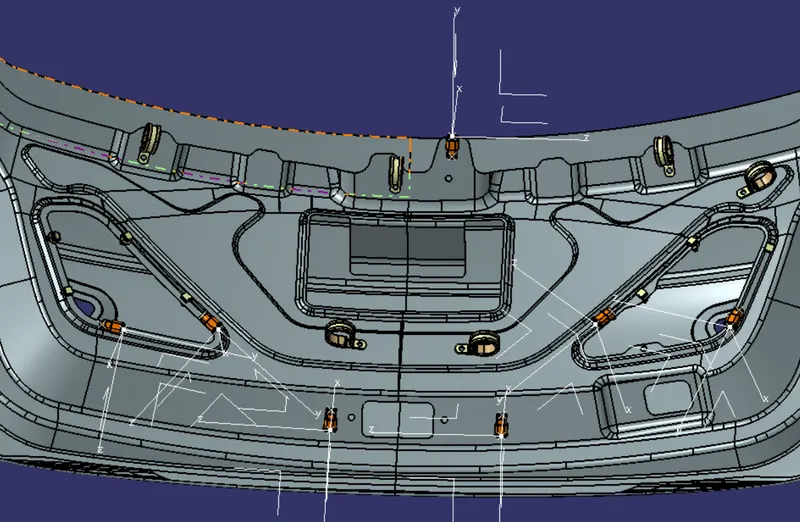
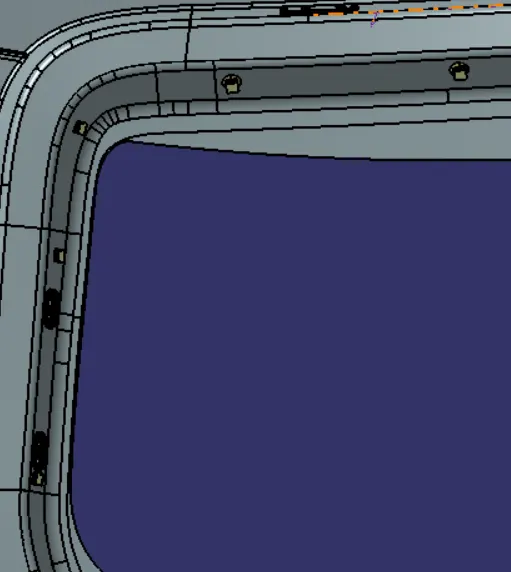
proper connectors are positiioned for different electrical equipments. by using the smart move and snap command.
Bundle routing
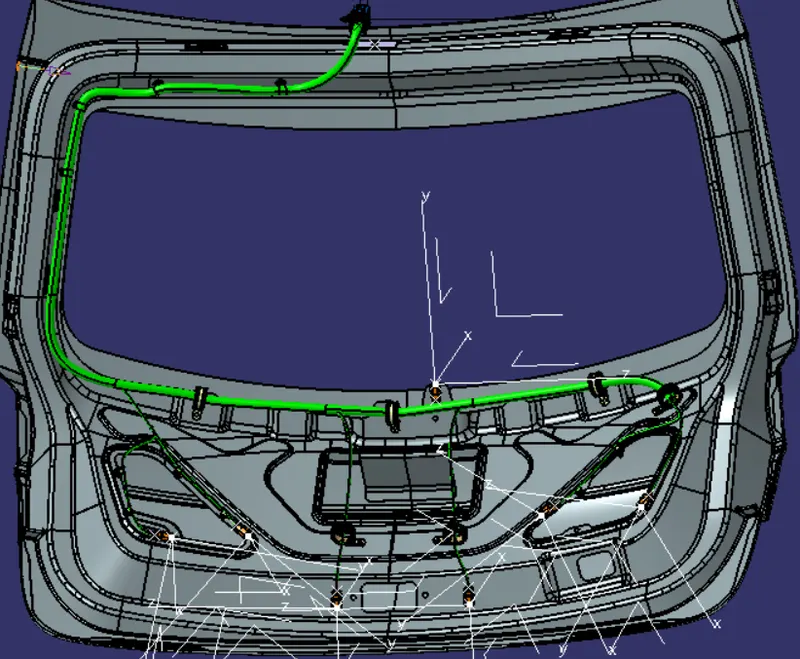
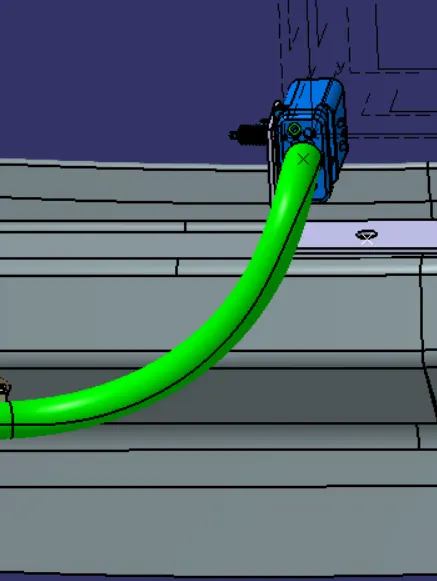
the bundle connection was start with the interconnection connector then further move to next clips or clamp.
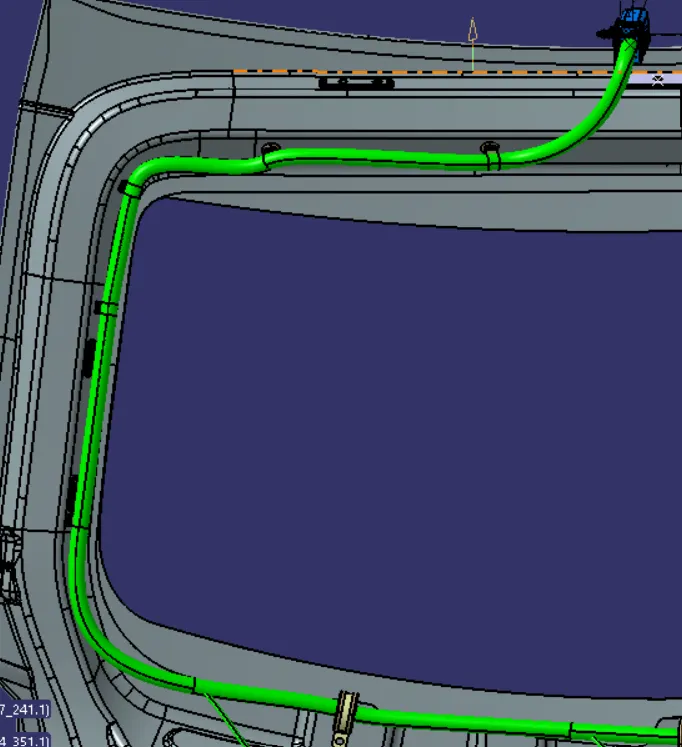
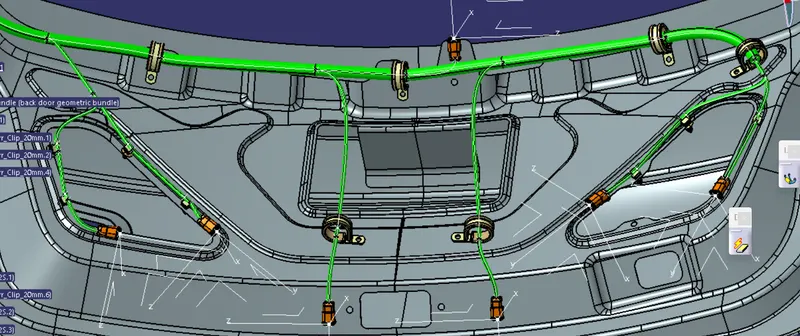
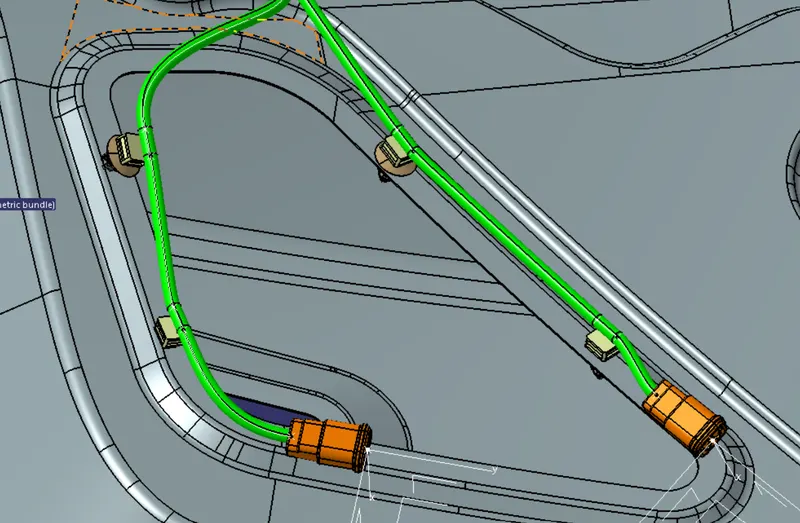
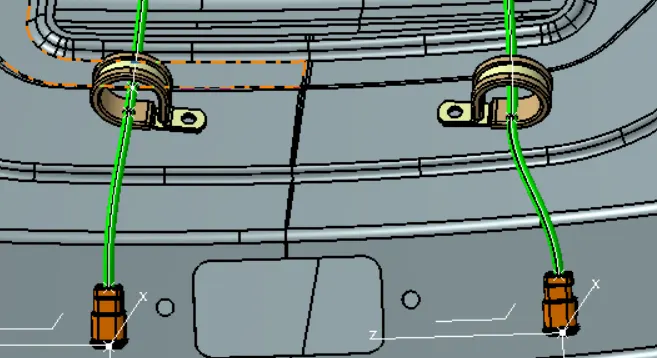
these are the coonectors for the lower lights and the sensors
Bundle continuity check
Now we check the bundle continuity check for the further process.
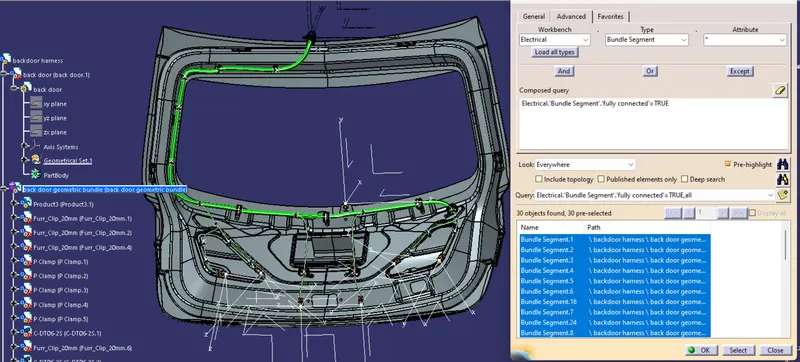
Adding protective covering to the harness bundle
By using protection covering tool we protect all the bundle.we have created a catlouge and we add the protection cover of 15mm diameter and 10 mm diameter.here we Create a gap from the end and start extremity.
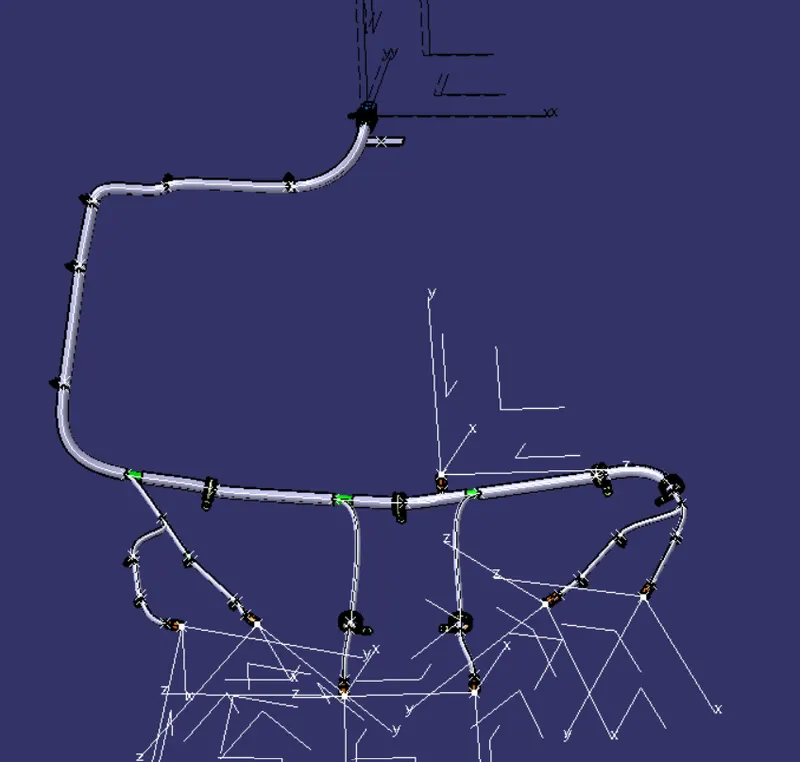
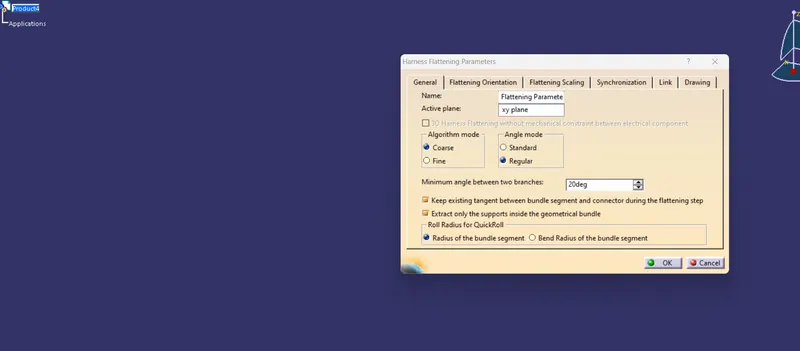
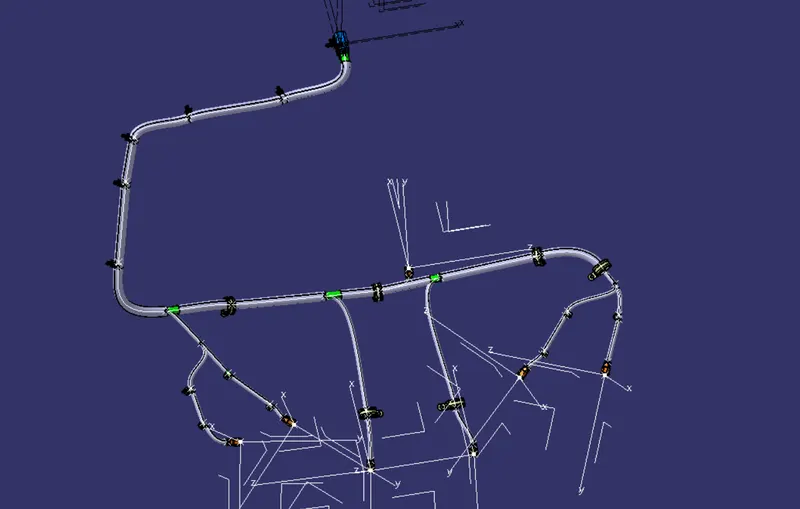
flattern model
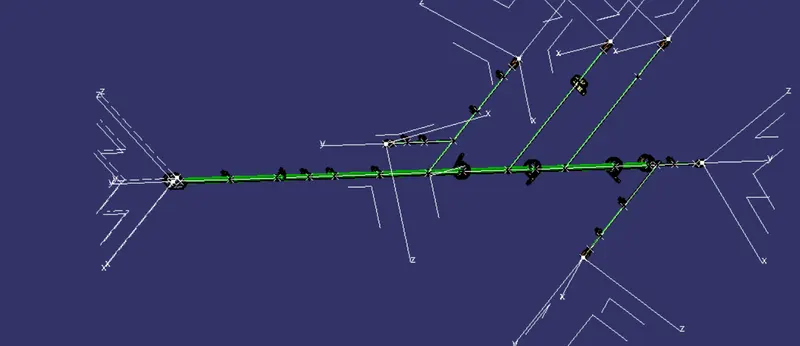
Conclusion - Routing of the wiring harness for the car Backdoor assembly has been succesfully done and prepared flatten-view drawing in Catia V5 as per the design requirements.