Project 2
Aim:
To Model of a membrane roof with cables of form-finding and creating the cutting patterns to the structure.
Procedure:
Step 1:
1) Open dlubal software and click new
2) Edit the name and description
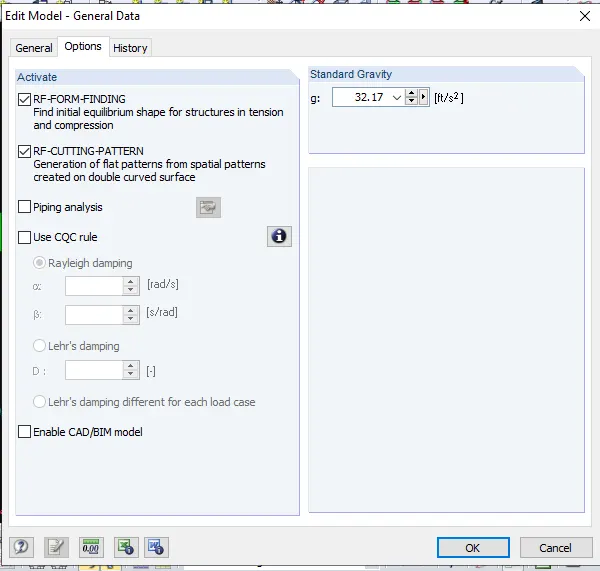
3) Click tick mark for both form finding and cutting pattern
4) Click Ok
Step 2:
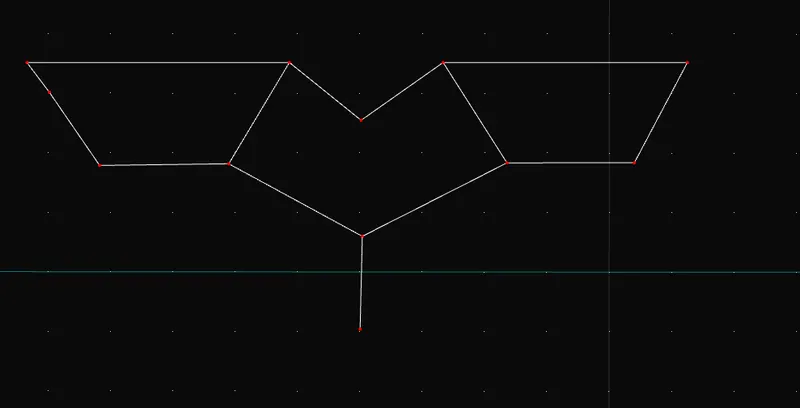
1) Click new nodes
2) Place the nodes as per the question
3) Click new line option and draw the lines based on the nodes placed
Step 3:
1) Double click the line
2) Assign the members in the line using members option
Step 4:
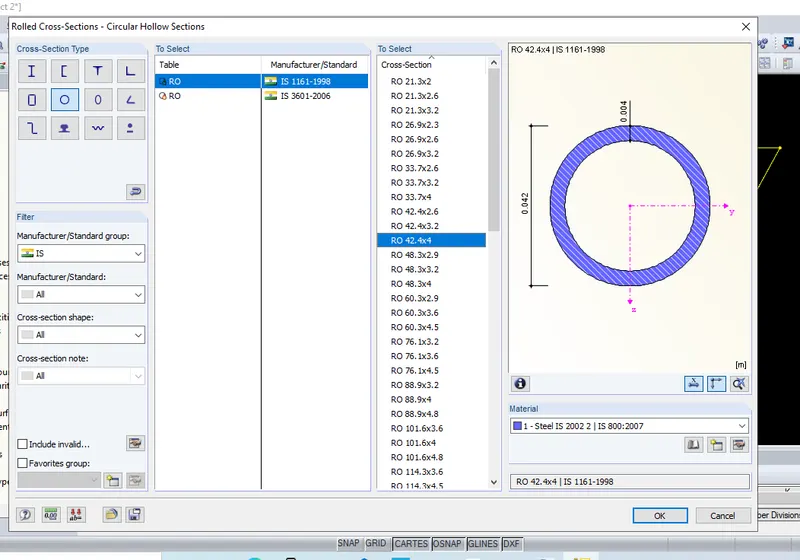
1) Choose the member type as cable
2) Assign the proper material from the libraries
3) Click ok
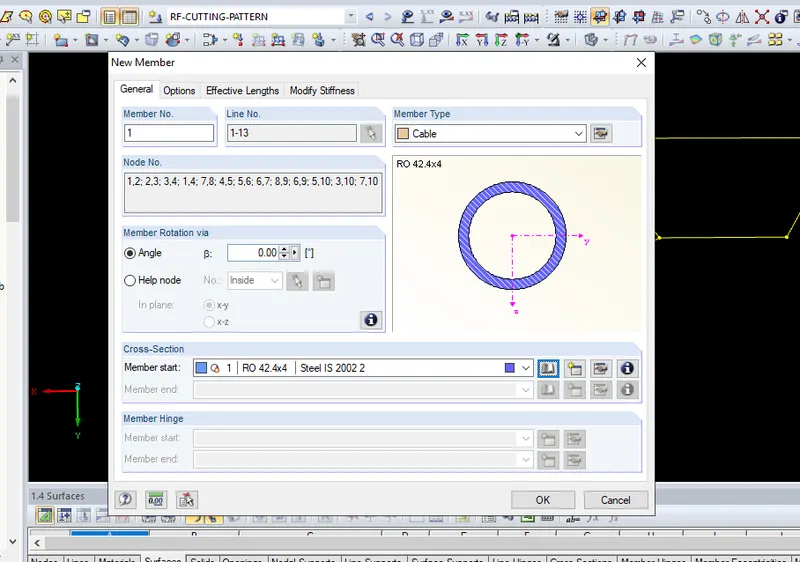
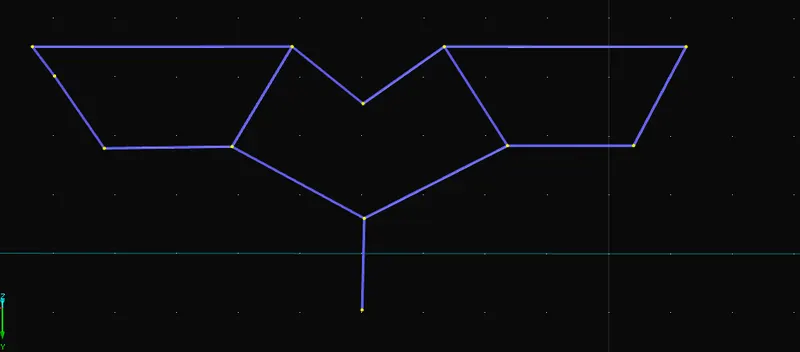
Step 5:
1) Click New nodal support option
2) Choose rigid or hinged from the option
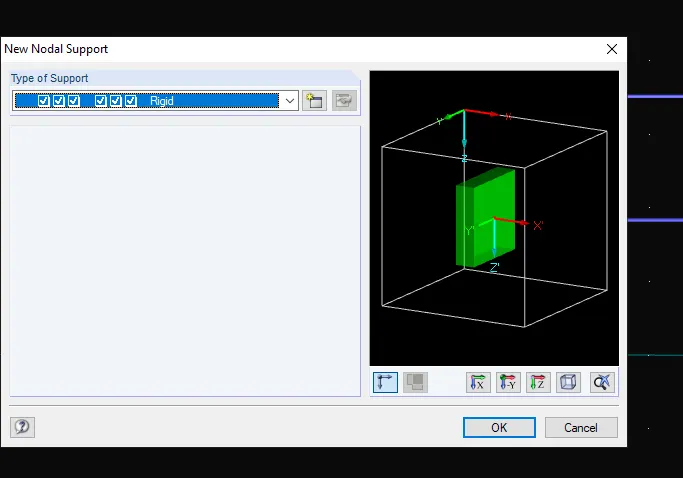
Step 6:
1) Place the nodes on the corner of the members
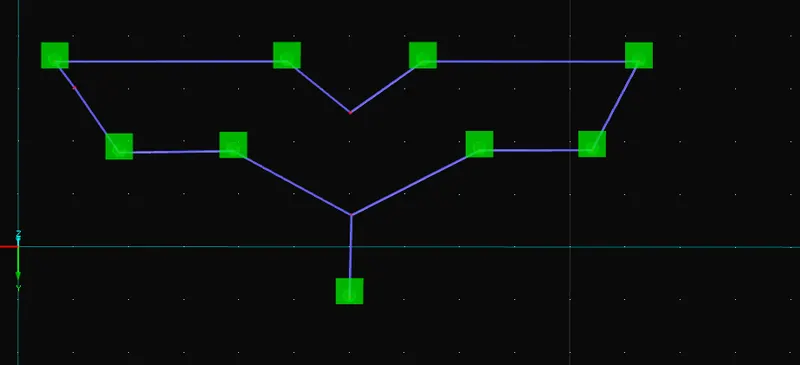
Step 7:
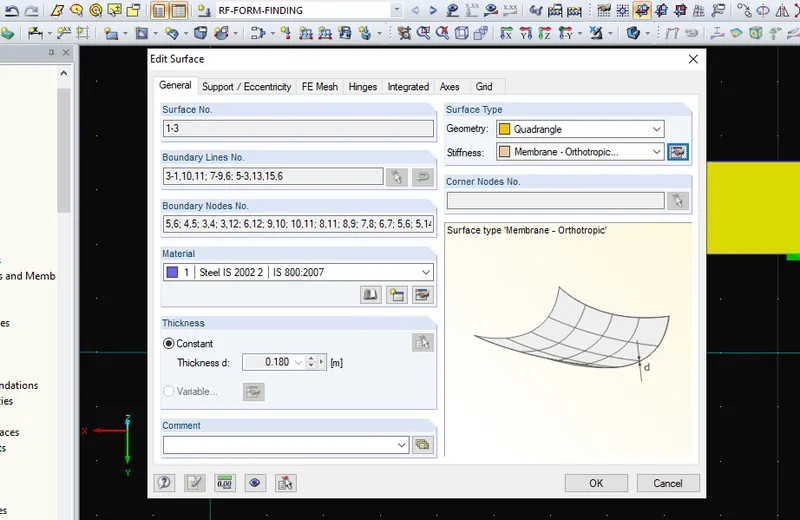
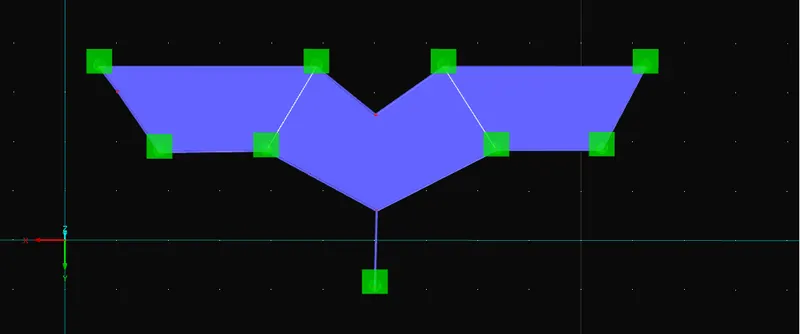
1) Click Insert option and choose surface
2) Choose the area which wants to be cover as surface
3) Assign the member type as quadrangle and membrane orthotropic
Step 9:
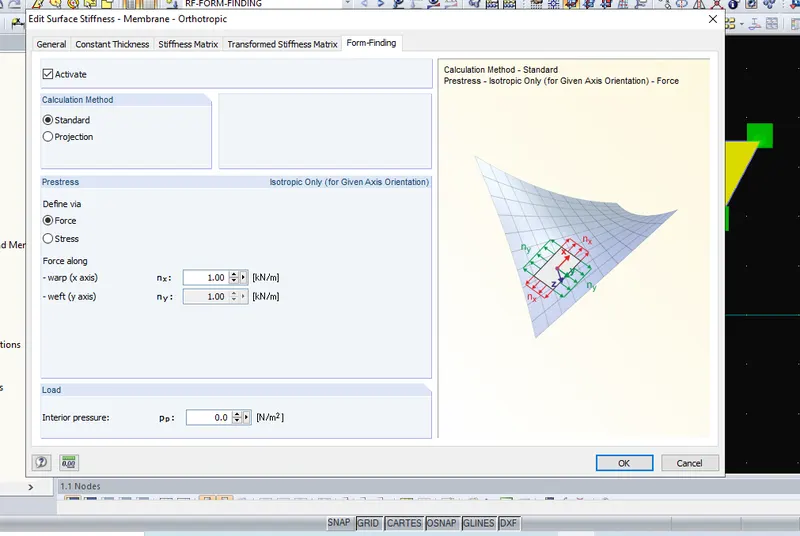
1) Input the Nx an Ny value of form finding as 1 kn/m
Step 10:
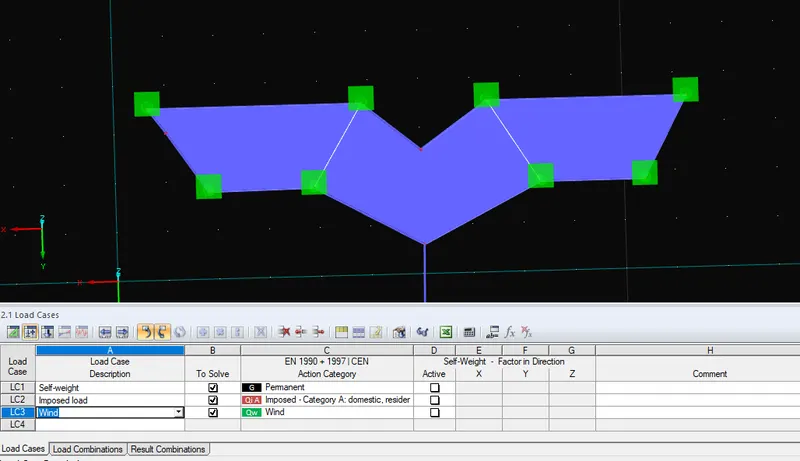
1) Assign the load cases from the bottom drop downlist
2) Set the load of selfweight, imposed and wind (if necessary)
Step 11:
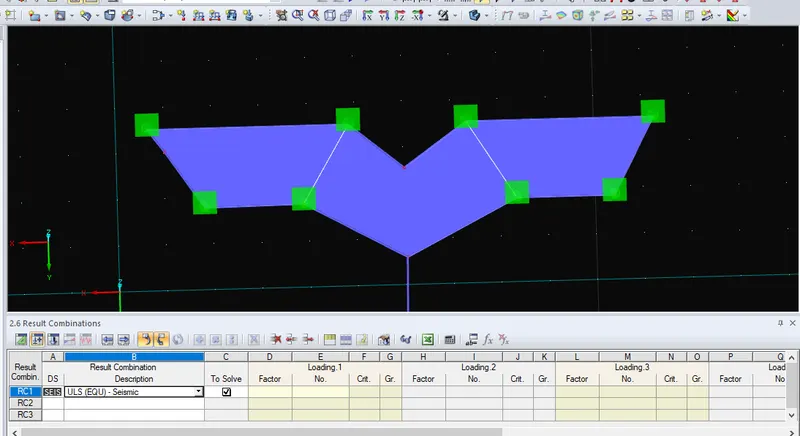
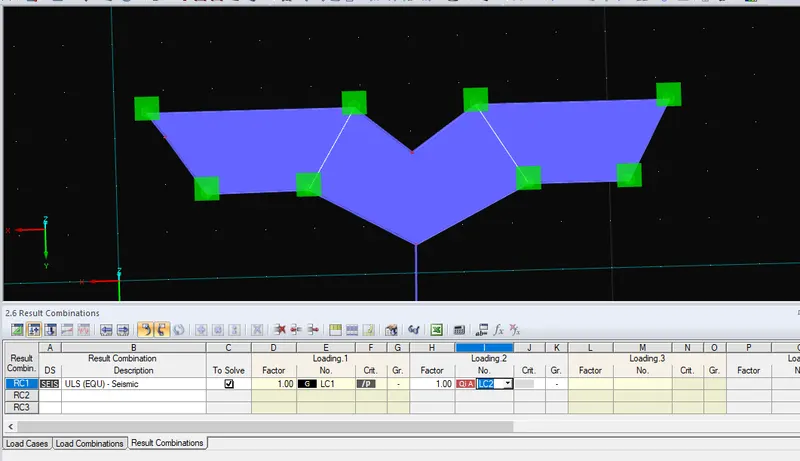
1) Similarly assign the load and result combination of the applied load cases
Step 12:
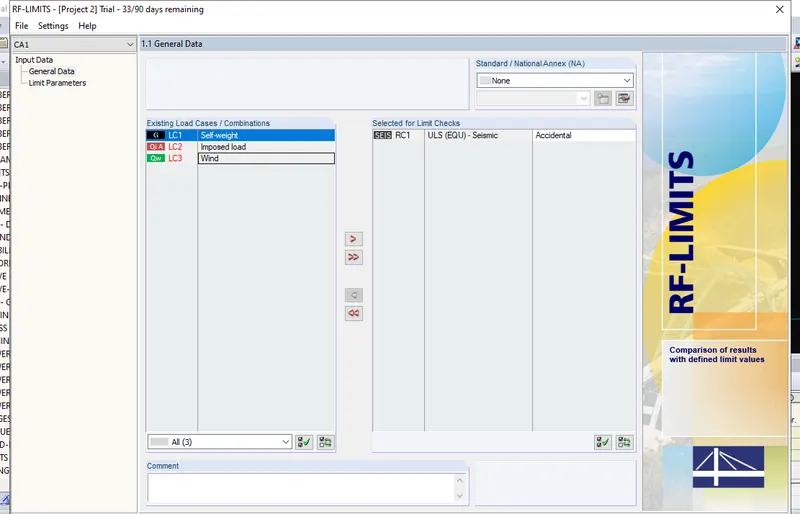
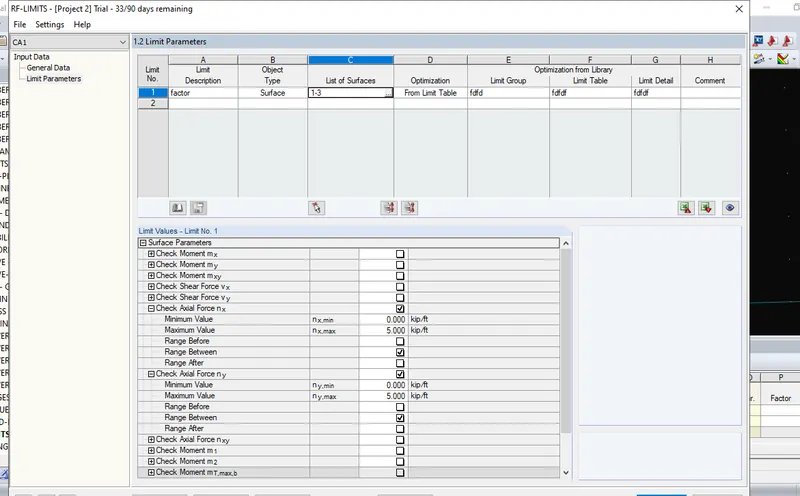
1) From the display option choose RF limits
2) Set the limits and its parameters
Step 13:
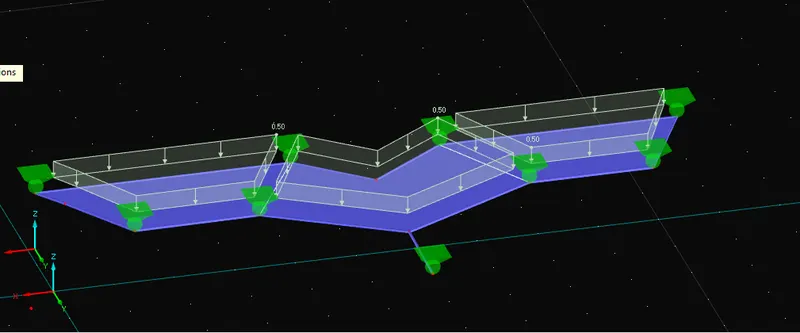
1) Apply the load cases on the model
Step 14:
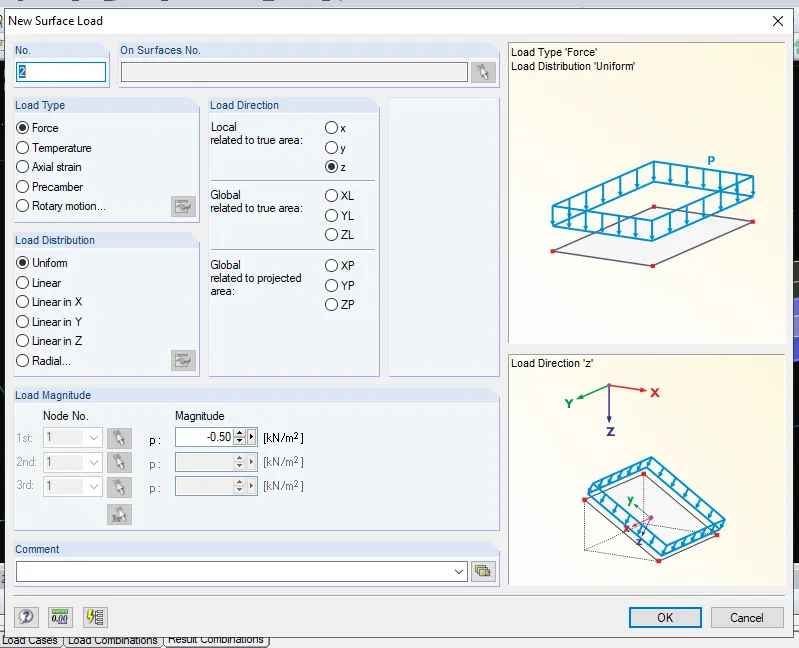
1) Click loads and apply surface loads on the model
2) put negative load in the imposed one.
Step 15:
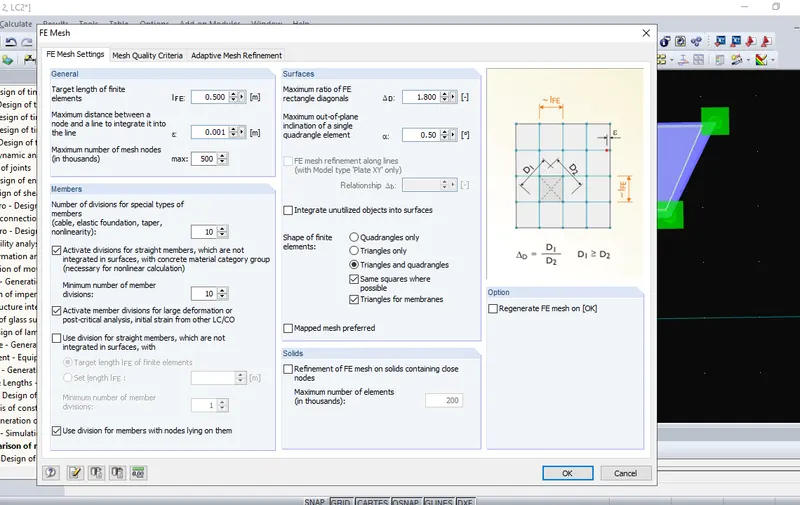
1) Click calculate option
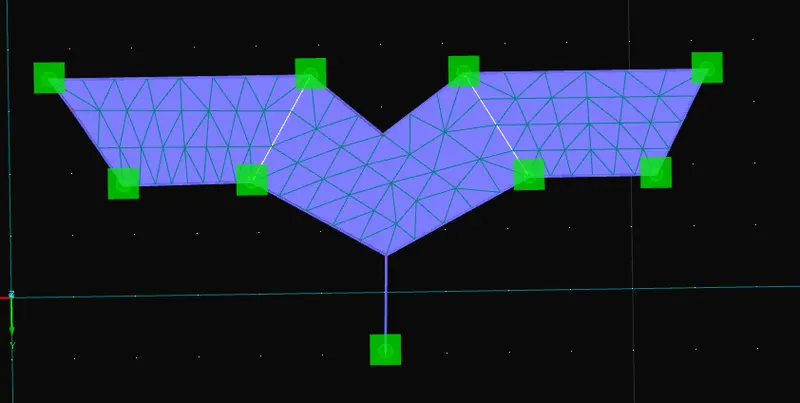
2) Set the mesh settings
3) Generate the mesh
Step 16:
1) Click calculate all to run the analysis
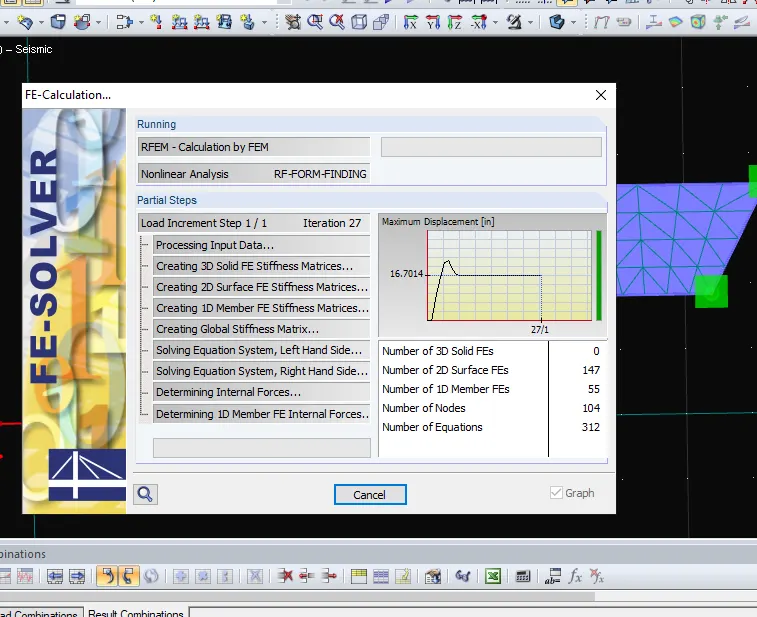
Step 17:
1) Results of the analysis has been obtained
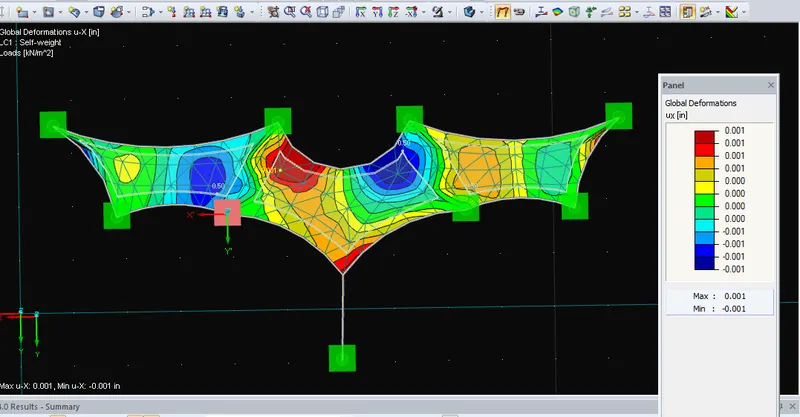
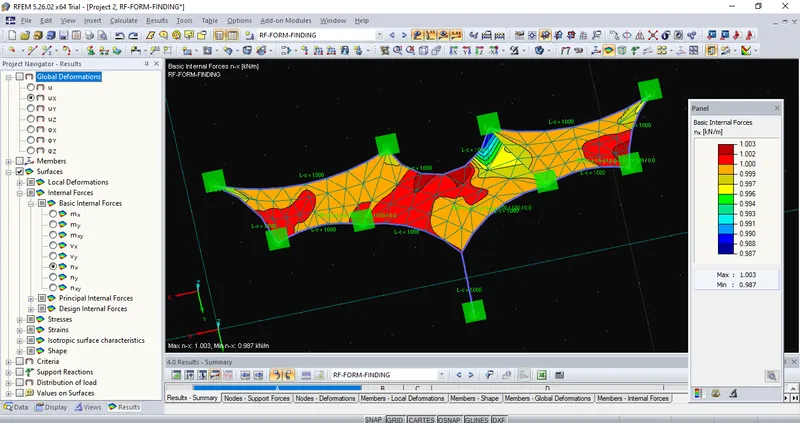
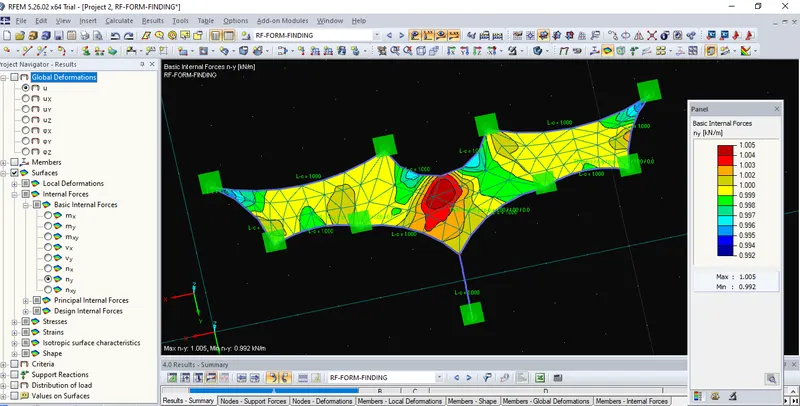
Step 18:
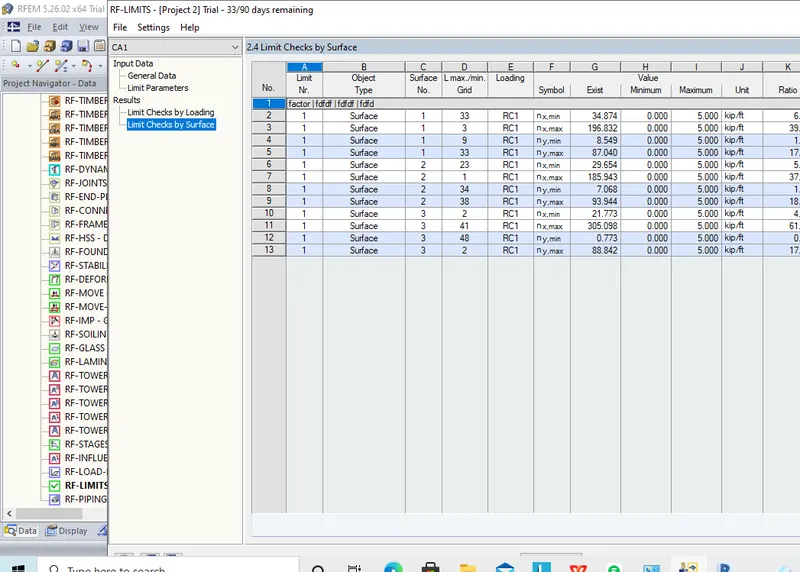
1) Check the limit checks by surface using RF limits option
Step 19:
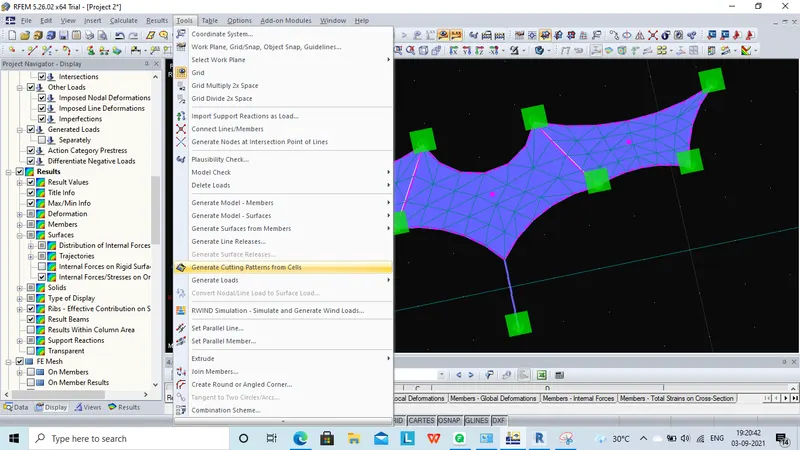
1) Click tools and click generate cutting patterns
2) Double click the dotted one
Step 20:
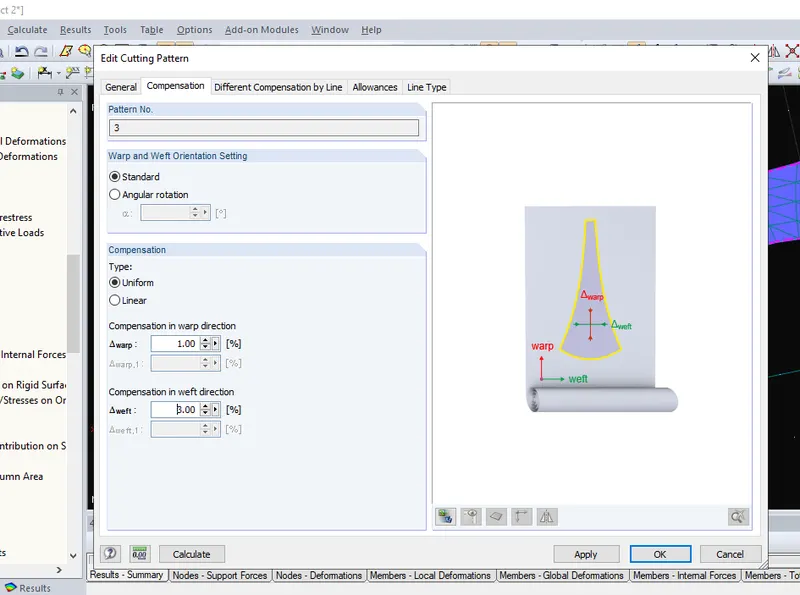
1) Set the warp as 1 and weft as 3% in compensation
Step 21:
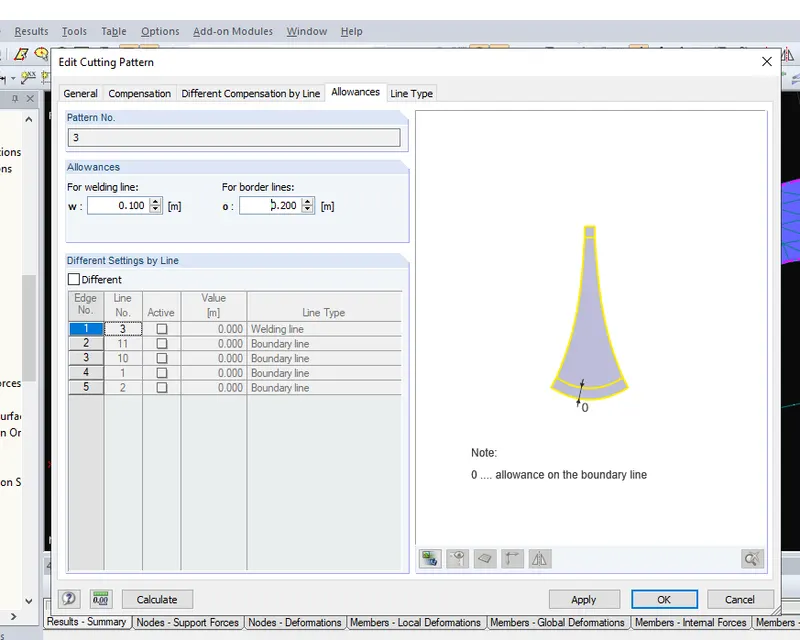
1) Similarly 0.1 as welding line and 0.2 as border line in allowance
2) Click calculate
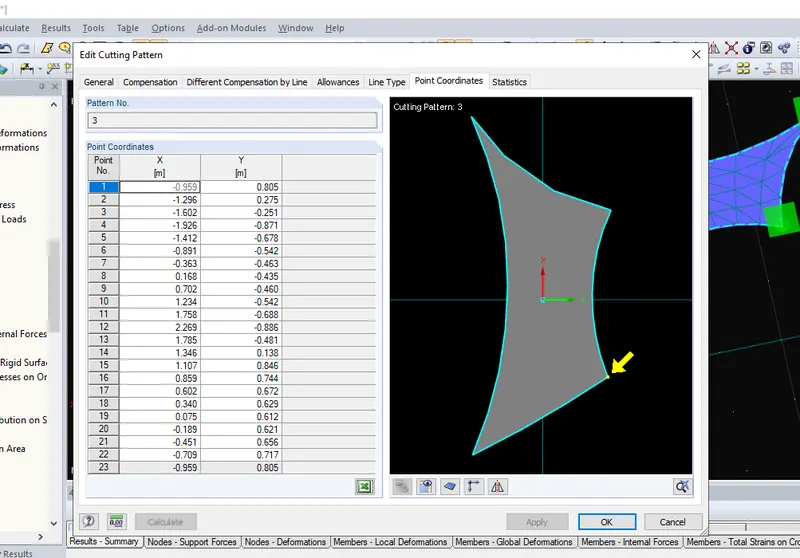
Result :
Therefore cutting patter values has been obtained successfully.