Project
BAJA ALL TERRAIN VEHICLE (ATV) ANALYSIS USING SIMULINK:-
AIM :-
To study and analyze the BAJA All Terrain Vehicle (ATV) model using Simulink.
PLATFORM USED :-
- Software – Simulink (MATLAB)
- terrain vehicle Model (70576)
OBJECTIVES :-
To prepare a technical report of BAJA ATV model with and without Lookup Table.
THEORY :-
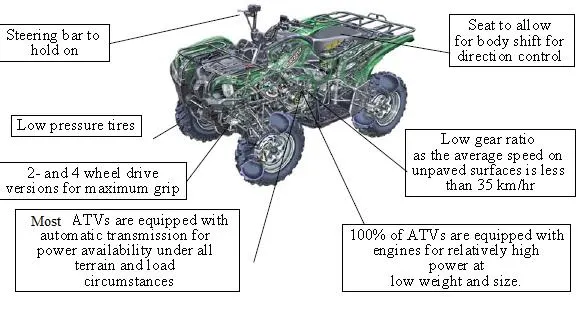
An all-terrain vehicle is also called to light utility vehicle . simply a quad, as defined by the American National Standards Institute (ANSI); is a vehicle that travels on low-pressure tires, with a seat that is straddled by the operator, along with handlebars for steering control. As the name implies, it is designed to handle a wider variety of terrain than most other vehicles
Engine sizes = Engine sizes of ATVs currently for sale in the United States (as of 2008 products) range from 49 to 1,000 cc (3.0 to 61 cu in).
History
Royal Enfield built and sold the first powered four-wheeler in 1893. It had many bicycle components, including handle bars. The Royal Enfield resembles a modern ATV-style quad bike but was designed as a form of horseless carriage for road use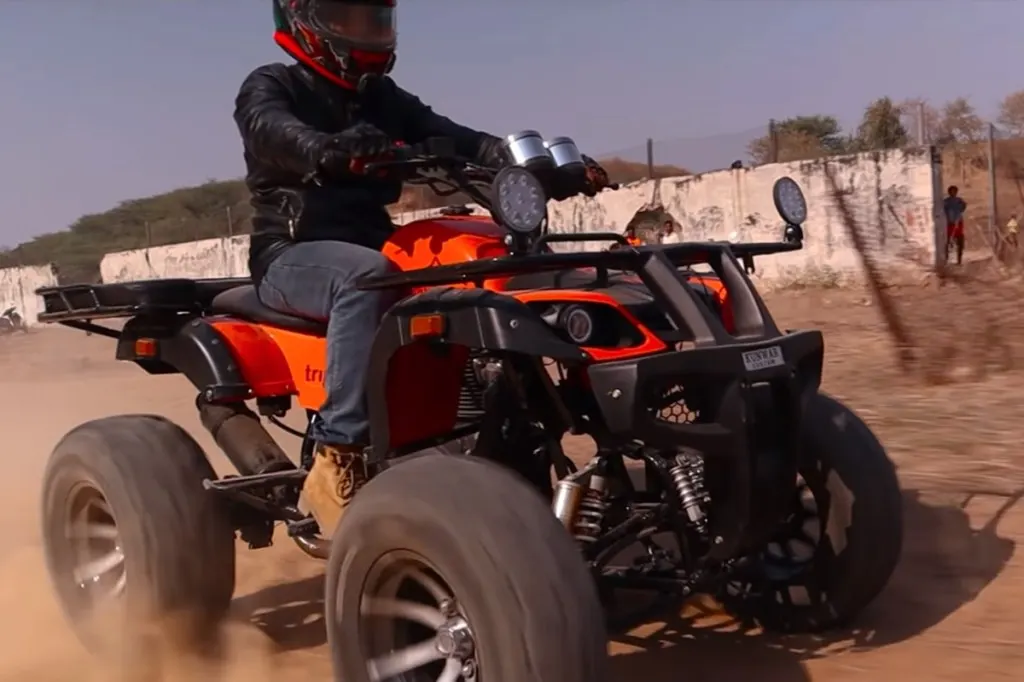
Four-wheelers (1980-today)
Suzuki was a leader in the development of mass production four-wheeled ATVs. It sold the first model, the 1982 QuadRunner LT125, which was a recreational machine for beginners.
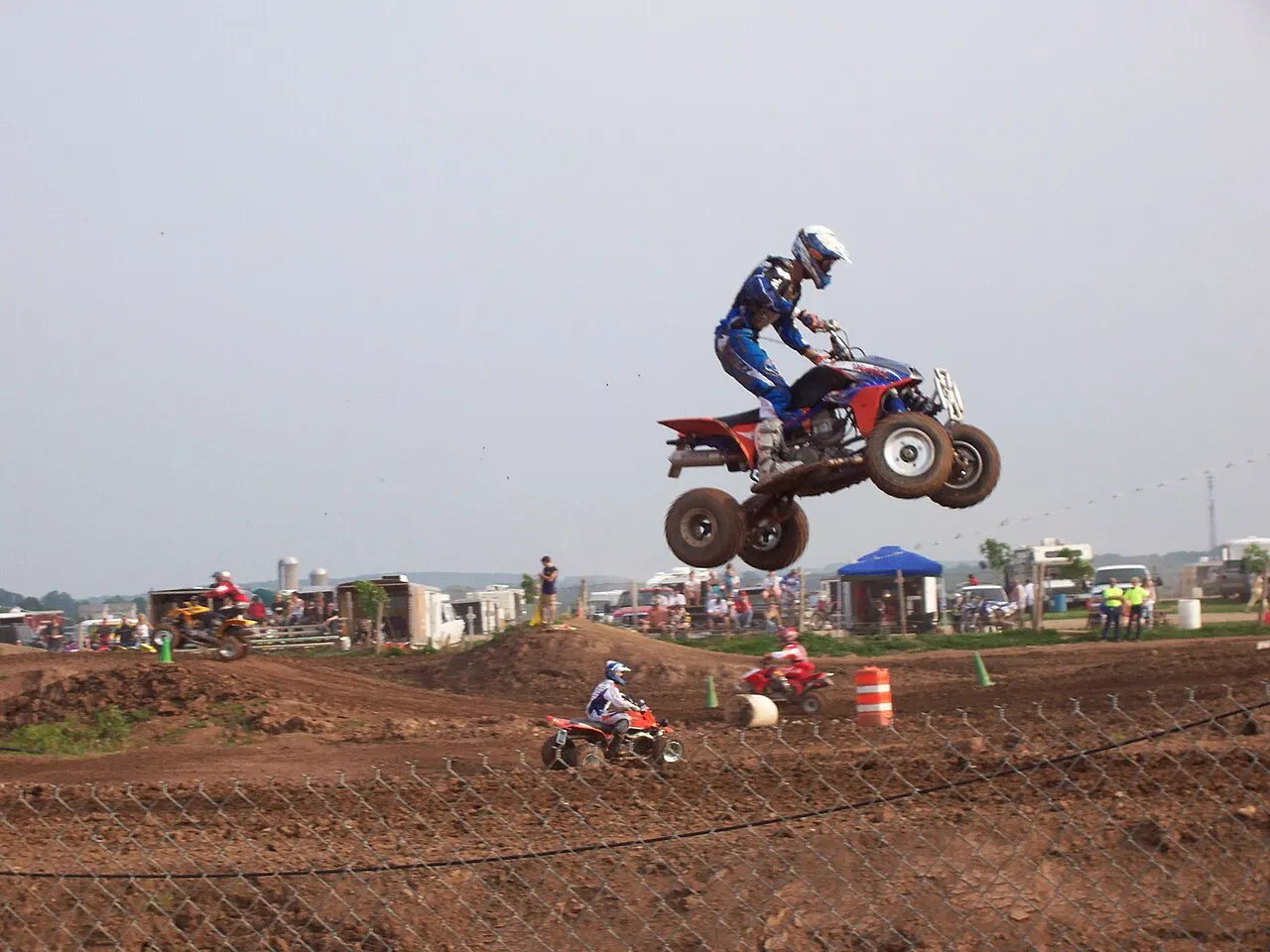
important notes =
This Terrain Vehicle is Registered as a Tractor in India .Whose Power Efficiency From Hour At 60 Kilometers.The engine commonly used in racingterrain vehicle is 567 cc.
terrain vehicle simulink model = 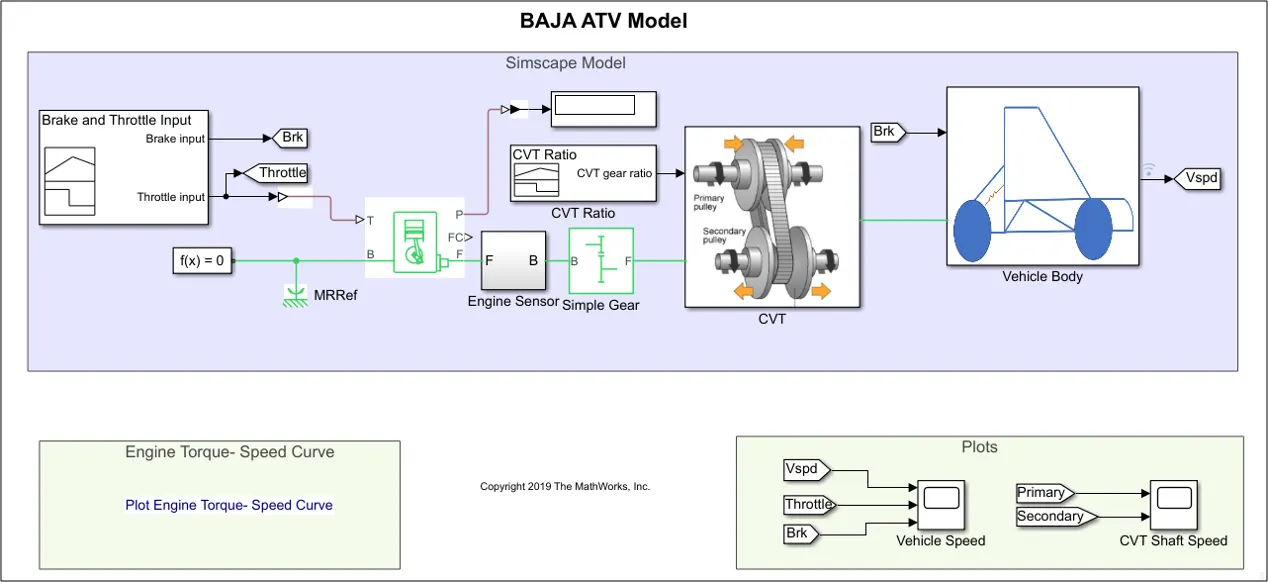
MAJOR COMPONENTS USED IN THIS SIMULATION =
1= generic engine
2=solver configuration
3=CVT
4=simple gear
5=scope
6= signal editor
7= simuilink p-s converter
8=MRRef
9=engine sensor
10= vehicle body
Generic Engine =
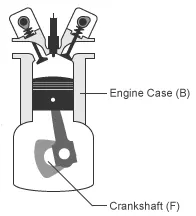
The Generic Engine block represents a configurable internal combustion engine that is suitable for spark-ignition and diesel applications.
the block uses the normalized engine speed, ɷN, to compute the speed and torque. The block defines the normalized engine speed as
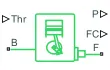
ωN(ω)≡ωωPP
Assumption and limitations
Engines lag in their response to changing speed and throttle. The block supports lag due to a changing throttle only.
simple gear =
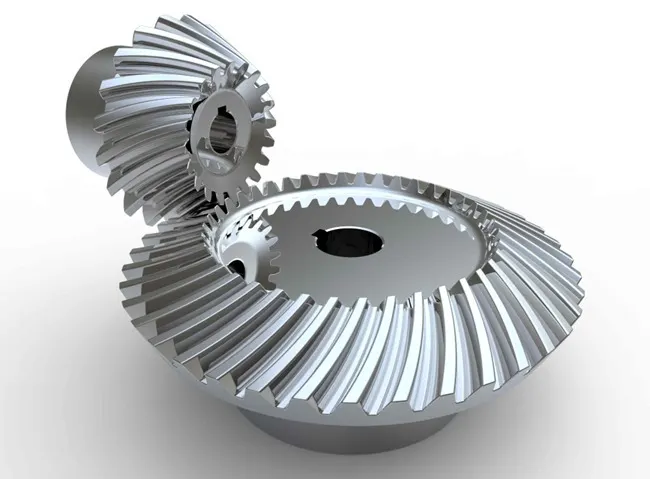
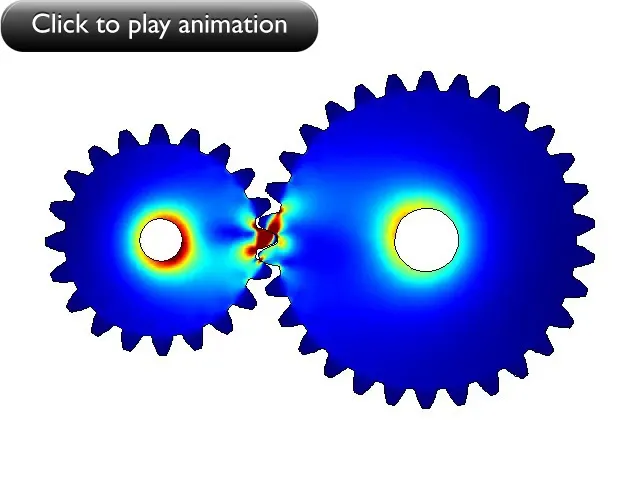
The Simple Gear block represents a gearbox that constrains the connected driveline axes of the base gear, B, and the follower gear, F, to corotate with a fixed ratio that you specify. You choose whether the follower axis rotates in the same or opposite direction as the base axis. If they rotate in the same direction, the angular velocity of the follower, ωF, and the angular velocity of the base, ωB, have the same sign. If they rotate in opposite directions, ωF and ωB have opposite signs. You can easily add and remove backlash, faults, and thermal effects.
the kinematic constraint that the simple gear block imposes on the two connected axies is
rFωF=rBωB

continuously variable transmission =
The CVT Controller block implements a push belt continuously variable transmission (CVT) controller. The block uses standard pulley and geometric equations to calculate the kinematic setpoints for the CVT variator. You can use the block to control a CVT.
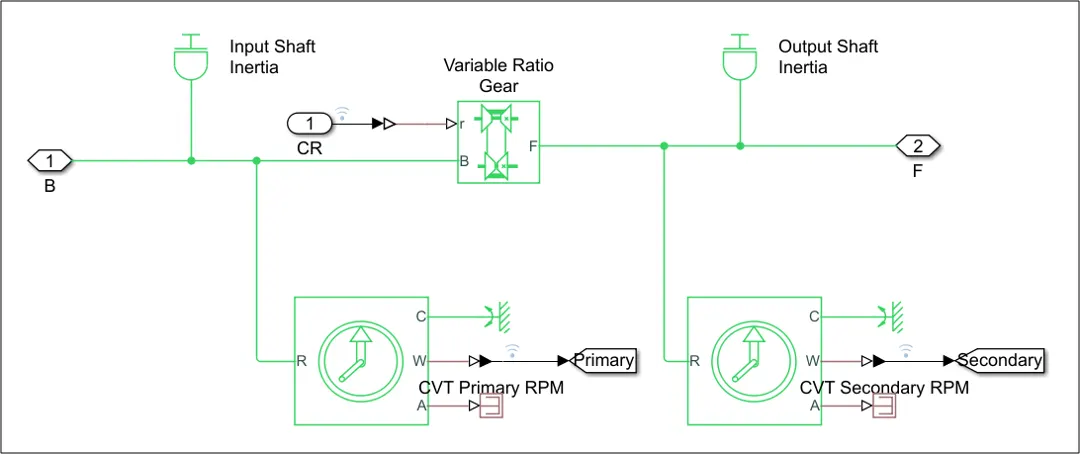
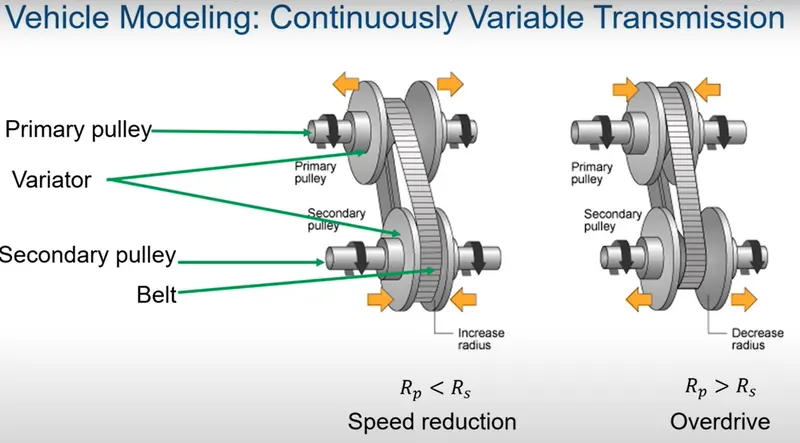
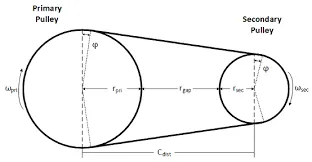
primary pulley and secondary pulley examples
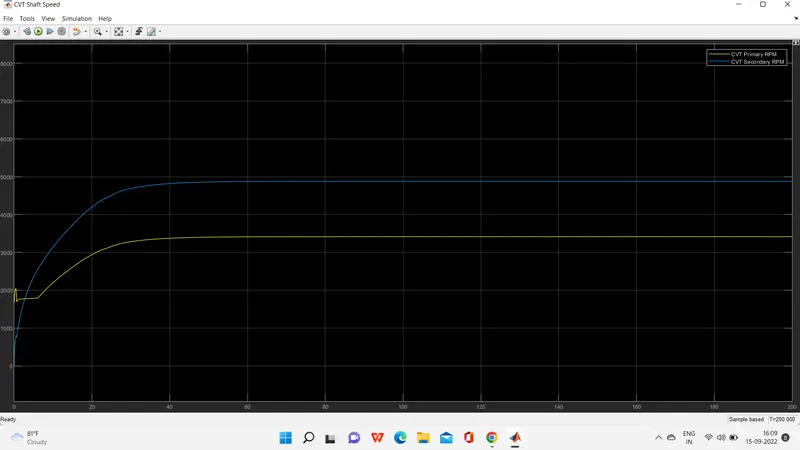
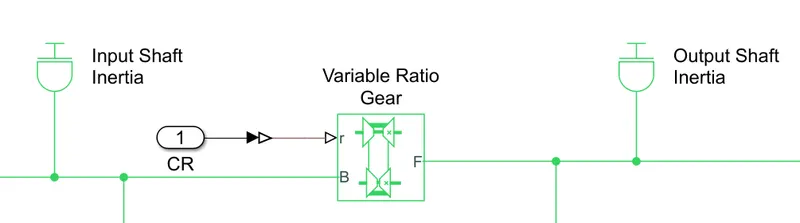
Pulley-based continuously variable transmission (CVT) with a metal pushing V-belt is fast becoming the preferred choice for global carmakers due to its potential particularly in terms of fuel efficiency thanks to its continuous and wide ratio range. Nevertheless, the existing CVTs still face the issues of high power consumption from the engine because of the application of an electro-hydro-mechanical (EHM) actuation system for its ratio changing process and clamping force mechanism it is all so called to input shaft inertia and output shaft inertia.
solver configuration =
The Solver Configuration block specifies the solver parameters that your model needs before you can begin simulation.
Each topologically distinct Simscape block diagram requires exactly one Solver Configuration block to be connected to it.

scope =
Display signals generated during simulation

signal editor =
The Signal Editor block displays, creates, and edits interchangeable scenarios. You can also use the block to switch scenarios in and out of models.
The Signal Editor block supports MAT-files that contain one or more scalar

simuilink p-s converter=
The Simulink-PS Converter block converts the input Simulink® signal into a physical signal. Use this block to connect Simulink sources or other Simulink blocks to the inputs of a Simscape™ physical network.

vehicle body = The Vehicle Body block represents a two-axle vehicle body in longitudinal motion. The vehicle can have the same or a different number of wheels on each axle. For example, two wheels on the front axle and one wheel on the rear axle. The vehicle wheels are assumed identical in size. The vehicle can also have a center of gravity (CG) that is at or below the plane of travel. 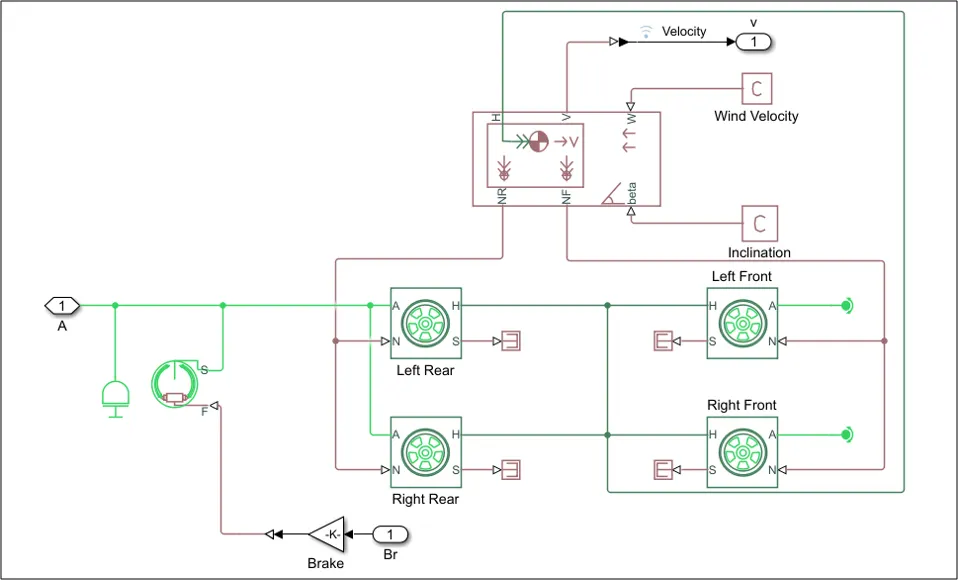
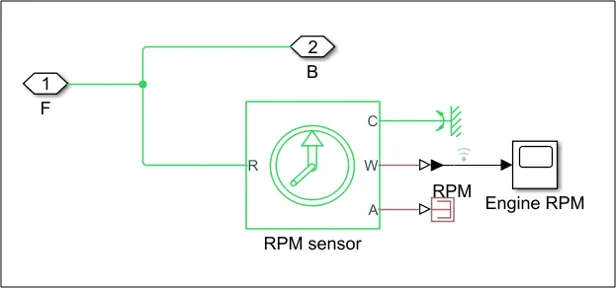
engine sensor =
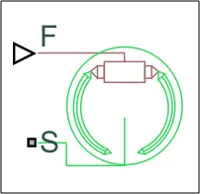
DOUBLE SHOE BRAKE=
The Double-Shoe Brake block represents a frictional brake with two pivoted rigid shoes that press against a rotating drum to produce a braking action. The rigid shoes sit inside or outside the rotating drum in a diametrically opposed configuration.
TIRE :- Tires are useful in turning any vehicle forward or backward.
conclusion =
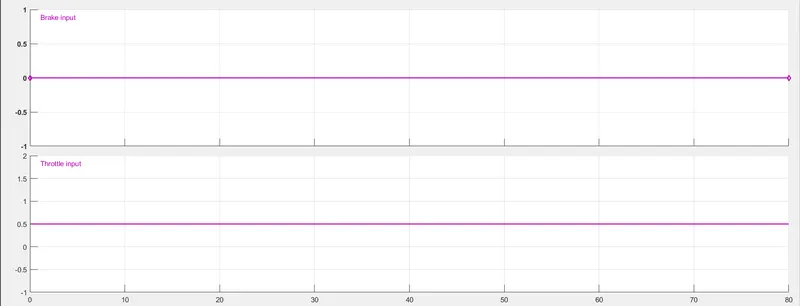
brake and throttle ratio
brake input is 0 and the throttle input is 0.5 after 20 sec
Velocity will also increase when throttle increases
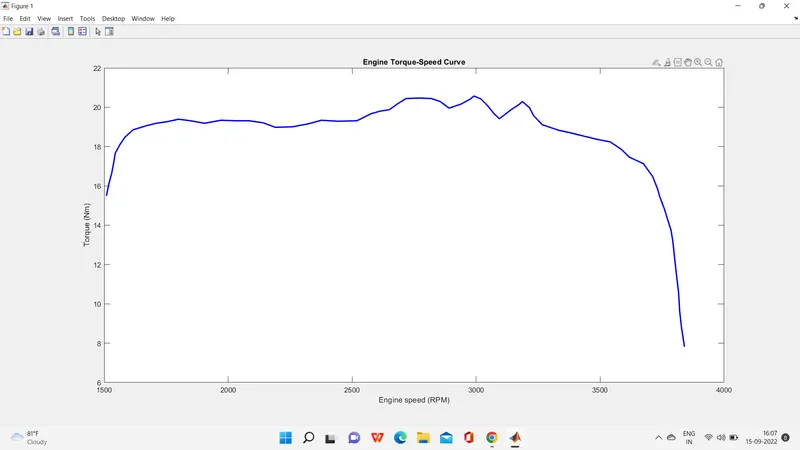
so to Baja engine efficiency figure =
torque is a initial stage of any fuel cell engine any battery cell engine
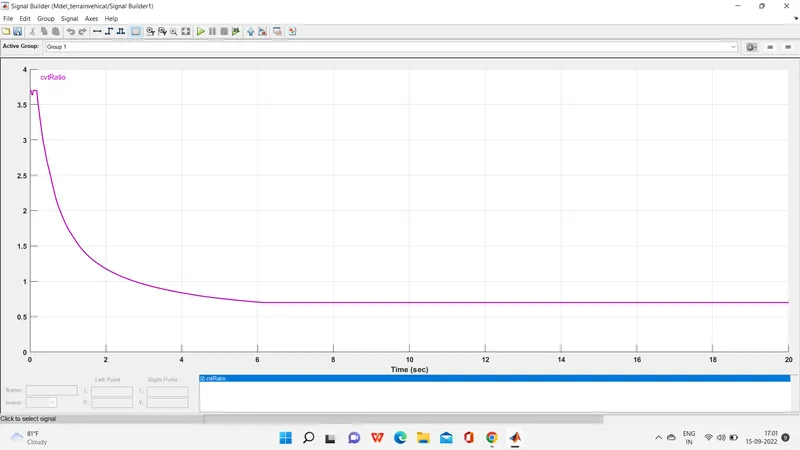
cvtratio=
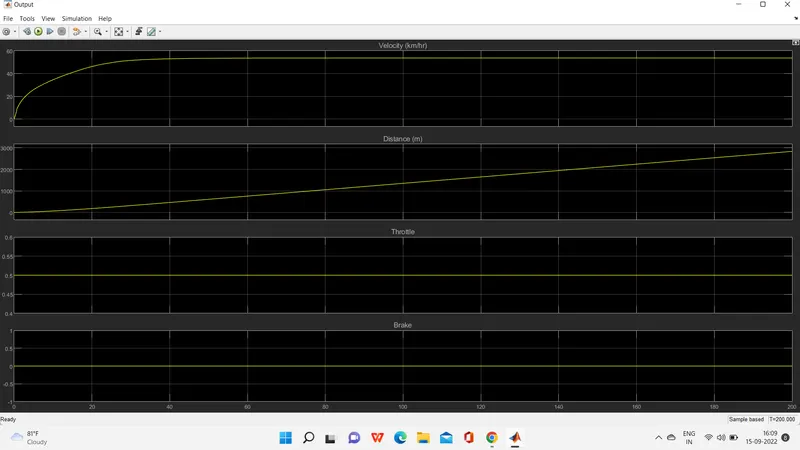
plots output =
0-55 km/hr velocity.distance is increased according to increase velocity and the throttle is a constant and break is zero.
CVT primary RPM and CVT secondary RPM =